

AI Plugin required in Figma for… | Figma AI Plugin |
Prompt to wireframe / UI | |
Icons and images | |
Design system | |
UX Copy and SEO | |
Design-to-code |
One can argue that the plugins built by Figma’s design community are what elevated Figma to its ubiquity with UI. Following are the ones that my product design team and I (an AI PM) frequently reach for: Icons8 to remove background, Design.MD Generator for design system consistency, Anima for Figma-to-HTML, and so on.
As I share these, I must confess that using multiple plugins at different stages of design also feels like patchwork. So, alongside, I’ll suggest one AI UI tool that’s deeply integrated with Figma, and can do pretty much everything these plugins can, for free — Banani AI.
How to install a Figma plugin >
Prompt-to-Wireframe / UI
Wireframe Designer
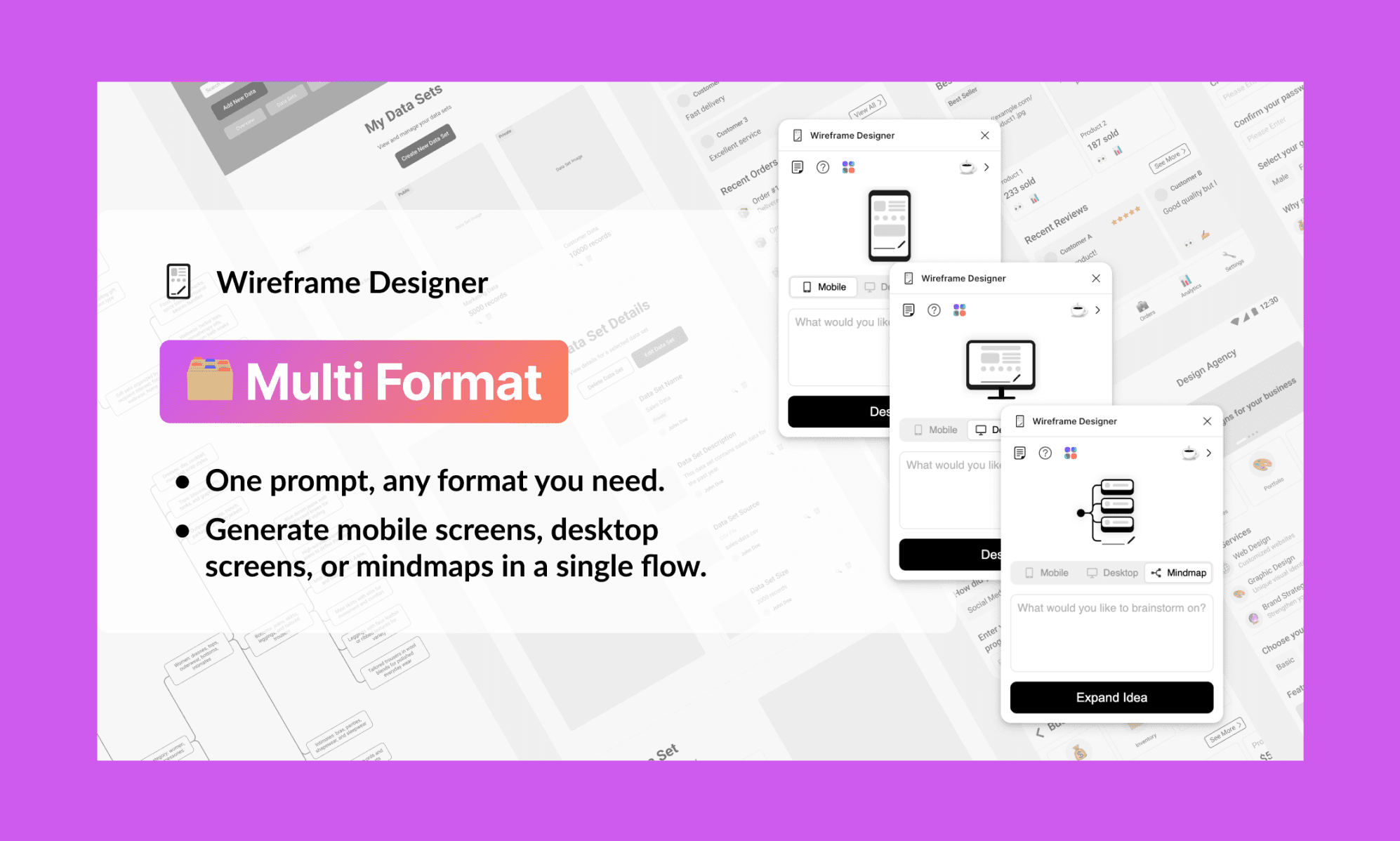
A prompt-based wireframe generator for mobile, desktop, and mind map layouts. Type a screen description, and it produces an editable low-fidelity structure in seconds. I’ve found it immensely useful to bypass a blank canvas; plus, of course, stakeholder alignment and rapid iteration before committing to a direction.
Likes: 5k · Users: 564k · Price: Freemium
Codia
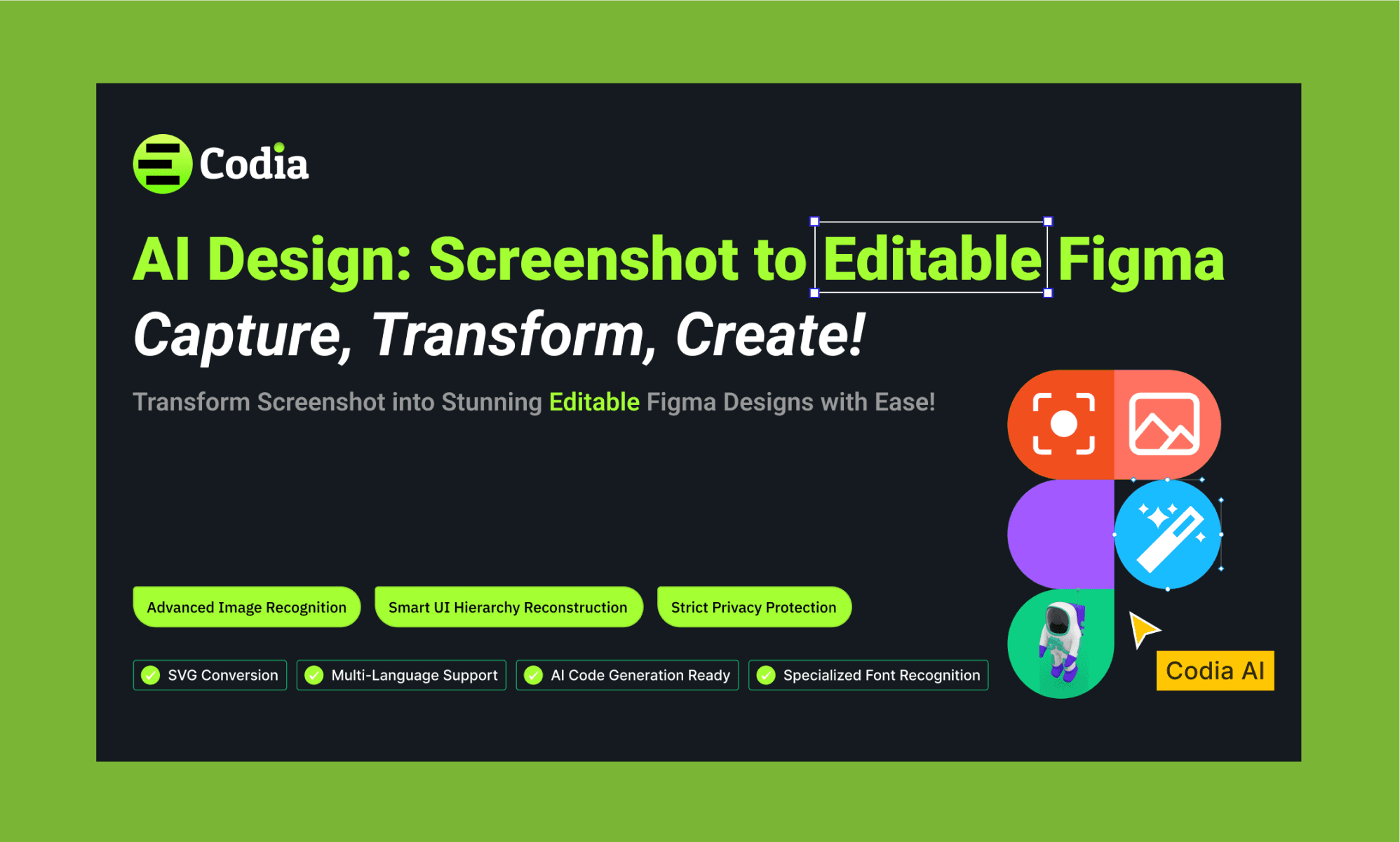
Codia converts screenshots into editable UI screens directly in Figma, including components and layout structure. I use it when looking to reference or remix an app UI design directly into Figma – like a free Mobbin alternative.
Likes: 5.7k · Users: 306k · Price: Freemium
Prompt-to-UI using Banani AI
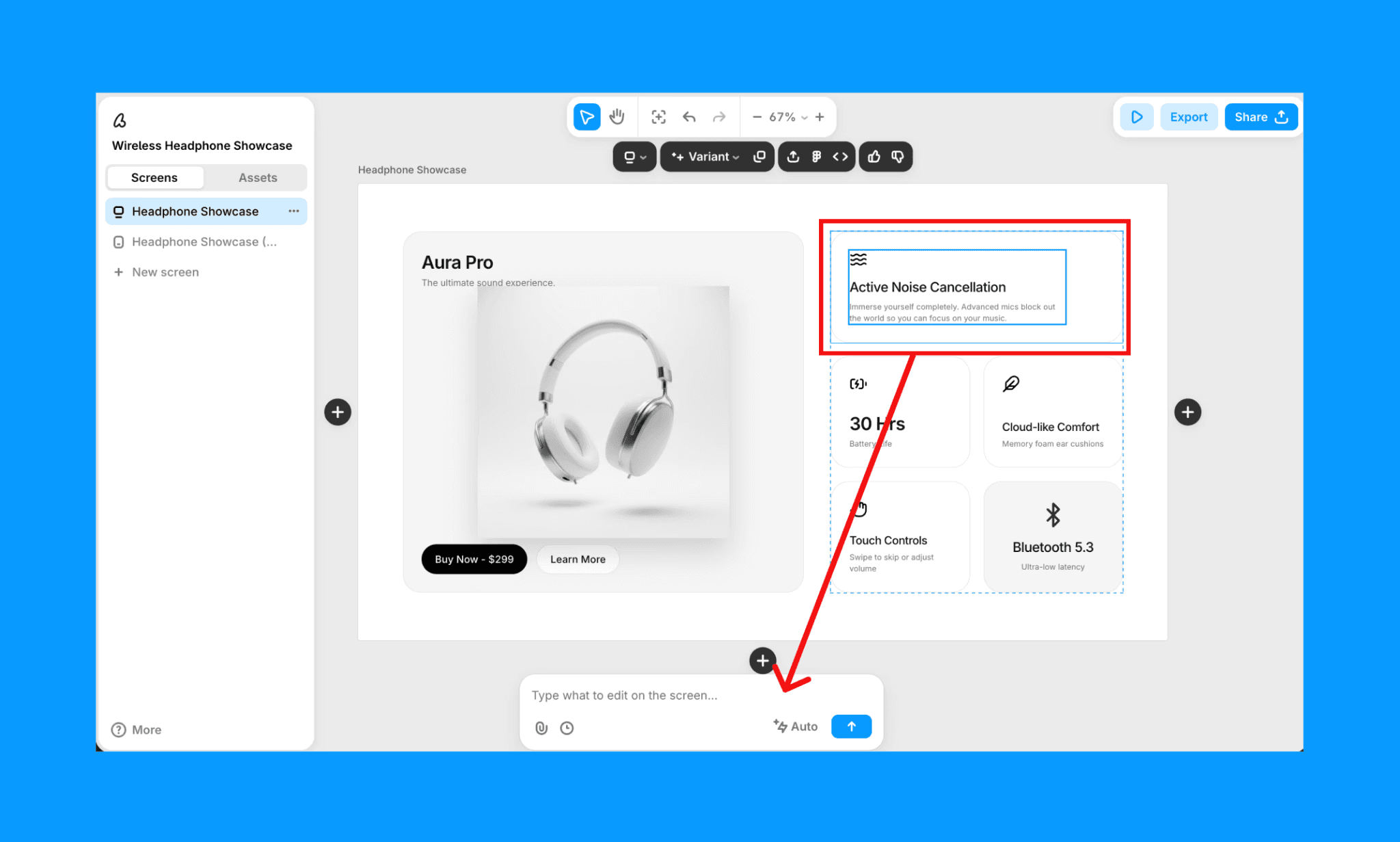
In Banani AI, you can go from text-to-wireframe, text-to-UI, or reference an image for UI. Then the generated design can be exported to Figma AI for further polish. Before generation, its AI UI Agent will ask clarifying questions so that your idea and output align strongly.
Images & Icons
AI Image Maker
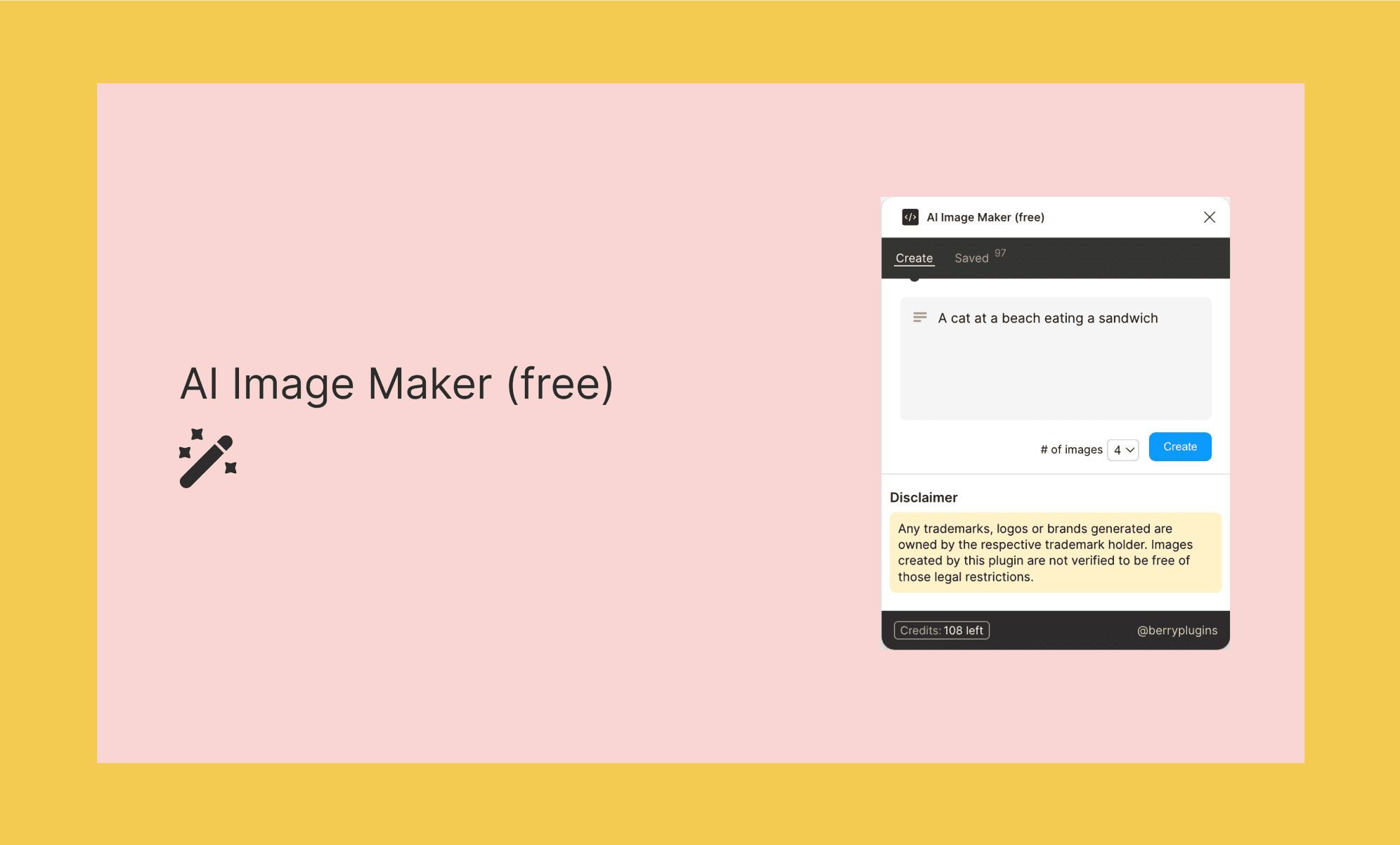
It generates up to 4 AI images directly inside Figma from a text prompt. No API key, no external login. I use it to add contextual visuals to mockups before sharing with stakeholders, when stock photos feel too generic and custom assets aren't ready yet.
Likes: 50 · Users: 5.4k · Price: Free
Icons8 Background Remover
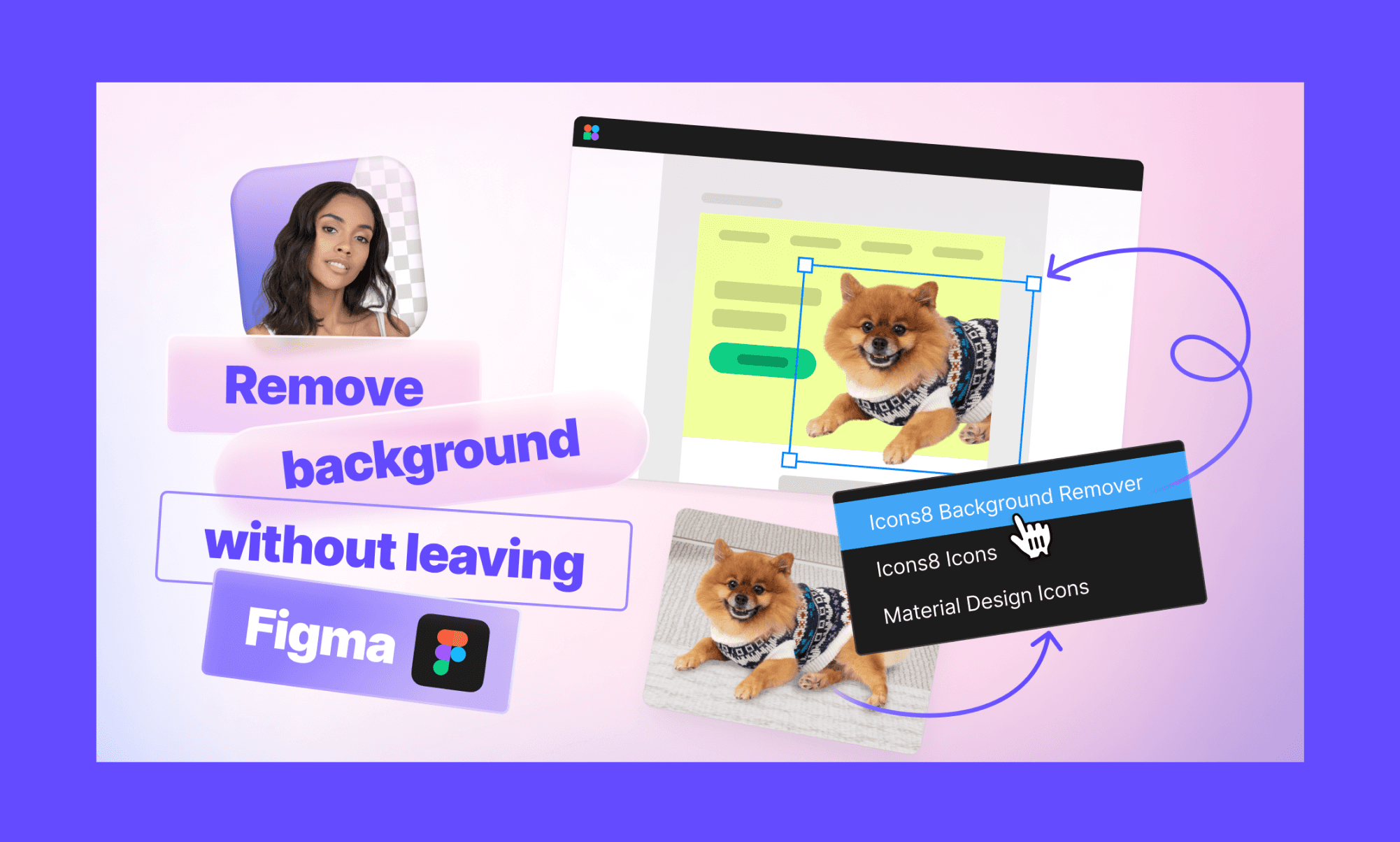
Removes backgrounds from one or many images in a single run without leaving Figma. Requires no subscription, no API key, and no limits on the number of removals. Basically, a gift from the quintessential Figma plugin Icons8. It's one of those unglamorous plugins that I love more than I'd like to admit.
Likes: 13.1k · Users: 1.27m · Price: Free
Image generation in Banani AI
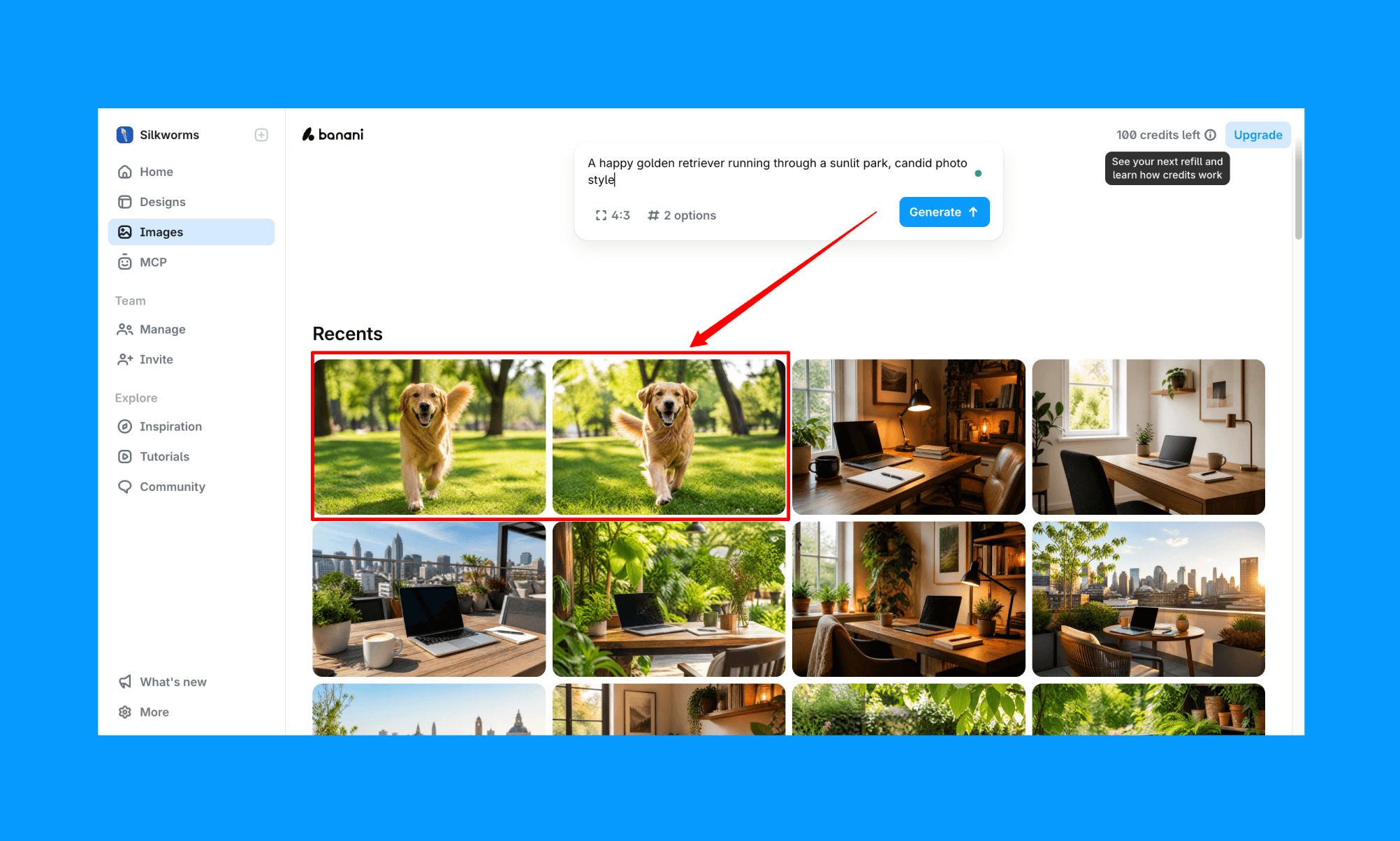
On one hand, Banani generates UI screens with contextual imagery already placed. And you can edit/replace them by simply chatting with AI, so in many cases you skip the image-sourcing step entirely. And, if you need something specific, they have an AI Image Generator powered by Gemini that’s fast and neat.
However, Banani AI cannot remove the background from an image.
Generate Image with AI for UI, free >
Design System
Image Colorizer
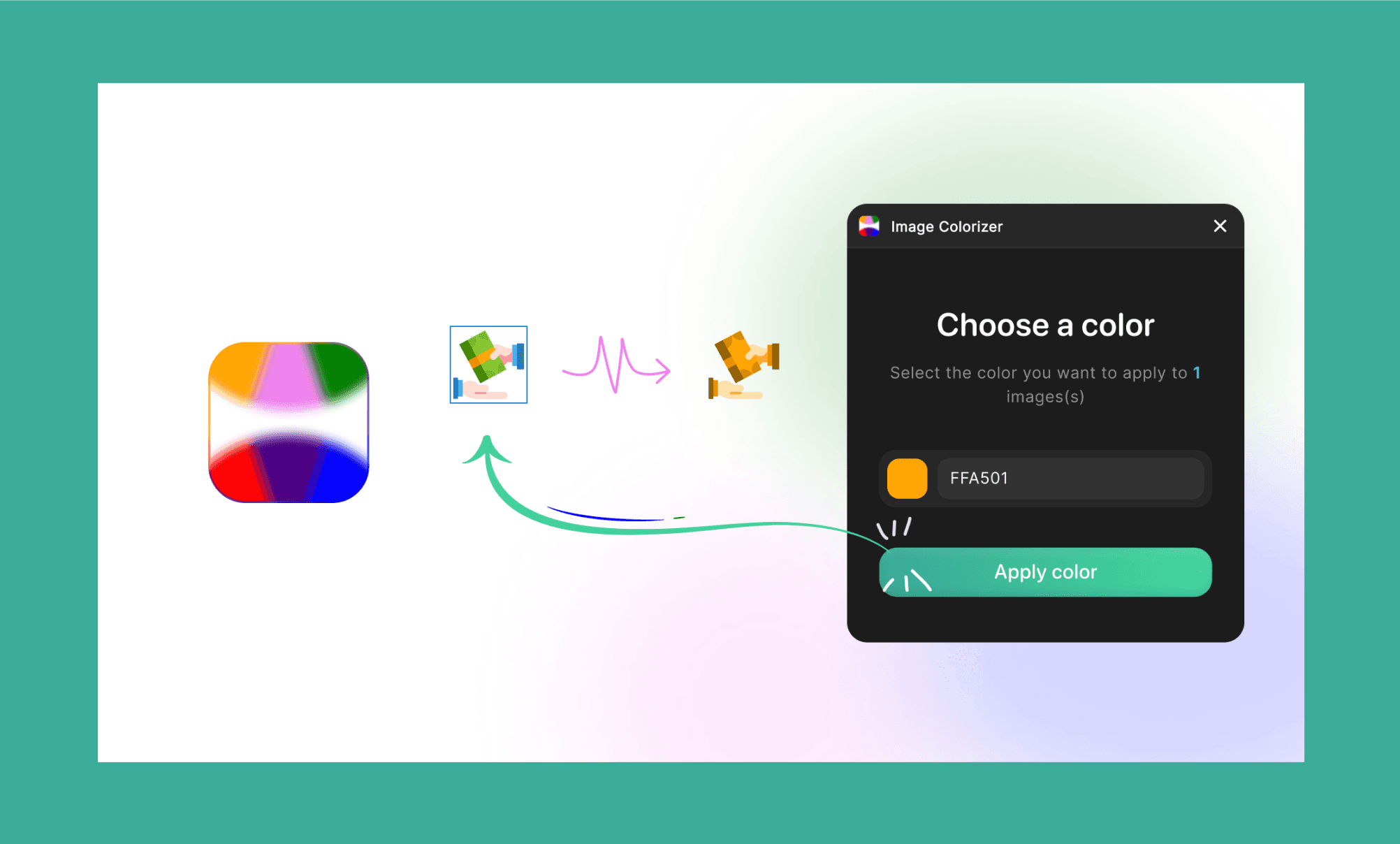
Changes the color of selected images (can be icons, illustrations, or photos) in one click while preserving detail. Handy for quickly adapting visual assets to match a brand palette without exporting to Photoshop or an external editor.
Likes: 458 · Users: 60.9k · Price: Free
DESIGN.md Generator
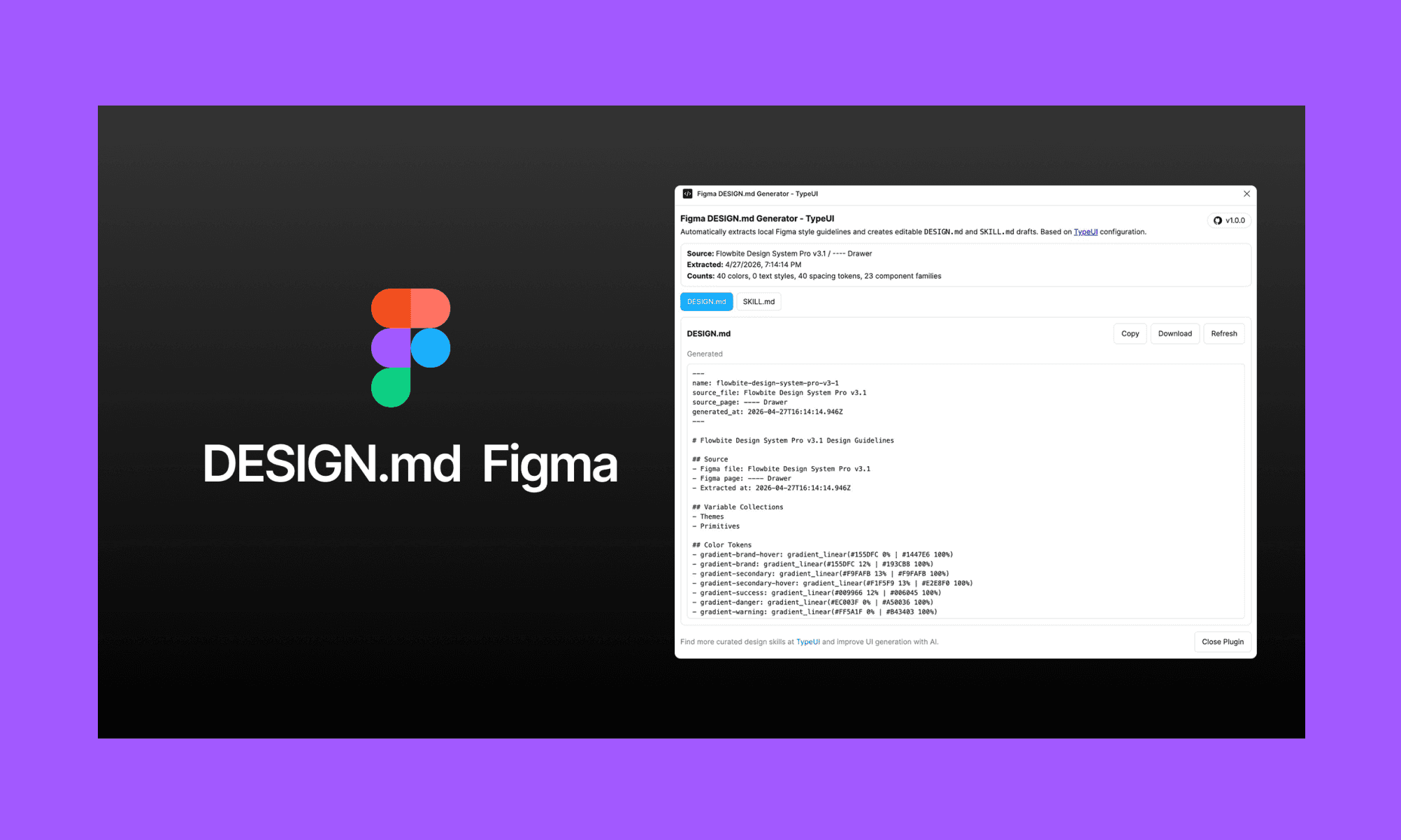
Scans your active Figma file and extracts colors, typography, spacing, effects, and component families into a structured DESIGN.md (and SKILL.md) file. You can paste them into Claude Code, Cursor, Codex, or an AI app builder as well, for clean dev hand-off. Useful when you want AI-generated code to actually respect your design system, not guess at it.
Likes: 294 · Users: 4.2k · Price: Free
Design system & editing in Banani AI
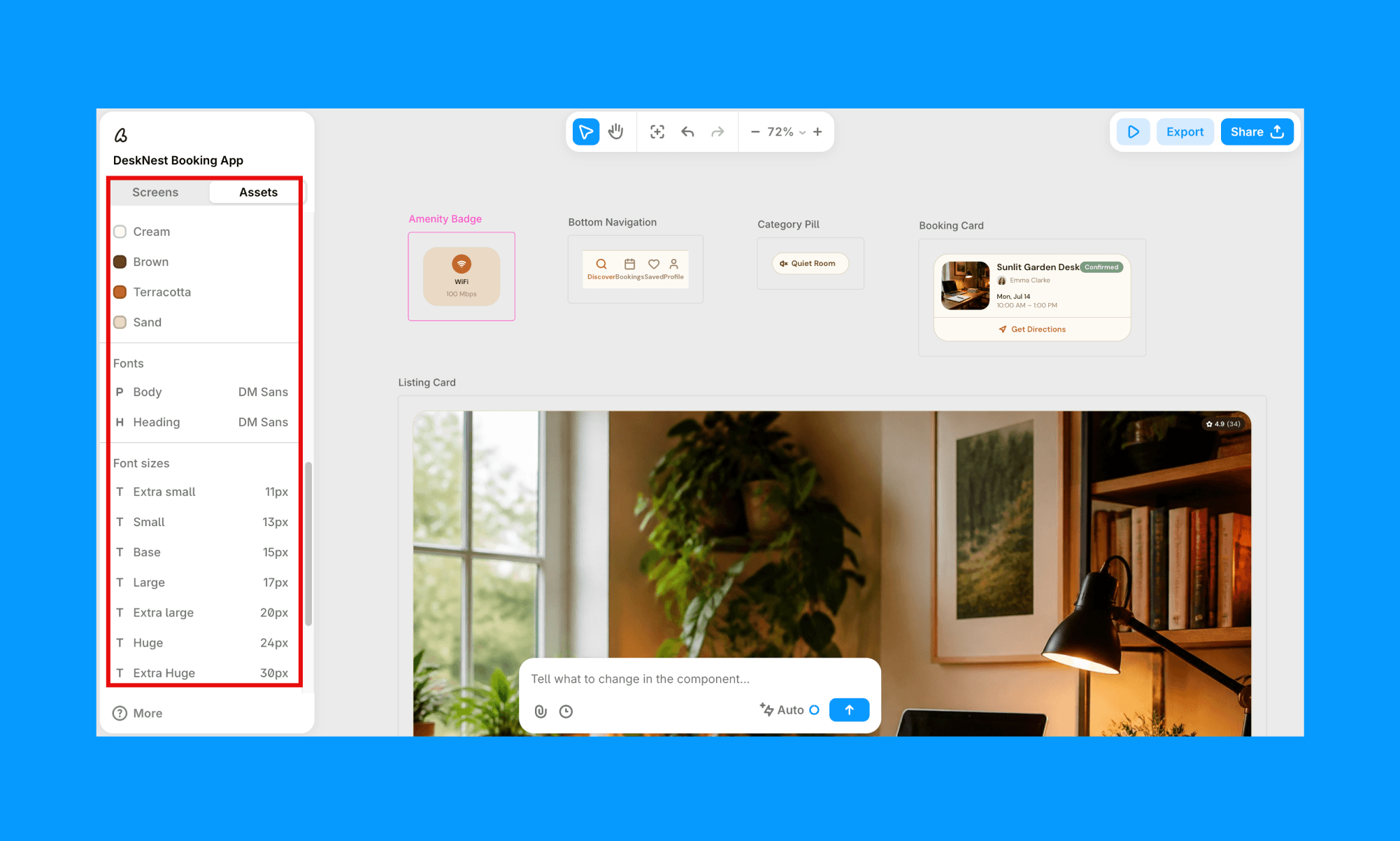
Banani suggests a color palette as it builds. It's a lighter design system layer, but it's built in rather than bolted on. And you can ask it to change the color of a particular component, or whole file just by asking its AI.
However, when it comes to the Design.md file, Banani doesn't export it as such as of now. But when it generates a UI, it creates a separate, editable Assets panel with your design details: colors, fonts, roundness, etc. already organized (as seen in the screenshot above). You can update any token by chatting with AI.
Edit a UI Image with AI, free >
UX Copy & SEO
FigGPT
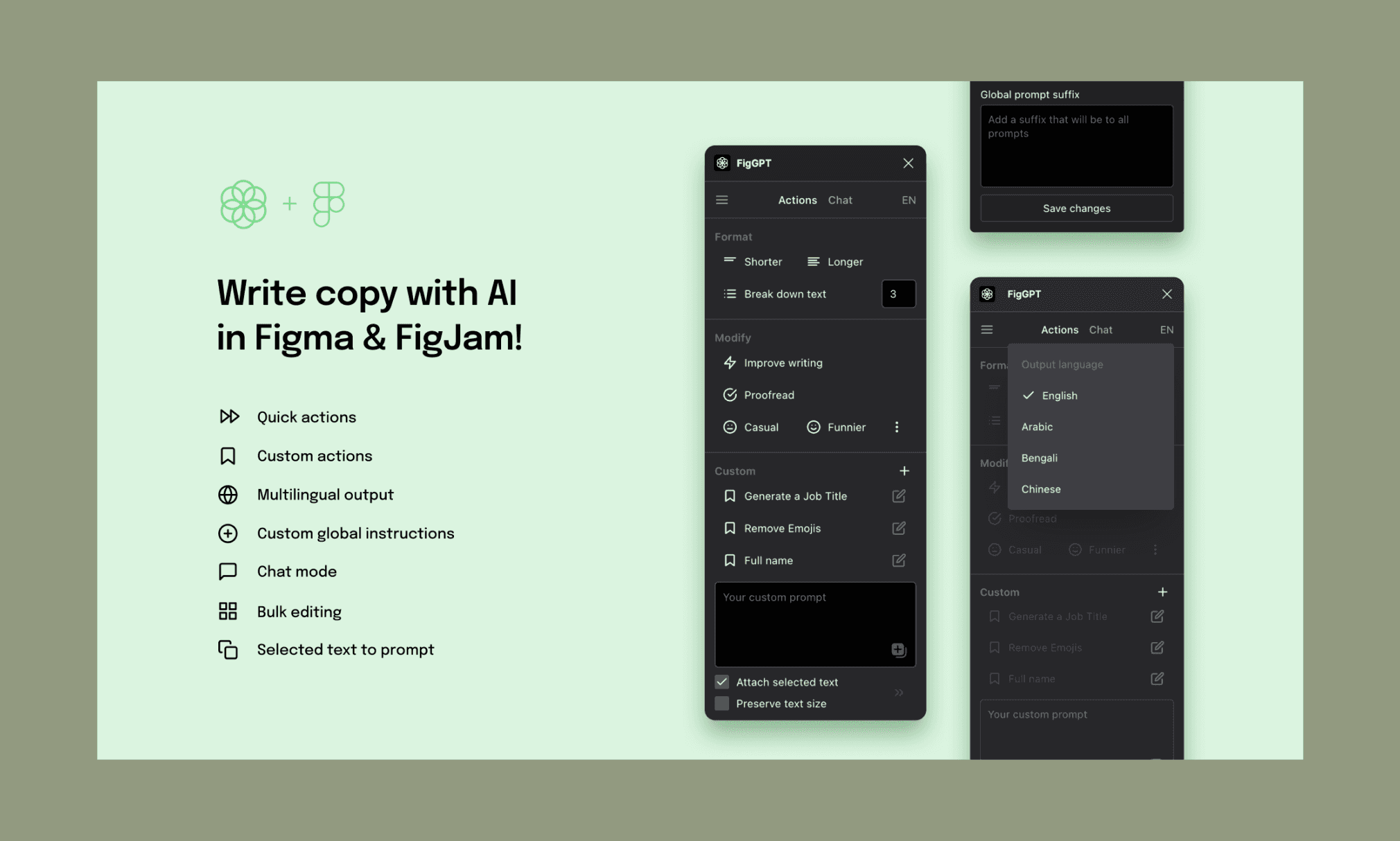
Imagine it as having ChatGPT directly inside Figma and FigJam. Select any text layer and apply quick actions like improve, shorten, or lengthen copy; and even translate. You can also write custom prompts and bulk-edit multiple text layers at once. Free with your own OpenAI API key, or paid subscription for full access.
Likes: 2.5k · Users: 121k · Price: Freemium
SEO for Figma
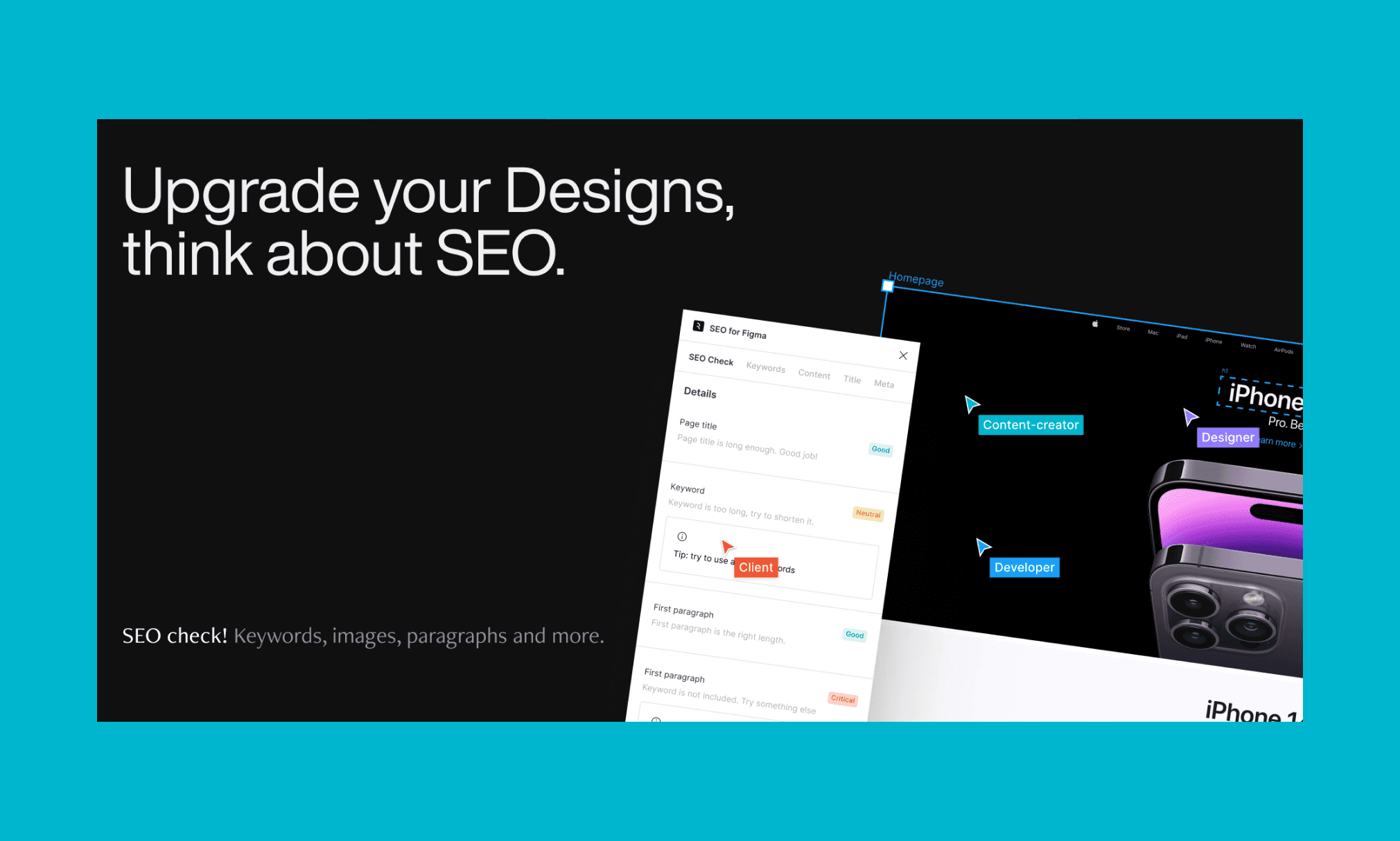
This plugin checks whether a page design meets core SEO guidelines: title, first paragraph, keyword density, etc. before it leaves Figma. Niche, and not directly helpful to design, but would include it for the product’s overall success. Also, many times ‘lorem ipsum’ is not good enough to visualize the final UI.
Likes: 143 · Users: 6.5k · Price: Freemium
Filler text in Banani AI
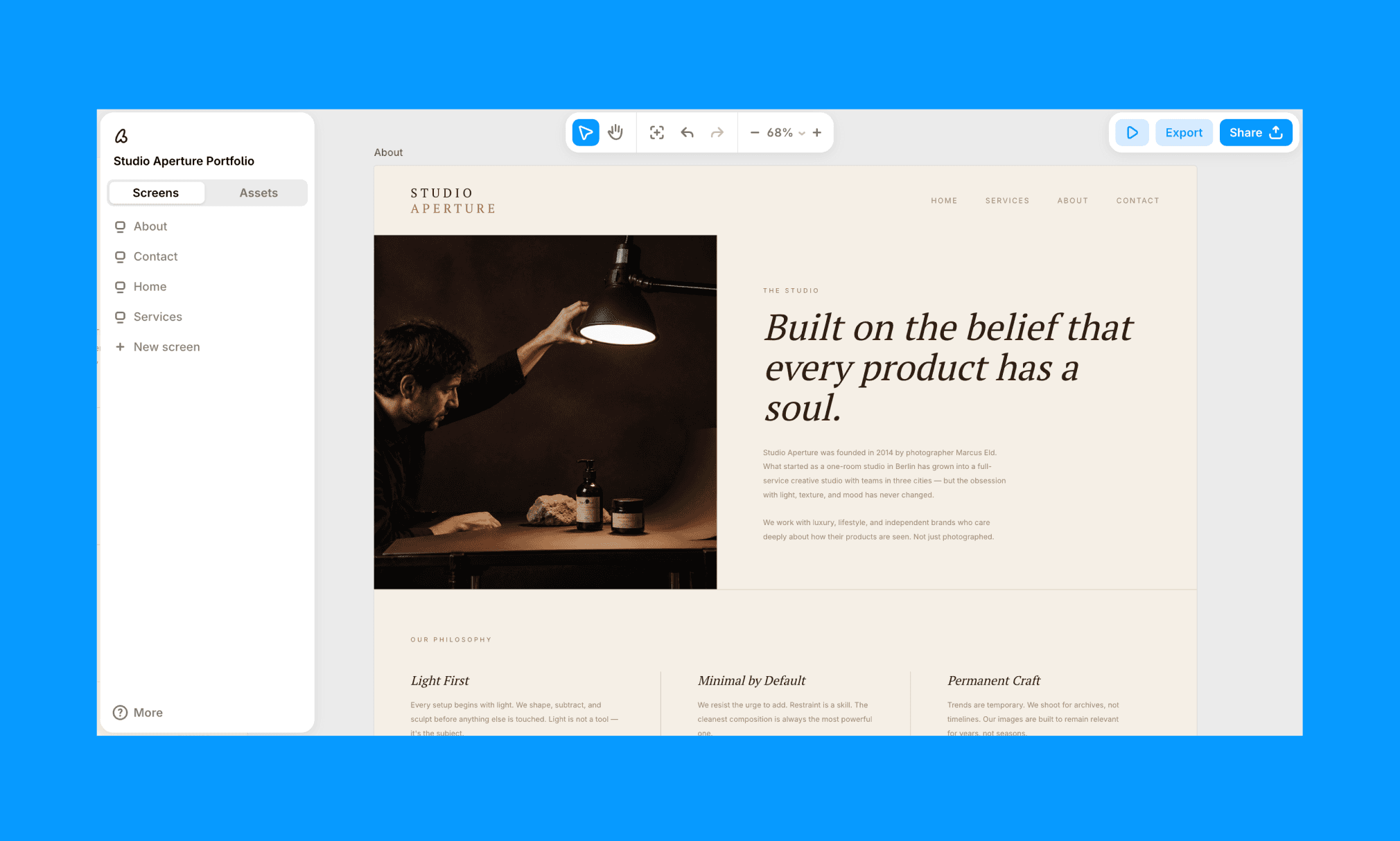
Banani writes contextual copy matching the UI persona by default. And if you want to tweak any line, just click-select the text in the canvas and edit directly.
You can ask it for an SEO-friendly copy too, though for anything serious I'd still rely on a dedicated SEO tool.
Design UI with UX copy, free >
Design-to-code
Locofy
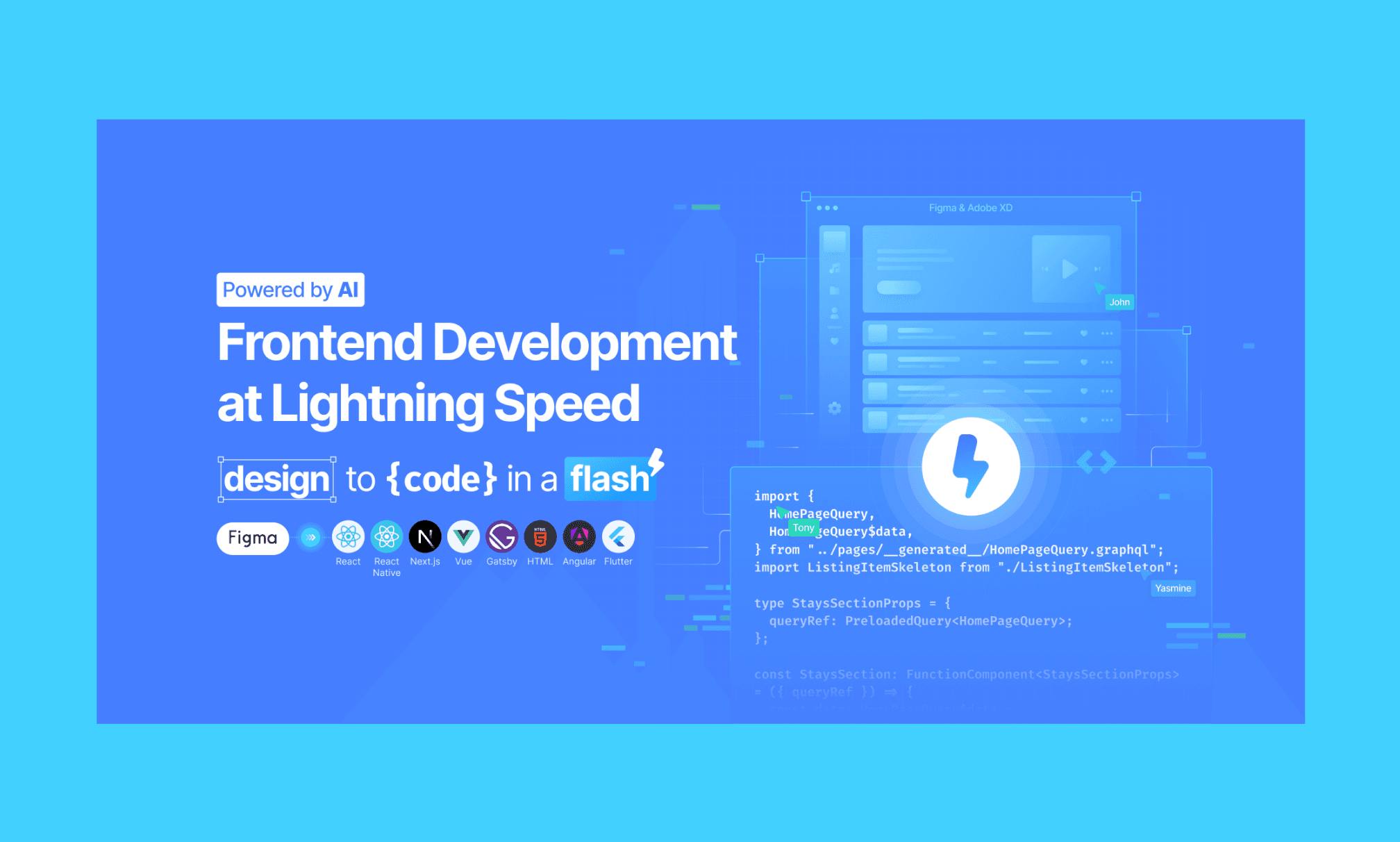
Converts Figma designs into React, HTML/CSS, Flutter, Next.js, Vue, Angular, and more via its AI-driven Large Design Model. It handles auto-layout optimization, responsive breakpoints, and component reuse automatically.
In general, I’ve found it to work well for static pages, however, a limitation is its absolute-positioning approach, which makes post-export edits friction-heavy.
Likes: 5.3k · Users: 592k · Price: Freemium
Locofy vs Banani for Figma-to-code >
Anima
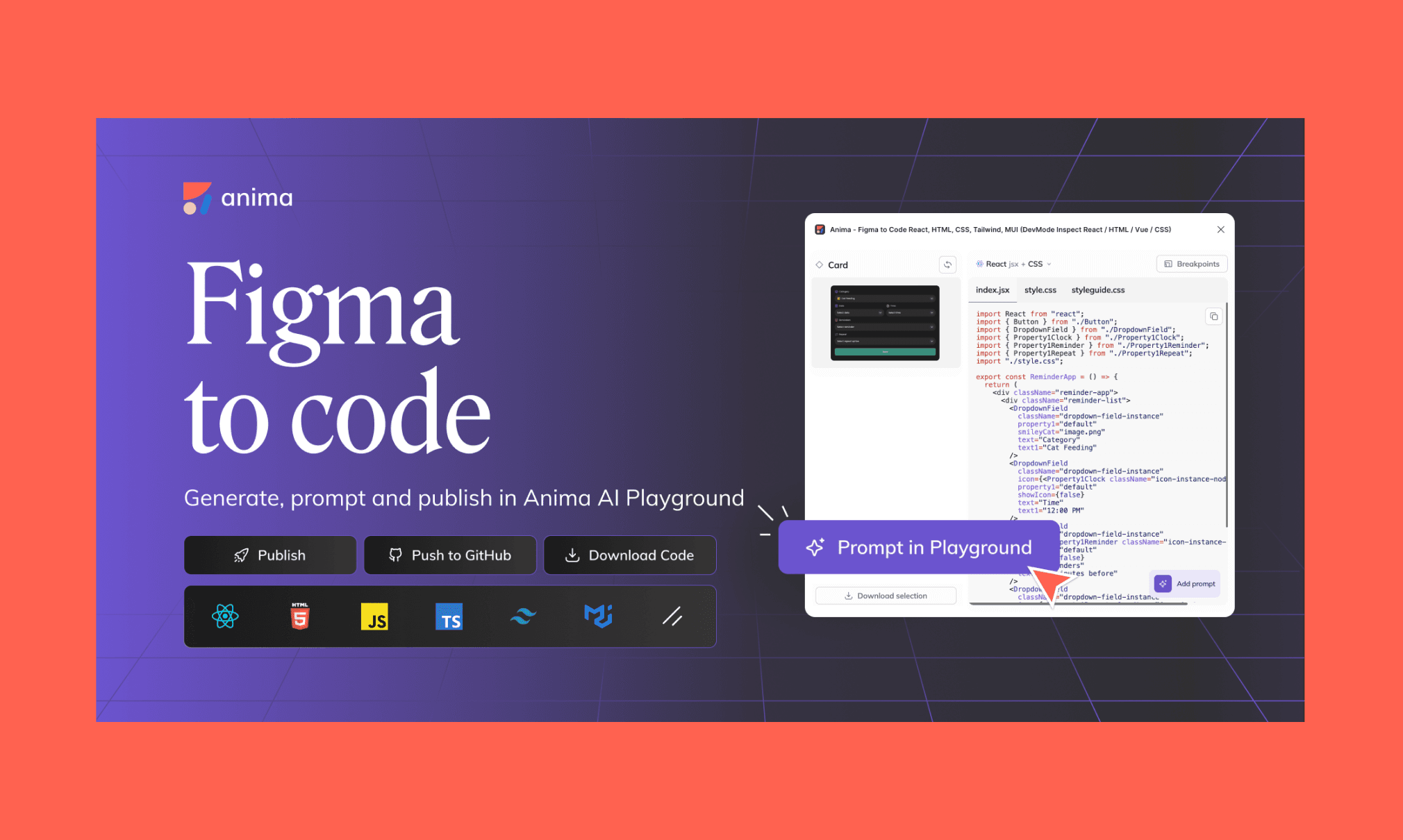
A star of the design-to-code AI plugin in Figma, Anima exports to HTML, React, Vue, Tailwind, and MUI — and now includes an AI Playground where you can refine code with natural language prompts before exporting.
In my experience, Anima has a fast workflow, but code quality in practice has gaps: random class naming, no inline comments, and rendered output that can diverge noticeably from the source Figma design.
Likes: 17k · Users: 1.83m · Price: Freemium
Anima vs Banani for Figma-to-code >
Figma-Code with Banani AI
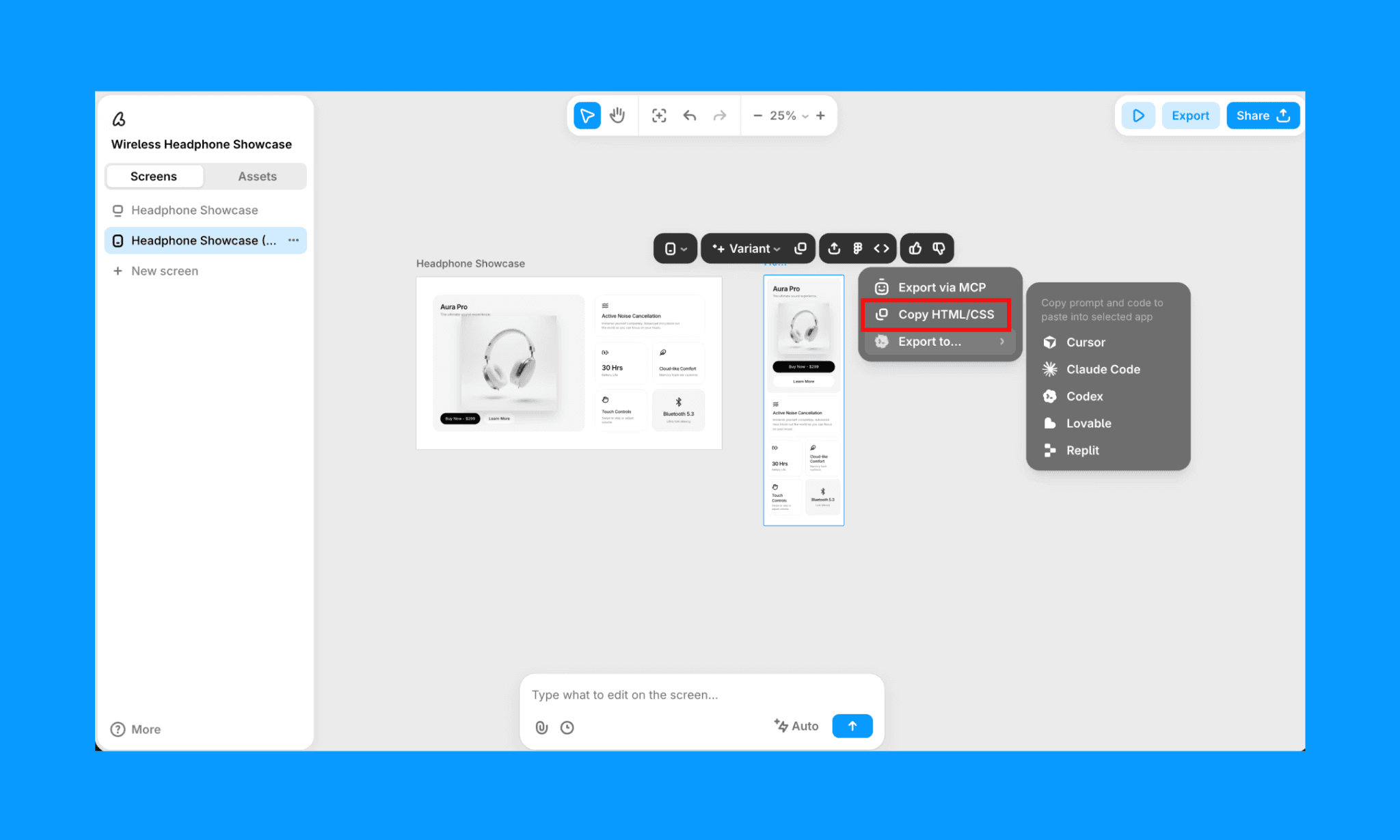
Banani creates the cleanest code out of a Figma design that I’ve ever seen. You connect your Figma account, import a design, and get a semantic, well-commented HTML/CSS file that you can copy-paste straight into your editor. Or export directly to Cursor, Claude Code, Codex, Lovable, or Replit via its MCP.
Banani: Best Figma-integrated AI
A right Figma AI plugin can feel like a powerup in the design game (even better than Figma AI). But, frankly, it can be a little cumbersome to hunt and assemble multiple of them in your workflow. So, I believe, a versatile AI UI tool like Banani that works alongside Figma changes the equation. It’s too fast to ignore. And has already proven its utility as a Figma-parallel to me and over 200k other designers and non-designers.
FAQs on Figma AI plugins
What are Figma AI plugins?
Figma AI plugins are extensions built by the Figma community that add AI-powered capabilities to your design workflow. They run directly inside Figma without switching tabs or tools.
How do I get Figma plugins?
Open the Figma dashboard and click on the "Resources" icon in the top toolbar. Select the "Plugins" tab to browse available Figma plugins. You can search by name or category, and click ‘Run’ to install.
Some may require sign-in, but are generally activated in seconds.
Are all Figma plugins free?
No, not all Figma plugins are free; but most of them are freemium. The good thing is they say it upfront on the individual plugin page. If you are a large team, with high-volume design projects, you should also consider checking Figma Pricing plans that offer extended features.
What is the best Figma-integrated AI design tool?
Banani AI is the strongest option for the Figma-integrated AI design tool. It generates multi-screen UI prototypes from text or image references, and exports directly to Figma, HTML/CSS, or via MCP to code editors like Cursor and Claude Code.
It’s Free to start with ~170 design/edit per month.


