
AI design tools and AI coding tools are part of the same development workflow, yet even in 2026, they seem to operate in silos. In this guide, we share best practices for the design-to-development workflow, top developer handoff tools, and the future of design-to-code AI.
Design-to-code: Solving the Handoff
In 2025, Figma usage for AI wireframes doubled[1]. Product teams are moving faster than ever, yet the handoff between design and code still breaks. You have seen it before: pixel-perfect mockups turn into close enough implementations, creating a mountain of technical debt.
AI design-to-code tools are finally bridging this gap. Whether you're a non-tech founder or a vibe coding PM, these tools allow you to turn design intent into production-ready code in seconds. It means you can finally stop chasing developers to fix small CSS tweaks that should have been right the first time, and get stuff done
Types of Design-to-Code Tools
AI for design generation to code export
Banani
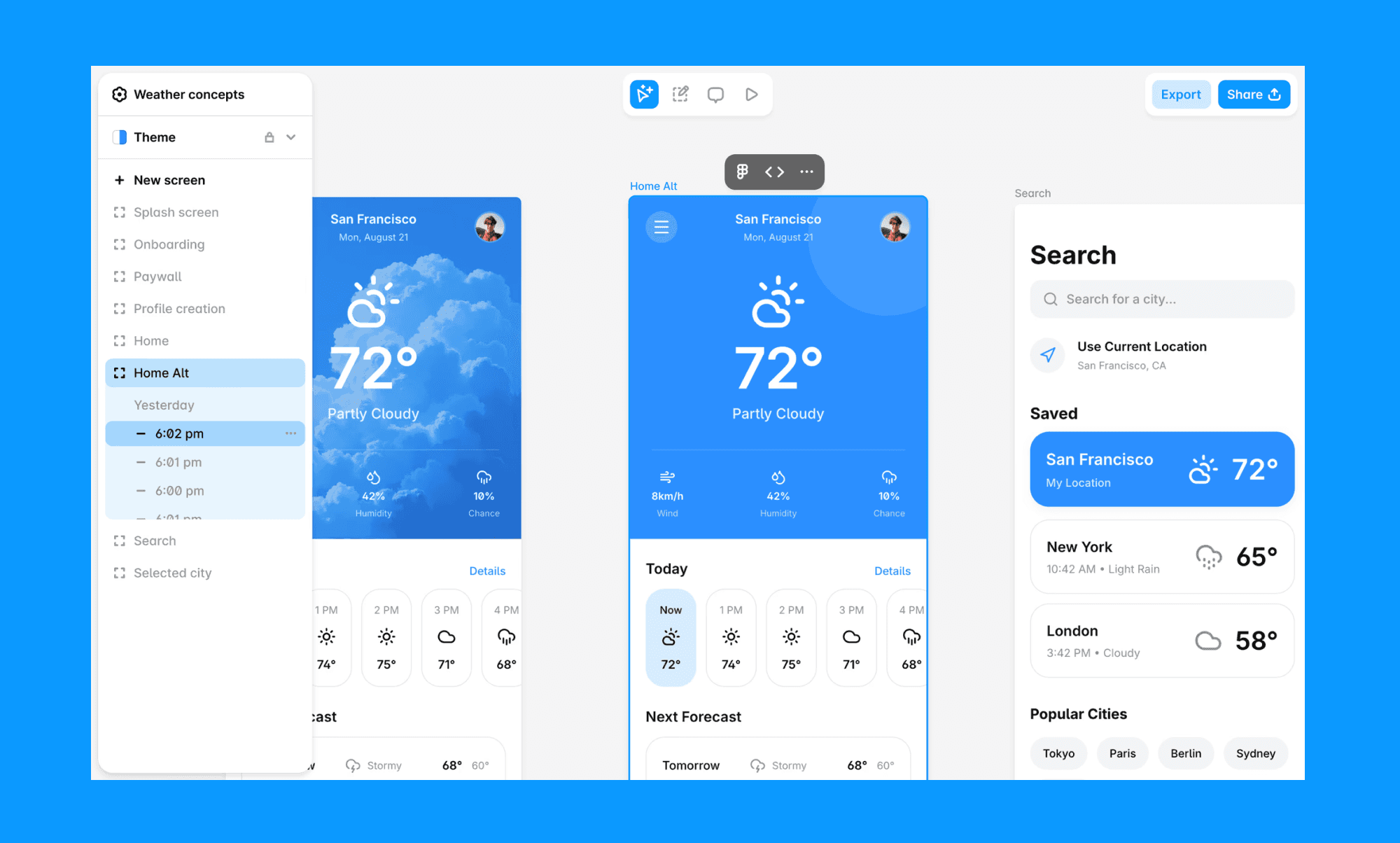
Banani is a high-fidelity AI UI generator that features a shared canvas to turn text or screenshots into editable, multi-screen prototypes. You can export the HTML+CSS code of the UI in Banani. Just select the frame you wish to export as code and click the “< >” option (on its head) to copy the code.
Google Stitch (Formerly Galileo AI)
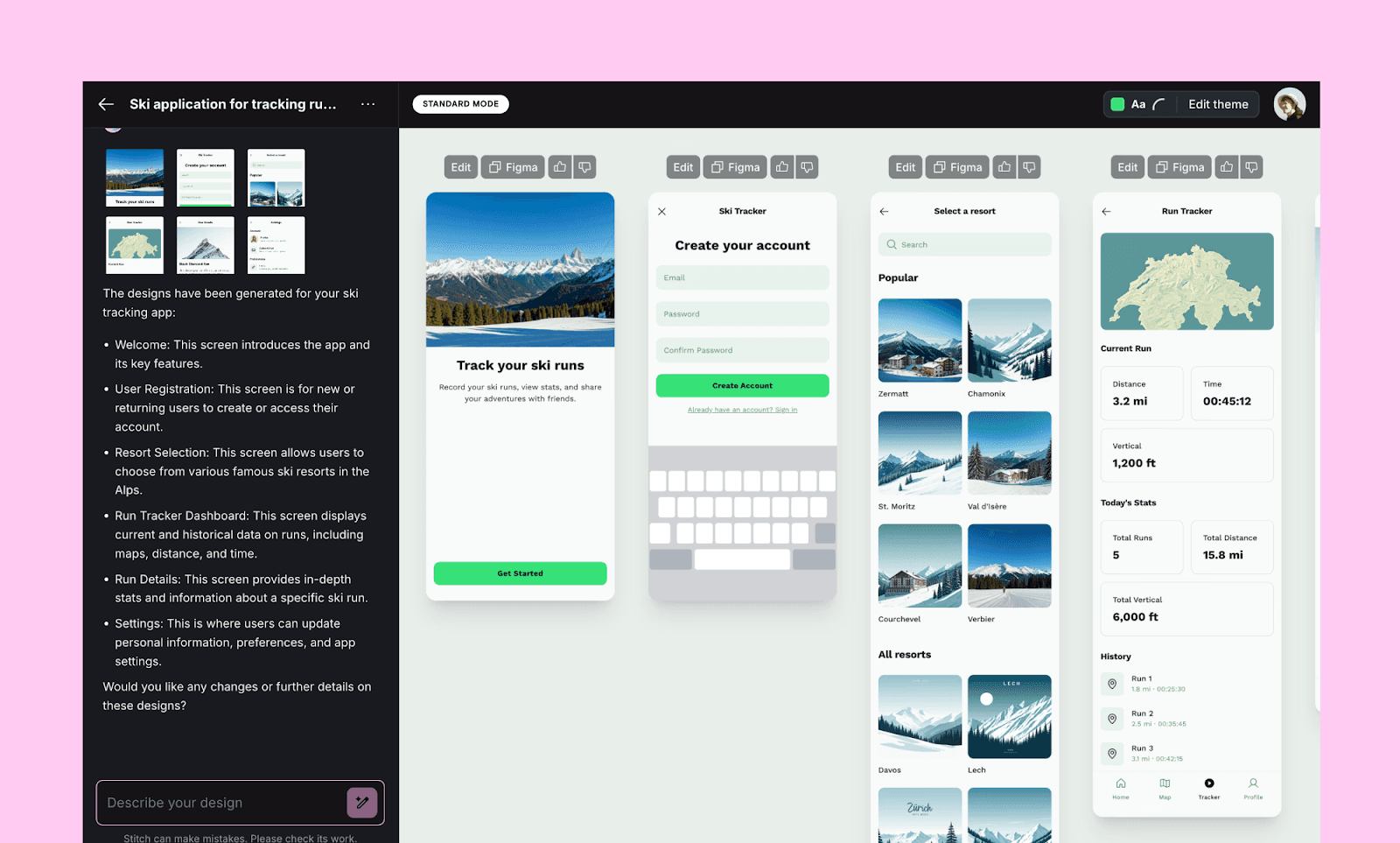
Google Stitch uses Gemini-powered AI to turn text prompts, images, or sketches into responsive UI designs. You can also export clean frontend code (HTML/CSS or Figma layers), bridging early concepting with usable implementation.
Anima
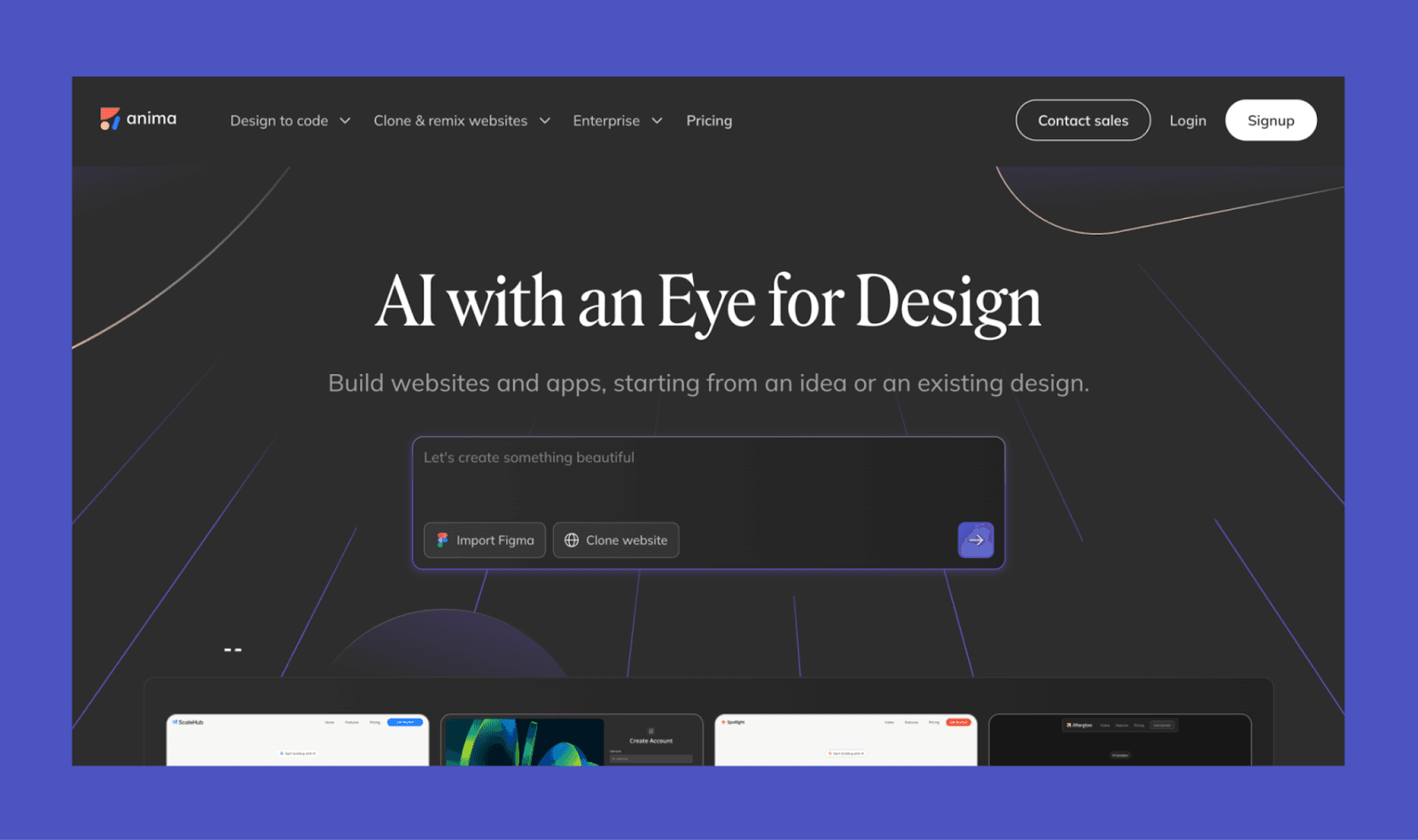
Positioned as a UX Design Agent, Anima interprets visual layouts from Figma, XD, or Sketch. It provides Multi-Framework Export (React, Vue, Tailwind CSS) that preserves responsiveness and design logic, plus features a Code Panel for AI code editing.
v0
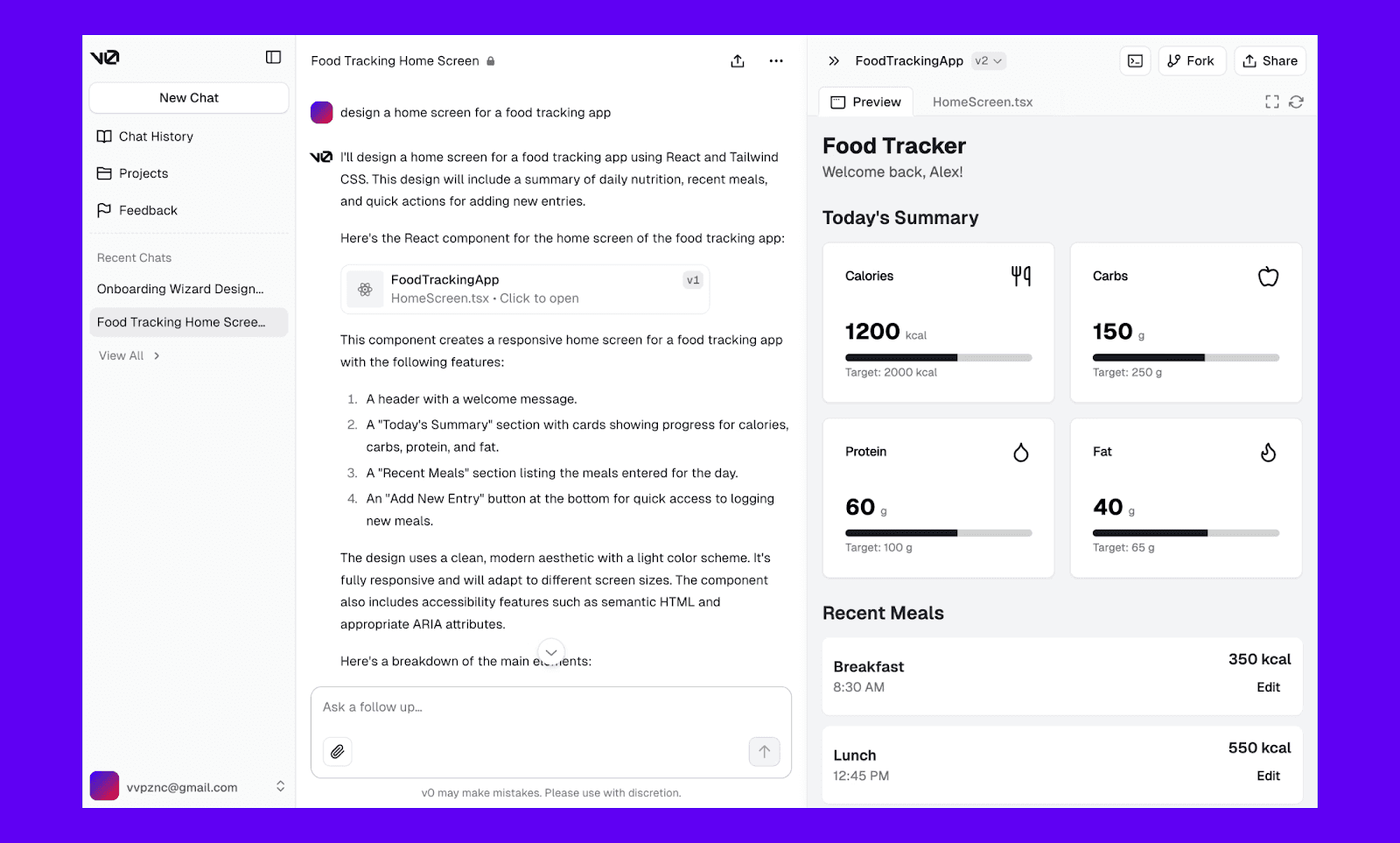
Designed for the Vercel ecosystem, v0 scaffolds complex React and Next.js components via plain English prompts. It instantly generates fully typed TypeScript code and reusable shadcn/ui components ready for deployment.
Bolt
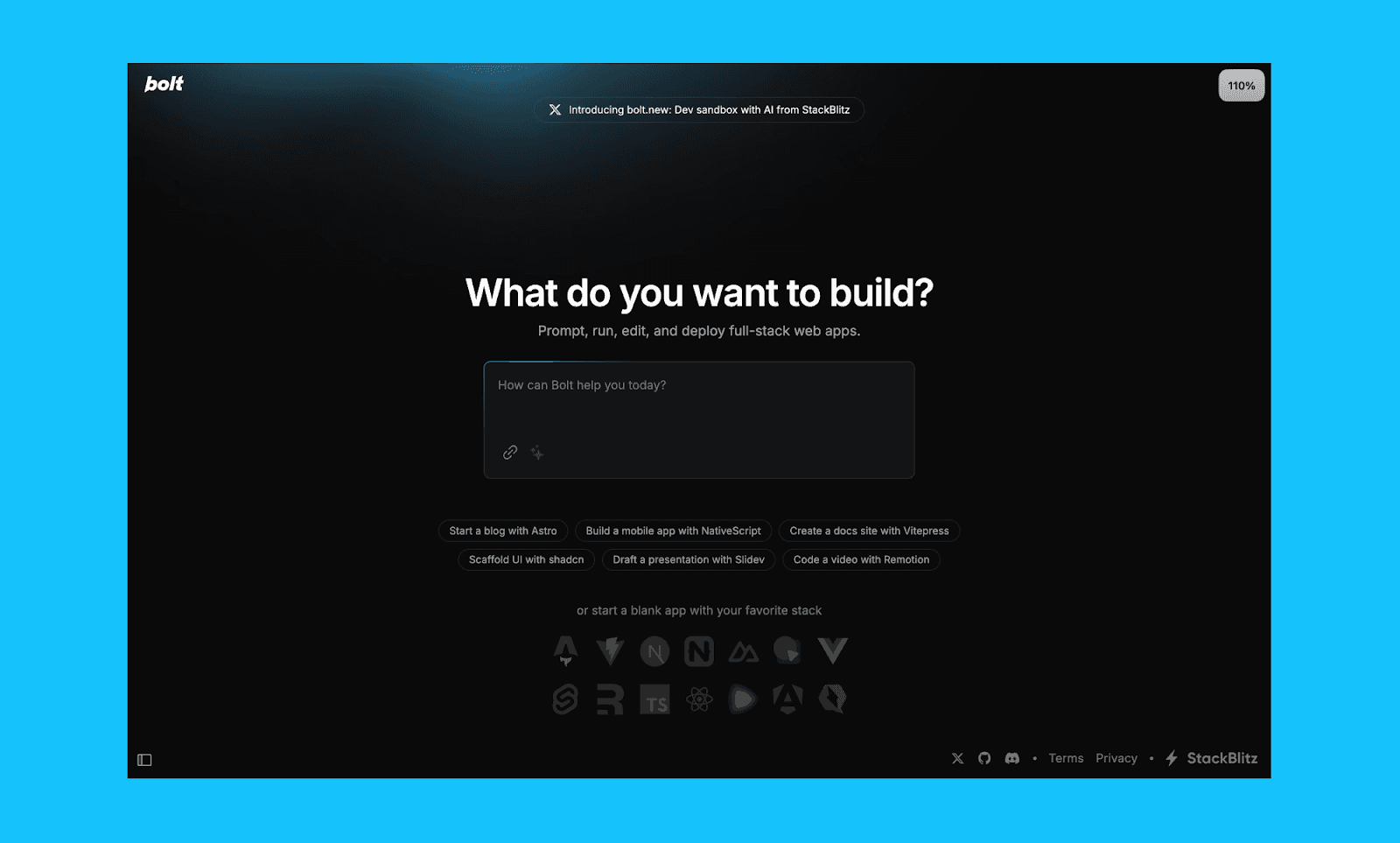
Bolt.new is an AI-powered app and website builder that combines a visual interface and coding agents to generate full frontend and backend prototypes. It generates entire full-stack codebases (Next.js/Vite) from design intent.
AI for design file to code conversion
Figma plugins
There are several Figma plugins that act as AI-assisted design-to-code tools, enabling designers to export design files directly into usable code.
The popular ones include Siter.io, CodeTea, and Plasmic for developer handoffs of frames. At the design component level, you can try Icon2Code, Very Good Flutter Styles, and Styles & Variables Exporter.
Builder.io
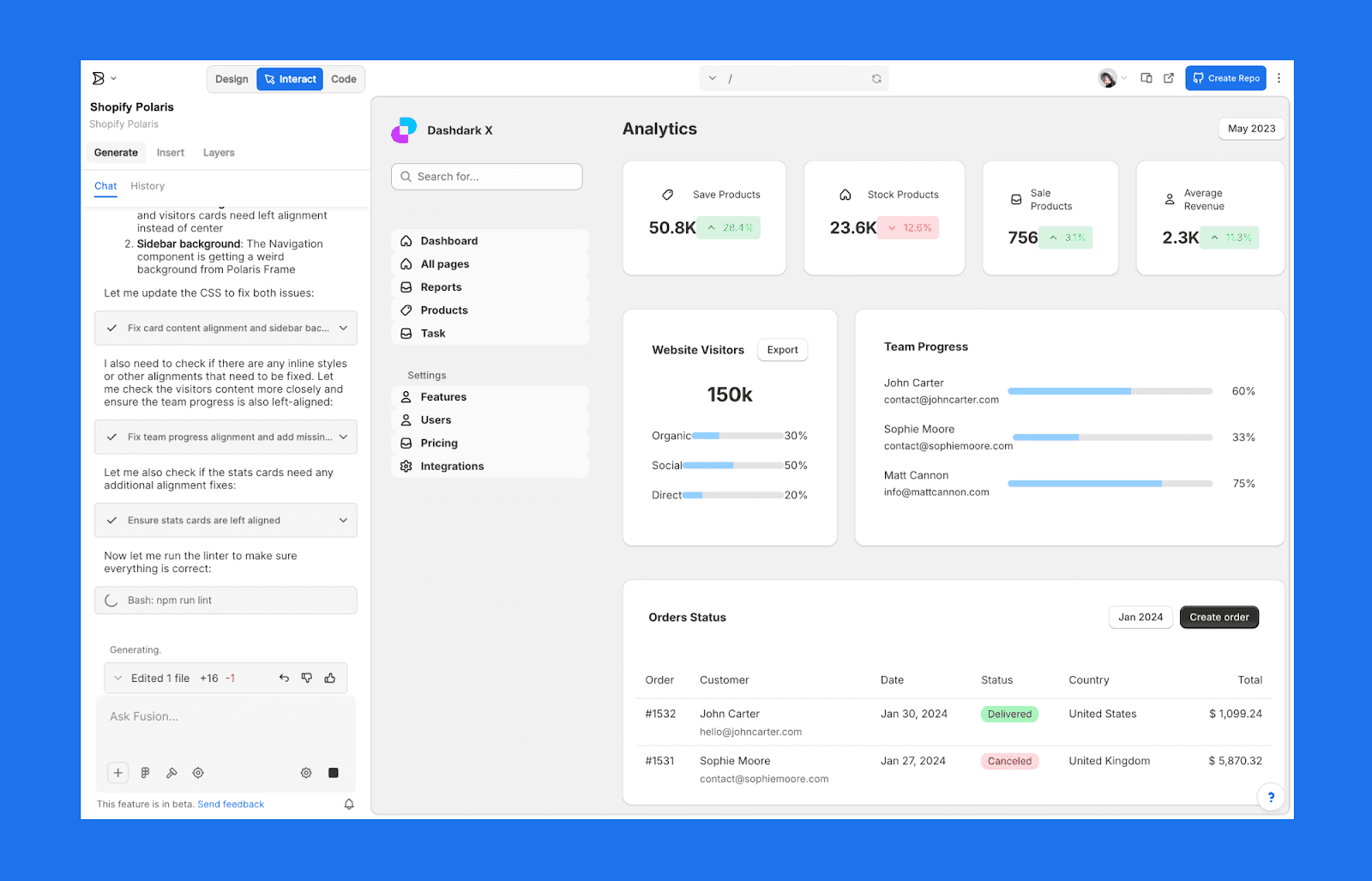
Builder.io uses AI to import designs and convert them into responsive, production-ready code (HTML, React, Vue, Tailwind). It respects component hierarchies and design tokens, streamlining the design file to implement design to development workflow.
Cursor
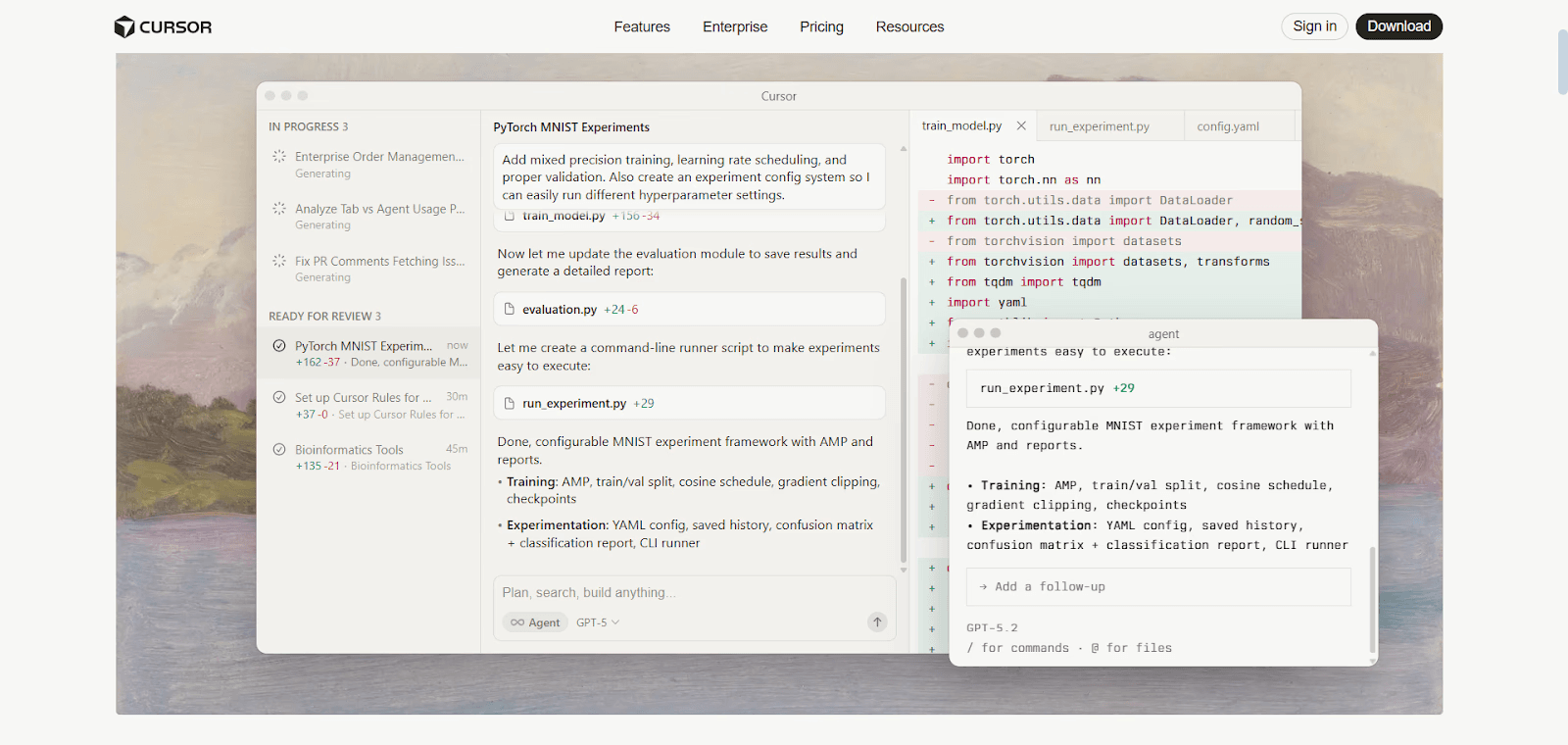
Cursor is an AI coding assistant that can interpret design context from a UI screenshot and from Figma (via MCP). It can generate editable frontend code with prompts in an IDE as a powerful design handoff AI.
AI visual development platforms
Framer
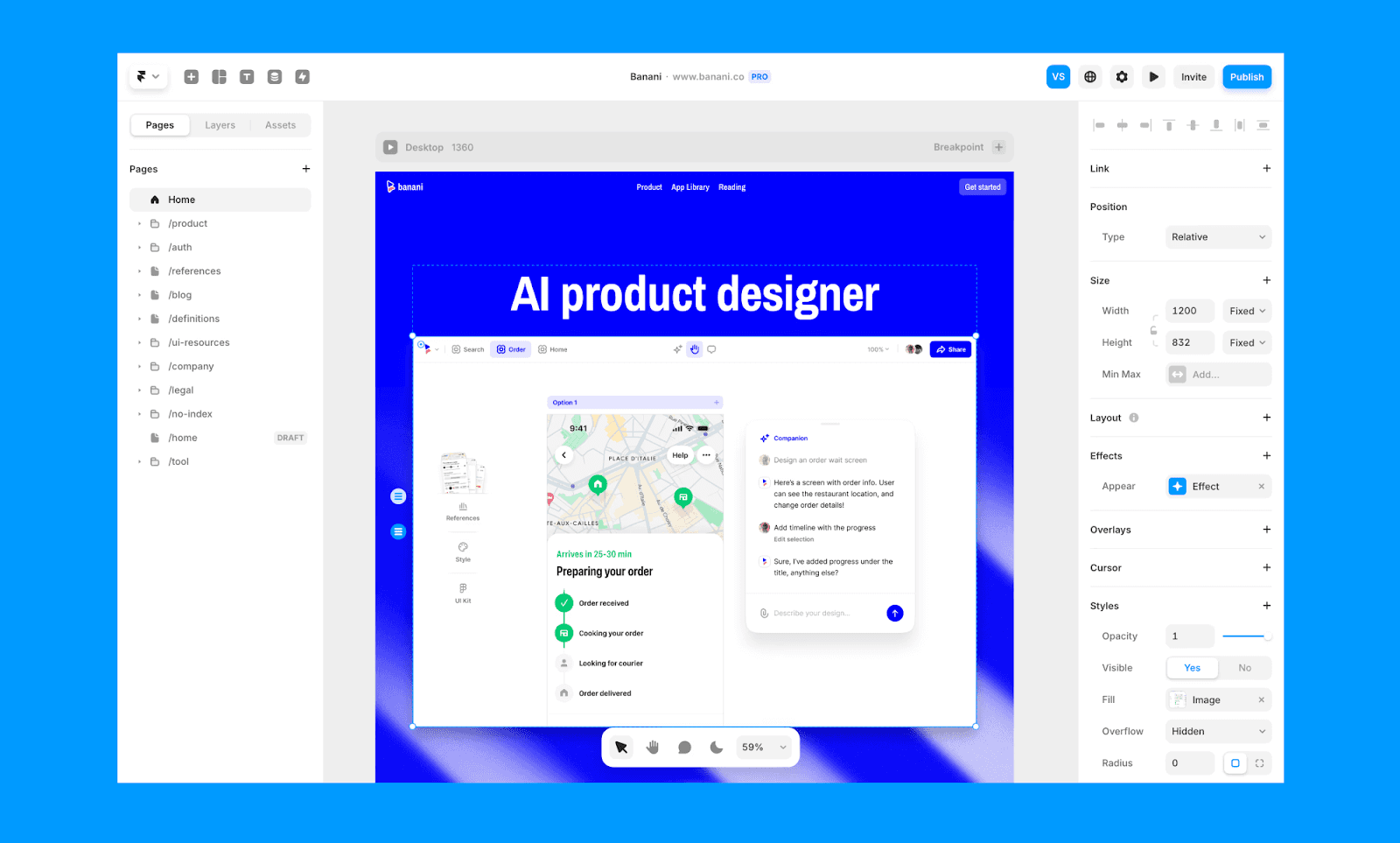
Framer is a visual development platform to design responsive, interactive sites with drag-and-drop feature while generating editable code components. It offers hundreds of UI templates that designers can use to quickly generate layouts and components, and the platform visually outputs clean, hosted frontend code.
Webflow
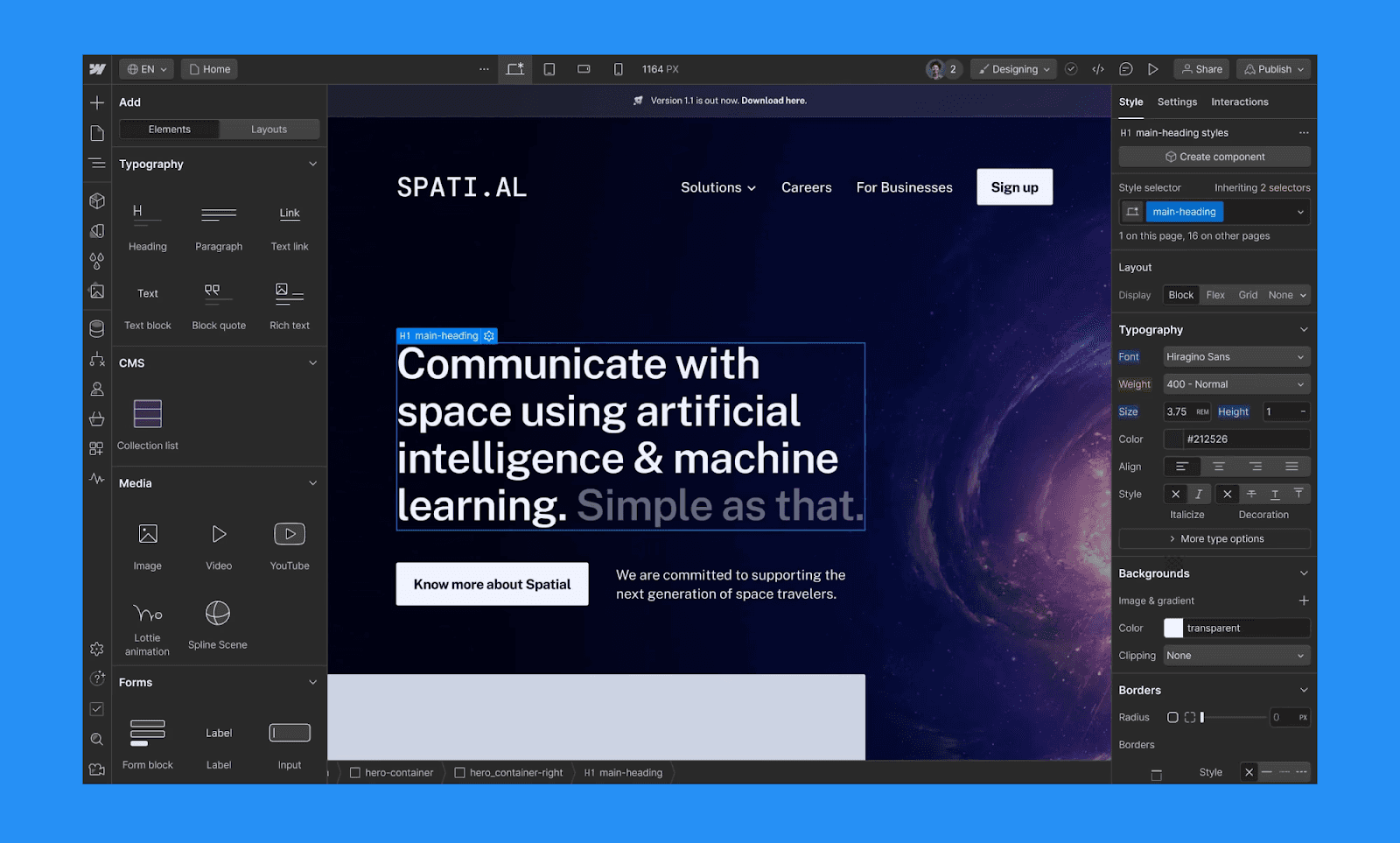
Similar to Framer, Webflow is a professional visual website builder that lets non-tech designers build custom, responsive sites without writing code. For deeper customization, Webflow design can be handed off to a developer to edit the HTML, CSS, and JS backends.
SquareSpace
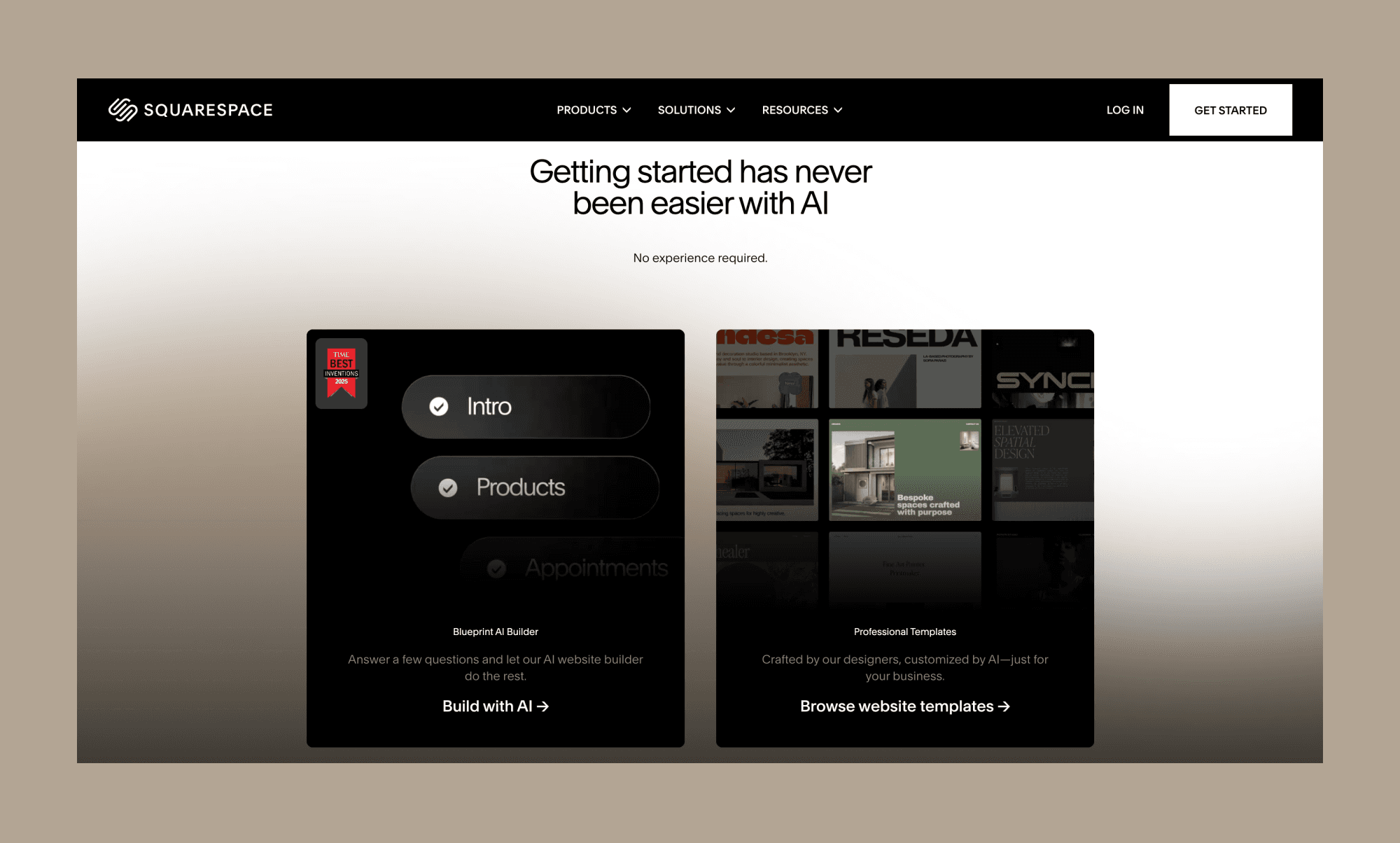
An all-in-one visual site builder, SquareSpace offers fluid layout control to design a website from a template or from scratch. To further customize your site, it supports adding client-side code to your site. However, they explicitly warn that some coding changes might conflict with their auto-generated code.
Top AI Design-to-Code Tools
The landscape of AI design-to-code in 2026 is defined by tools that not just export code, but also understand design intent for a clean developer hand-off. The table below compares the leaders in high-fidelity design generation and code conversion.
Tool | Design to Code Feature | Pros | Cons | Best for | Price |
Banani | Exports prompt/image designs to Figma or HTML/CSS. | Adapts to existing design systems | Still growing feature set | Startups needing hi-fidelity UI prototypes fast. | - Free up to 20 generations - $20/mo with unlimited generations |
Builder.io | Visual Copilot converts Figma into React, Vue, or Angular code. | Integrates with headless CMS and maps existing components | Advanced features require a learning curve. | Enterprise teams shipping at scale. | - Free 75 credits/mo - Paid starts at $30/mo for 500 credits |
Locofy | Locofy Lightning offers 1-click AI conversion to React/HTML. | Supports direct GitHub sync | Requires strict Figma "Auto Layout" discipline. | Devs needing production-ready code from Figma. | - Limited Free tokens for students / LDM token |
Anima | Converts visual layouts into React/Vue components with logic. | Pixel-perfect accuracy and can handle complex interactions | Plugin can sometimes be unstable during sync. | Teams prioritizing high design fidelity and responsiveness. | - Free 5 code generations |
TeleportHQ | Visual builder with Multi-framework code export (Next.js, Angular). | Allows real-time code editing | Reported UI bugs and limited advanced dev features | Agencies and freelancers building static sites. | - Free 1 project |
*Note: The prices mentioned are on a per-month basis; if billed yearly, they come at discounts.
Best Figma to Code AI
If workflow starts with Figma, you can design and generate code for interactive prototypes with Figma Make.
But if your workflow starts outside Figma, then the best AI to turn Figma to code are those that preserve structure, components, and responsiveness. Plugins like Anima, Builder.io, and Locofy convert frames into React, HTML/CSS, or Tailwind while maintaining layout logic. For AI-first teams, Banani adds a different angle: generate UI from screenshots (or text), export it as an editable Figma file, then convert to code.
Choose the Best Design-to-code AI
First off, there is no one best AI for developer hand-off. Only the best one for your use case. So, your choice of design-to-code AI should start by knowing your own starting point and what output you want. If you are a founder with a screenshot, your path differs from a developer with a pixel-perfect Figma file.
Further factors to consider when choosing tools for design to development workflow:
Tech stack alignment: Choose tools that export code in the languages and frameworks you (and your team) are comfortable with. Typically, HTML/CSS for static UI, React or Vue for component-driven apps, or Tailwind for utility-first styling.
Team structure & workflow: Solopreneurs and small startups with mixed roles benefit from simple Figma plugins. Larger engineering teams may prefer export flexibility and customization for downstream dev work.
Decision workflow: Map how design reviews, iterations, and approvals happen. Tools that integrate with existing design workflows reduce context switching.
Support & roadmap: Consider documentation quality, plugin ecosystems, and active development, especially for evolving design systems where future feature releases matter.
Budget & pricing: Evaluate costs based on seat pricing, export limits, and long-term scaling to balance immediate productivity gains with sustainable spend.
Best Practices for AI-assisted Handoff
Following industry best practices should help you and your team make the most of AI-assisted developer handoffs to accelerate the entire design-to-development workflow:
Standardize source: Organise frames, name layers clearly, and tidy components before using design handoff AI so tools interpret intent accurately.
Quality checks: Verify that colours, spacing, and typography are mapped to variables before handoff. This prevents the hard-coded values that often clutter AI-powered UI design from code exports.
Developer collaboration: Share interaction notes, edge cases, and version context early to align expectations with your developer handoff tools.
In addition, use short feedback cycles between design and engineering to refine AI outputs and reduce rework.
The Future of Design-to-code AI
In late 2025, Bain & Company reported 25%-30% productivity gains for companies that showed confidence in GenAI for software development[2]. Further signalling a widespread adoption of AI across the design-to-development workflow.
Following the latest in the AI design industry, three key trends seem to emerge:
MCP standardization: Already Figma, v0, Banani, and others have adopted the Model Context Protocol (MCP), allowing coding agents to pull live design data directly into IDEs without manual exports.
Agentic orchestration: Open-source frameworks like OpenClaw can enable agents to build full-stack apps, automating the entire lifecycle from UI design to code deployment.
Advanced vibe coding: Analysts expect the vibe coding market to grow at ~32.5% CAGR through 2032[3], reflecting rising demand for integrated AI UI generator and coding tools with robust security, compliance, and customisation.
Start Converting Design to Code
As a PM or non-tech founder taking an idea from design to deployment, you must bridge the gap between siloed AI designing and AI coding. To apply this in practice, treat design as structured data rather than static art. The most effective design handoff AI strategy starts by capturing raw intent through AI design tools like Banani, which allows you to rapidly iterate on shared canvases. Once the vision is locked, move to design to code tools like Builder.io or Locofy to translate those layers into clean, responsive components.
Ready to implement an AI design-to-development workflow? Start with a free design-to-code AI right away!
FAQs on AI Design-to-code Tools
Does Figma convert design to code?
Yes, Figma Dev Mode provides specs, HTML, and CSS snippets to take a design to code. However, for functional frontend coding, you may need Figma plugins or external design-to-code tools.
Can AI turn Figma into code?
Yes. AI tools can convert Figma files into code (React, HTML/CSS, or other frameworks). Platforms like Banani can take Figma designs as input and generate clean, editable code.
How to export Galileo AI design to code?
Galileo AI (now Google Stitch) lets you export AI-generated UI into HTML/CSS. From there, developers refine or use design-to-code tools for production-ready output.
How to convert a Canva design to code?
Export your Canva layout as an image or PDF, then use an AI design-to-code tool to recreate the layout in HTML/CSS code.
Can ChatGPT convert Figma to code?
No, ChatGPT cannot convert Figma to code; at least not directly. You can, though, upload the design as an image or a PDF, or describe it in a prompt to ask for code.
Which AI converts an image to code?
Several AI are emerging in the space of image to code. Banani, for example, can transform image or UI screenshots into editable designs and exportable frontend code.
References
[1] https://www.figma.com/blog/figma-2025-ai-report-perspectives
[3] https://www.congruencemarketinsights.com/report/vibe-coding-market


