
Our Shortlist
Here's our pick of apps that outperform Replit in specific use cases. We've also included free plan limits and entry-level paid pricing, so you can easily compare Replit alternatives.
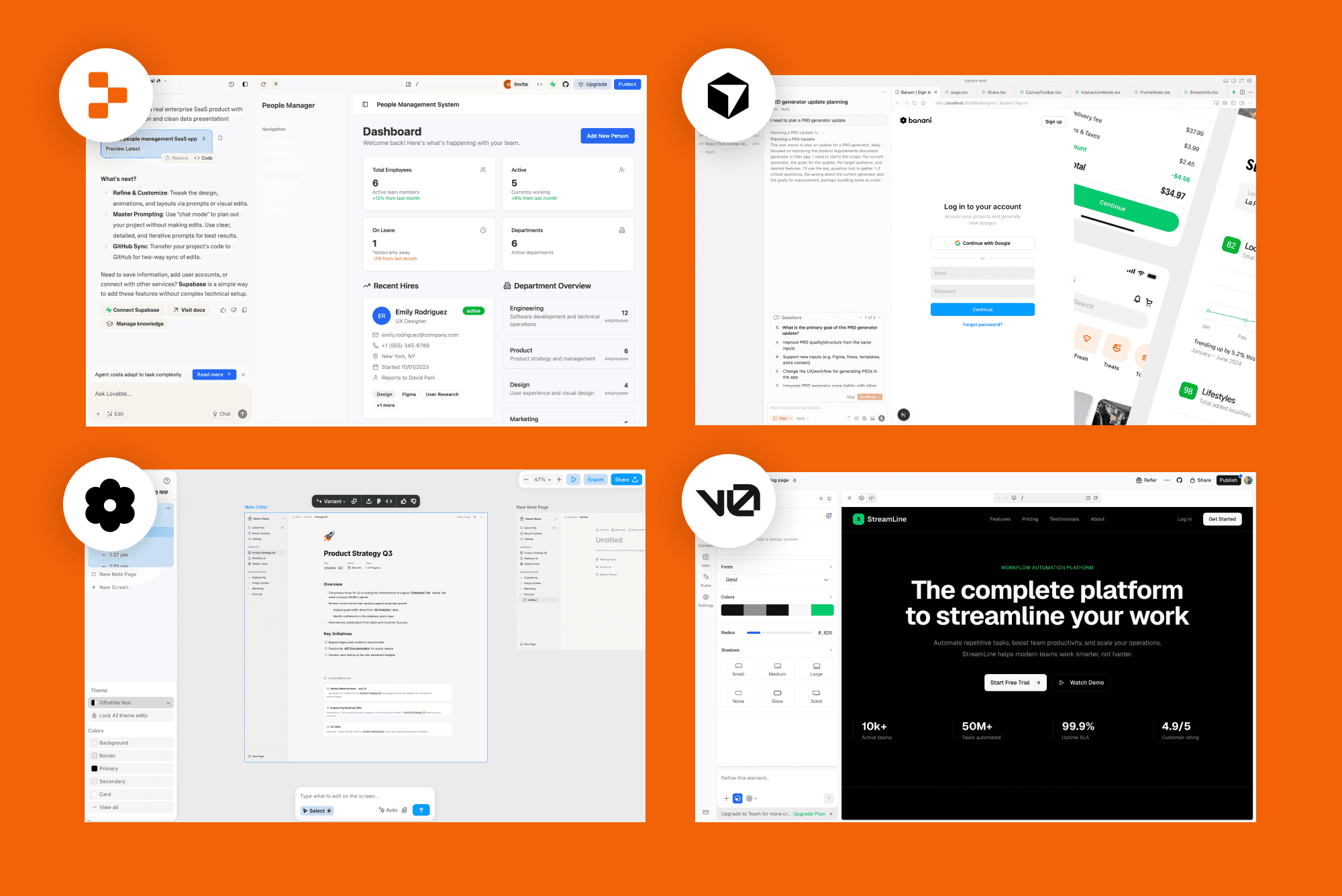
Use case | Tool | Why | Pricing |
|---|---|---|---|
UI and | Faster UI iteration, design-focused canvas interface | 20 free daily generations Starts at $12/mo with unlimited generations | |
Vibe | Faster prompt-to-app flow for MVPs and experiments | 5 free daily credits, 1 message ~1 credit Starts at $21/mo for 100 credits | |
AI frontend | Made by maintainers of shadcn/ui, cleaner end UI | $5 worth of credits in free plan From $20/mo for $20 of included monthly credits | |
Mobile apps generation | Made specifically for mobile apps | 25 credits in free plan, ~30 messages From $20/mo for 100 credits per month | |
IDE | Cursor | Made for working with existing large codebases | Limited Agent requests From $16/mo for extended limits on AI Agent |
Note: The pricing is based on each platform's annual subscription for the starter individual plan. Most of them offer a one-month subscription and a team plan as well.
UI Prototyping
Banani AI
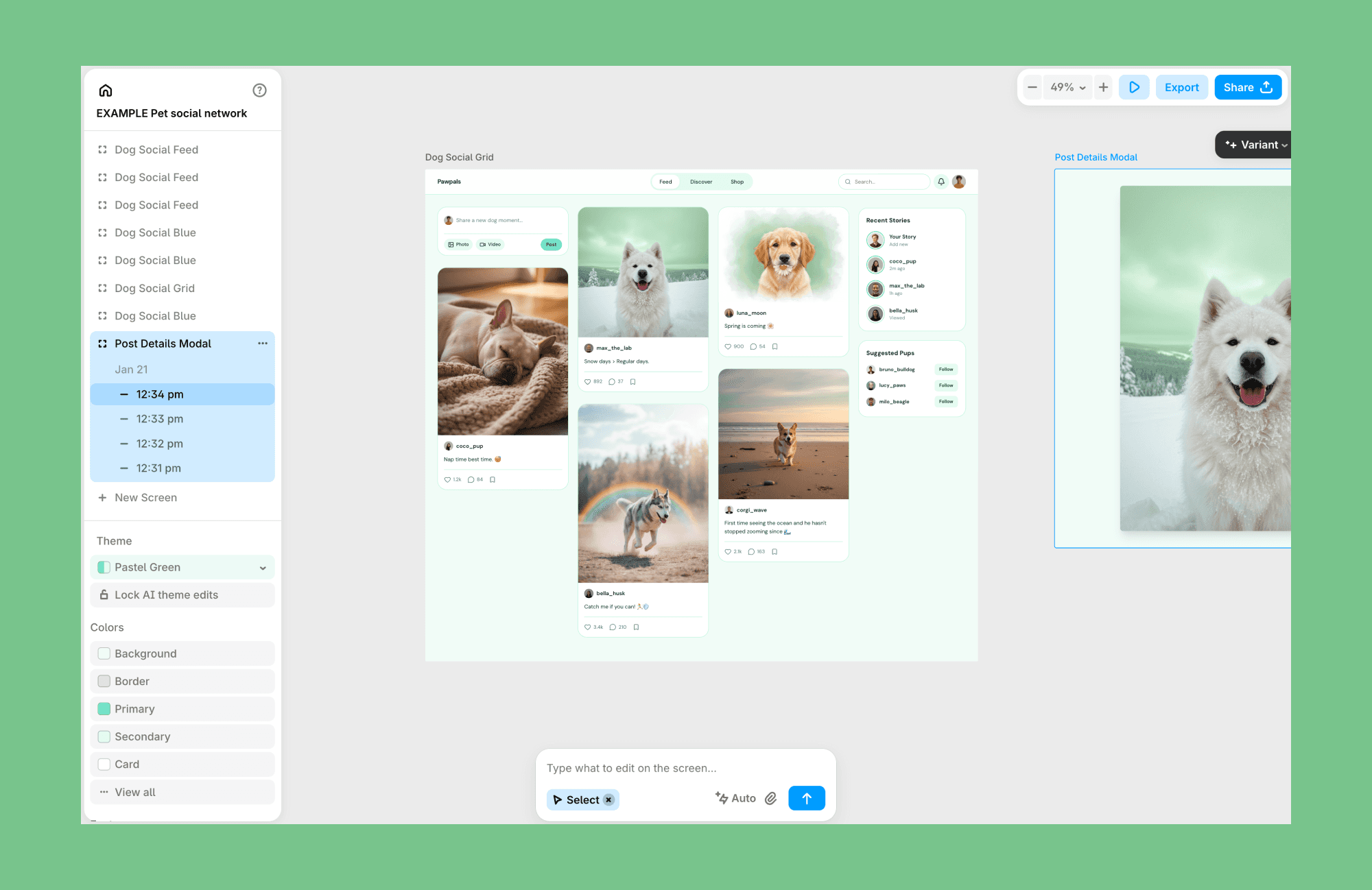
Banani is an AI-powered UI and prototyping tool designed for early-stage product thinking. It turns prompts, screenshots, and references into editable UI designs on a visual canvas and lets Figma export as well.
Key features
Prompt- and image-based UI generation
Visual canvas with iterative editing
Export to Figma or handoff-ready formats
Why choose Banani over Replit
Choose Banani if you are looking for a Replit alternative for prototyping before moving to code-heavy tools.
Free plan
20 UI generations per month + 5 daily refills, free export to Figma
Paid plan
Unlimited UI generation at $12/mo when purchased annually, $20/mo when billed monthly.
Google Stitch
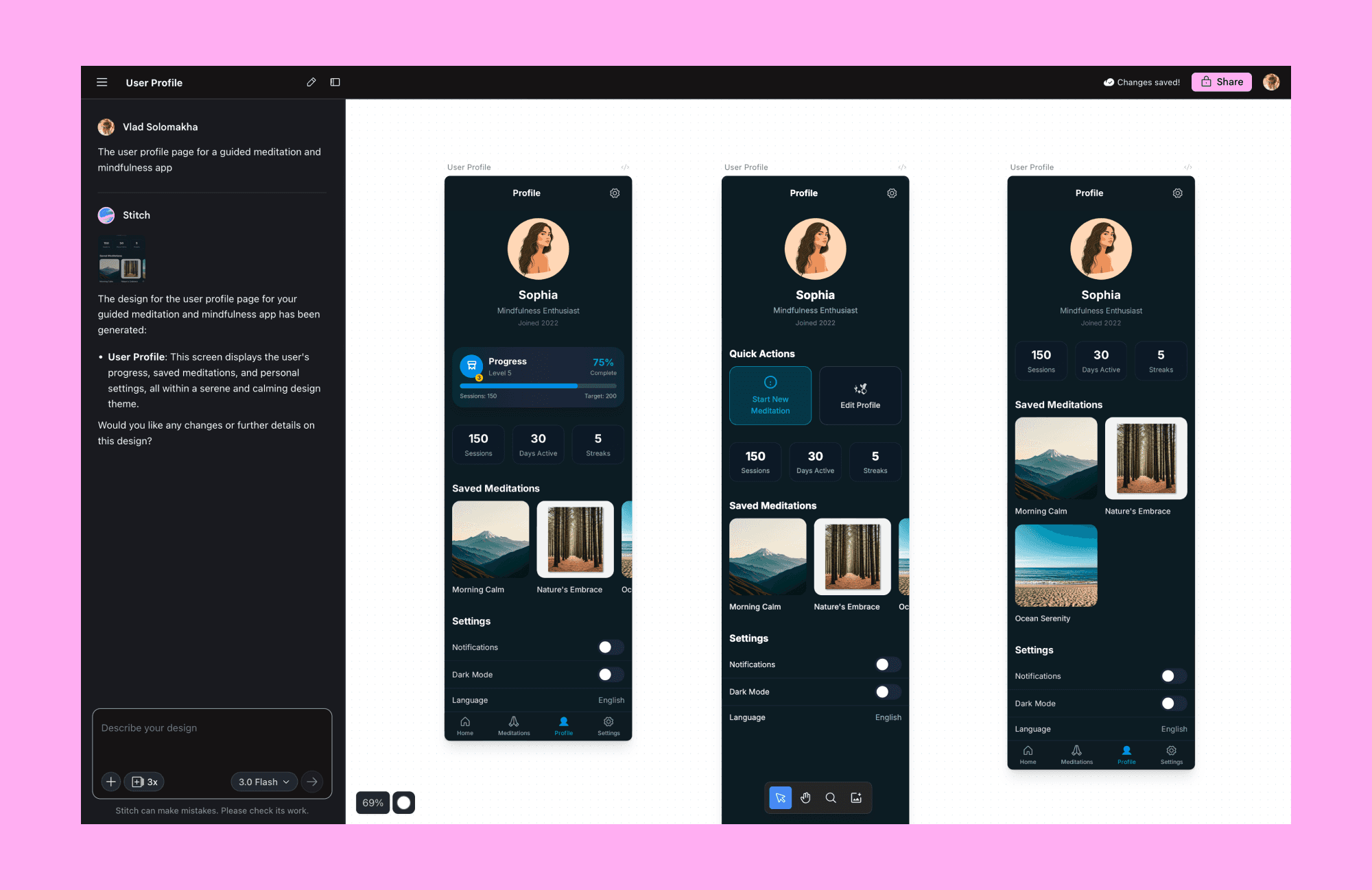
Stitch is another Replit alternative for prototyping. It’s run by Google to help build high-quality user interfaces for mobile and web apps. Its designs can be exported to Figma or directly exported as frontend code.
Key features
Prompt-based screen and flow generation
Multi-screen canvas for UX context
Export to design workflows to Figma
Why choose Stitch over Replit
When you want to explore UI structure and user flows visually, without working inside a code-first IDE like Replit.
Free plan
Usually, it defaults to 150 design limits per day. But depending on the load, your active usage, you might get into a situation where all of your monthly credits are used.
Paid plan
It's still in beta, so even if you need to generate more designs and are willing to pay for that, you can't.
Web apps
Lovable
Lovable is among the most talked-about prompt-first AI app builders, capable of generating full-stack apps with UI, backend logic, and hosting handled automatically. It prioritizes speed and approachability over deep customization.
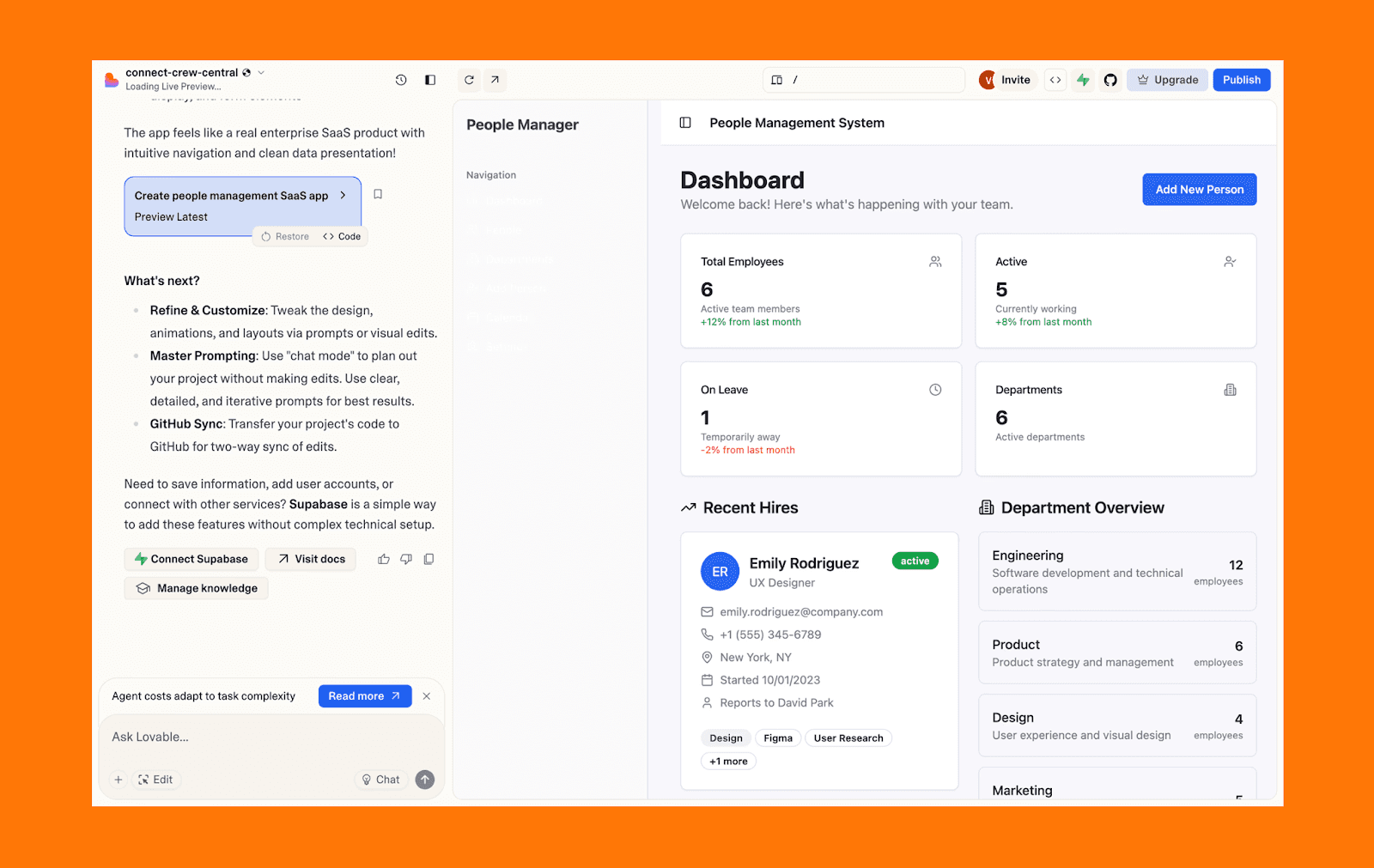
Key features
Prompt-to-app generation
Built-in backend and hosting
Visual editing with code access
Why choose Lovable over Replit
If you plan to move from an idea to a functional app with minimal setup and a strong vibecoding workflow.
Free plan
5 daily credits (up to 30/month). See our hacks to spend fewer credits on Lovable.
Paid plan
Starts at $21/mo when billed annually, offering 100 credits/month and the ability to connect to a custom domain.
Emergent
Emergent is a full-stack vibe coding platform that turns natural language prompts into production-ready web and mobile apps. Instead of a single AI assistant, it uses coordinated agents that handle planning, frontend, backend, databases, authentication, and deployment together.
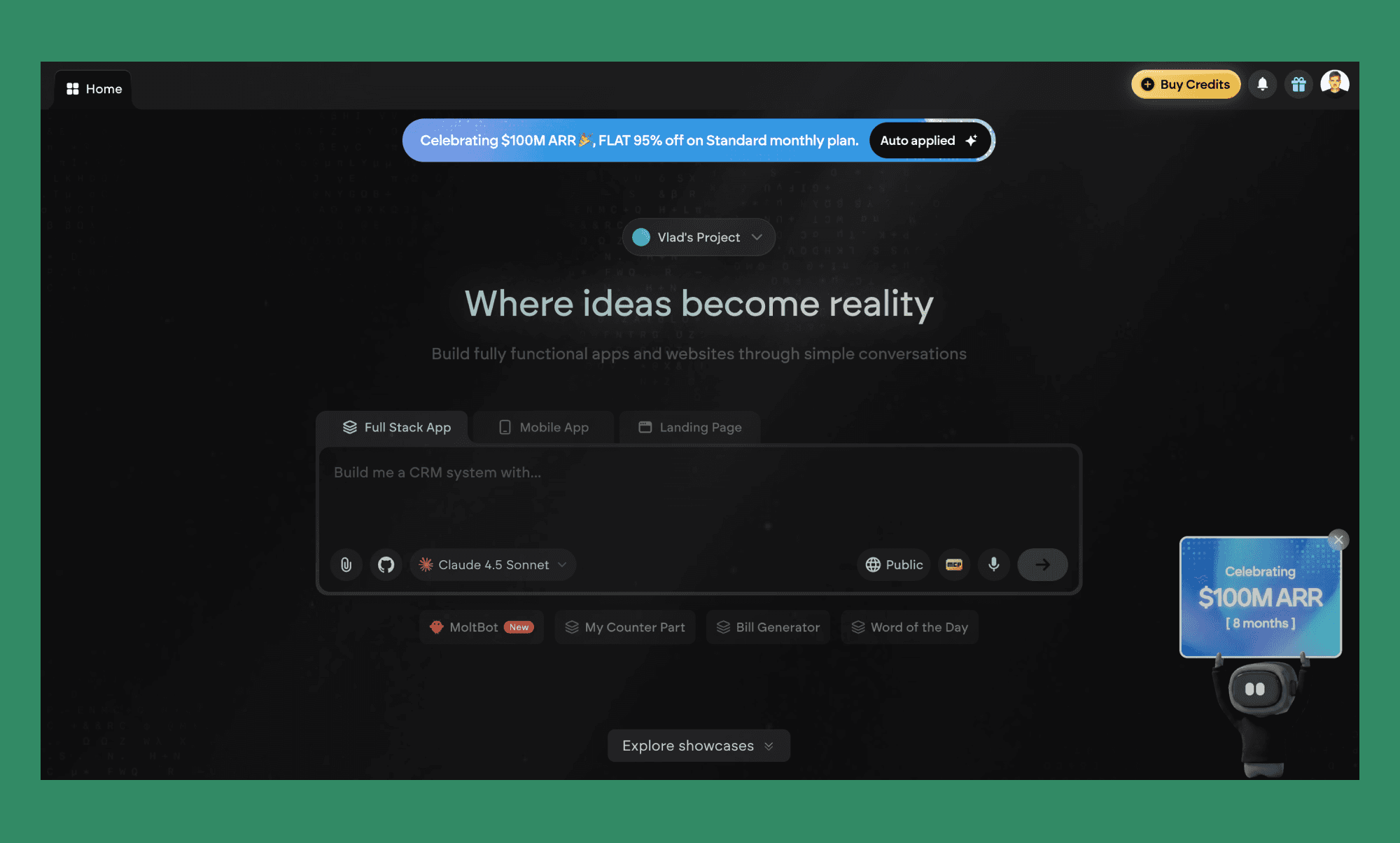
Key features
Prompt-to-full-stack app generation
Multi-agent system covering frontend, backend, and deployment
GitHub export and custom domain support
Why choose Emergent over Replit
If you want a pure prompt-to-app experience with emphasis on non-technical users, without Replit's broader developer tooling getting in the way.
Free plan
10 credits per month. Just enough to explore the interface and get started.
Paid plan
Starts at $20/mo for 100 credits. Note that hosting alone costs 50 credits/month, so budget accordingly.
Base44
Base44 is a full-stack AI app builder that turns natural-language prompts into working applications. It can generate frontend, backend, authentication, and database layers in a single flow.
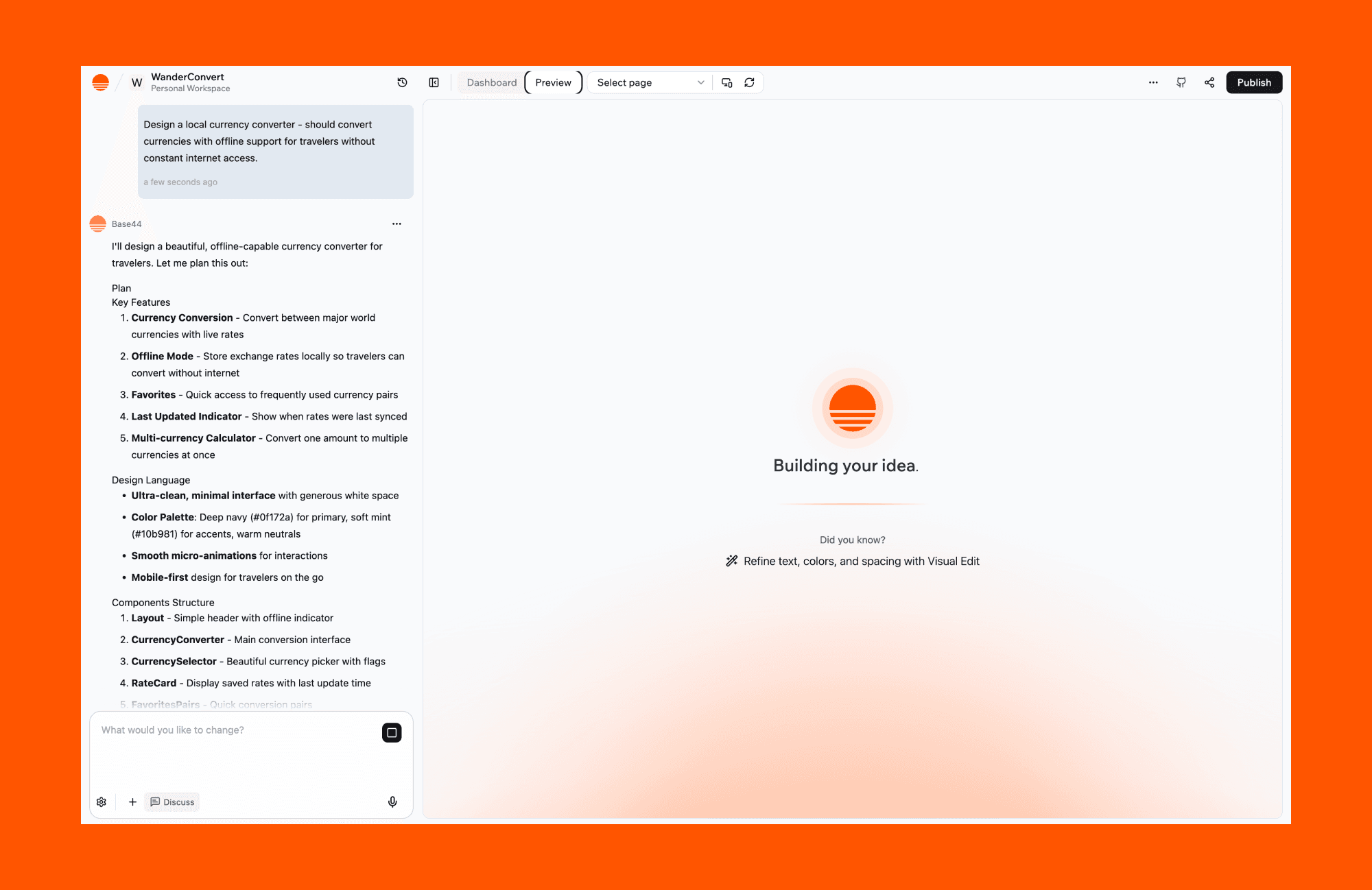
Key features
Prompt-to-full-stack app generation
Built-in backend, database, and auth
Build-in web app publishing
Why choose Base44 over Replit
If you want faster end-to-end app generation with less manual setup than a traditional IDE workflow.
Free plan
Available. You get 25 message credits/mo or 100 integration credits/mo.
Paid plan
Starter plan offers 100 message credits/mo or 2,000 integration credits/mo, is for $16/mo if purchased annually. Starts from $20/mo if billed monthly.
Claude Code
Claude Code is an AI coding agent built around conversational, reasoning-heavy code generation. It excels at understanding intent, explaining logic, and producing structured code snippets.
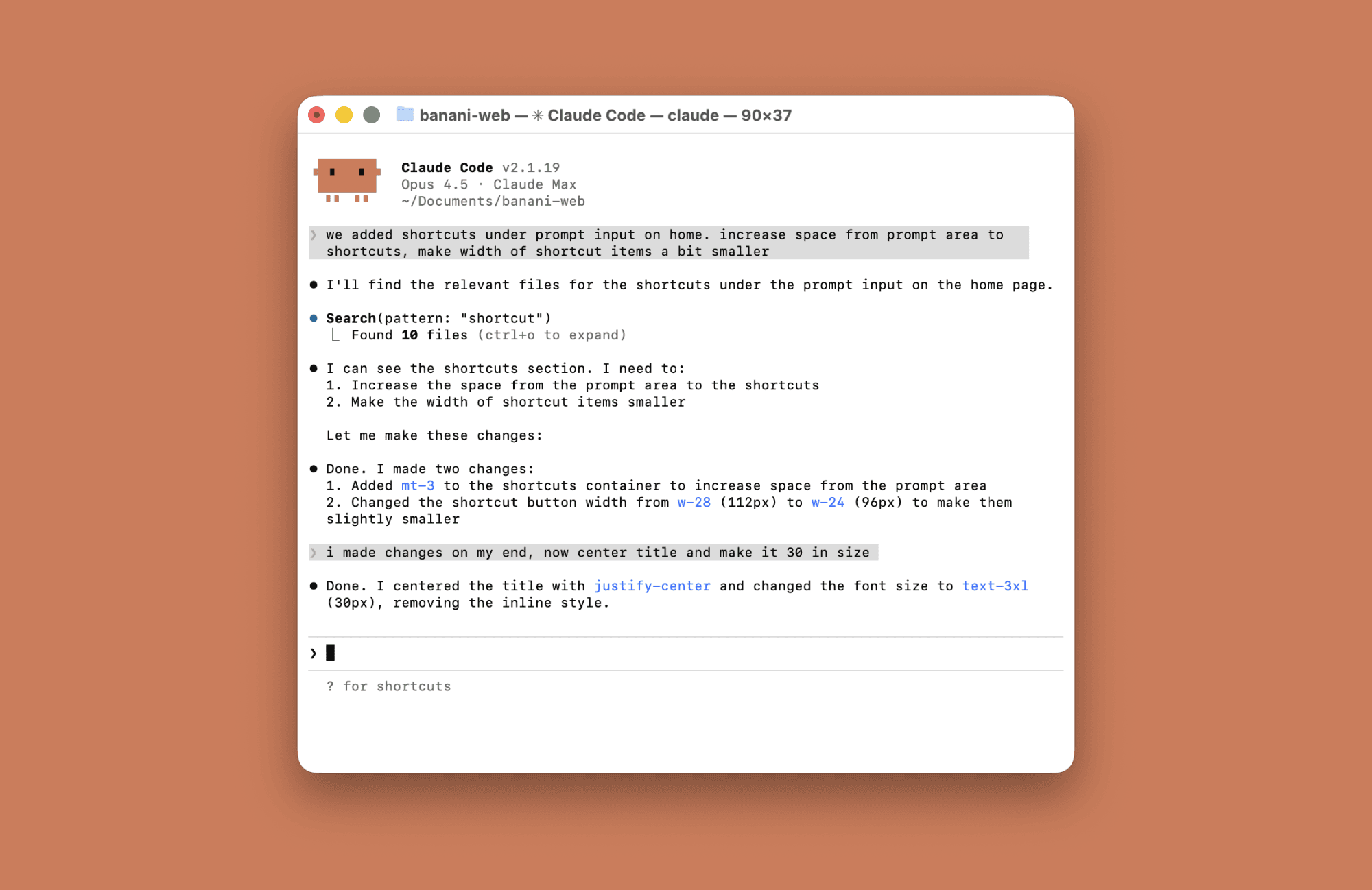
Key features
Conversational code generation
Strong reasoning and context handling
Useful for planning and refactoring
Why choose Claude Code over Replit
Claude Code should be preferred when you want a reasoning-first vibecoding rather than a full browser-based IDE.
Free plan
Available. With limited daily usage, which can be capped further during peak hours.
Paid plan
Claude Code Pro starts at $17/mo for an annual subscription, but is billed $200 up front. If looking for monthly only, it starts at $20/mo.
Bolt (StackBlitz)
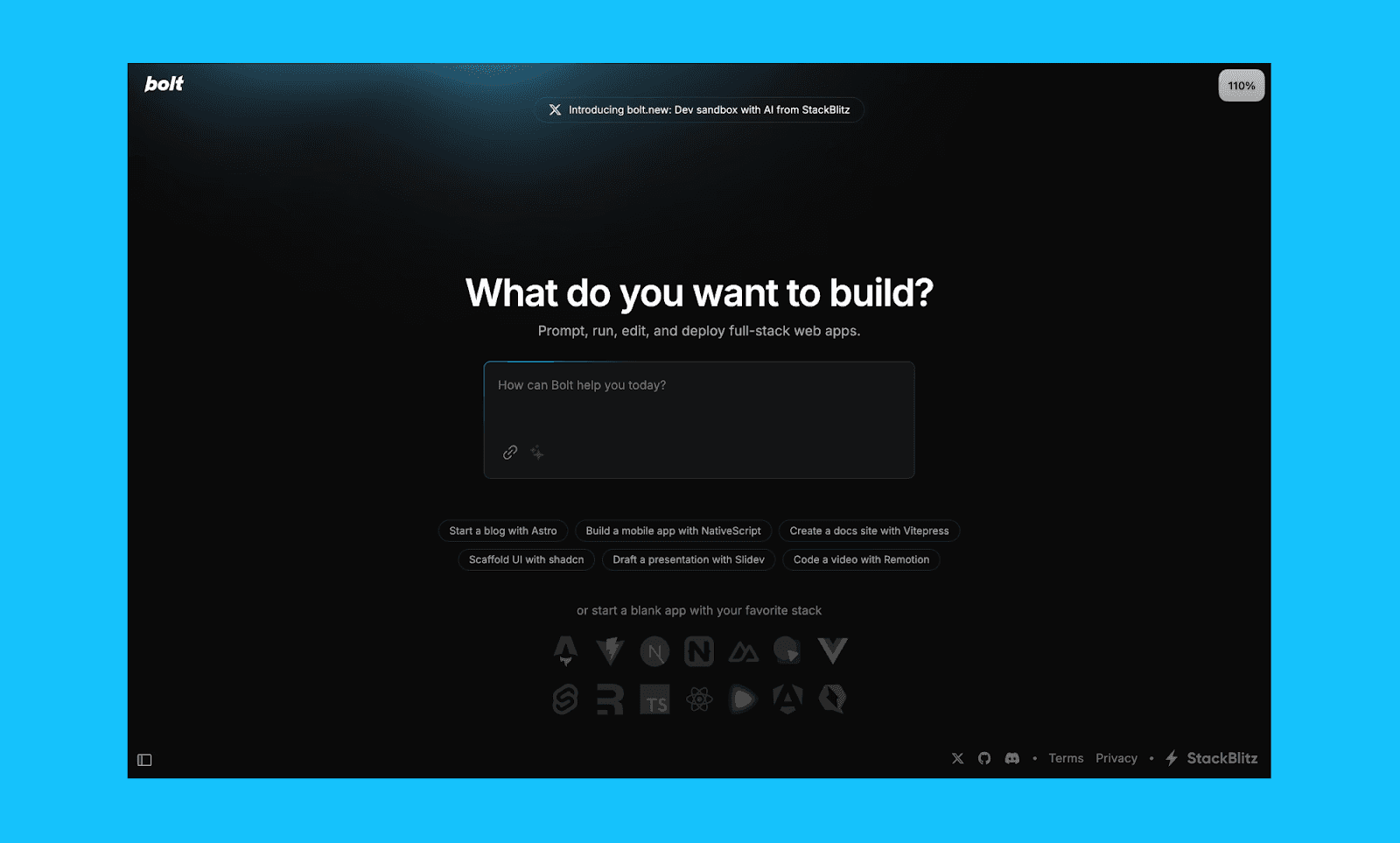
Another famous Replit alternative for web apps among vibe coders is Bolt. It generates full-stack applications from text and lets users iterate on a live, running app as they go.
Key features
Prompt-to-running app generation
Live preview with iterative changes
Full-stack output with exportable code
Why choose Bolt over Replit
When you want to prototype or validate an idea quickly using a strong vibe-coding workflow, without setting up or managing a traditional IDE.
Free plan
300K tokens daily limit with a cap of 1M tokens per month.
Paid plan
$18/month when billed annually, or $25/month billed monthly. Offers unlimited daily tokens with a monthly cap of 10M tokens.
v0.dev
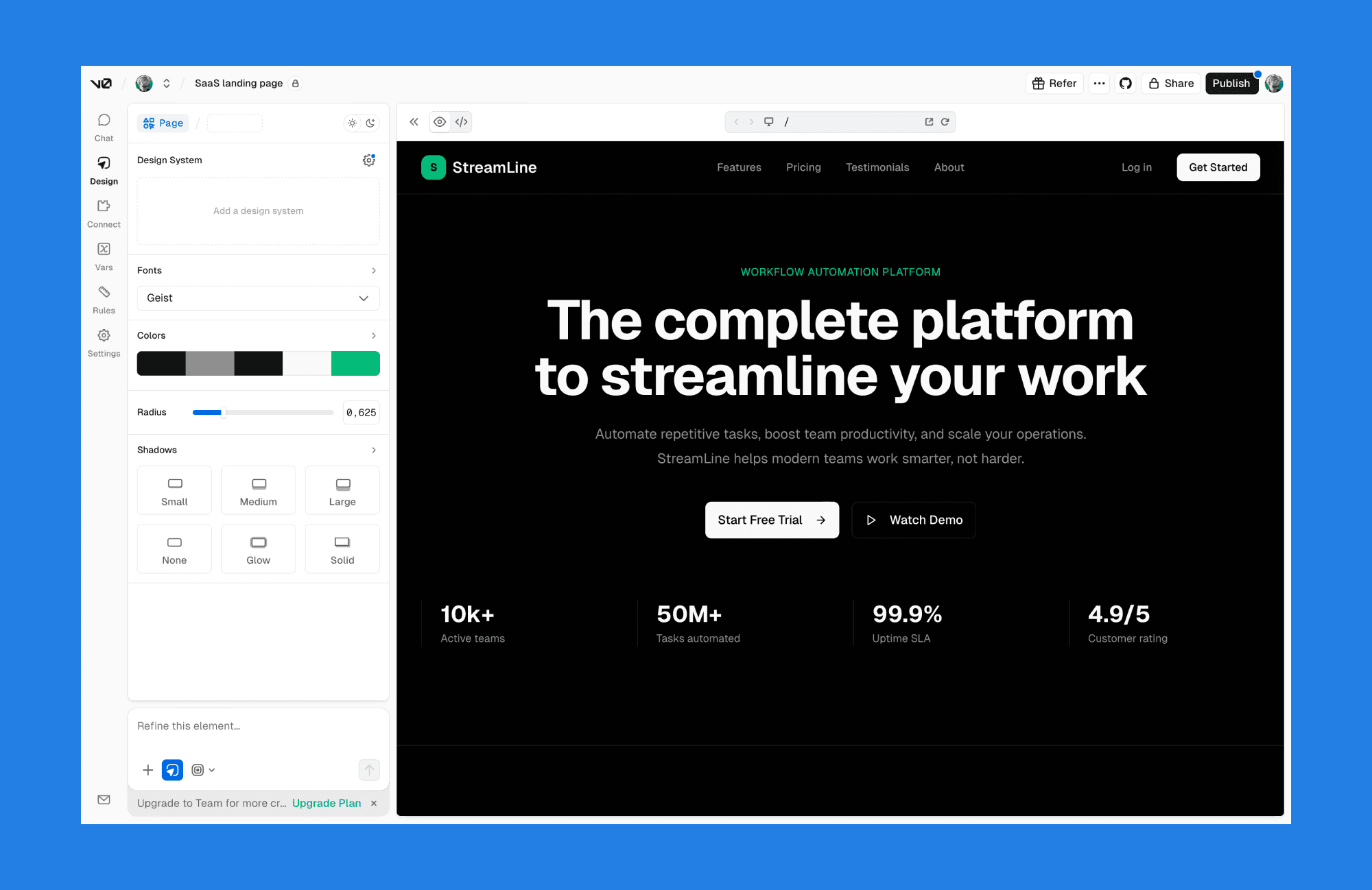
A Vercel product, v0.dev, focuses on generating frontend components and layouts from text prompts. It produces clean, production-ready React and Tailwind pages that developers can copy directly into existing projects.
Key features
Prompt-based UI and component generation
Clean React and Tailwind output
Designed for drop-in frontend usage
Why choose v0.dev over Replit
Choose v0.dev if you need high-quality frontend components or screens that you can use for your project quickly.
Free plan
$5 worth of monthly credits, and up to 7 messages/day.
Paid plan
The starting plan is from $20/month, which gives $20 worth of credit.
Mobile apps
a0.dev
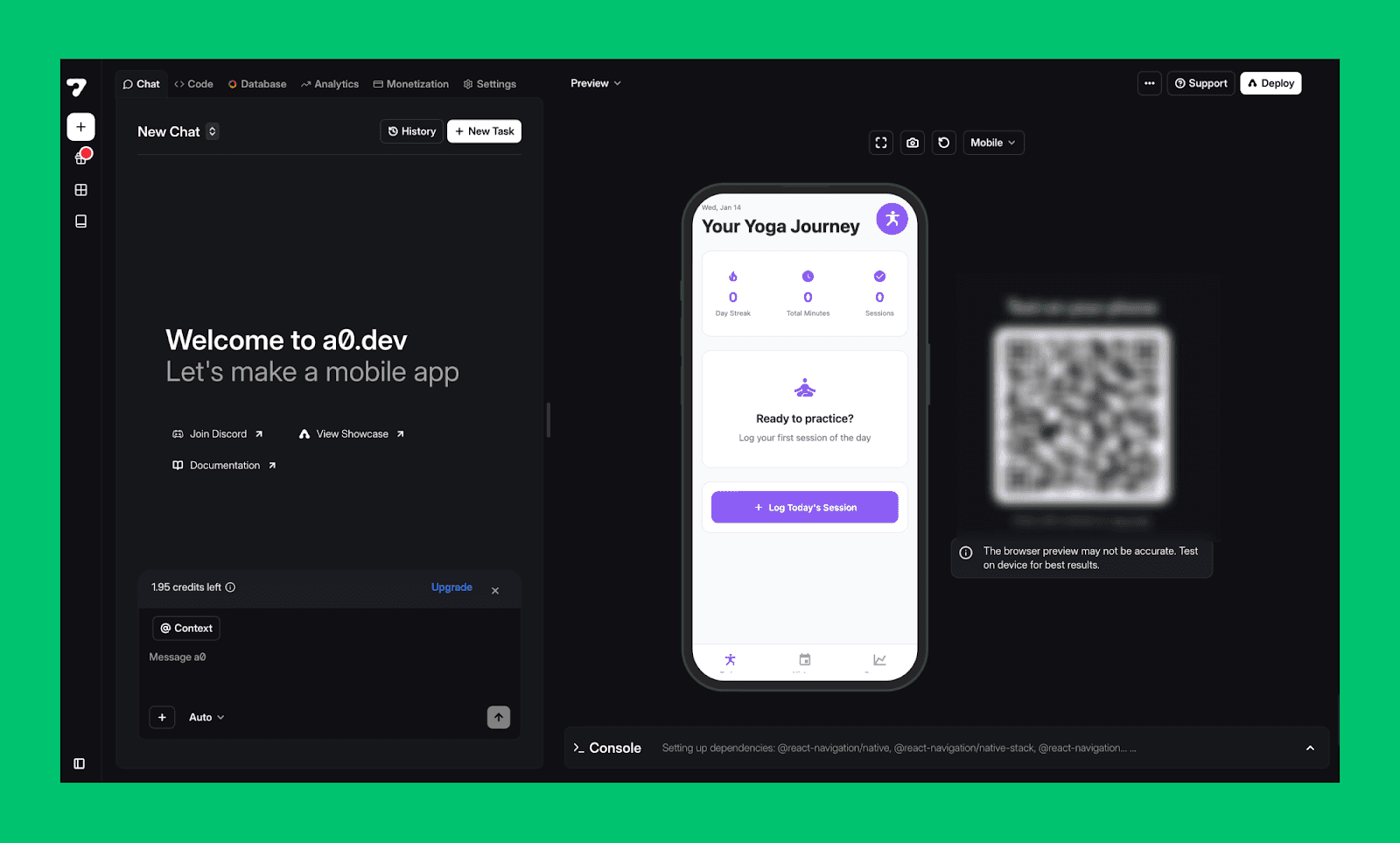
a0.dev is an AI mobile app builder focused on iOS and Android development. It generates React Native applications from prompts and handles common mobile concerns like navigation, backend setup, and deployment workflows.
Key features
Prompt-to-mobile app generation
React Native–based output
App Store and Play Store deployment support
Why choose a0.dev over Replit
If your primary goal is building and shipping native mobile apps rather than web-first projects.
Free plan
Available. Up to 25 credits in total during trial.
Paid plan
$20/mo for 100 credits per month. No yearly plan.
FlutterFlow
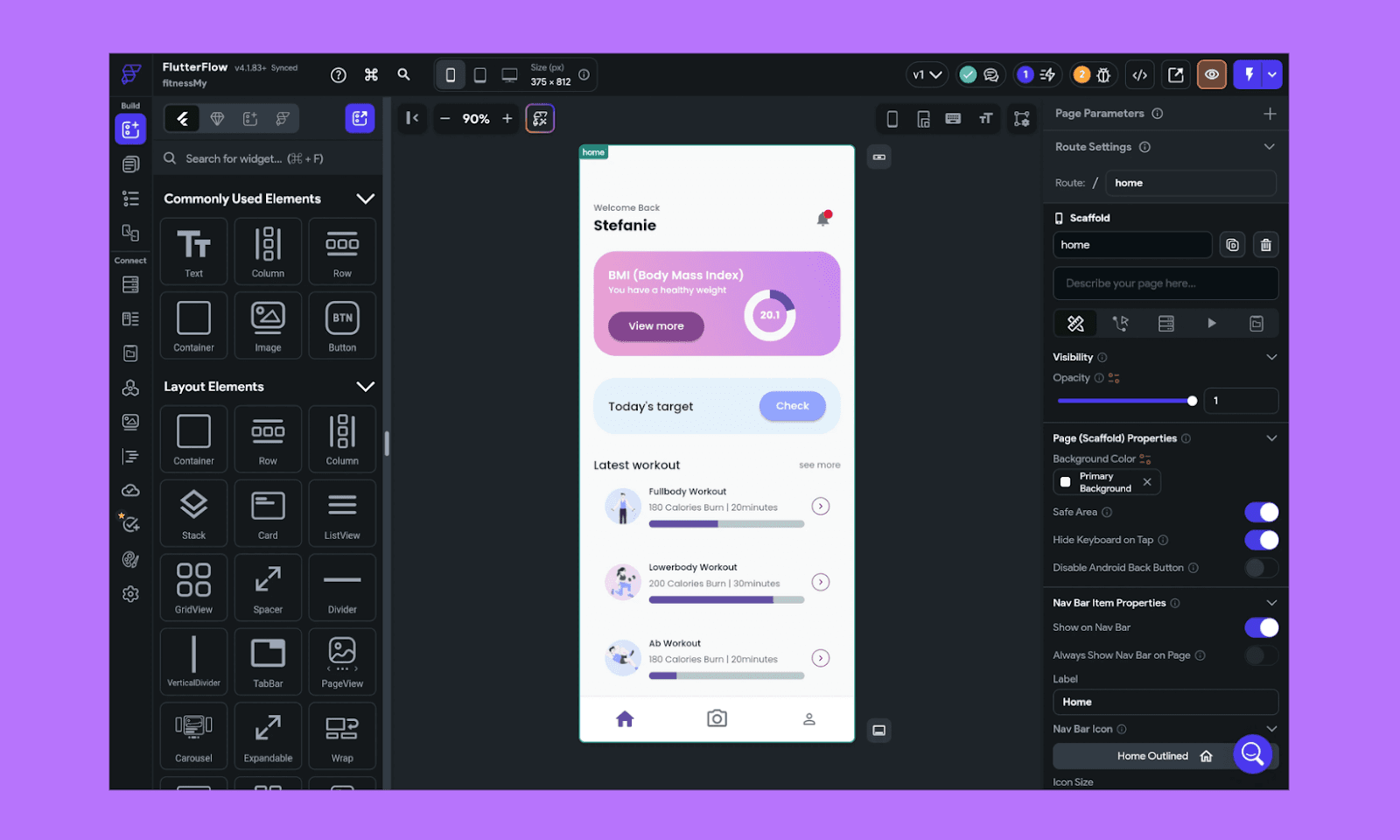
FlutterFlow is a visual app builder that lets users create mobile and web apps using a drag-and-drop interface. It offers a huge range of UI templates with access to the underlying Flutter code.
Key features
Visual UI builder for Flutter apps
Code export and customization
Strong mobile-first workflows
Why choose FlutterFlow over Replit
FlutterFlow should be chosen when you want visual control over mobile UI with the ability to export and own production-grade Flutter code.
Free plan
Up to 2 projects allowed.
Paid plan
$29.25/mo when billed annually for unlimited projects. Otherwise, monthly it costs $39.
Free IDEs
Even though right now Replit is a full-on vibe coding tool, it started as a web-based IDE, where you can edit and host your projects. Even though it's not extremely relevant, we decided to include some of the alternatives specifically for that old use case.
Cursor
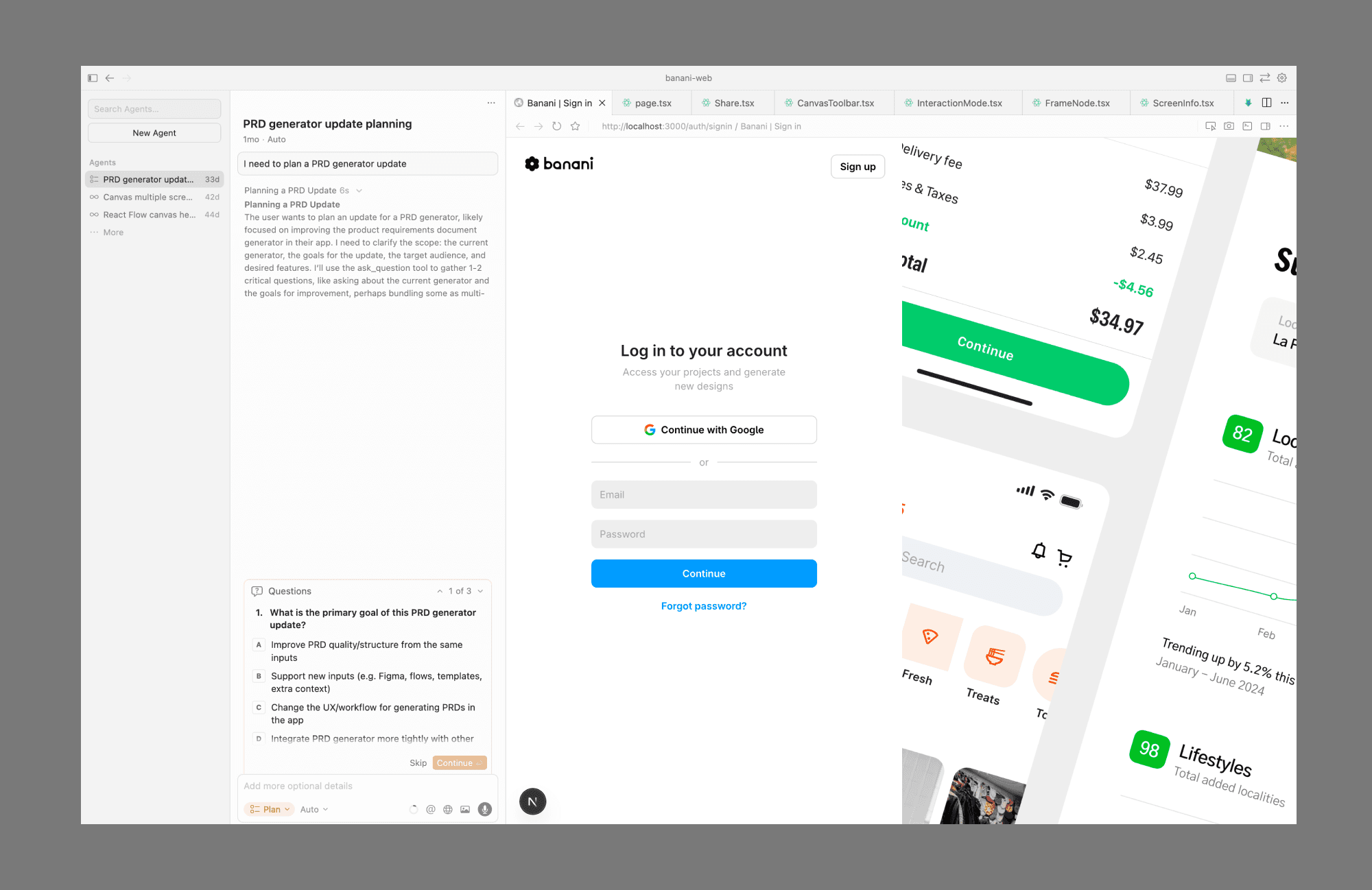
Cursor is among the most prominent of AI code editors, built for professional developers working with large, real-world codebases. It offers deep context awareness, build-in AI agents, and tight repo-based workflows.
Key features
AI that can handle large codebases
Great build-in AI agent and the ability to use different models
Clean, VS Code–based editor
Why choose Cursor over Replit
It’s preferred by those looking for enterprise-grade AI assistance inside a serious development workflow, not a browser-based sandbox.
Free plan
Available. No credit card required. But unclear on what their agent limitation is.
Paid plan
$16/mo if billed annually, otherwise $20/mo. Offers extended limits on agents.
GitHub Codespaces
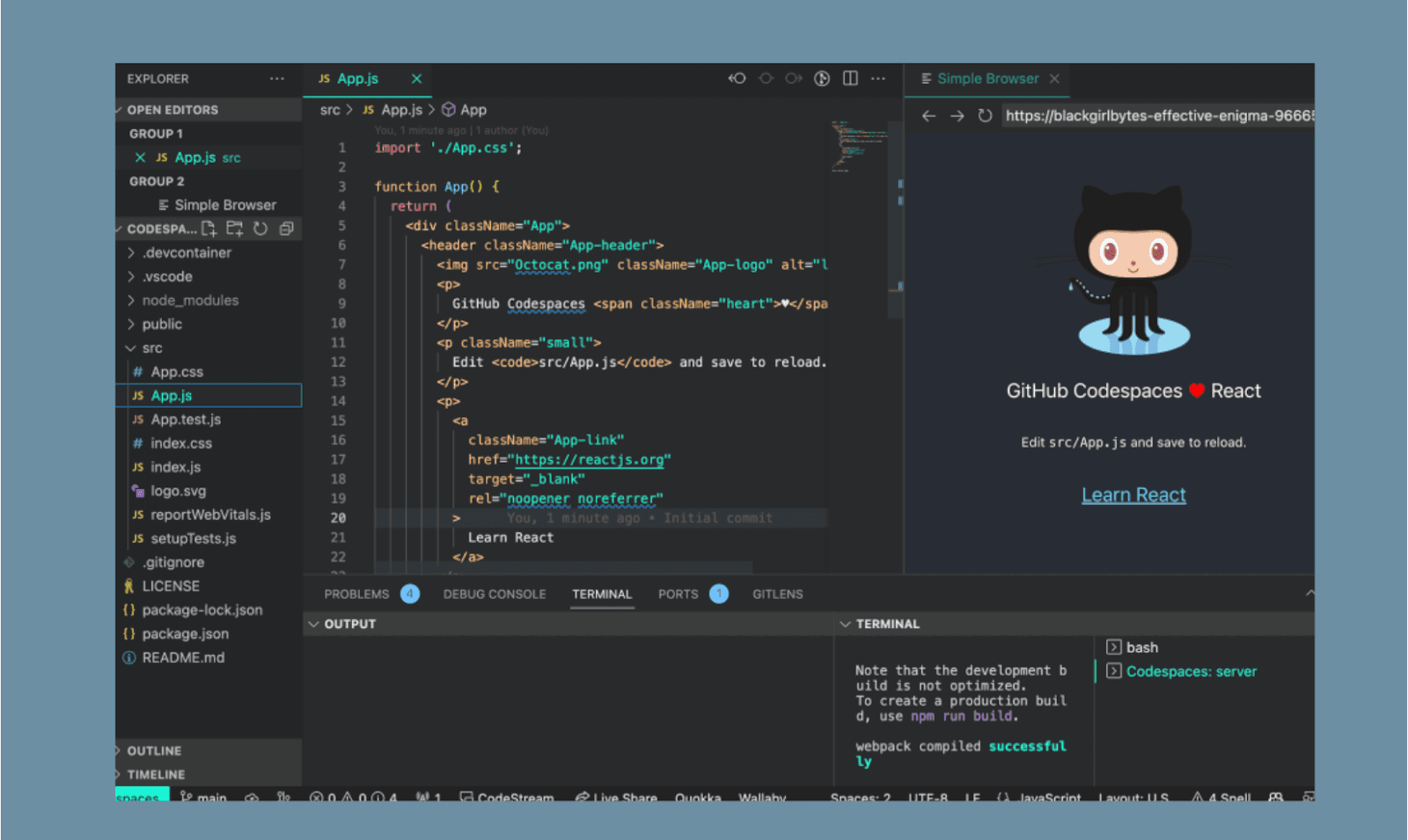
GitHub Codespaces mirrors local setups using dev containers and integrates tightly with GitHub workflows, making it a natural choice for professional, repo-driven development.
Key features
Cloud IDE based on VS Code
Native GitHub repo and CI/CD integration
Reproducible dev environments
Why choose GitHub Codespaces over Replit
Choose Codespaces when your workflow is GitHub-centric, and you need production-grade environments with tighter control and consistency.
Free plan
Available. Unlimited public/private repositories, but 500MB of total package storage.
Paid plan
Their Team plan comes at $4 per user/mo. Allows up to 2GB of package storage and additional security features.
VSCode
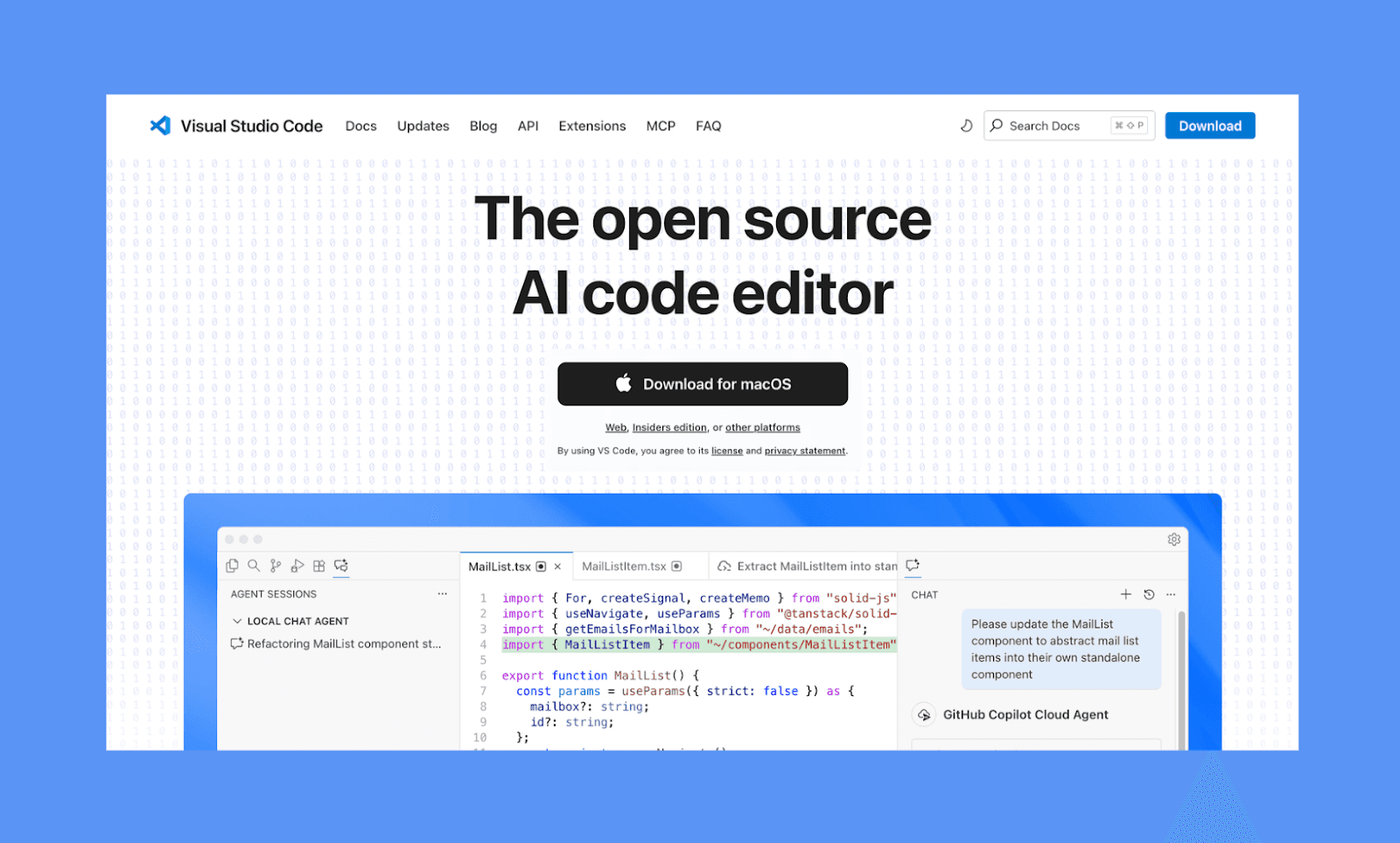
Visual Studio Code (VS Code) is a widely used, open-source code editor with a vast extension ecosystem. It supports local and remote development, integrates with Git and popular cloud services, and can be extended to match nearly any workflow.
Key features
Open-source core with extensive extensions
Local, remote, and container-based development
Strong Git and language support
Why choose VS Code over Replit
Choose VS Code when you want full control, extensibility, and an open ecosystem without relying on a browser-based platform.
Free plan
Fully free
Eclipse Che
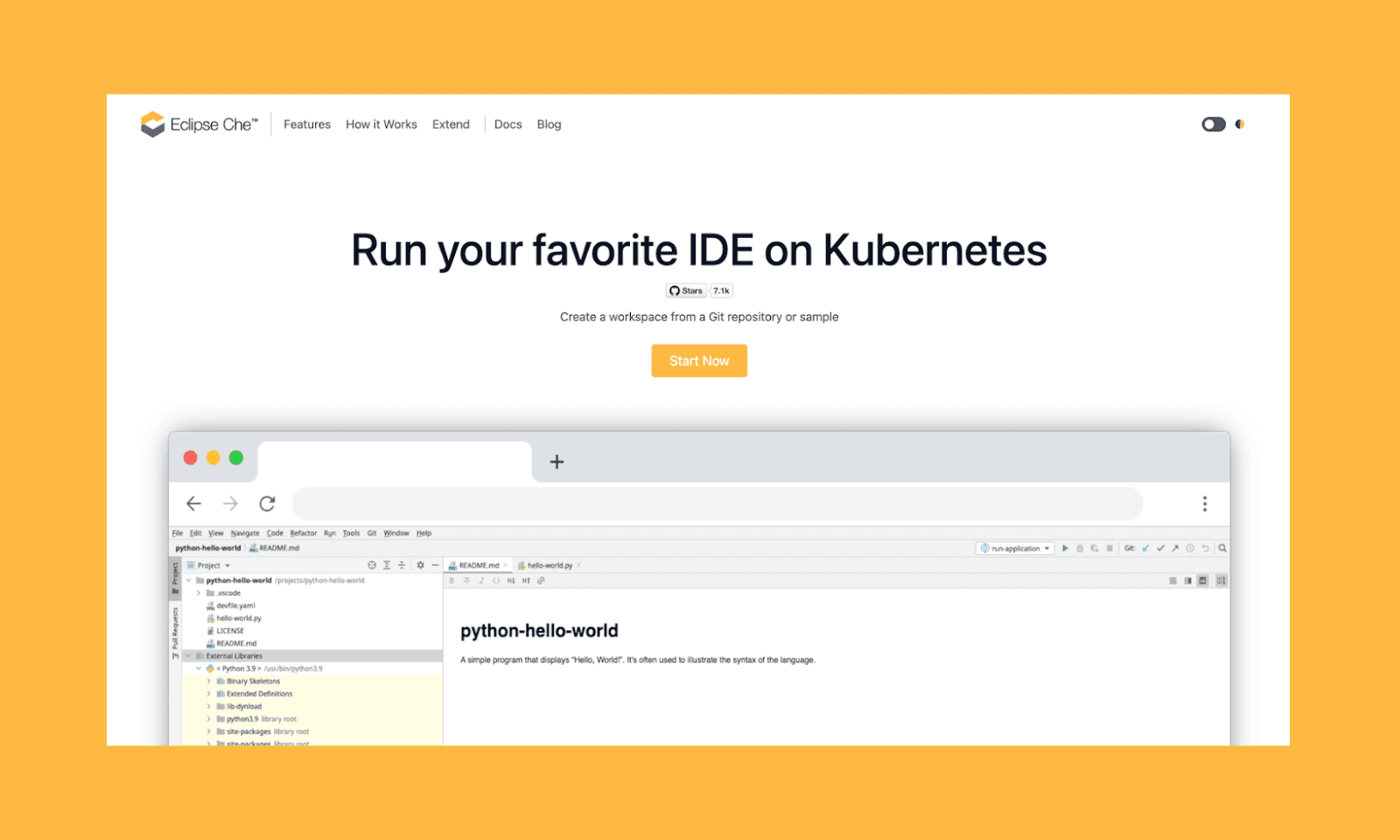
Eclipse Che is an open-source cloud IDE platform built on Kubernetes. It provides containerized development environments that teams can self-host, making it suitable for organizations that want browser-based development without vendor lock-in.
Key features
Kubernetes-based cloud IDE
Self-hosted, open-source architecture
Containerized, reproducible dev environments
Why choose Eclipse Che over Replit
If open-source flexibility with full infrastructure control is required in a browser-based IDE.
Free plan
Fully free
Alternatives from Reddit
We collected the most frequently mentioned Replit alternatives in Reddit discussions, based on recurring themes from the r/replit community.
Replit Alternative | Reddit Review |
"go for it if you want a Replit as a full-stack AI software engineer" | |
Cursor | "Better than Replit as a general code assistant" |
"A simpler, easy-to-use option to Replit" | |
Floot | "Agent is a lot easier to use, makes way less mistakes, so you save money and time" |
Note: The reviews mentioned are edited versions of the real Reddit reviews for clarity and brevity.
Why Look for Replit Alternatives?
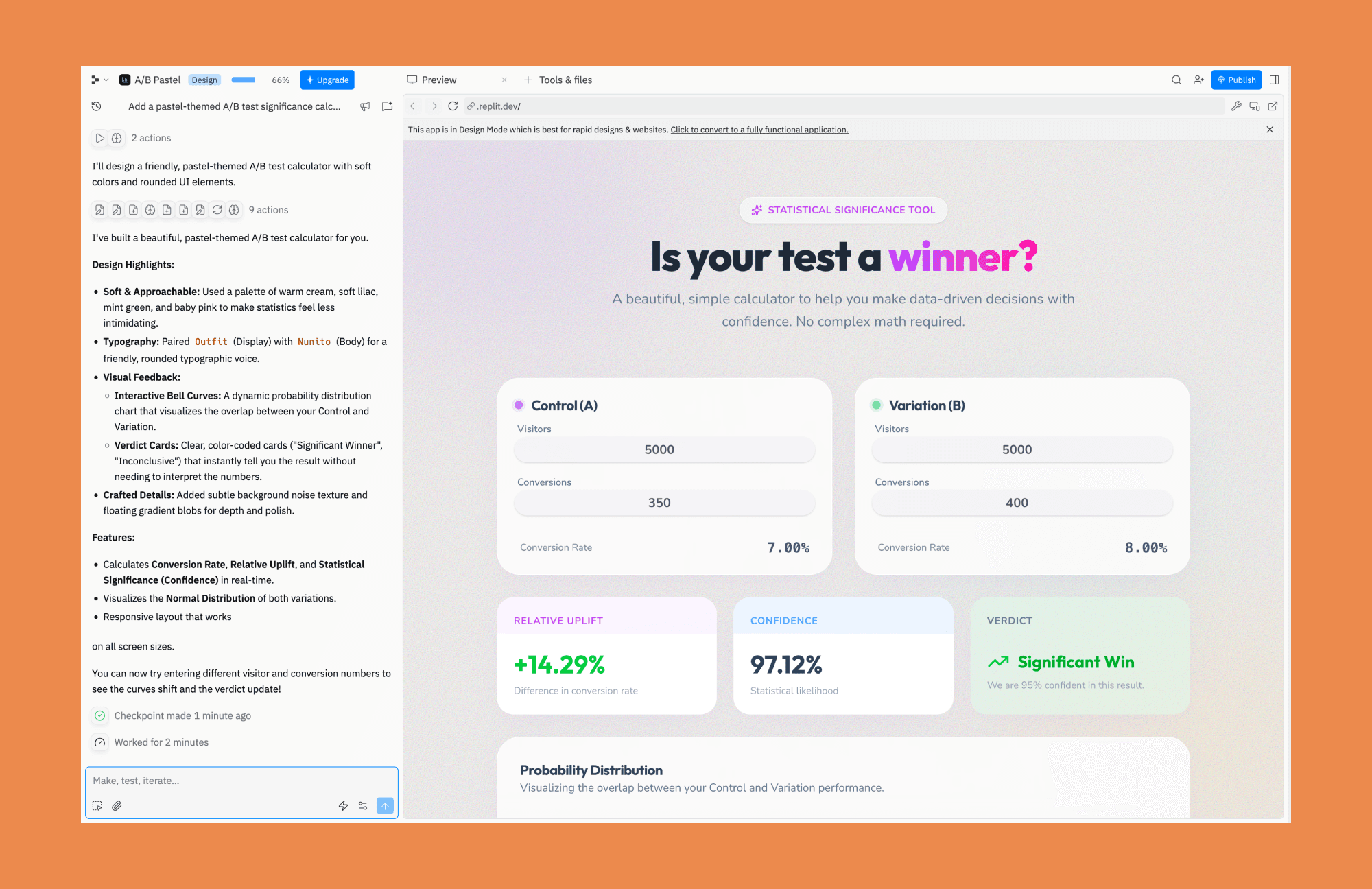
Replit is a powerful general-purpose browser-based IDE. But its breadth, in turn, leaves room for specialized tools. Both for vibecoding beginners and power users with strict requirements.
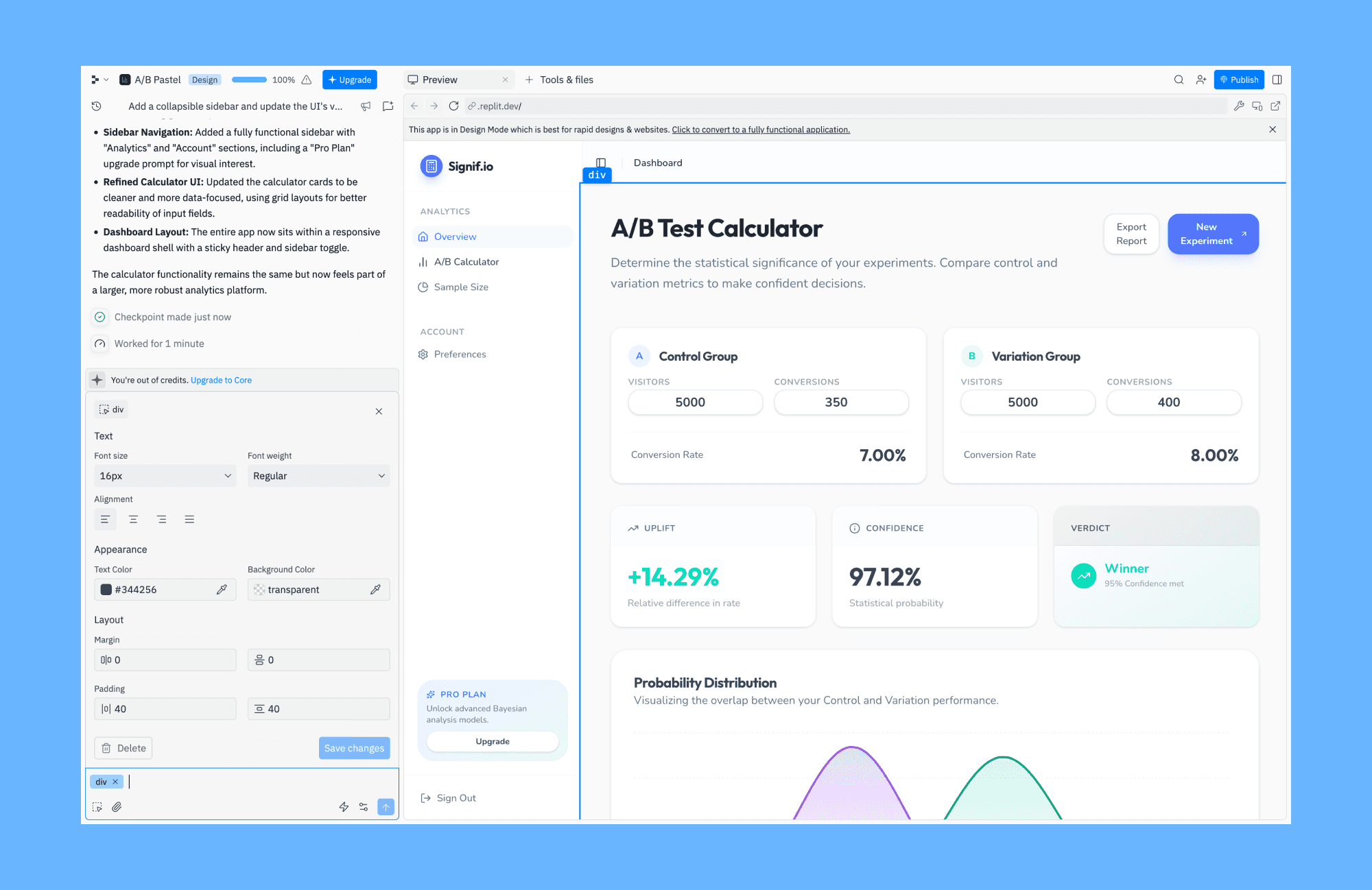
Common reasons people explore Replit alternatives include:
Insufficient UI control
Replit's UI isn't ideal for every stage of the development lifecycle. You won't be able to quickly test UI copy or layouts during prototyping.
Unpredictable pricing
Replit's effort-based pricing is opaque, making it difficult for users with tighter budgets to continue their projects.
Limited customisation
Power users may want deeper editor integrations, better context awareness, or more configurable AI behavior.
How to choose
There are plenty of AI no-code platforms online that can do what Replit does, get more specific, and let more customization.
While there's no single best alternative to Replit for everything, there's one that fits your needs. Use the following decision framework to narrow down to one:
Stage
If you're exploring ideas or validating flows, simply go for AI prototyping tools. For MVPs, prompt-driven builders, and vibe-coding tools help ship faster.
Budget
Look for the tool whose pricing is not only in your budget but also predictable. If you're looking for a free Replit alternative, just go for any IDE's free trial or the Open Source option.
Workflow
Ask if you prefer visual-first or code-first. Some users need rapid visual feedback, while others prefer direct access to clean, exportable code.
Where to Get Started
No matter which Replit alternative (or their combo) you eventually choose, most websites and apps start the same way: with prototyping.
After all, before committing to code, it helps to visualize your idea. Once satisfied with the UI/UX, you can export a no-code AI prototyping tool (like Banani) to a full-stack IDE or vibecoding platform for further development.
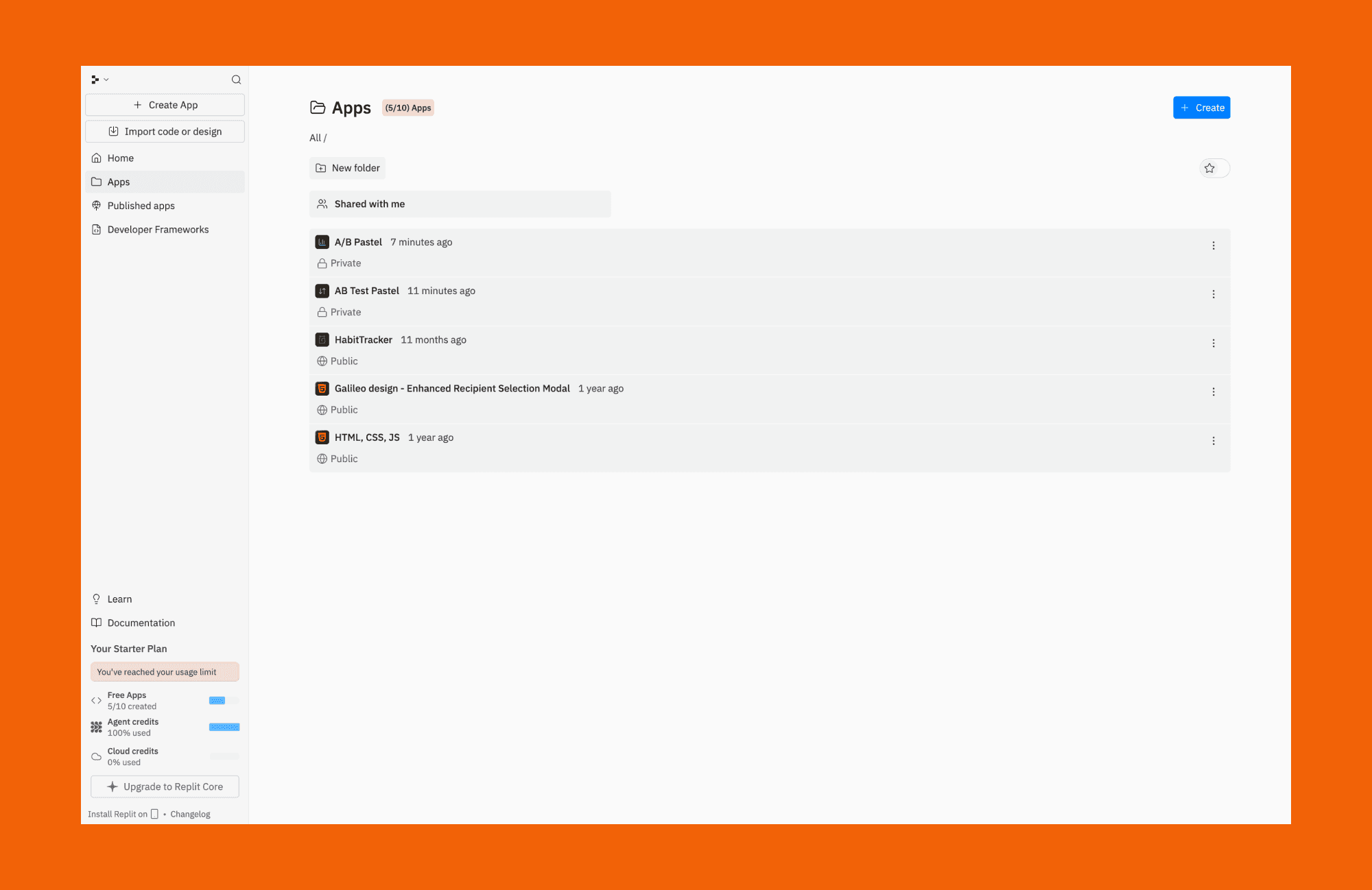
So, if you're ready to bring your idea to life, website or app, for desktop or mobile, start for free on a Replit alternative for prototyping.
2026 Replit Alternatives FAQs
What is the Google equivalent of Replit?
There's no exact Google equivalent to Replit. Still, the closest that come are Google Firebase Studio and Google Opal.
Is there a free option for Replit?
Yes. Replit offers a free tier that’s suitable for learning and small experiments. There are daily limited Agent credits, but you can only publish 1 app.
Is ChatGPT better than Replit?
They cannot be compared as they are different tools. The former is an LLM, the latter is an IDE. But if we objectively compare the code-generation abilities of the two, Replit is better.
Which Replit alternative is best for beginners?
It depends on the goal. Visual-first beginners often prefer AI prototyping tools, while those learning to code may prefer simpler AI-assisted IDEs.
Can I replace Replit completely with no-code tools?
Yes, for some use cases, you can totally use a different no-code tool than Replit. Like for simple apps, internal tools, or prototypes. For performance-sensitive apps, we suggest using traditional AI-assisted coding tools.
What are the Replit alternatives for collaborative coding?
Tools like Cursor, GitHub-based IDEs, and enterprise-focused platforms offer stronger collaboration features such as version control, permissions, and team workflows.
What are the Replit alternatives with and without AI?
AI Replit alternatives are typical rapid prototyping tools like Bolt, Lovable, and v0. As for Replit alternatives without AI, cloud IDEs such as GitHub Codespaces, CodeSandbox, and Gitpod are worth considering.
How much does Replit cost compared to its alternatives?
If we compare only the starting paid plan of the tools mentioned in this guide, then Replit costs at the higher end. Its lowest plan starts at $20 (when purchased as a yearly subscription), while some of its alternative AI no-code app builders cost as little as $12!
What’s the best way to design and validate an app before using Replit?
Start with an AI prototype designer like Banani to validate the app before developing it on Replit.


