What's new
Follow @banani.co
Variants, Parallel editing, Image generation
"New variant" shortcut

Explore variations of an existing design without writing a prompt
Click "+ Variant" at the top and choose from a few presets
"Simplify design", "Try different layout", and more
Number of variants

Choose # of first-screen variants for new projects
Banani generates this number of alternatives to pick from
Keep what you like, delete the rest
Image generation

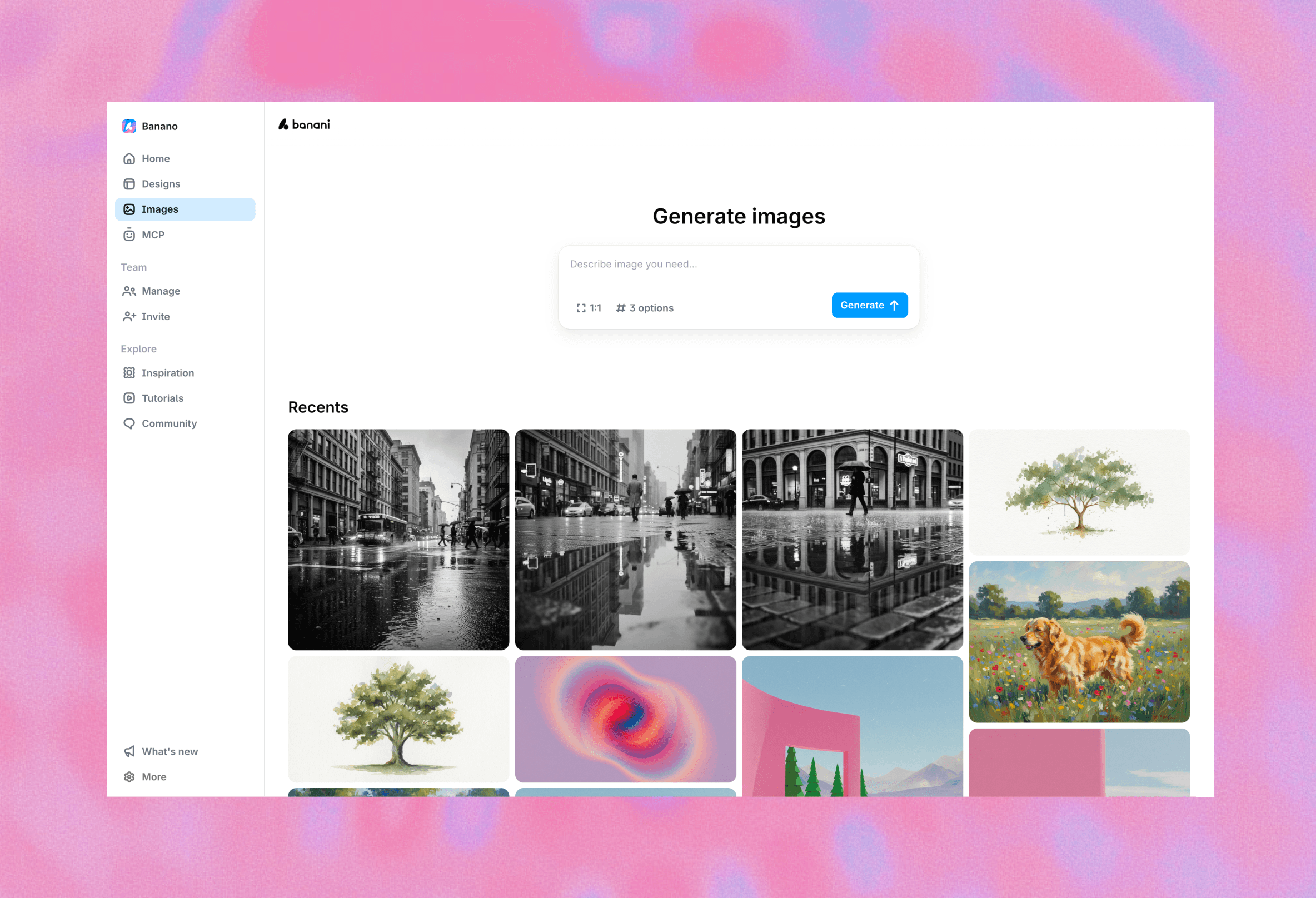
Banani now generates images instead of using stock photos
Everything from photorealistic images to abstract illustrations
By default, it matches colors and tone of design's theme
New user avatar placeholders cover all races, ages, & genders
Parallel generation & editing
Generate and edit multiple screens at the same time
No need to wait for one screen to finish before working on another
Especially useful for projects with many screens
Faster editing
Faster iteration without waiting for full re-generation
"Small" edits change only the relevant parts of a design
"Big" edits regenerate the full design
Regenerate on dislike

Disliking a design now opens a regeneration flow
Add a short note on what feels off or needs improvement
We generate a new variant that addresses your feedback
Critical Fixes
Fixed an issue when designs with sidebars rendered incorrectly
Fixed cases where generation requests got stuck for 10+ minutes
Fixed visual lack of indication when selecting elements for editing
Texts Editing, Wireframe Mode
Manual text editing

Edit texts without AI
Type/paste anything you need inside the selected text element
Switch to Select mode and double-click any text element to do this
New shortcut to enter Select mode -- hold ⌘ or Control
Wireframe preset

New dedicated Wireframe theme preset
Generate lofi, black and white wireframes with a hand-crafted look
Set it when creating a new project or on existing screens
Critical Fixes
PNG/JPG export in Firefox is finally fixed
Eliminated most of the issues with Figma export
Fixed the issue when some theme color tokens were transparent
Screen Themes, Best Model Mode, Snappy canvas
Enjoy a snappier canvas, smarter screen generation with the new Best Model mode, flexible per-screen themes, free team invites, and a handful of important fixes.
"Best model" mode

Banani now intelligently switches models based on your prompt
Gemini 3 Pro for new screens and creative, high-context edits
GPT-5.1 for quick or less-creative changes
Screen themes

Revert theme changes if you don't like an AI-generated edit
Set different themes to individual screens within the same project
Compare multiple visual styles without duplicating your entire project
Super-Snappy Canvas
Faster and smoother canvas interactions, even in big projects
Significantly reduced lag on lower-spec computers
More responsive drag-and-drop across the canvas
Free Teams
Create a team and invite as many free members as you want, no paid plan required
Choose whether to upgrade the workspace or just a single user
Critical Fixes
Figma export now preserves font weights correctly
Resolved crashes affecting some preview links
Freeform Canvas, UI and Gemini 3 cleaning
Move screens anywhere on the canvas, create stunning designs with the updated Gemini 3, and enjoy plenty of other improvements.
Freeform canvas

Drag and drop screens anywhere on the canvas
Arrange them in multiple rows or any layout you like
Soon: multi-screen selection, helper-lines, alignment, etc.
Gemini 3 tweaks

Last week we added Gemini 3, and now it's even stronger
Tuned to generate cleaner, more modern designs
The examples above show what it can do!
Banani is the best place to use Gemini 3 for UI design
UI cleaning

"Lock AI edits" toggle for Themes to prevent unwanted changes
Reduced visual clutter across the product: clean home page, prompt input components, canvas, and more
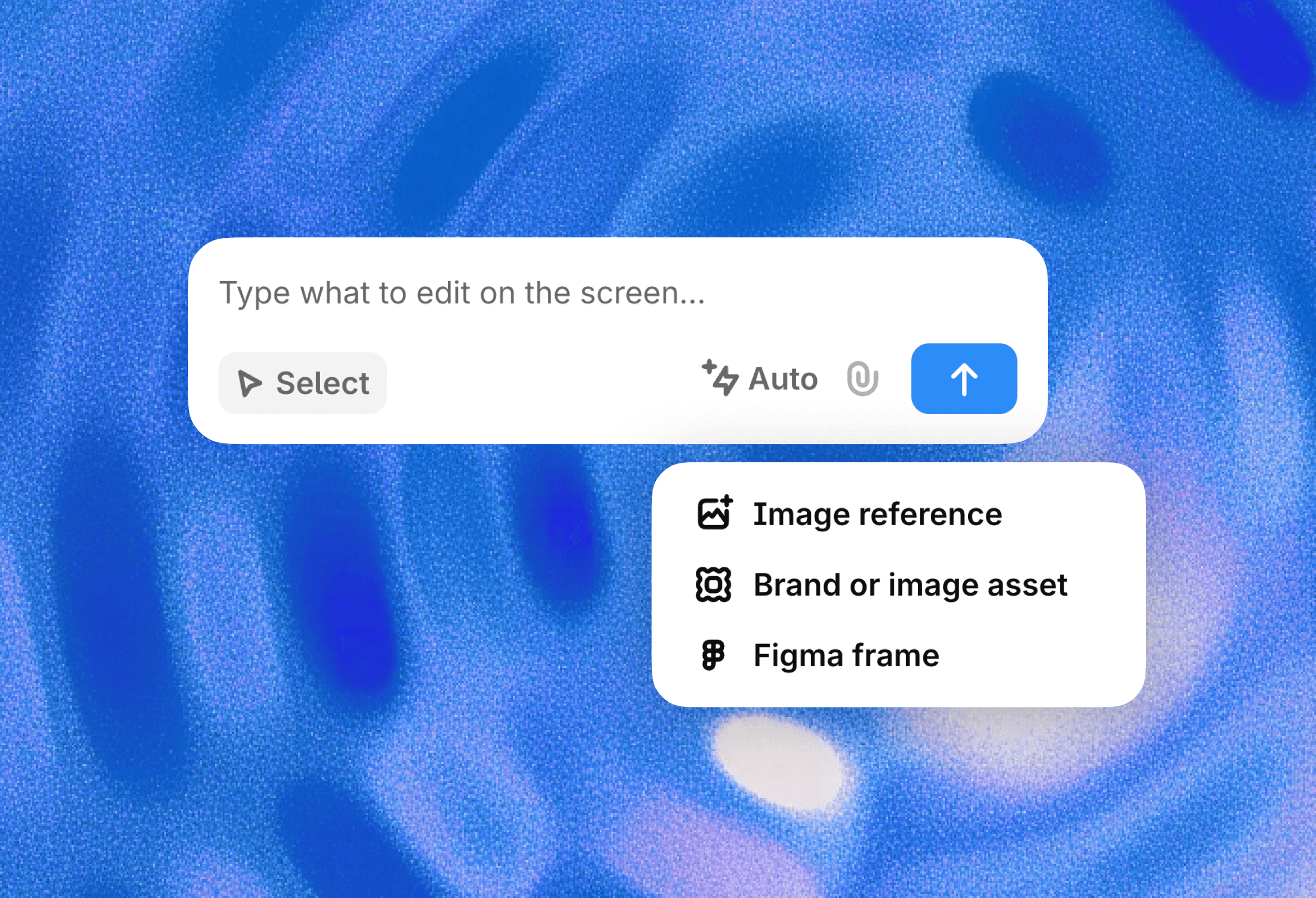
Unified Attach selector for images and Figma references
Code Export, Teams, Reference Images
We shipped a looot of things you asked for. From first team features, updates to how references work, to making Banani faster than Lightning McQueen.
Code Export

Copy the code of the page, starting with plain HTML/CSS export.
Ask vibe coding tools or devs to convert the design to the framework of your choice.
Reference Image

Image reference is available inside the canvas!
Add images and screenshots when working on individual screens.
Use keyboard shortcut support to paste image from the clipboard.
Teams

Create a team and invite team members to join your organisation.
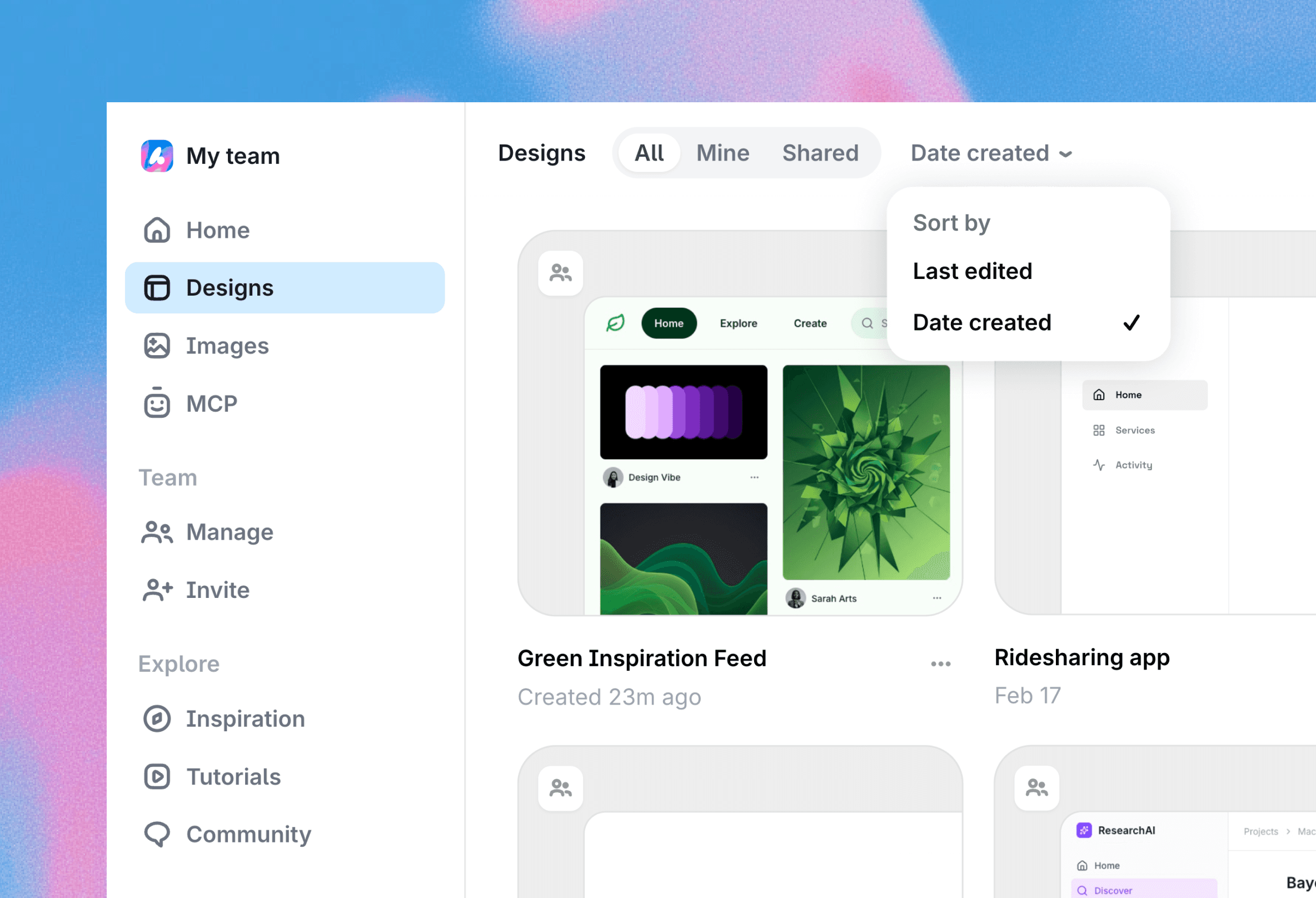
Have a shared workspace with your team's projects.
Get centralised billing and team members management.
More team things are coming!
Instant Loadings
We reworked our backend and database from the ground up.
App loading times feel close to instantaneous.
For example, opening a project is <1s.
Home page loads smoothly without layout shifts.
Refreshed Canvas
Light mode for easier accessibility.
Countless tweaks across all elements to make Banani more. pleasant to use day-to-day.
Quality of Life
Duplicate project!
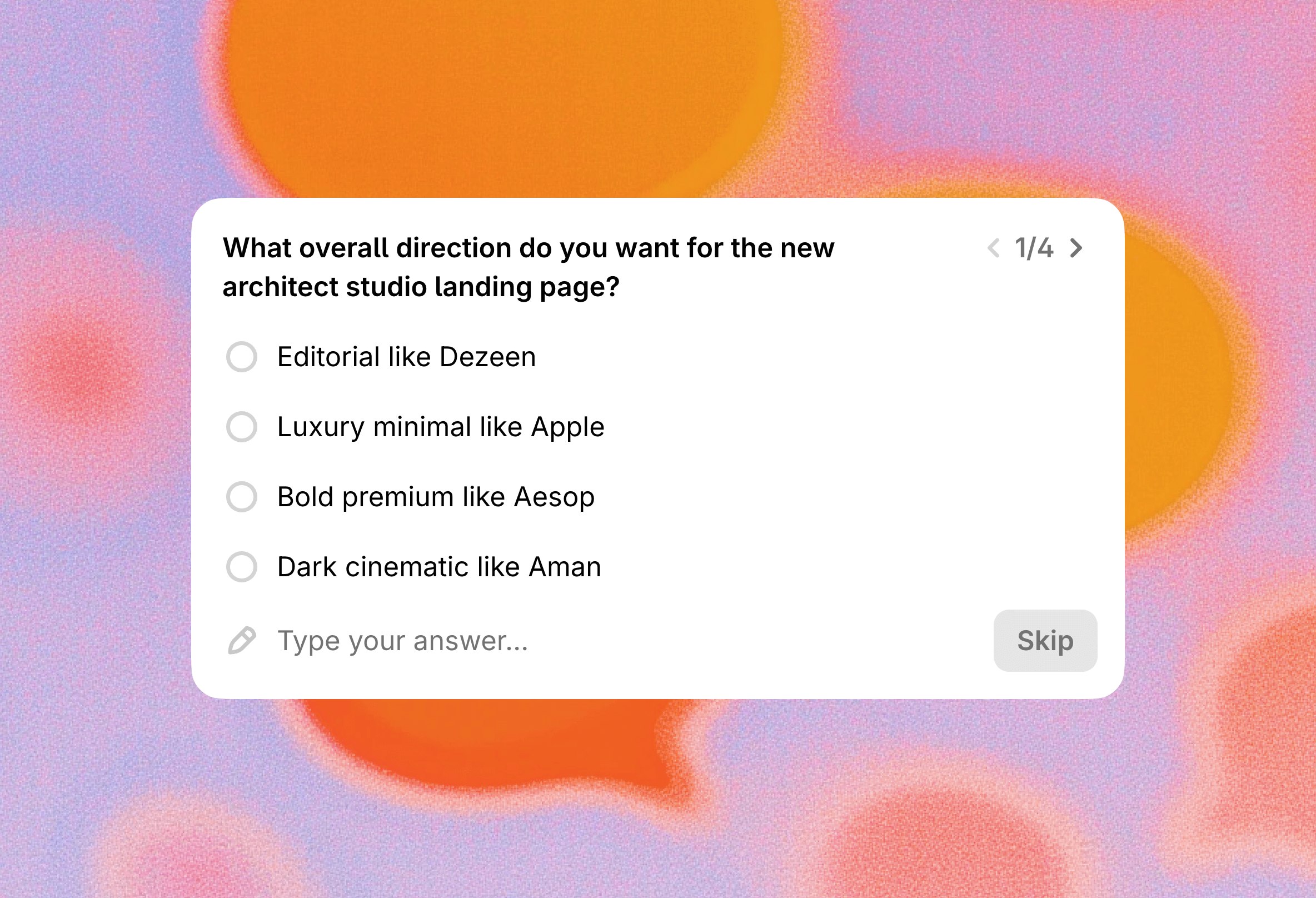
Refreshed prompt improvement step.
Bunch of new fonts for your themes.
Add your prompt for “Generate next screen”.
And countless smaller improvements.
Themes and Speed Upgrades
Roundness Tokens
Corner radius is now part of Themes. You'll see 4 roundness levels by default, from small to extra large. You can adjust them manually, and Banani’s AI will apply them consistently across your designs.

Font Family Tokens
Font family is now managed at the Theme level instead of per design level. This means you can switch fonts across your entire project in one step.
Now you can also ask AI to change the font family! Meaning you can finally ask it to "Play with fonts" or “Make the font more funky”.
More Speed Improvements
We continue our effort to make design generation as fast as possible and shipped another batch of speed updates.
While this round is smaller than the previous one, it reduces generation time by 3–4s.
Speed and Quality Selection, 2x Faster Generation
Quality/Speed Selection
From now on, you can select between the best quality of generation and the speed of generation.

Change between “Best Quality” and “Fastest Speed” options for generation at any time and in all projects you created before.
Best Quality Option
Perfect for detailed, high-fidelity designs. Our AI now handles spacing and gaps better, with many small improvements that make layouts feel more polished.

Fastest Speed Option
Great for quick edits or low-to-mid fidelity prototypes. You’ll see results almost instantly without focusing on fine details until you’re ready for the final design.
Overall Speed Updates
Generations are now up to 2× faster for pages with images, with more speed “boosts” coming soon.
Canvas updates
Scrolling, panning, and zooming now feel similar to other canvas-focused tools like Miro and Figma.
Custom Themes, AI And Manual Color Editing
Introducing Themes
Themes are collections of styles you can reuse across designs. They are available for you to edit manually and for Banani's AI to edit via prompts.

When creating a new project, you can choose between generating a new Theme or selecting from your previously created themes.
Customize Themes
Go to the Styles tab and see all of the details about the Theme and design tokens it has. Each color used within the design will be displayed there.

You can ask AI to change those colors or click on any color to adjust it yourself.
Import Existing Styles
You can also import your existing color palettes or brand styles. Simply paste HEX colors into the AI prompt or attach a reference image and ask Banani to copy its colors.
New UI-AI, Partial Editing, Copy to Figma, and more!
Banani is out of alpha! It's ready to help you move faster from idea to UI. We have 4 new major things YOU asked for, and many more quality of life improvements.
NEW UI-AI

Prompts that used to generate junk now give quality results
Complex multi-column layouts, landing pages, ANYTHING
Designs appear in real-time, element by element
Partial Editing

AI editing of a selected part of the design
Ideal for making quick, precise tweaks
Remove elements, change texts, etc.
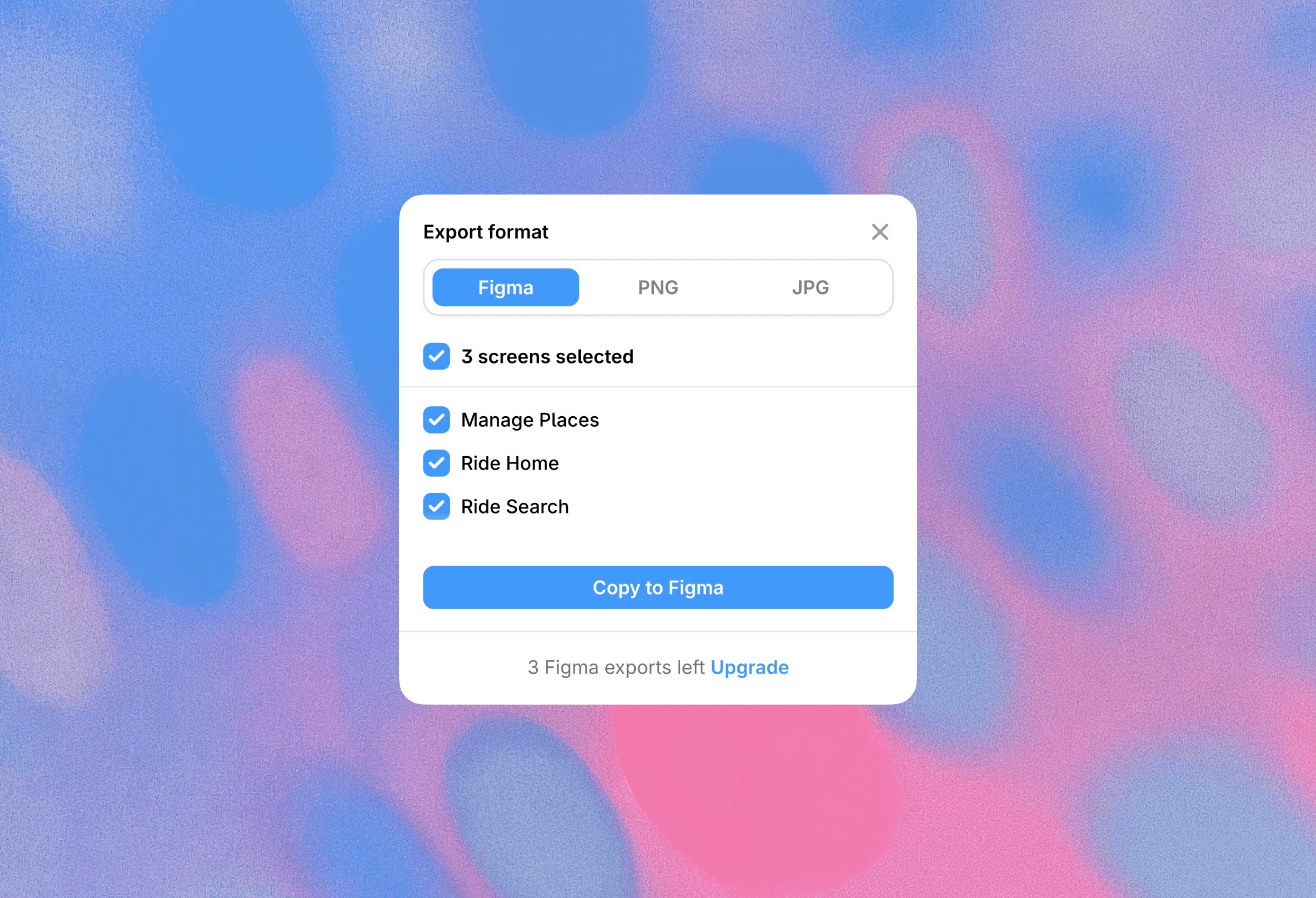
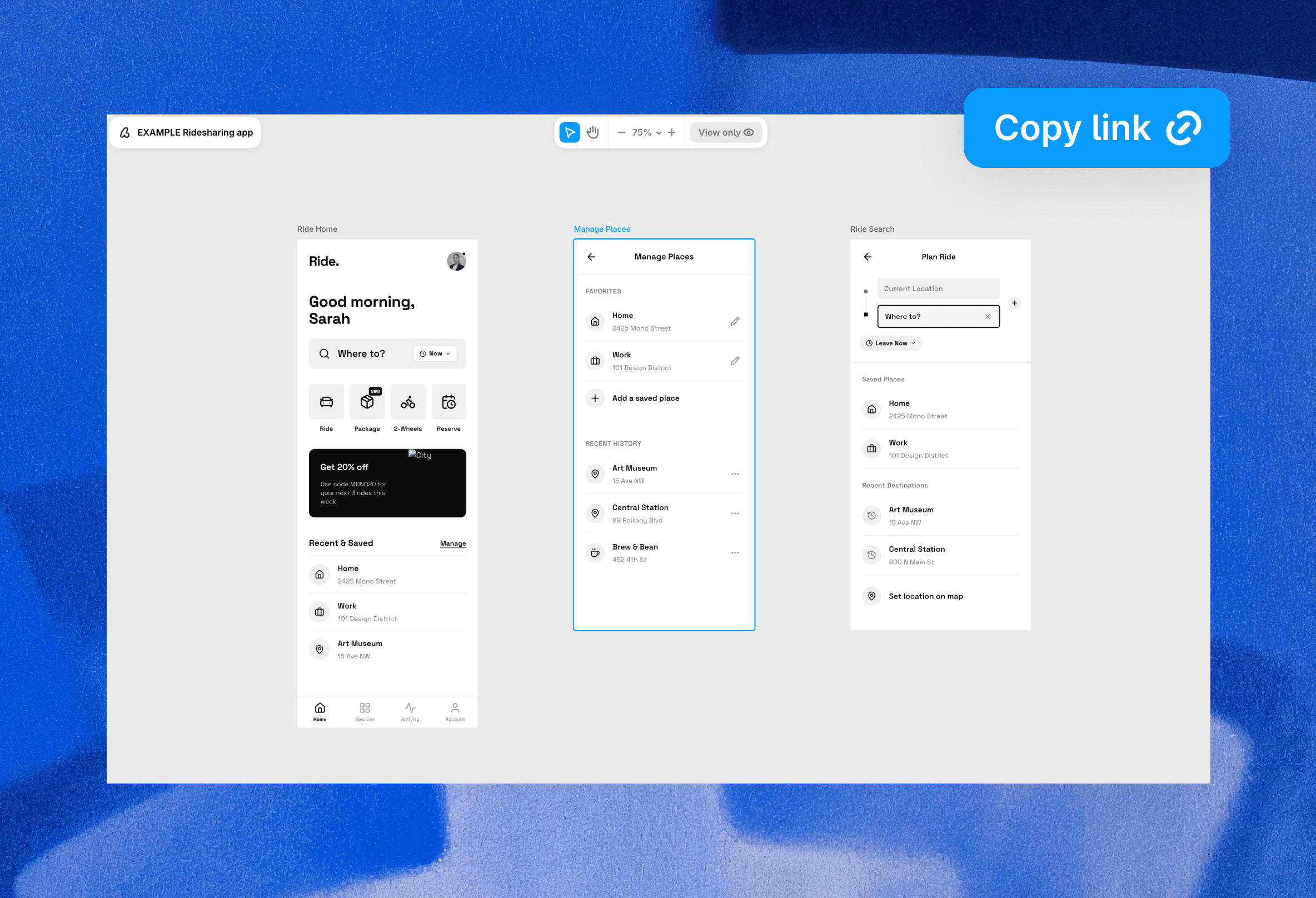
Copy-Paste to Figma

Select the screen in Banani
Click "Copy to Figma"
PASTE directly to Figma
Note: Works only with projects created this month, so try generating new projects!!
Image References

Attach screenshots, wireframes, sketches, ACTUAL UIs
Banani will copy the layout and content
Great for redesigns, edits to existing product UI
What's Else New?
We've shipped multiple BIG updates in the past month that you might've missed. Here are some highlights:
Faster AI response time
Reworked screen+styles panel
Easier navigation in large projects
Snappier canvas
Duplication of screens
And more…