Autonomous AI agent for UI design
Autonomous AI agent for UI design
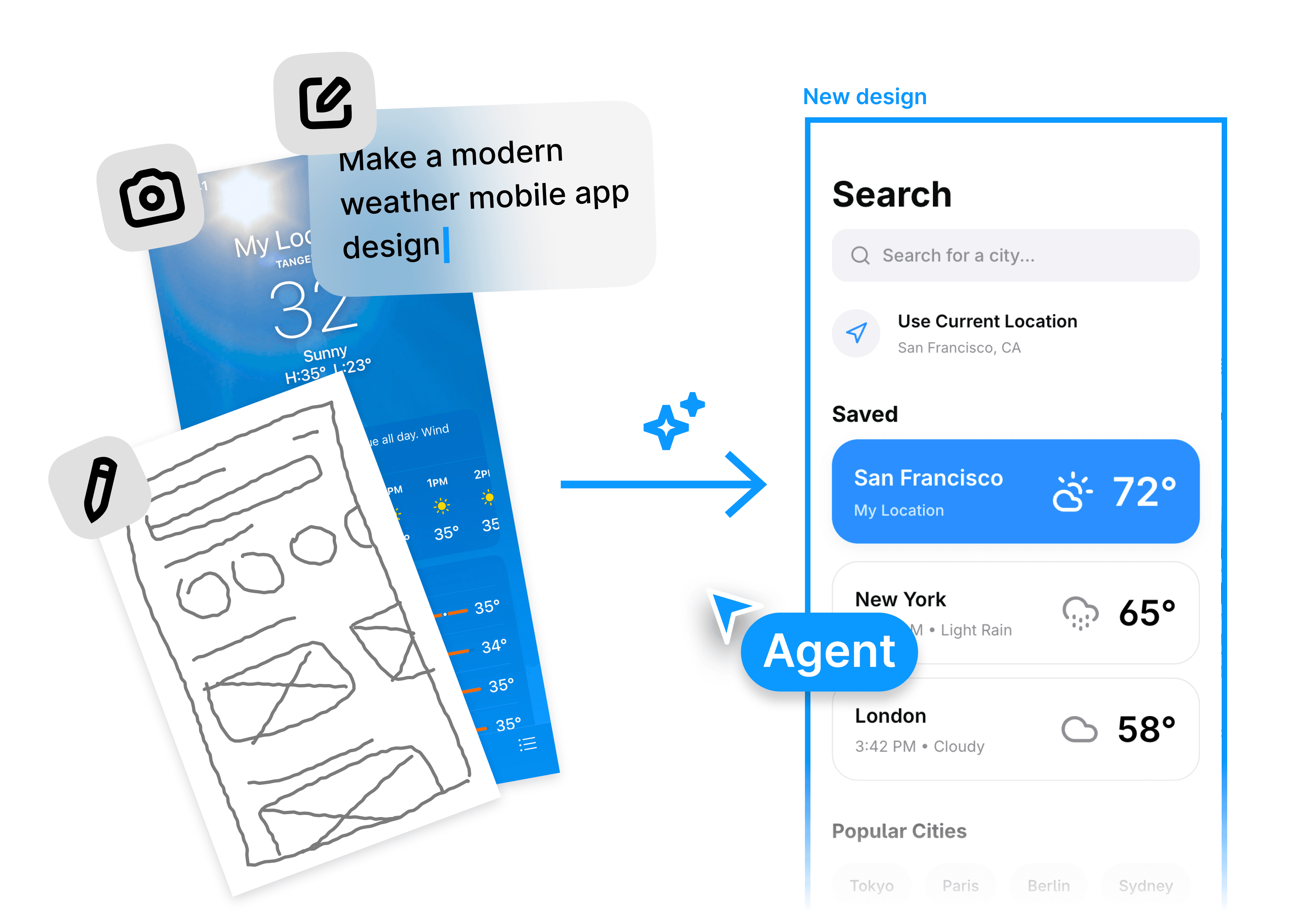
Give AI agent prompts, PRDs, or references, and watch it autonomously research, plan, and generate complete UI designs.
Give AI agent prompts, PRDs, or references, and watch it autonomously research, plan, and generate complete UI designs.
In toolkits of builders from
In toolkits of builders from




The smartest way to generate UI designs
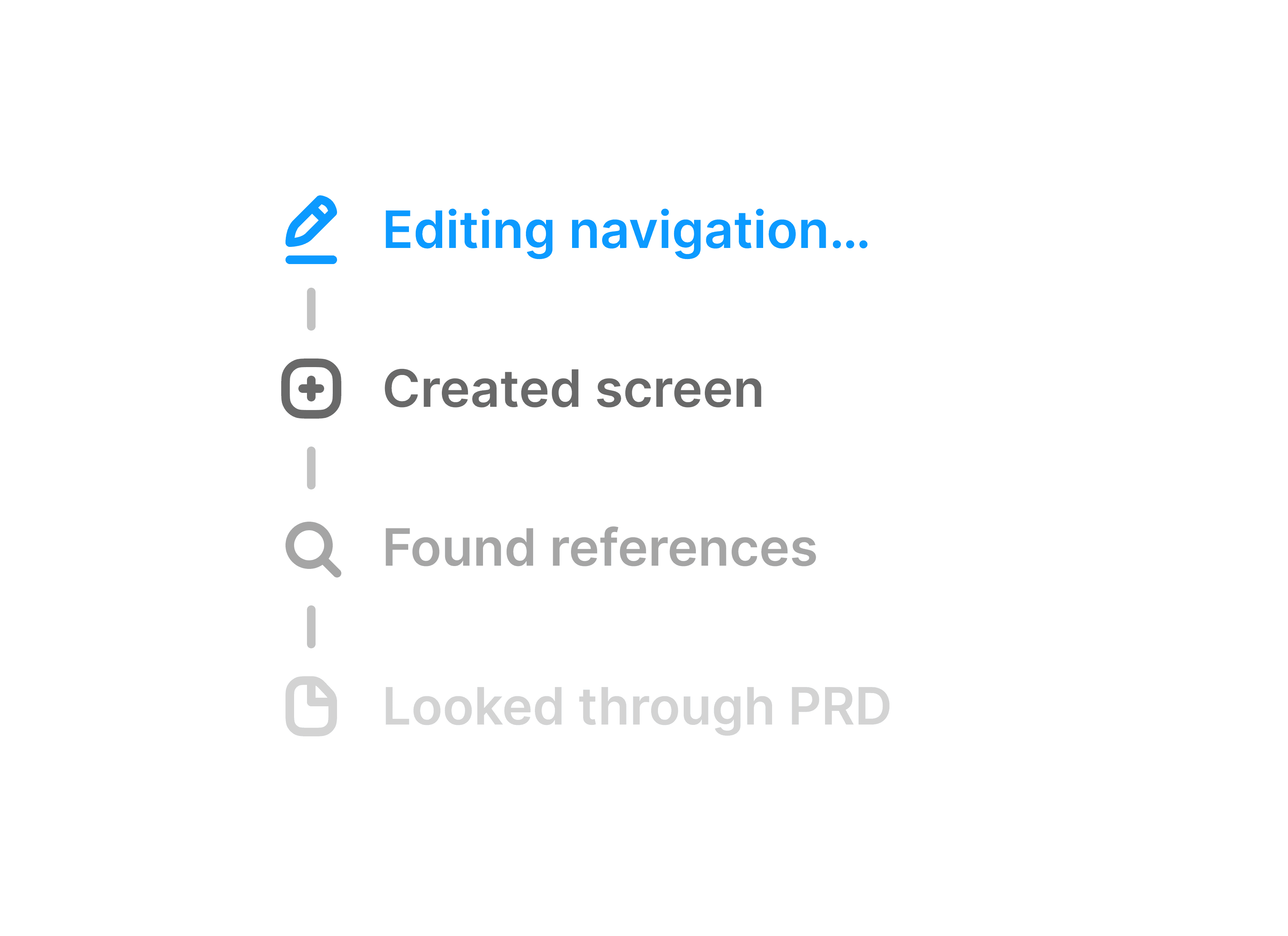
Multi-step reasoning
Our AI design agent uses multi-step reasoning. It analyzes your requirements, selects the best design patterns, and generates high-fidelity interfaces.
Our AI design agent uses multi-step reasoning. It analyzes your requirements, selects the best design patterns, and generates high-fidelity interfaces.
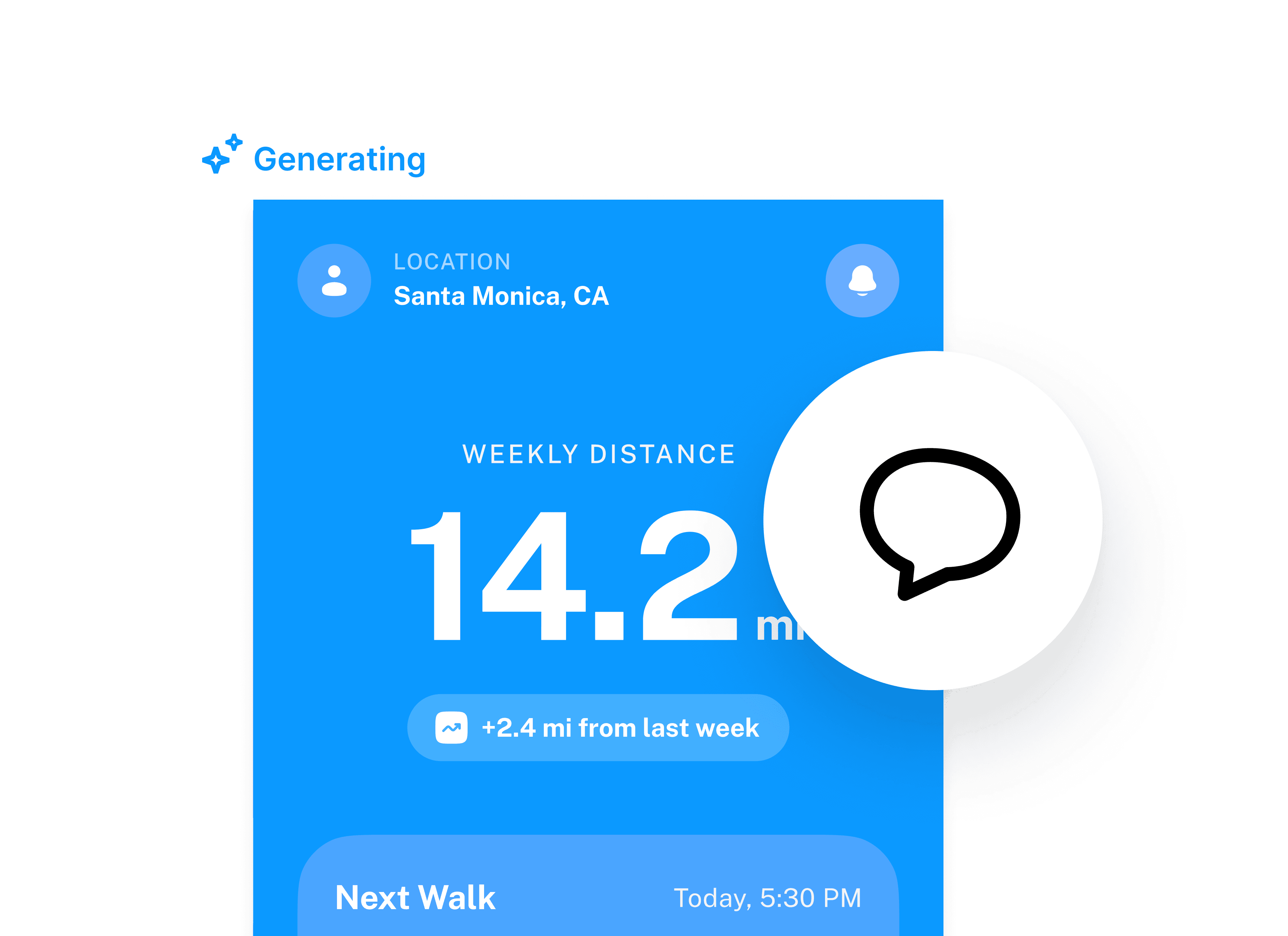
Autonomous UI generation
Stop writing detailed prompts. Just describe your user problem or attach a PRD, and our AI UI agent will autonomously generate all screens.
Stop writing detailed prompts. Just describe your user problem or attach a PRD, and our AI UI agent will autonomously generate all screens.
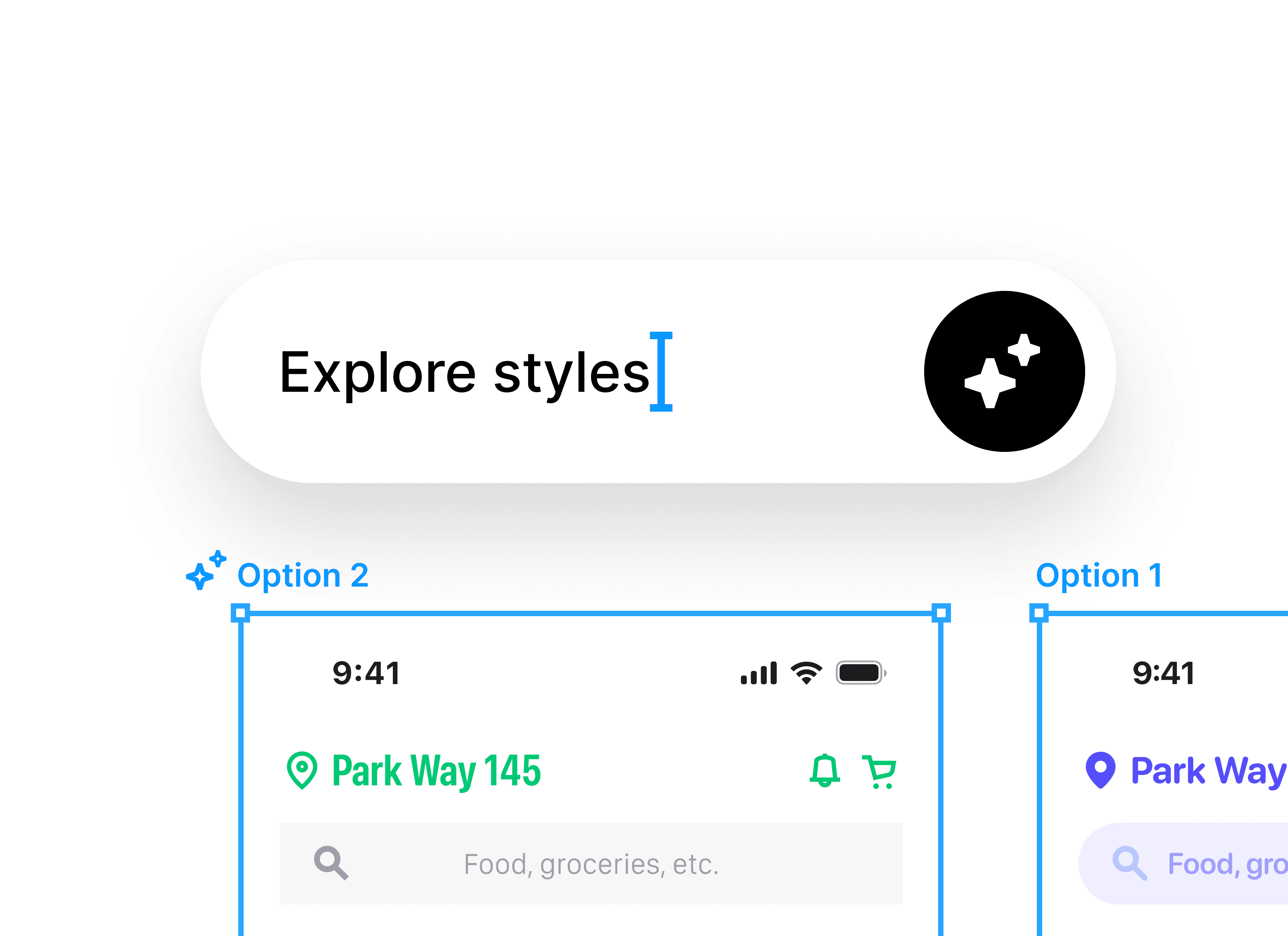
Context-aware iteration
Our AI design agent remembers every decision. Ask it to make design more compact, and it will update the UI while keeping the rest of the design system perfectly intact.
Our AI design agent remembers every decision. Ask it to make design more compact, and it will update the UI while keeping the rest of the design system perfectly intact.
Export to Figma or Code
Once you're happy with designs, copy-paste them directly into your Figma, export to code, or invite your team to review the work on the Banani canvas.
Copy-paste individual components or a full design system directly into your Figma file.
Once you're happy with designs, copy-paste them directly into your Figma, export to code, or invite your team to review the work on the Banani canvas.
Dedicated space for the human and agent design collaboration
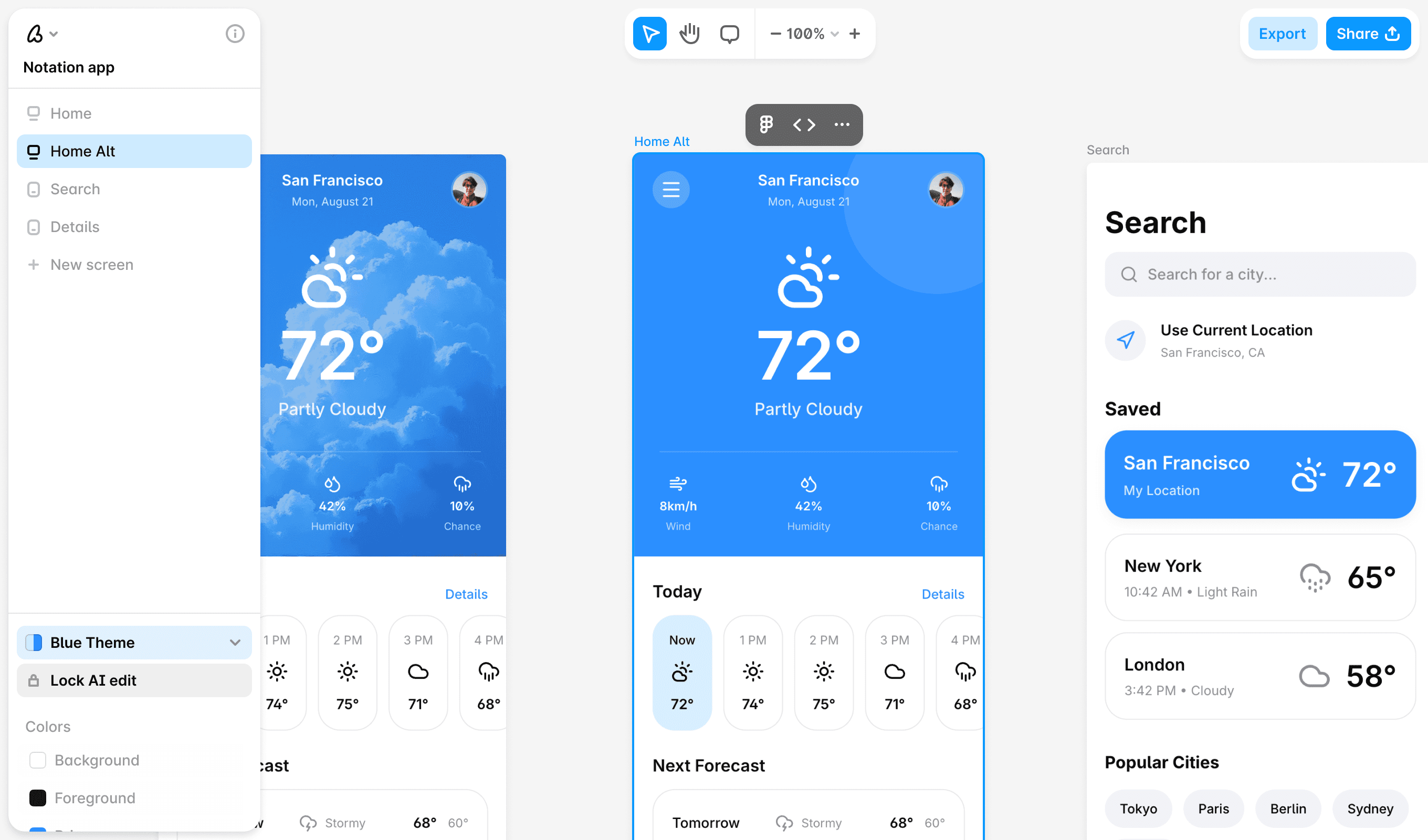
Forget about weird, broken, and complicated setups just to see generated designs. Banani is a dedicated space where you can use and interact with the AI design agent.
Forget about weird, broken, and complicated setups just to see generated designs. Banani is a dedicated space where you can use and interact with the AI design agent.
How to use the AI UI agent
1
1
Describe your goal
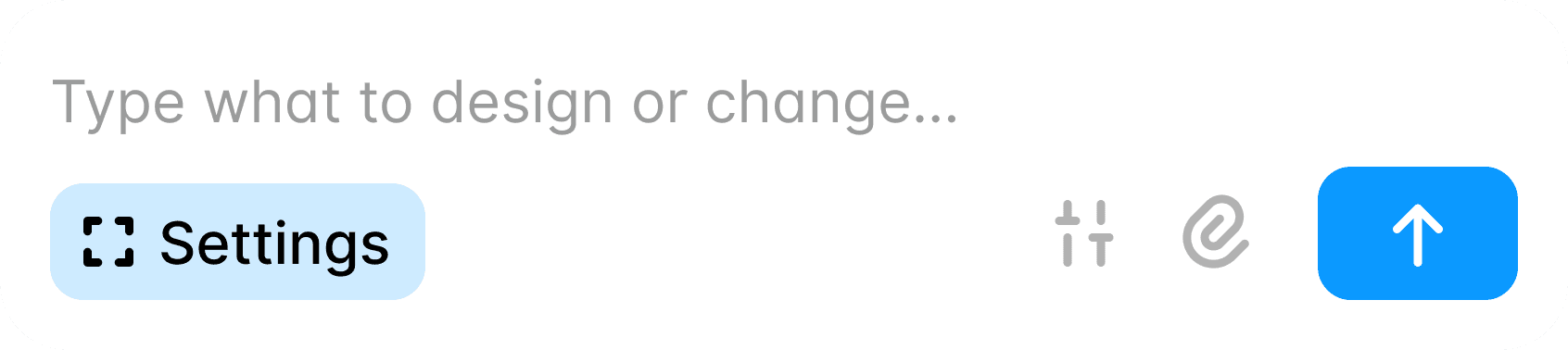
Tell the agent what you are building. Paste a PRD, describe the user flow, or simply explain the problem you are solving. The more context you give, the better the output.
Tell the agent what you are building. Paste a PRD, describe the user flow, or simply explain the problem you are solving. The more context you give, the better the output.
2
2
Watch it plan and generate
The agent breaks down your goal into screens, selects the right UI patterns, and generates a full set of high-fidelity designs. No manual prompting per screen required.
The agent breaks down your goal into screens, selects the right UI patterns, and generates a full set of high-fidelity designs. No manual prompting per screen required.
3
3
Iterate with conversation
Chat with the agent to refine any screen. Ask for layout changes, content updates, or full redesigns. The agent keeps your design system consistent throughout.
Chat with the agent to refine any screen. Ask for layout changes, content updates, or full redesigns. The agent keeps your design system consistent throughout.
4
4
Export and ship
Share your design as a preview link or prototype. Export to Figma, code, or directly to your AI agent via MCP.
Share your design as a preview link or prototype. Export to Figma, code, or directly to your AI agent via MCP.
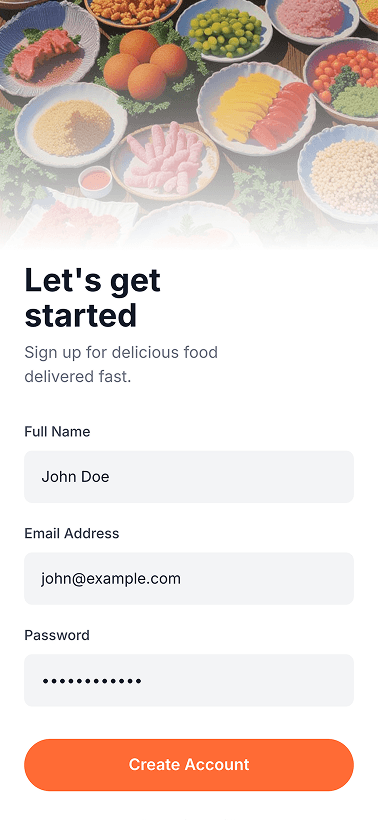
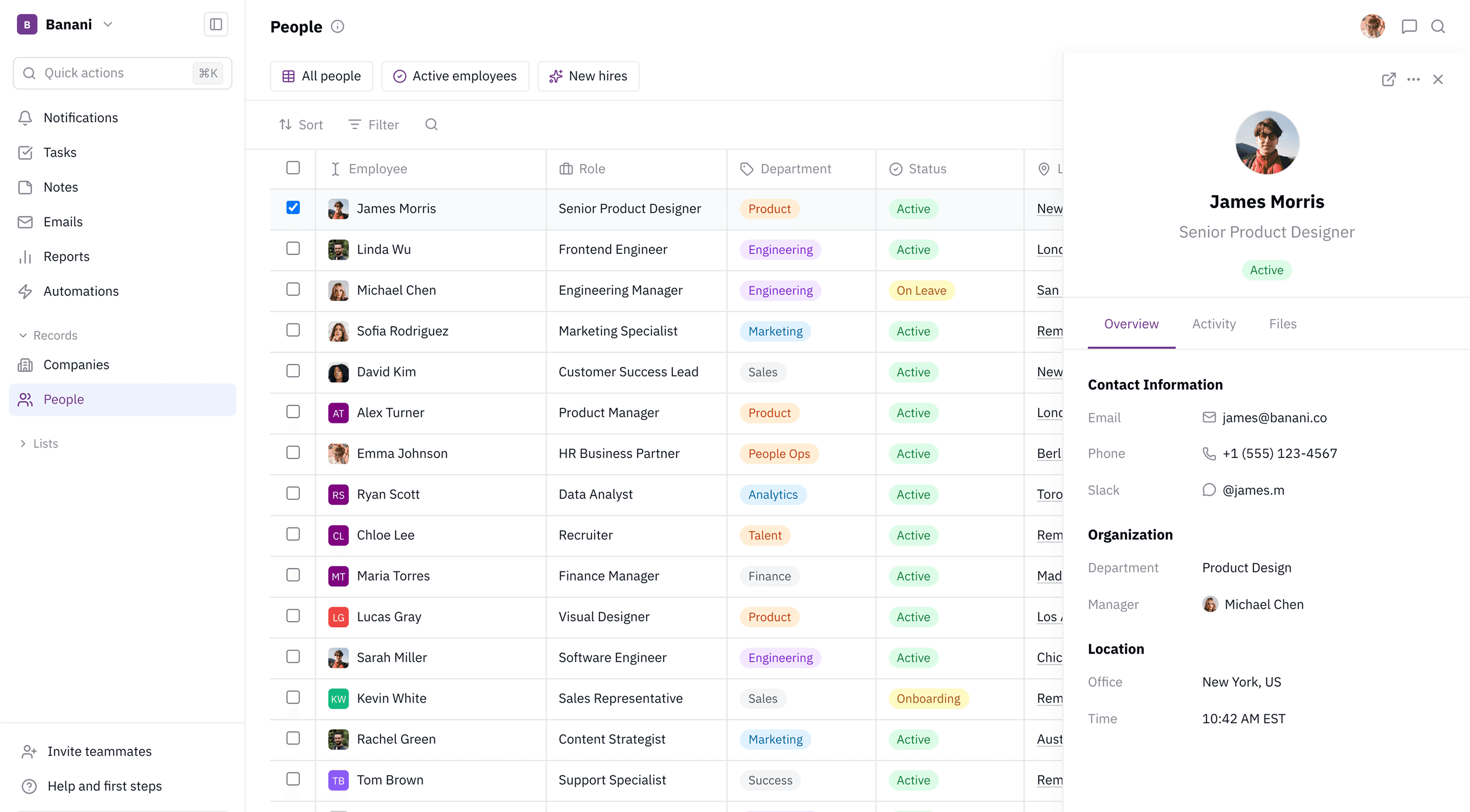
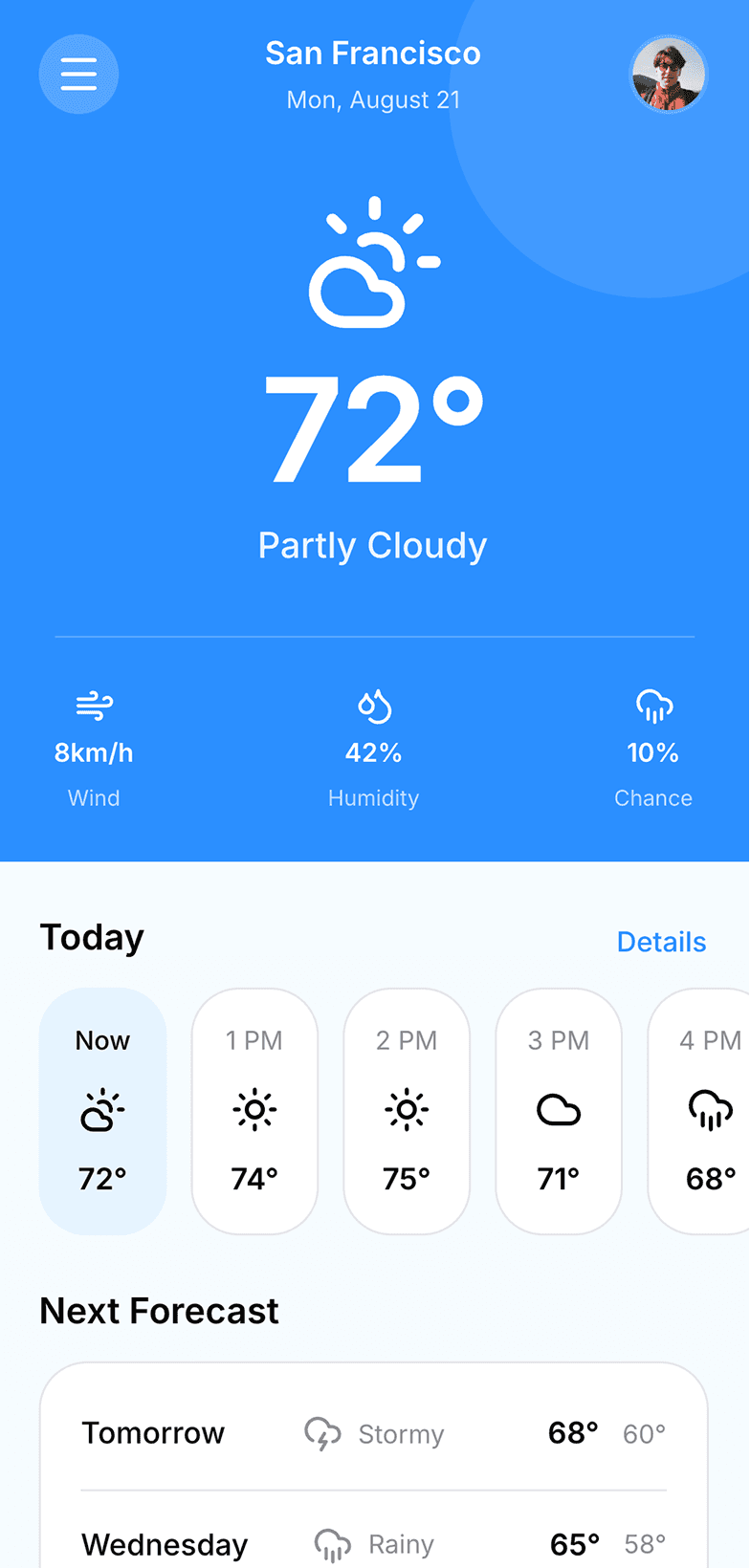
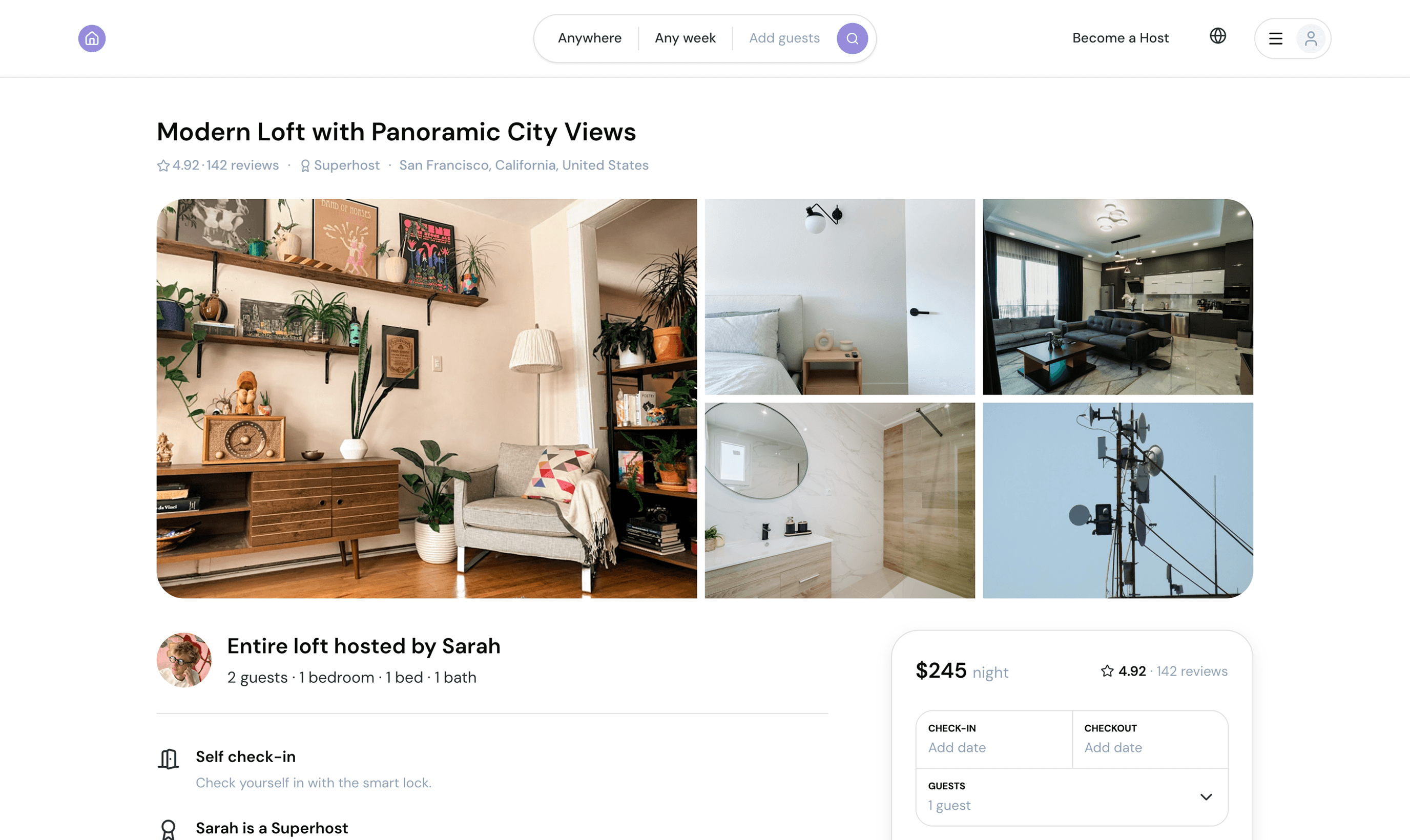
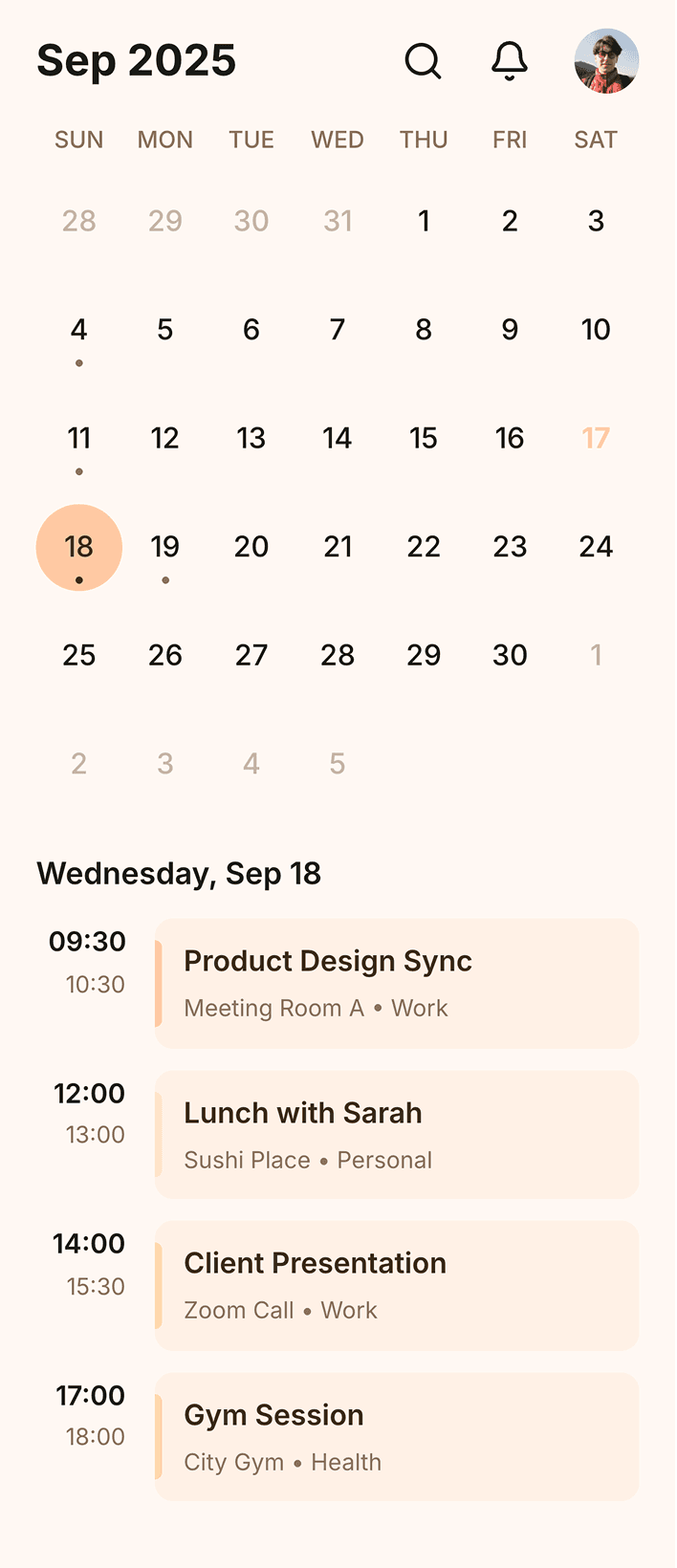
Got an idea for an app design? Whether mobile or desktop, we have an AI for it.
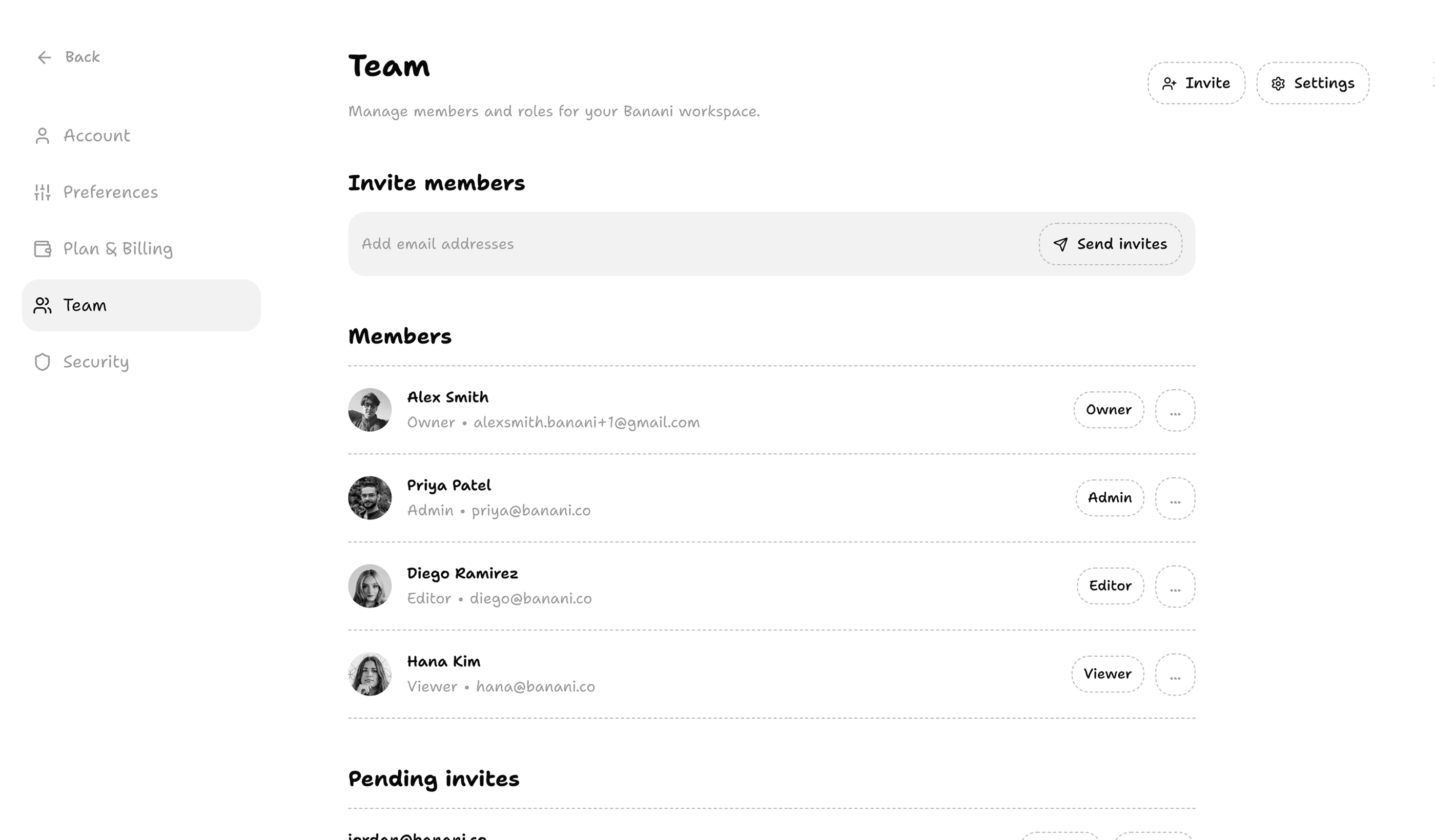
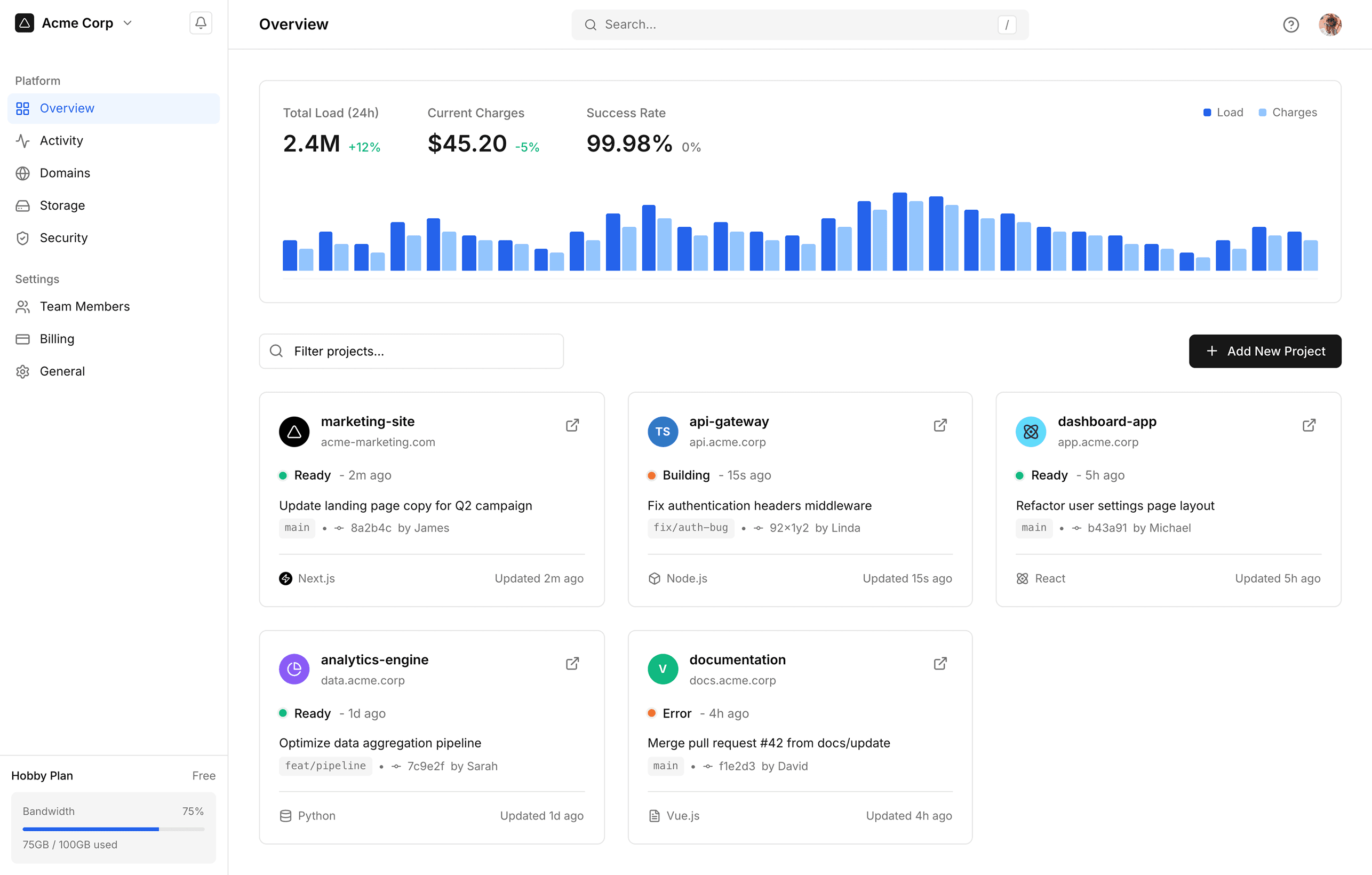
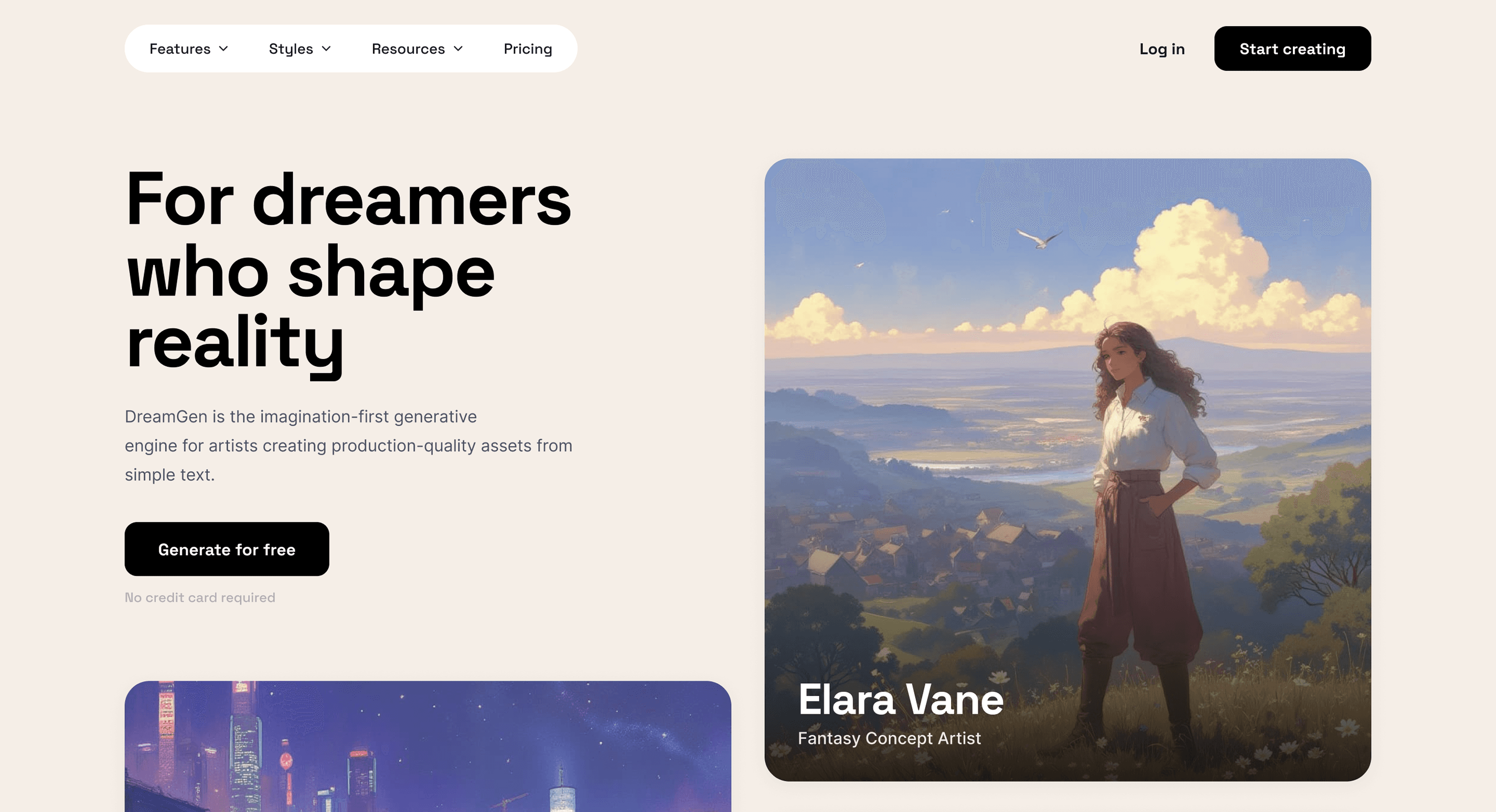
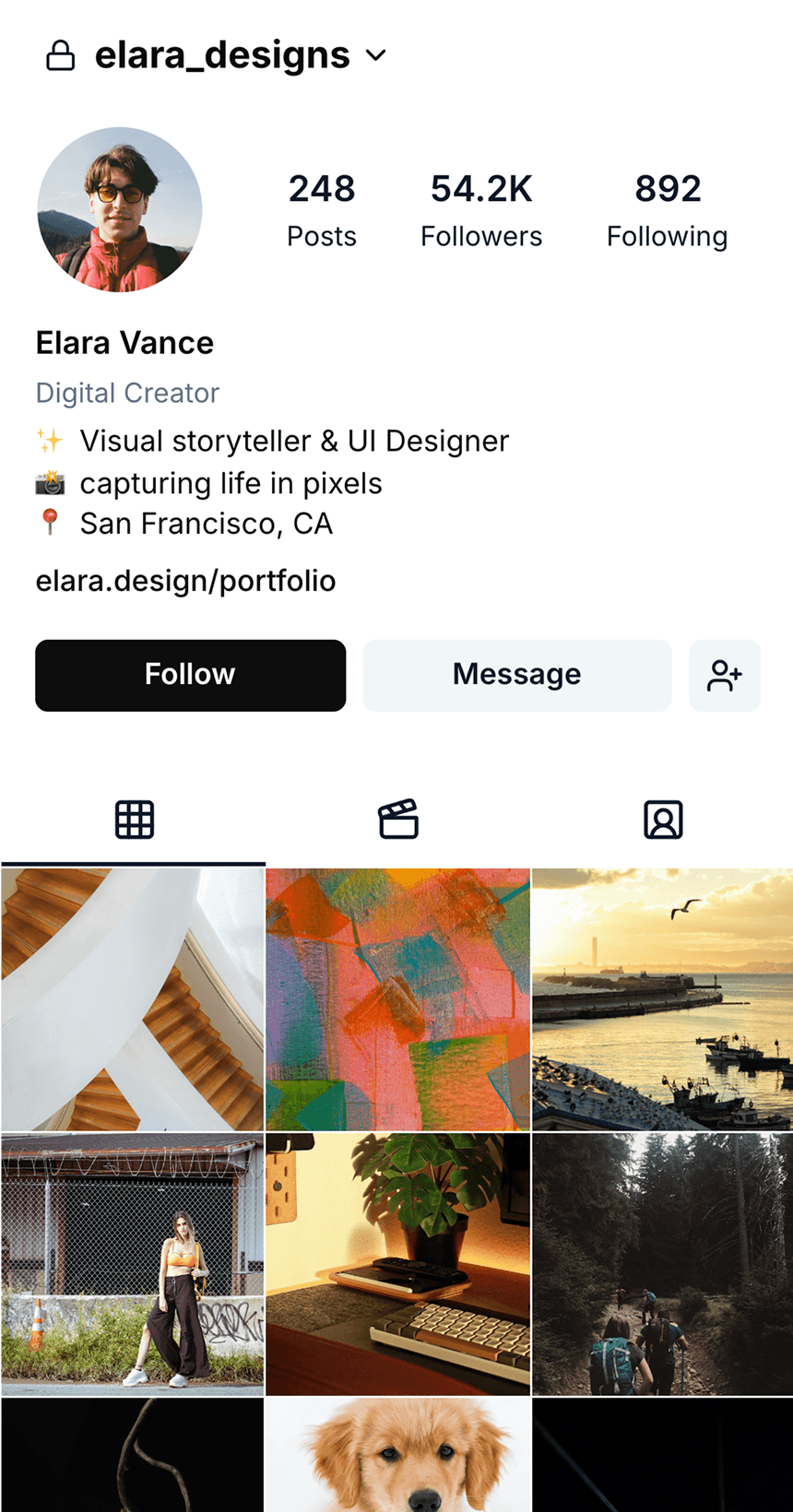
Trusted by thousands of product teams and individuals
Trusted by thousands of product teams and individuals
Designers and developers, startup founders and indie hackers, and small and large teams use Banani's AI-first design editor.
Designers and developers, startup founders and indie hackers, and small and large teams use Banani's AI-first design editor.
I jumped straight in without any tutorials and got really nice results, fast
I jumped straight in without any tutorials and got really nice results, fast

Mack
Banani was a turning point for us in adding AI into our actual design workflow
Banani was a turning point for us in adding AI into our actual design workflow

Qendrim
We can just type what we need and get it!

Matt

Start designing with AI agent
Stop designing screen by screen. Let your AI agent handle the heavy lifting while you focus on the product vision.
Stop designing screen by screen. Let your AI agent handle the heavy lifting while you focus on the product vision.
What is an AI UI agent?
An AI UI agent is an autonomous AI system that can independently generate, iterate, and refine user interface designs based on high-level goals. Unlike a standard AI design tool that responds to single prompts, an AI UI agent reasons across multiple steps, maintains context between design decisions, and can produce entire user flows without manual intervention at every stage.
An AI UI agent is an autonomous AI system that can independently generate, iterate, and refine user interface designs based on high-level goals. Unlike a standard AI design tool that responds to single prompts, an AI UI agent reasons across multiple steps, maintains context between design decisions, and can produce entire user flows without manual intervention at every stage.
How do you make a good UI design?
Simplicity is key. Designs should be clean, organized, and responsive. Aside from visuals, they also should function according to user needs.
Simplicity is key. Designs should be clean, organized, and responsive. Aside from visuals, they also should function according to user needs.
How to create a UI design?
Modern tools, including AI-driven platforms, can accelerate the design process by providing templates and automating repetitive tasks, making it easier to focus on creativity and problem-solving.
Modern tools, including AI-driven platforms, can accelerate the design process by providing templates and automating repetitive tasks, making it easier to focus on creativity and problem-solving.
What are UI design tools?
UI design tools are apps that help users create, prototype, and test user interfaces. They range from basic UI design apps to more advanced collaborative and AI-powered tools.
UI design tools are apps that help users create, prototype, and test user interfaces. They range from basic UI design apps to more advanced collaborative and AI-powered tools.


Find inspiring references
Browse and save screens of the best-designed apps. Save time on research.
Browse and save screens of the best-designed apps. Save time on research.