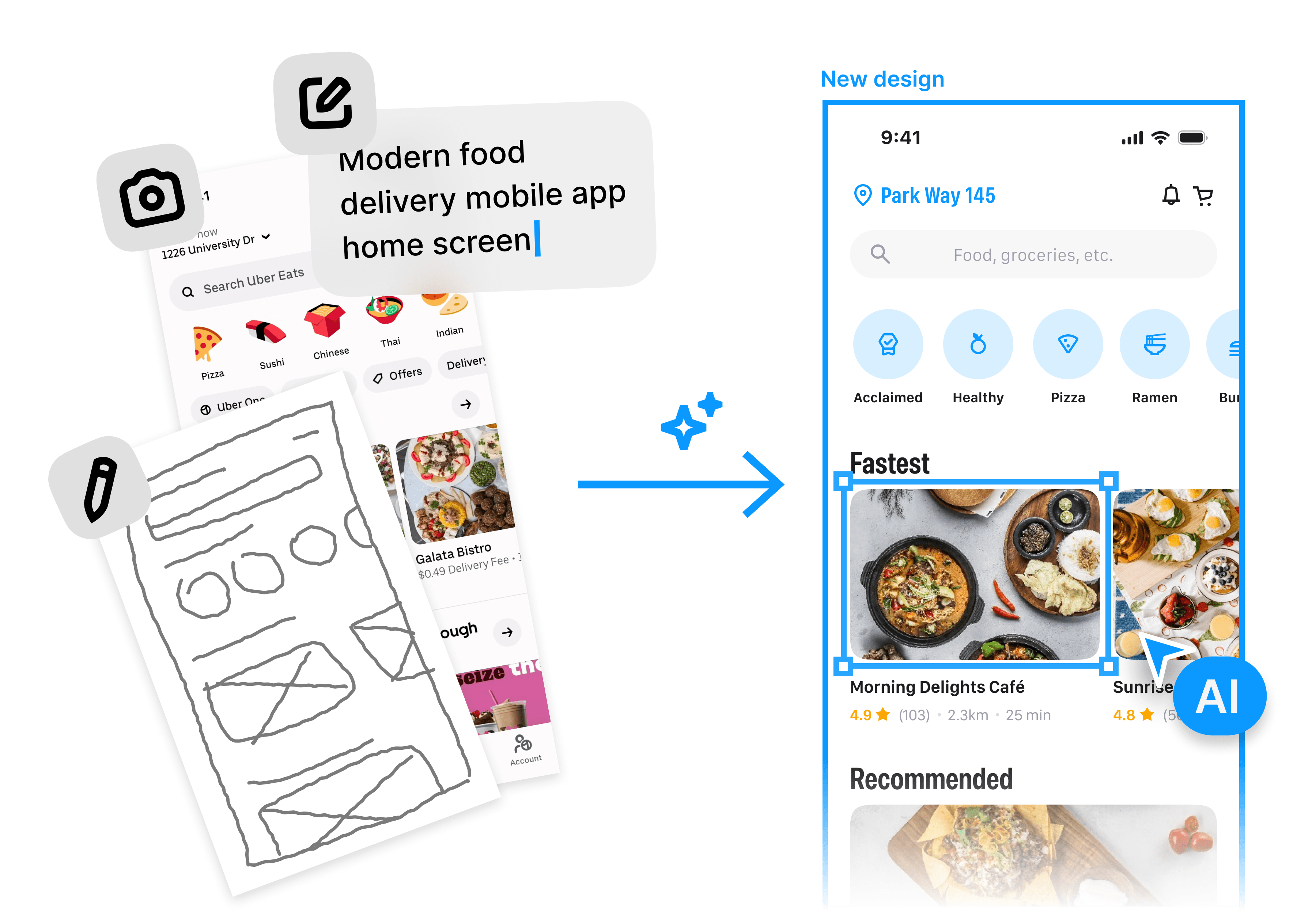





AI UI design generator

AI UI design generator

Free text-to-UI app to turn your ideas into beautiful designs. Generate user interface designs using AI in seconds.

Free text-to-UI app to turn your ideas into beautiful designs. Generate user interface designs using AI in seconds.

In toolkits of builders from

In toolkits of builders from

The best way to generate any UI design

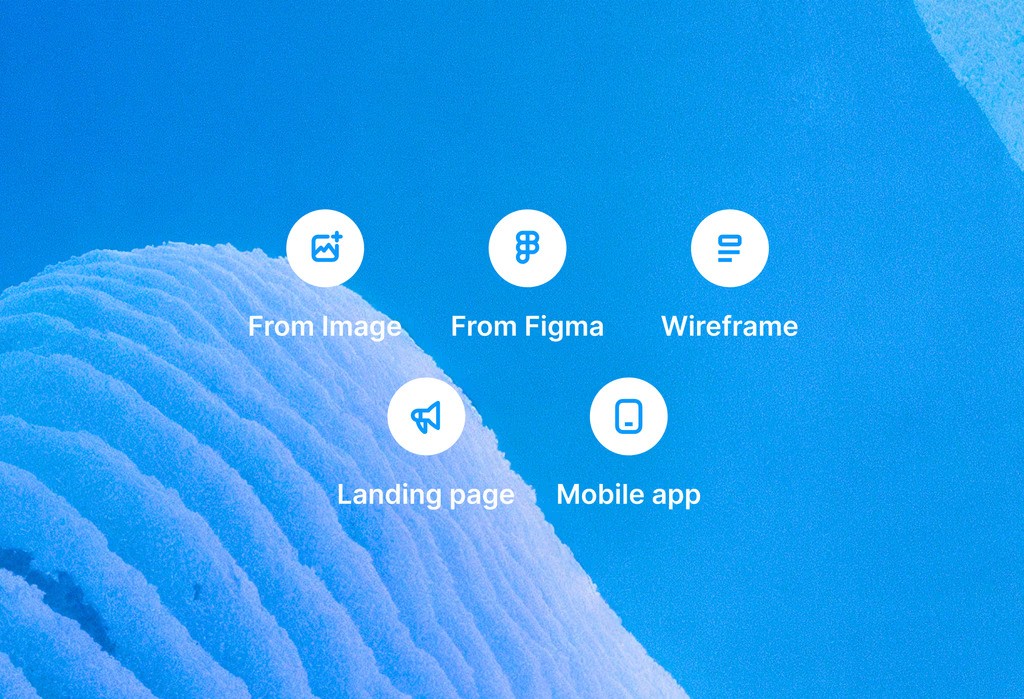
Start from a prompt or image

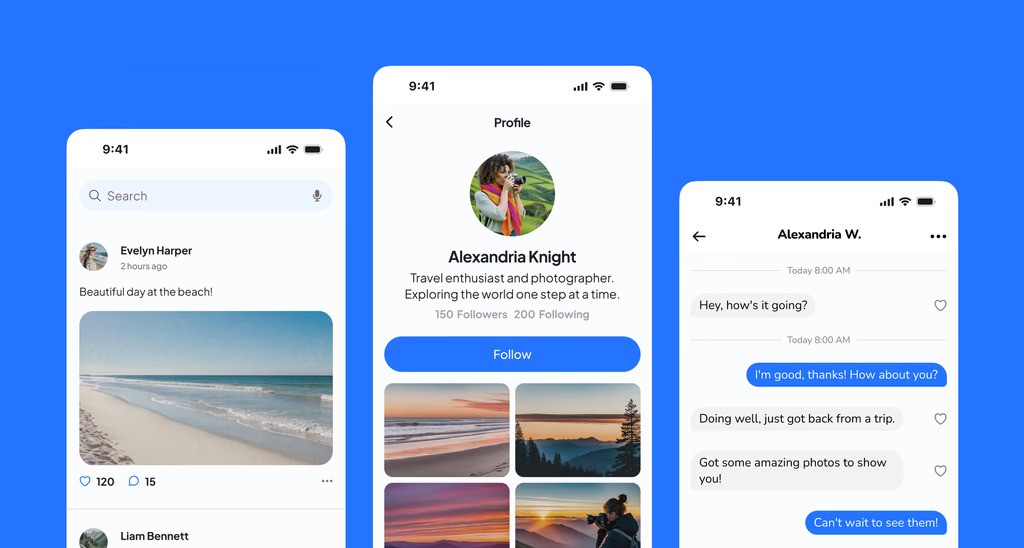
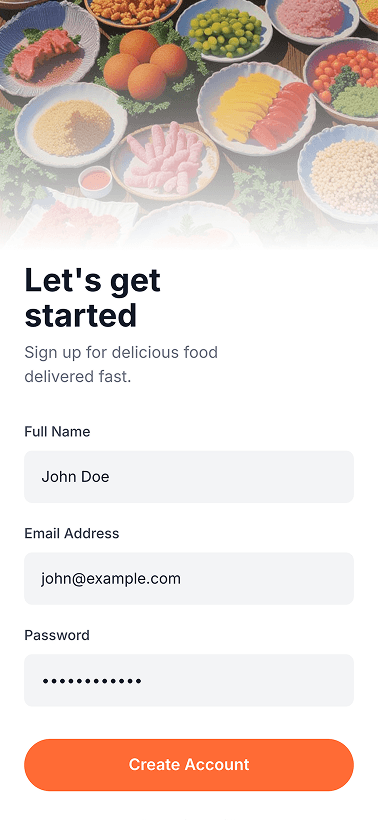
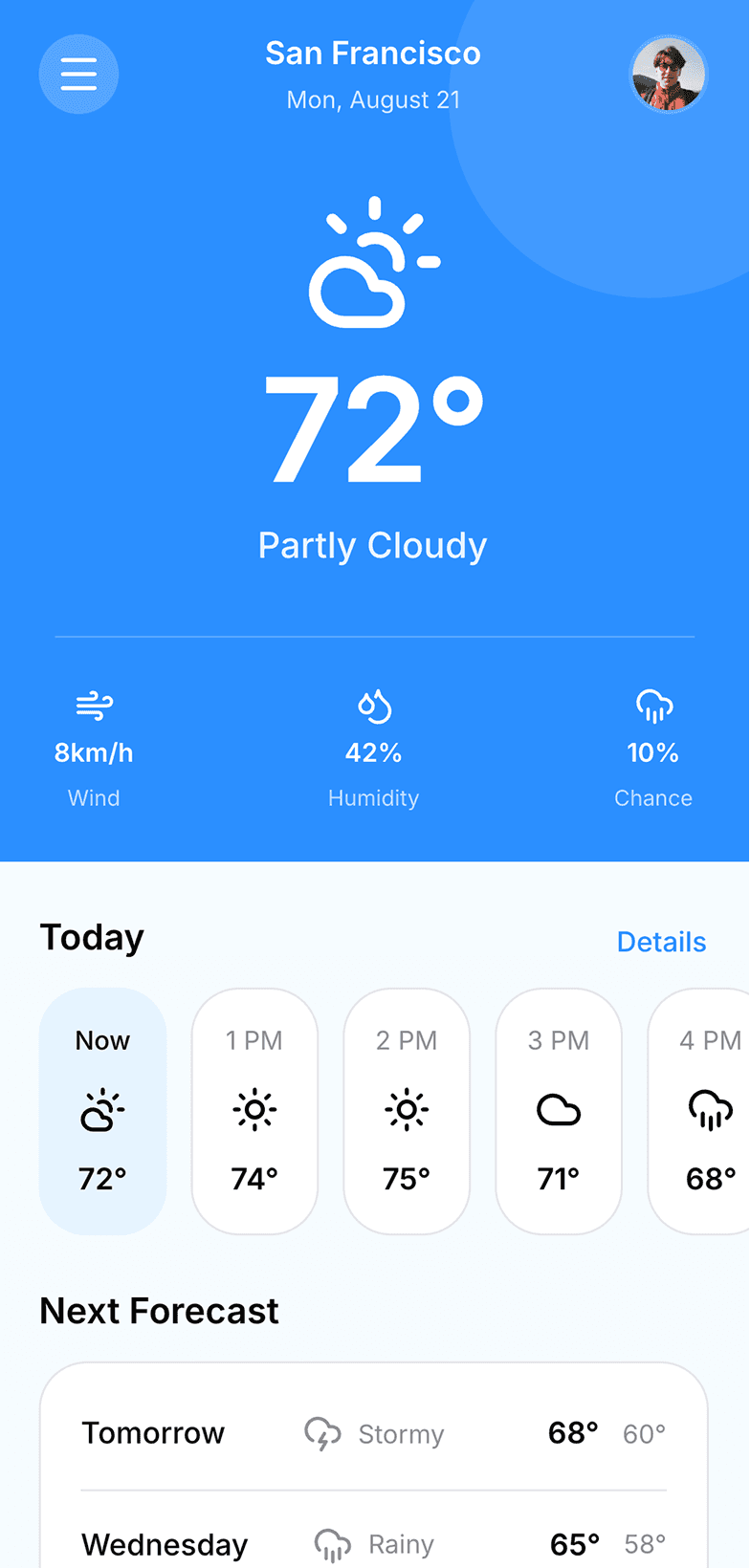
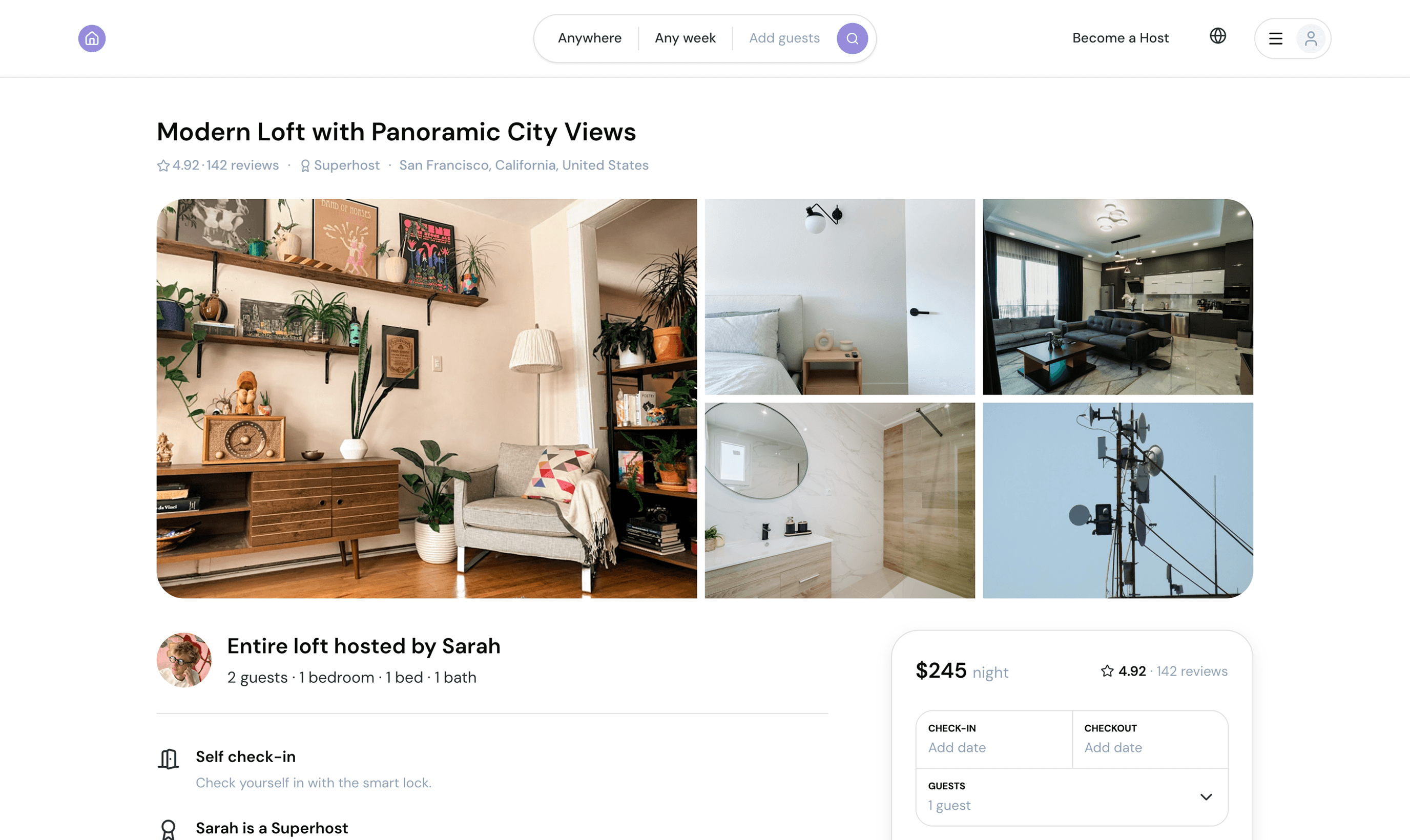
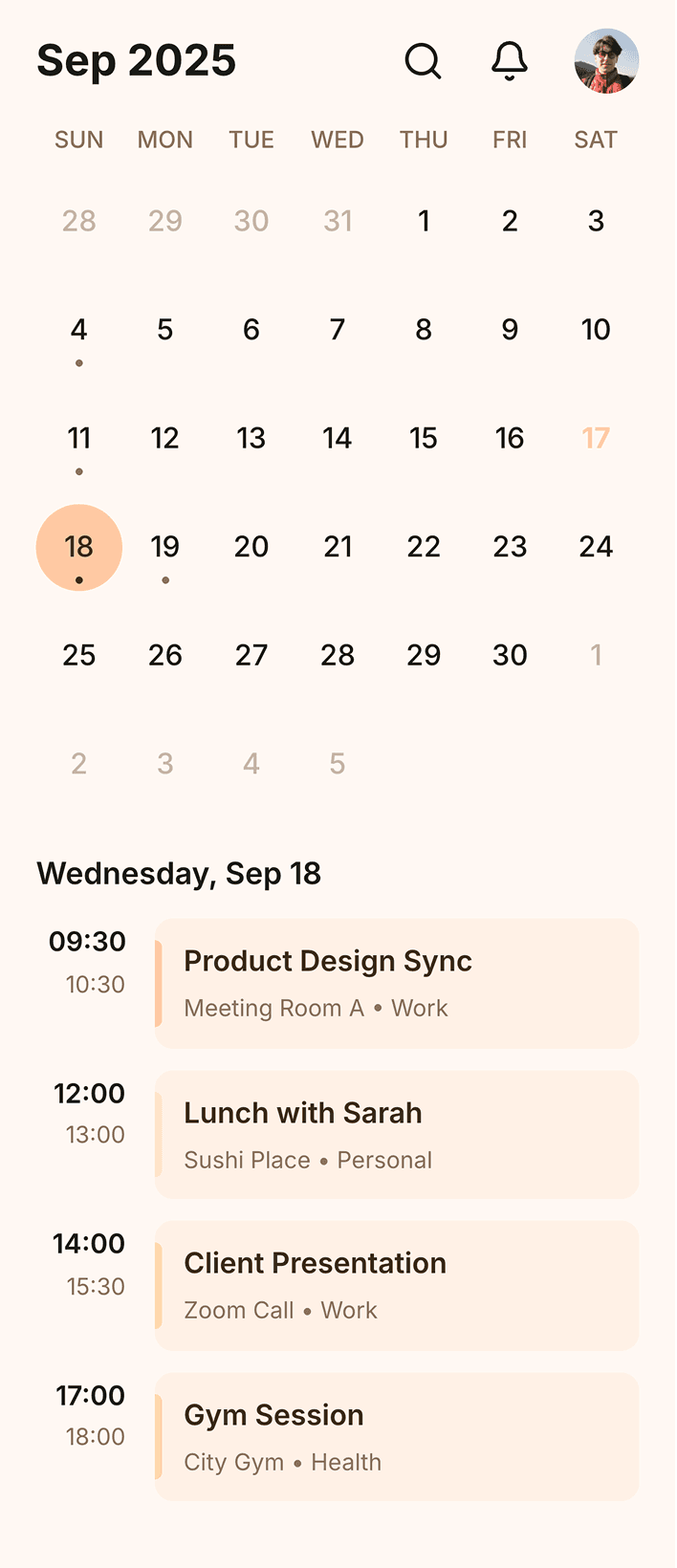
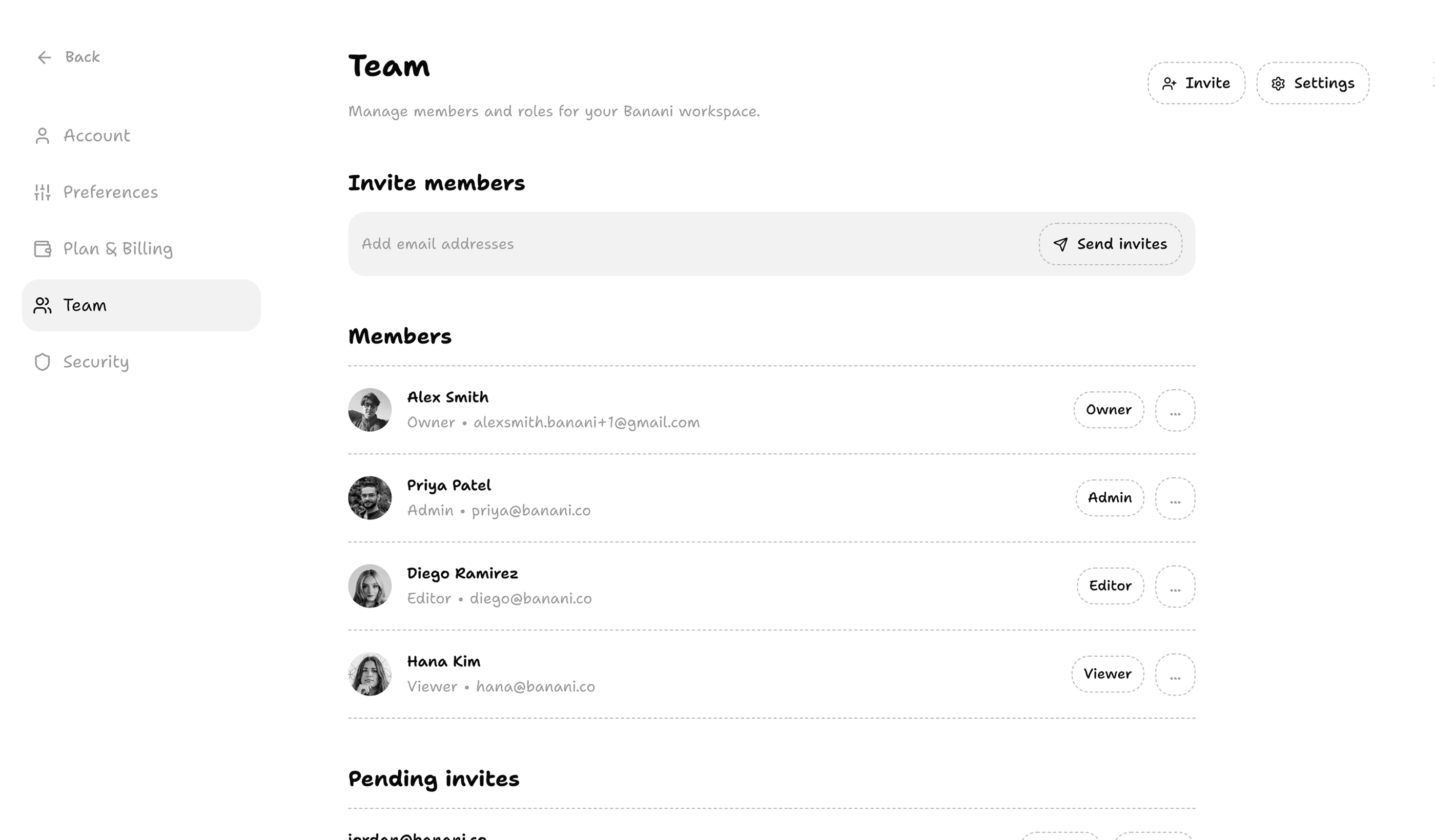
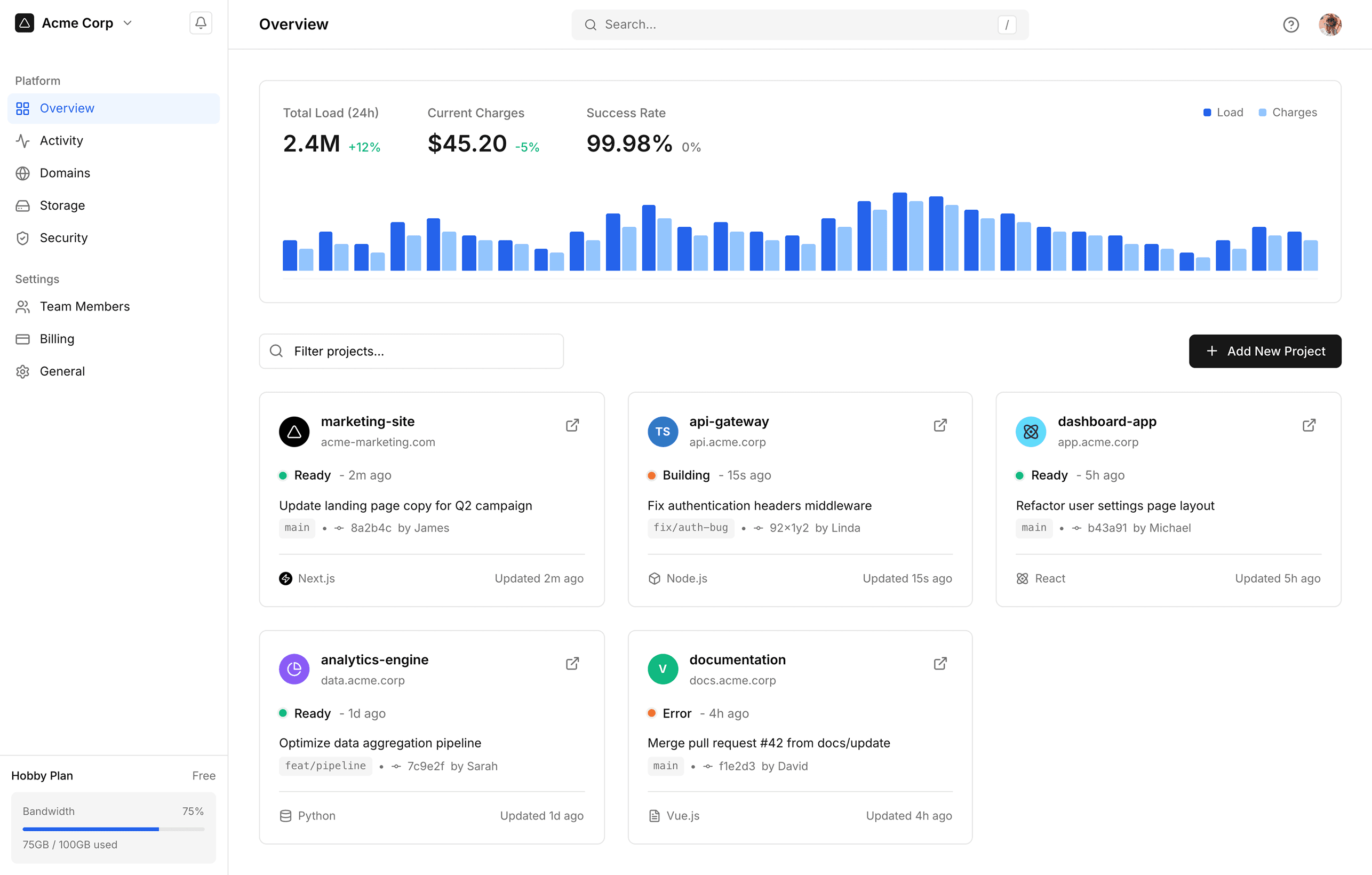
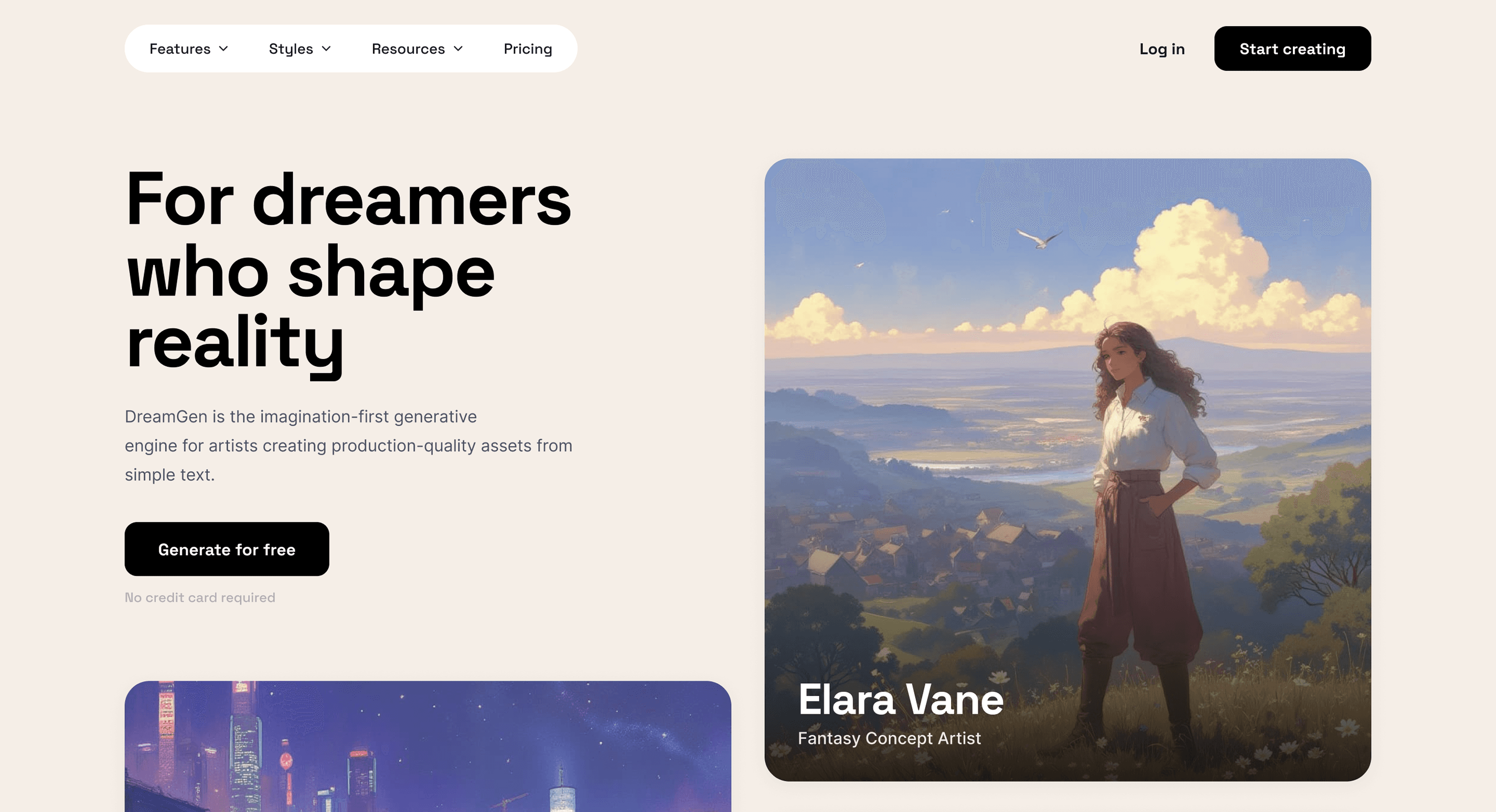
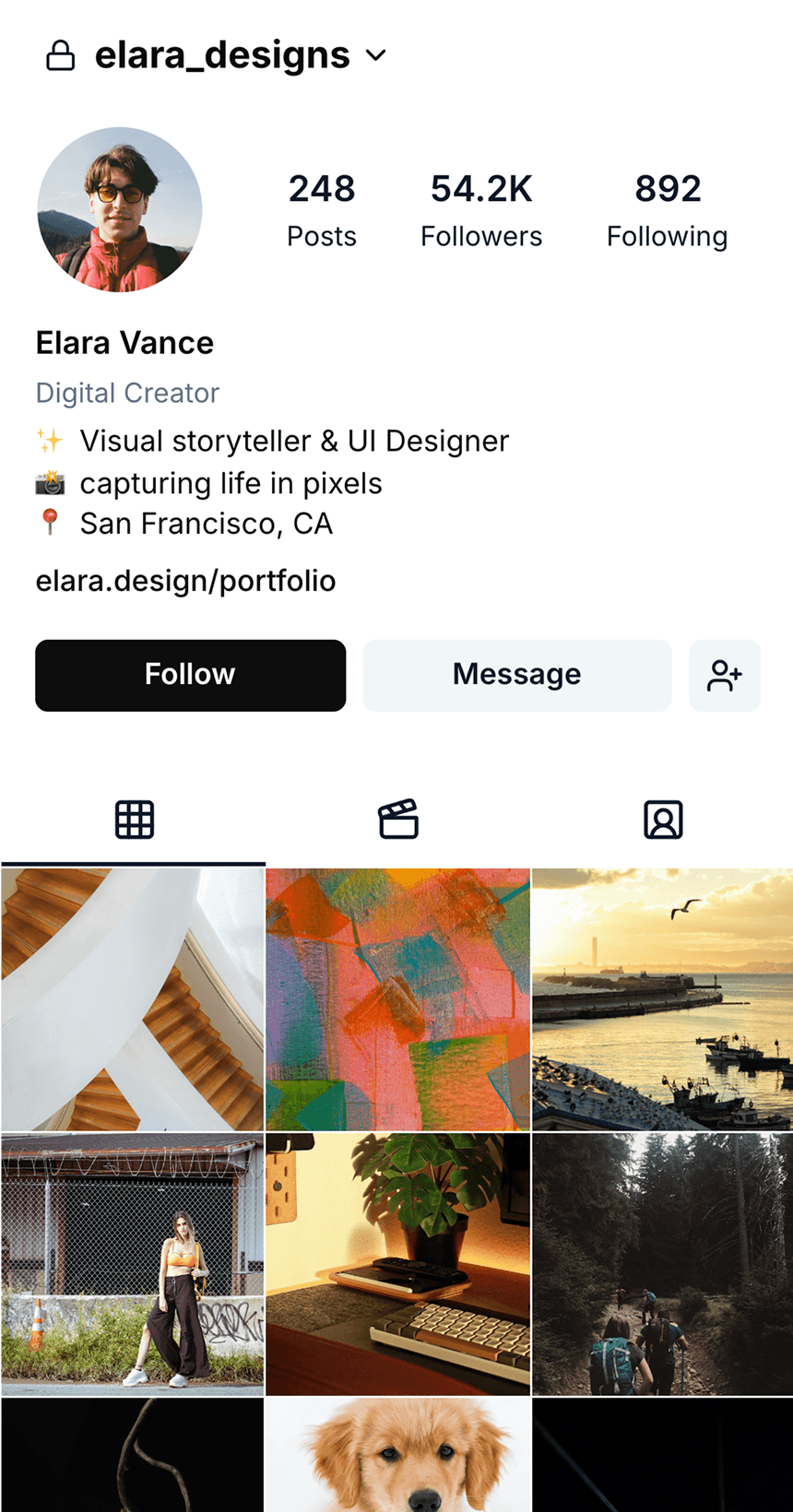
Generate UI designs from simple text descriptions, detailed PRDs, or reference images. Get beautiful high-fidelity interface design in seconds.

Generate UI designs from simple text descriptions, detailed PRDs, or reference images. Get beautiful high-fidelity interface design in seconds.

Generate flows & variations

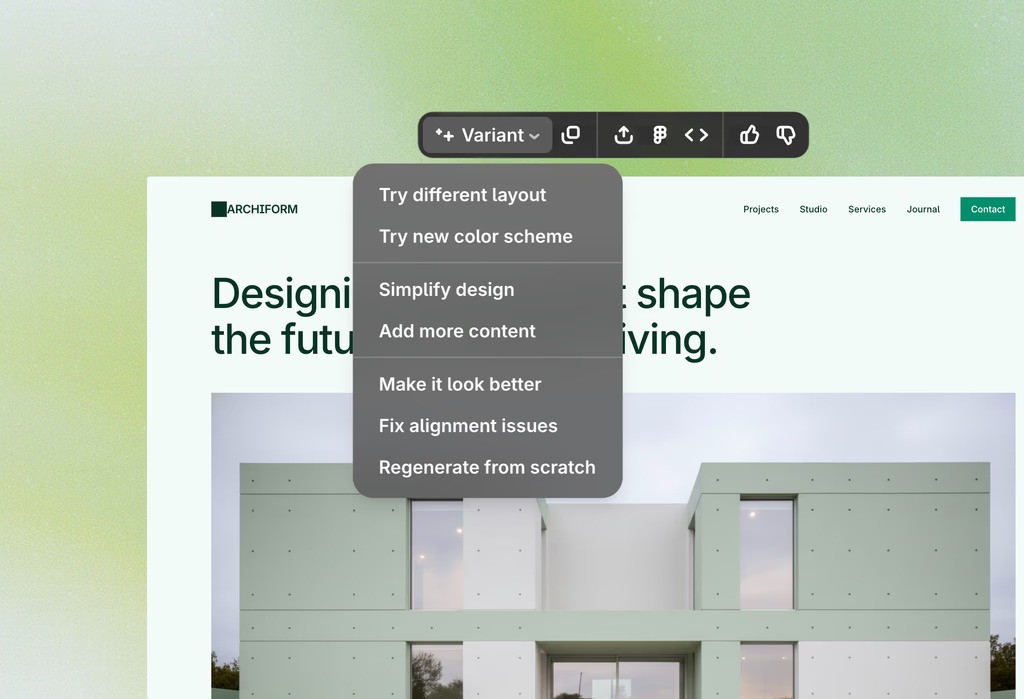
Use our tools to generate multiple variations of a design idea, explore different visual directions, and make full flows from single screens.

Use our tools to generate multiple variations of a design idea, explore different visual directions, and make full flows from single screens.

Use your assets and styles

Have existing design tokens or brand assets like logos? Bring them and generate on-brand UI. Don't have? Use built-in image generation!

Have existing design tokens or brand assets like logos? Bring them and generate on-brand UI. Don't have? Use built-in image generation!

Export to Figma or Code

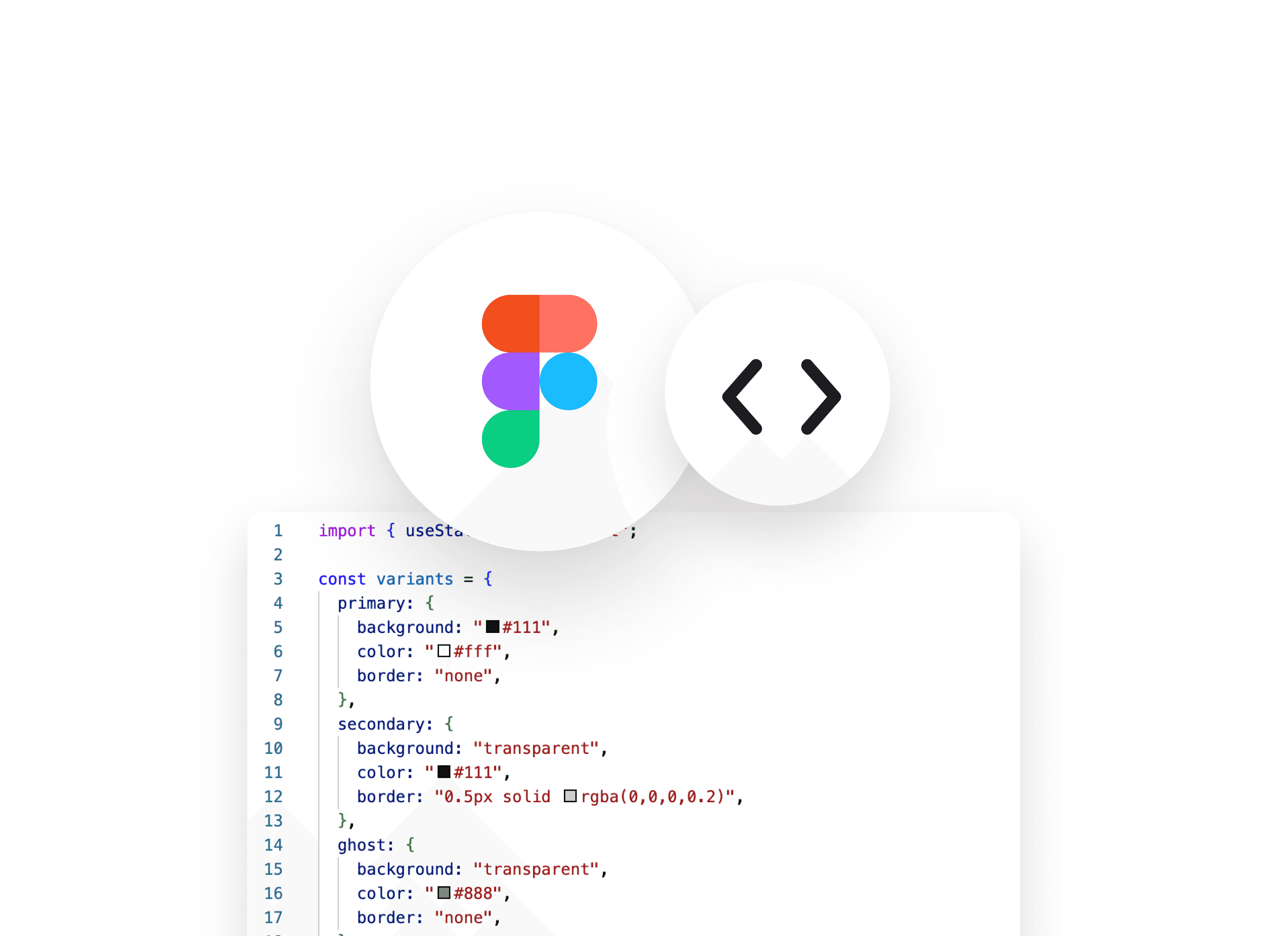
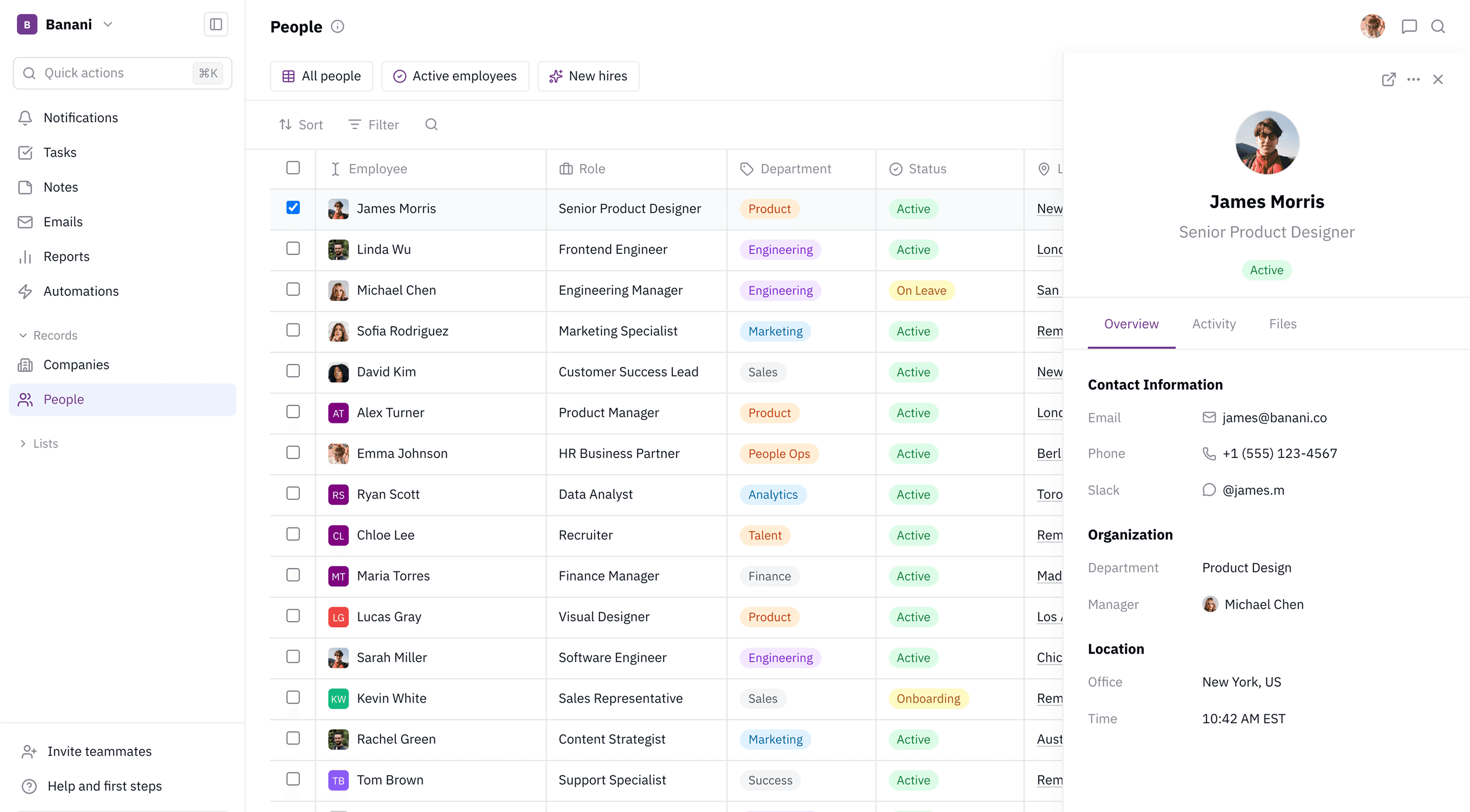
Copy-paste the generated UIs into your Figma file. Export designs directly to code. Or invite your team to work on Banani itself.

Copy-paste individual components or a full design system directly into your Figma file.

Copy-paste the generated UIs into your Figma file. Export designs directly to code. Or invite your team to work on Banani itself.

Edit UI with AI

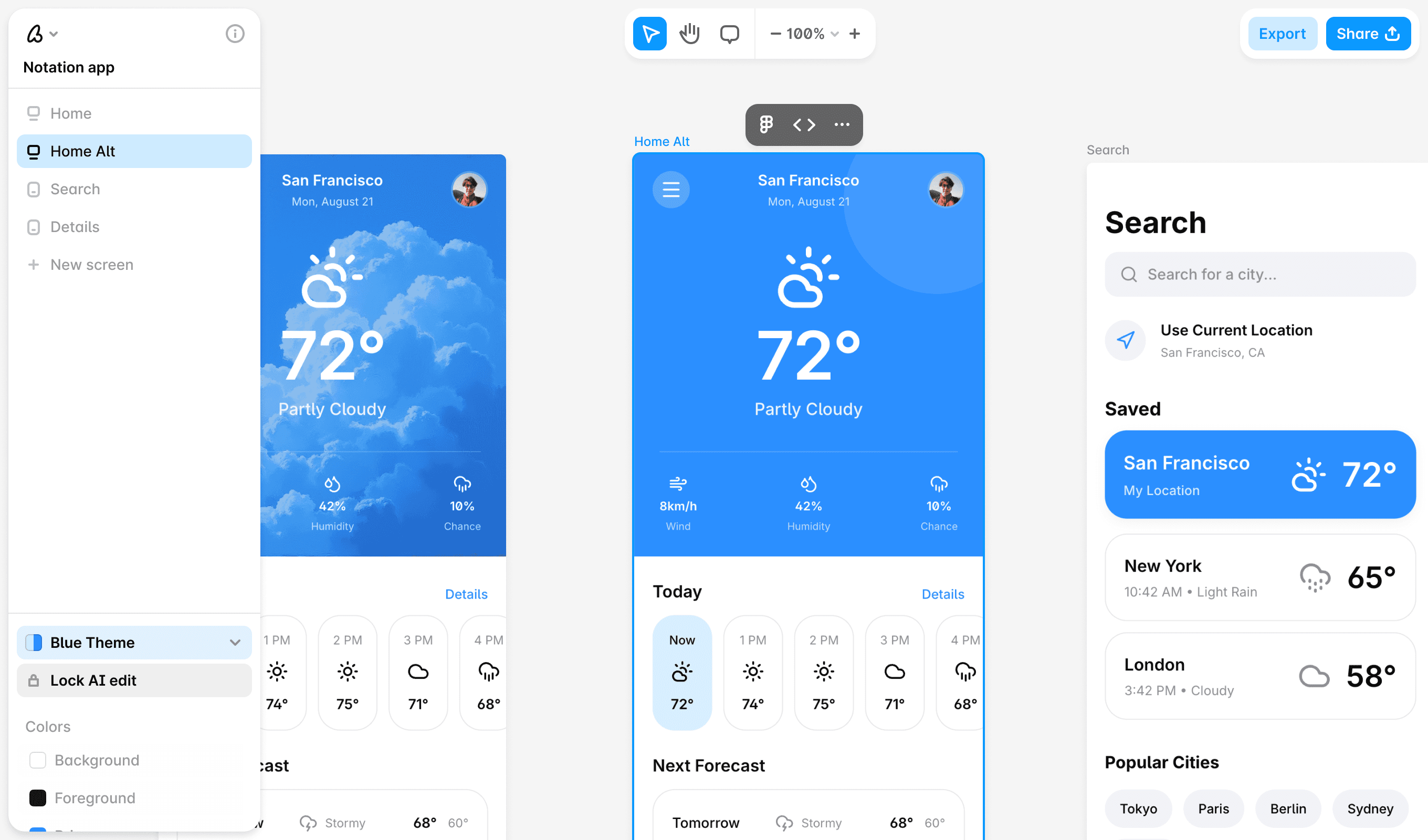
Use our editor to edit your UI designs with AI or with manual edit tools. Organize all of the screens on a familiar canvas interface.

Use our editor to edit your UI designs with AI or with manual edit tools. Organize all of the screens on a familiar canvas interface.

How to generate UI designs using AI

1

1

Write text prompt

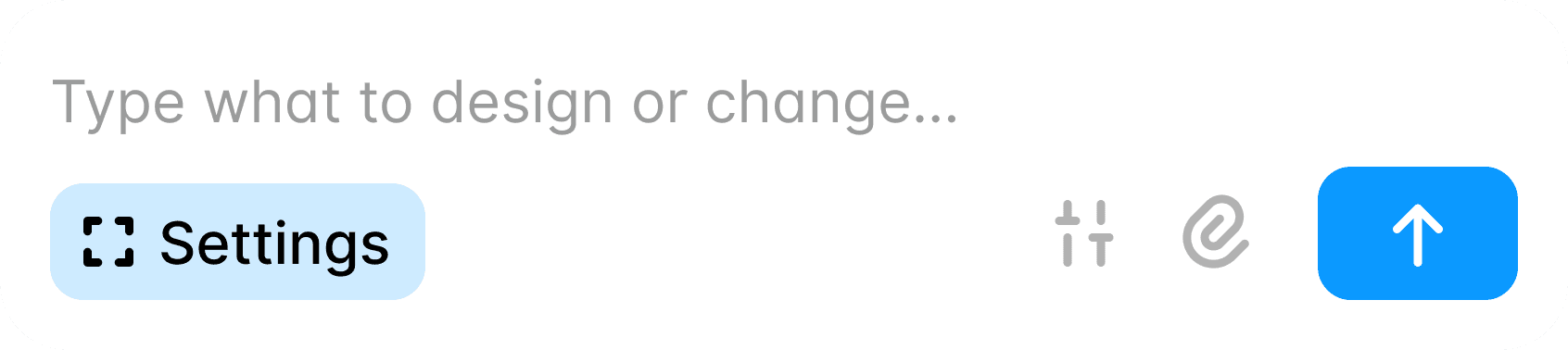
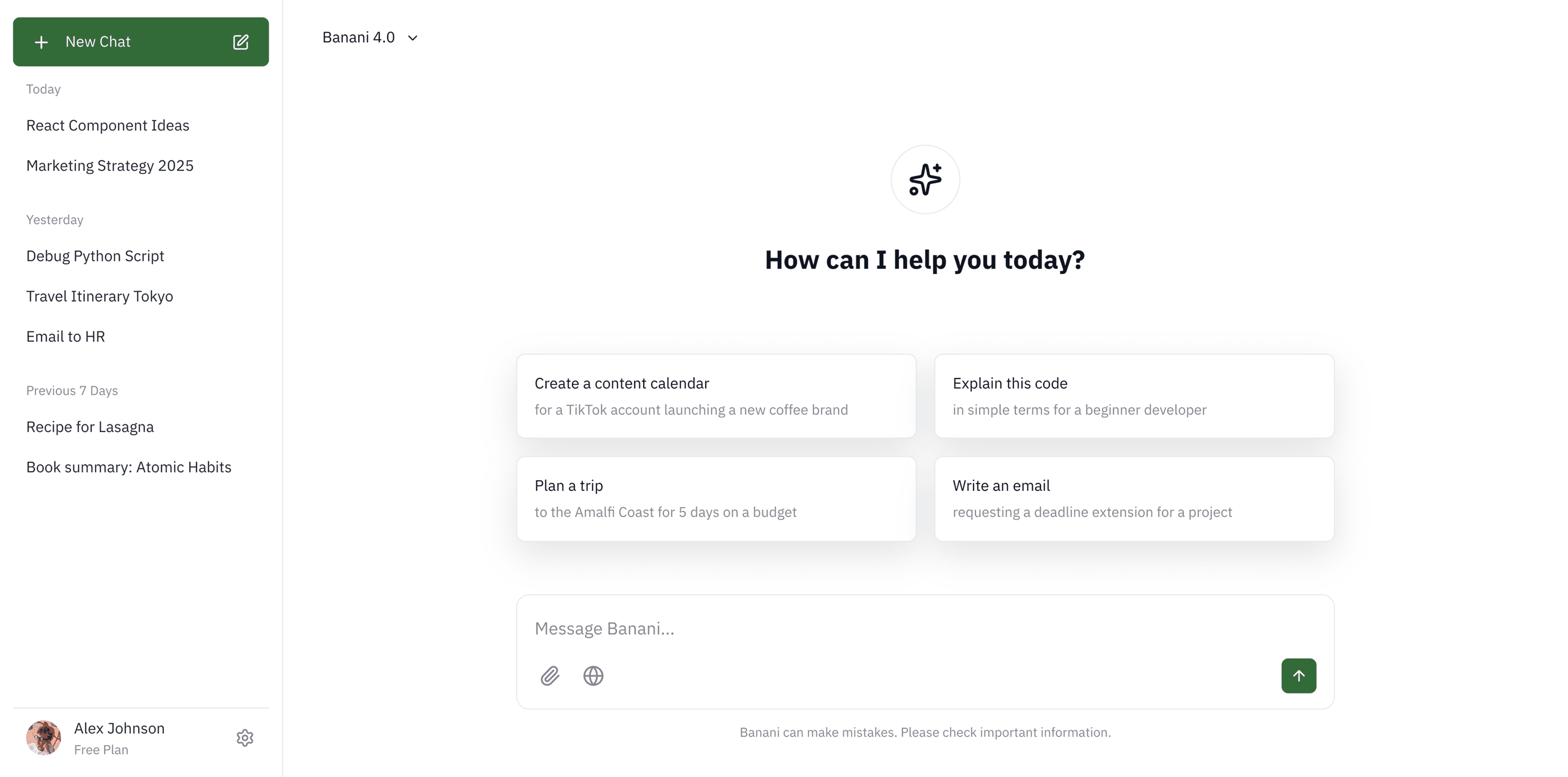
Just describe the designs you need in the form of text to Banani. Or attach references you want to use or replicate.

Just describe the designs you need in the form of text to Banani. Or attach references you want to use or replicate.

2

2

Get UI design

Our AI will generate one or multiple UI options for you from a single input. Pick the one that fits your idea.

Our AI will generate one or multiple UI options for you from a single input. Pick the one that fits your idea.

3

3

Edit and refine

Make edits to generated screens using AI, create desktop/mobile breakpoints, and refine UI until it looks exactly right.

Make edits to generated screens using AI, create desktop/mobile breakpoints, and refine UI until it looks exactly right.

4

4

Share or export

Share your design as a preview link or prototype. Export to Figma, code, or to your AI agent via MCP.

Share your design as a preview link or prototype. Export to Figma, code, or to your AI agent via MCP.

Mobile, desktop, web, and app UIs. Your imagination is the limit.

Millions of designs already generated by our users

Millions of designs already generated by our users

Designers and developers, startup founders and indie hackers, and small and large teams use Banani's AI-first design editor.

Designers and developers, startup founders and indie hackers, and small and large teams use Banani's AI-first design editor.

I jumped straight in without any tutorials and got really nice results, fast

I jumped straight in without any tutorials and got really nice results, fast

Mack

Banani was a turning point for us in adding AI into our actual design workflow

Banani was a turning point for us in adding AI into our actual design workflow

Qendrim

We can just type what we need and get it!

Matt

Get started now

Bring your product design vision into reality in seconds instead of days.

Bring your product design vision into reality in seconds instead of days.

What is a UI design?

UI design, or User Interface design, is the process of crafting the visual and interactive elements of a product. It focuses on how users interact with digital platforms, ensuring the design is intuitive, aesthetically pleasing, and easy to navigate.

UI design, or User Interface design, is the process of crafting the visual and interactive elements of a product. It focuses on how users interact with digital platforms, ensuring the design is intuitive, aesthetically pleasing, and easy to navigate.

How do you make a good UI design?

Simplicity is key. Designs should be clean, organized, and responsive. Aside from visuals, they also should function according to user needs.

Simplicity is key. Designs should be clean, organized, and responsive. Aside from visuals, they also should function according to user needs.

How to create a UI design?

Modern tools, including AI-driven platforms, can accelerate the design process by providing templates and automating repetitive tasks, making it easier to focus on creativity and problem-solving.

Modern tools, including AI-driven platforms, can accelerate the design process by providing templates and automating repetitive tasks, making it easier to focus on creativity and problem-solving.

What are UI design tools?

UI design tools are apps that help users create, prototype, and test user interfaces. They range from basic UI design apps to more advanced collaborative and AI-powered tools.

UI design tools are apps that help users create, prototype, and test user interfaces. They range from basic UI design apps to more advanced collaborative and AI-powered tools.

Find inspiring references

Browse and save screens of the best-designed apps. Save time on research.

Browse and save screens of the best-designed apps. Save time on research.