

What is Google Stitch?
Google Stitch (formerly Galileo AI) is a free UI design tool from Google Labs that turns text prompts, sketches, or screenshots into mobile and web app interfaces. It runs on Gemini models and lets you export designs to Figma or as HTML/CSS code. It's fast for early-stage exploration, but it has real limits — especially when you need multi-screen flows, brand-level styling control, or a path to production.
TL;DR: Quick decision guide
Closest to Stitch (text to UI and multi-screen prototypes): Banani, UX Pilot
Figma-first (prompting inside your design system): Figma Make
Publish something live (site/app): Framer, Lovable
Design-to-code (Figma to front-end code): Locofy, Anima
Where Stitch AI shines / breaks
Stitch AI is built for fast UI exploration: prompt in, UI out, usually with a Material Design style default.
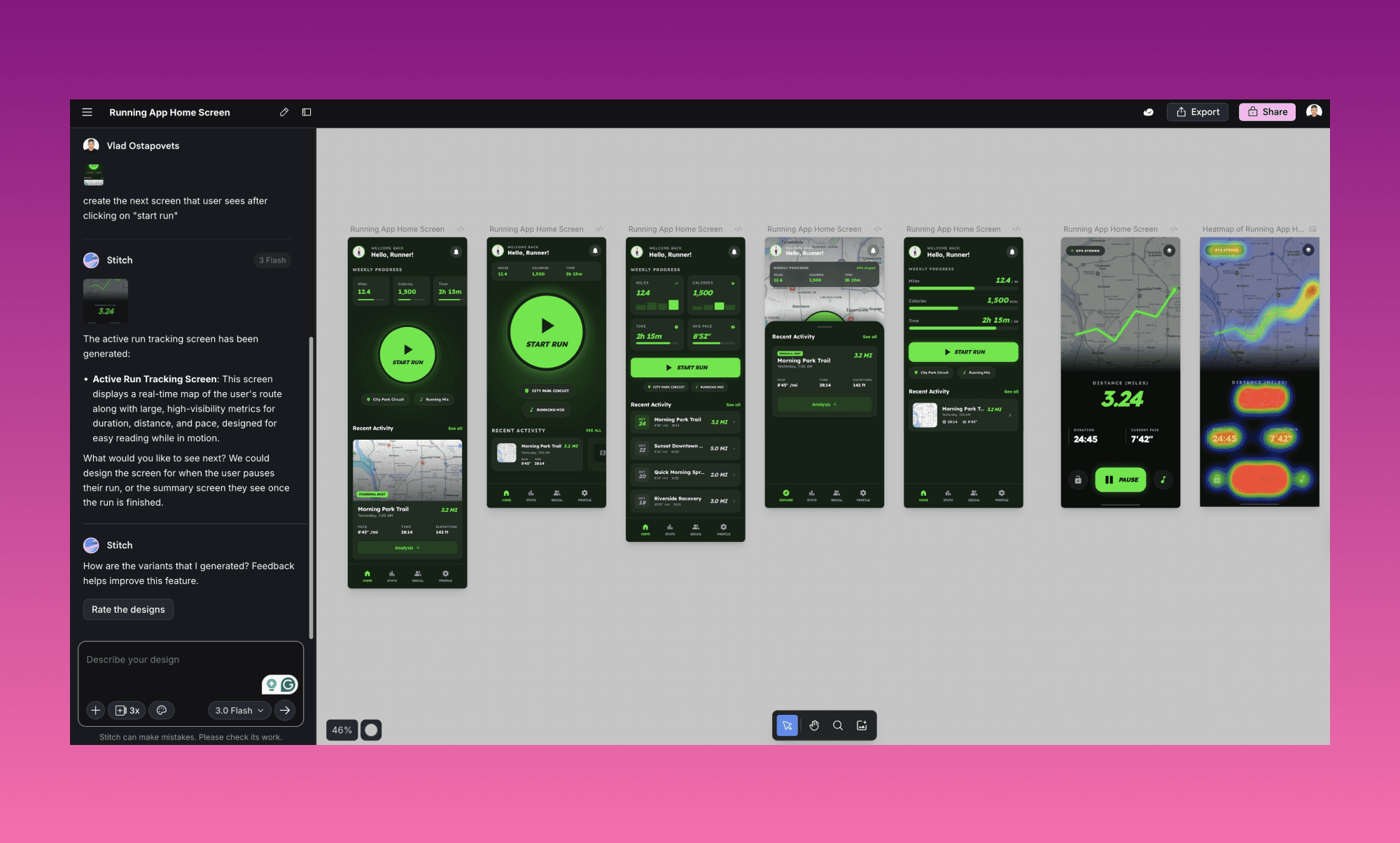
Good at
Fast prompt-to-layout variations
Material-aligned UI patterns
Multi-device previews
Basic accessibility checks
HTML/CSS + Figma layer export (mode-dependent)
Breaks down when you need
Long, connected multi-screen flows
More brand-level styling control
Responsive-ready output without manual cleanup
Backend/product logic (auth, DB, workflows)
Heavy use without running into monthly caps
Deeper collaboration features (versioning, robust teamwork)
Text-to-UI tools
These are the tools you should look at first if your team wants the same core workflow: describe UI → generate screens → iterate.
Banani
Best for: Creating editable multi-screen prototypes from text, screenshots, or Figma links
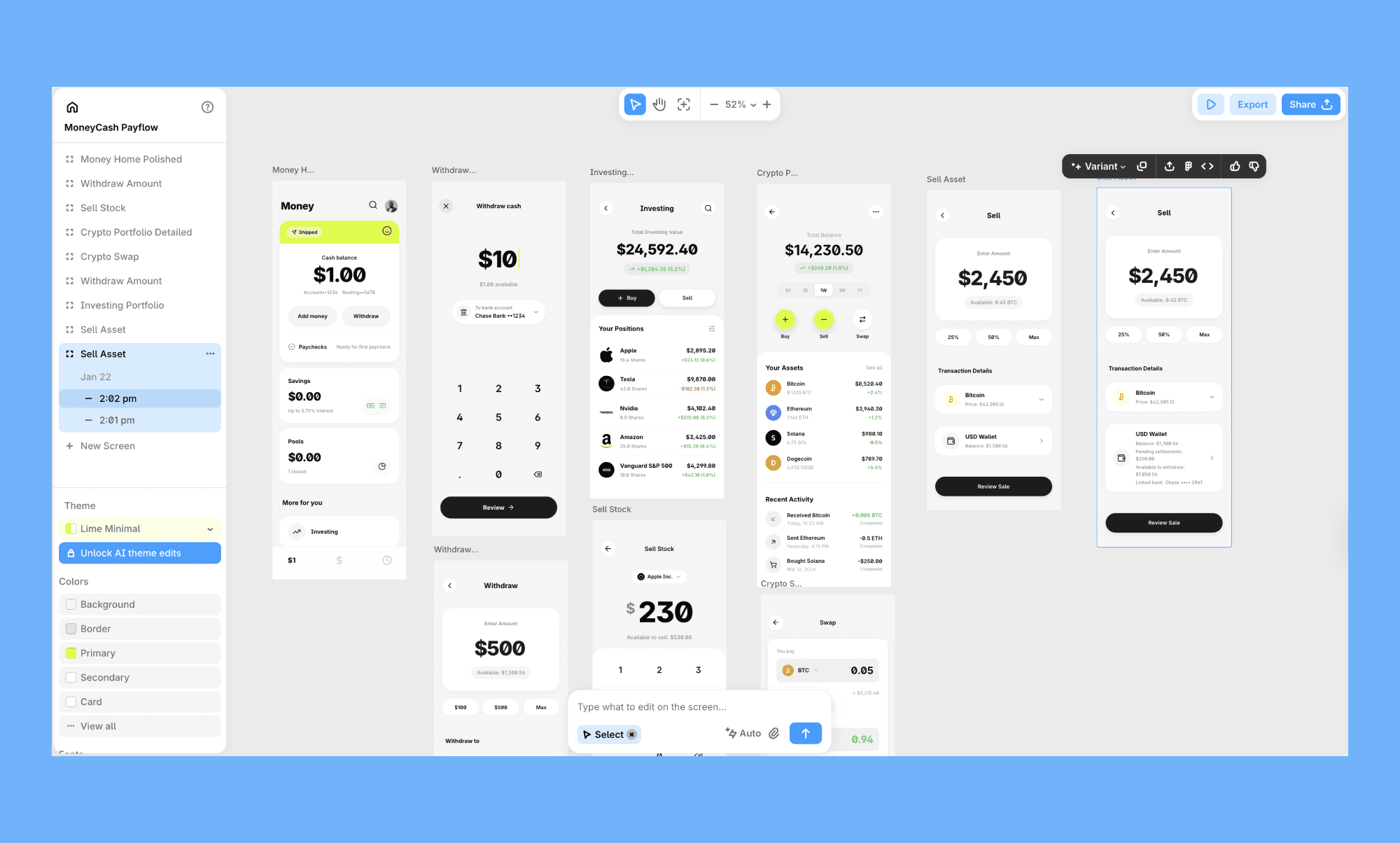
Banani is an AI UI design tool that turns prompts, screenshots, or Figma links into interactive, multi-screen layouts. Compared to Stitch, it leans harder into flow building and iteration—especially when you need more than one isolated screen.
Why it’s good:
Generate multi-screen UI from a prompt (not just a single view)
Adjust colors, typography, and design tokens for tighter style control
Create follow-up states from interactions (useful for flows)
Export to Figma or HTML/CSS
Share via links for async review
Key limitation: Output quality depends heavily on prompt clarity, and deeper customization often requires manual token tweaks.
Pricing: Starts at $20/month (individuals) and $30/month (teams), with a free tier including 20 free generations per day, and 3 Figma exports.
If you want something that feels like Stitch but works better for real product flows, try creating your first designs in a few clicks.
Uizard
Best for: Cross-functional teams that want fast wireframes and editable prototypes
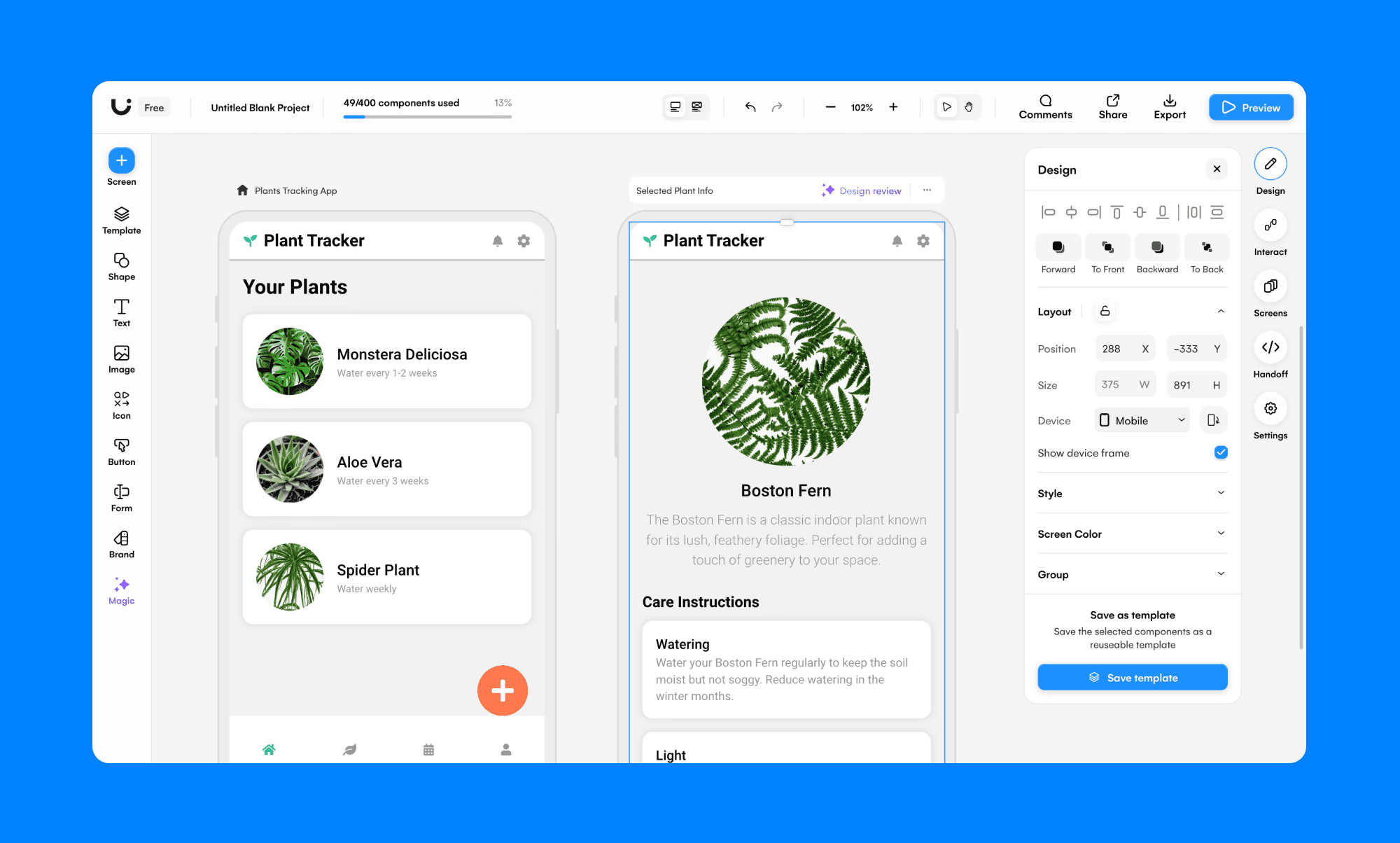
Uizard is strong when your team needs to crank out MVP screens quickly—especially if PMs and non-designers are involved. It’s more “get to a usable prototype fast” than “pixel-perfect brand UI.”
Why it’s good:
Multi-screen generation (especially early-stage flows)
Screenshot + sketch conversion
Real-time collaboration
Theme generation for quick style changes
Key limitation: Direct exports of fully editable design files are limited; SVG-style exports are a workaround in many workflows.
Pricing: Paid plans start at $19/month, with a free tier.
UX Pilot
Best for: High-fidelity screens + Figma-ready output
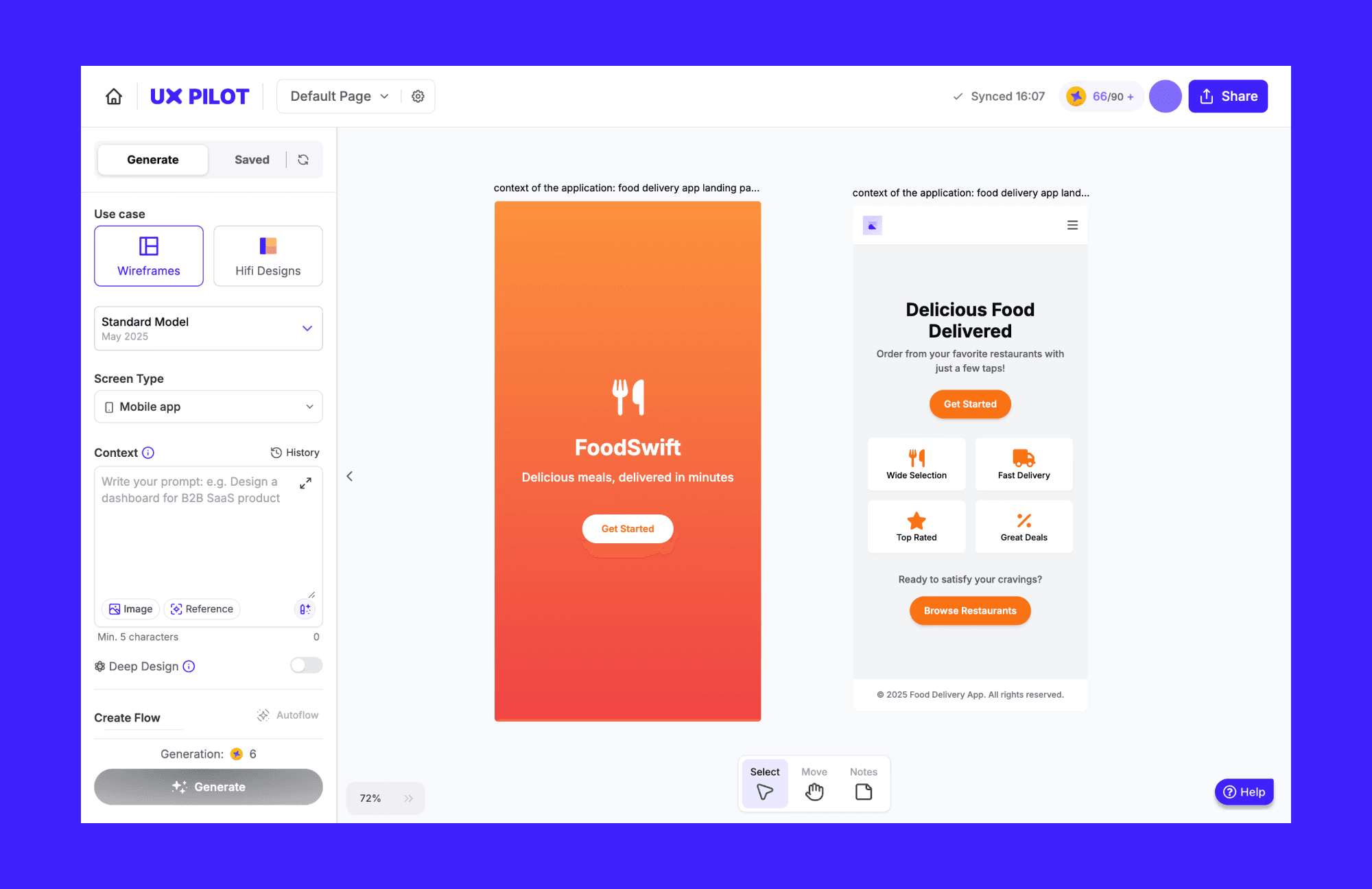
UX Pilot targets teams that want something closer to a polished UI than loose wireframes. It’s especially useful when you want to bring work into Figma quickly.
Why it’s good:
High-fidelity UI generation and wireframes
Screen flows / journey creation
Figma plugin + export path
Reference-based styling support
Key limitation: Iterative edits can become inconsistent, and strict “best practices” defaults can make it harder to follow unusual UI directions.
Pricing: Paid plans start at $19/month, with a free, limited-tier option.
Design-to-code tools
If your main issue is “we have designs, now turn them into code,” Stitch isn’t the right starting point anyway. These tools are built for Figma → code workflows.
Figma Make
Best for: Design teams already inside Figma who want prompt-driven prototyping
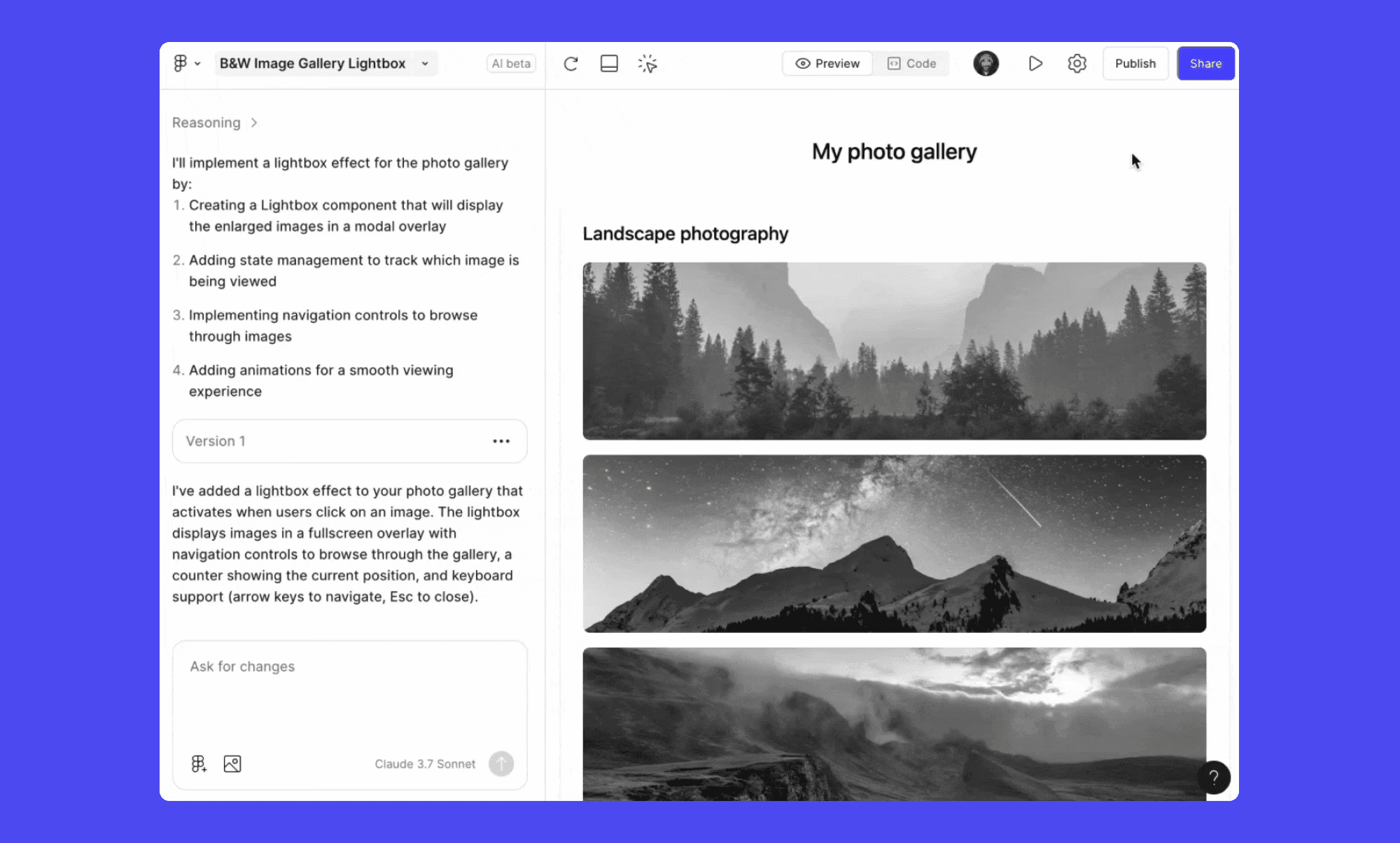
Figma Make is positioned as a Figma-native way to generate interactive prototypes inside the canvas. The big win is staying in Figma with native layers instead of bouncing between tools.
Why it’s good:
Deep integration with Figma components and styles
Prompt-driven edits + direct canvas changes
Publishing path via Figma Sites
Key limitation: Best inside the Figma ecosystem, yet less appealing if your team doesn’t standardize on Figma.
Pricing: Paid plans start at $20/month, with a free, limited-tier option.
Locofy.ai
Best for: Engineering-led teams that want production-ready frontend code from Figma/Penpot
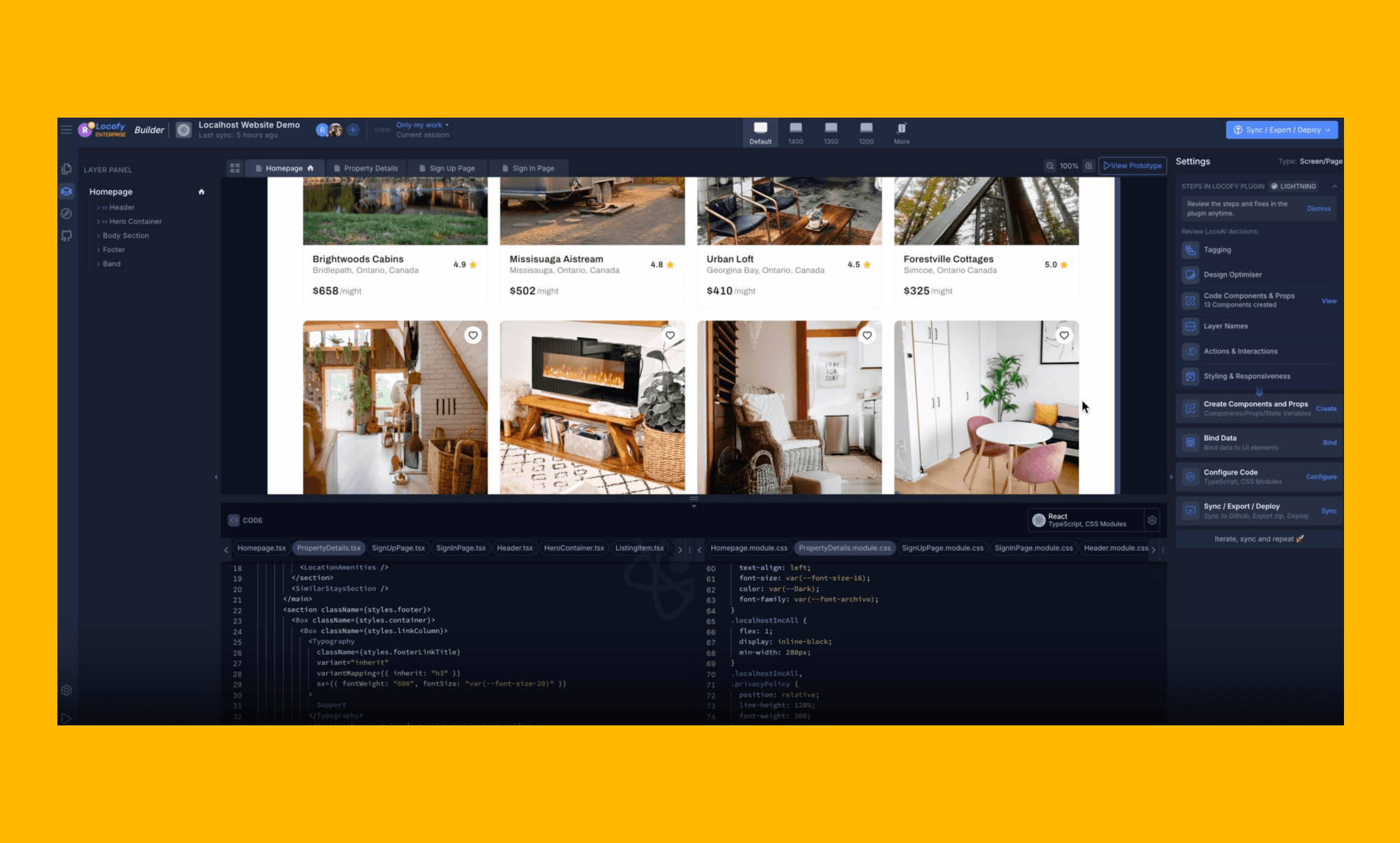
Locofy is a different kind of “alternative.” It’s not about exploring UI ideas—it’s about outputting code. If your team already has Figma designs and wants to quickly build in React/React Native/Flutter, this is the lane.
Why it’s good:
Multi-framework code export (React, React Native, Flutter, HTML/CSS, more)
Plugin-based tagging + component conversion workflows
GitHub + editor integrations (useful for real teams)
Works with common design systems (Material UI, Ant Design, etc.)
Key limitation: It’s strongest on static UI → frontend code. Advanced state management and backend logic still need engineering time.
Pricing: Pay-as-you-go at $0.40 per token, or $399/year for ~2,500 tokens.
Anima
Best for: Teams that want a broader builder workflow (prompt → UI → deploy)
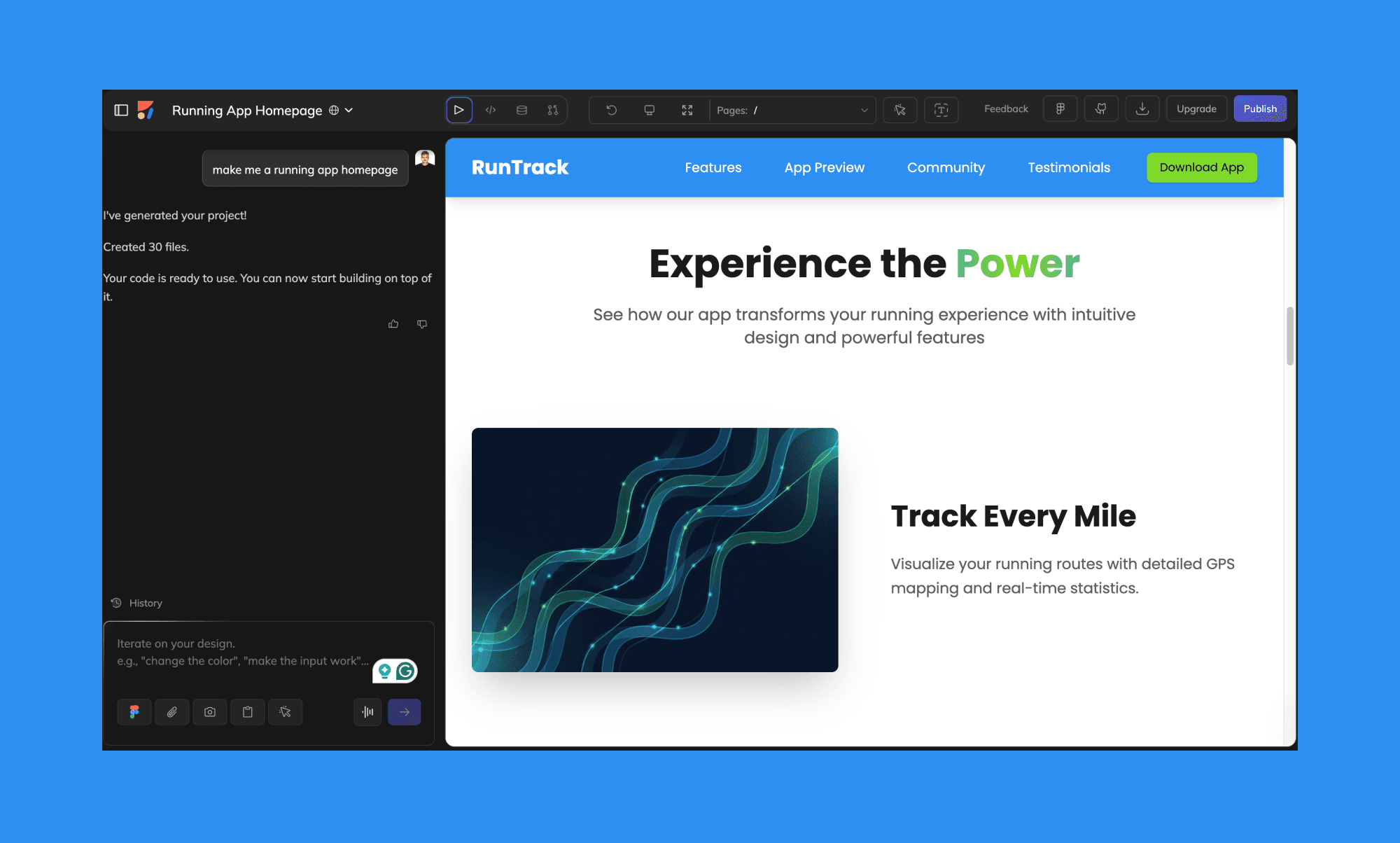
Anima sits closer to “product builder” territory. It supports prompt- or screenshot-based starting points, but it also integrates with deployment and dev workflows via APIs.
Why it’s good:
Prompt-based UI generation plus Figma-to-code workflows
Live previews + shareable links
One-click deployment options
API access for dev tooling and AI agents
Key limitation: Generated code often needs cleanup, and some teams report plugin lag/bugs.
Pricing: Starter is $25/month, with a free, limited-tier option.
Prototype to publish
If what you really want is “get something online,” a design generator alone won’t help. These tools are for publishing.
Framer
Best for: Teams building websites with design + CMS + SEO in one place
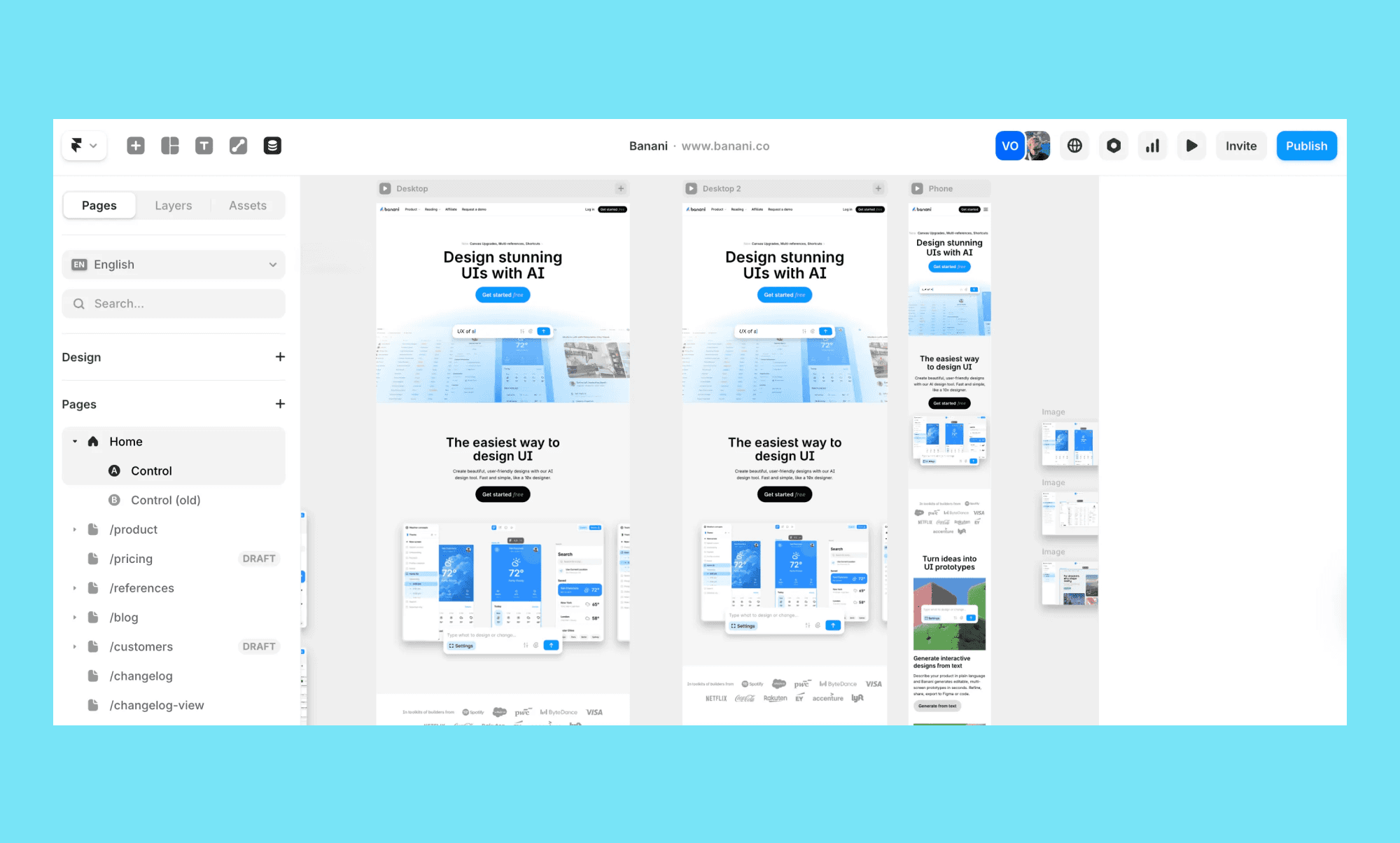
Framer is ideal when you want a modern site builder that supports responsive layouts, animations, and a real publishing workflow.
Why it’s good:
AI-assisted layout generation
Collaboration + fast iteration on live pages
Localization and SEO tools
Built-in CMS
Key limitation: Code-level control can feel restrictive, and CMS depth has limits depending on the plan.
Pricing: Paid plans start at $15/month, and enterprise pricing is available.
Relume
Best for: Structured website planning (sitemaps + wireframes) before design
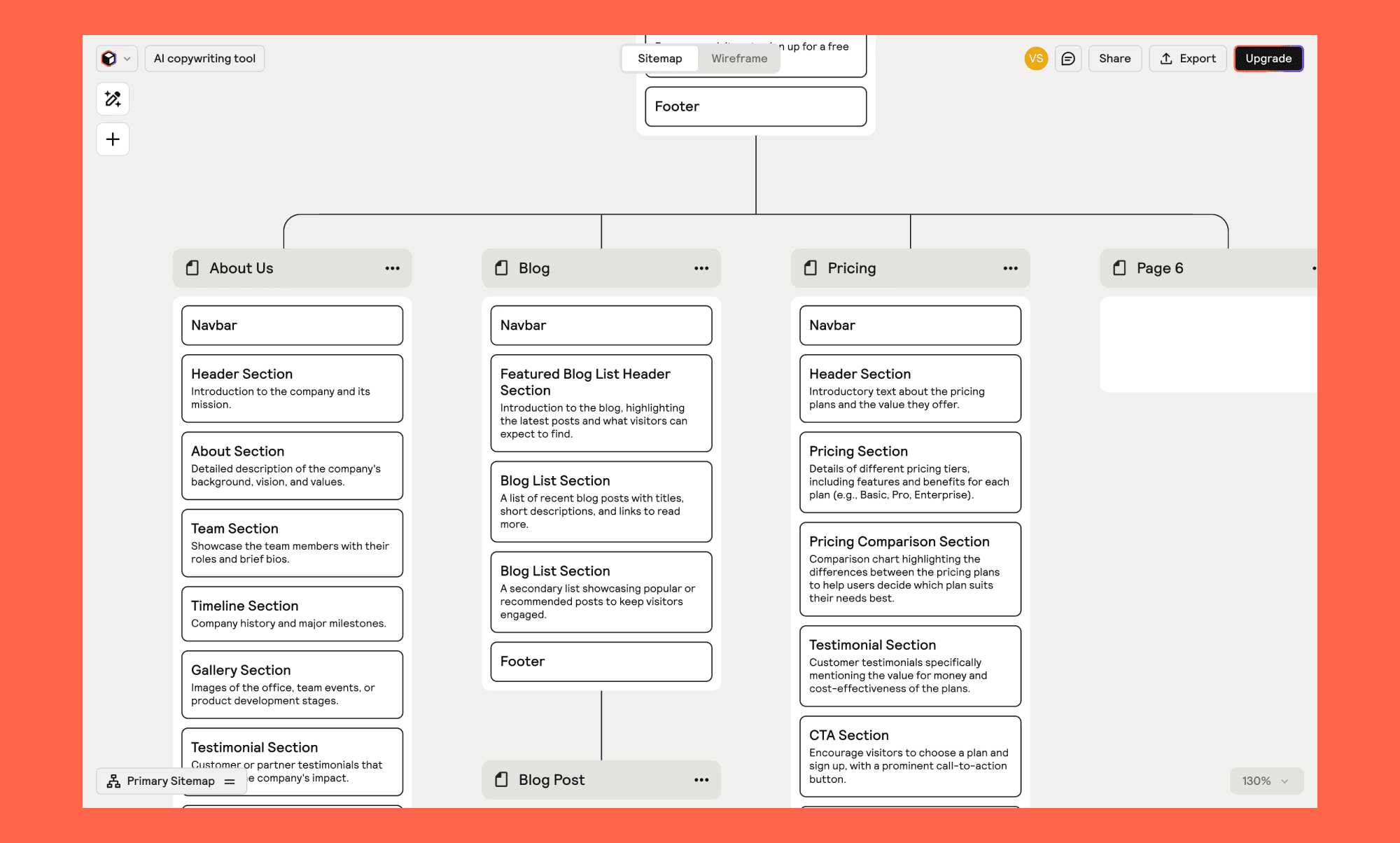
Relume’s angle is “plan first.” If your team struggles more with information architecture than UI layout, this is a strong starting point—then you export to your design/dev tool of choice.
Why it’s good:
AI-generated sitemaps + wireframes
Large component libraries (1,000+ elements mentioned)
Style guide builder for brand direction
Export to Figma/Webflow/React
Key limitation: Not a host/CMS replacement—more of a planning + handoff tool.
Pricing: Paid plans start at $26/month, with a free, limited-tier option.
Code-first builders
These tools aren’t “Stitch replacements” in the pure design sense. They’re better described as Stitch substitutes for teams that want a deployable app fast.
v0 by Vercel
Best for: Prompt-to-UI generation that can be deployed quickly (especially in a Vercel workflow)

v0 is useful when you want to generate UI fast and push toward a working web app deployment workflow.
Why it’s good:
Generates usable UI/components quickly
Visual editing mode
Templates + design systems
GitHub sync + Vercel deployment
Key limitation (as described): It doesn’t generate full backend/API endpoints by default, so real functionality still needs engineering.
Pricing: Paid plans start at $20/month, with a free, limited-tier option.
Lovable
Best for: Small teams that want a conversational prompt-to-app workflow
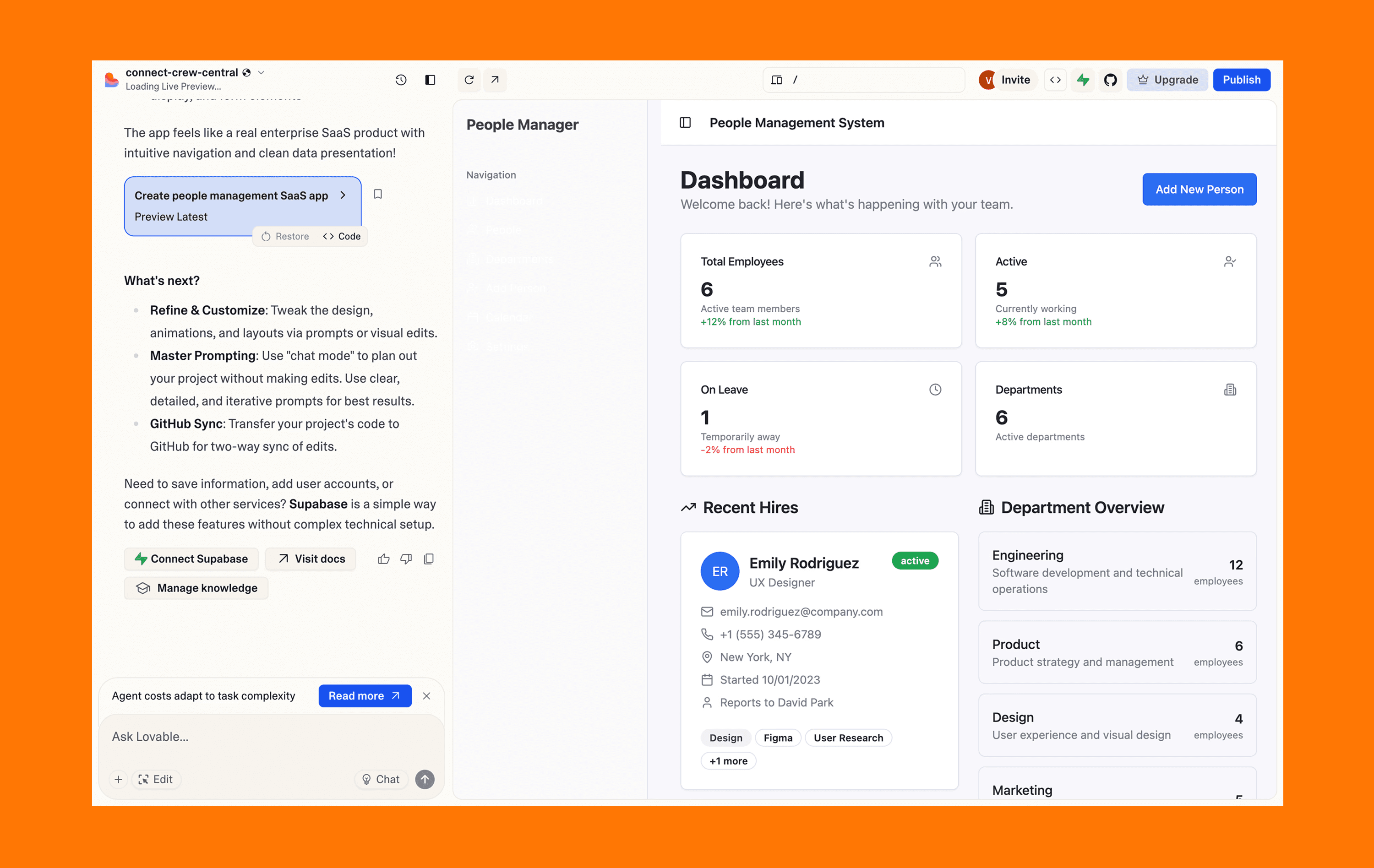
Lovable is straightforward: chat, templates, quick output. It’s good when the goal is speed and simplicity.
Why it’s good:
Chat-driven creation
Template library for common site patterns
Supports attachments for context
Quick path to basic sites
Key limitation: Less deep control for advanced customization; credit-based models can make iteration feel expensive.
Pricing (as described): Paid plans start at $25/month, with a free, limited-tier option.
Bolt.new
Best for: Prompt-driven apps/sites with deployment plumbing included
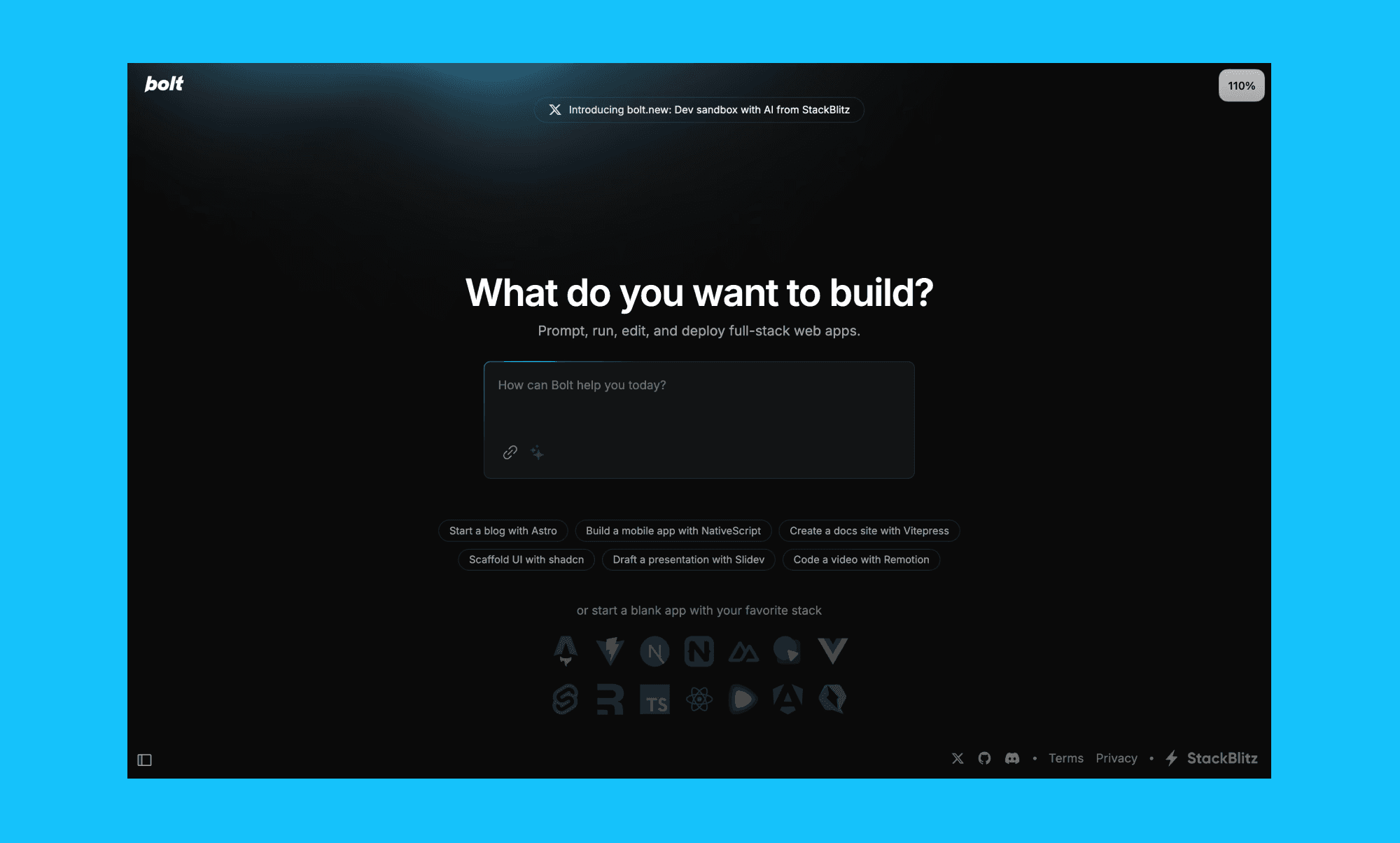
Bolt.new is positioned to generate websites and apps via chat, with integrations that matter when developers need to take over.
Why it’s good:
Prompt-to-app workflow
Hosting + database management through Bolt Cloud
Supports mobile and web builds
Integrations (Figma, GitHub, Expo, Stripe mentioned)
Key limitation: Primarily geared for JS-based stacks (limited for Python/non-JS backend needs).
Pricing: Pro is $25/month, with a free, limited-tier option.
Paraflow
Best for: Canvas-based “AI agent” workflow that spans product thinking to UI output
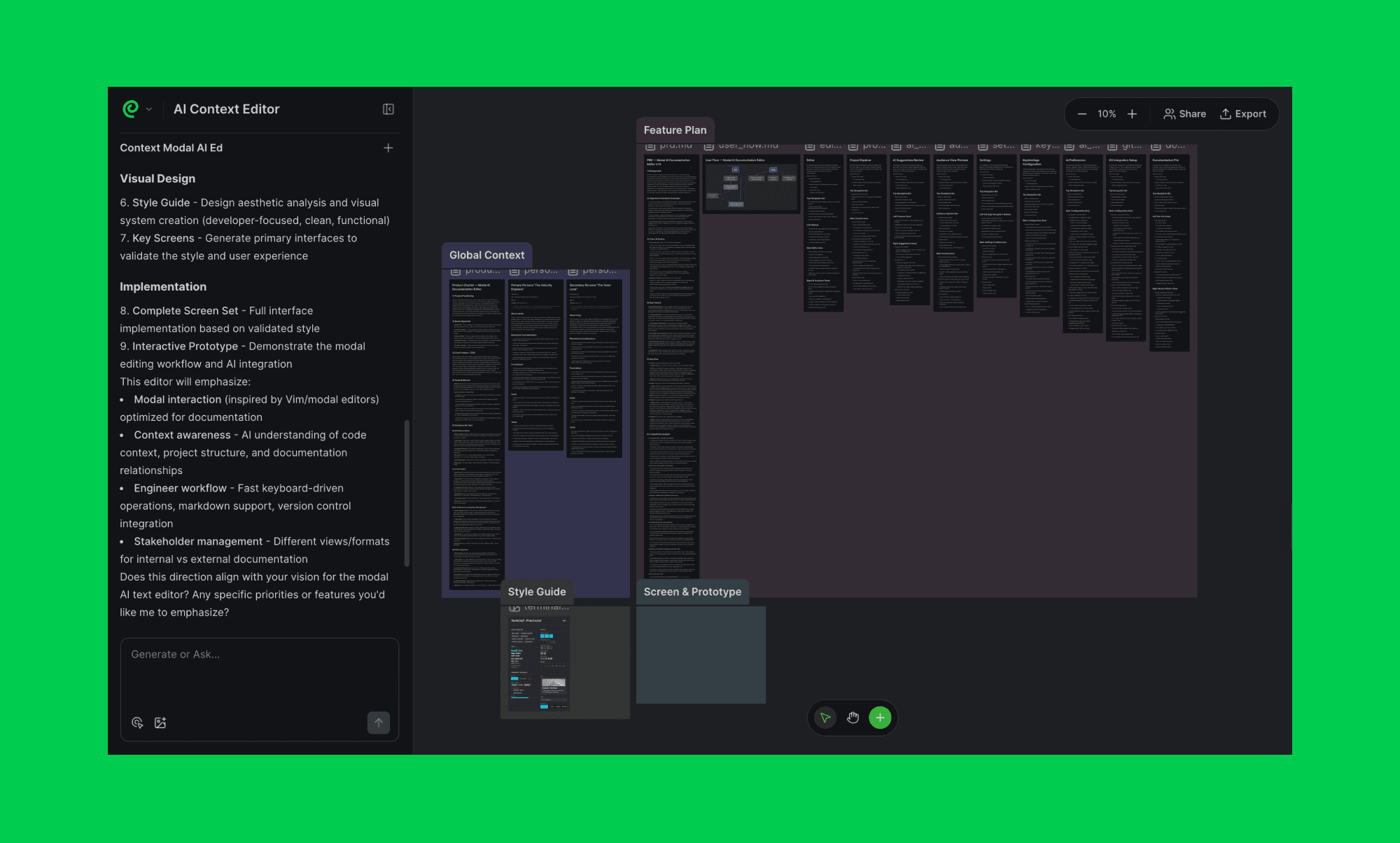
Paraflow is more of an end-to-end product workspace than a UI generator. If your team likes defining requirements, mapping flows, and generating UI in a single canvas, it can work.
Why it’s good:
PRD generation + user flow mapping
Style-consistent high-fidelity UI
Interactive prototypes + live previews
Frontend code handoff
Key limitation: Integrations can be limited compared to tools teams already use day-to-day.
Pricing (as described): Pro is $25/month, with a free, limited-tier option.
Quick comparison table
This is intentionally simplified to stay readable.
Tool | Best for | Inputs | Exports | Pricing model |
Banani | Editable multi-screen UI designs | Text, images, Figma frames | Figma, HTML/CSS | Free tier + seats from $20/mo |
Uizard | Fast wireframes + prototypes | Text, images | Limited exports | Free tier + seats from $19/mo |
UX Pilot | UI + flows | Text, references | Figma | Free tier + seats from $19/mo |
Figma Make | Figma-native prototyping | Text, Figma | Figma | Free tier + seats from $20/mo |
Locofy | Figma → frontend code | Figma/Penpot | React/HTML/CSS/etc. | Token or annual pricing |
Anima | Builder + deploy + API | Text, images, Figma | Code + deploy | Free tier + seats from $25/mo |
Framer | Publish websites | Text, design input | Hosted site | Seats from $15/mo |
Relume | Sitemaps + wireframes | Text | Figma/React exports | Free tier + seats from $26/mo |
v0 | Prompt → deployable UI | Text, images | React + deploy | Free tier + from $20/mo |
Lovable | Simple prompt-to-app | Text | Hosted app | Free tier + from $25/mo |
Bolt.new | Prompt-to-app + infra | Text | React + deploy | Free tier + from $25/mo |
Paraflow | Canvas-based product workflow | Text, images | Figma/HTML/CSS | Free tier + from $25/mo |
FAQs
Are Stitch AI alternatives beginner-friendly?
Some are. If you want the easiest onboarding, tools like Banani and Lovable tend to feel simpler. Tools like v0 and Paraflow can be more complex because they assume multi-step workflows and/or developer involvement.
Which alternatives support Figma integration?
Based on the workflows described above, Banani, UX Pilot, Relume, and Figma Make are the most Figma-friendly paths. Bolt.new mentions Figma integration, and Framer has limited Figma support depending on your workflow.
Conclusion
Stitch AI is a powerful tool, but to choose the better tool, ask yourself a simple question.
Do you want designs, code, or a live product?
If you want designs and prototypes, stay in the Text-to-UI bucket, use Banani/Uizard/UX Pilot
If you want frontend code, go design-to-code, use Locofy/Anima
If you want a live site/app, go publish or code-first, use Framer/Bolt/Lovable/v0


