Blackbox AI Review 2026: Worth the Hype?

Vlad Ostapovets

Feb 5, 2026

Jump to

Title

Jump to

Title

Generate UI designs and wireframes with AI

Multi-agent coding power, but is it worth the hype?

Multi-agent coding power, but is it worth the hype?

tl;dr: 2026 Blackbox AI Review

Category

Details

Core Tools

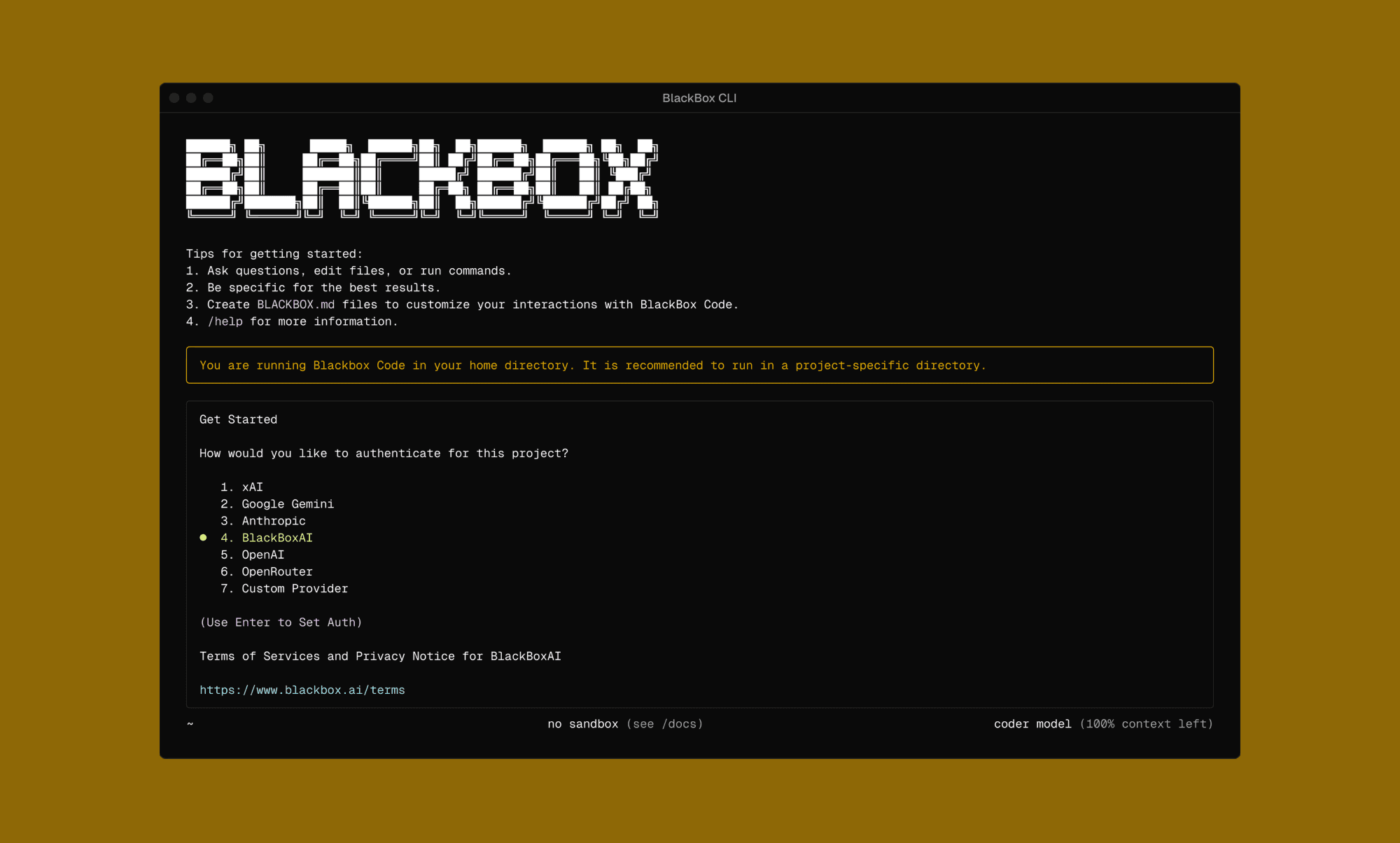
VSCode Extension, Dedicated Blackbox IDE, Terminal/CLI 

Best For

Experienced developers seeking deep repo integration

Top Features

Autonomous AI agents and Multi-agent execution

Top Concern

Consumes credits quickly, support issues reported

Pricing

Free tier with unlimited chat. Pro starts at $10/mo.

Alternatives

ChatGPT, Cursor, and GitHub Copilot

What is BlackBox AI? 

An AI coding platform, Blackbox positions itself as “All Agents in One” because it uses a multi-model architecture. Every code request is run through multiple models in parallel, and the best result is returned. These models include Sonnet, Haiku, Opus, Codex, Gemini, and 400+ more.

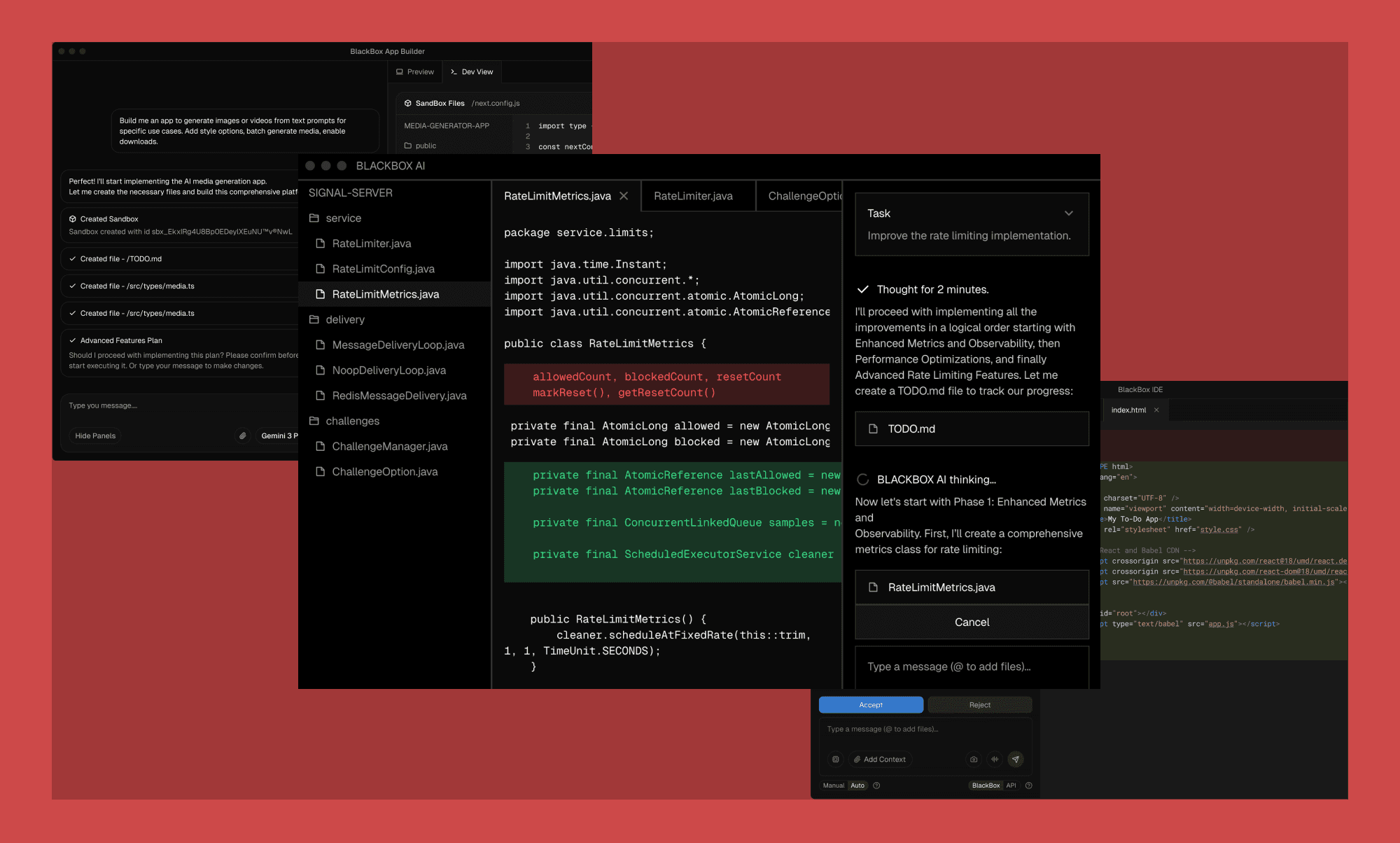
Blackbox agents run tasks on BLACKBOX IDE, VS Code, JetBrains, and similar platforms, and offer several built-in tools, including browser agents.

Blackbox AI Ratings

Most Reddit users find its advanced autocompletion to be the differentiator, while others complain of the low ROI of its paid plans. Below, we look at the broader 2026 rating for Blackbox AI.

Blackbox AI Review Platform

Blackbox AI Rating

Blackbox AI Latest User Reviews

TrustPilot

1.9/5
(59 reviews)

Good: “…very helpful for especially that im a student.”


Bad: “... The tool is alright - however if you value your money don’t use it.”

G2

4.4 / 5
(13 reviews)

Good: “…knows most of the coding languages out there.”


Bad: “... code suggestions are basic and not optimized”

Capterra

5 / 5
(2 reviews)

Good: “...integration with VS code commendable making it more easier to operate.”


Bad: “...Sometimes it takes longer than usual to copy text”

Software Advice

4.5/5
(49 reviews)

Good: “...BLACKbox is the most practical IT in a Box product.”

Bad: “...Customer support is not easy to contact.”

PlayStore

3.7/5 

(5.63k reviews)

Good: “...an extremely nice app for students of science, business and CS”


Bad: “...after closing the app and reopening it there are no previous chat in my chat history”

* Note: The ratings are as of late January 2026, and the user reviews are edited for clarity and brevity.

Blackbox AI Key Features
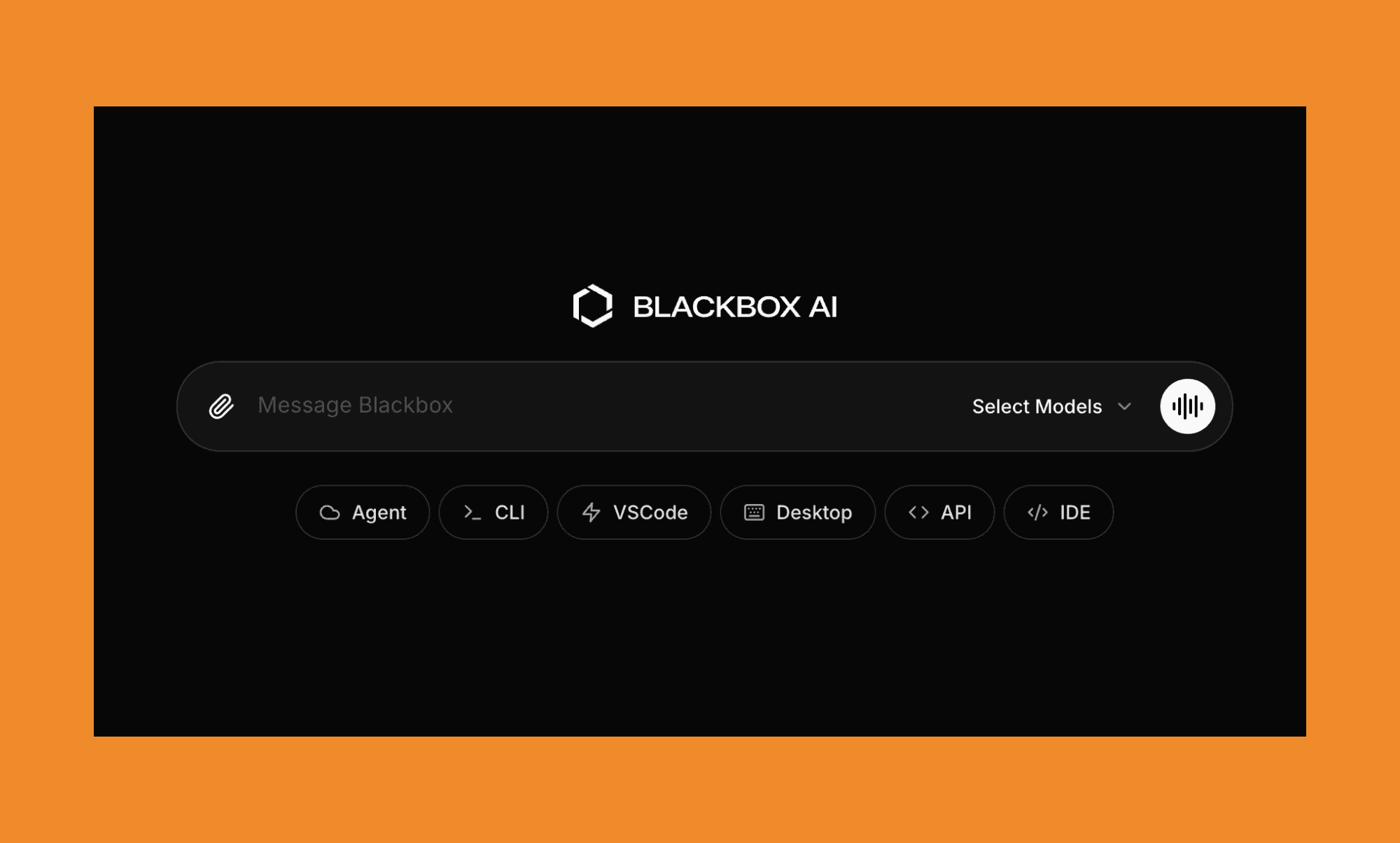
Breaking the stereotype of ‘just another AI coding tool’, Blackbox can run a semantic knowledge graph of your entire project, ideally meant for hours of execution in isolated sandbox environments.

  • Multi-agent workflow: Runs parallel tasks across top AI coding models of, then selects the best one via a “chairman” model.

  • Context awareness: Imports full folders, files, commits, and URLs to reason across large repositories and across multiple sessions.

  • Integration ecosystem: Has its own Blackbox IDE and works with VS Code, JetBrains, and isolated worktree terminals. Plus, it comes with built-in tools for search, generation, analysis, and more.

Blackbox AI Pros & Cons

Moving beyond the unique multi-agent coding capabilities, while reviewing Blackbox AI, our AI experts also took a hard look at its practical limitations and user frustrations.

Category

Pros of Blackbox AI

Cons of Blackbox AI

Technical Power

It indexes entire repositories, commits, and URLs for deep cross-file reasoning.

The Chrome extension has notable performance issues.

Model Versatility

Combines top LLMs into a single workflow to select the best output.

Lacks transparent, third-party validation for benchmark stats and claims.

Workflow & Integration

Instant integration with VS Code and JetBrains; includes a native CLI and "Hands-free" voice/auto modes.

Power users may find it less "native" compared to Claude Code or Google Antigravity.

Automation & Retention

Can run long-duration tasks in isolated sandboxes (background workflows) while you work on other things.

Lower-tier plans lack data retention, and there is no clear, automatic opt-out for AI training on your code.

Pricing & Support

Generally perceived as more "feature-stacked" for its price point.

Poor billing transparency and refund process.

Blackbox AI Use Cases

  • Rapid Prototyping: Create complete web applications and REST APIs from scratch using the latest versions of React, Node.js, and PostgreSQL. It handles everything from initial directory structure to configuring build tools and dev servers.

  • Autonomous Debugging: Analyze application crashes and logic errors by providing error messages or reproduction steps. The AI identifies bugs, applies recommended fixes, and tests the solution within the environment.

  • Code Modernization & Refactoring: Convert legacy codebases (e.g., jQuery to React or JS to TypeScript) and optimize existing components to reduce re-renders and improve maintainability.

  • Vision-to-Code Conversion: Instantly transform UI designs, hand-drawn sketches, or Figma screenshots into functional HTML/CSS/Tailwind code, bridging the gap between visual concepts and frontend implementation.

  • Automated Testing & Documentation: Generate comprehensive unit, integration, and end-to-end tests (using Jest or Cypress). It also produces technical documentation for undocumented code and complex function logic.

Blackbox AI Pricing  

Blackbox AI subscription plans in 2026 are generous — starting with a free tier with unlimited chats and paid tiers for different team sizes and project complexity.

Plan

Price

Key Features

Best For

Free

$0/mo

Unlimited chat, basic code suggestions

Students & vibe coders

PRO

$10/mo

$30 in credits for premium models (Claude 4.5, GPT-5.2), voice, and screen-share agents.

Individual developers

PRO PLUS

$20/mo

$50 in premium credits, multi-agent execution, App Builder, and Slack integration.

Power users & startups

PRO MAX

$40/mo

$100 credits, unlimited agent requests, and centralized billing/management.

Growing businesses

Enterprise

Custom

Custom credits, training opt-out by default, on-premise deployment, and dedicated SLAs.

Large Organizations with multiple projects

* Note: The prices listed are as of January 2026. The annual subscription of each paid plan comes at 20% discount.  

Blackbox AI Alternatives

ChatGPT vs Blackbox AI
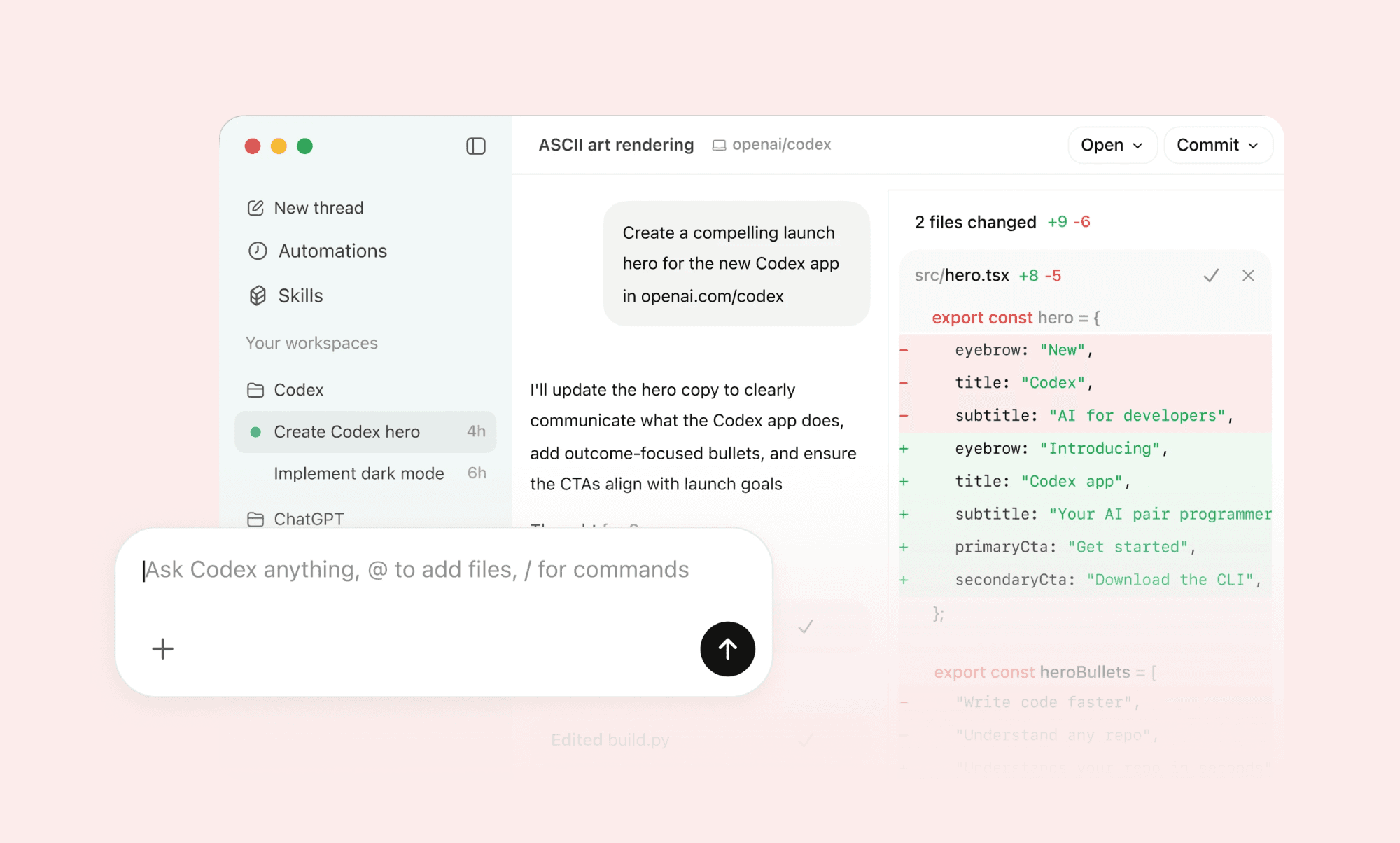
ChatGPT Codex is a versatile conversational coding assistant that can handle a wide range of tasks, including system architecture planning and code refactoring.

While both tools offer code chat and mobile access, ChatGPT excels at reasoning, explaining complex logic, and integrating with external web services. 

Why choose ChatGPT over Blackbox AI

If you are looking for high-level planning and learning, go with ChatGPT.

Cursor vs Blackbox AI
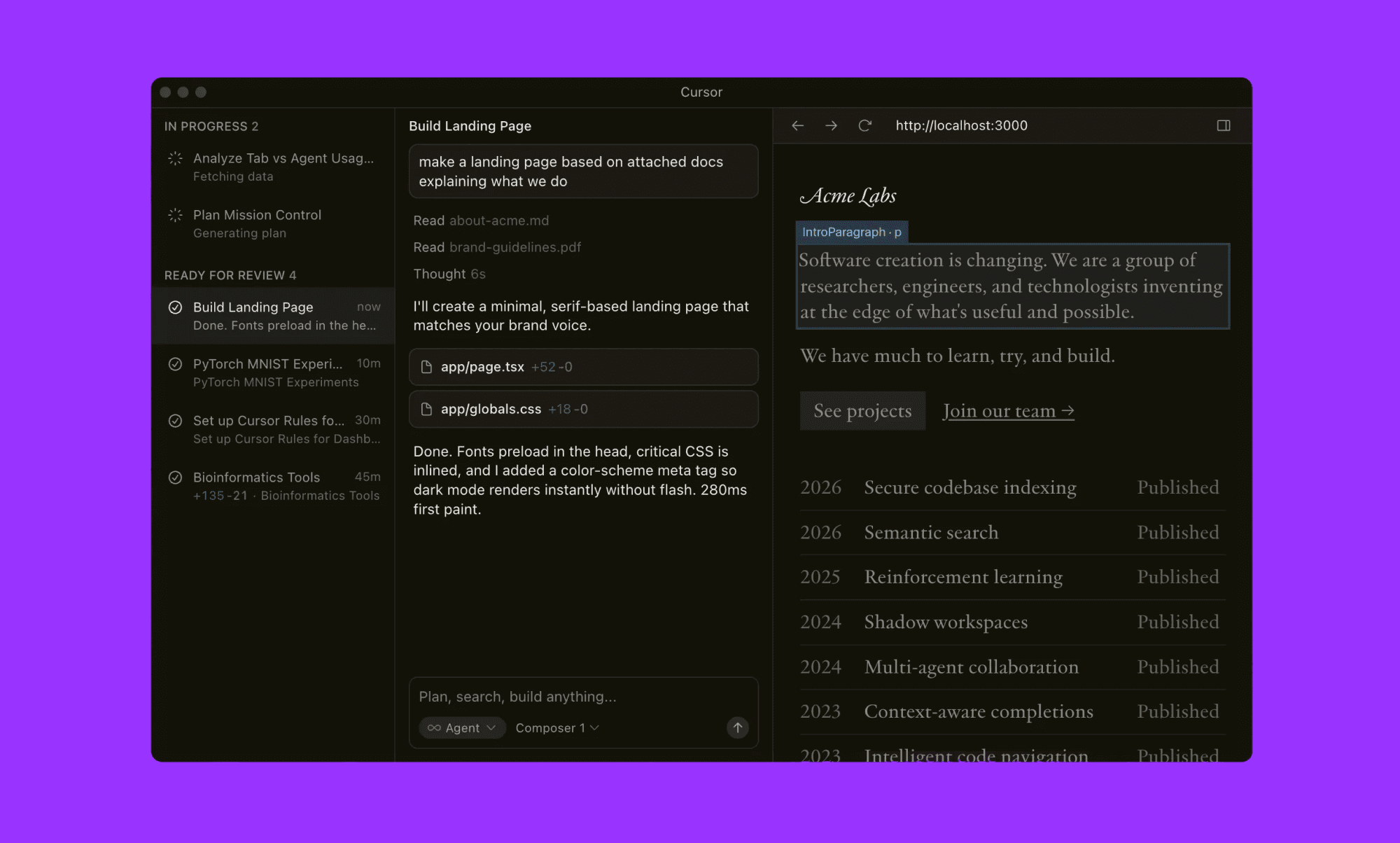
Cursor is an AI-native IDE built on a VS Code fork, designed for deep codebase indexing and "Tab" predictive editing.

While both tools offer project-wide context and natural-language commands, Cursor excels at seamless, multi-file refactoring and real-time terminal integration within a single environment.

Why choose Cursor over Blackbox AI

Choose Cursor for a unified, high-speed editing experience.

GitHub Copilot vs Blackbox AI
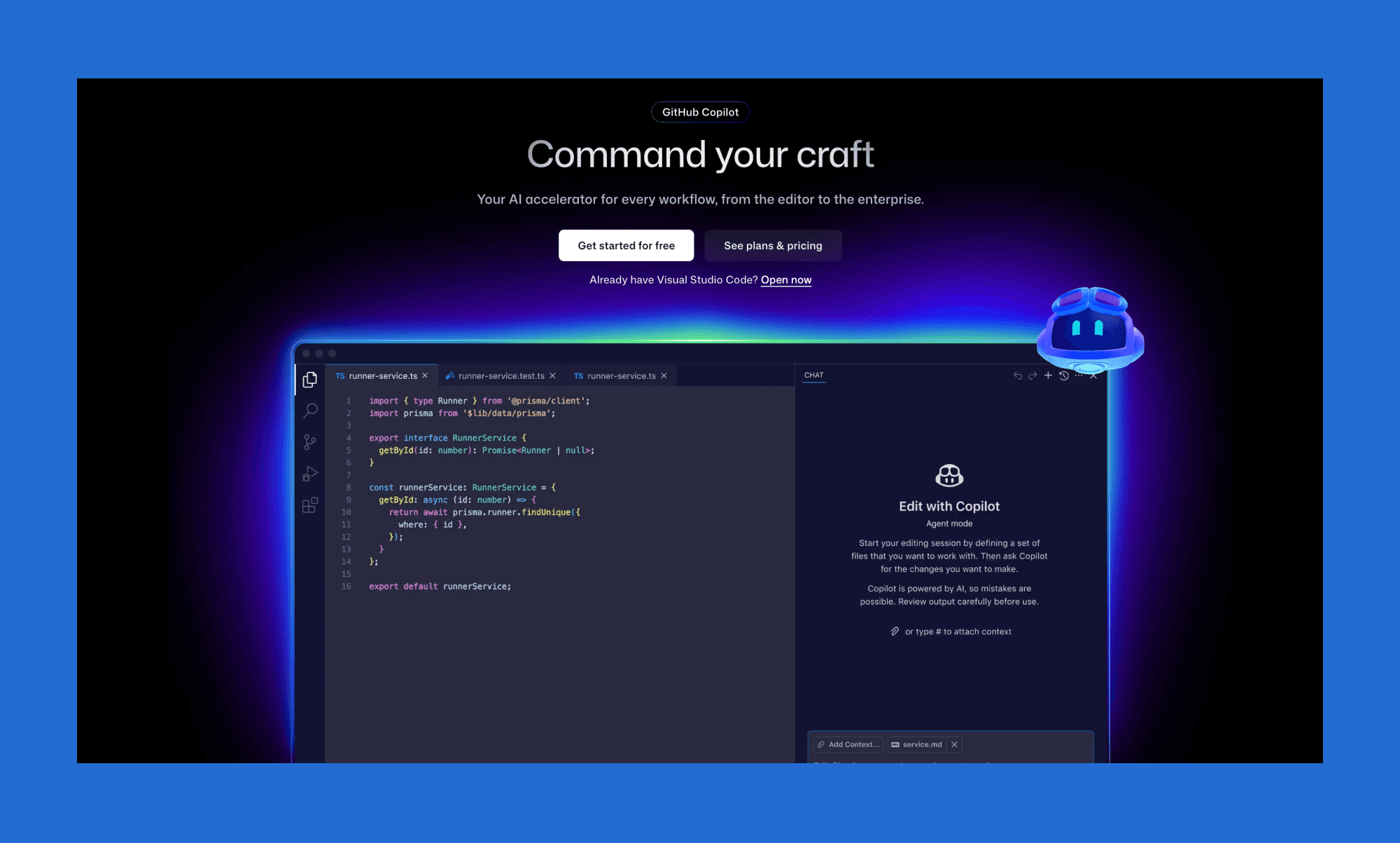
GitHub Copilot is the industry standard for fast, high-accuracy inline autocomplete and boilerplate generation within the GitHub ecosystem.

While both tools support multi-language coding and IDE integration, Copilot excels in seamless flow and reliability for standard tasks.

Why choose GitHub Copilot over Blackbox AI

For a polished, "no-friction" autocomplete experience, GitHub Copilot does a better job than complex debugging.

Final Verdict on Blackbox AI

We find Blackbox AI quite impressive for its unique "Chairman" workflow—running Claude, GPT, and Gemini in parallel—to deliver a production-ready edge that simple autocomplete tools lack. More suited to experienced developers than beginners. Best suited for implementation and debugging rather than early-stage design. However, for user-facing products, nail down UI/UX with an AI prototyping tool first, then move to Blackbox for development.

FAQs on Blackbox AI

  1. Is Blackbox AI better than ChatGPT?

While ChatGPT is a great AI coding generalist, Blackbox AI is better for hands-on execution. If you need something that lives inside your IDE, indexes your entire project, and can autonomously run and test code in sandboxes, Blackbox is better. 

  1. Is Blackbox AI real or fake?

Yes, it is a legitimate, high-performance AI coding platform used by millions of developers.

  1. Is Blackbox AI free to use?

Yes, Blackbox AI offers a free tier that includes unlimited chat and basic code autocomplete. However, professional features and advanced code generation need a $10/month plan minimum.

  1. What are the disadvantages of Blackbox AI?

A disadvantage of Blackbox AI is its steep learning curve, so it’s not ideal for those learning to code or for early UI/UX iterations—tools like Banani handle that phase better.

  1. Is Blackbox AI safe to use?

Blackbox AI is generally safe and uses end-to-end encryption for its desktop agents. For maximum privacy, you are advised to choose their custom Enterprise plan.
tl;dr: 2026 Blackbox AI Review

Category

Details

Core Tools

VSCode Extension, Dedicated Blackbox IDE, Terminal/CLI 

Best For

Experienced developers seeking deep repo integration

Top Features

Autonomous AI agents and Multi-agent execution

Top Concern

Consumes credits quickly, support issues reported

Pricing

Free tier with unlimited chat. Pro starts at $10/mo.

Alternatives

ChatGPT, Cursor, and GitHub Copilot

What is BlackBox AI? 

An AI coding platform, Blackbox positions itself as “All Agents in One” because it uses a multi-model architecture. Every code request is run through multiple models in parallel, and the best result is returned. These models include Sonnet, Haiku, Opus, Codex, Gemini, and 400+ more.

Blackbox agents run tasks on BLACKBOX IDE, VS Code, JetBrains, and similar platforms, and offer several built-in tools, including browser agents.

Blackbox AI Ratings

Most Reddit users find its advanced autocompletion to be the differentiator, while others complain of the low ROI of its paid plans. Below, we look at the broader 2026 rating for Blackbox AI.

Blackbox AI Review Platform

Blackbox AI Rating

Blackbox AI Latest User Reviews

TrustPilot

1.9/5
(59 reviews)

Good: “…very helpful for especially that im a student.”


Bad: “... The tool is alright - however if you value your money don’t use it.”

G2

4.4 / 5
(13 reviews)

Good: “…knows most of the coding languages out there.”


Bad: “... code suggestions are basic and not optimized”

Capterra

5 / 5
(2 reviews)

Good: “...integration with VS code commendable making it more easier to operate.”


Bad: “...Sometimes it takes longer than usual to copy text”

Software Advice

4.5/5
(49 reviews)

Good: “...BLACKbox is the most practical IT in a Box product.”

Bad: “...Customer support is not easy to contact.”

PlayStore

3.7/5 

(5.63k reviews)

Good: “...an extremely nice app for students of science, business and CS”


Bad: “...after closing the app and reopening it there are no previous chat in my chat history”

* Note: The ratings are as of late January 2026, and the user reviews are edited for clarity and brevity.

Blackbox AI Key Features

Breaking the stereotype of ‘just another AI coding tool’, Blackbox can run a semantic knowledge graph of your entire project, ideally meant for hours of execution in isolated sandbox environments.

  • Multi-agent workflow: Runs parallel tasks across top AI coding models of, then selects the best one via a “chairman” model.

  • Context awareness: Imports full folders, files, commits, and URLs to reason across large repositories and across multiple sessions.

  • Integration ecosystem: Has its own Blackbox IDE and works with VS Code, JetBrains, and isolated worktree terminals. Plus, it comes with built-in tools for search, generation, analysis, and more.

Blackbox AI Pros & Cons

Moving beyond the unique multi-agent coding capabilities, while reviewing Blackbox AI, our AI experts also took a hard look at its practical limitations and user frustrations.

Category

Pros of Blackbox AI

Cons of Blackbox AI

Technical Power

It indexes entire repositories, commits, and URLs for deep cross-file reasoning.

The Chrome extension has notable performance issues.

Model Versatility

Combines top LLMs into a single workflow to select the best output.

Lacks transparent, third-party validation for benchmark stats and claims.

Workflow & Integration

Instant integration with VS Code and JetBrains; includes a native CLI and "Hands-free" voice/auto modes.

Power users may find it less "native" compared to Claude Code or Google Antigravity.

Automation & Retention

Can run long-duration tasks in isolated sandboxes (background workflows) while you work on other things.

Lower-tier plans lack data retention, and there is no clear, automatic opt-out for AI training on your code.

Pricing & Support

Generally perceived as more "feature-stacked" for its price point.

Poor billing transparency and refund process.

Blackbox AI Use Cases

  • Rapid Prototyping: Create complete web applications and REST APIs from scratch using the latest versions of React, Node.js, and PostgreSQL. It handles everything from initial directory structure to configuring build tools and dev servers.

  • Autonomous Debugging: Analyze application crashes and logic errors by providing error messages or reproduction steps. The AI identifies bugs, applies recommended fixes, and tests the solution within the environment.

  • Code Modernization & Refactoring: Convert legacy codebases (e.g., jQuery to React or JS to TypeScript) and optimize existing components to reduce re-renders and improve maintainability.

  • Vision-to-Code Conversion: Instantly transform UI designs, hand-drawn sketches, or Figma screenshots into functional HTML/CSS/Tailwind code, bridging the gap between visual concepts and frontend implementation.

  • Automated Testing & Documentation: Generate comprehensive unit, integration, and end-to-end tests (using Jest or Cypress). It also produces technical documentation for undocumented code and complex function logic.

Blackbox AI Pricing  

Blackbox AI subscription plans in 2026 are generous — starting with a free tier with unlimited chats and paid tiers for different team sizes and project complexity.

Plan

Price

Key Features

Best For

Free

$0/mo

Unlimited chat, basic code suggestions

Students & vibe coders

PRO

$10/mo

$30 in credits for premium models (Claude 4.5, GPT-5.2), voice, and screen-share agents.

Individual developers

PRO PLUS

$20/mo

$50 in premium credits, multi-agent execution, App Builder, and Slack integration.

Power users & startups

PRO MAX

$40/mo

$100 credits, unlimited agent requests, and centralized billing/management.

Growing businesses

Enterprise

Custom

Custom credits, training opt-out by default, on-premise deployment, and dedicated SLAs.

Large Organizations with multiple projects

* Note: The prices listed are as of January 2026. The annual subscription of each paid plan comes at 20% discount.  

Blackbox AI Alternatives

ChatGPT vs Blackbox AI

ChatGPT Codex is a versatile conversational coding assistant that can handle a wide range of tasks, including system architecture planning and code refactoring.

While both tools offer code chat and mobile access, ChatGPT excels at reasoning, explaining complex logic, and integrating with external web services. 

Why choose ChatGPT over Blackbox AI

If you are looking for high-level planning and learning, go with ChatGPT.

Cursor vs Blackbox AI

Cursor is an AI-native IDE built on a VS Code fork, designed for deep codebase indexing and "Tab" predictive editing.

While both tools offer project-wide context and natural-language commands, Cursor excels at seamless, multi-file refactoring and real-time terminal integration within a single environment.

Why choose Cursor over Blackbox AI

Choose Cursor for a unified, high-speed editing experience.

GitHub Copilot vs Blackbox AI

GitHub Copilot is the industry standard for fast, high-accuracy inline autocomplete and boilerplate generation within the GitHub ecosystem.

While both tools support multi-language coding and IDE integration, Copilot excels in seamless flow and reliability for standard tasks.

Why choose GitHub Copilot over Blackbox AI

For a polished, "no-friction" autocomplete experience, GitHub Copilot does a better job than complex debugging.

Final Verdict on Blackbox AI

We find Blackbox AI quite impressive for its unique "Chairman" workflow—running Claude, GPT, and Gemini in parallel—to deliver a production-ready edge that simple autocomplete tools lack. More suited to experienced developers than beginners. Best suited for implementation and debugging rather than early-stage design. However, for user-facing products, nail down UI/UX with an AI prototyping tool first, then move to Blackbox for development.

FAQs on Blackbox AI

  1. Is Blackbox AI better than ChatGPT?

While ChatGPT is a great AI coding generalist, Blackbox AI is better for hands-on execution. If you need something that lives inside your IDE, indexes your entire project, and can autonomously run and test code in sandboxes, Blackbox is better. 

  1. Is Blackbox AI real or fake?

Yes, it is a legitimate, high-performance AI coding platform used by millions of developers.

  1. Is Blackbox AI free to use?

Yes, Blackbox AI offers a free tier that includes unlimited chat and basic code autocomplete. However, professional features and advanced code generation need a $10/month plan minimum.

  1. What are the disadvantages of Blackbox AI?

A disadvantage of Blackbox AI is its steep learning curve, so it’s not ideal for those learning to code or for early UI/UX iterations—tools like Banani handle that phase better.

  1. Is Blackbox AI safe to use?

Blackbox AI is generally safe and uses end-to-end encryption for its desktop agents. For maximum privacy, you are advised to choose their custom Enterprise plan.
Generate UI designs using AI

Convert your ideas into beautiful and user-friendly designs. Fast and easy.