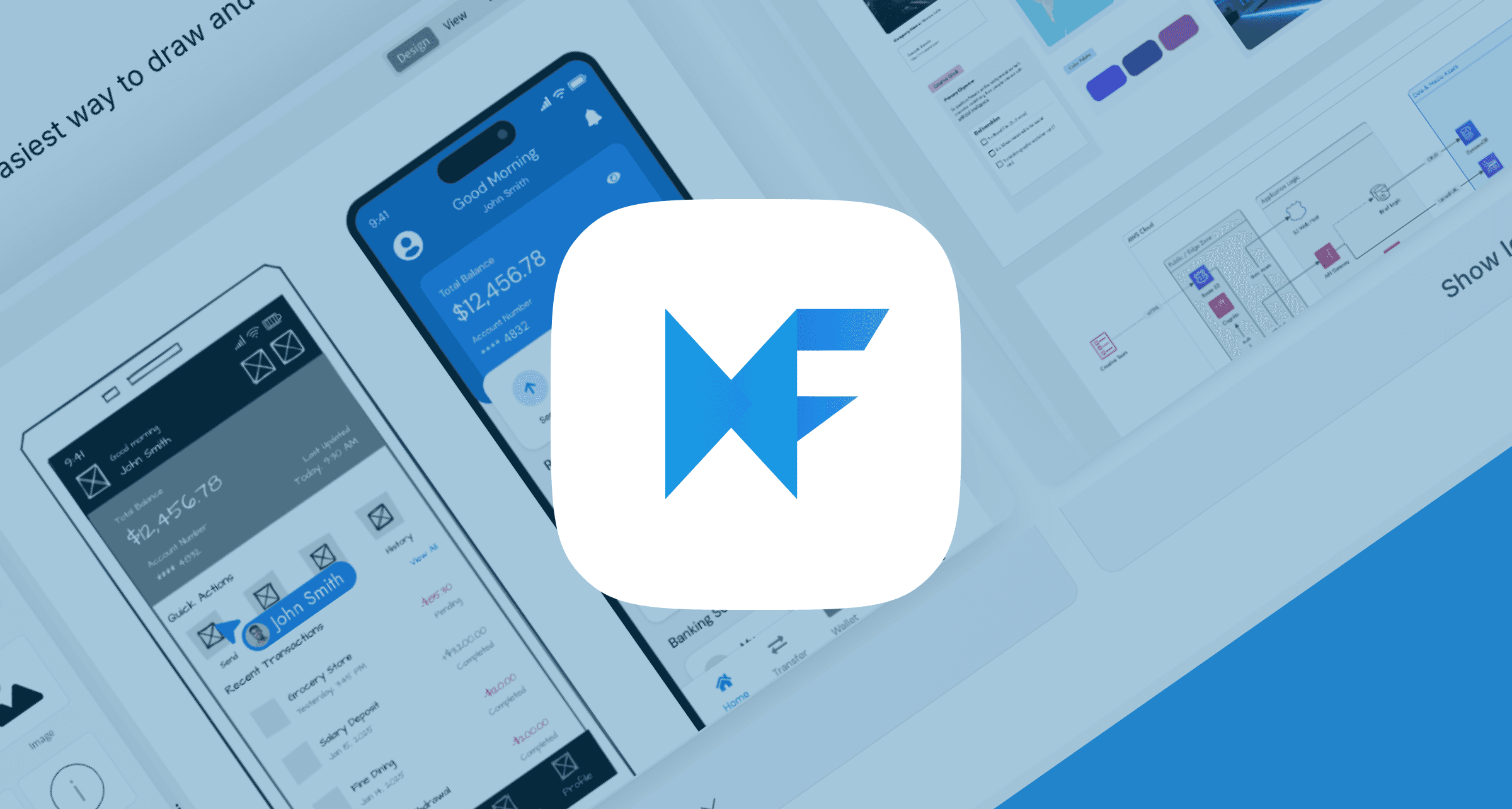
tl;dr: 2026 MockFlow AI Review
Category | Details |
Tool | AI design ecosystem to brainstorm, design, and collaborate |
Best For | Non-designers ideating with lo-fi wireframes |
Top Features | Prompt-to-Wireframe, and AI Design Review |
Top Concern | Occasional interface lag |
User Ratings | G2: 4.2/5 | Trustpilot: 3.2/5 |
Pricing | Free Basic plan. Paid plan from $9/mo |
Alternatives | Banani, Figma, and Balsamiq |
What is MockFlow AI?
MockFlow AI is a GenAI for the design lifecycle. It has two core products: IdeaBoard and WireframePro. You can collaborate on the free-form mind map of the IdeaBoard, and then convert those ideas into UI layouts with WireframePro.
Additionally, it has a visual sitemap to plan information architecture with AI.
MockFlow AI also comes as Chrome and ChatGPT extensions, as well as an MCP server.
MockFlow AI Ratings
Given that people report it as a solid choice for creating basic UI mocks, the general sentiment about MockFlow AI on Reddit is positive. To paint a full picture, below we look at the 2026 MockFlow AI Ratings across major review sites.
MockFlow AI Review Platform | MockFlow AI Rating | MockFlow AI Latest User Reviews |
G2 | 4.2 / 5 (84 reviews) | - Good: “...effective communication with multiple audiences” |
TrustPilot | 3.2 / 5 | Good: “...the features are good, and the mockups look fine” |
4.4 / 5 | Good: “...able to easily change UI designs and re use old ones.” | |
Capterra | 4.4 / 5 | Good: “...ability to export the wireframes quickly into multiple formats” |
* Note: The ratings are as of early February 2026, and the user reviews are edited for clarity.
Wireframing with MockFlow AI
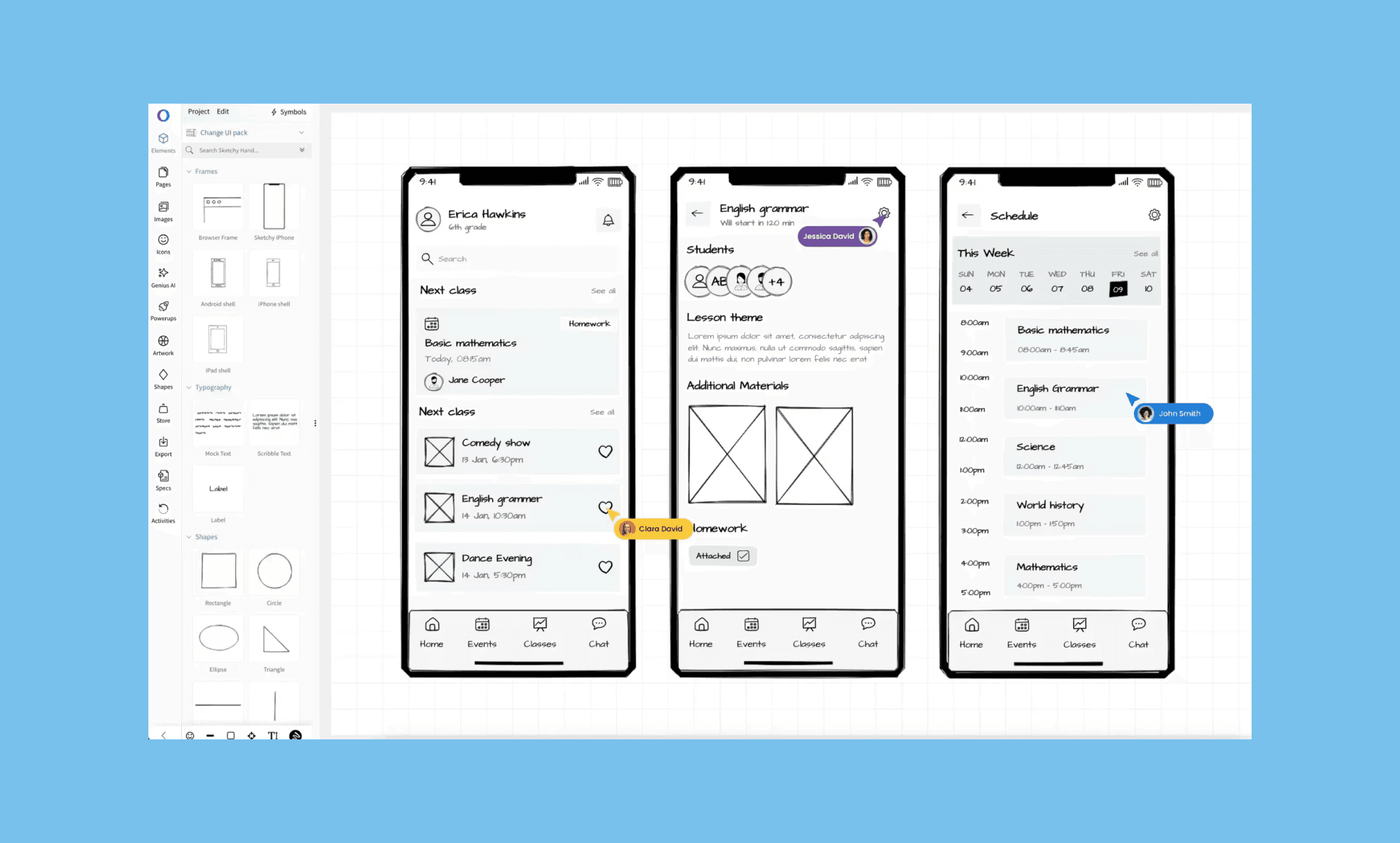
WireframePro, Mockflow AI’s marquee product, is an AI wireframing tool that helps designers create and iterate wireframes for both desktop and mobile
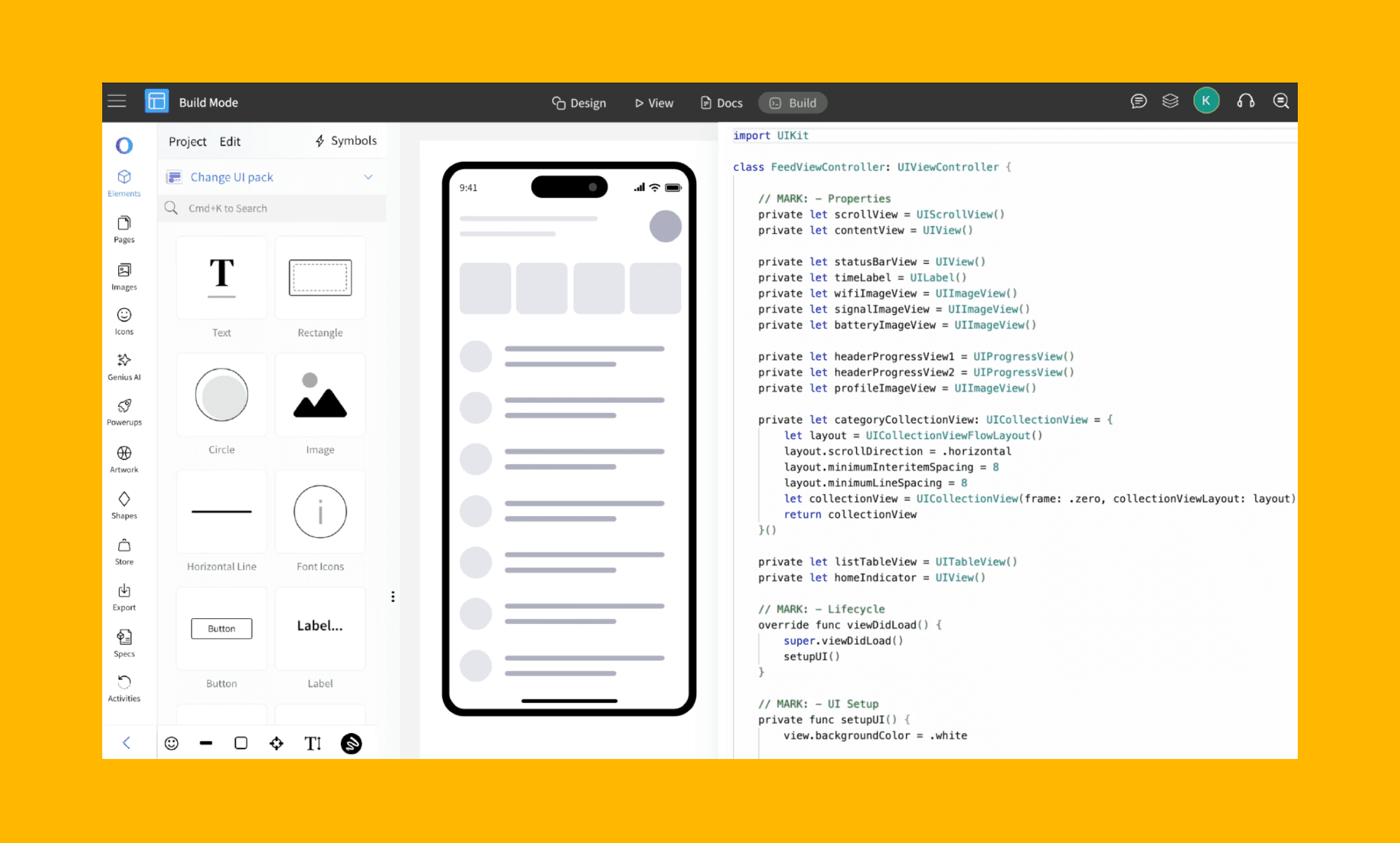
Prompt-to-Wireframe: Generate website, app, or dashboard layouts from text description.
Screenshot-to-Wireframe: Upload an image or use the MockFlow Chrome extension to take a screenshot of a website and convert that into an editable wireframe.
Asset generation: Use built-in AI copywriter, image generator, and standard UI components to fill your wireframes.
Design review by AI: Click the "Genius" icon inside the MockFlow AI editor to get your wireframe reviewed by AI.
Design-to-Code: Auto-generate front-end code for frameworks like Tailwind, Bootstrap, and iOS.
MockFlow AI Pros & Cons
Below, we dig deeper into the strengths and weaknesses of MockFlow AI in 2026, focusing on its features, usability, and pricing.
Pros of MockFlow AI | Cons of MockFlow AI |
High ideation speed: Generates wireframes, sitemaps, and flowcharts instantly, shortening the design project timeline. | Limited hi-fi design: Lacks advanced prototyping features (like complex transitions or design variants) for power users. |
Low learning curve: Highly intuitive UI is suitable for first-timers and non-designers. | Occasional performance lag: The browser-based interface can feel sluggish or "clunky" when handling resource-intensive projects. |
Clean developer handoff: "Build Mode" exports production-ready CSS/code directly from wireframes. | Collaboration paywalls: Most real-time collaboration features require a paid plan for all teammates. |
Affordable & scalable: Offers a generous lifetime free plan and budget-friendly Pro plans. | Limited integrations: Has a smaller ecosystem of third-party plugins and app integrations. |
MockFlow AI Ideal Users
MockFlow AI primarily tailors its AI design solutions to team size. Below, we look at its ideal users and their respective best use cases.
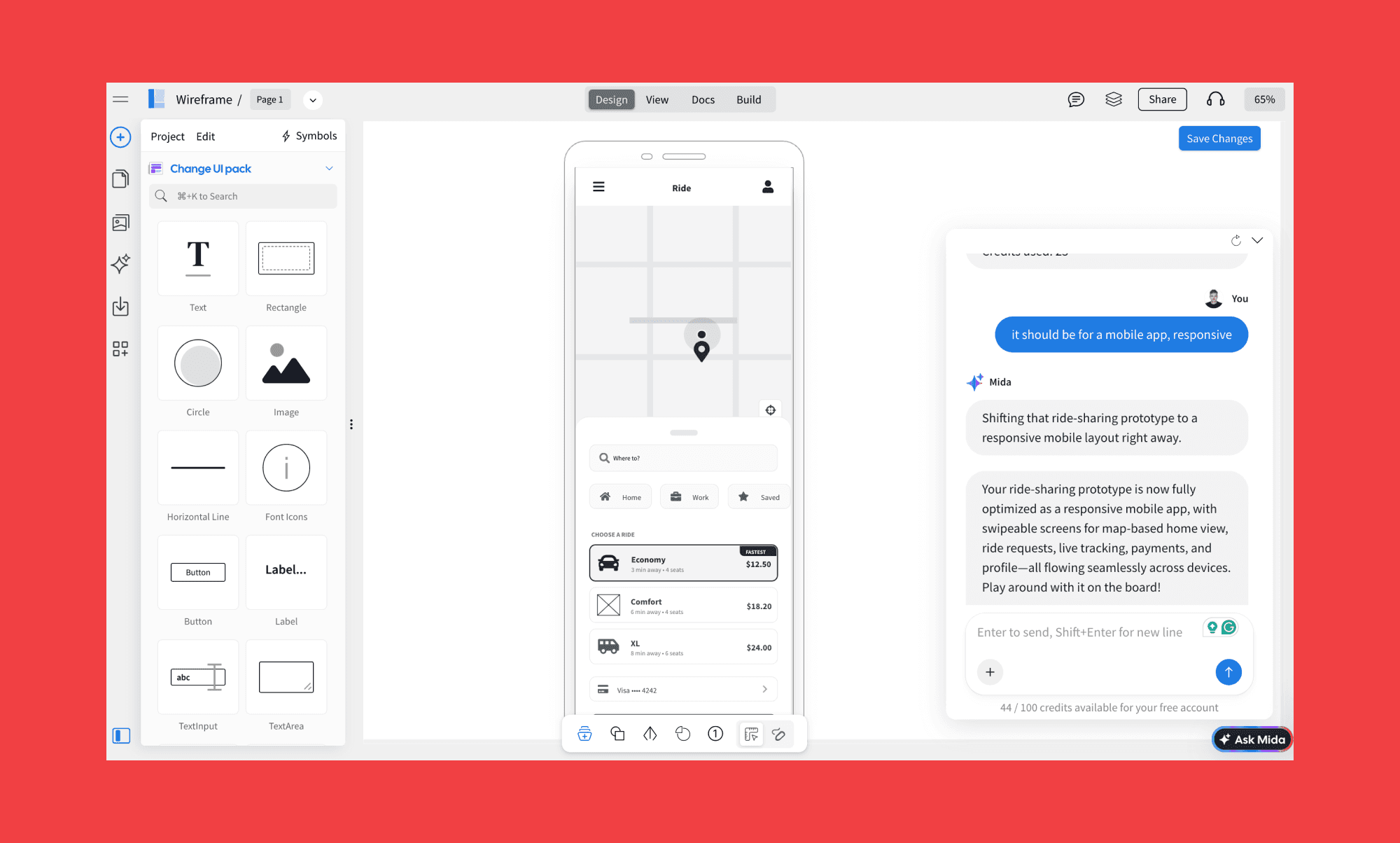
Freelancers: Map out user flows and client requirements to ensure project alignment before designing a hi-fi wireframe or writing code.
PMs & Founders: Visualize and validate product ideas to align stakeholders without any design training.
UI/UX Designers: Speed up each design lifecycle phase with AI-powered mind maps, low-fidelity wireframes, and UI templates.
Agencies: Centralize projects in a unified workspace for seamless async collaboration and handoffs.
Enterprise Teams: Standardize the entire design process across departments with a scalable, secure, and centralized visual platform.
MockFlow AI Pricing
Compared to leading AI design tools, MockFlow's price is on the lower end, though it comes with limited features. You can start generating an AI wireframe for free, and choose to pay for specialized tools later.
Plan | Price | Key Features | Best For |
Basic | $0/month per seat |
| Beginners & students |
WireframePro | $19/month per seat |
| UI/UX designers focused on rapid prototyping. |
IdeaBoard | $9/month per seat |
| Teams seeking a collaborative AI whiteboard. |
Bundle plan | $24/month per seat |
| Power users and full-fledged product teams. |
* Note: The prices listed are as of February 2026. The annual subscription of each plan has 25% discount.
MockFlow AI Alternatives
Banani vs MockFlow AI
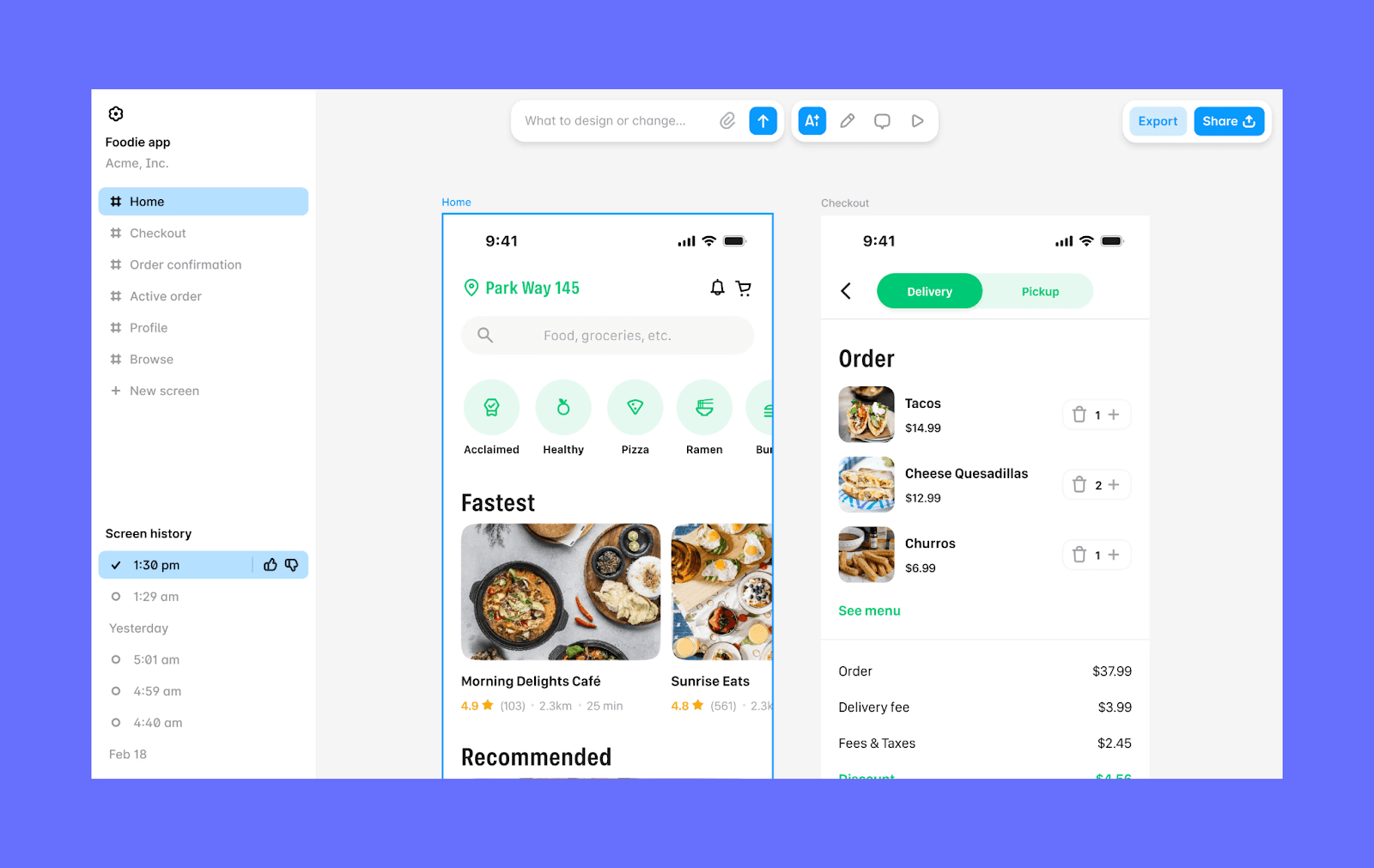
Banani is an AI-native UI design copilot that turns text prompts and screenshots into high-fidelity, interactive designs. You can create a multi-screen wireframe design for both desktop and mobile in seconds. It also offer upto 5 design variants for each prompt.
Why choose Banani over MockFlow AI
Banani offers the ‘Export to Figma’ feature, ensuring your AI wireframe ideation integrates seamlessly with industry-standard handoff workflows.
Figma vs MockFlow AI
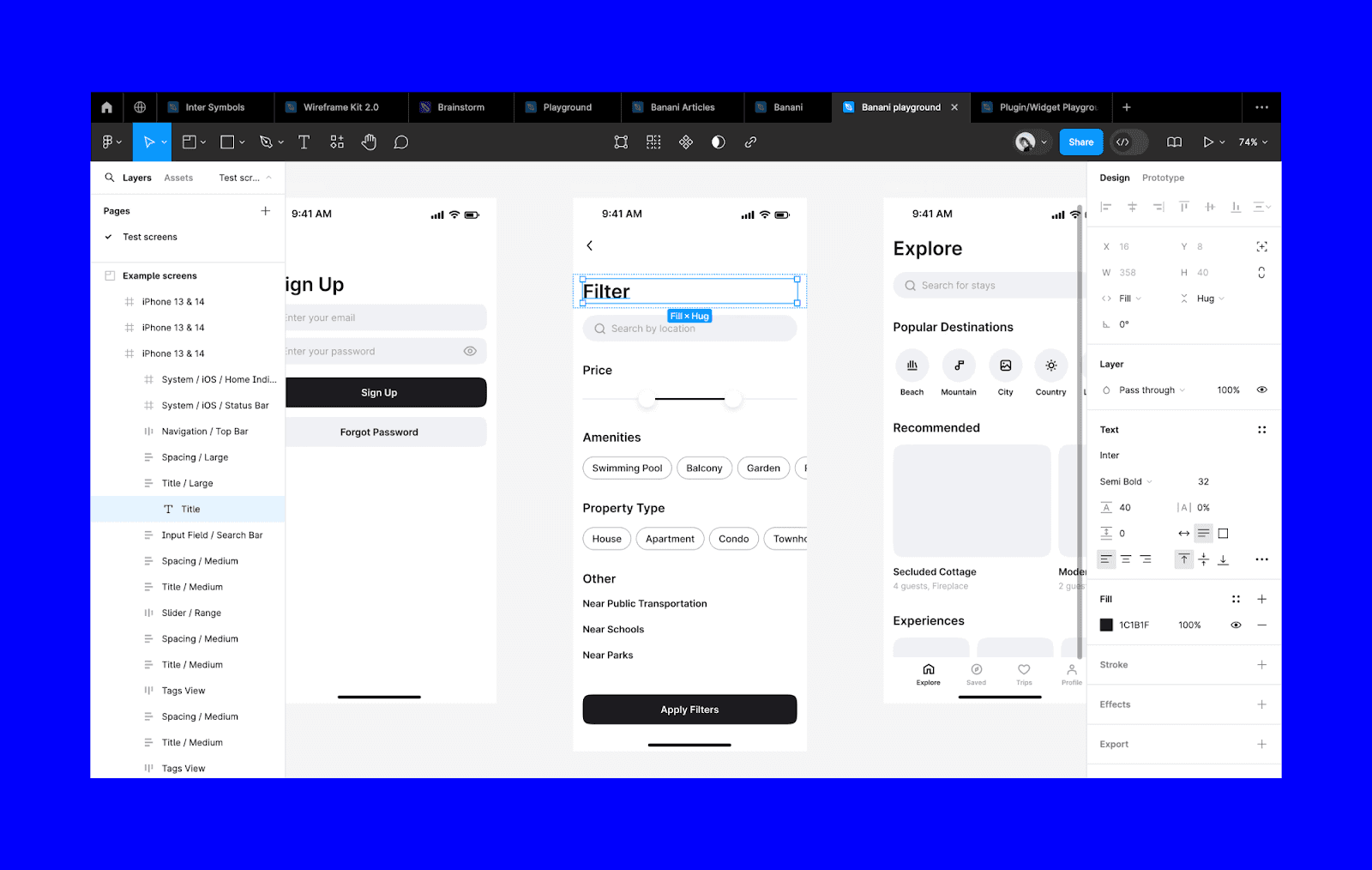
Figma is the industry-standard collaborative interface design tool. It’s built for high-fidelity UI/UX design and complex prototyping with advanced features like Auto Layout, Vector Networks, and Dev Mode. Beyond wireframing, Figma aims to offer a design ecosystem with tools like FigJam, Figma Slides, Make, Draw, Buzz, Sites, etc.
Why choose Figma over MockFlow AI
When you need to move beyond lo-fi wireframes to build scalable design systems, interactive high-fidelity prototypes, and detailed developer handoffs, choose Figma.
Balsamiq AI vs MockFlow AI
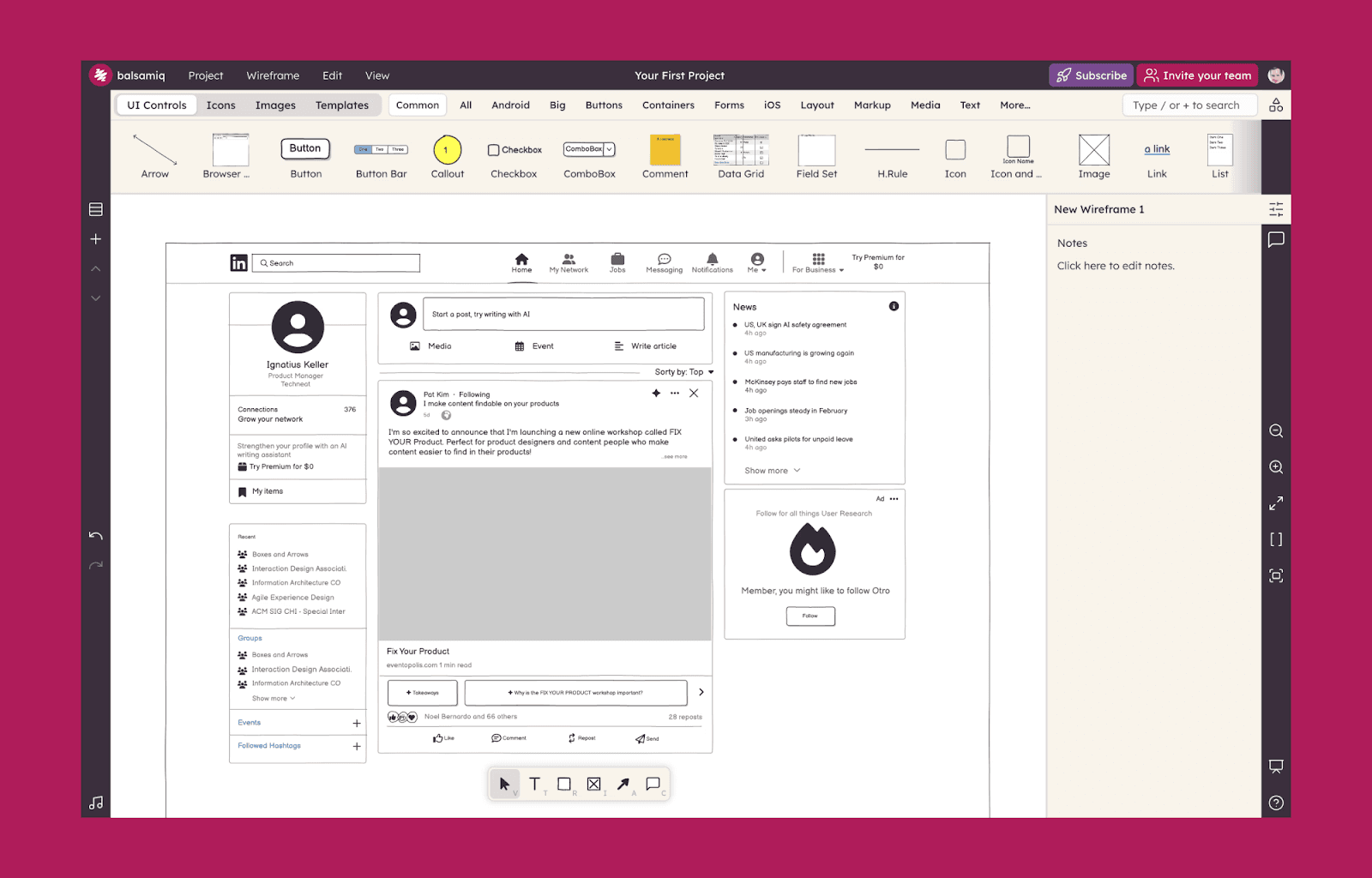
Popular as a lean wireframing tool (mimicking the look of a whiteboard), Balsamiq excels at quick, static wireframes. Blasmiq AI offers features to help turn product ideas into wireframes and user flows from text, code, or screenshots.
Why choose Blasmiq AI over MockFlow AI
Choose Balsamiq if you want a budget-friendly AI designer that prevents stakeholders from getting distracted by UI details during the earliest stages of ideation.
Final Verdict on MockFlow AI
MockFlow AI is an exceptional "design thinking partner" with its ecosystem of ideate–design–iterate. WireframePro is nimble for turning rough ideas into organized wireframes, making it handy for non-designers. However, its lack of advanced prototyping can feel restrictive to power users. If your goal is to bridge the gap between prompt and production-ready UI, we recommend starting with AI prototyping tools like Banani before locking in your structure.
FAQs on MockFlow AI
Is MockFlow AI better than Figma for wireframing?
While MockFlow AI is superior for low-fi wireframing and ideation, especially for non-designers, Figma remains the industry leader for hi-fi UI design, design systems, and advanced prototyping.
Is MockFlow AI free to use?
Yes, MockFlow offers a Basic Plan that is free forever. It includes one wireframe project (up to 3 pages), three IdeaBoards, and 100 AI credits to test out the generative features.
Which is the best alternative to MockFlow AI to generate a wireframe from text?
While the ‘best’ depends on your needs, a strong alternative to MockFlow AI’s WireframePro is Banani. For its advantages of fast hi-fi wireframe generation, design variants, and built-in Figma export.