
What is Clawd Bot?
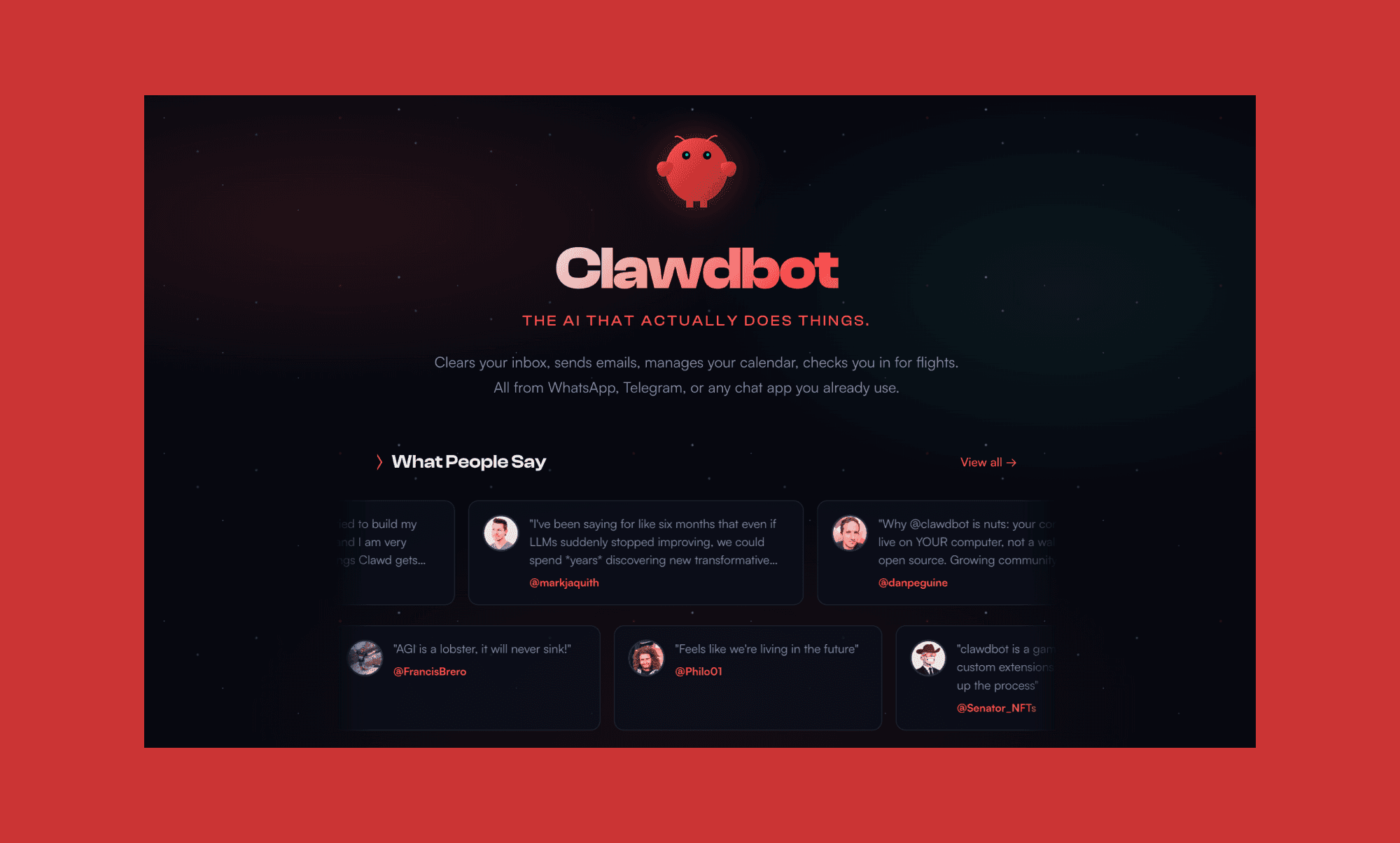
OpenClaw, formerly known as MoltBot or Clawd Bot, is a self-hosted AI assistant that runs on your own equipment. You interact with Clawd Bot via WhatsApp, Telegram, Slack, Discord, or other chat applications, not via a website or a web browser window. This is opposed to other AI tools like ChatGPT or Claude, which are hosted solutions.
How Clawd Bot Works
The setup has four main pieces.
Gateway handles connections to your messaging platforms and scheduling. Think of it as the front door.
Agent is the brain where your AI model lives. Claude, GPT, or even local models if you prefer.
Skills are extensions that give your agent superpowers. Web search, email access, browser control, and hundreds more on the ClawdHub marketplace.
Memory keeps track of your conversations and preferences. Tell it you have a meeting on Friday, and it actually remembers.
You can authenticate using OAuth if you have Claude Pro (reusing your existing subscription), or set up API keys directly.
Clawd Bot Features
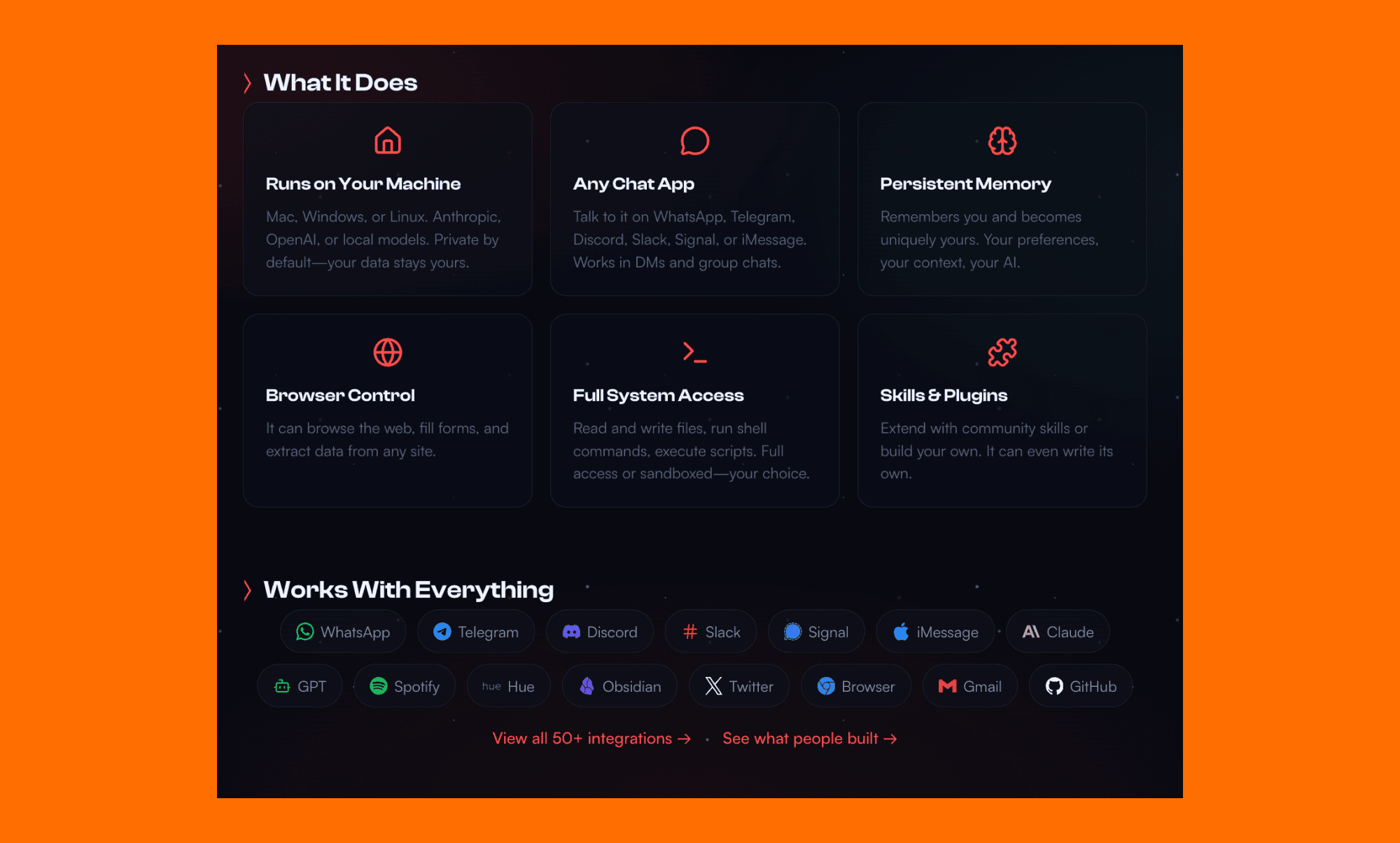
Always Available
Same assistant, same conversation, everywhere. Phone, computer, wherever you need it. The conversations stay in sync across platforms.
Persistent Memory
Most chatbots forget what you told them yesterday. Clawd Bot doesn't. Context carries over between sessions.
Proactive Notifications
This is where it gets interesting. Clawd Bot can reach out to you. Morning briefings, reminders, stock alerts, weather warnings. Most AI assistants just sit there waiting for input.
Full Computer Access
Anything you can do on your computer, it can do too. File management, code execution, browser automation. The skill system makes it extensible.
Privacy First
The Gateway runs on hardware you control. Your conversations, credentials, and tools stay under your roof unless you explicitly decide otherwise.
What People Are Building with Clawd Bot
The showcase page is wild. Here are some real examples from users:
One person set up Clawd Bot to check incoming email, remove spam, order groceries, create GitHub issues, and even impersonate them in a group chat with friends. All built by chatting with the bot on WhatsApp.
Another user timeblocks tasks by importance, gives morning briefings with weather and meeting agendas, and researches people before meetings to create briefing docs.
Someone else used it to negotiate with multiple car dealers via browser, email, and iMessage. Saved $4,200.
A family set up a weekly meal planning system with shopping lists sorted by store and aisle, weather forecasts for grilling nights, and recipe catalogs.
The common thread? These automations were built by chatting with the bot, not writing code.
Clawd Bot For Designers: Use Cases
Clawd Bot could be surprisingly useful for UI/UX work.
Imagine researching the latest design trends, exploring component libraries, and analyzing design systems through conversation. Point it at real websites for inspiration. Have it break down app ideas into user flows.
Then take those flows and prompts into tools like Banani to generate actual UI designs. Research to prototype, all from your phone.
The browser automation skills enable you to screenshot competitor UI, extract color palettes, and document patterns you want to reference later.
Clawd Bot Pricing
The good news: Clawd Bot itself is free and open source.
The actual costs break down like this:
Hosting: You can run it on a VPS for around $5/month. Hetzner has servers at this price point. The cheapest tier (2GB RAM) works fine for chat. If you want browser automation, bump it to 4GB.
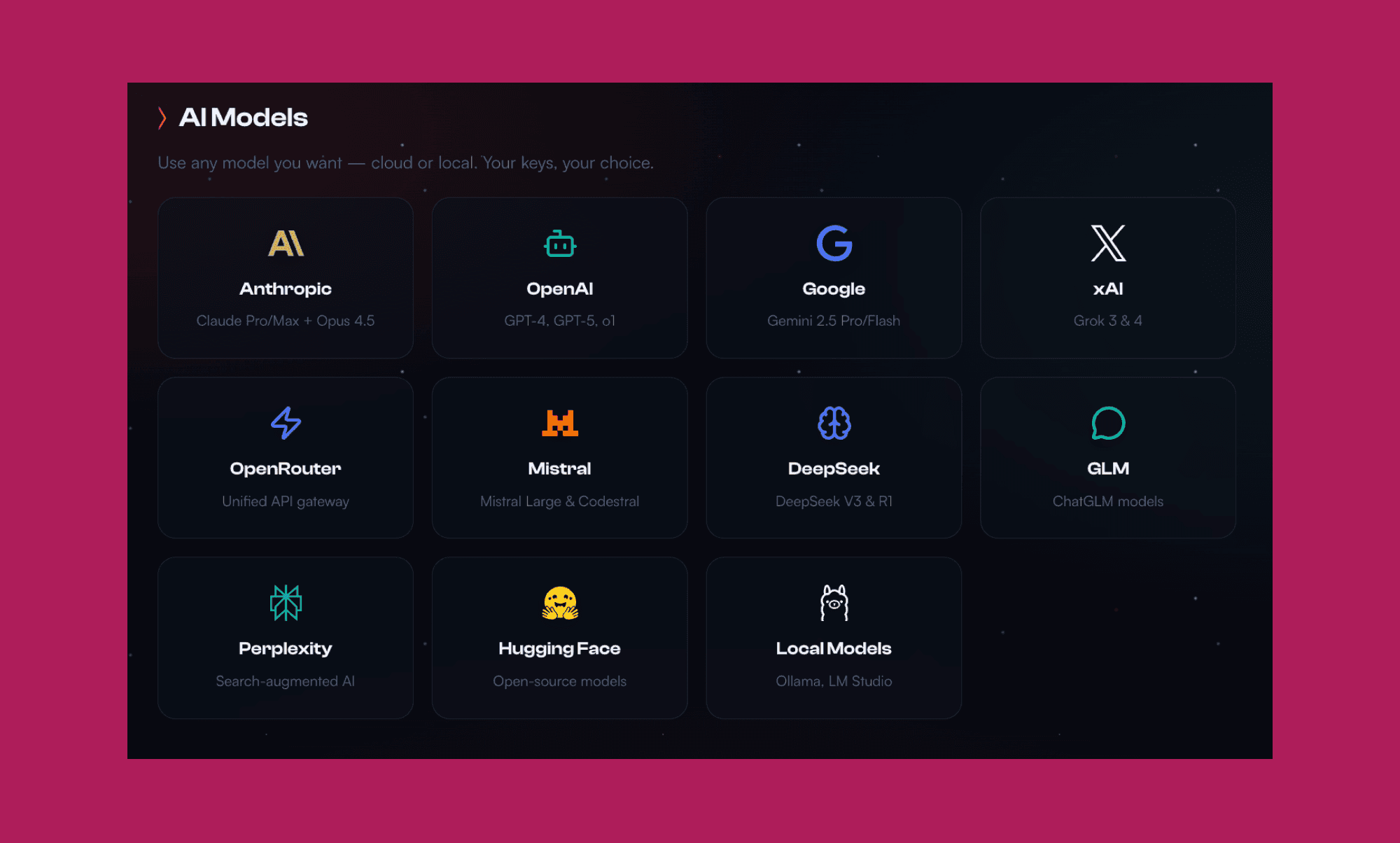
AI API: You bring your own. Anthropic Claude, OpenAI, or whatever provider you prefer. Or run local models to have it for free.
No subscription fees. No per-message limits from the platform itself.
Clawd Bot Alternatives
Apple Intelligence / Siri
Free if you have Apple devices. Limited customization and no real proactive capabilities compared to what Clawd Bot offers.
Google Assistant
Similar limitations. Locked into the Google ecosystem with less flexibility for power users.
Custom GPT Agents
OpenAI's GPT Store lets you build custom assistants. Easier to get started but no self-hosting option and less integration with messaging platforms.
n8n / Make / Zapier
Automation platforms that can connect services together. More visual workflow builders, but they lack the conversational interface and persistent memory.
Pros and Cons
Pros
Runs on your own hardware (new trend is people buying Mac Mini specifically for that lobster helper)
Works across every major messaging platform
Persistent memory that actually works
Proactive notifications instead of just reactive chat
Active community building skills and sharing on ClawdHub
You keep your existing AI subscriptions
Cons
Requires some technical setup (though the onboarding wizard helps)
You're responsible for hosting and maintenance
Learning curve for the skills system
No mobile app, relies on messaging platforms
Final Thoughts
Clawd Bot fills a gap that big tech assistants haven't touched. A personal AI that runs on your terms, connects where you already communicate, and remembers what you tell it.
The self-hosted angle matters if you care about privacy or want deep customization. The barrier to entry is higher than downloading an app, but for technical founders who want an AI assistant that actually works the way they need it to, it's worth the setup time.
The showcase alone proves what's possible when you give an AI persistent memory and let it take real actions. People are building genuinely useful automations just by chatting.
If you've been frustrated by Siri or Google Assistant, Clawd Bot might be what you were looking for all along.


