Best Figma Design Generator AI
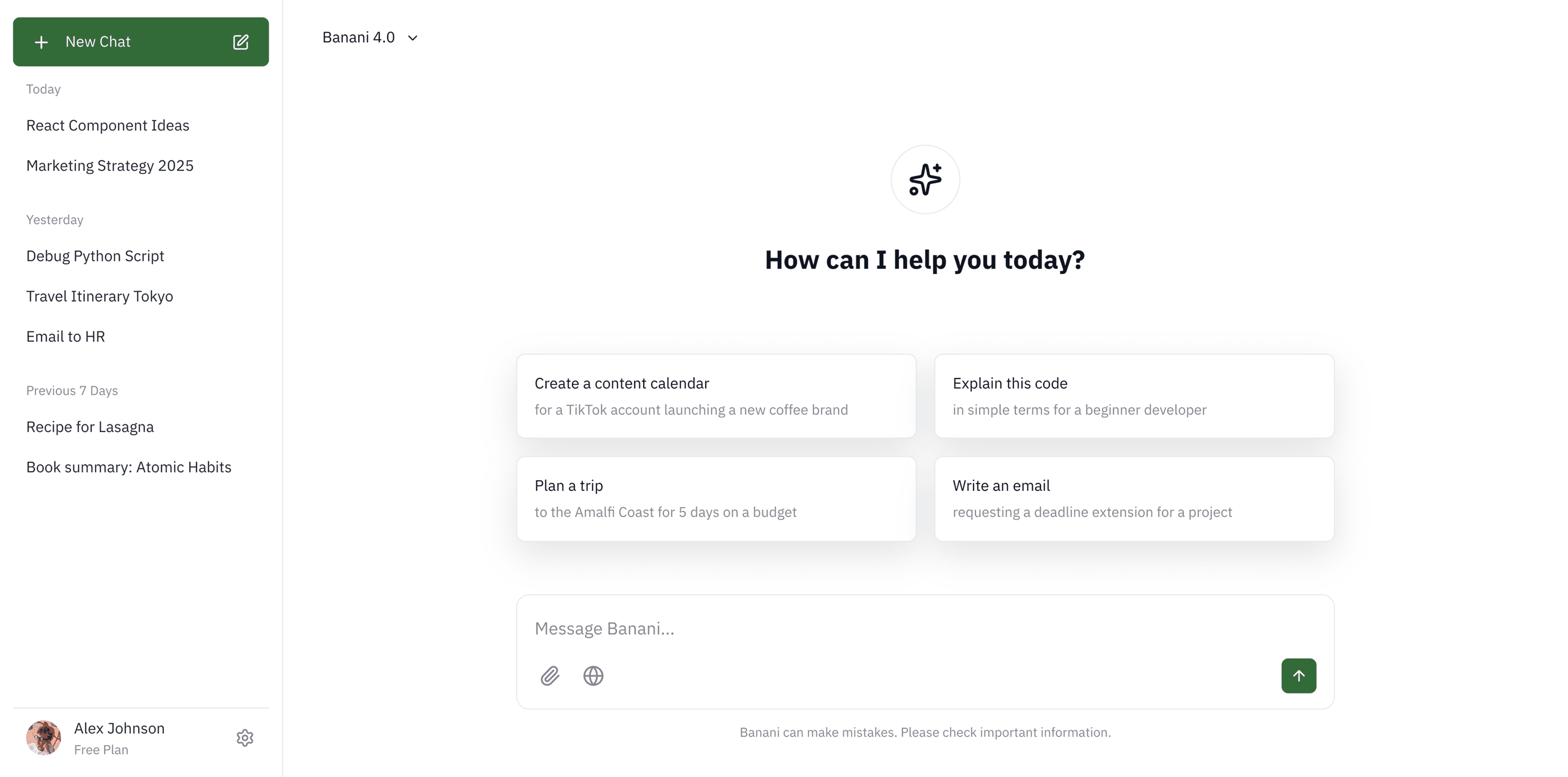
Generate Figma design with AI by simply typing text prompt. Edit, copy, export design & code. For Free!

Generate Figma design with AI by simply typing text prompt. Edit, copy, export design & code. For Free!

Free prompt-to-Figma designer powered by AI
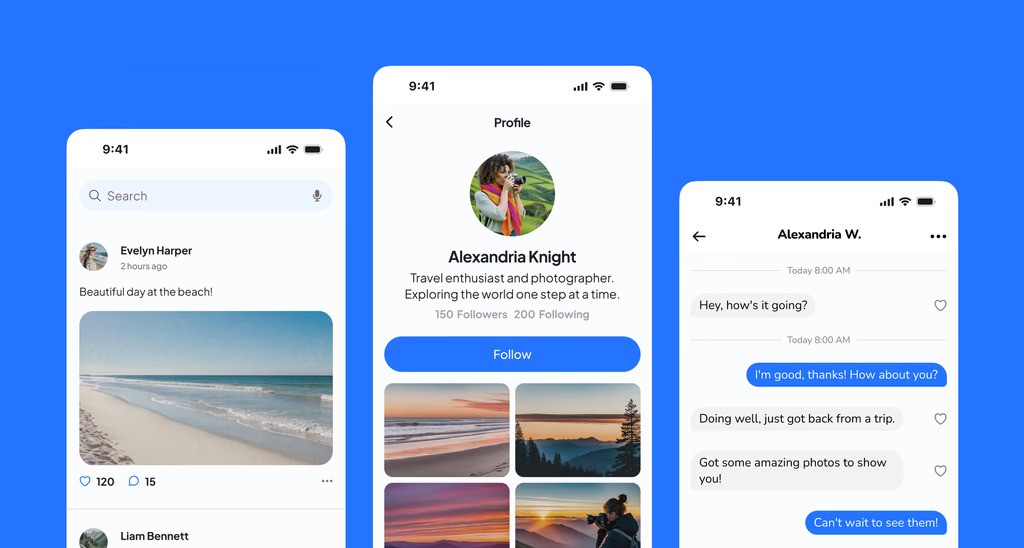
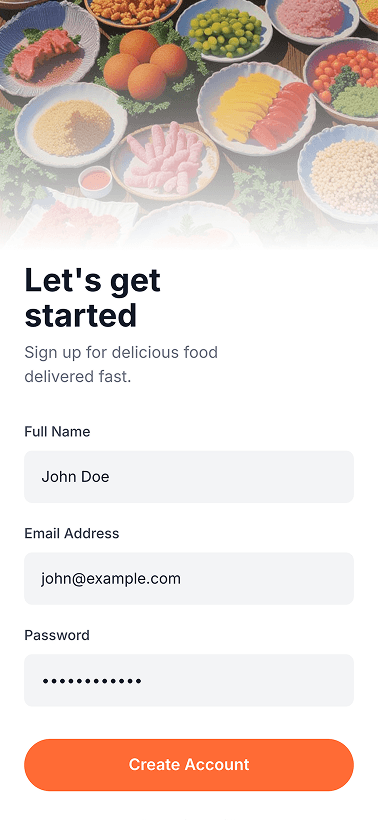
Design from text or image
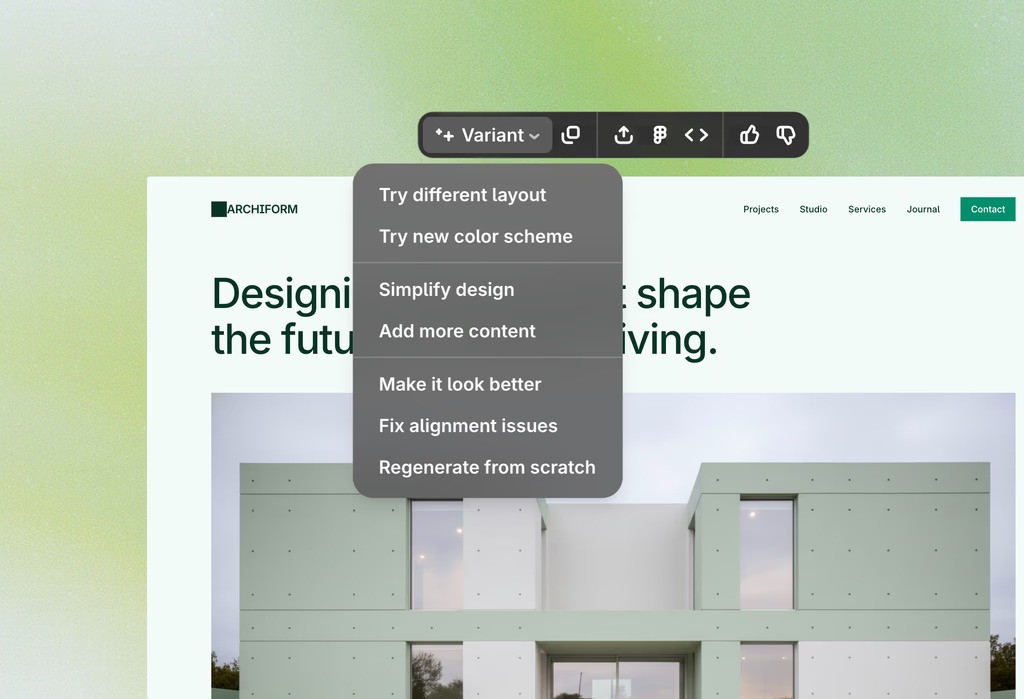
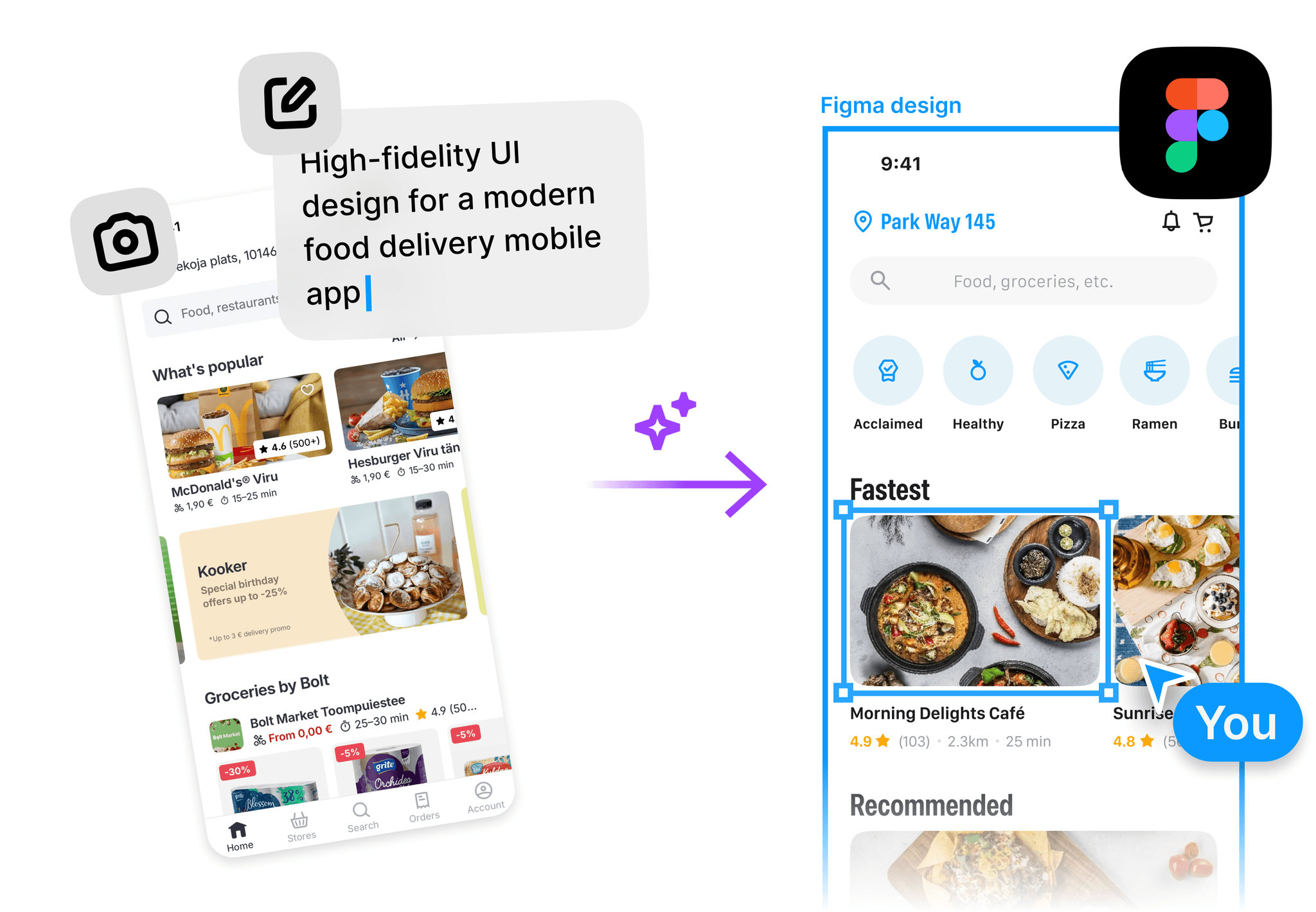
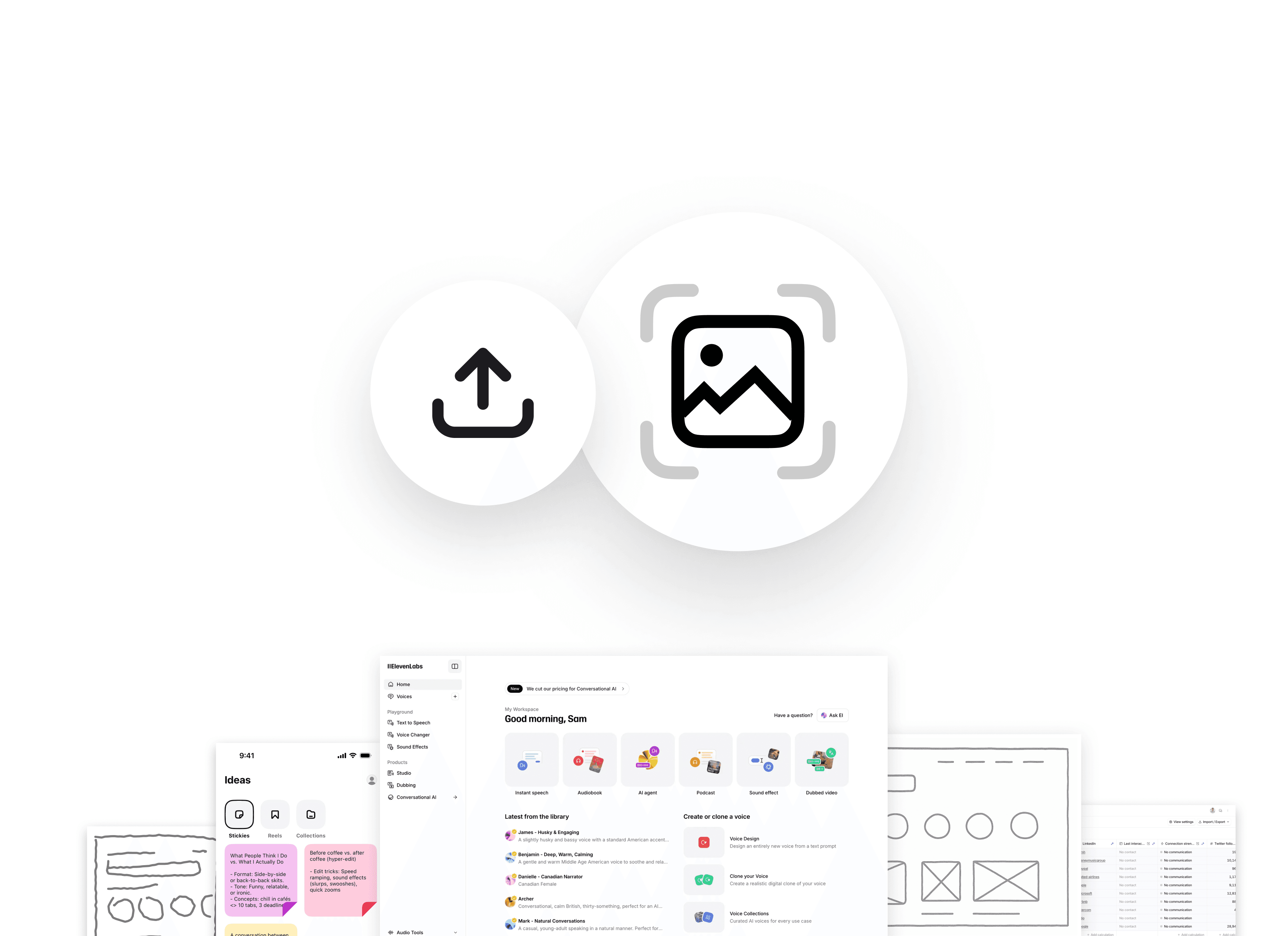
Generate Figma design from text or images. Powered by the latest Gemini 3.1 Pro & GPT 5.4.

Generate Figma design from text or images. Powered by the latest Gemini 3.1 Pro & GPT 5.4.

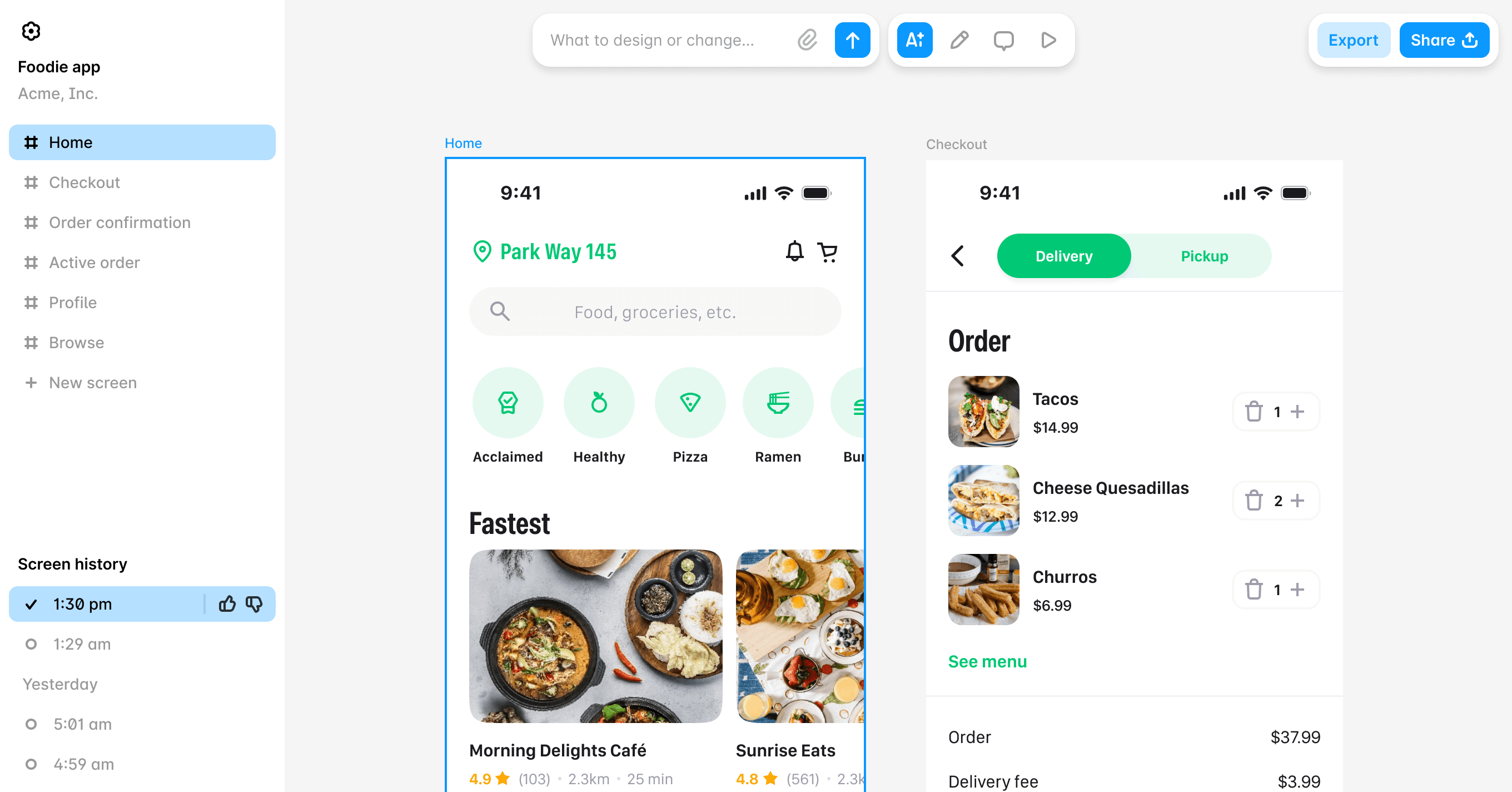
Get variants & edit flows

Review up to 5 variants from a single prompt, edit them with AI chat, and build multiscreen flows.

Review up to 5 variants from a single prompt, edit them with AI chat, and build multiscreen flows.

Switch screen size & fidelity

Convert mobile UI to desktop and vice-versa. Switch between lo-fi & hi-fi design with Figma AI. 

Convert mobile UI to desktop and vice-versa. Switch between lo-fi & hi-fi design with Figma AI. 

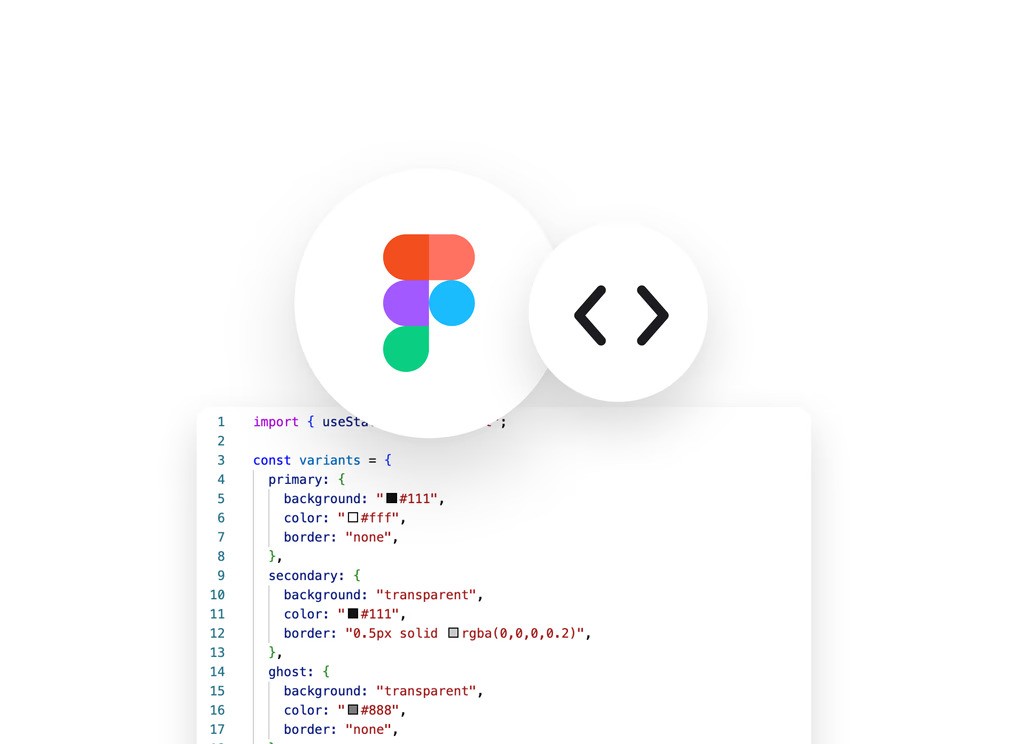
Export Figma or code

Copy-paste design in Figma directly or get HTML/CSS in a click. Or transfer via MCP.

Copy-paste design in Figma directly or get HTML/CSS in a click. Or transfer via MCP.

How to make Figma design with AI

1

Describe idea

Type your prompt and/or upload visual references.

Type your prompt and/or upload visual references.

2

Review design

Edit the design built by AI by chatting or manually.

Edit the design built by AI by chatting or manually.

3

Copy to Figma

Copy-paste generated designs directly to Figma with 1 click.

Copy-paste generated designs directly to Figma with 1 click.

Edit Figma design with AI

Our Figma AI Design tool can also be used as Figma Editor AI. Just upload the Figma file and edit using AI chatbot. No plugin. 

Our Figma AI Design tool can also be used as Figma Editor AI. Just upload the Figma file and edit using AI chatbot. No plugin. 

No Figma skills? No Figma Pro?
No Problem. Figma maker AI for all.

PMs

Turn design briefs to Figma with AI, in minutes.

Turn design briefs to Figma with AI, in minutes.

Designers

Explore design directions & edits in Figma – fast.

Explore design directions & edits in Figma – fast.

Developers

Export designs as code instantly like Figma Dev Mode.

Export designs as code instantly like Figma Dev Mode.

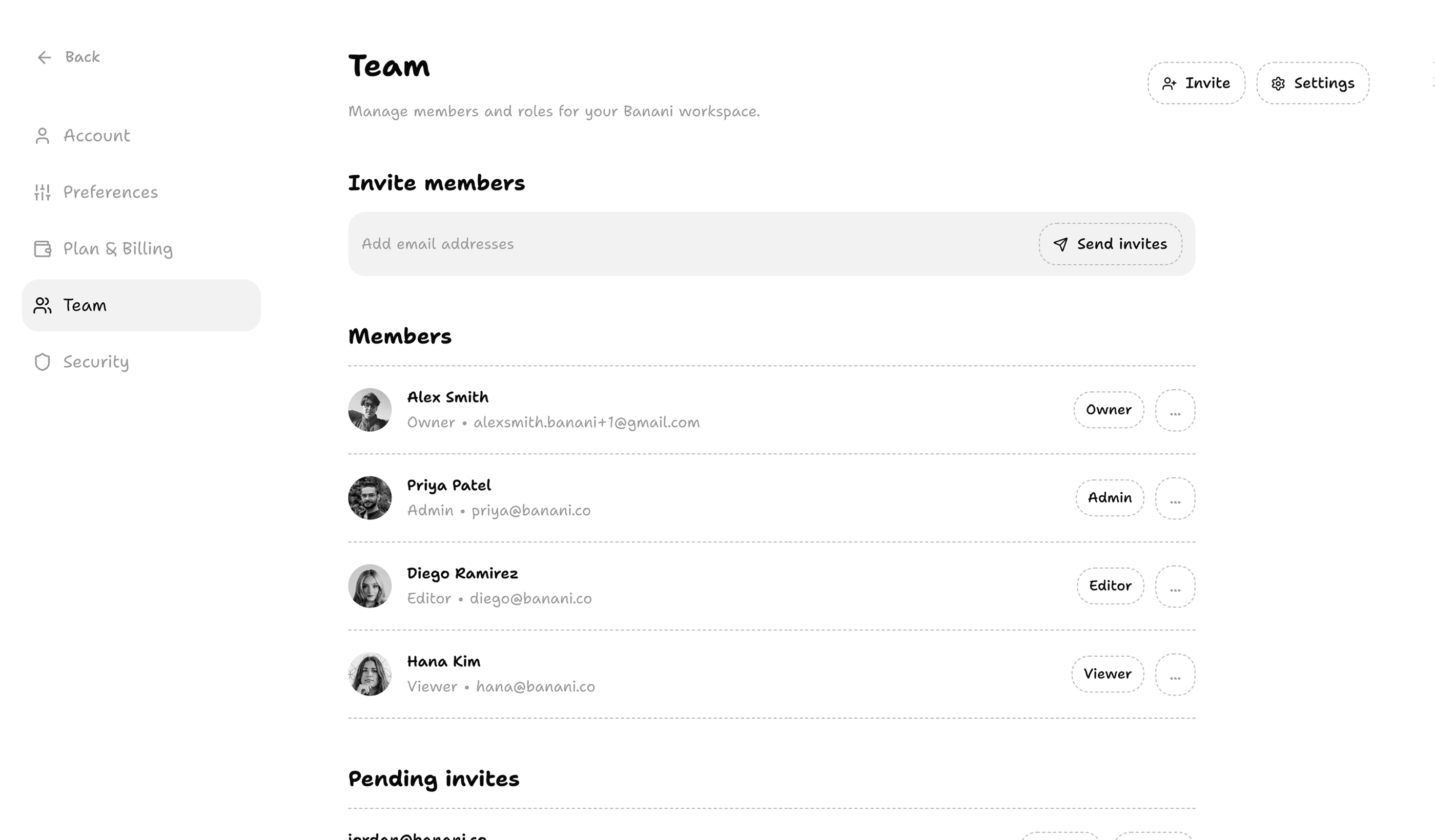
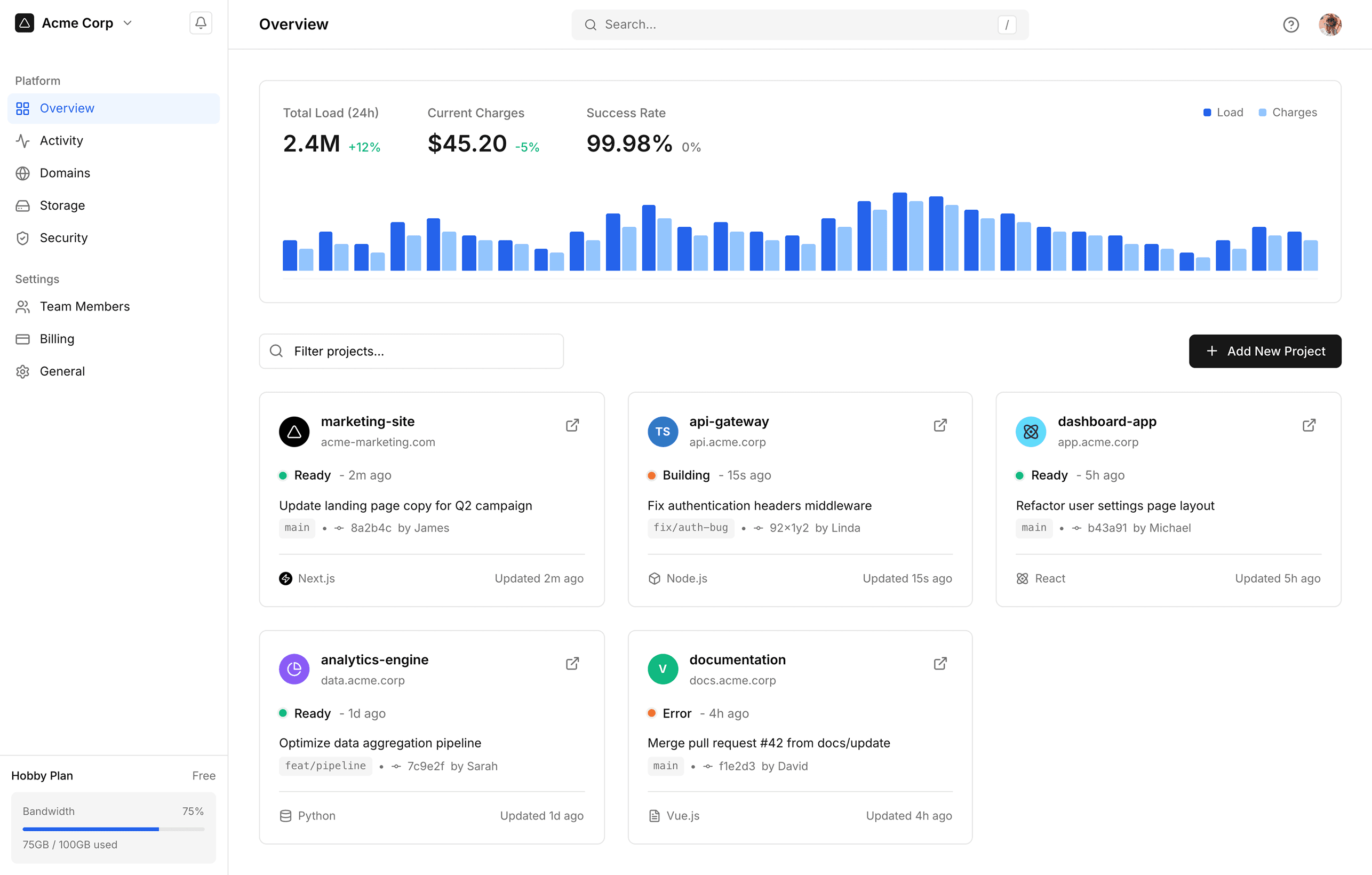
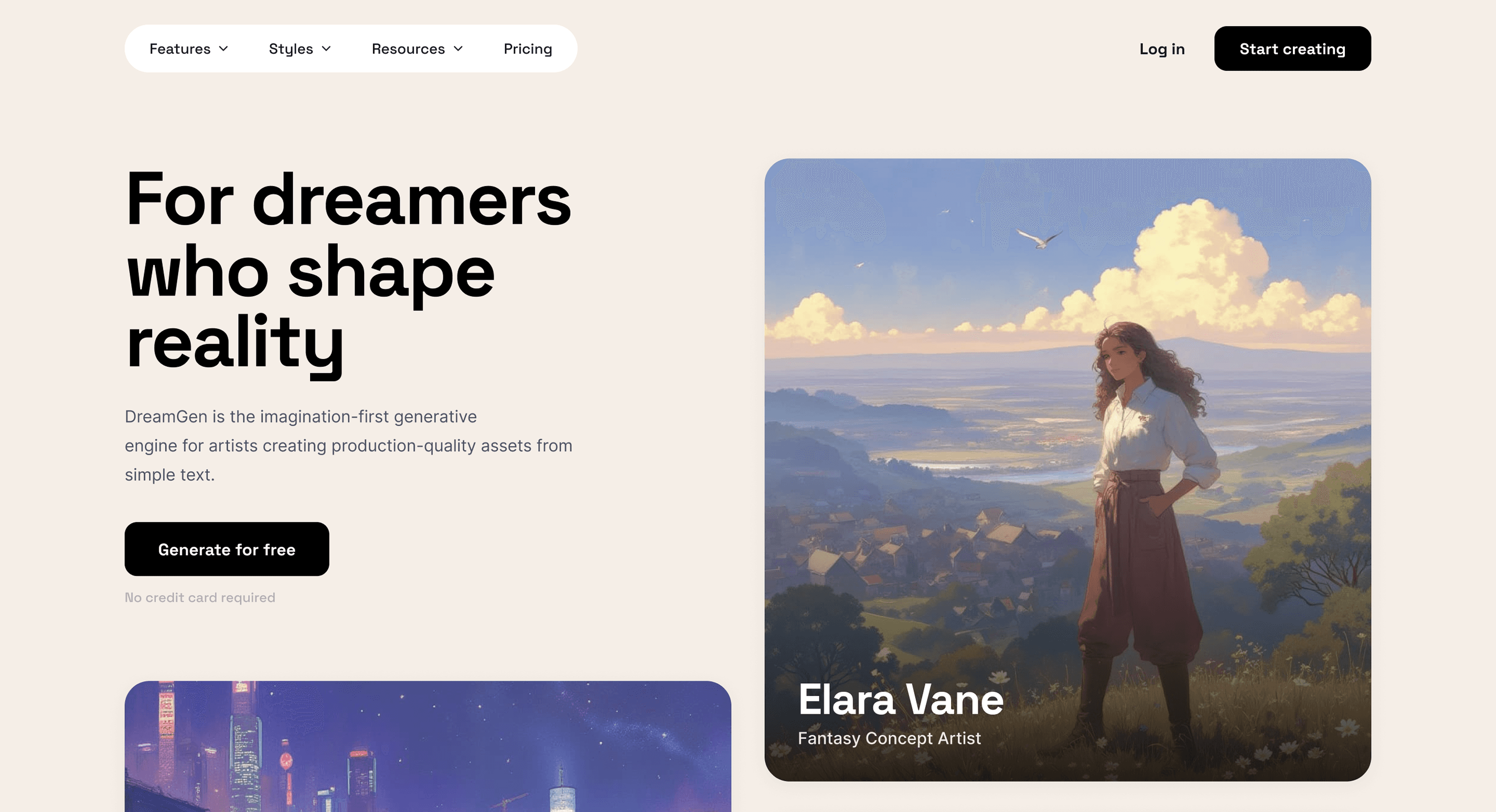
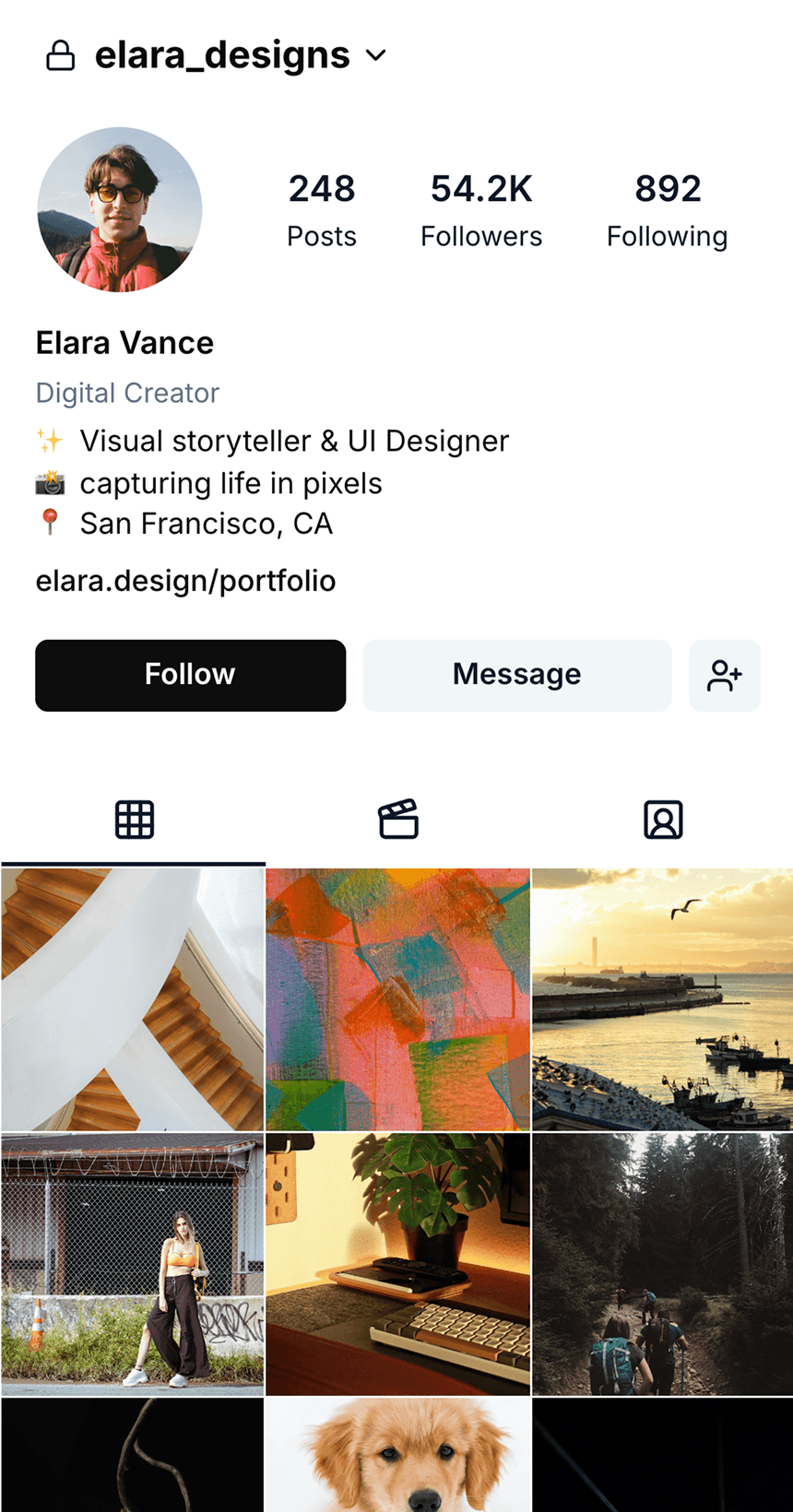
Banani: A Figma Design AI Software

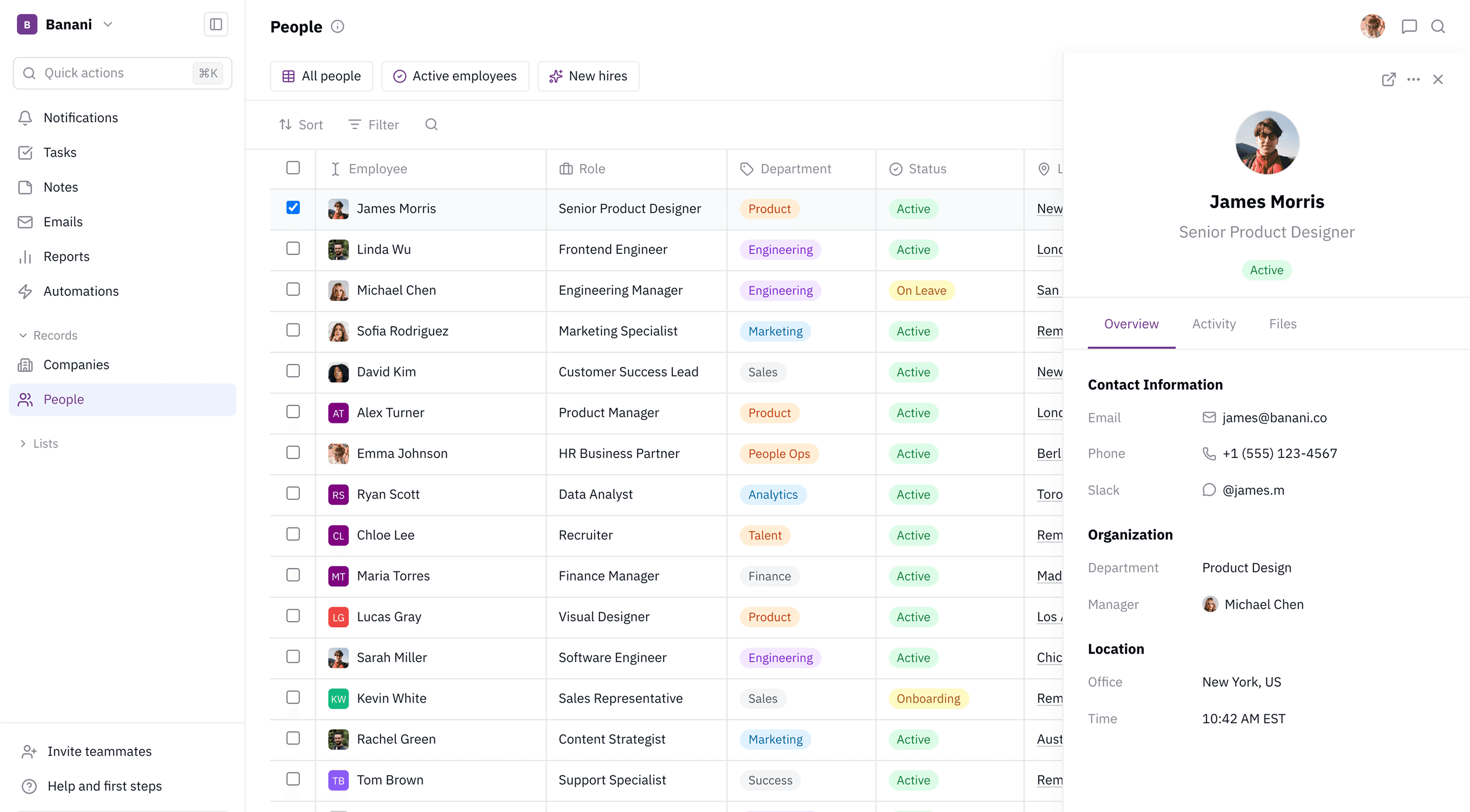
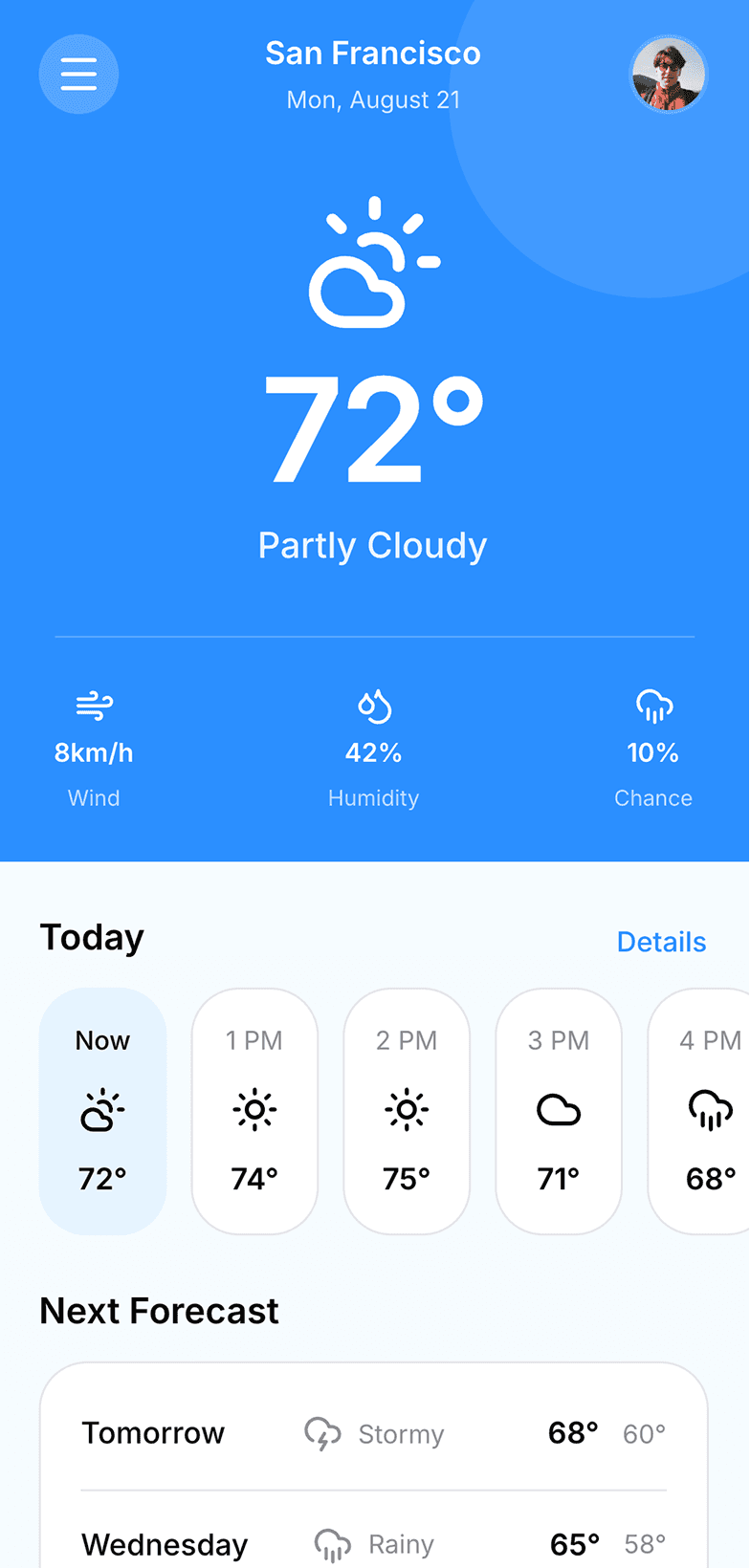
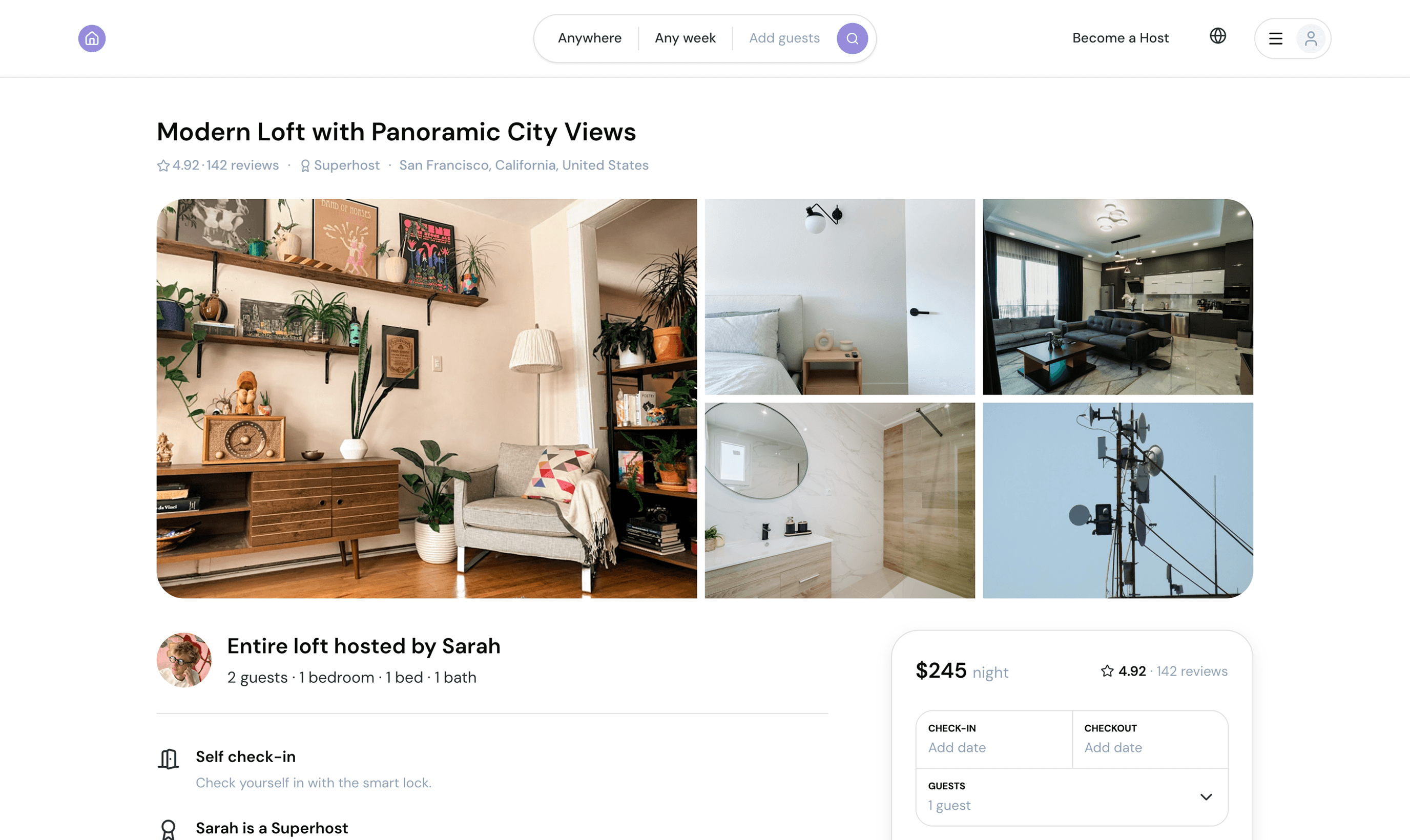
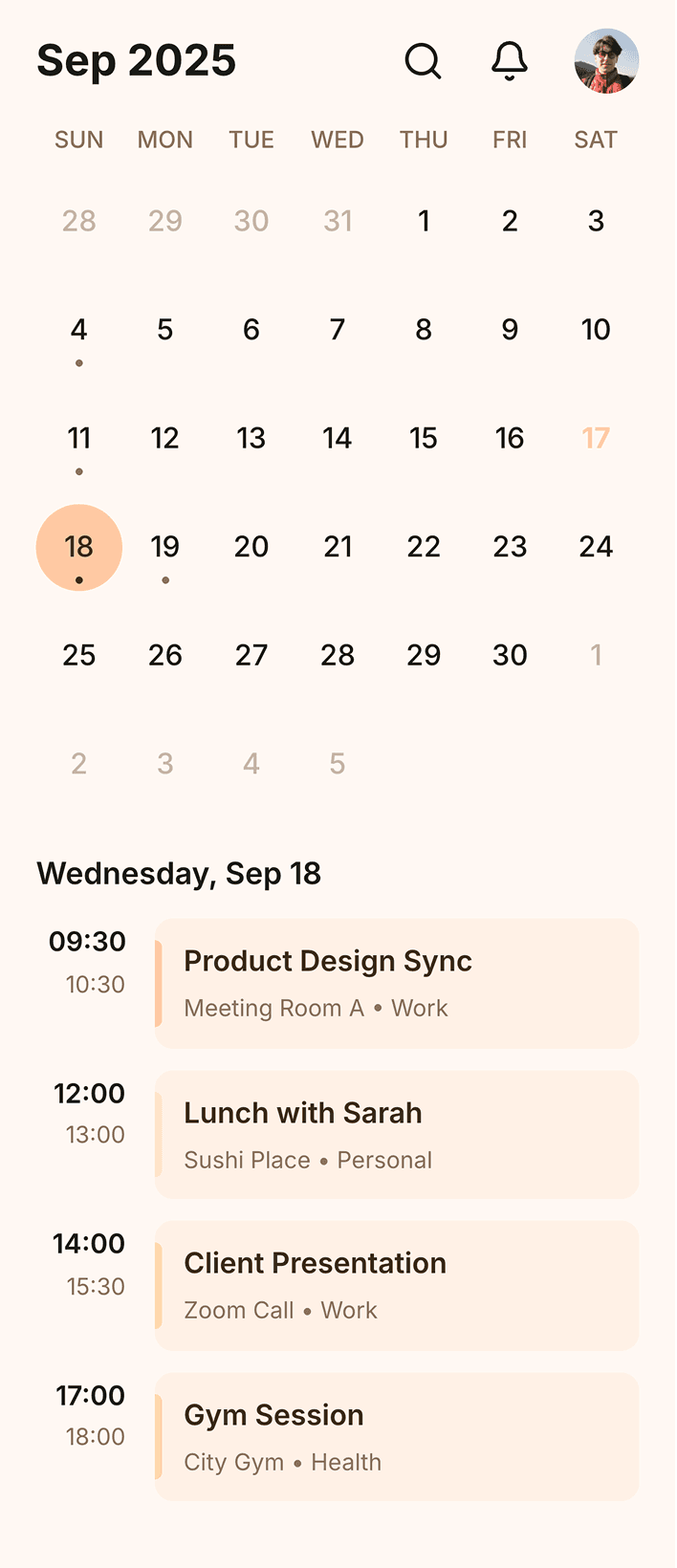
Banani AI generates text to Figma design of mobile/web UI. Export as an editable Figma file, or clean HTML/CSS — in minutes!

Banani AI generates text to Figma design of mobile/web UI. Export as an editable Figma file, or clean HTML/CSS — in minutes!

Loved by 100k+ users and companies

Product managers, founders, designers, students, indie hackers, and others use our Figma design AI.

Product managers, founders, designers, students, indie hackers, and others use our Figma design AI.

As a PM, I need to create quick wireframes to communicate ideas visually and effectively. I've tried many tools, but Banani was the simplest and delivered instant value.

I like that I can click on an element, and then the tool generates what the user will see after the click. That is a truly intuitive approach.

Alex

It's incredible how easy it is to use, how it speeds up the design process and offers remarkable adaptability.

Nena


Great wireframes and I like the interactive responses that the AI generated. Kick ass product!

Lynn

It is better to start using it today. Guys are doing a really mind-blowing product.

Pavel

Probably the best UI generation I tried on the market.

Jayda

I love the minimal design. It is not overwhelming compared to other tools.

Jake

I really like the quality of your AI design copilot!

Kate

Get started now

Bring your web or app design idea to life in seconds using generative Figma AI inside Banani.

Figma AI FAQ

Can AI make a Figma design?

Yes. AI tools like Banani convert text prompts, screenshots, and images into editable Figma designs in seconds. You neither need Figma skills, nor Figma paid plan for it.

Yes. AI tools like Banani convert text prompts, screenshots, and images into editable Figma designs in seconds. You neither need Figma skills, nor Figma paid plan for it.

Can ChatGPT generate Figma?

No. ChatGPT can suggest layouts in text, but it can't visually generate Figma designs.

No. ChatGPT can suggest layouts in text, but it can't visually generate Figma designs.

Do I need a paid Figma plan?

No, you don't need to have a paid Figma plan to use our AI. You can create a free Banani acconut and start generating designs right away.

No, you don't need to have a paid Figma plan to use our AI. You can create a free Banani acconut and start generating designs right away.

What's the difference between this and built-in Figma AI?

Unlike the first draft feature in Figma AI, you can follow up and continue editing designs you generate on Banani with prompts. Aside from this, you can specify parts of the designs you want to change.

Unlike the first draft feature in Figma AI, you can follow up and continue editing designs you generate on Banani with prompts. Aside from this, you can specify parts of the designs you want to change.

Is it editable in Figma after export?

Yes! UI generated by Banani AI when exported to Figma are fully editable there.

Yes! UI generated by Banani AI when exported to Figma are fully editable there.

Do I need to use Figma plugins after?

No additional setup or Figma plugins are needed. You can copy-paste your design generated by our AI into Figma as you would copy designs between Figma files.

No additional setup or Figma plugins are needed. You can copy-paste your design generated by our AI into Figma as you would copy designs between Figma files.

What is a free AI alternative to Figma Design?
The best free AI alternative to Figma Design is Banani AI. It offers a generous free tier (~170 generations/month) and can be upgraded for as little as $12/mo.

The best free AI alternative to Figma Design is Banani AI. It offers a generous free tier (~170 generations/month) and can be upgraded for as little as $12/mo.