Best Figma to Code AI
Export Figma design to HTML/CSS in a click. And React, Tailwind, or another via Figma to Code MCP. In seconds, for Free!

Export Figma design to HTML/CSS in a click. And React, Tailwind, or another via Figma to Code MCP. In seconds, for Free!

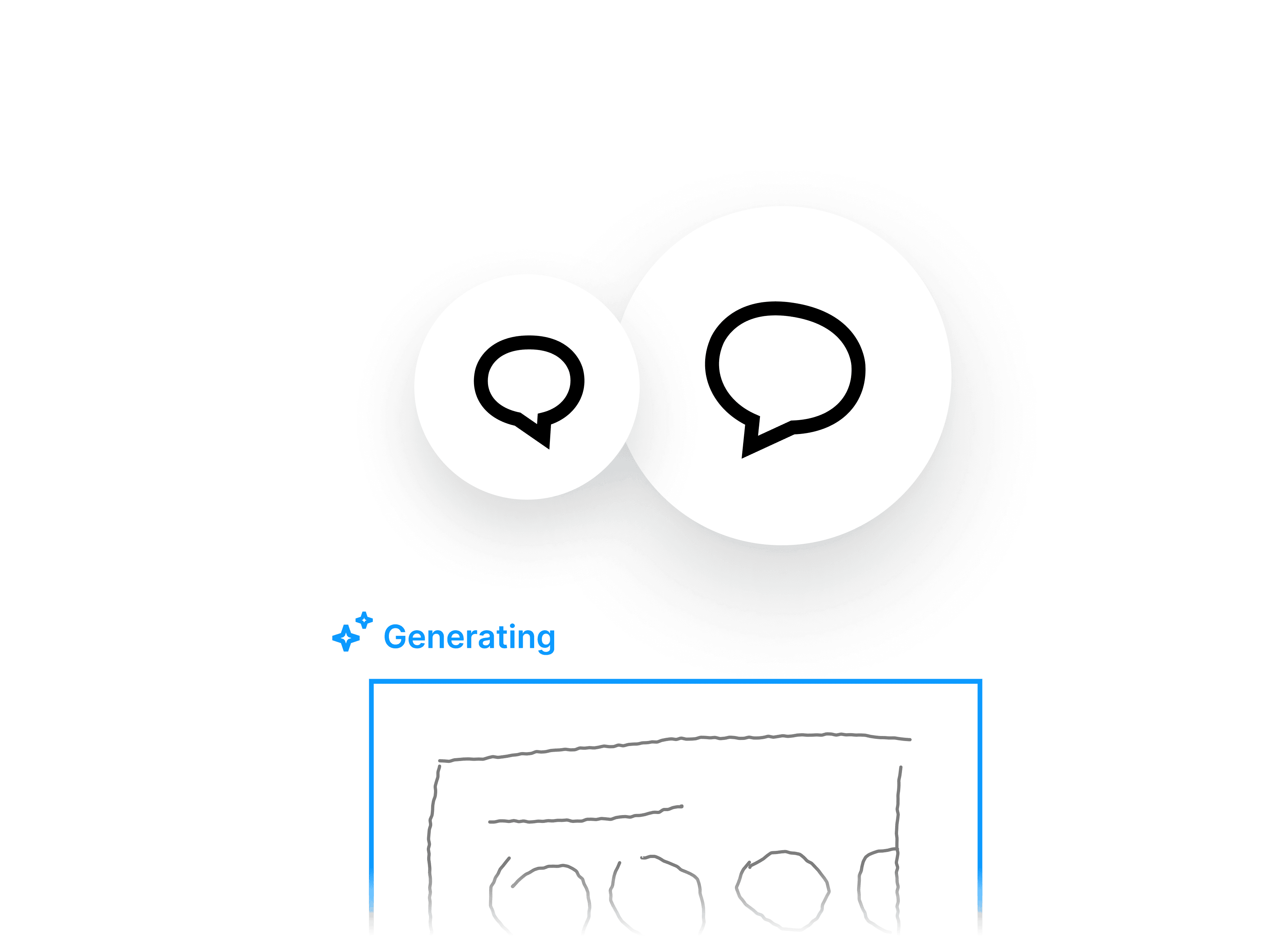
banani ai converts images, prompts and sketches into editable wireframes

Gemini-powered AI to convert Figma-to-HTML
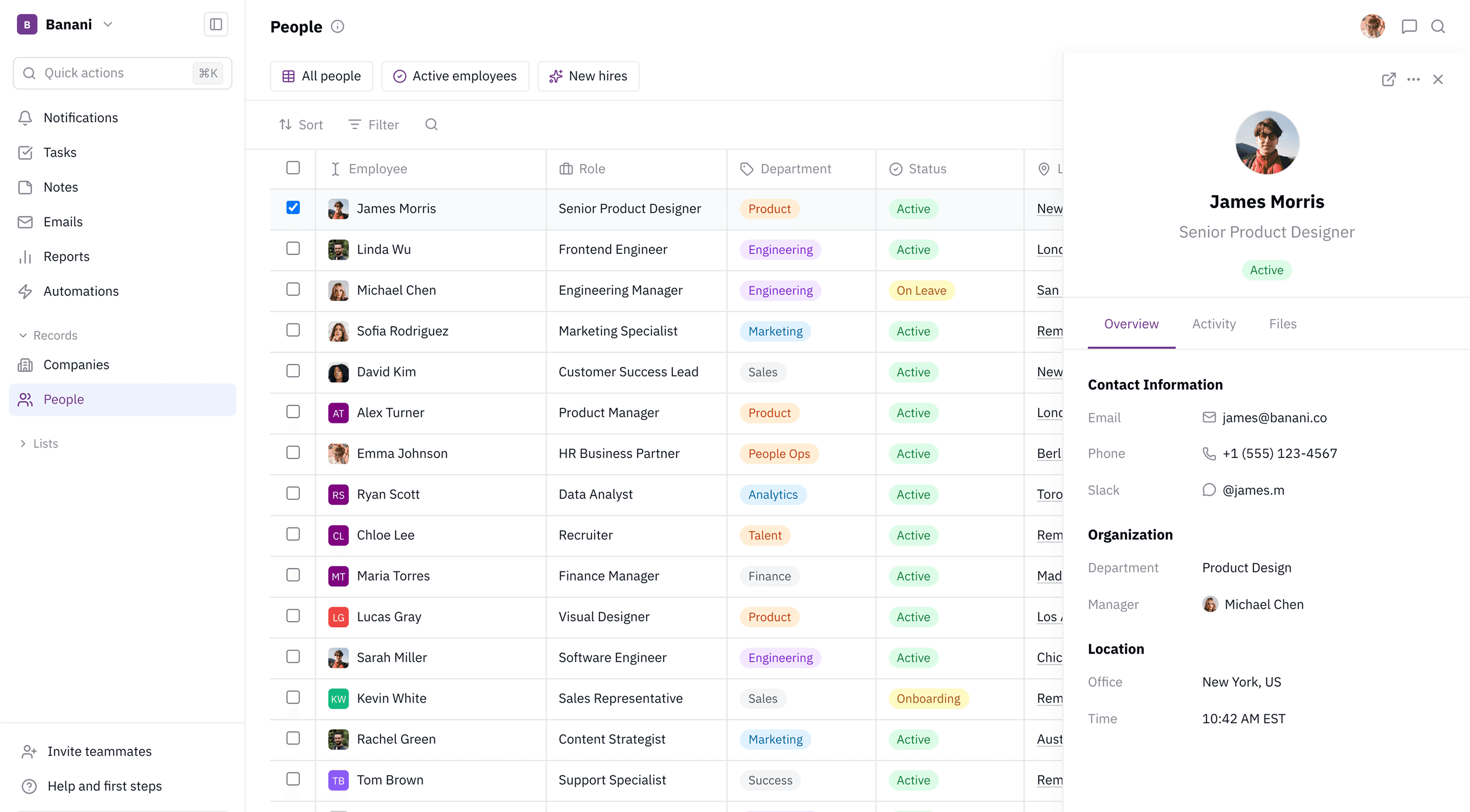
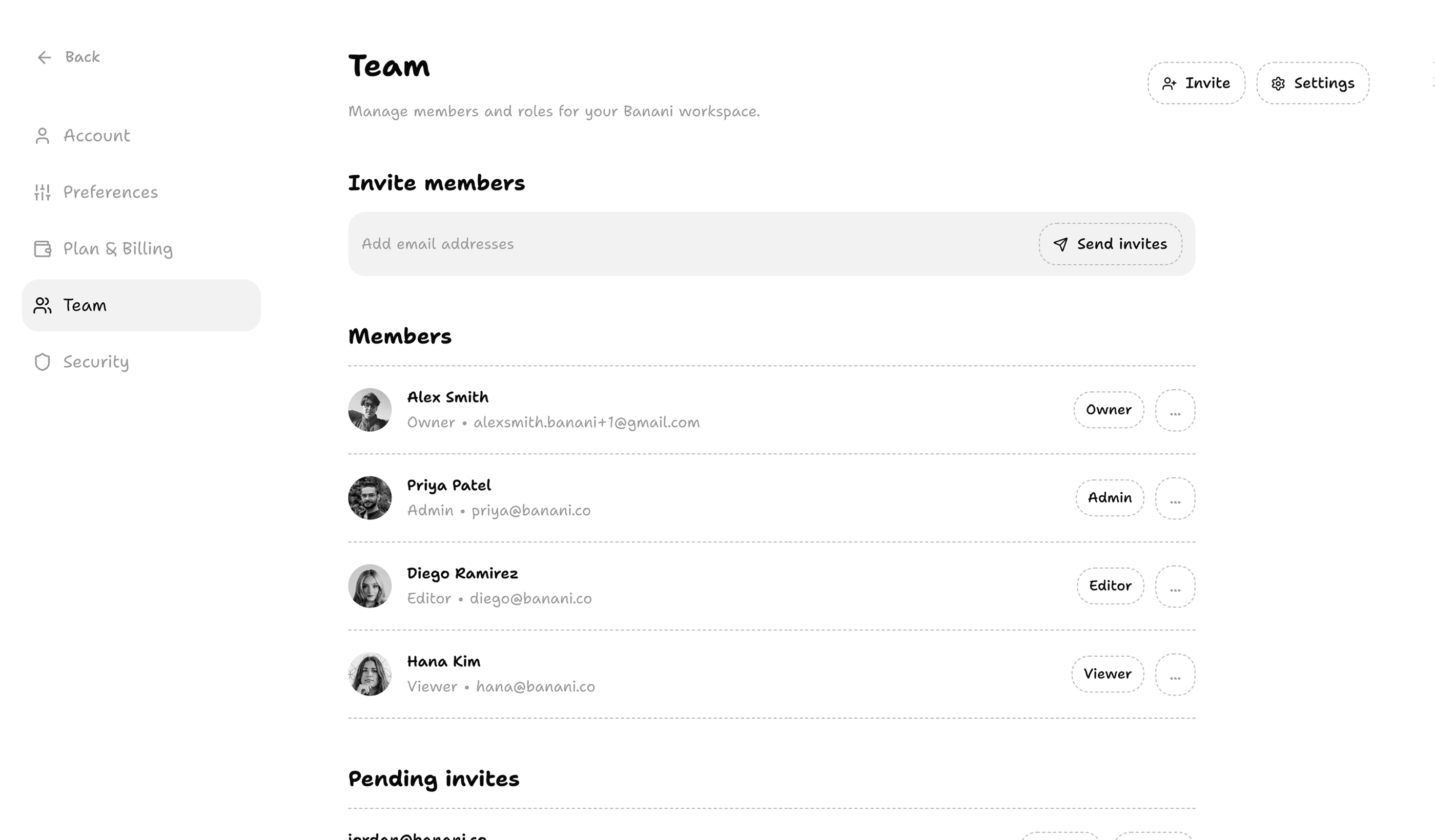
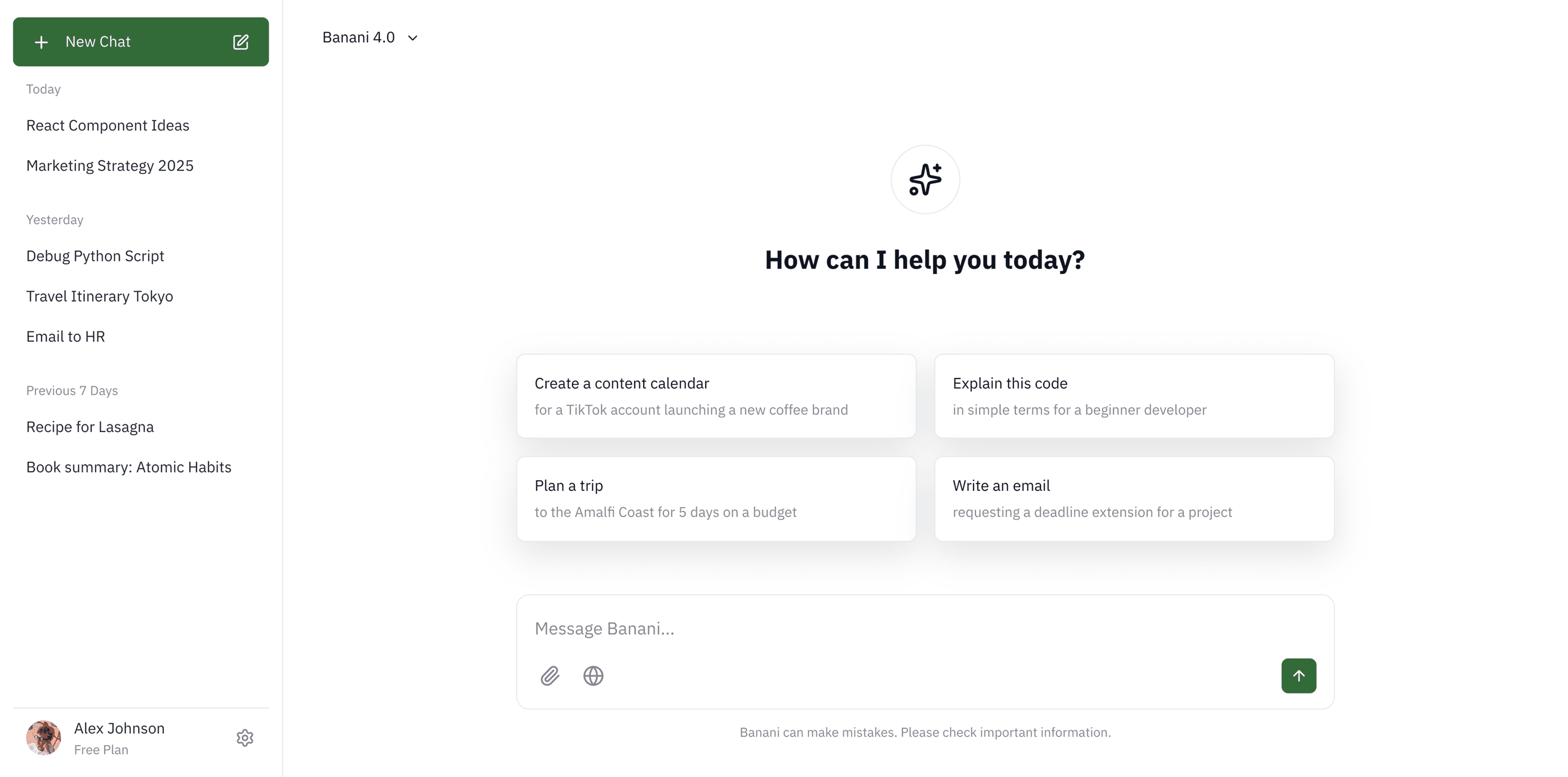
Banani.co project settings

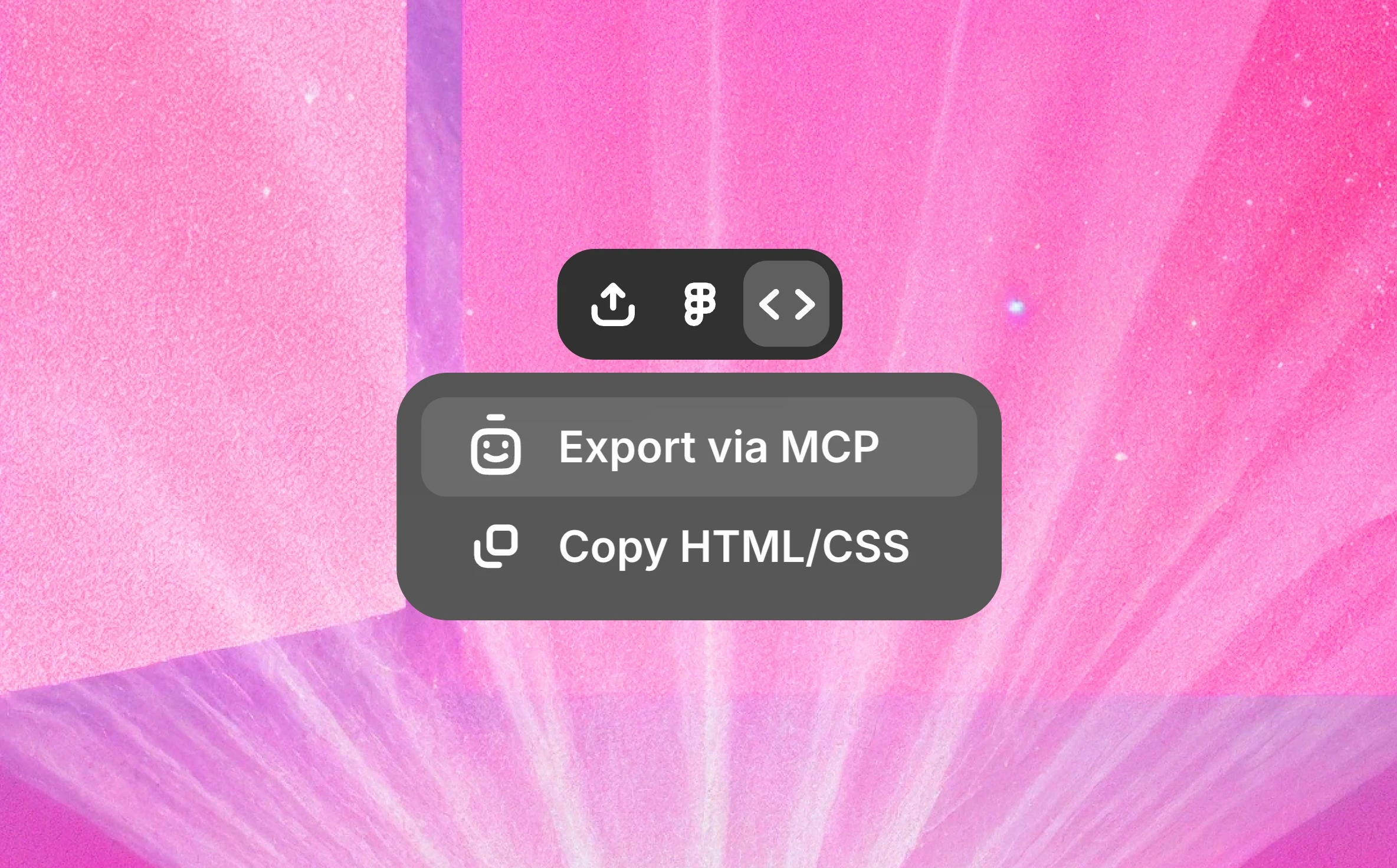
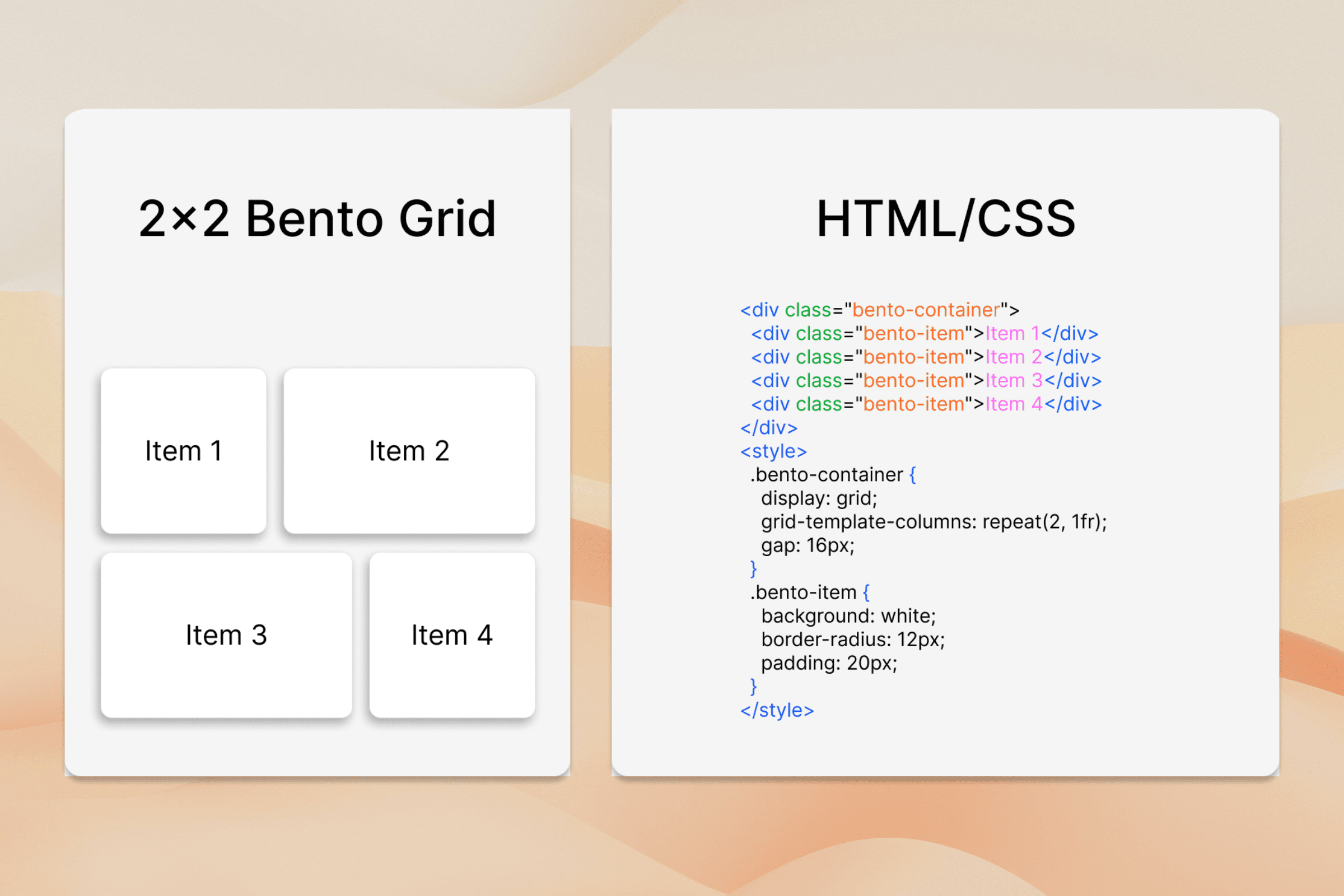
Instant HTML/CSS export

Copy-paste clean HTML/CSS of a Figma design in a click, like Figma Dev Mode.

Copy-paste clean HTML/CSS of a Figma design in a click, like Figma Dev Mode.

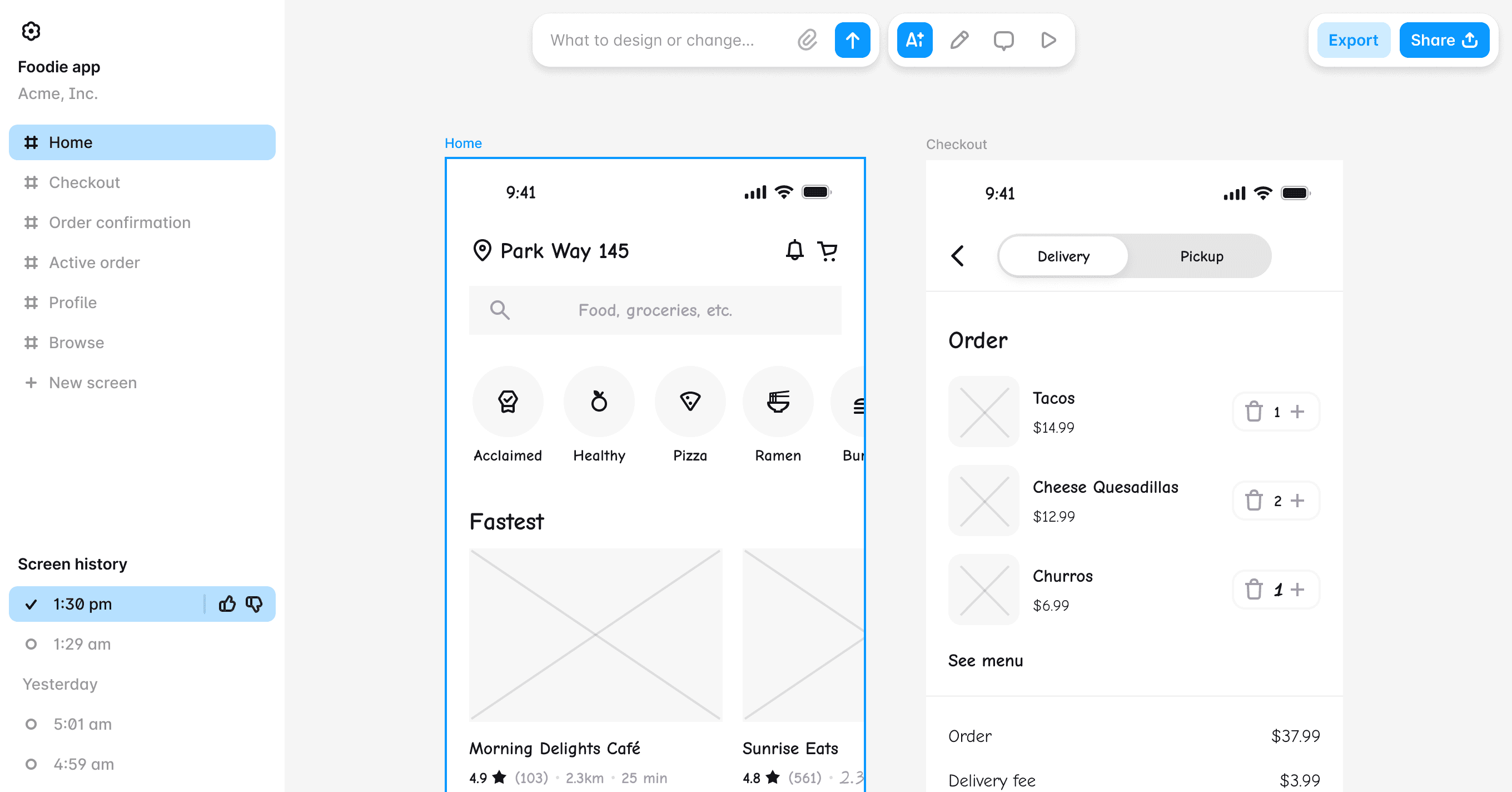
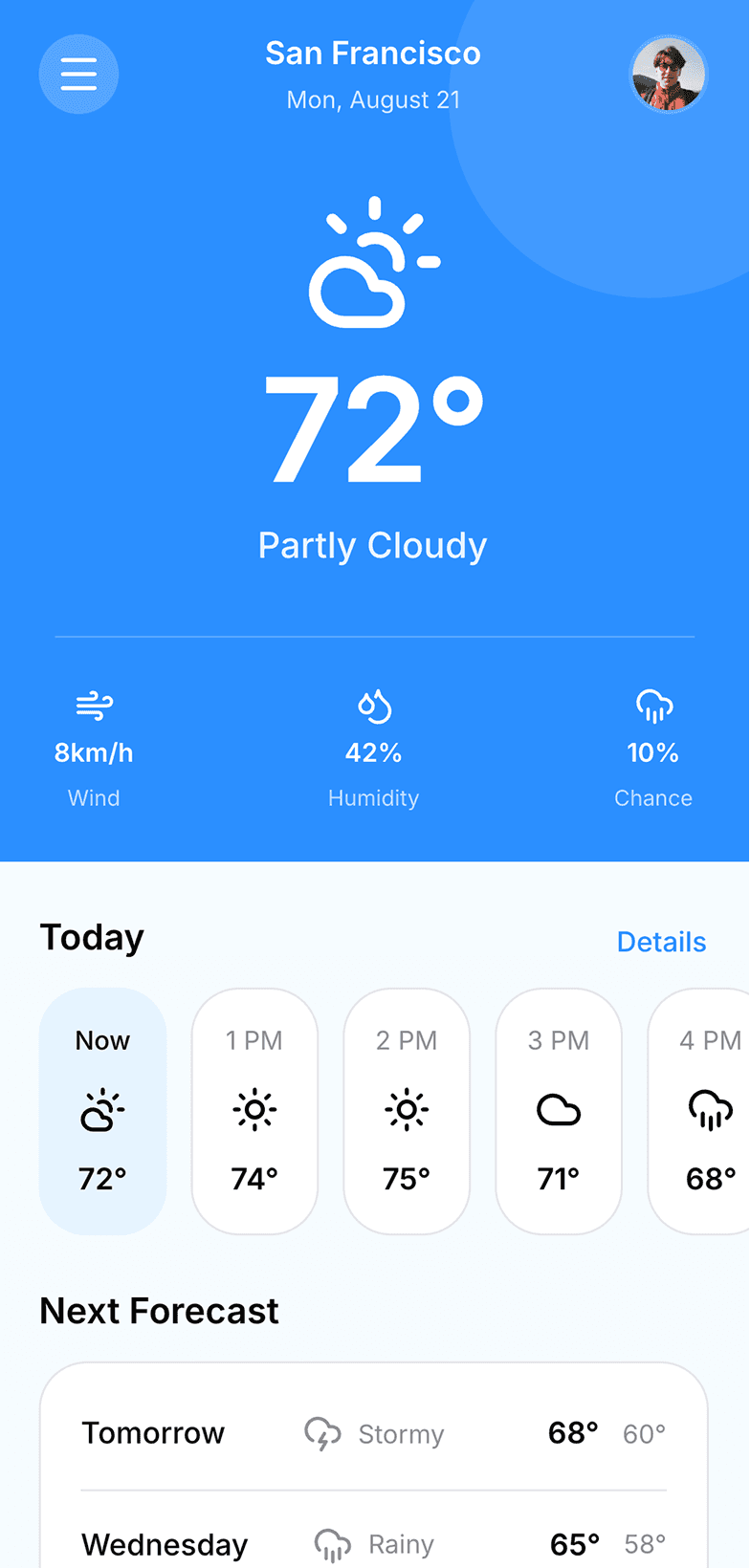
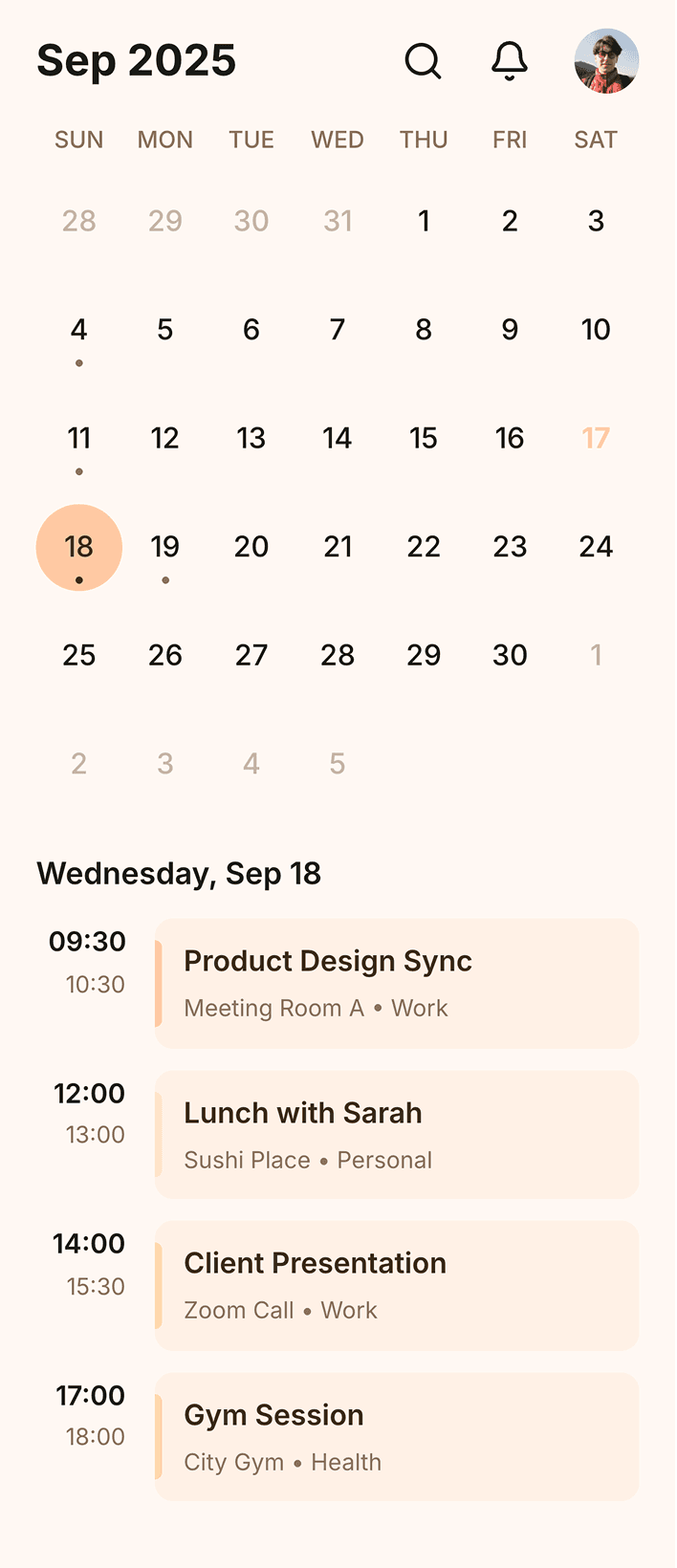
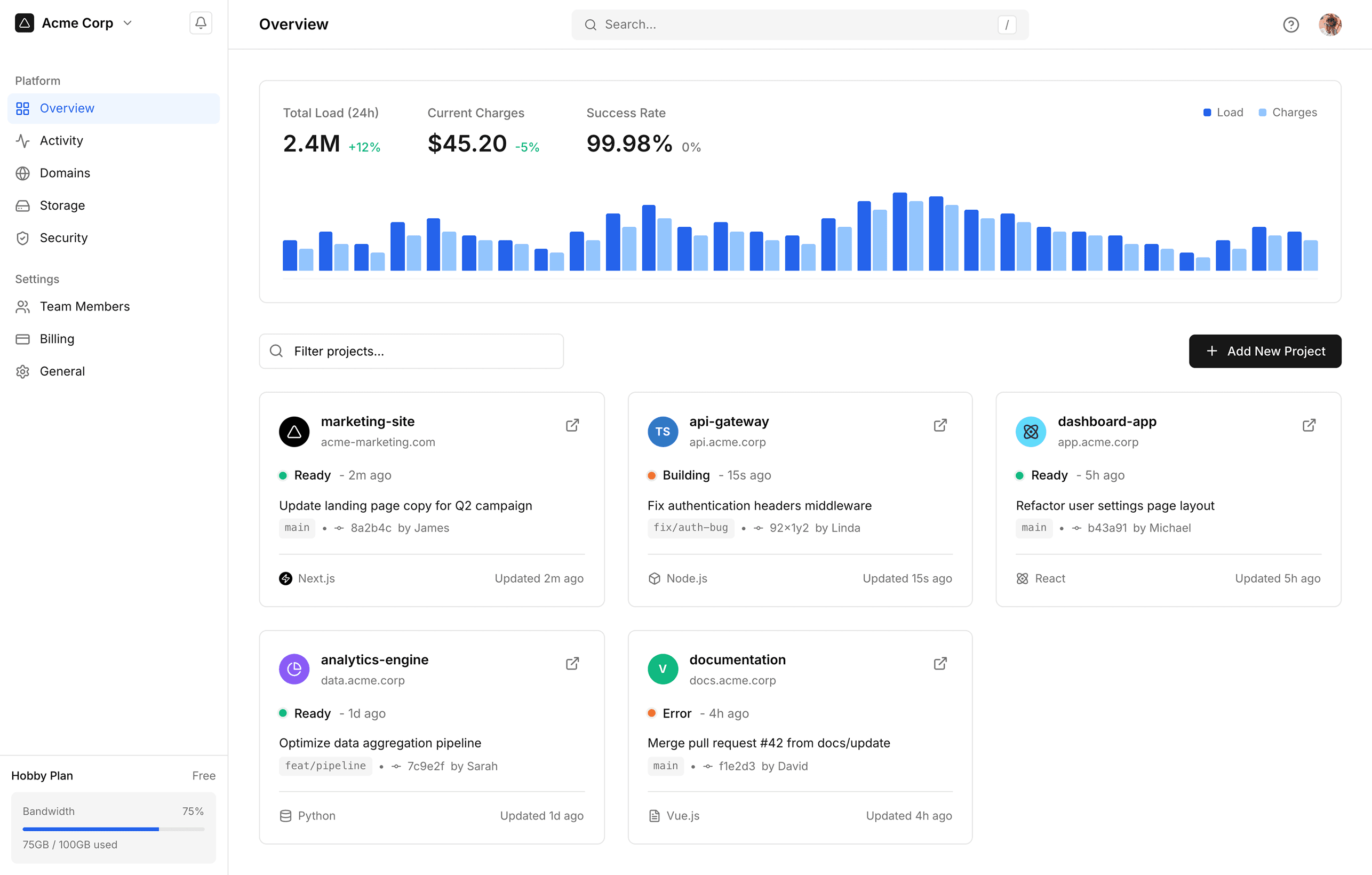
Interface of banani when using wireframing mode

Figma-to-Code MCP

Get React, Tailwind, etc. inside Claude Code, Cursor, or any MCP-compatible tool.

Get React, Tailwind, etc. inside Claude Code, Cursor, or any MCP-compatible tool.

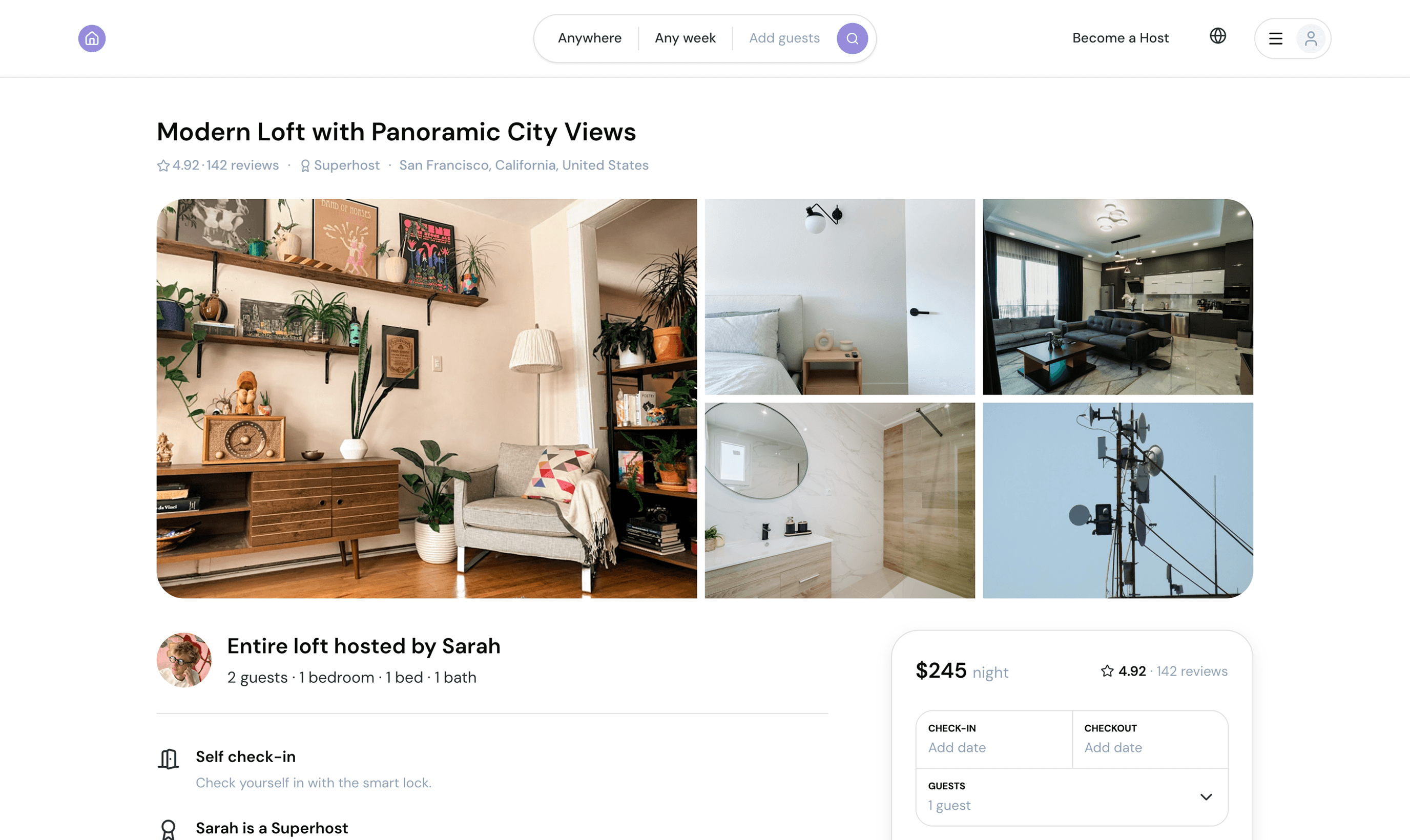
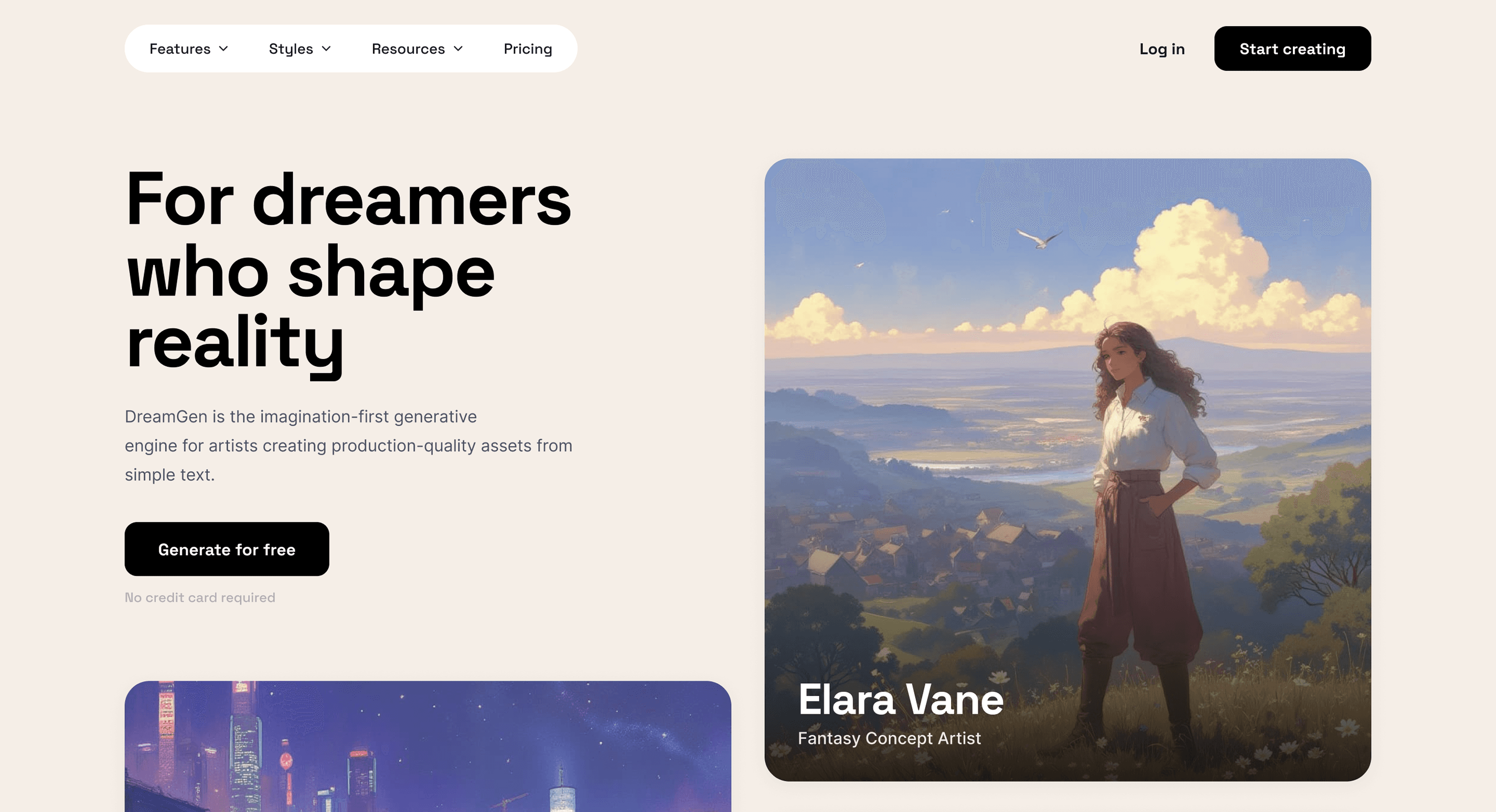
Banani generates contextually relevan images inside the prototypes

Design system aware

Preserve Figma variables, tokens, and layers per intended design system.

Preserve Figma variables, tokens, and layers per intended design system.

Quick actions features of banani

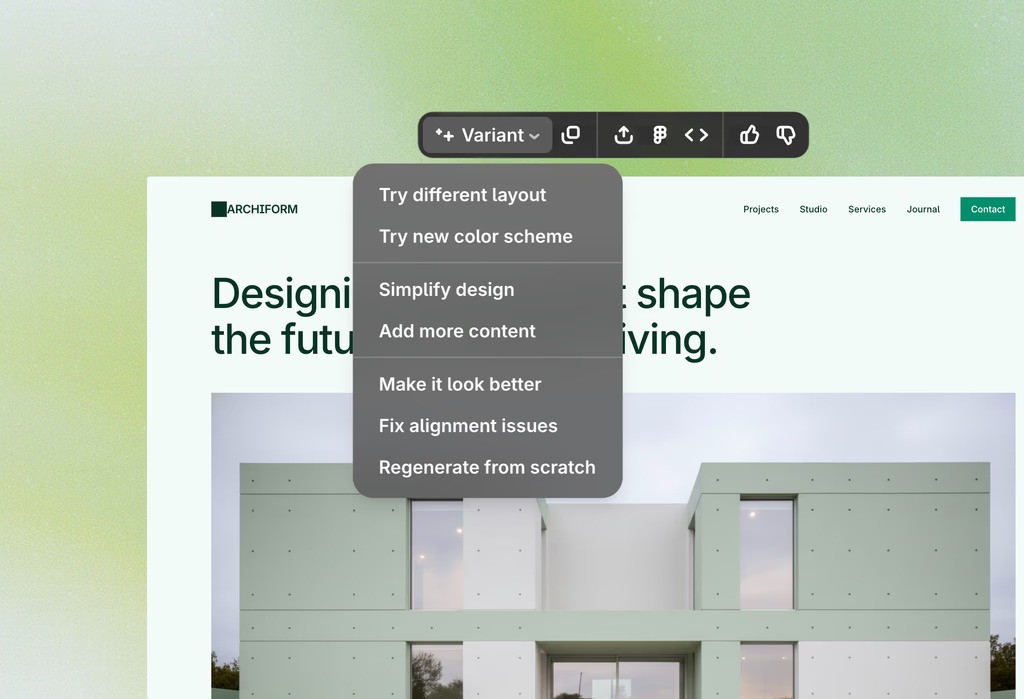
Edit with AI before export

Refine layouts, switch screen size, and more with AI UI editor before exporting.

Refine layouts, switch screen size, and more with AI UI editor before exporting.

How to export Figma to HTML

1

Import Figma file

Connect your Figma account via token and import design. 

Connect your Figma account via token and import design. 

2

Get editable UI

Review the Figma design and make edits with AI as needed.

Review the Figma design and make edits with AI as needed.

3

Copy HTML

Get HTML/CSS in a click or any code in coding agent via MCP.

Get HTML/CSS in a click or any code in coding agent via MCP.

Figma to Code, without Plugin

Convert Figma designs to clean frontend code instantly with AI. No plugins, manual handoff, or rebuilding required.

Convert Figma designs to clean frontend code instantly with AI. No plugins, manual handoff, or rebuilding required.

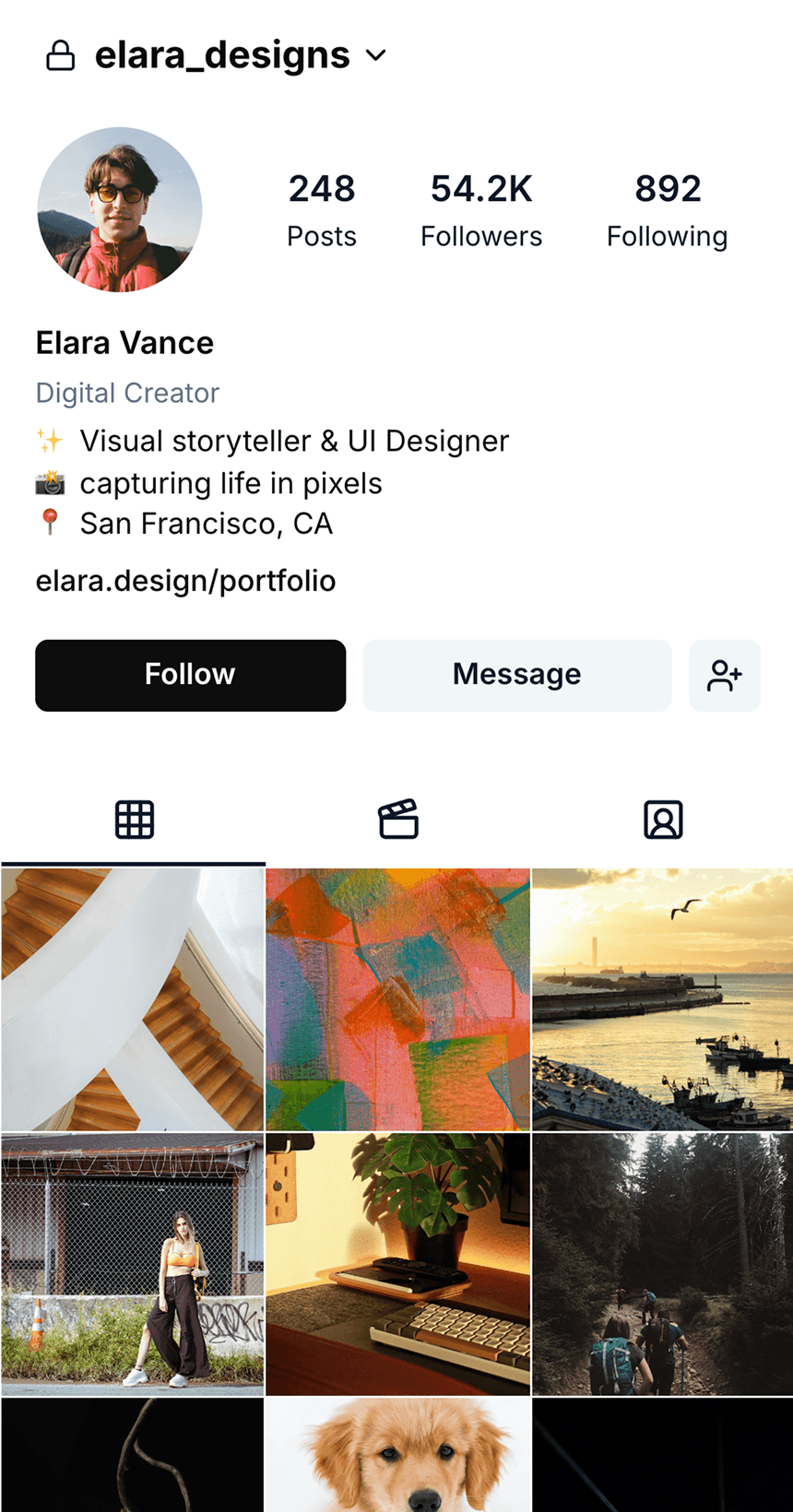
Interface of wireframe generation inside banani

No coding skill? No problem.
Best Figma-to-code tool for every role.

Developers

Skip design handoff & jump to backend building.

Skip design handoff & jump to backend building.

Designers

Launch interactive polished MVPs without coding.

Launch interactive polished MVPs without coding.

Founders

Go from app idea to coded MVP in minutes, not days.

Go from app idea to coded MVP in minutes, not days.

Banani: A free Figma-to-code Tool

Banani is a design-to-code AI that turns Figma into code fast. Copy HTML/CSS directly from its canvas, or use its MCP to get any frontend code. You can also edit Figma design with AI.

Banani is a design-to-code AI that turns Figma into code fast. Copy HTML/CSS directly from its canvas, or use its MCP to get any frontend code. You can also edit Figma design with AI.

Loved by 100k+ users and companies

Product managers, founders, designers, students, indie hackers, and others use our UI design AI.

Product managers, founders, designers, students, indie hackers, and others use our UI design AI.

As a PM, I need to create quick wireframes to communicate ideas visually and effectively. I've tried many tools, but Banani was the simplest and delivered instant value.

I like that I can click on an element, and then the tool generates what the user will see after the click. That is a truly intuitive approach.

Alex

It's incredible how easy it is to use, how it speeds up the design process and offers remarkable adaptability.

Nena


Great wireframes and I like the interactive responses that the AI generated. Kick ass product!

Lynn

It is better to start using it today. Guys are doing a really mind-blowing product.

Pavel

Probably the best UI generation I tried on the market.

Jayda

I love the minimal design. It is not overwhelming compared to other tools.

Jake

I really like the quality of your AI design copilot!

Kate

Turn any UI into any Code

Our UI design-to-code AI, works for Figma files and also any image or screenshot with equal speed and accuracy.

Got an idea for an app design? Whether mobile or desktop, we have an AI for it.
FAQs on Figma-to-code AI Convertor

Can I create HTML designs from Figma files?

Yes. To create HTML out of Figma files, you can use a plugin, an AI coding agent, MCP or, most conveniently, a Figma-to-HTML AI like Banani.

Yes. To create HTML out of Figma files, you can use a plugin, an AI coding agent, MCP or, most conveniently, a Figma-to-HTML AI like Banani.

How to convert Figma design to react code?

Import your Figma file into Banani and export React code through its MCP integration with tools like Cursor or Claude Code.

Import your Figma file into Banani and export React code through its MCP integration with tools like Cursor or Claude Code.

What is the best AI to convert Figma to HTML?

While the best depends on your workflow, Banani AI is a favorite among 100k+ users to convert Figma to HTML. You can also edit the Figma design before codifying by simply chatting with AI.

While the best depends on your workflow, Banani AI is a favorite among 100k+ users to convert Figma to HTML. You can also edit the Figma design before codifying by simply chatting with AI.

Can ChatGPT convert Figma to code?

No, ChatGPT cannot directly convert Figma files to code. It can, however, generate a rough outline of the design in code.

No, ChatGPT cannot directly convert Figma files to code. It can, however, generate a rough outline of the design in code.

Is Banani a Figma to Code plugin?

No. Banani is primarily a standalone AI-powered Figma-to-Code platform; not a Figma plugin. And it makes Banani AI a far more convenient way to codify a Figma design.

No. Banani is primarily a standalone AI-powered Figma-to-Code platform; not a Figma plugin. And it makes Banani AI a far more convenient way to codify a Figma design.

banani can convert hand drawn sketches and images into wireframes

Need UI inspiration?

Browse, edit and export frontend code of the UI screens of the world’s best-designed apps.

Browse, edit and export frontend code of the UI screens of the world’s best-designed apps.