
What is Claude Design?
Claude Design is a new product from Anthropic that helps you create prototypes, slides, one-pagers, marketing assets, and interactive experiences using Claude models. So far, it's available to Claude Pro, Max, Team, and Enterprise subscribers.
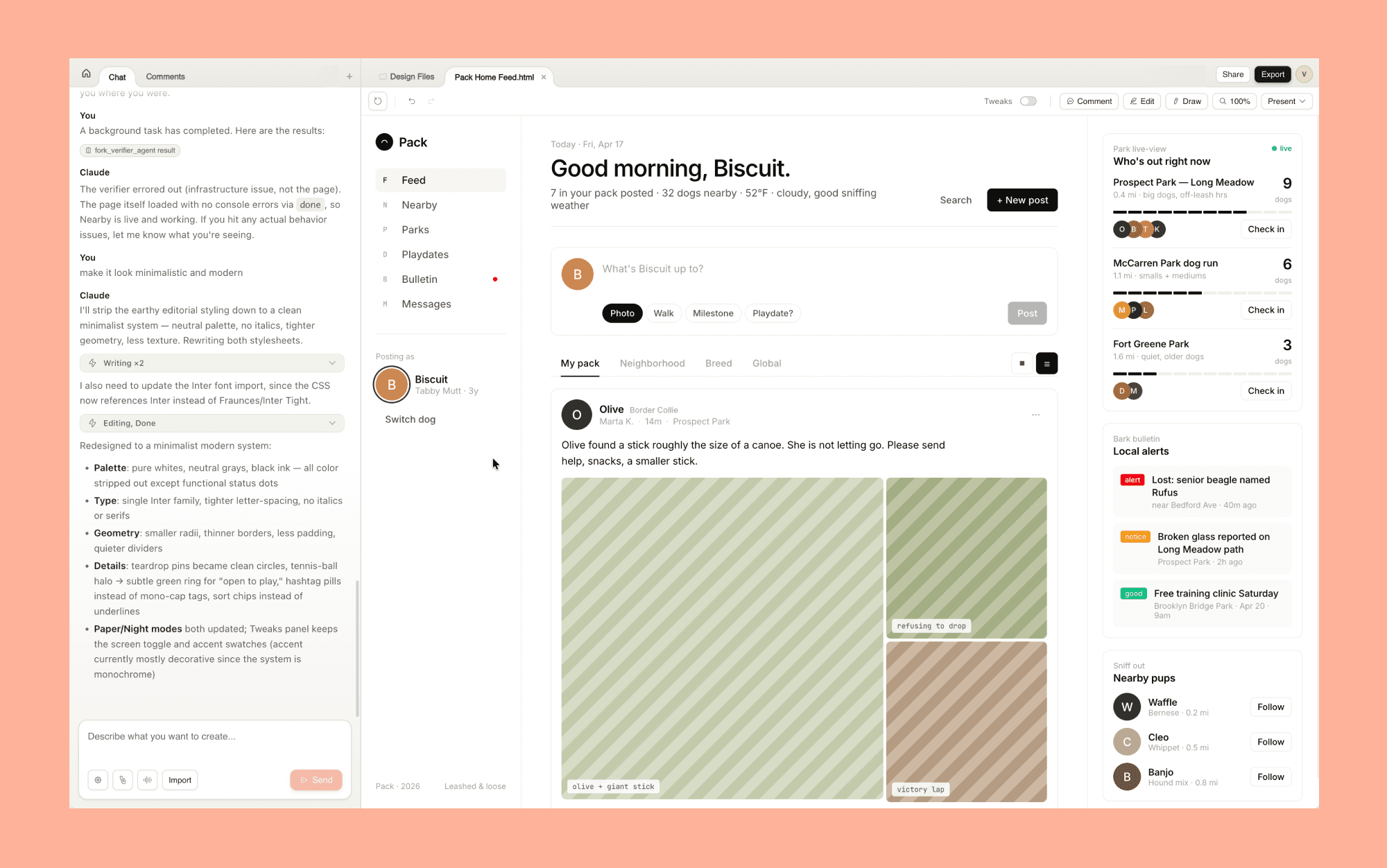
It is powered by Claude Opus 4.7, Anthropic's most capable publicly available vision model, which also launched today. The tool lives at claude.ai/design.
Anthropic sees Claude Design as useful for two main groups. Designers can explore more ideas without worrying about time limits. Founders, product managers, and marketers without design experience can turn their ideas into visuals without using Figma or hiring a designer.
Claude Design Features
Text-to-any-design
You start with a text prompt, Claude Design will ask you some clarifying questions in the form of a short quiz and will begin generating a first version, and you go from there.
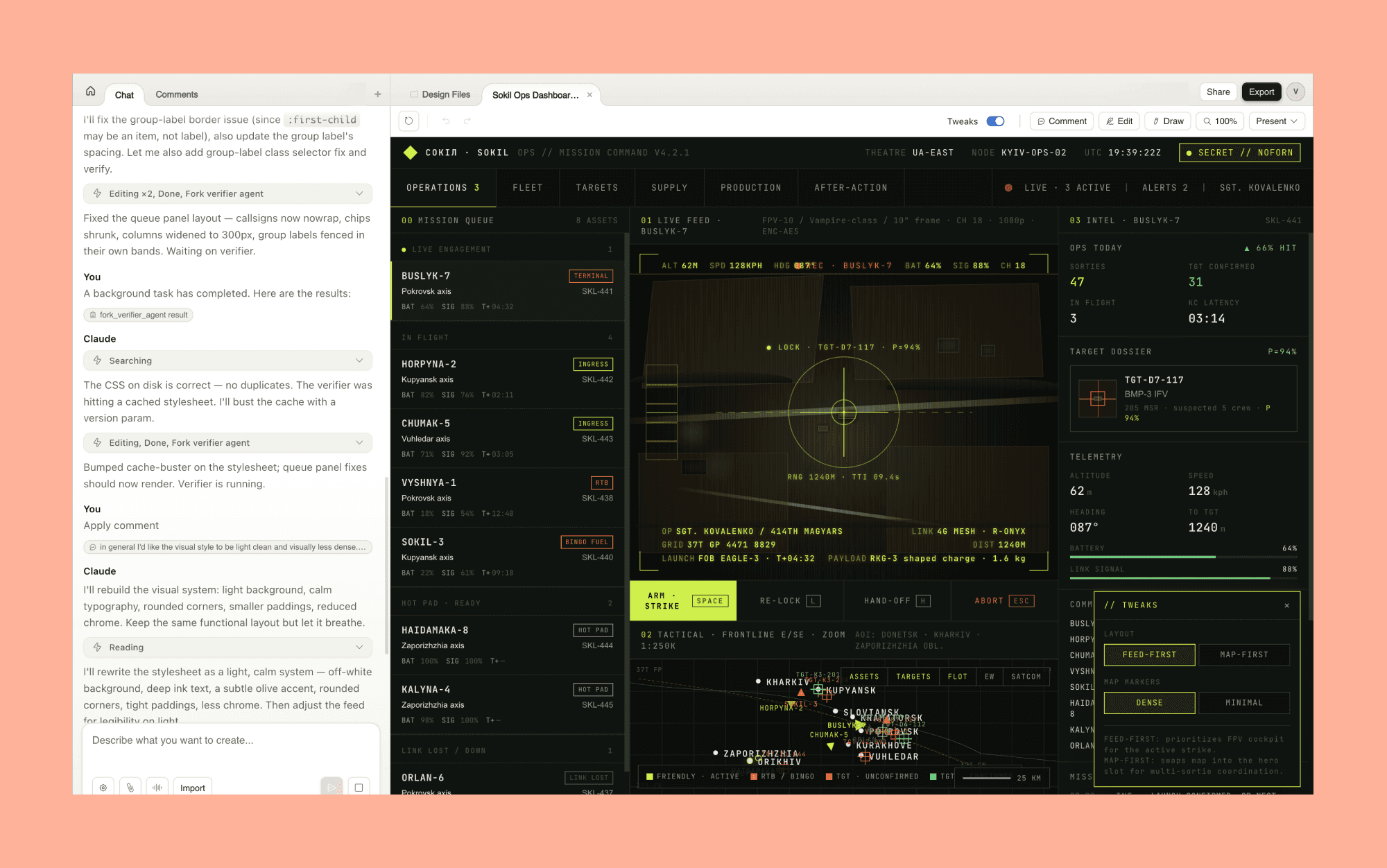
It offers a wider range of outputs than most AI design tools. It can create app prototypes, web pages, pitch decks, social media assets, one-pagers, and what Anthropic calls "frontier design": code-powered experiences with voice, video, 3D visuals, and special effects.
Editing and tweaking
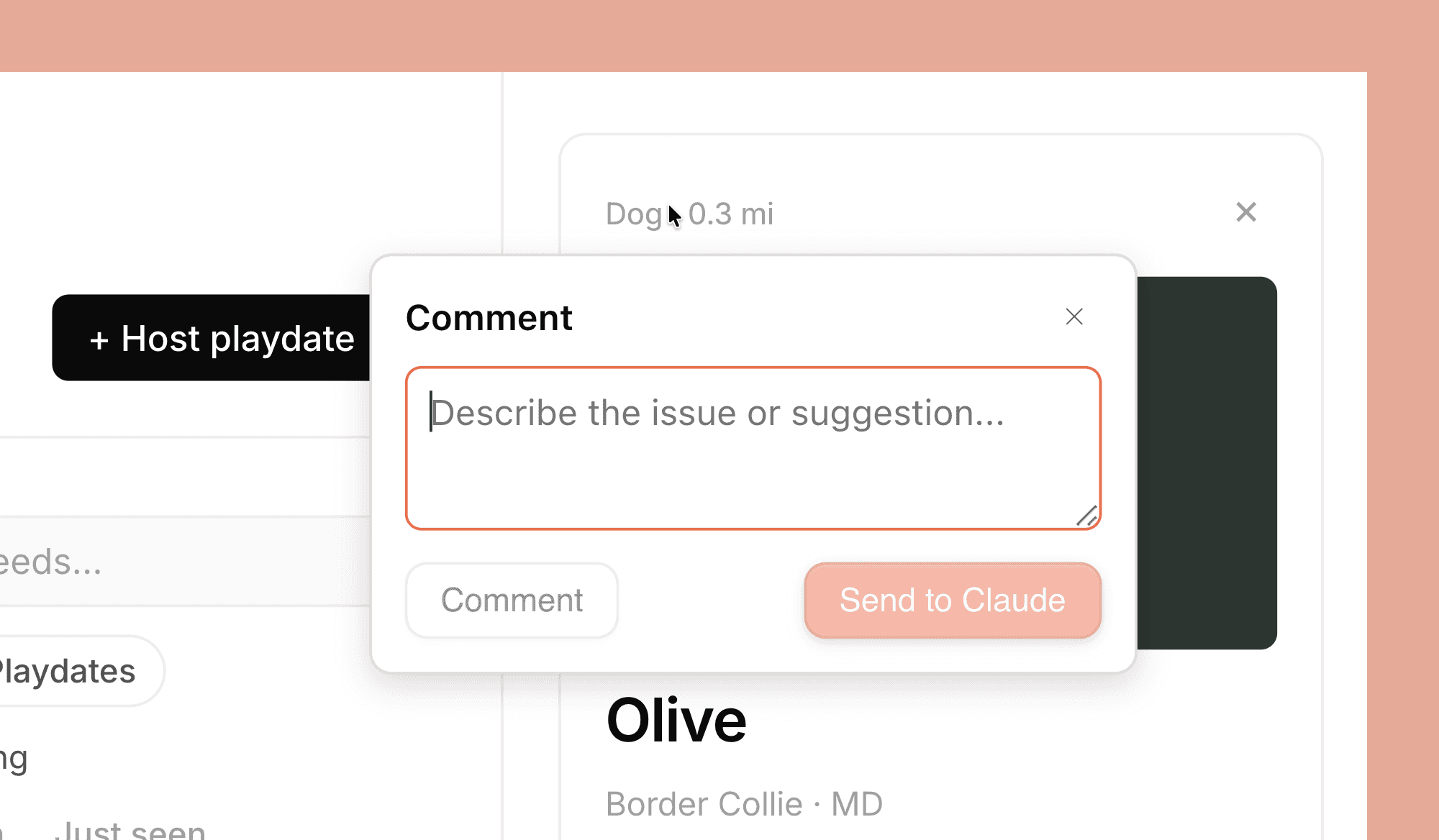
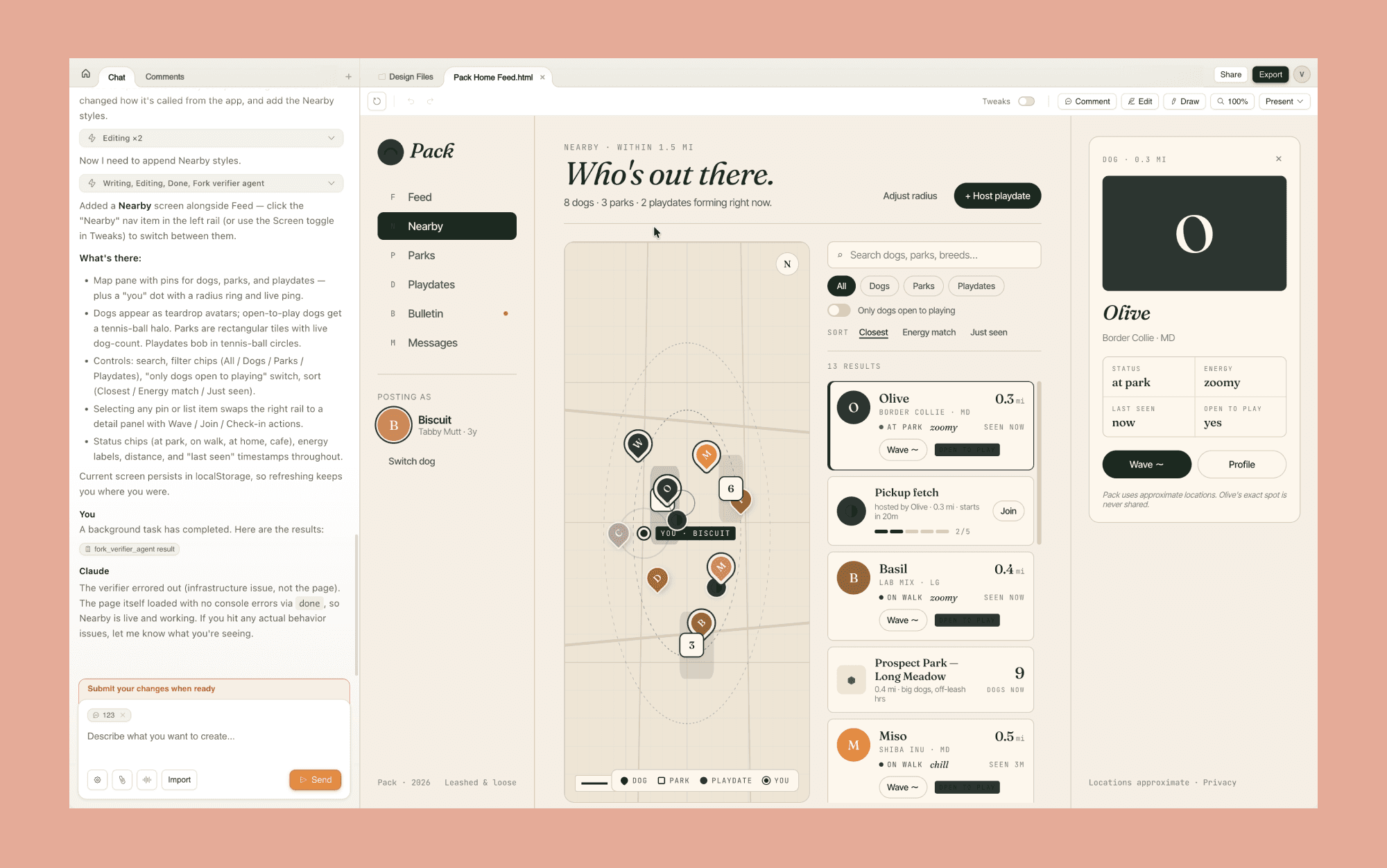
After Claude creates the first version, you can refine it in several ways. You can chat with Claude to ask for changes, leave comments on specific parts, edit text directly, or use custom sliders for that design. These sliders let you adjust spacing, color, and layout in real time without needing to write a prompt.
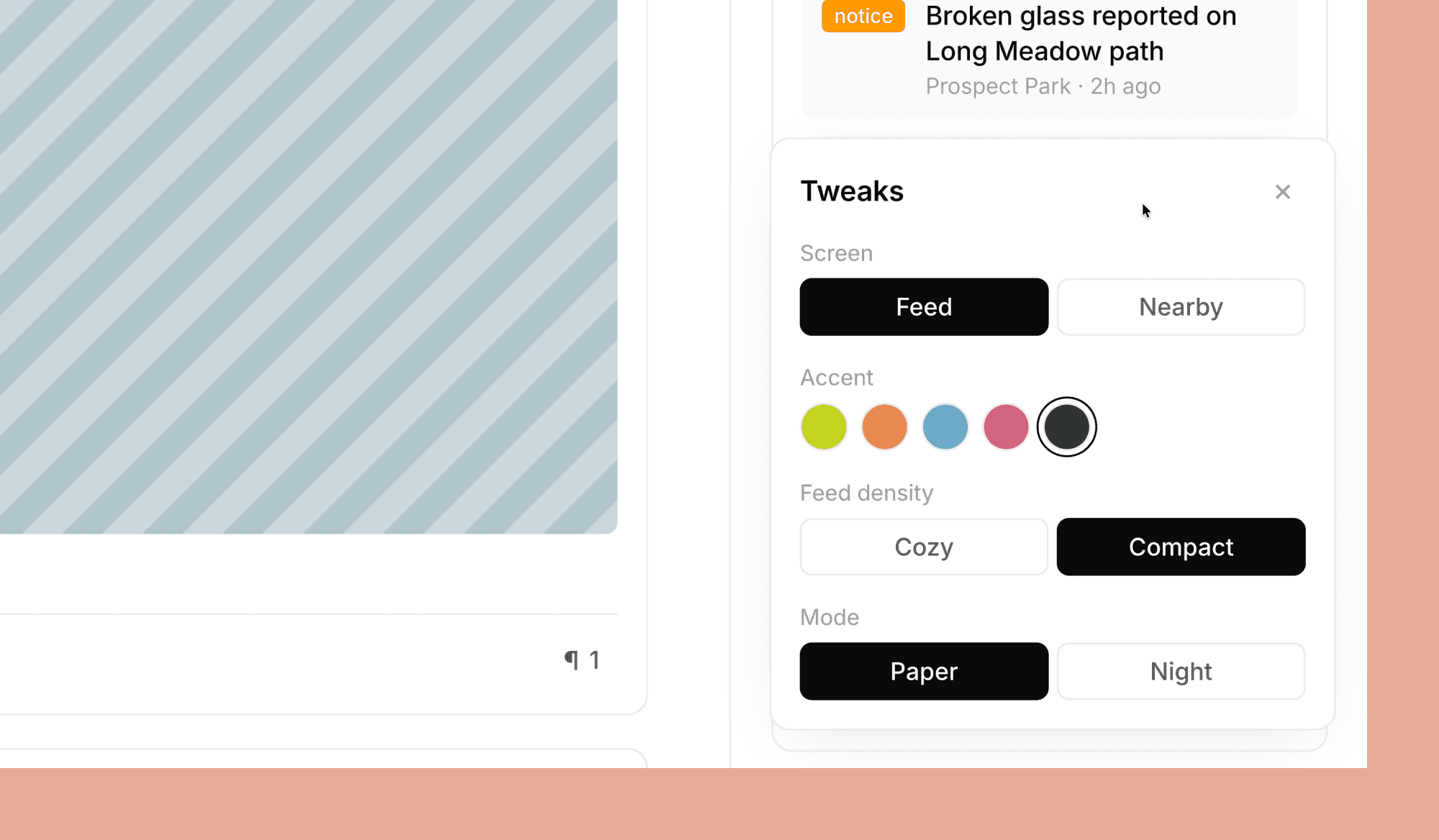
This design choice makes Claude Design feel more like a real design environment instead of just a chatbox with a preview window.
Design system integration
During new project setup, Claude Design can read your codebase and design files to create a design system for your team. After that, every project uses your colors, fonts, and components automatically. It's as good as having a separate design.md file. Teams can update the system over time and keep more than one if needed.
Generate Design System with AI, free >
Import from anywhere
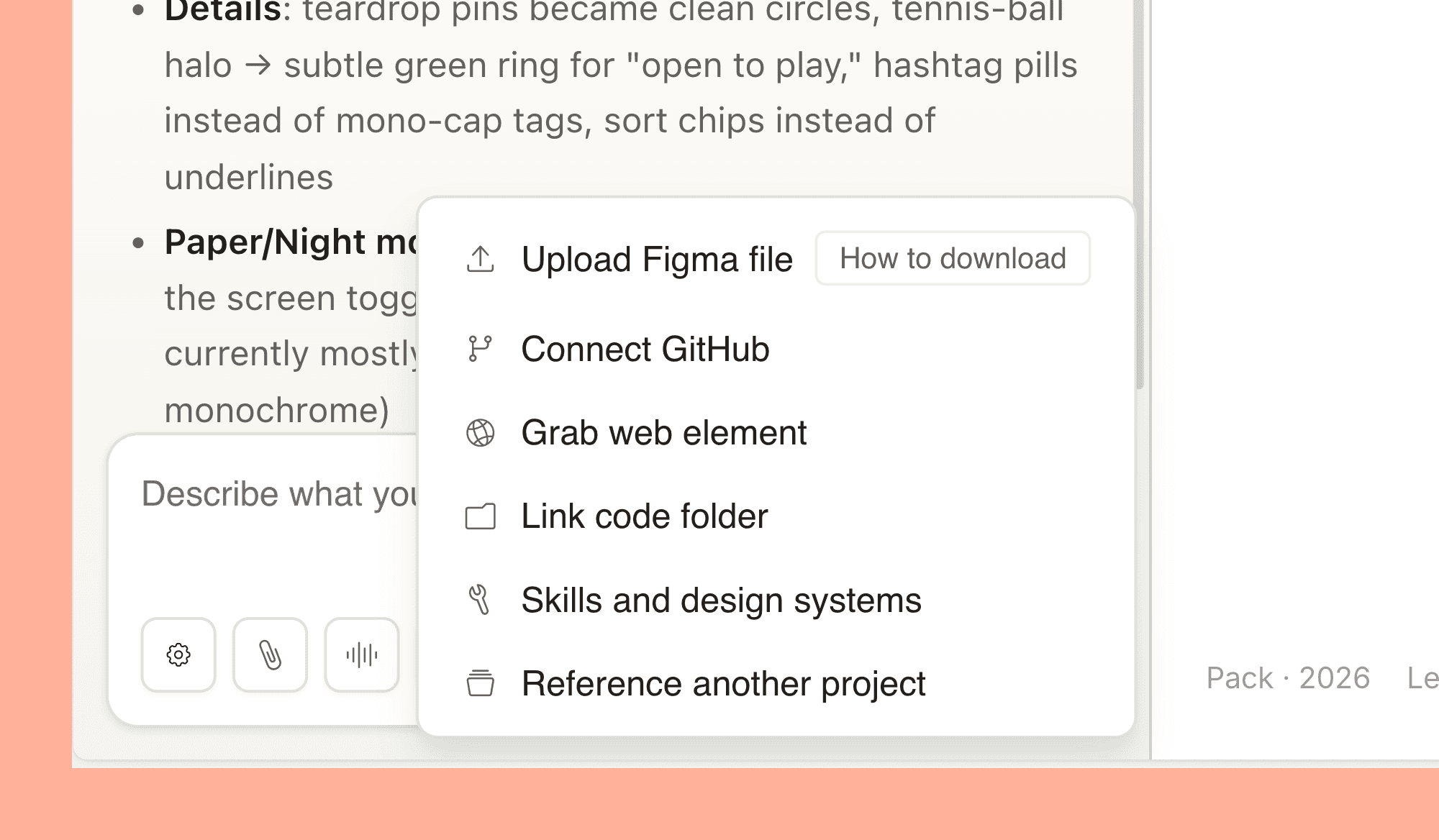
You can start by uploading images and documents (DOCX, PPTX, XLSX), or connect Claude to your codebase. There's also a web capture tool that pulls elements from a live website, so your AI-generated prototypes can look like the real product instead of a generic mockup.
Collaboration
Keep a document private, share it by link, or let colleagues edit and chat with Claude together in a group. This multiplayer feature goes beyond what most AI design tools offer today.
Handoff to Claude Code
When your design is ready to build, Claude puts everything into a handoff bundle you can send to Claude Code with one instruction. This connects exploration, prototyping, and production code within Anthropic's ecosystem.
Top Design-to-Code Tools in 2026 >
Export options
If you do not use Claude Code, you can share designs as an internal link, save them as a folder, or export to Canva, PDF, PPTX, or standalone HTML files. The Canva export is fully integrated, so your designs arrive in Canva as editable, collaborative files ready to refine and publish.
Claude Design Pricing
Claude Design is included with existing Claude subscriptions. There is no separate price for the tool.
Plan | Price | Claude Design Access |
Pro | $20/month (or $17/month billed annually) | Included, uses subscription limits |
Max | From $100/month | Included, with 5x or 20x more usage than Pro |
Team | Custom | Included |
Enterprise | Custom | Off by default, admins enable in settings |
Using Claude Design counts toward your current subscription limits. You can go beyond those limits by enabling extra usage, which costs more credits. For Enterprise users, Claude Design is off by default and needs to be turned on by an admin in the Organization settings.
Figma Dev Mode Pricing in 2026 >
Claude Design Alternatives
Banani
Banani is a canvas-based AI UI design tool that generates designs from text prompts and image references. It is a strong alternative for design exploration, and like Claude Design, it lets you generate multiple variants from a single prompt.
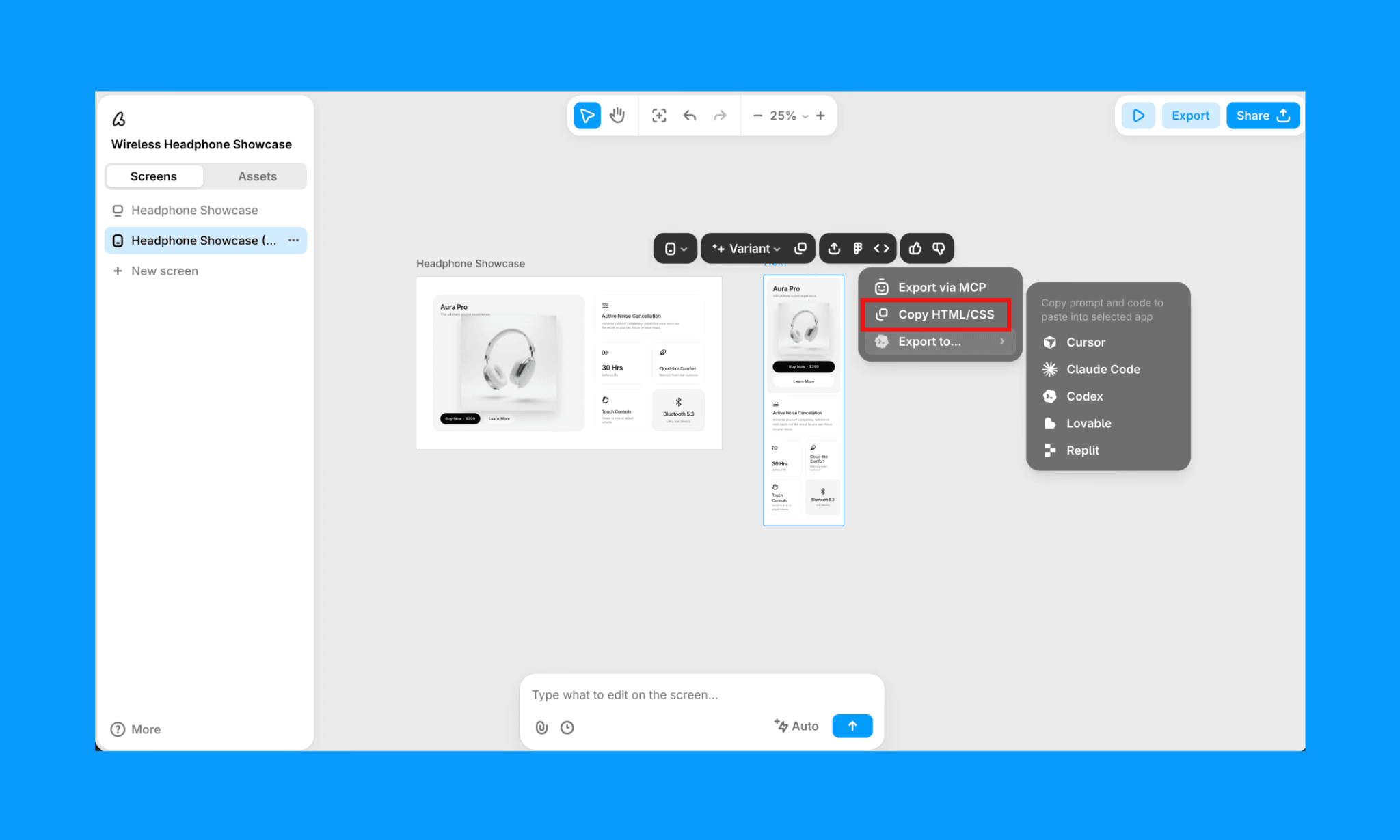
Unlike Claude Design, Banani is not tied to a subscription ecosystem and offers an unlimited number of generations on its Pro plan. You can also export designs directly to Figma or share them with team members via link, which makes it a better fit if your team is already anchored in the Figma workflow.
Generate UI with Banani AI, free >
Lovable
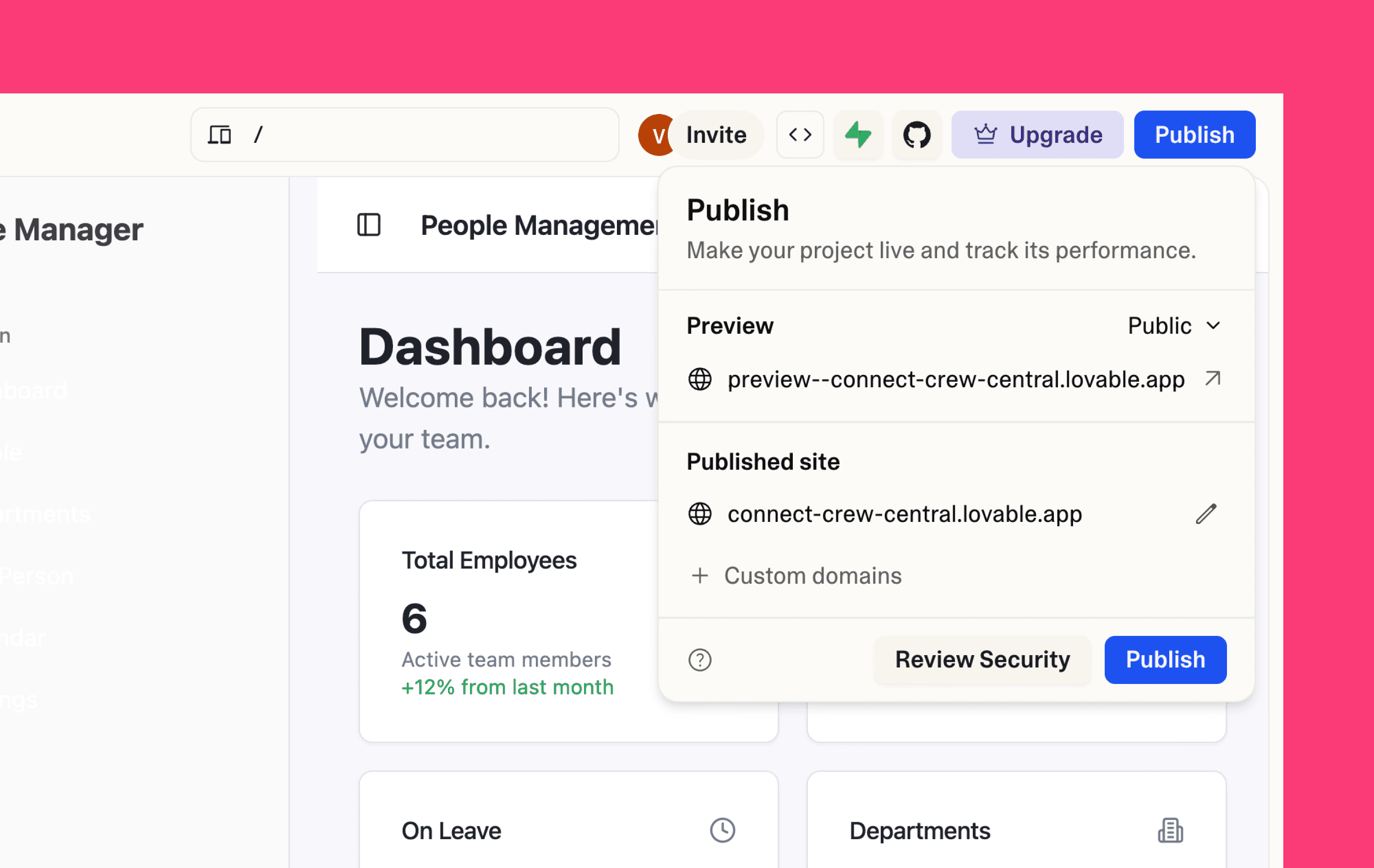
Lovable is a tool that creates full web apps from prompts. Its design output is strong, but it mainly focuses on building functional products, not exploring design ideas. Claude Design is more about design and prototyping, with Claude Code handling the build. One Hacker News commenter suggested this launch makes Lovable's $6.6 billion valuation harder to justify.
Top Lovable Alternatives in 2026 >
Figma Make
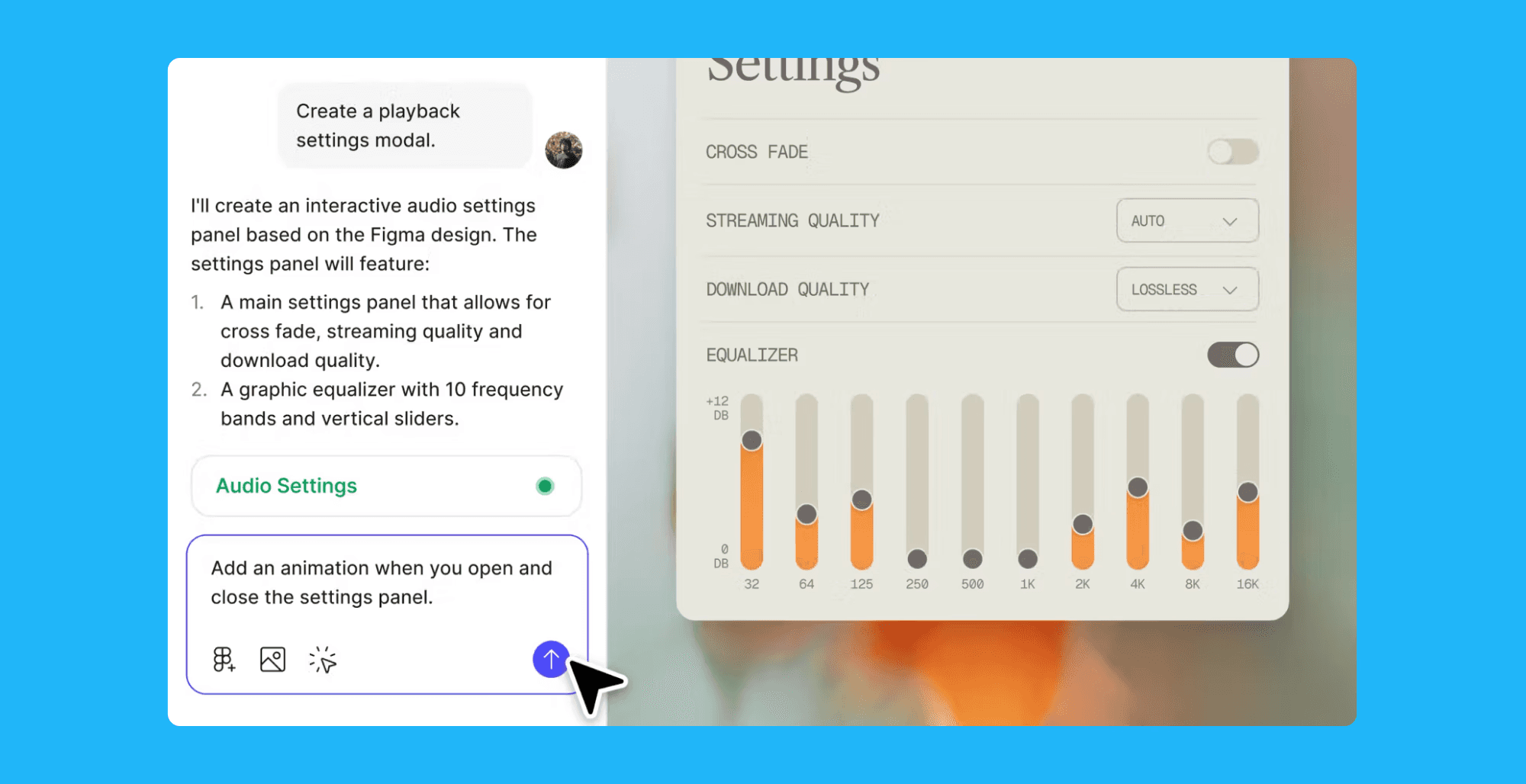
Figma is the established choice for professional designers who want full control over every part of a design system. It has its own AI features, like "Code to Canvas," launched in February 2026, which turns AI-generated code into editable Figma designs. Claude Design is not trying to replace Figma for this workflow. But if you do not already use Figma, Claude Design means you may never need to open it.
Convert a Screenshot-to-Figma, Free >
Pencil.dev
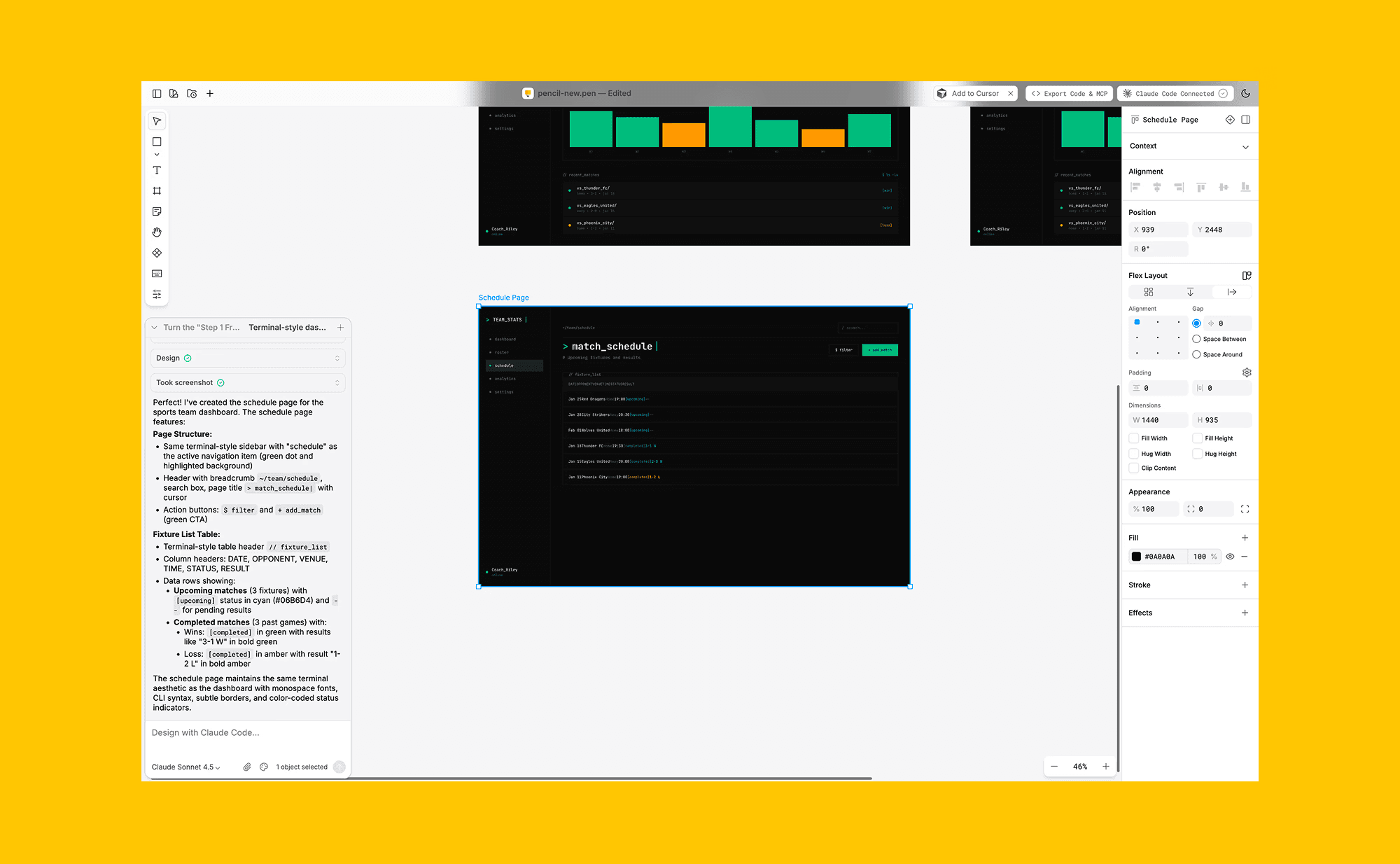
Pencil is a canvas-based tool that uses Claude Code in a Figma-like interface. It only works on desktop and needs a local Claude CLI. Claude Design is browser-based, offers broader access, and supports more output types, but Pencil is a good choice if you want a traditional design canvas with Claude Code.
Open Source & Free Alternatives to Claude Design >
Claude Design Use-cases
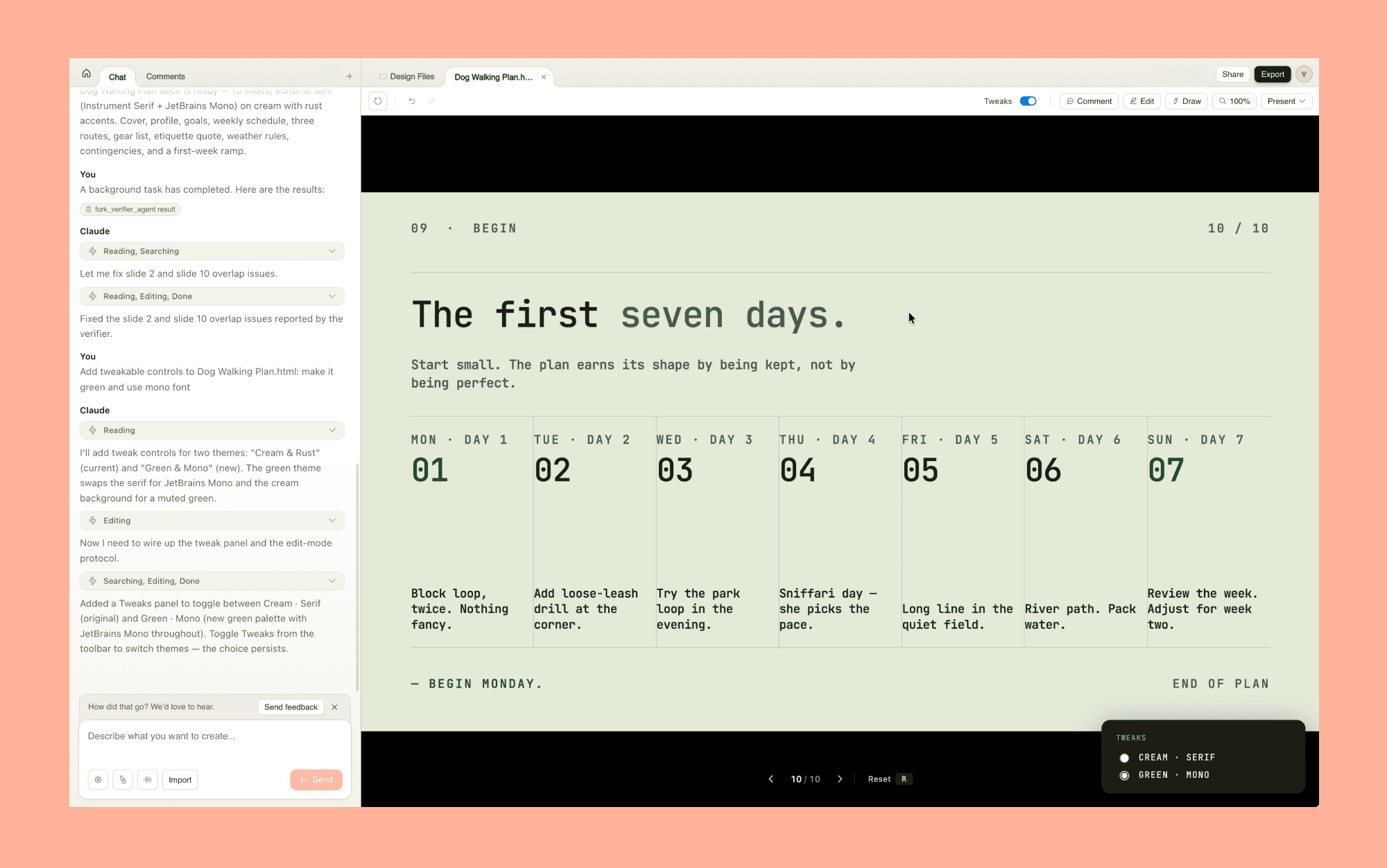
Product managers can sketch feature flows and share them before design reviews.
Founders can turn rough outlines into on-brand pitch decks in minutes.
Designers can explore multiple creative directions without time constraints.
Marketers can create landing pages and campaign visuals without waiting on design teams.
Engineers can prototype ideas quickly before starting full development.
Claude Design Pros and Cons
Pros
Included with existing Claude subscriptions at no extra cost
Design system integration keeps everything on-brand automatically
Built-in collaboration
Direct handoff to Claude Code
Cons
Still in preview with some rough edges and limited access at first
Output is solid and consistent, but may lack originality for teams needing unique design
Pros & Cons of Canva AI for UI Design >
Should You Try Claude Design?
If you are already paying for Claude Pro, Max, Team, or Enterprise, the answer is yes. It is included in your subscription, and the potential upside is significant. Even if you only use it to turn a rough idea into a shareable prototype before a meeting, it will pay for itself in time saved.
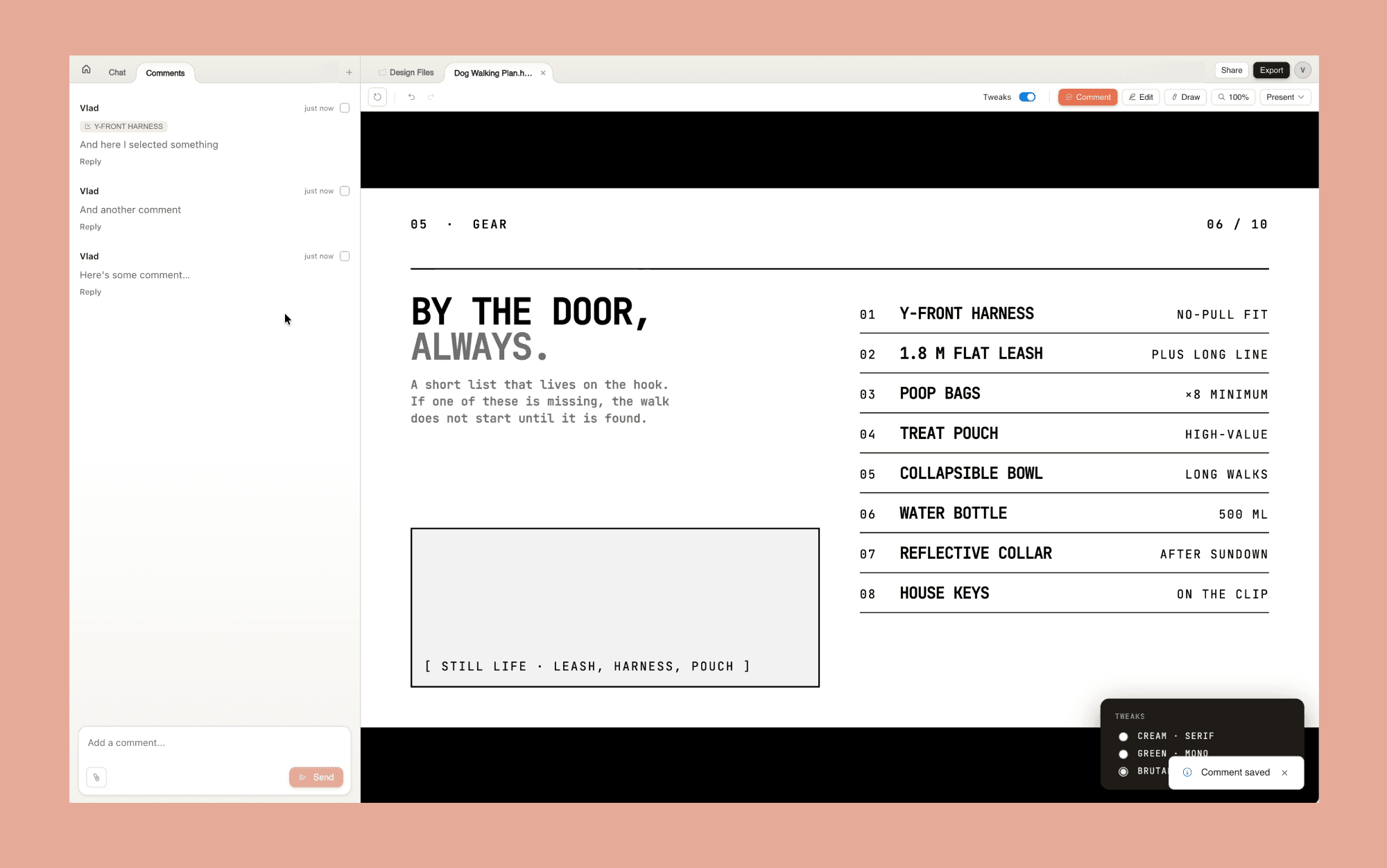
The more interesting question is whether it changes how your team works. The Claude Code handoff is the feature that makes it more than just another AI design generator. The ability to go from a text prompt to a working prototype to production code, all in one conversation, is a genuinely different workflow from anything that existed a year ago. So, for now, it is the most capable AI design tool available to anyone with a Claude subscription, and it launched today.
For those otherwise, Banani AI is a strong alternative that can do most of what Claude Design can; with a never-expiring free tier of ~170 credits/month!
FAQs on Claude Design
Is Claude Design AI free?
No. There is no standalone Claude Design free trial. Access requires a paid Claude Pro, Max, Team, or Enterprise subscription; starting at $20/month (or $17/month annually).
Is Claude.ai good for design?
Yes, for many design use cases, Claude Design AI can generate functional websites, interactive prototypes, styled pitch decks, and UI mockups entirely from a text prompt. No design experience required.
Is Claude Design better than Figma?
Depends on who's using it. Claude Design is a credible replacement for PMs, developers, and freelancers who want visuals without learning Figma, but more of a complement for professional designers. However, where Figma has an edge are real-time collaboration, persistent design systems, precise vector illustration, and developer handoff.
Can Claude Design generate Figma UI?
Not directly. Direct, editable export to Figma isn't part of the launch feature set — so expect to rebuild in Figma if that's your final destination. Claude does have a Figma MCP integration via Claude Code, but it has limited rollout.
Is there an open-source alternative to Claude Design?
Yes, Open Design is a viral open-source alternative to Claude Design. But you need to bring your own API key to use it; so, it costs nonetheless. If you're looking for something free to start with, Banani AI is a good option to check out.


