Best Lovable to Figma Export AI

Convert your Lovable app prototype into editable Figma designs. In between, generate additional screens, design variations, and code. In seconds, for free!

Convert your Lovable app prototype into editable Figma designs. In between, generate additional screens, design variations, and code. In seconds, for free!

Free Lovable to Figma Converter AI.

Export via screenshot or link
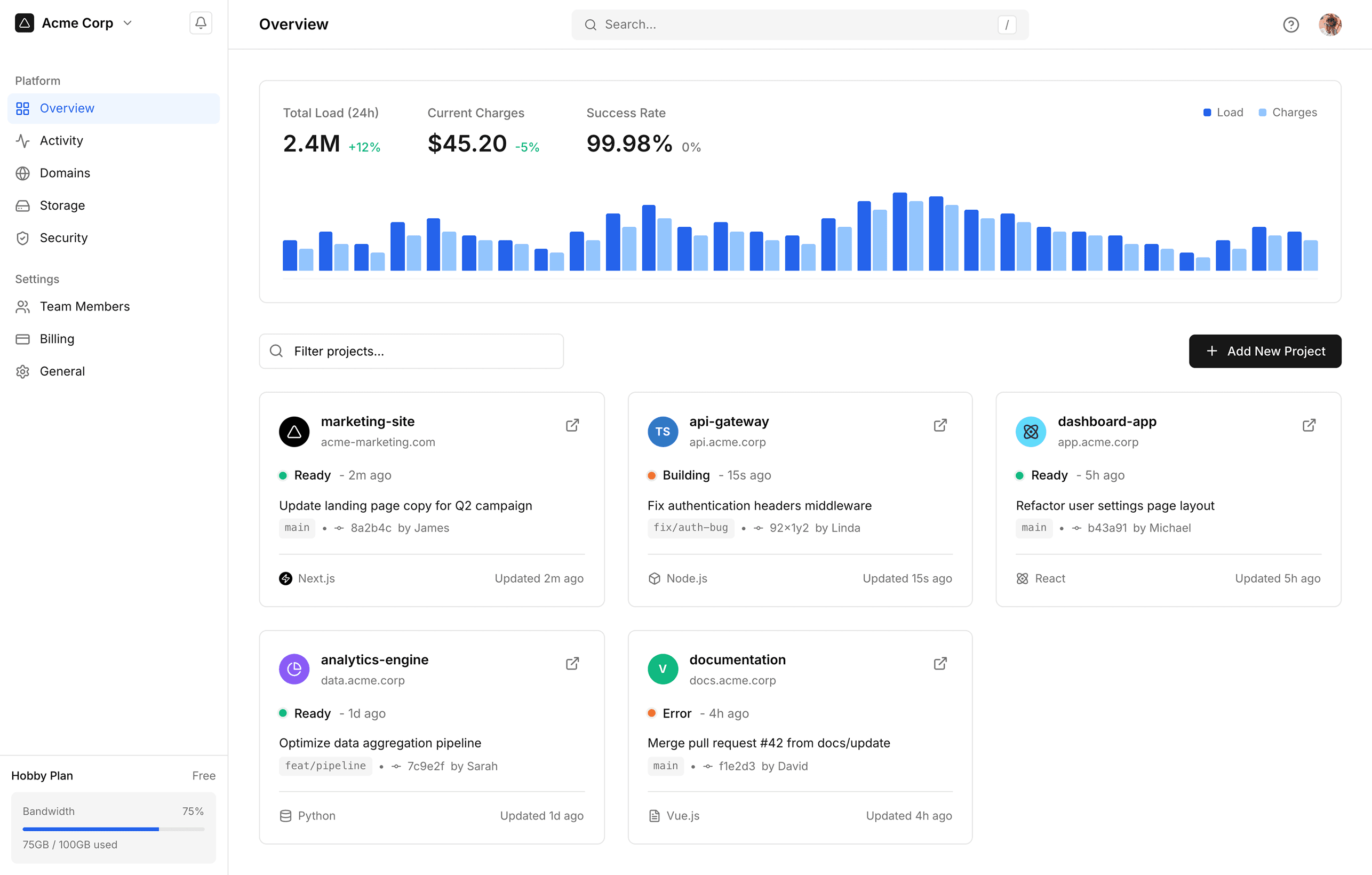
Paste specific screenshots of your Lovable app or export it entirely to Figma design by pasting its public link.

Paste specific screenshots of your Lovable app or export it entirely to Figma design by pasting its public link.

Edit UI during conversion

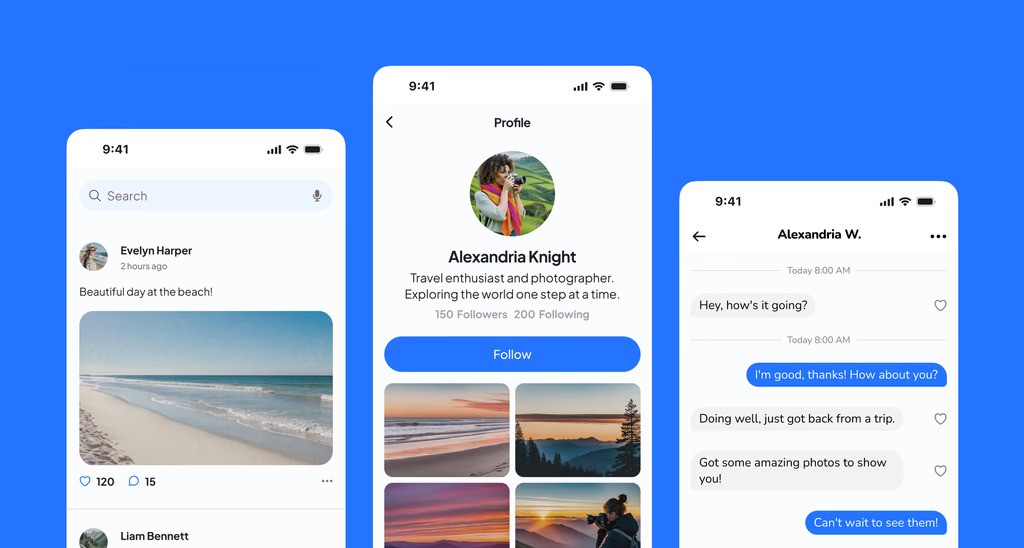
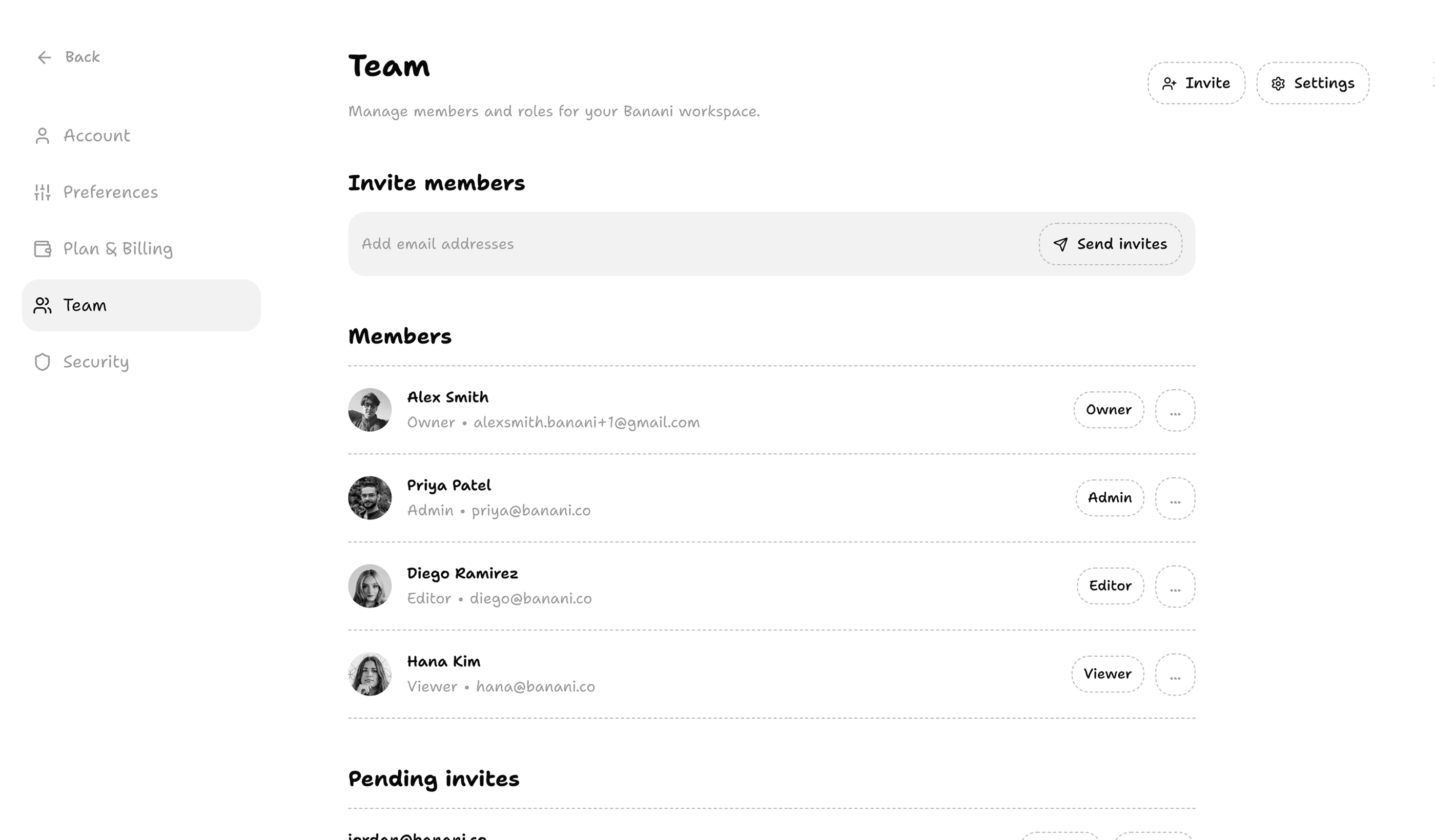
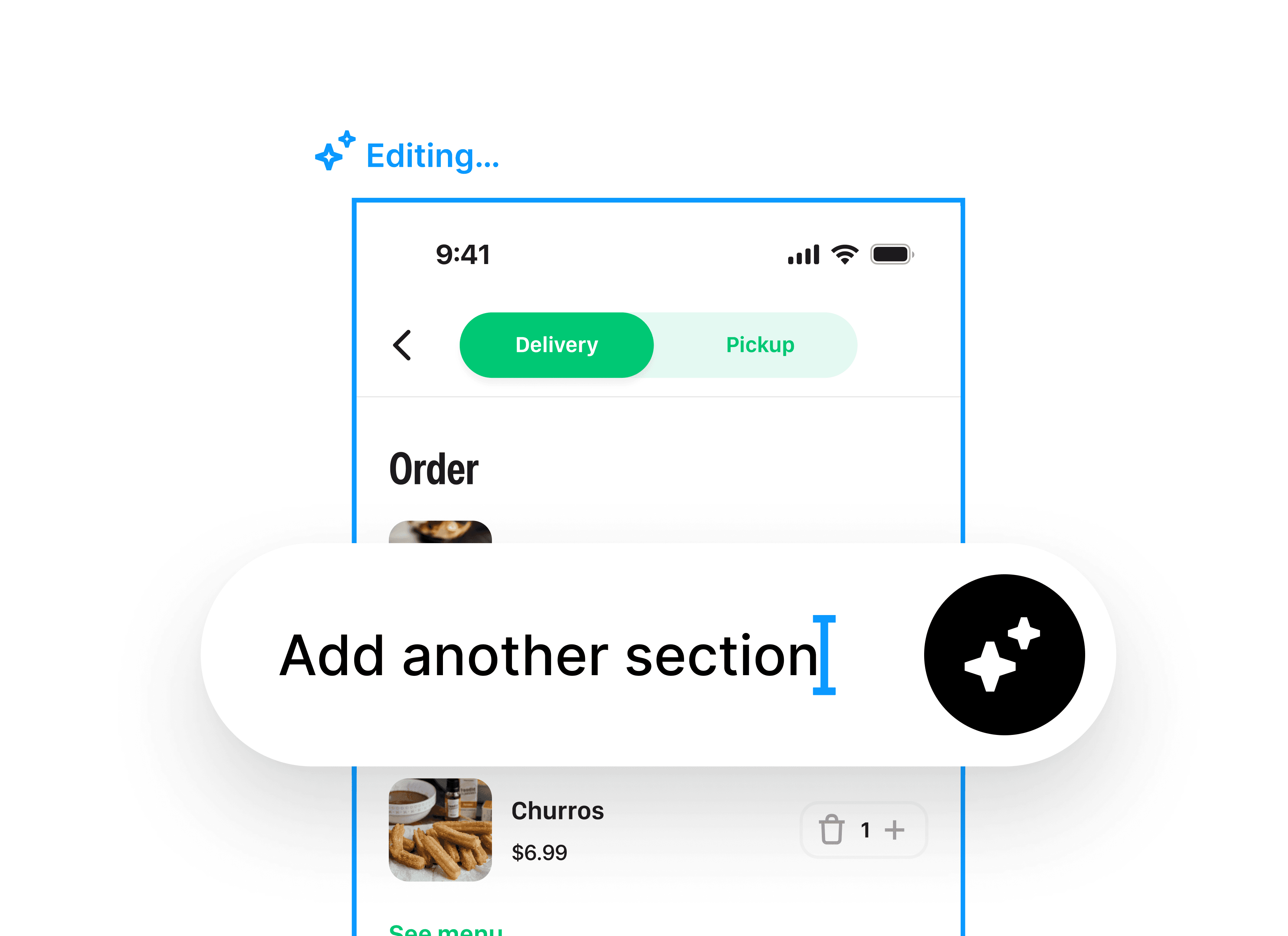
While converting Lovable to Figma, you can edit the UI with AI, generate more screens, switch screen sizes, etc.

While converting Lovable to Figma, you can edit the UI with AI, generate more screens, switch screen sizes, etc.

Preserve interactivity & design

Maintain component relationships, design consistency, and fonts when importing Lovable into Figma.

Maintain component relationships, design consistency, and fonts when importing Lovable into Figma.

Works with free accounts

No paid Lovable.dev or Figma Pro plan required for export. No plugin or MCP or coding skills needed either.

No paid Lovable.dev or Figma Pro plan required for export. No plugin or MCP or coding skills needed either.

How to convert Lovable designs into Figma

1

Import

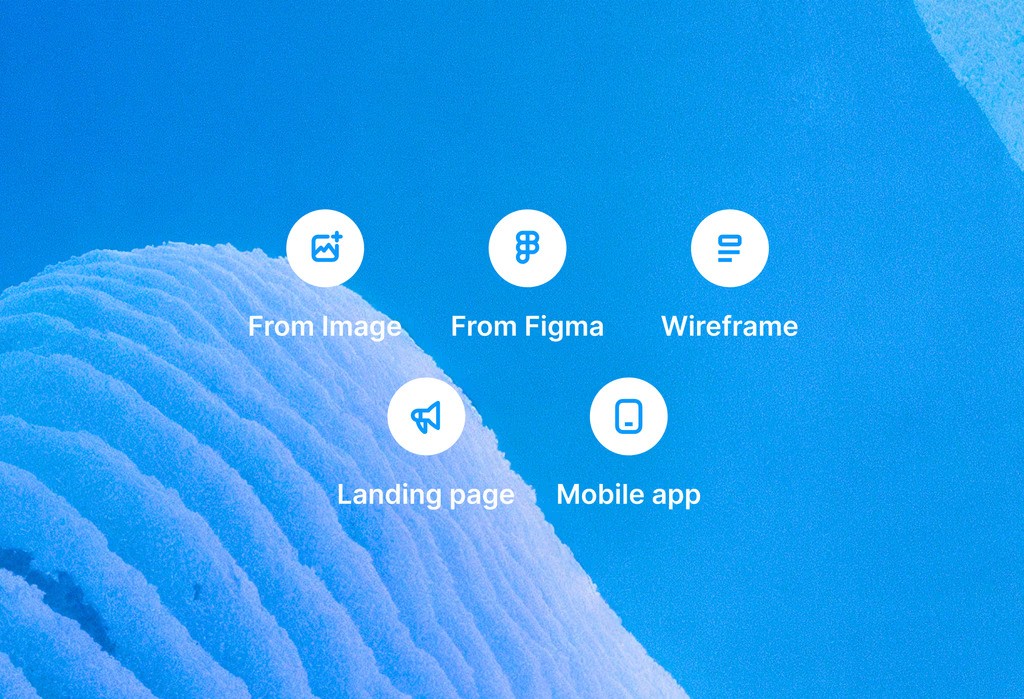
Upload screenshots of Lovable app, or paste the public link.

Upload screenshots of Lovable app, or paste the public link.

2

Confirm

Review and/or edit screens you want to export from Lovable. 

Review and/or edit screens you want to export from Lovable. 

3

Copy to Figma

Copy-paste imported Lovable screens directly to your Figma.

Copy-paste imported Lovable screens directly to your Figma.

Image to Figma Design and Dev Mode Both
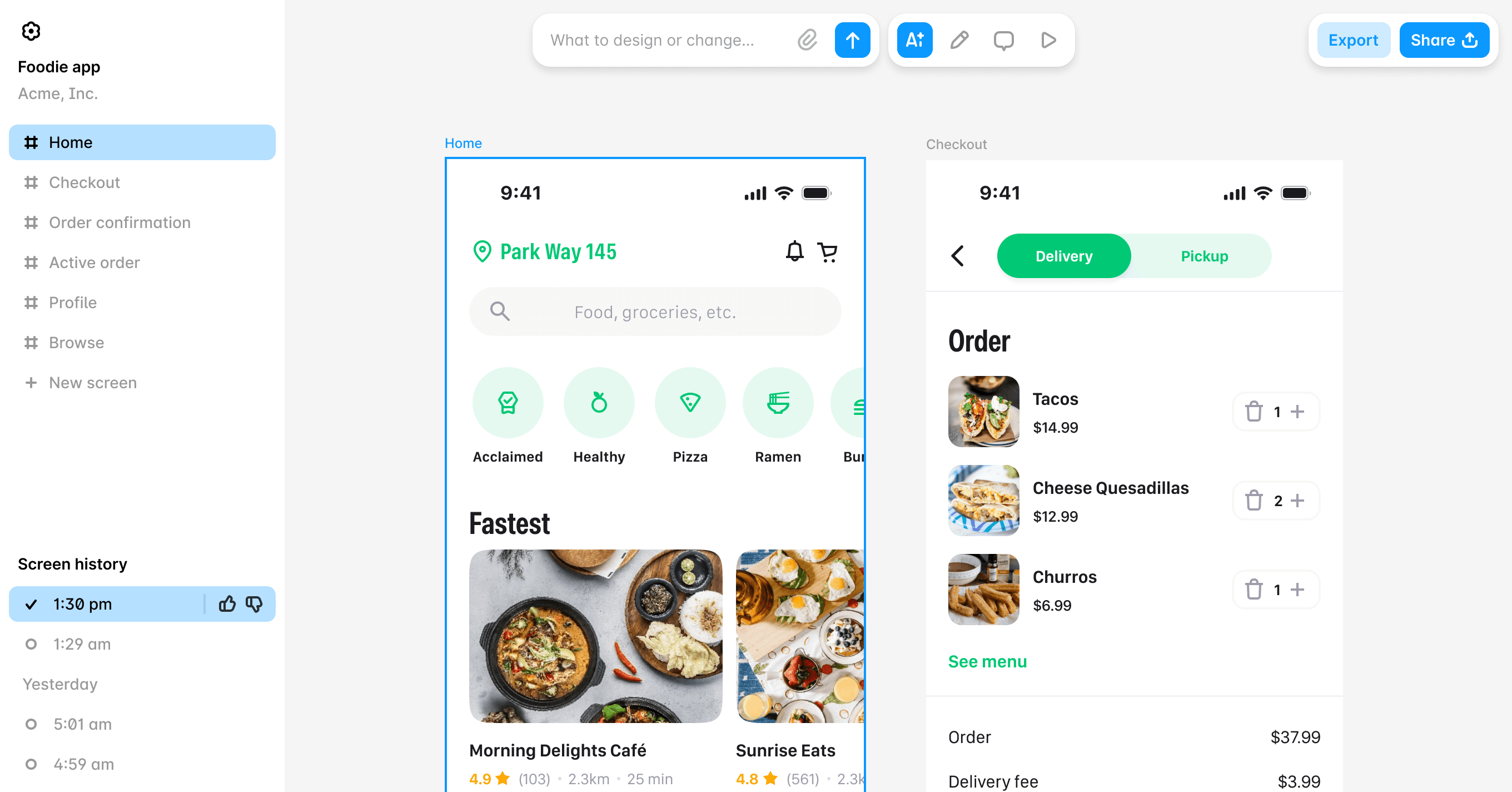
Our image to Figma Design AI doubles up as UI screenshot-to-code converter. A complete design-to-code Figma assistant. 

Our image to Figma Design AI doubles up as UI screenshot-to-code converter. A complete design-to-code Figma assistant. 

Export Lovable to Figma
for the entire product team

PMs

Turn Lovable into shareable Figma for design feedback.

Turn Lovable into shareable Figma for design feedback.

Designers

Polish Lovable screens with Figma design, and AI editor.

Polish Lovable screens with Figma design, and AI editor.

Founders

Iterate rapidly with Lovable-Figma integrated workflow.

Iterate rapidly with Lovable-Figma integrated workflow.

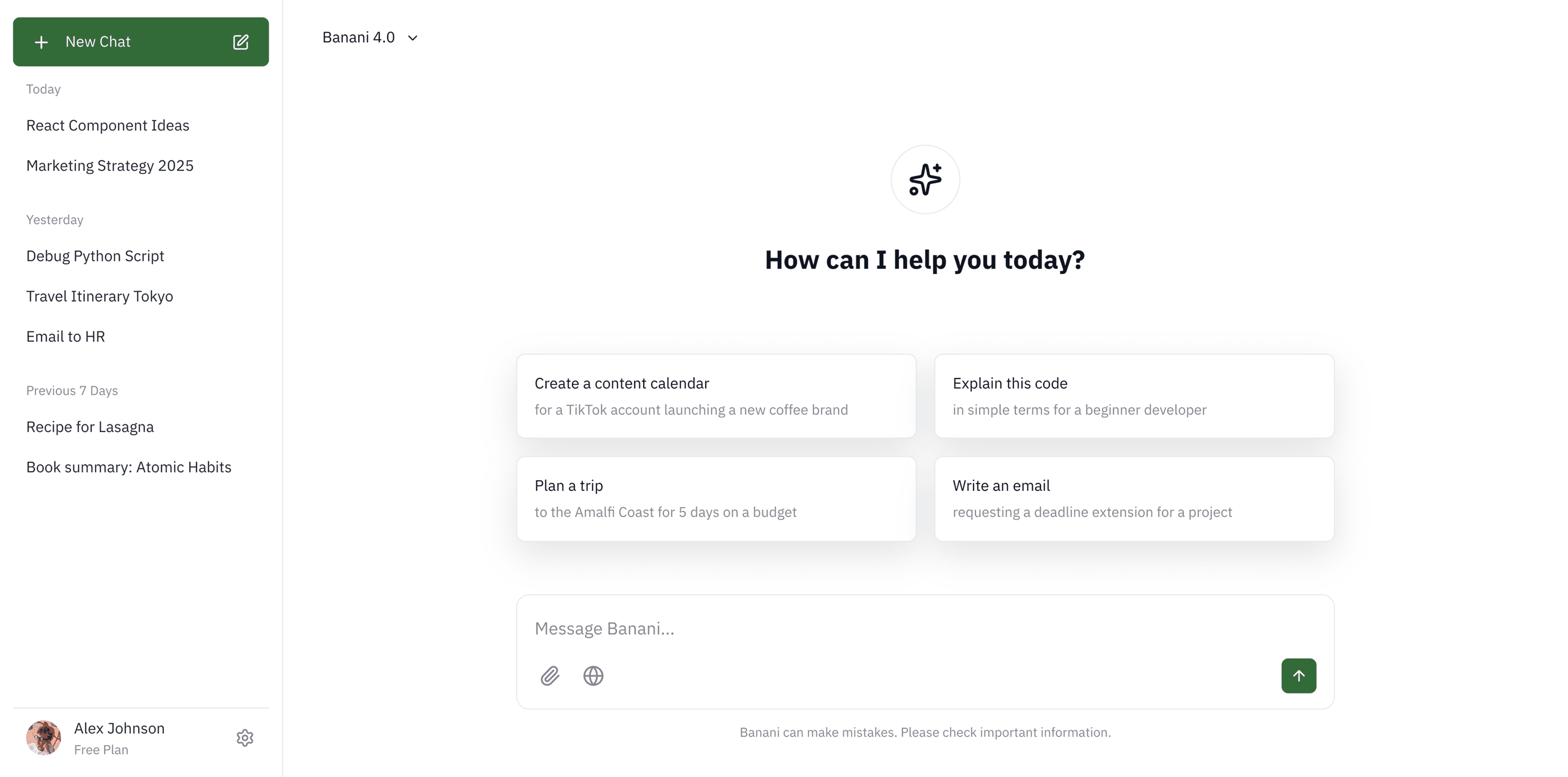
Banani: A Lovable to Figma Converter AI

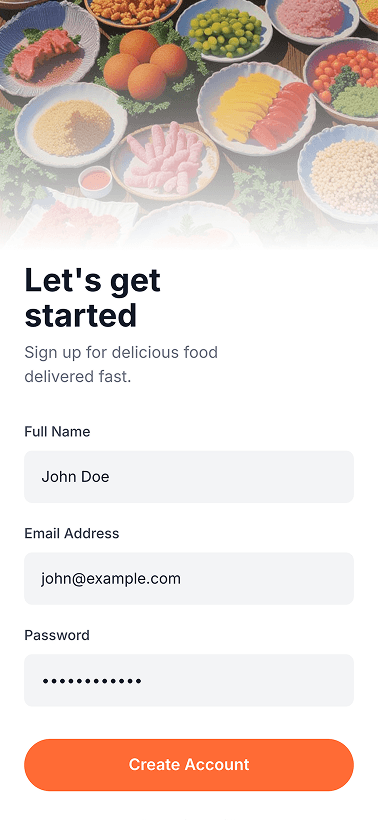
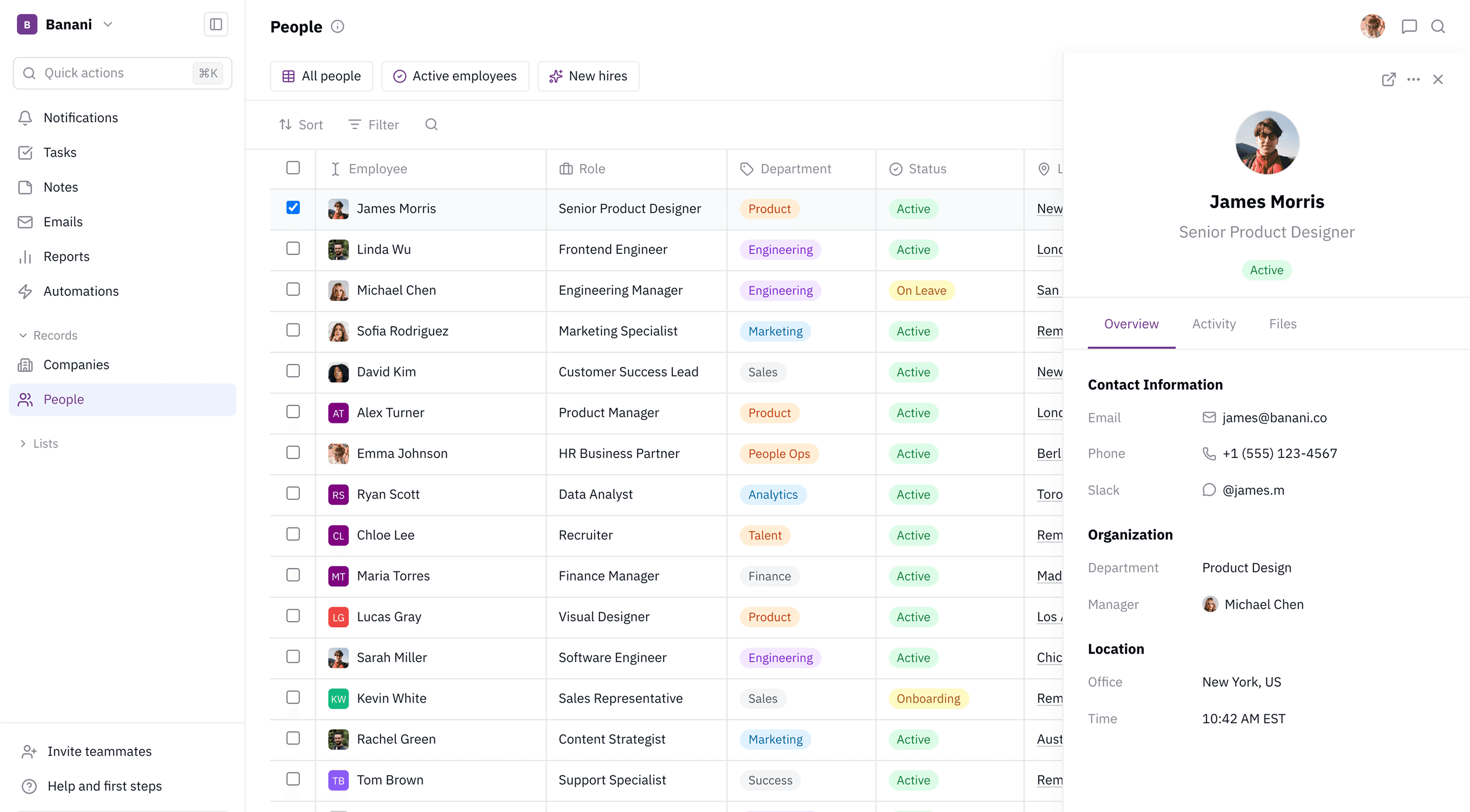
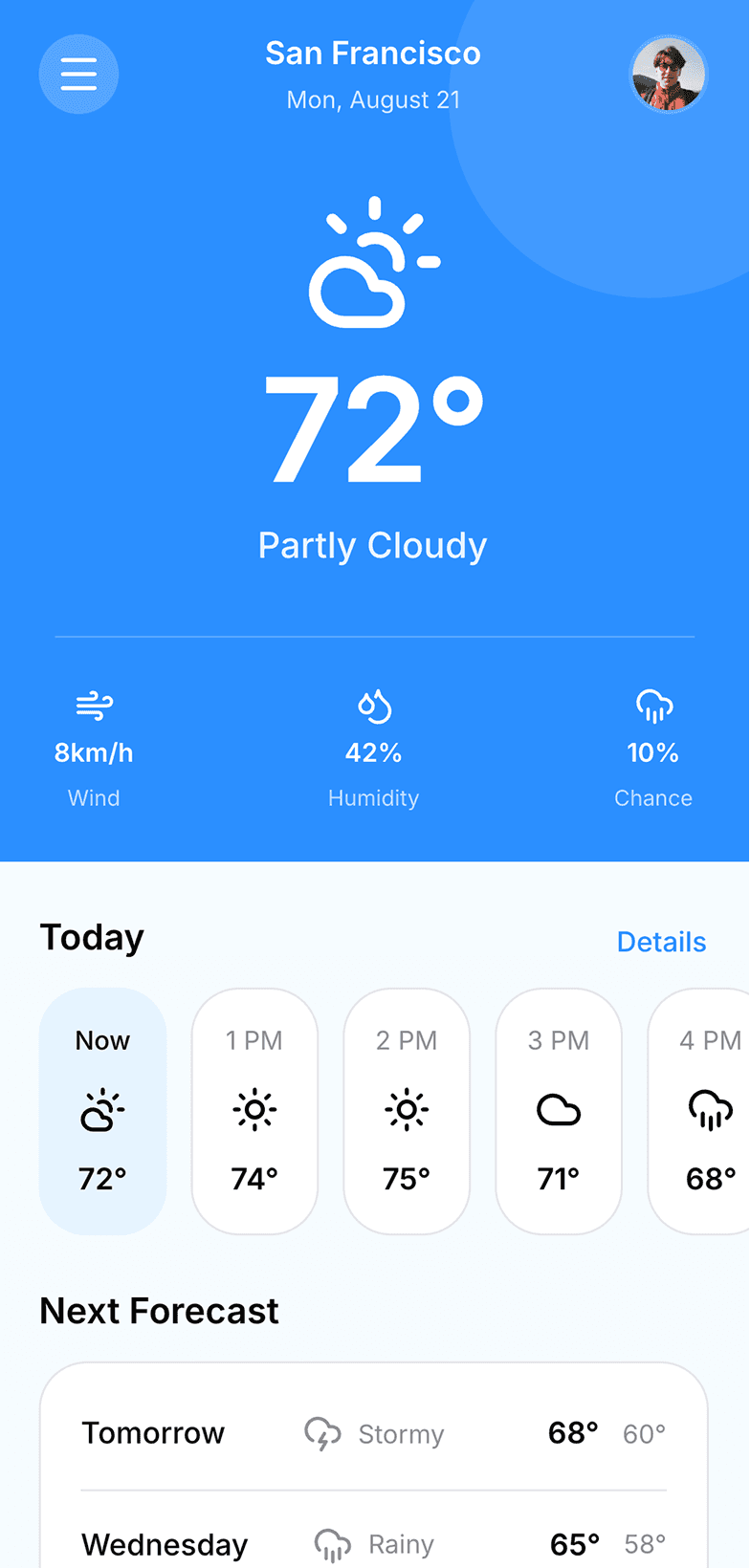
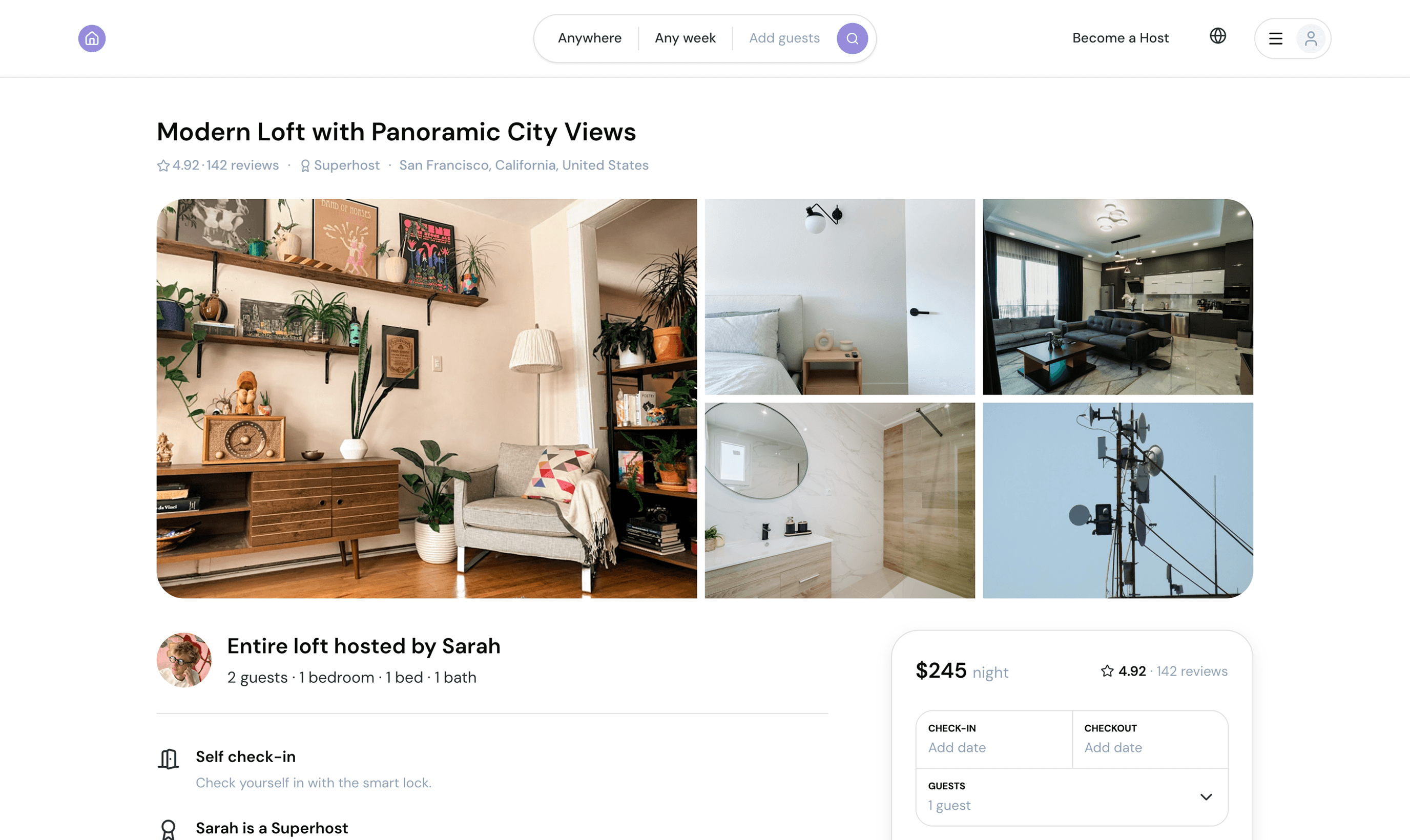
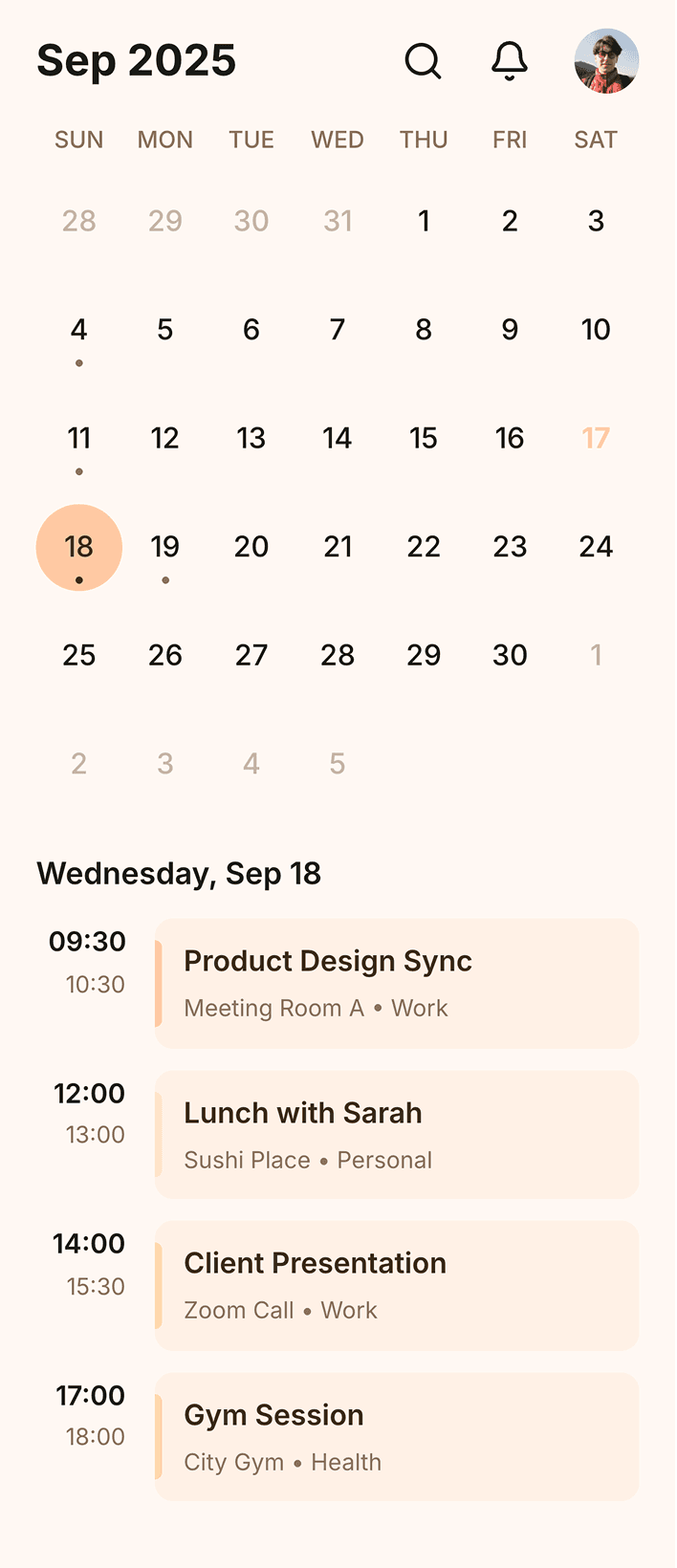
Banani is an AI UI Design tool, powered by Gemini 3.1 PRO, that helps with Lovable to Figma export. Primarily, it creates editable UI for mobile/web apps from text or image prompt.

Banani is an AI UI Design tool, powered by Gemini 3.1 PRO, that helps with Lovable to Figma export. Primarily, it creates editable UI for mobile/web apps from text or image prompt.

Loved by 100k+ users and companies

Product managers, founders, designers, students, indie hackers, and others use our UI design AI.

Product managers, founders, designers, students, indie hackers, and others use our UI design AI.

As a PM, I need to create quick wireframes to communicate ideas visually and effectively. I've tried many tools, but Banani was the simplest and delivered instant value.

I like that I can click on an element, and then the tool generates what the user will see after the click. That is a truly intuitive approach.

Alex

It's incredible how easy it is to use, how it speeds up the design process and offers remarkable adaptability.

Nena


Great wireframes and I like the interactive responses that the AI generated. Kick ass product!

Lynn

It is better to start using it today. Guys are doing a really mind-blowing product.

Pavel

Probably the best UI generation I tried on the market.

Jayda

I love the minimal design. It is not overwhelming compared to other tools.

Jake

I really like the quality of your AI design copilot!

Kate

Get started now

Export your Lovable projects and quickly bring your app design ideas to life with our UI-AI.

FAQs on Lovable to Figma export

Can Lovable create Figma designs?

No, Lovable doesn't natively create Figma designs. It's a vibe coding tool, primarily. Designing UI (like Figma) is a by-product of its AI app building proposition.

No, Lovable doesn't natively create Figma designs. It's a vibe coding tool, primarily. Designing UI (like Figma) is a by-product of its AI app building proposition.

Can we export Lovable to Figma?

Yes, To export Lovable screens to Figma, you have to use 3rd party plugins, or AI like Banani

Yes, To export Lovable screens to Figma, you have to use 3rd party plugins, or AI like Banani

Can't I convert Lovable to Figma in Lovable itself?

No, Lovable doesn't have built-in Figma export. Though, it can import Figma files for vibe coding.

No, Lovable doesn't have built-in Figma export. Though, it can import Figma files for vibe coding.

After export from Lovable to Figma, are screens editable?

Yes! Exported Lovable designs are fully editable in Figma. In addition, they can be edited on Banani's platform as well via AI chat. Adjust element sizes, text, colors, layouts, and more.

Yes! Exported Lovable designs are fully editable in Figma. In addition, they can be edited on Banani's platform as well via AI chat. Adjust element sizes, text, colors, layouts, and more.

Do I need to use Figma plugins after export?

No Figma plugins are required after export. You copy-paste exported Lovable UI into Figma just like copying between Figma files. And go on editing as regular.

No Figma plugins are required after export. You copy-paste exported Lovable UI into Figma just like copying between Figma files. And go on editing as regular.

Which is the best AI to convert a Lovable app to Figma?
Banani AI specializes in the workflow to connect Lovable app to Figma. It recreates your Lovable UI with AI precision and lets export an editable design directly to Figma.

Banani AI specializes in the workflow to connect Lovable app to Figma. It recreates your Lovable UI with AI precision and lets export an editable design directly to Figma.