Best Dark Mode Design AI

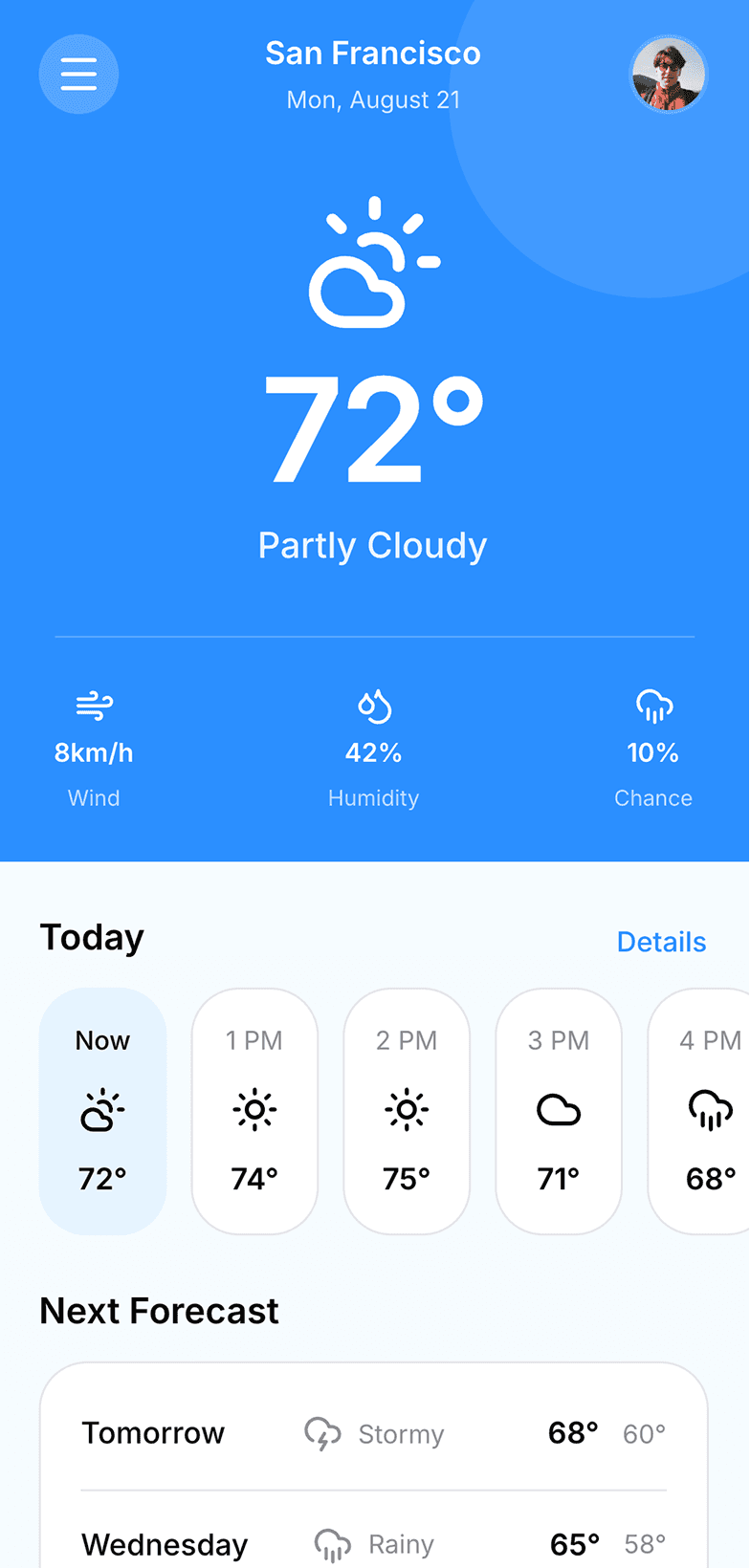
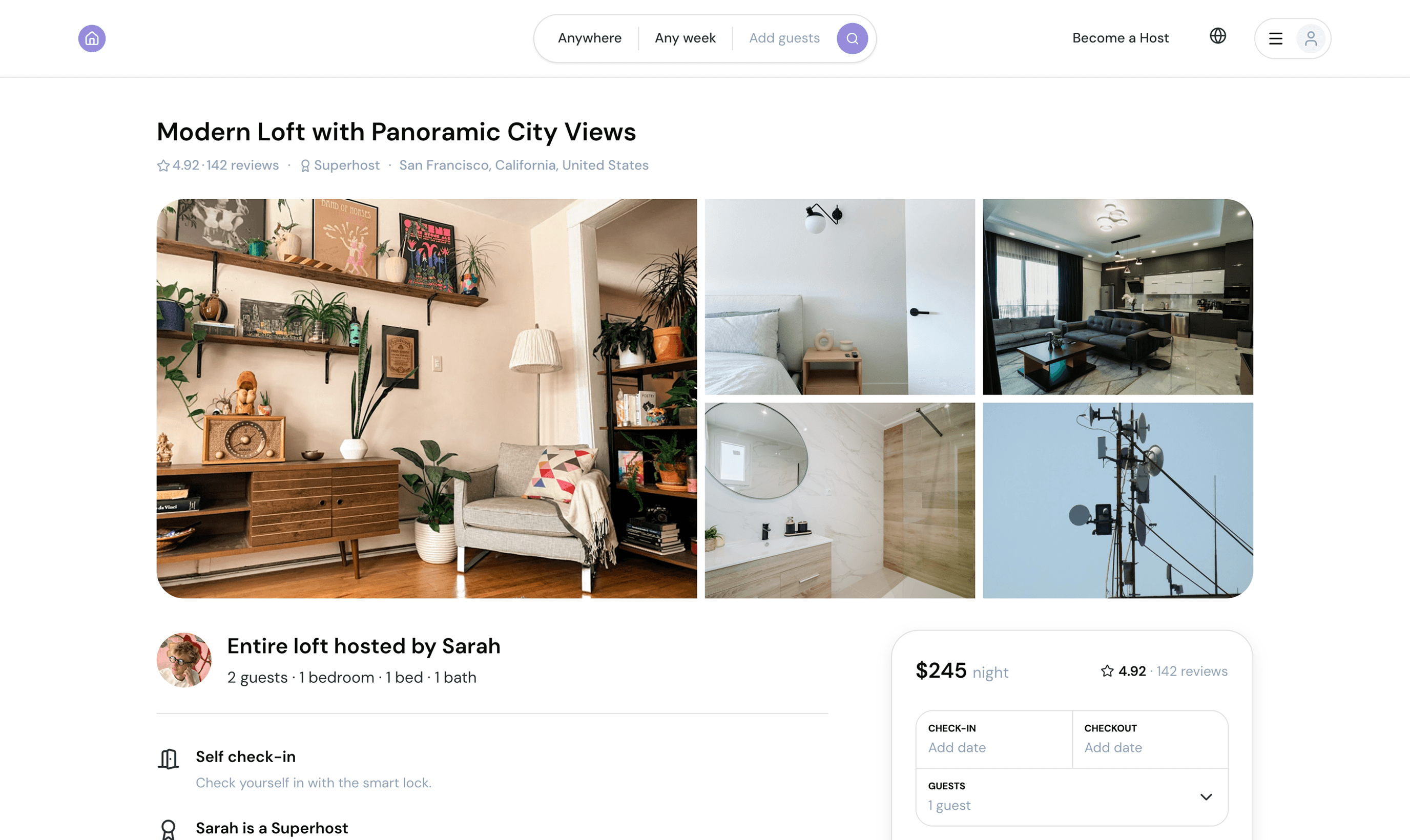
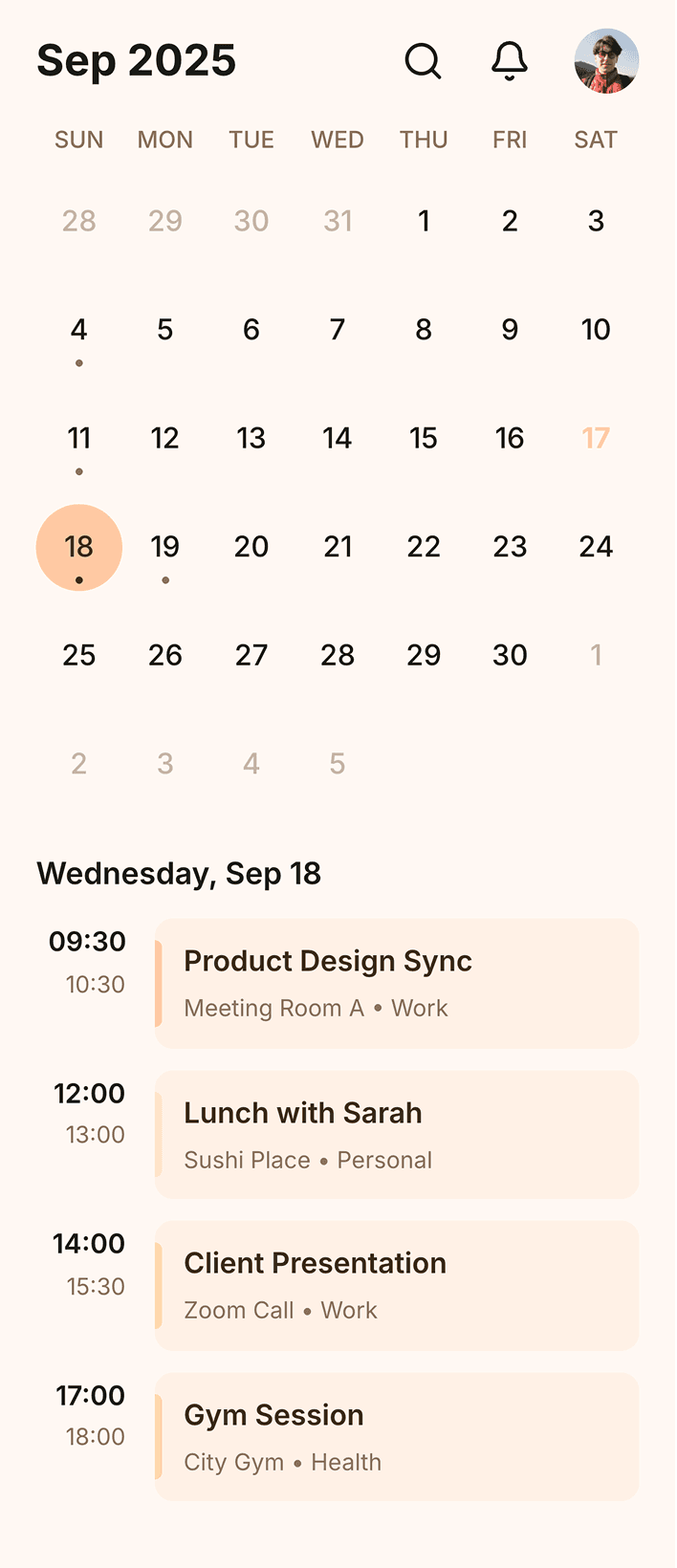
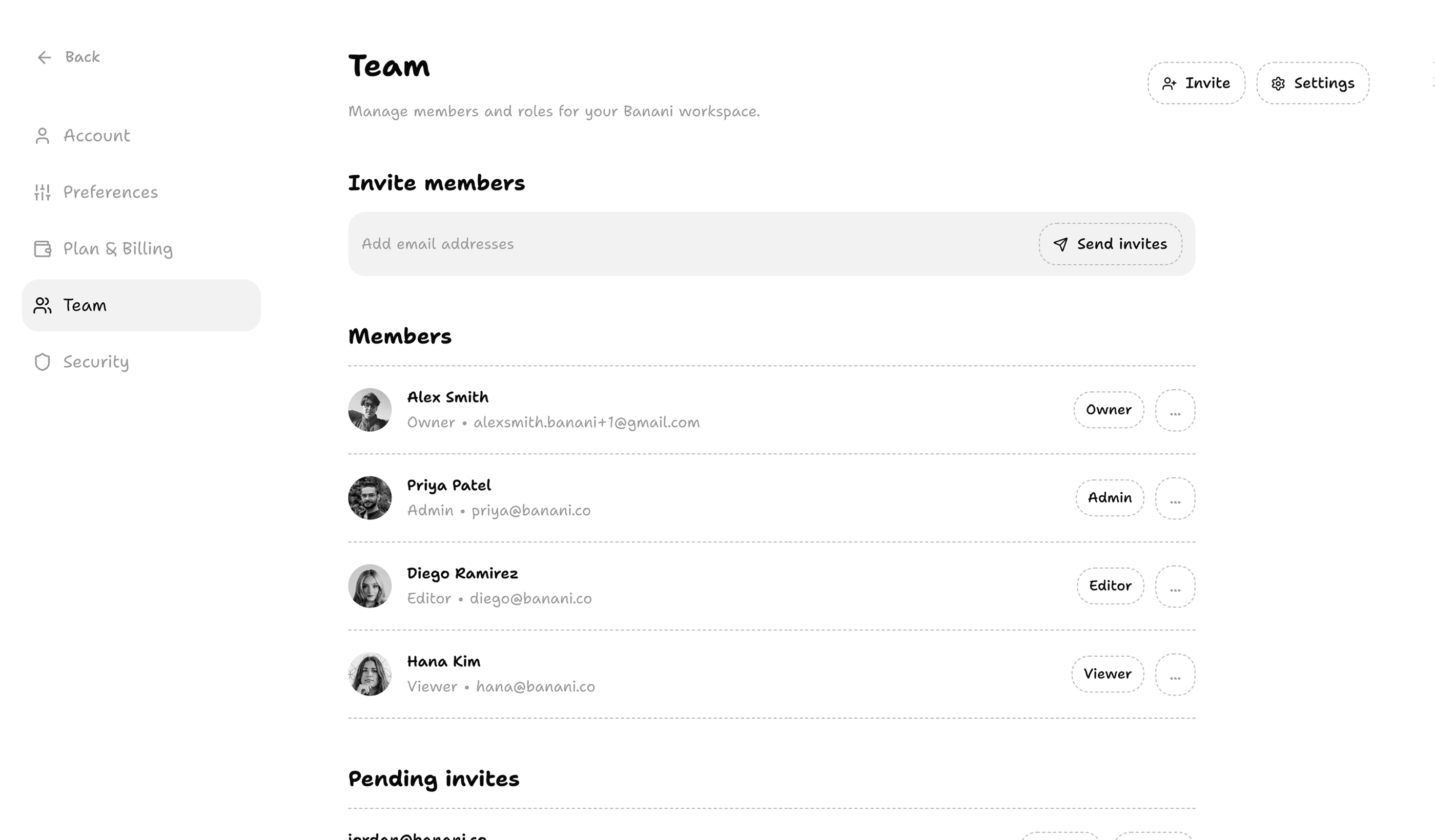
Convert your UI to dark mode in seconds. Our AI maintains layout while intelligently switching light colors to dark ones. Free!

Convert your UI to dark mode in seconds. Our AI maintains layout while intelligently switching light colors to dark ones. Free!

AI to convert UI to dark mode version

Banani mobile to desktop feature

Works with any design 

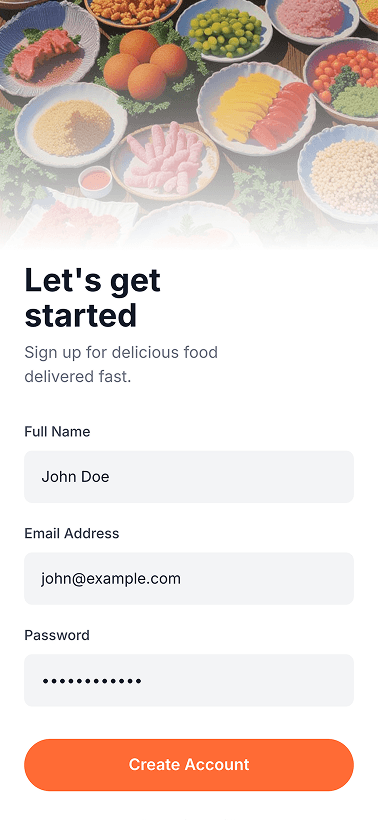
Convert mobile or web UI. Input as image, or Figma file. Or start with a prompt.

Convert mobile or web UI. Input as image, or Figma file. Or start with a prompt.

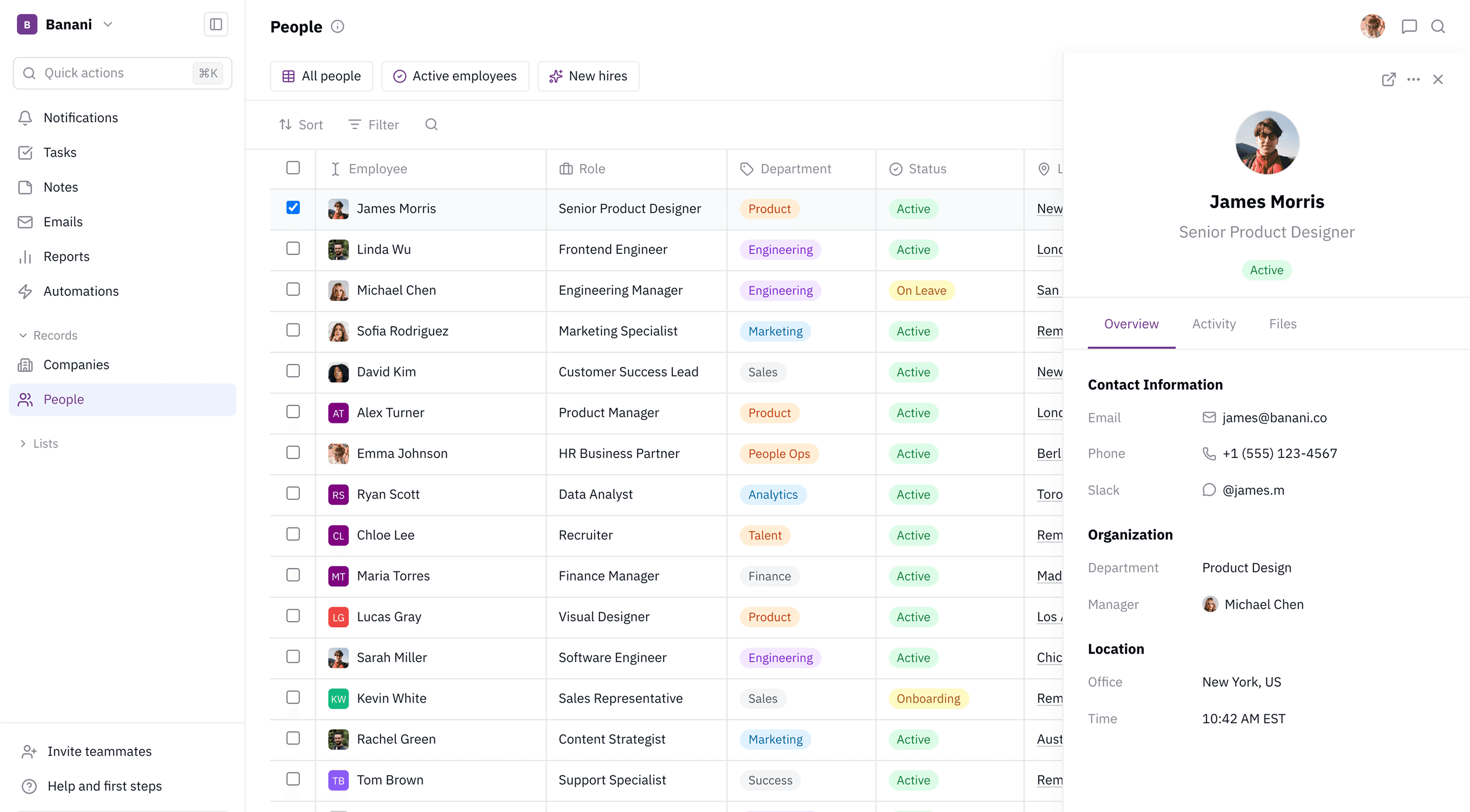
Banani desktop to mobile feature

Intelligent color selection

AI chooses harmonious dark colors that maintain contrast and readability.

AI chooses harmonious dark colors that maintain contrast and readability.

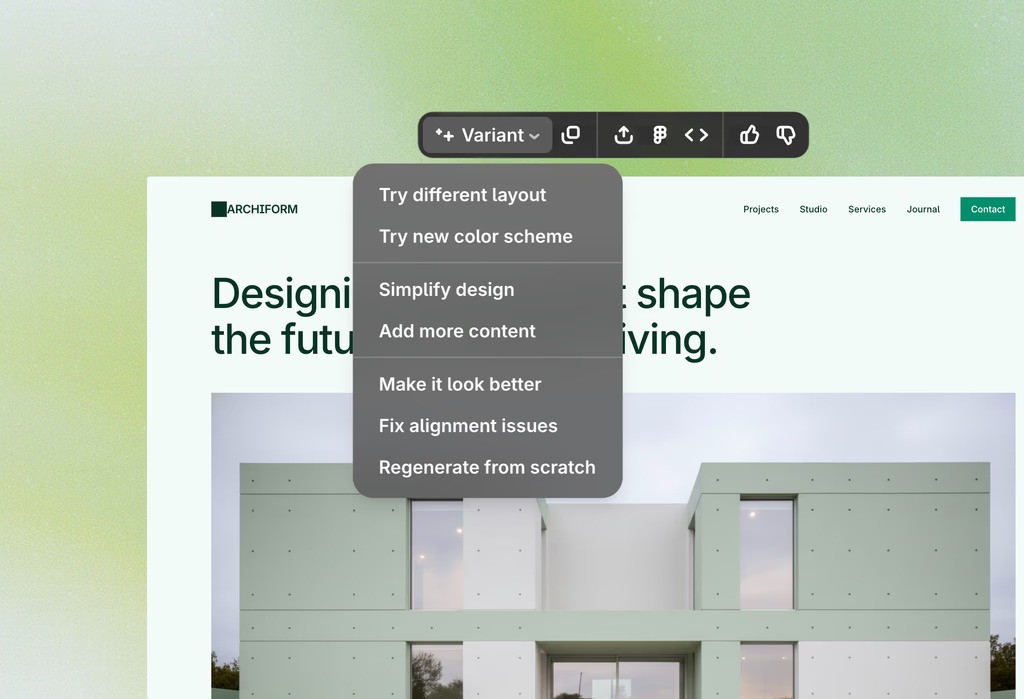
Banani AI lets edit design and switch screen sizes with AI

Edit before export

Tweak colors, contrast, or even layout with AI chat to finalize the dark mode.

Tweak colors, contrast, or even layout with AI chat to finalize the dark mode.

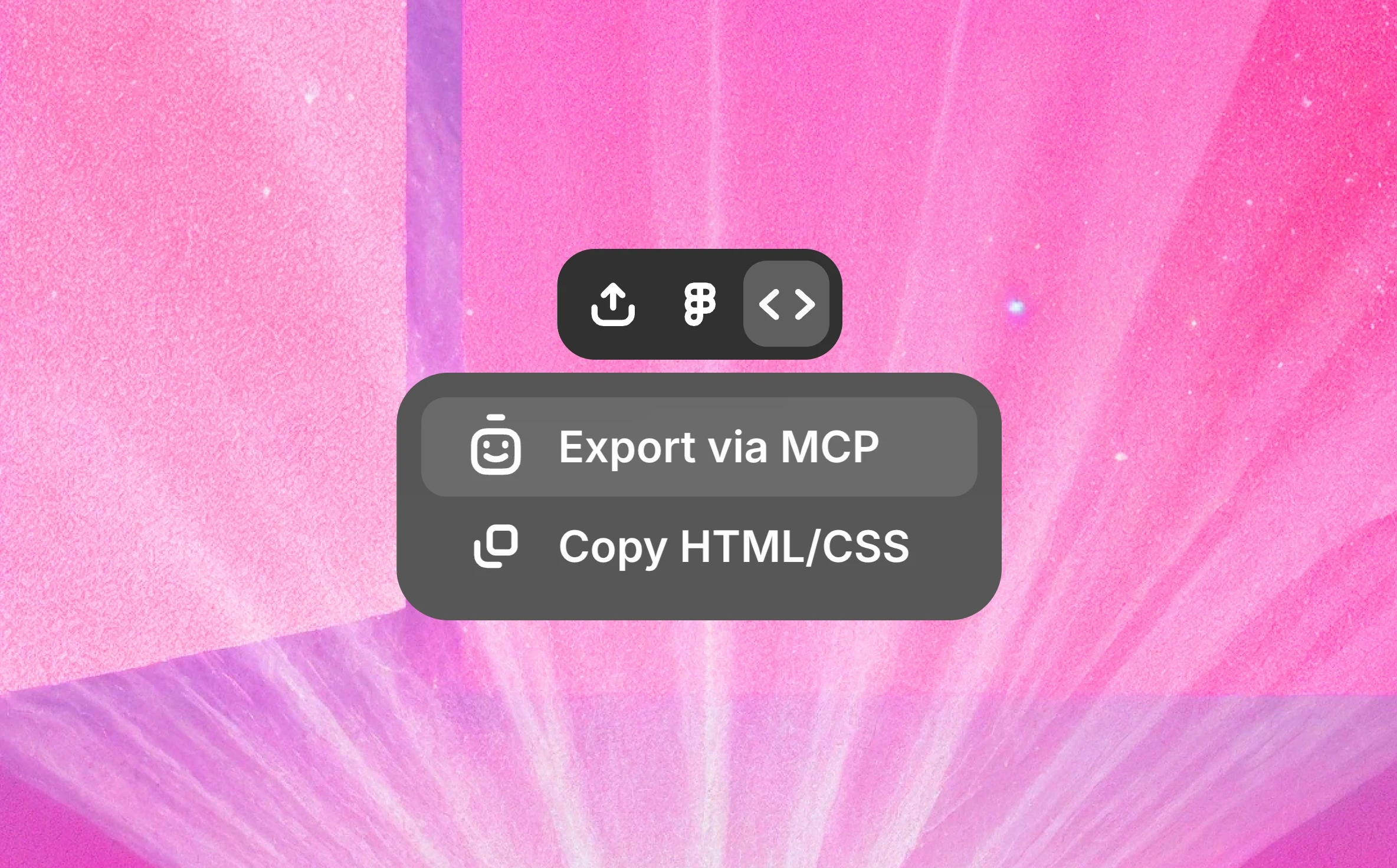
Export design to Figma or code for any screen sizes with Banani AI

Export design or code

Get the final screens as PNG/JPG, editable Figma, or code via MCP. 

Get the final screens as PNG/JPG, editable Figma, or code via MCP. 

How to convert UI to dark mode with AI

1

Upload your design

Import a Figma file, UI screenshot, or describe your existing light design.

Import a Figma file, UI screenshot, or describe your existing light design.

2

Convert dark mode

Select a frame and prompt AI to create a dark mode version of that screen.

Select a frame and prompt AI to create a dark mode version of that screen.

3

Get Figma or code

Get PNG/JPG, editable Figma file or any code via MCP in seconds.

Get PNG/JPG, editable Figma file or any code via MCP in seconds.

Dark mode design, instantly

Convert any UI to dark mode with AI. No manual color tweaking, no design tool friction, no coding required.

Convert any UI to dark mode with AI. No manual color tweaking, no design tool friction, no coding required.

No design skills? No problem.
Best dark mode design tool for every role.

Designers

Convert an UI designs to dark mode without manual coloring. 

Convert an UI designs to dark mode without manual coloring. 

Developers

Export dark mode code to any coding agent & merge in CSS.

Export dark mode code to any coding agent & merge in CSS.

Founders

Ship dark mode to users at speed and accuracy with AI.

Ship dark mode to users at speed and accuracy with AI.

Banani: A Free Dark Mode Design AI

Banani is an AI UI design tool, powered by Gemini & GPT. Can convert any light UI to dark mode (and vice versa) with intelligent color selection, maintaining structure and layout—in seconds!

Banani is an AI UI design tool, powered by Gemini & GPT. Can convert any light UI to dark mode (and vice versa) with intelligent color selection, maintaining structure and layout—in seconds!

Loved by 100k+ users and companies

Product managers, founders, designers, students, indie hackers, and others use our UI design AI.

Product managers, founders, designers, students, indie hackers, and others use our UI design AI.

As a PM, I need to create quick wireframes to communicate ideas visually and effectively. I've tried many tools, but Banani was the simplest and delivered instant value.

I like that I can click on an element, and then the tool generates what the user will see after the click. That is a truly intuitive approach.

Alex

It's incredible how easy it is to use, how it speeds up the design process and offers remarkable adaptability.

Nena


Great wireframes and I like the interactive responses that the AI generated. Kick ass product!

Lynn

It is better to start using it today. Guys are doing a really mind-blowing product.

Pavel

Probably the best UI generation I tried on the market.

Jayda

I love the minimal design. It is not overwhelming compared to other tools.

Jake

I really like the quality of your AI design copilot!

Kate

Got an idea for an app design? Whether mobile or desktop, we have an AI for it.

FAQ: Banani Dark Mode Design AI

Can Figma AI convert my design to dark mode?

Not directly. Figma's AI (Make, Agent, Weave) excels at UI generation and editing, but lacks dedicated dark mode conversion. You can use Figma Dev Mode MCP to connect a design to a coding agent and ask it to create dark mode styles. But its output may not be as good as a purpose-built AI UI designer like Banani.

Not directly. Figma's AI (Make, Agent, Weave) excels at UI generation and editing, but lacks dedicated dark mode conversion. You can use Figma Dev Mode MCP to connect a design to a coding agent and ask it to create dark mode styles. But its output may not be as good as a purpose-built AI UI designer like Banani.

Can AI convert my UI to dark mode?

Yes. AI tools like Banani convert any light UI to dark mode instantly. Just upload your design or take a screenshot, and its AI UI Agent intelligently picks dark colors while maintaining readability and structure.

Yes. AI tools like Banani convert any light UI to dark mode instantly. Just upload your design or take a screenshot, and its AI UI Agent intelligently picks dark colors while maintaining readability and structure.

How does dark mode conversion work?

Banani's AI analyzes your UI's colors, contrast, and typography. It then converts light colors to dark equivalents, adjusts contrast ratios for readability, and maintains your original layout and design intent.

Banani's AI analyzes your UI's colors, contrast, and typography. It then converts light colors to dark equivalents, adjusts contrast ratios for readability, and maintains your original layout and design intent.

Does dark mode maintain my design's structure?

Absolutely. Banani only changes colors, not layout, typography, or spacing. Your design structure stays exactly the same, just with a dark color palette.

Absolutely. Banani only changes colors, not layout, typography, or spacing. Your design structure stays exactly the same, just with a dark color palette.

Can I adjust colors after conversion?

Yes. Before exporting, use Banani AI chat to refine specific colors, adjust contrast, or tweak the dark mode palette to match your brand.

Yes. Before exporting, use Banani AI chat to refine specific colors, adjust contrast, or tweak the dark mode palette to match your brand.

Can I export dark mode code?

Yes. You can export your dark mode code as HTML/CSS in one click. You also get React, Vue, Tailwind, or other frameworks via MCP integration. 

Yes. You can export your dark mode code as HTML/CSS in one click. You also get React, Vue, Tailwind, or other frameworks via MCP integration. 

Need UI inspiration?

Browse, convert to dark mode and export mobile UI of the world’s best-designed apps.

Browse, convert to dark mode and export mobile UI of the world’s best-designed apps.