Prototyping with Miro AI: What Works and What Needs Alternatives

Vlad Solomakha

2026/02/20

Miro AI: What Works and What Needs Alternatives

移動

タイトル

移動

タイトル

AIを使用してUIデザインとワイヤーフレームを生成

From sticky notes to clickable flows — without leaving the canvas.

From sticky notes to clickable flows — without leaving the canvas.

Miro AI promises to turn messy brainstorming notes into interactive prototypes inside its canvas. This guide explores what Miro AI does, its prototyping features, pricing, and pros and cons to help PMs and founders decide whether to stick with it or switch to its hi-fi alternatives.

Miro AI Prototype 2026 Review

Miro AI features

AI prototyping, pre-built AI agents, and canvas summary

Miro AI ratings

G2: 4.7/5  | Capterra: 4.7/5  | Gartner: 4.5/5

Miro AI prototyping pros & cons

Pros: Interactive wireframe right from canvas notes and prompts

Cons: Not suitable for a hi-fi wireframe that’s production-ready

Miro AI pricing

Limited free tier. Subscriptions starting at $8/mo, plus add-ons.

Miro AI Alternatives

Banani, Figma, and Balsamiq

What is Miro AI?

Miro AI: what is it?

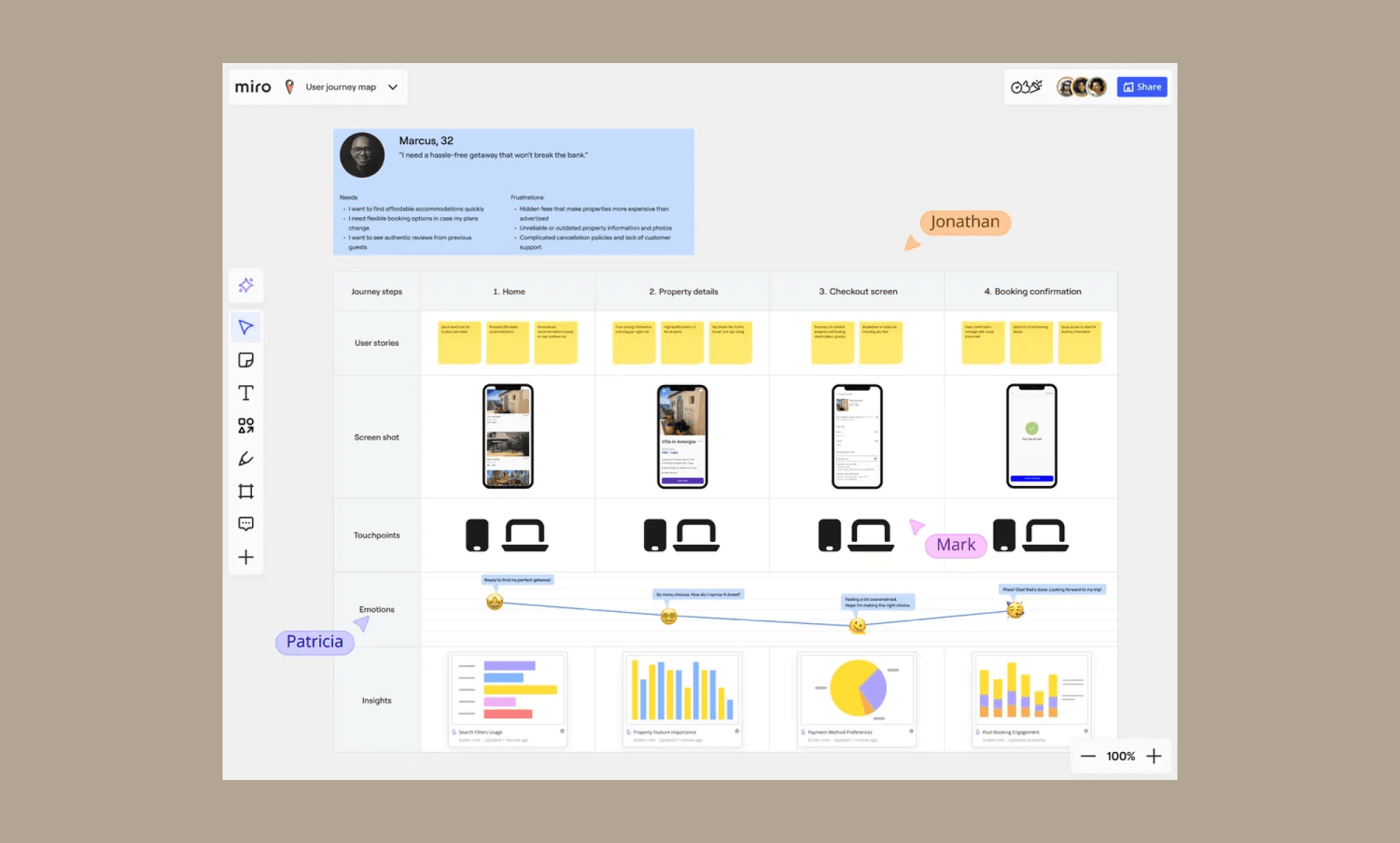
Miro AI is a collaborative AI layer built directly into Miro’s classic canvas. Positioning itself as the AI platform for teamwork, it offers a visual workspace for individuals and teams to analyze boards, cluster ideas, generate summaries, create diagrams, and even generate prototypes with AI

Basically, Miro AI enables the journey of an idea from brainstorming sessions to actionable projects without leaving Miro canvas. 

Features of Miro AI

With AI features, Miro aims to bring siloed tools into its canvas for a more fluid cross-functional planning and execution without losing context. Its key features include:

  • AI Sidekicks: Choose from pre-built or build your own AI agents to assist with research, ideation, multi-step workflow support and more.

  • Intelligent clustering: Automatically organize and summarize large volumes of sticky notes based on key themes, keywords, or user sentiment. 

  • Text-to-diagram: Convert prompts or board content into editable structured diagrams, flows, and visual frameworks. 

  • Multi-LLM integration: Use the latest LLMs for copy editing, image generation, board summaries, meeting transcriptions, PRDs, and custom workflows.  

Prototyping with Miro AI

Miro AI: Chat based generation

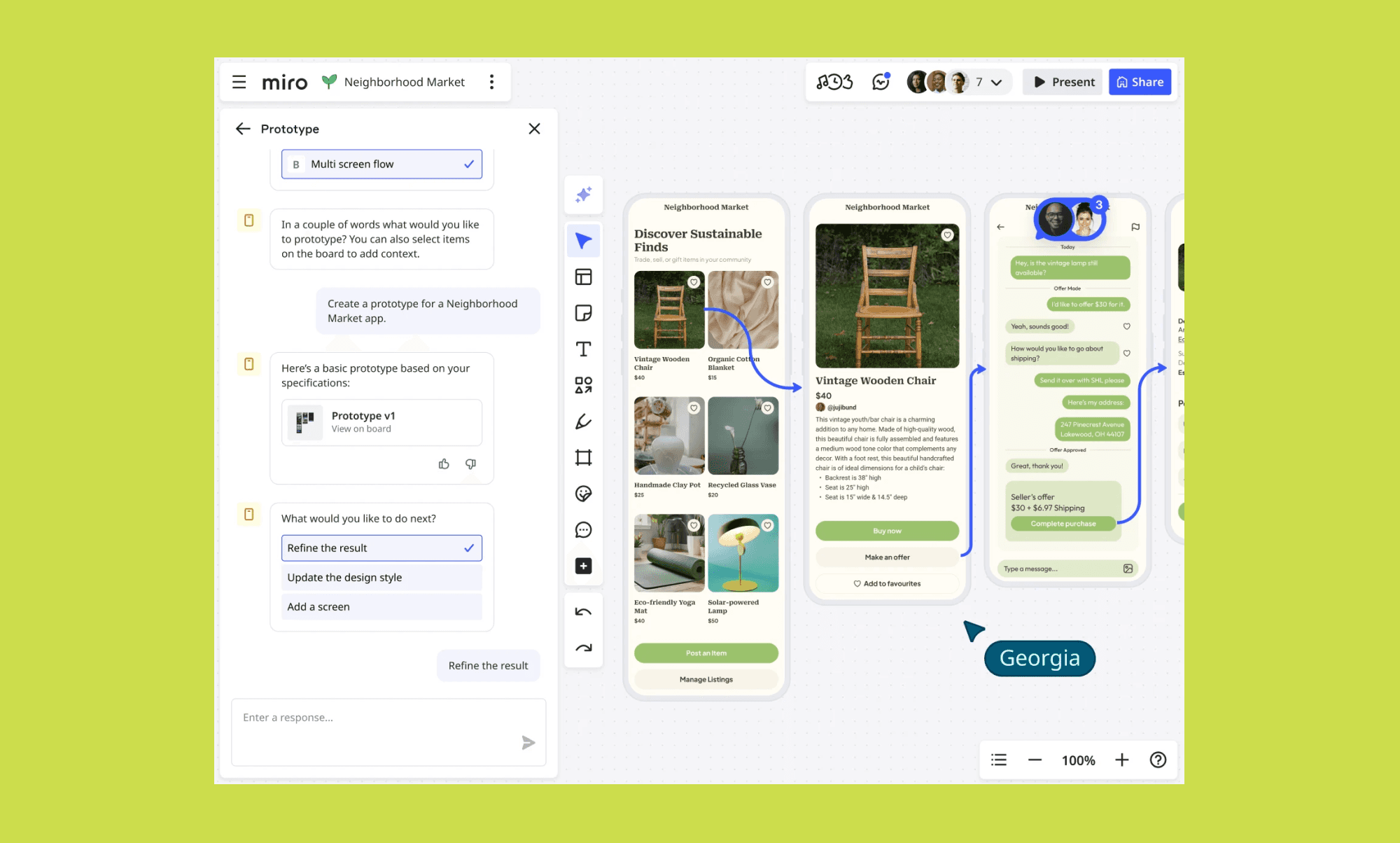
Miro AI has a prototyping tool that turns canvas notes, text prompts, or screenshots into prototypes in seconds. 

The Miro Protoyping AI also adds basic interactions between screens that are fully editable. Since it’s part of the same AI canvas, team members can collaborate on it in real time with comments, drag-and-drop components, and link frames to simulate user journeys. You can also explore variations of the AI-generated UI with its Create AI 2.0.

How to use Miro for wireframing

To use the Miro AI prototype tool for wireframing, start with "Create with AI" on your Miro canvas. This tool is designed to bridge the gap between a brief and a visual concept. Then follow these steps to build your prototype in Miro AI:

  1. Define the prompt: Input a text description of your app or web idea, or select existing sticky notes and diagrams to act as the source context.

  2. Select device type: Choose your target platform, such as Mobile, Desktop, or Tablet, to ensure the generated frames are correctly sized.

  3. AI generator: AI creates fully editable UI screens with drag-and-drop components; you can manually adjust layouts or ask AI to iterate on specific sections.

  4. Add interactions: Link frames using the prototyping tool to create clickable flows that simulate the final user journey.

Once ready with a draft, you can share the AI wireframe by presenting the board or inviting collaborators to review and iterate together.

Miro AI prototype templates

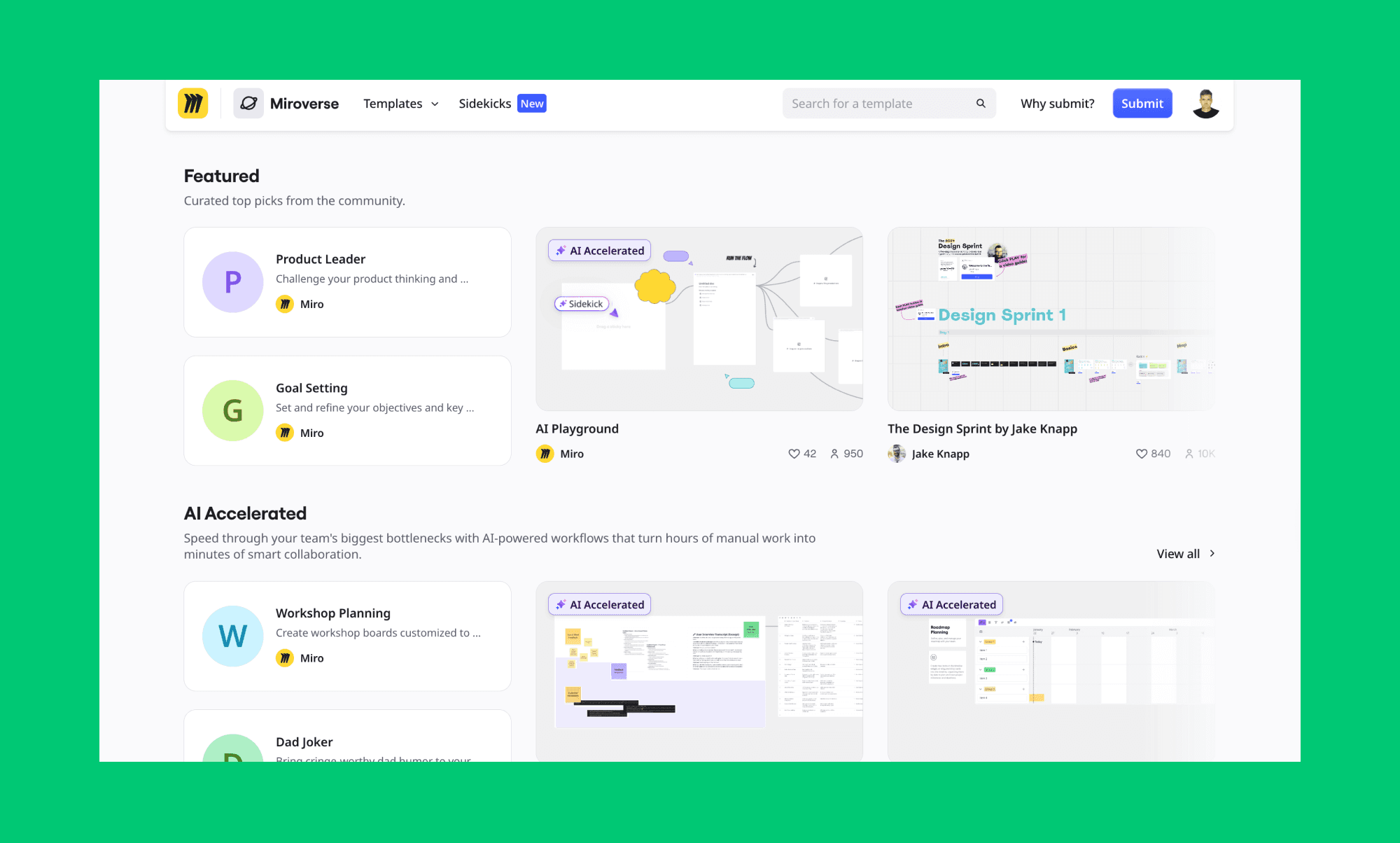
Miro has dozens of prototype templates and examples that come with user flows, and interactions for both mobile and desktop. The most popular Miro wireframe templates include one for travel planning, food blog, and e-commerce

Miro AI: Templates

Miro AI pricing (with Prototype tool)

Miro offers a freemium plan with subscriptions starting from $8/mo. All plans, including Free, include Miro AI; however, Miro Prototype is available only as an add-on for paid users. 

Plan

Price
(per user/mo)

Key Features of Miro AI

Free

$0

Unlimited members, 3 editable boards, and basic Miro AI access, but no Prototyping tool.

Starter

$8 (Billed yearly)

Unlimited editable boards, version history, and access to Miro AI prototyping as an add-on.

Business

$16 (Billed yearly)

Advanced security, unlimited guests, Sidekicks and access to Miro AI prototyping as an add-on.

Enterprise

Custom Pricing

Centralized AI governance, granular permissions for enterprise-wide AI deployment and multiple add-ons including Miro Prototypes. 

* Note: The monthly billing for Starter is $10, and Business is $20 per user. 

Pros and Cons of Miro AI prototype

Strengths of Miro AI Prototype

Weakness of Miro AI Prototype

Generates multi-screen UI from a single prompt, sticky notes, PRDs, or screenshots.

Focused on early-stage prototyping; not pixel-perfect, production-ready UI design.

Automatically adds connector lines and basic interactions.

Interaction depth is limited to basic navigation and flows.

Keeps ideation, wireframing, and collaboration in one shared workspace.

Design-to-developer handoff AI, or generating code from a wireframe, is clumsy. 

Speeds up alignment for PMs, designers, and stakeholders in a singular canvas.

Currently in beta, with feature availability and pricing subject to change.

When to use Miro AI for wireframing

The wireframing feature of Miro AI is suitable for PMs, non-designer founders, and cross-functional teams to move from raw brainstorming to testable concepts without waiting on design queues. It’s great for rapid validation, turning PRDs or messy workshop notes into clickable flows in minutes.

However, it is not ideal for UI designers or developers requiring production-ready, high-fidelity assets because it lacks advanced design system controls and pixel-perfect precision. 

Miro AI Prototype tool alternatives

Banani vs Miro AI

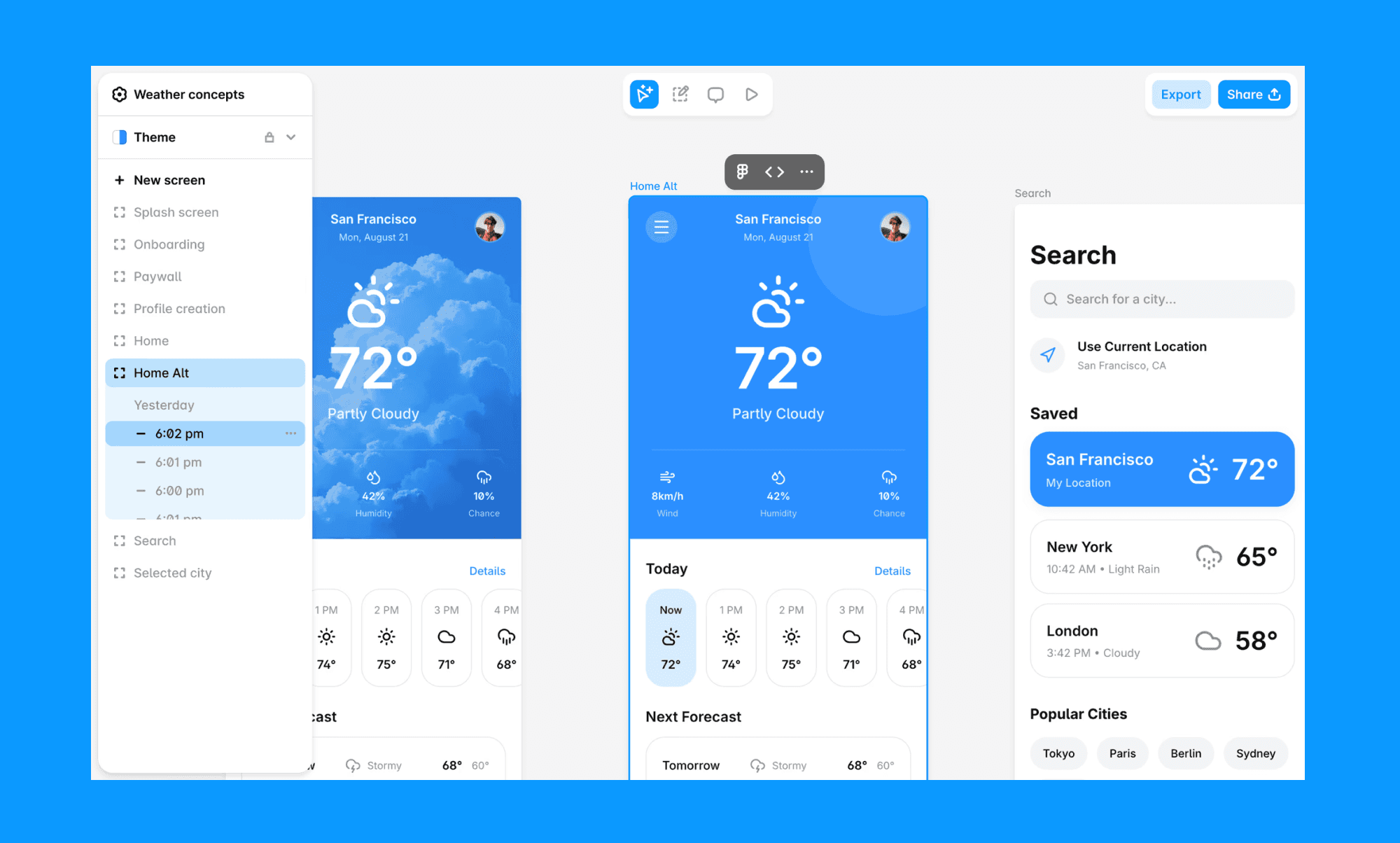
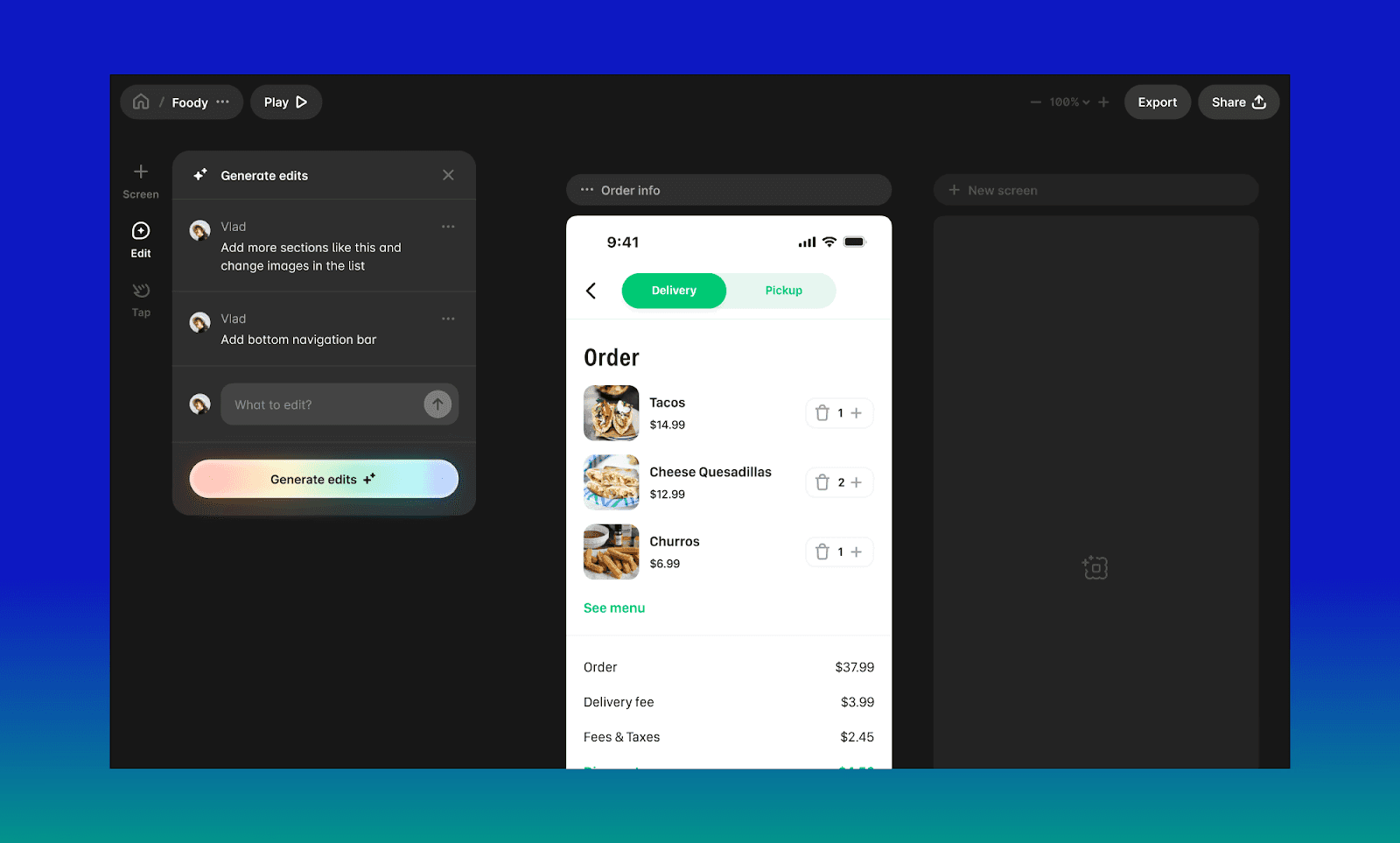
An AI prototyping tool, Banani is built for generating high-fidelity, on-brand UI designs ready for real product work. Pick Banani over Miro AI Prototype when you need developer-ready assets, including seamless Figma exports with clean front-end code generation. 

Banani: Best Miro alternative for prototyping

Figma vs Miro AI

While Miro AI works fast for lo-fi brainstorming, Figma remains the industry powerhouse for end-to-end collaborative design. With its advanced suite—including Figma Make and hundreds of Figma Plugins—it offers unmatched precision for vector work and developer handoff.

Figma AI for prototyping

Balsamiq vs Miro AI

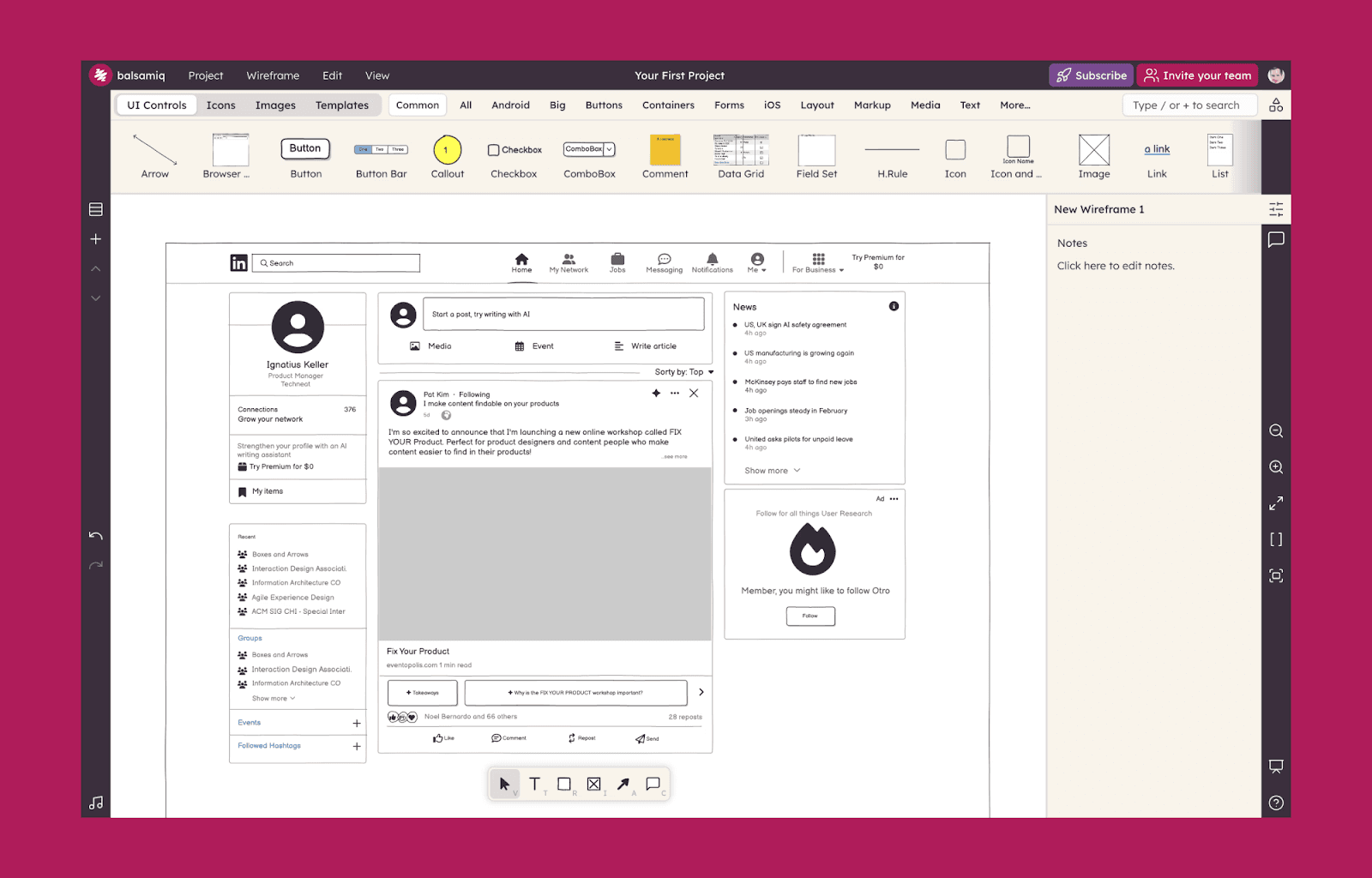
Balsamiq is purpose-built for low-fidelity wireframing, with a sketch-style interface that keeps teams focused on structure over visuals. Its intentional minimalism prevents design creep during early-stage planning, while AI assistants remain handy to help when stuck.

Balsamiq for AI prototyping

Is Miro AI prototyping worth it?

Yes, with a caveat. The prototyping tool of Miro AI offers a range of collaborative features that excel at turning a messy brainstorm board into interactive flows within minutes, all without leaving its canvas. It reduces dependency on design queues and helps teams align before committing to development. 

However, it falls short of production-ready UI. For pixel-perfect interfaces, structured design systems, or developer-ready assets, you’ll likely need a more specialized tool like Banani. 

If that’s what you’re looking for, generate your first AI prototype free!

FAQs on Miro AI Prototyping 

Can Miro be used for prototyping?

Yes. Miro AI Prototyping generates interactive, clickable flows from prompts, sticky notes, or screenshots directly on the canvas.

Is Miro better than Figma?

It depends on the stage and usage. Talking of wireframing, Miro is superior for early-stage brainstorming and alignment, while Figma is the industry standard for precision UI/UX design and developer handoff.

Is Miro AI free to use?

Yes, Miro AI is free to use, but with only 10 credits/mo. It's noteworthy that Miro Prototype is not part of the Miro AI free tier. 

Is Miro AI secure?

Yes. Miro is ISO 42001 certified and provides granular AI governance controls, permission management, and enterprise-grade compliance safeguards.

What is the best free alternative of Miro AI prototype tool?

Top alternatives to Miro AI Prototyping tool include Banani AI which offers high-fidelity, on-brand UI prototypes that are ready for production and easy Figma export.

Miro AI promises to turn messy brainstorming notes into interactive prototypes inside its canvas. This guide explores what Miro AI does, its prototyping features, pricing, and pros and cons to help PMs and founders decide whether to stick with it or switch to its hi-fi alternatives.

Miro AI Prototype 2026 Review

Miro AI features

AI prototyping, pre-built AI agents, and canvas summary

Miro AI ratings

G2: 4.7/5  | Capterra: 4.7/5  | Gartner: 4.5/5

Miro AI prototyping pros & cons

Pros: Interactive wireframe right from canvas notes and prompts

Cons: Not suitable for a hi-fi wireframe that’s production-ready

Miro AI pricing

Limited free tier. Subscriptions starting at $8/mo, plus add-ons.

Miro AI Alternatives

Banani, Figma, and Balsamiq

What is Miro AI?

Miro AI: what is it?

Miro AI is a collaborative AI layer built directly into Miro’s classic canvas. Positioning itself as the AI platform for teamwork, it offers a visual workspace for individuals and teams to analyze boards, cluster ideas, generate summaries, create diagrams, and even generate prototypes with AI

Basically, Miro AI enables the journey of an idea from brainstorming sessions to actionable projects without leaving Miro canvas. 

Features of Miro AI

With AI features, Miro aims to bring siloed tools into its canvas for a more fluid cross-functional planning and execution without losing context. Its key features include:

  • AI Sidekicks: Choose from pre-built or build your own AI agents to assist with research, ideation, multi-step workflow support and more.

  • Intelligent clustering: Automatically organize and summarize large volumes of sticky notes based on key themes, keywords, or user sentiment. 

  • Text-to-diagram: Convert prompts or board content into editable structured diagrams, flows, and visual frameworks. 

  • Multi-LLM integration: Use the latest LLMs for copy editing, image generation, board summaries, meeting transcriptions, PRDs, and custom workflows.  

Prototyping with Miro AI

Miro AI: Chat based generation

Miro AI has a prototyping tool that turns canvas notes, text prompts, or screenshots into prototypes in seconds. 

The Miro Protoyping AI also adds basic interactions between screens that are fully editable. Since it’s part of the same AI canvas, team members can collaborate on it in real time with comments, drag-and-drop components, and link frames to simulate user journeys. You can also explore variations of the AI-generated UI with its Create AI 2.0.

How to use Miro for wireframing

To use the Miro AI prototype tool for wireframing, start with "Create with AI" on your Miro canvas. This tool is designed to bridge the gap between a brief and a visual concept. Then follow these steps to build your prototype in Miro AI:

  1. Define the prompt: Input a text description of your app or web idea, or select existing sticky notes and diagrams to act as the source context.

  2. Select device type: Choose your target platform, such as Mobile, Desktop, or Tablet, to ensure the generated frames are correctly sized.

  3. AI generator: AI creates fully editable UI screens with drag-and-drop components; you can manually adjust layouts or ask AI to iterate on specific sections.

  4. Add interactions: Link frames using the prototyping tool to create clickable flows that simulate the final user journey.

Once ready with a draft, you can share the AI wireframe by presenting the board or inviting collaborators to review and iterate together.

Miro AI prototype templates

Miro has dozens of prototype templates and examples that come with user flows, and interactions for both mobile and desktop. The most popular Miro wireframe templates include one for travel planning, food blog, and e-commerce

Miro AI: Templates

Miro AI pricing (with Prototype tool)

Miro offers a freemium plan with subscriptions starting from $8/mo. All plans, including Free, include Miro AI; however, Miro Prototype is available only as an add-on for paid users. 

Plan

Price
(per user/mo)

Key Features of Miro AI

Free

$0

Unlimited members, 3 editable boards, and basic Miro AI access, but no Prototyping tool.

Starter

$8 (Billed yearly)

Unlimited editable boards, version history, and access to Miro AI prototyping as an add-on.

Business

$16 (Billed yearly)

Advanced security, unlimited guests, Sidekicks and access to Miro AI prototyping as an add-on.

Enterprise

Custom Pricing

Centralized AI governance, granular permissions for enterprise-wide AI deployment and multiple add-ons including Miro Prototypes. 

* Note: The monthly billing for Starter is $10, and Business is $20 per user. 

Pros and Cons of Miro AI prototype

Strengths of Miro AI Prototype

Weakness of Miro AI Prototype

Generates multi-screen UI from a single prompt, sticky notes, PRDs, or screenshots.

Focused on early-stage prototyping; not pixel-perfect, production-ready UI design.

Automatically adds connector lines and basic interactions.

Interaction depth is limited to basic navigation and flows.

Keeps ideation, wireframing, and collaboration in one shared workspace.

Design-to-developer handoff AI, or generating code from a wireframe, is clumsy. 

Speeds up alignment for PMs, designers, and stakeholders in a singular canvas.

Currently in beta, with feature availability and pricing subject to change.

When to use Miro AI for wireframing

The wireframing feature of Miro AI is suitable for PMs, non-designer founders, and cross-functional teams to move from raw brainstorming to testable concepts without waiting on design queues. It’s great for rapid validation, turning PRDs or messy workshop notes into clickable flows in minutes.

However, it is not ideal for UI designers or developers requiring production-ready, high-fidelity assets because it lacks advanced design system controls and pixel-perfect precision. 

Miro AI Prototype tool alternatives

Banani vs Miro AI

An AI prototyping tool, Banani is built for generating high-fidelity, on-brand UI designs ready for real product work. Pick Banani over Miro AI Prototype when you need developer-ready assets, including seamless Figma exports with clean front-end code generation. 

Banani: Best Miro alternative for prototyping

Figma vs Miro AI

While Miro AI works fast for lo-fi brainstorming, Figma remains the industry powerhouse for end-to-end collaborative design. With its advanced suite—including Figma Make and hundreds of Figma Plugins—it offers unmatched precision for vector work and developer handoff.

Figma AI for prototyping

Balsamiq vs Miro AI

Balsamiq is purpose-built for low-fidelity wireframing, with a sketch-style interface that keeps teams focused on structure over visuals. Its intentional minimalism prevents design creep during early-stage planning, while AI assistants remain handy to help when stuck.

Balsamiq for AI prototyping

Is Miro AI prototyping worth it?

Yes, with a caveat. The prototyping tool of Miro AI offers a range of collaborative features that excel at turning a messy brainstorm board into interactive flows within minutes, all without leaving its canvas. It reduces dependency on design queues and helps teams align before committing to development. 

However, it falls short of production-ready UI. For pixel-perfect interfaces, structured design systems, or developer-ready assets, you’ll likely need a more specialized tool like Banani. 

If that’s what you’re looking for, generate your first AI prototype free!

FAQs on Miro AI Prototyping 

Can Miro be used for prototyping?

Yes. Miro AI Prototyping generates interactive, clickable flows from prompts, sticky notes, or screenshots directly on the canvas.

Is Miro better than Figma?

It depends on the stage and usage. Talking of wireframing, Miro is superior for early-stage brainstorming and alignment, while Figma is the industry standard for precision UI/UX design and developer handoff.

Is Miro AI free to use?

Yes, Miro AI is free to use, but with only 10 credits/mo. It's noteworthy that Miro Prototype is not part of the Miro AI free tier. 

Is Miro AI secure?

Yes. Miro is ISO 42001 certified and provides granular AI governance controls, permission management, and enterprise-grade compliance safeguards.

What is the best free alternative of Miro AI prototype tool?

Top alternatives to Miro AI Prototyping tool include Banani AI which offers high-fidelity, on-brand UI prototypes that are ready for production and easy Figma export.

AIを使用してUIデザインを生成する

あなたのアイデアを美しく使いやすいデザインに変換しましょう。迅速かつ簡単に。