

Claude Design hat eine beeindruckende Bandbreite: Prompt-to-UI, polierte Decks, 3D-Animation und mehr. Aber es ist hinter einem Claude-Pro-Abonnement gesperrt, verbraucht schnell Credits und bietet keine Möglichkeit zum Self-Hosting oder für eine Flatrate.
Für Designer und Gründer, die den gleichen Output ohne Paywall wollen, hat sich Open Design als zuverlässige Open-Source-Alternative zu Claude Design etabliert. Ich habe mir die wichtigsten Anwendungsfälle genauer angesehen, um zweckgebundene und teils bessere Open-Source- oder kostenlose Alternativen zu finden. Darunter ein überraschendes AI Design Tool, das fast alles kann, was Claude Design bietet: Banani AI.
Mein erster Eindruck von Claude Design >
Tool | Hauptanwendungsfall | Warum Claude Design vorziehen |
UI, Decks & Figma-Handoff | Kostenlose Option, kein Ablauf, Figma-nativ | |
Open-Source AI Design Workspace | Self-Hosting, BYOK, lebenslang abofrei | |
AI Prototyping mit Design System | 400 kostenlose tägliche Credits, ohne Kreditkarte | |
KI-Generierung von Präsentationen | Unbegrenzte Decks lokal, kein Credit-Verbrauch | |
Code-basiertes App-Building | Eigener Code, überall kostenlos deployen | |
3D, VFX & Animations-Pipeline | Volle Modellkontrolle, keine Credit-Limits |
Open Design: Open-Source AI Design
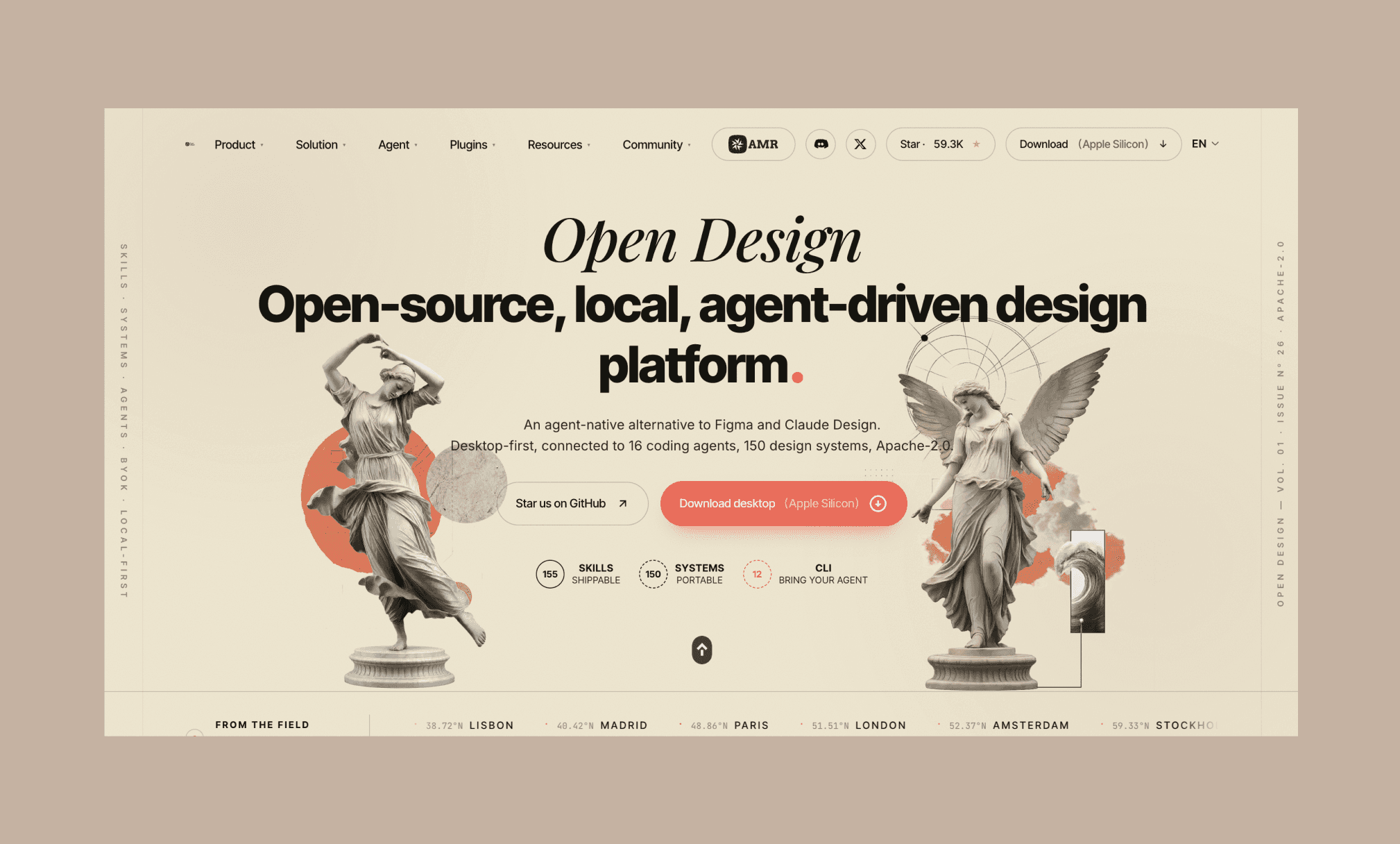
Open Design ist ein lokal-zentrierter, quelloffener Workspace, der wie Claude Design funktioniert: Prompt rein, Design-Artefakt raus. Es ging auf Reddit als kostenlose Claude-Design-Alternative viral, weil es kein Abo und keinen Vendor-Lock-in gibt. Du musst jedoch deinen eigenen AI Agent (Claude Code, Codex, Gemini, Cursor) und deinen eigenen API-Key mitbringen.
Key-Features:
Läuft lokal auf Mac, Windows und Linux
155 integrierte Skills für Prototypen, Decks, Dashboards und mehr
150 portable Design-Systeme inklusive Stripe, Apple und Linear
Unterstützt 17 AI Agents wie Claude, Codex, Gemini und Cursor
Exportiert in HTML, PDF, PPTX, ZIP und Markdown
Warum Open Design statt Claude Design: Kein Abo, keine Credit-Limits, kein Vendor-Lock-in. Du zahlst nur die API-Kosten deines Modells und hostest völlig frei selbst.
Stitch: Prototyping & Design-System
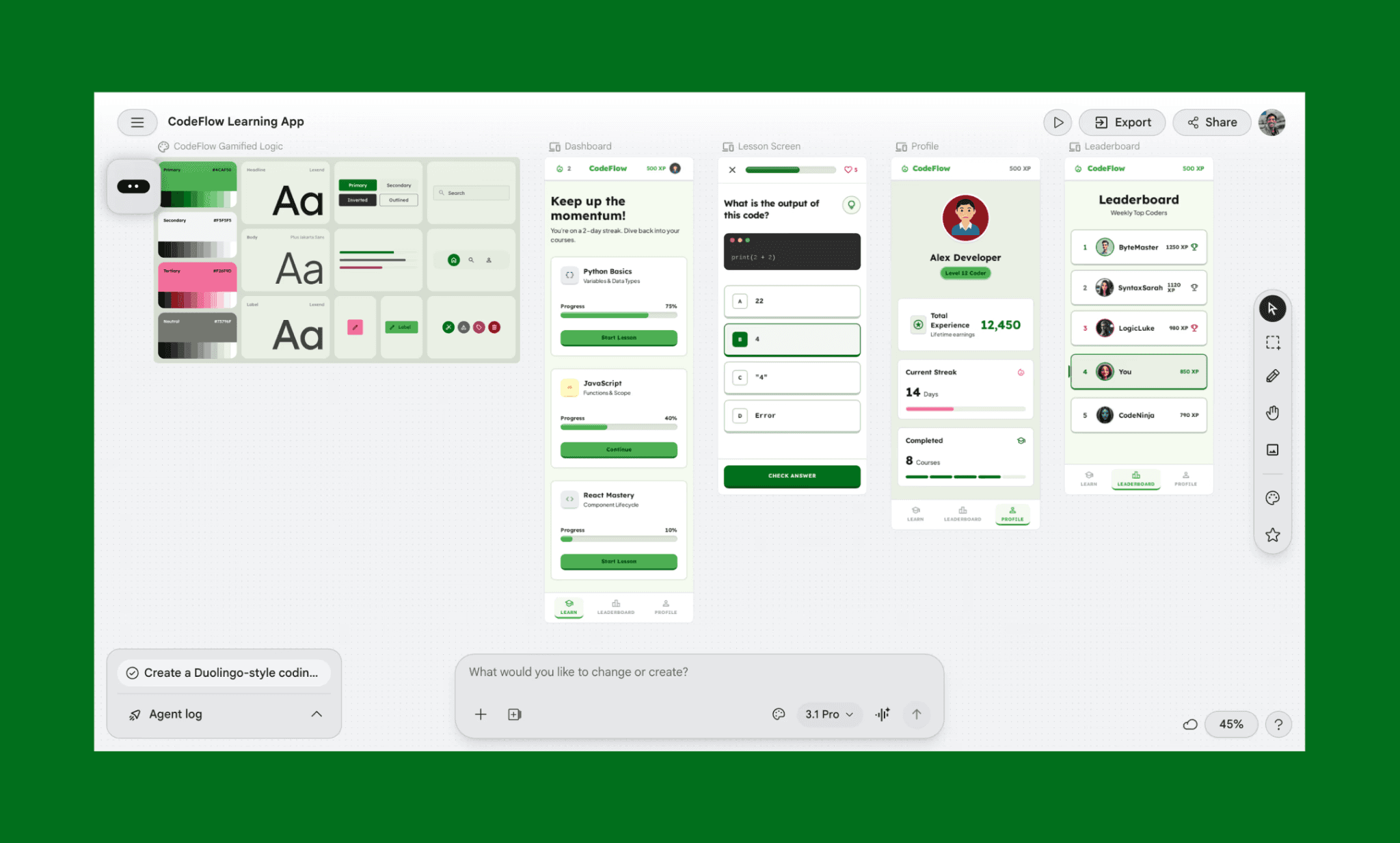
Stitch (ehemals Galileo AI) ist Googles Alternative zu Anthropic's Claude Design. Es ist primär ein AI UI Design Tool, das Text-Prompts oder Skizzen in mehrseitige UI-Flows mit integriertem Design-System verwandelt. Powered by Gemini 3.1 Pro und Flash, ist es noch in der Beta-Phase und komplett kostenlos.
Key-Features:
Vom Text- oder Bild-Prompt zum mehrseitigen UI-Flow
Automatisch generiertes Design-System für visuelle Konsistenz
Interaktives Prototyping mit einem Klick, das Screens direkt verknüpft
Export nach Figma, als HTML/CSS-Code und exportierbares ZIP
MCP-Setup für bidirektionalen Sync mit IDEs wie Cursor
Warum Google Stitch statt Claude Design: Nutze täglich 400 kostenlose AI-Credits ohne Kreditkarte für intuitives Vibe Designing mit Googles State-of-the-Art LLM.
Ist Google Stitch wirklich kostenlos? >
Presenton: Slide-Decks per KI
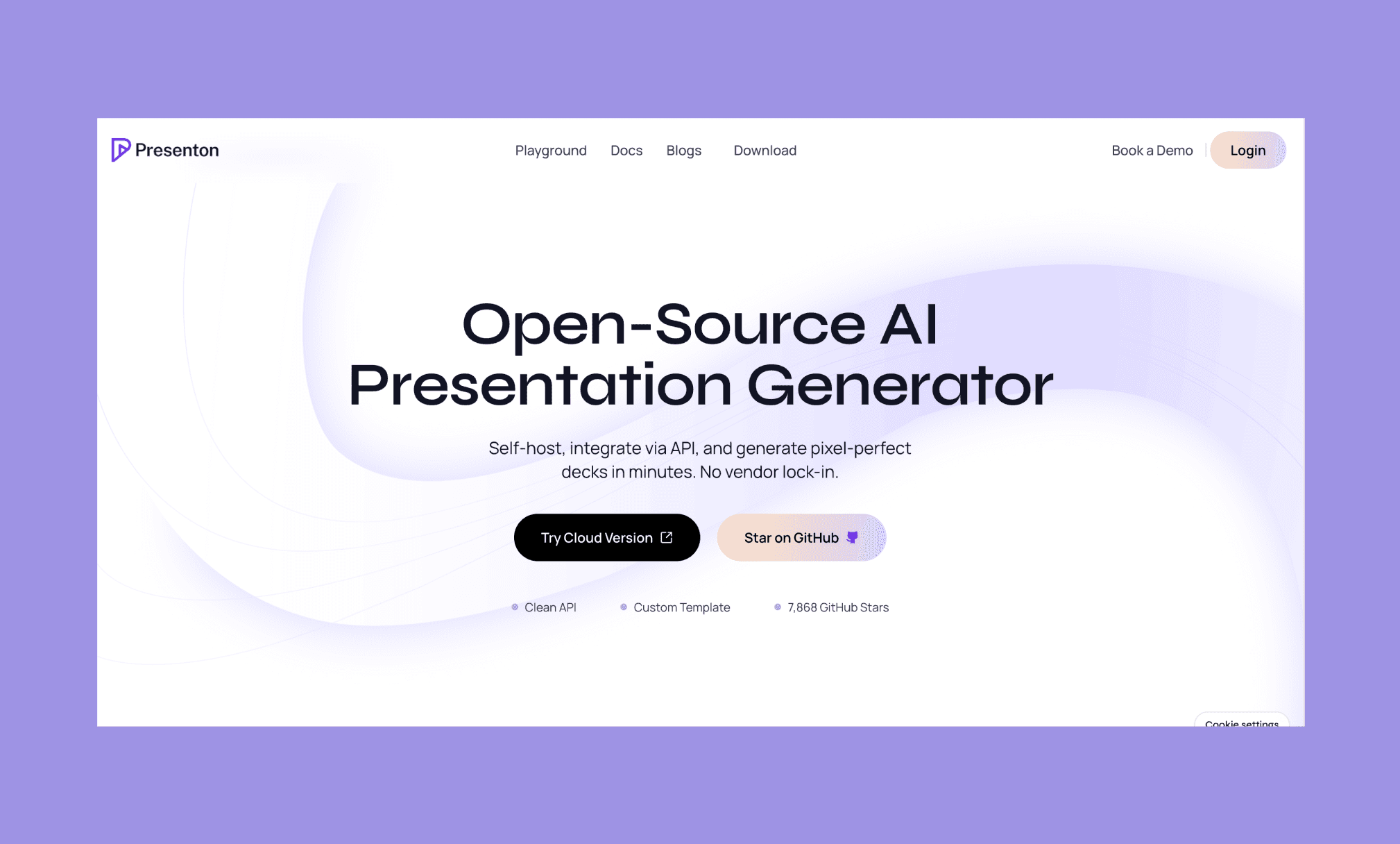
Presenton ist ein KI-gestützter Open-Source-Präsentationsgenerator, der komplette Slide-Decks aus Prompts, Dokumenten oder bestehenden PPTX-Templates erstellt. Es läuft lokal über Docker, unterstützt eigene LLM-Anbieter und exportiert voll editierbare PPTX- oder PDF-Dateien.
Key-Features:
Vom Prompt, Dokument oder PPTX-Template zum fertigen Slide-Deck
Importiert bestehende PPTX, um Markenfarben, Schriften und Layouts zu wahren
Läuft lokal via Docker und arbeitet komplett offline mit Ollama
BYOK zur Anbindung von OpenAI, Claude, Gemini oder kompatiblen Modellen
Exportiert editierbare PPTX und PDF; saubere API für Entwickler-Integration
Warum Presenton statt Claude Design: Während Claude Design pro Erstellung abrechnet, lässt dich Presenton unbegrenzt Decks lokal auf deinem eigenen Modell generieren.
Meine liebsten Canva-Alternativen >
Dyad: Code-basiertes App-Building
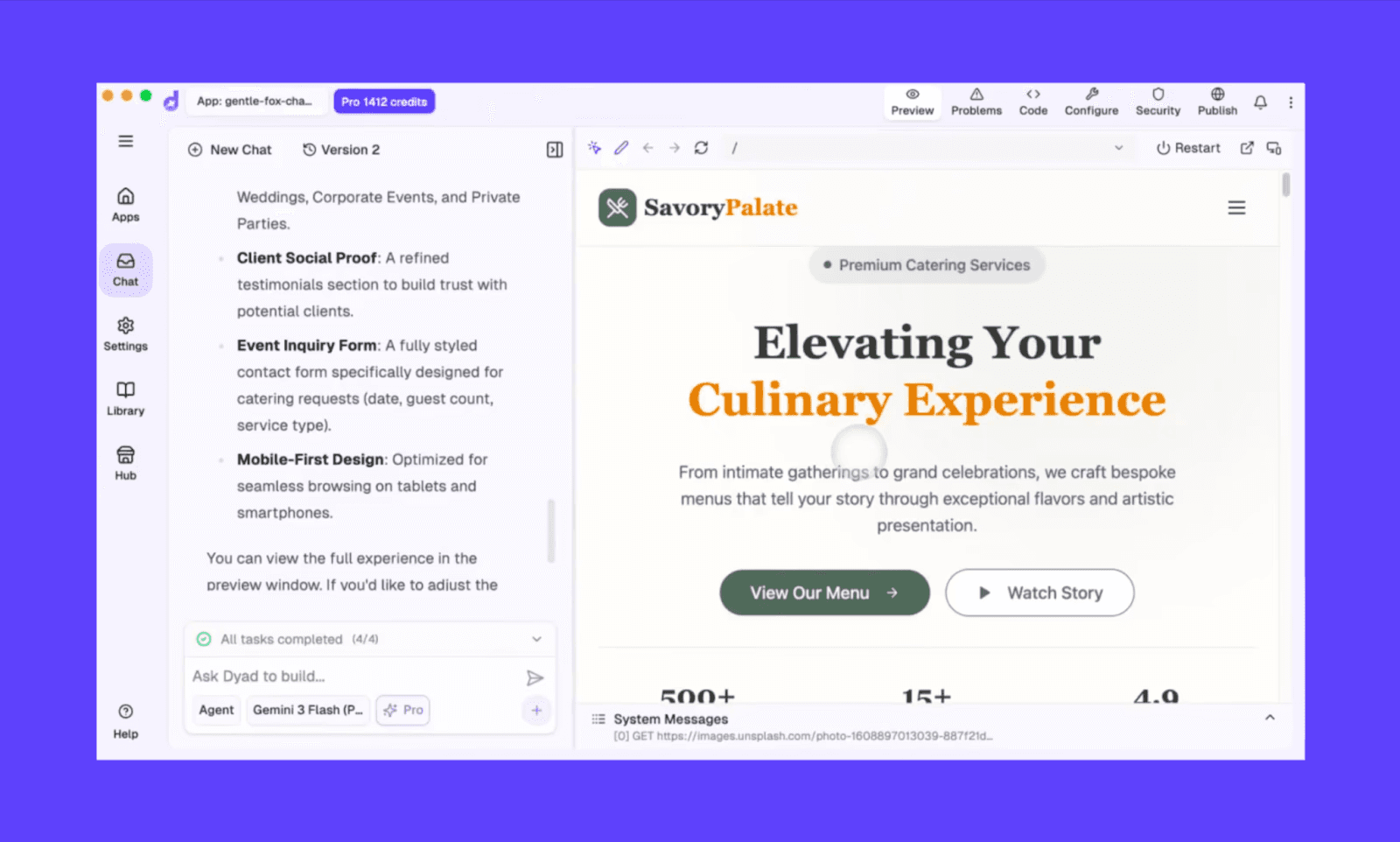
Dyad ist ein lokaler Open-Source AI App Builder, der Prompts in natürlicher Sprache in Full-Stack-Web-Apps verwandelt. Datenbank, Authentifizierung und Deployment sind bereits an Bord. Dyad läuft komplett lokal auf deinem Rechner, arbeitet mit jedem KI-Modell und liefert cleanen Code, der ganz dir gehört.
Key-Features:
Vom Prompt zur Full-Stack-App mit Supabase-Datenbank und Auth
Läuft lokal und offline mit Ollama, ganz ohne Cloud-Abhängigkeit
Verbindet OpenAI, Anthropic, Gemini oder kostenlose OpenRouter-Modelle
1-Klick-Deployment zu GitHub und Vercel
Unterstützung von MCP-Servern zur Erweiterung mit externen Tools
Warum Dyad statt Claude Design: Claude Design liefert codebasierte Prototypen, die du nicht voll besitzen oder hosten kannst. Dyad generiert dieselben Apps lokal – komplett exportierbar, deploybar und dein Eigentum.
Meine Favoriten unter den Top AI App Buildern für 2026 >
ComfyUI: 3D-Grafik und Animation
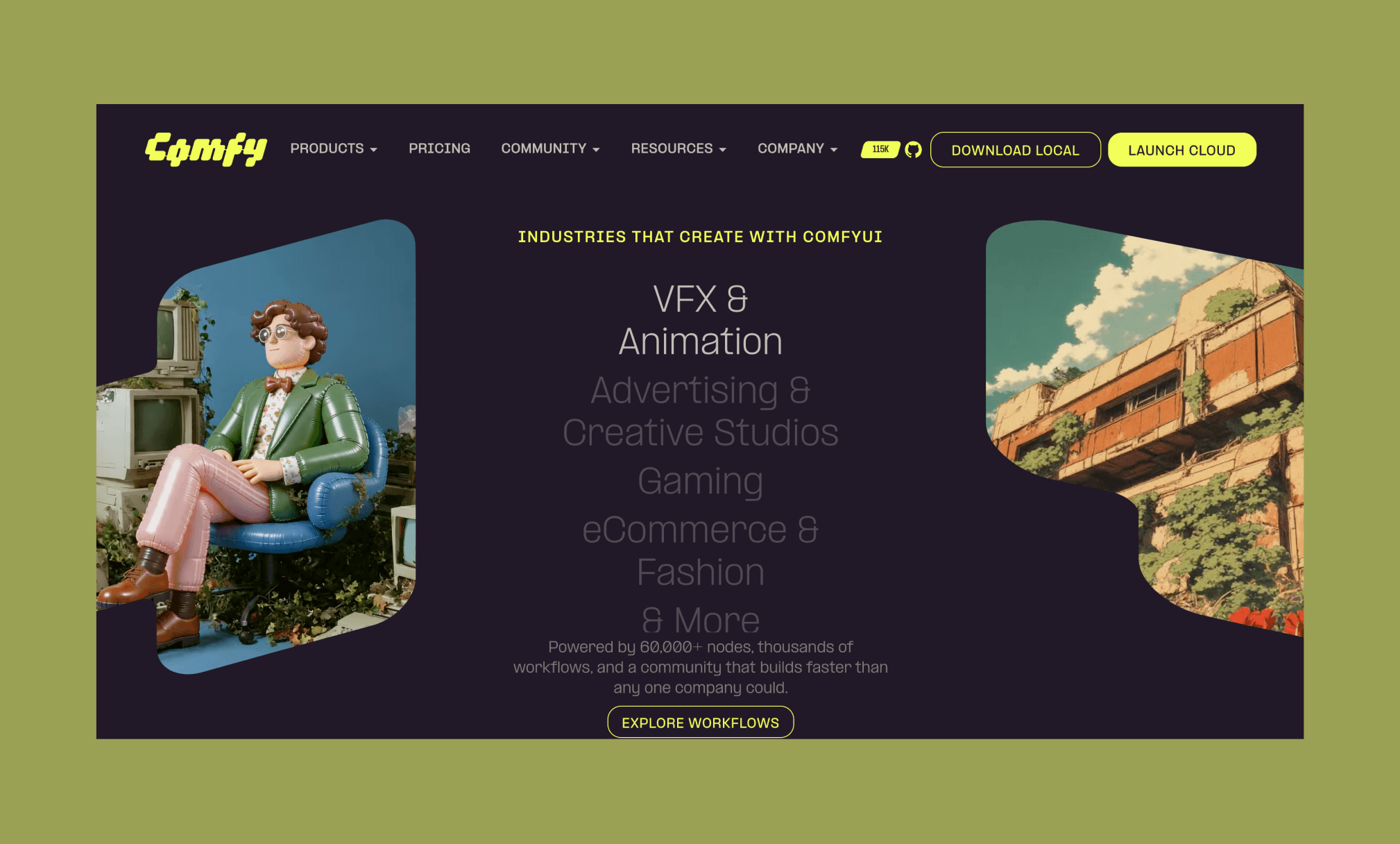
ComfyUI ist eine quelloffene, knotenbasierte AI Creation Engine für visuelle Workflows: Bilder, Video, VFX und Animation. Statt eines einfachen Prompt-Felds baust du Pipelines durch Verbinden von Nodes auf einer Arbeitsfläche – mit voller Kontrolle über jedes Modell, jeden Parameter und jeden Schritt.
Key-Features:
Knotenbasierte Arbeitsfläche zum Designen und Visualisieren kompletter KI-Pipelines
Unterstützt Stable Diffusion, SDXL, Stable Video Diffusion und mehr
Smartes GPU-Speichermanagement, das auch bei limitiertem VRAM läuft
Vollständig offline-fähig nach der Ersteinrichtung
Über 60.000 Community-Knoten und teilbare Workflow-Templates
Warum ComfyUI statt Claude Design: Claude Design versteckt jede visuelle Entscheidung hinter einem Prompt. ComfyUI legt die gesamte Pipeline (jedes Modell, jeden Parameter) offen – ohne Abo und ohne Credit-Limits.
Kostenpflichtige Alternativen zu Claude Design
Nicht alle guten Alternativen zu Claude Design sind kostenlos; einige bieten Premium-Features mit Freemium-Einstieg. Hier sind beliebte Empfehlungen für Tools ähnlich wie Claude Design aus Communities wie Reddit.
Tool | Wie sie mit Claude Design konkurrieren |
UI-Design und Prototyping mit KI-gestützter Komponentenerstellung | |
Vom Prompt zur Full-Stack-App mit Backend und Deployment | |
Code-basiertes App-Building mit Live-Vorschau und Hosting | |
KI-Coding-Tool für funktionale Interfaces und Backend-Logik | |
Prompt-to-Web-App-Builder mit integrierter Datenbank und Auth | |
KI-gestütztes Coding direkt in der IDE für Design-to-Code-Outputs | |
Gamma | KI-Präsentations- und Dokumentenerstellung per Text-Prompt |
Beste Design-to-Code Tools für 2026 >
Banani: Eine starke All-in-One-Alternative
Banani ist primär ein AI UI Design Tool, es direkt als Claude-Design-Alternative zu bezeichnen, wirkt also erst mal weit hergeholt. Aber nur auf den ersten Blick.
Denn schaut man genauer hin, generiert es Prototypen, Wireframes, Decks und Design-Systeme aus einem einzigen Prompt. Du kannst Designs über das Model Context Protocol (MCP) an Coding-Agents exportieren, um echtes AI App Building zu betreiben. Außerdem lassen sich Entwürfe direkt nach Figma im- und exportieren – ein Feature, das selbst Claude Design Mitte 2026 noch fehlt. Es deckt fast alle Usecases von Claude Design ab, und das in einem spezialisierten Design-Tool!
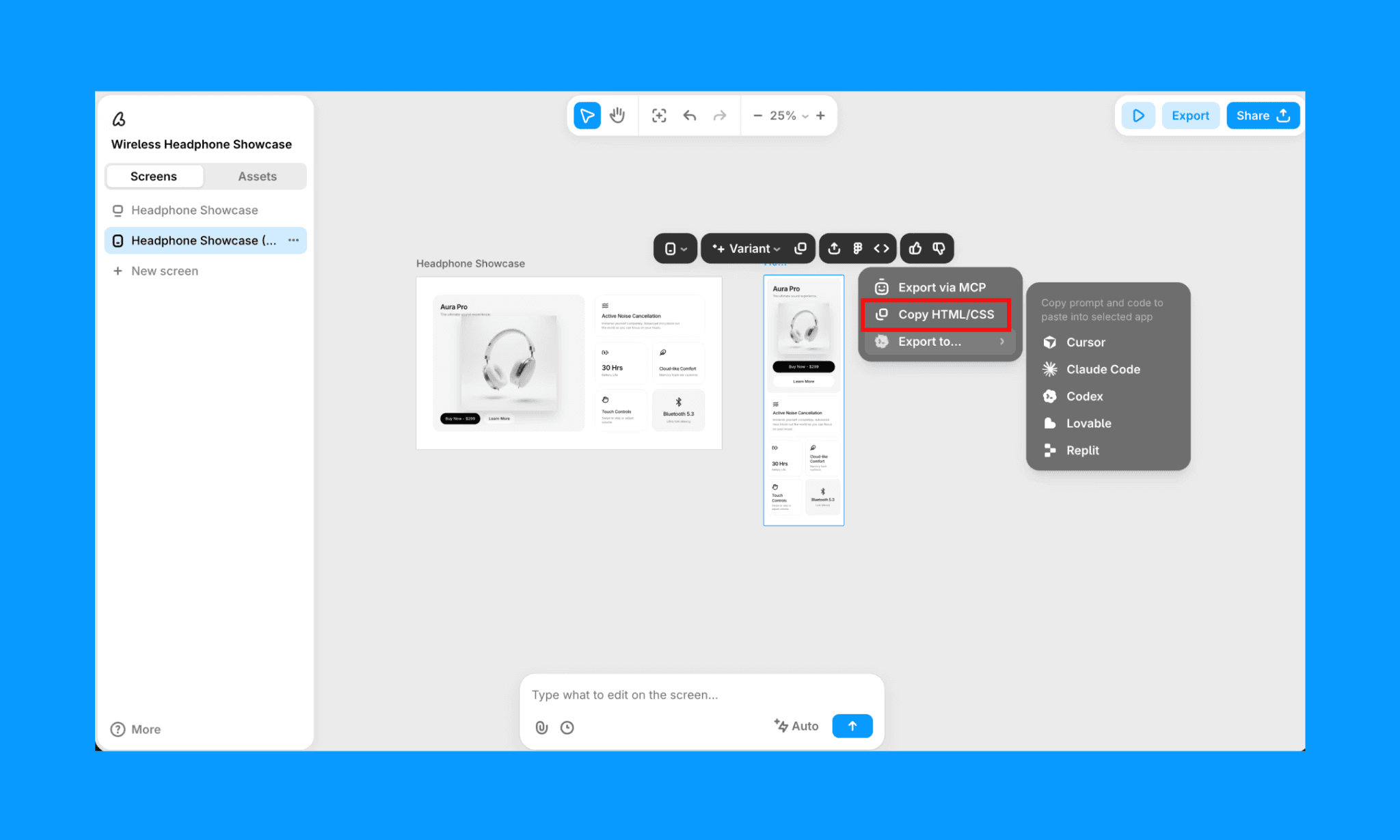
Das Angebot der kostenlosen Version ist mit ca. 170 Erstellungen/Edits pro Monat extrem großzügig. Das kostenpflichtige Abo startet bei nur rund $12/Monat (jährliche Zahlung) für circa 400 Credits. Ab $30 gibt es unbegrenzte Generierungen/Edits pro Monat. Ein echter Deal im Vibe-Design-Bereich, verglichen mit den Preisen von Claude Design.
FAQs zu Claude-Design-Alternativen
Gibt es eine Open-Source-Alternative zu Claude Design?
Ja. Open Design ist die am dichtesten am Original liegende Open-Source-Alternative. Es läuft lokal, unterstützt 17 AI Agents (inklusive Claude und Codex) und bringt über 150 Design-Systeme mit.
Sind Claude Design und Claude Code das Gleiche?
Nein. Beide stammen von Anthropic, sind aber unterschiedliche Produkte für verschiedene Use Cases. Claude Design ist ein Prompt-to-Design-Tool für UI, Decks und visuelle Ergebnisse. Claude Code ist ein terminal-basiertes, autonomes Coding-Tool für Entwickler.
Ist Claude Design besser als Figma Make?
Das kommt ganz auf den Workflow an. Wenn du ohnehin in Figma arbeitest, punktet Make beim nahtlosen Übergang von UI zu Code. Claude Design bietet ansonsten ein breiteres Spektrum: UI, MVPs, 3D-Animation, etc.
Welches ist das günstigste KI-Tool, das wie Claude Design funktioniert?
Banani, da es genau wie Claude Design UI, Design-Systeme, Decks, Prototypen und mehr generieren kann. Und preislich besticht die kostenlose Version mit ca. 170 Credits – sprich rund 170 Erstellungen/Änderungen. Ohne Kreditkarte. Ohne Ablaufdatum.
Referenzen
[1] https://open-design.ai/
[2] https://stitch.withgoogle.com/
[3] https://presenton.ai/
[4] https://www.dyad.sh/
[5] https://comfy.org/


