
tl;dr: Meine liebsten AI-App-Builder
Die Nutzung von KI-Tools unter Entwicklern stieg im letzten Jahr um 76 %[1]. Und der Kampf um die bestbewerteten AI-App-Builder wird 2026 noch härter. Mein Test zeigte, dass selbst unter den führenden Vibe-Coding-Tools die Passung für Nutzer und Use Cases variiert. Wenn ich pro Kategorie der No-Code-App-Builder nur einen wählen müsste, nehme ich:
Lovable: Beste Vibe-Coding-Tools für Nicht-Entwickler/Einsteiger
Bolt.new: Beste KI für Entwickler, um eine App mit Code-Kontrolle zu bauen
Replit: Bester AI-App-Builder zum Skalieren einer App fürs Enterprise
Dyad: Bester Open-Source-No-Code-App-Builder
Was ist ein AI App Builder?
Ein AI App Builder ist eine Plattform, die natürliche Sprach-Prompts in funktionierende Anwendungen verwandelt. Sie werden von LLMs angetrieben und hosten oft mehrere KI-Agenten, die zusammen Frontend-UI generieren und die Backend-Logik einer Web-/Mobile-App in Minuten erstellen.
Der Kernunterschied zwischen klassischen No-Code-App-Buildern und modernen AI-App-Buildern ist, dass sie exportierbaren Code erzeugen und Iterationen per Gespräch handhaben.
Wichtige Features, auf die du 2026 bei einem AI App Builder achten solltest
Die besseren AI App Builder (unter den vielen da draußen) haben sich 2026 so schnell weiterentwickelt, dass Features wie Multimodal-Input, Echtzeit-Vorschau und chatbasiertes Editing als selbstverständlich gelten. Spannend fand ich AI-App-Generator-Features, die deine AI-Prototypen im Grunde in produktionsreife Software verwandeln:
Datenintegration: Externe APIs und Tools wie HubSpot, Slack oder Stripe nahtlos verbinden.
Integriertes Backend: Automatisches Setup relationaler Datenbanken (wie Supabase) und Nutzer-Authentifizierung.
Deployment & Hosting: Mit einem Klick live unter URLs veröffentlichen oder direkt im App Store und/oder Play Store einreichen.
So habe ich die AI App Builder getestet
Mein Vergleich von AI App Buildern sollte sie über den gesamten Produkt-Workflow hinweg analysieren. Dazu gehörten Feature-Tiefe, Codequalität, Framework-Flexibilität und Deployment-Optionen. Ich habe auch oft übersehene Usability-Faktoren wie Figma-Export-Support, Iterations-Erlebnis und UI-Design berücksichtigt. Schließlich lieben Menschen gut gestaltete Produkte, oder?
Neben den Entwicklungsmöglichkeiten habe ich auch einen wichtigen praktischen Aspekt bei der Wahl eines App Builders gewichtet: den Preis, also Verfügbarkeit des Free-Tiers, den Einstiegsplan und Transparenz beim Credit-Verbrauch.
Ziel war, dass meine Empfehlungen für die besten AI App Builder echte Passung widerspiegeln, nicht nur oberflächliche Features.
Vollständiger Vergleich von AI App Buildern
AI App Builder | Am besten für | Codequalität | Designqualität | Preis |
Nicht-Tech-User, schnelle MVPs | Sauberes, exportierbares React; stark vorgegeben | Gute UI, braucht Iteration | - Kostenlos: 5 Credits/Tag (30/Monat) - Bezahlt: $25/Monat für 250 Credits | |
Entwickler mit Bedarf an Kontrolle | Hoch, Multi-Framework, editierbar | Solide UI, nicht design-first | - Kostenlos: 300K Tokens/Tag - Bezahlt: $25/Monat für 10M Tokens | |
Einsteiger, Apps ohne Setup | Strukturiert, aber restriktiv | Saubere UI, wenig Flexibilität | - Kostenlos: 25 Credits/Monat - Bezahlt: $25/Monat für 100 Credits | |
Skalierende Apps, Production Builds | Stark, mehrsprachig, flexibel | Funktionale UI, nicht poliert | - Kostenlos: Begrenzte Agent-Credits - Bezahlt: $20/Monat nutzungsbasiert | |
UI-Generierung, Wireframes | Hochwertige React-Ausgabe | Exzellente UI, Best-in-Class | - Kostenlos: $5 Credits/Monat - Bezahlt: $30/Monat Credits | |
Klonen, schnelle Iterationen | Mittel, Code auf Starter-Niveau | Starke UI-Replikation | - Kostenlos: 500K Tokens/Monat - Bezahlt: $10/Monat für 2M Tokens | |
Komplexe Workflows, Agents | Starkes Backend, flexibel | Durchschnittliche UI, logic-first | - Kostenlos: 10 Credits/Monat - Bezahlt: $20/Monat für 100 Credits | |
Open Source, Privacy-first | Flexibel, hängt vom Setup ab | Variiert je nach Implementierung | - Kostenlos: Eigenen API-Key mitbringen - Bezahlt: $20/Monat für Pro-Modelle |
Lovable: Lieblings-AI-App-Builder für Product Manager
Lovable ist ein Full-Stack-AI-App-Builder für Nicht-Entwickler, um schnell von Prompt zur deployten App zu kommen. Er generiert React-basierte Apps mit integriertem Backend (Supabase), Authentifizierung und GitHub-Sync.
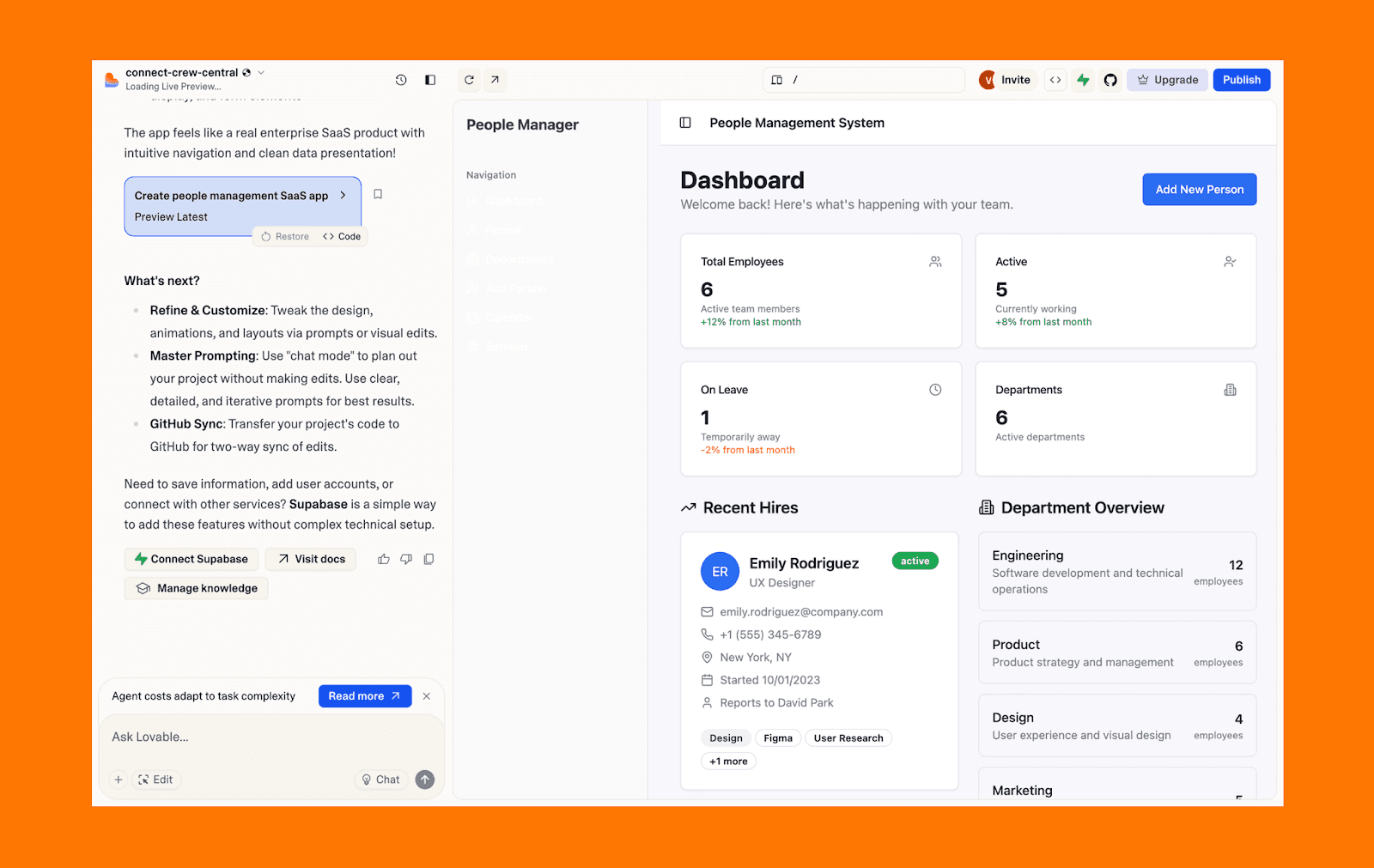
Beste Use Cases des Lovable AI-App-Builders
SaaS-Ideen oder MVPs schnell validieren, ohne Code zu schreiben
Interne Tools bauen oder einfache Apps mit Auth, Datenbank und Basis-Workflows
Nicht-Tech-Founder mit Fokus auf UI/UX statt Infrastruktur-Entscheidungen
Stärken von Lovable
Bietet saubere Code-Ownership, schnelle Full-Stack-Generierung und nahtloses Backend-Setup. Für Nicht-Tech-Founder ist es die bevorzugte Wahl, um schnell developer-ready MVPs zu bauen.
Hauptgrenzen von Lovable
Nur fürs Web, ohne native Mobile-Unterstützung, und Backend-Skalierungskosten können unvorhersehbar sein.
Preis von Lovable
Free-Tier: 5 Credits/Tag, insgesamt 30 Credits/Monat
Bezahlter Plan: Ab $25/Monat für 250 Credits und mit Custom-Domain-Support
Bolt.new: Beste KI für Entwickler, um eine App mit Code-Kontrolle zu bauen
Bolt.new ist eine browserbasierte KI-Entwicklungsumgebung mit hoher Framework-Flexibilität und Unterstützung für React, Vue, Svelte und Astro. Sie gibt Entwicklern Flexibilität über Frameworks hinweg und kombiniert KI-Generierung mit manueller Kontrolle und Bearbeitung.
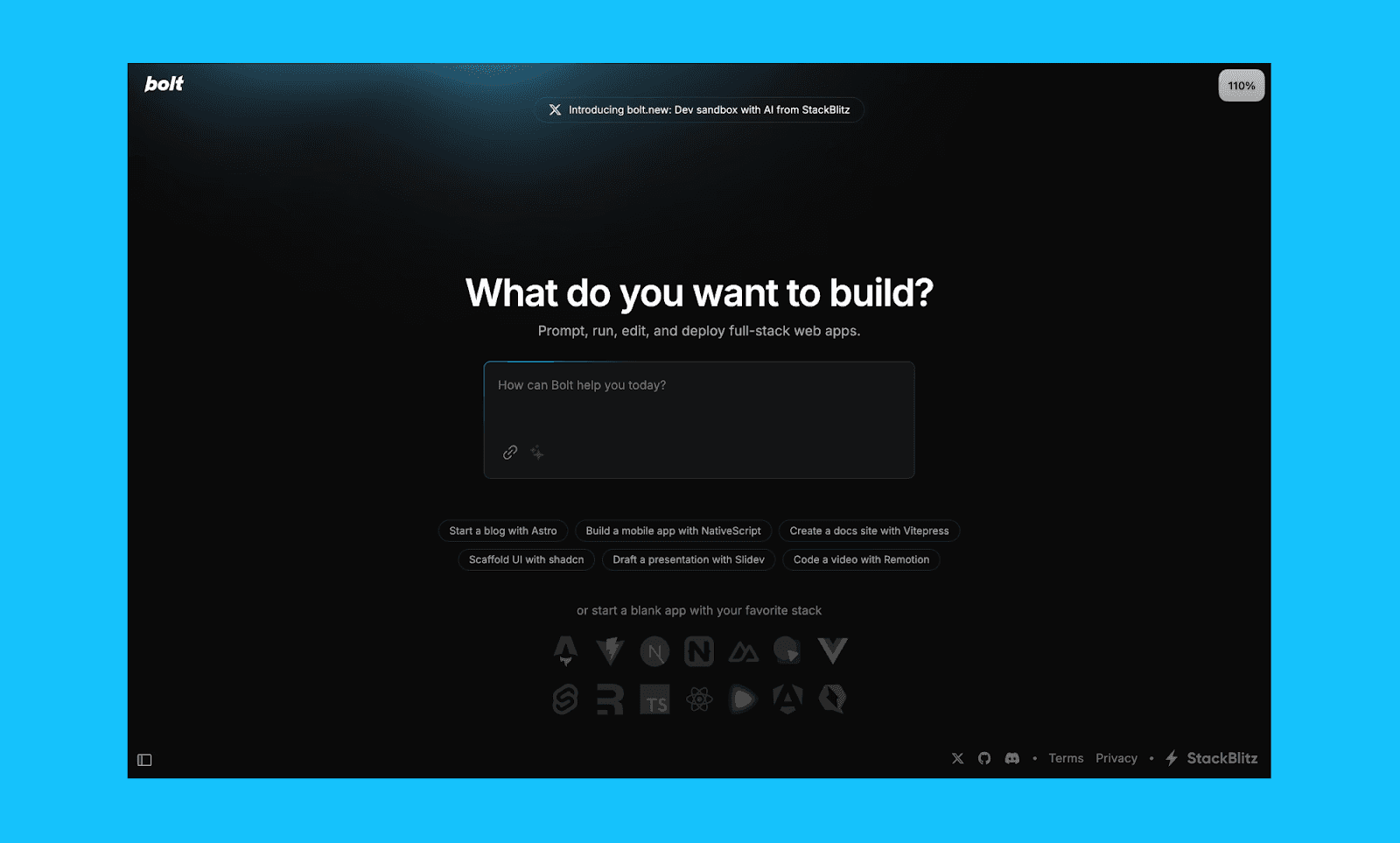
Beste Use Cases des Bolt.new AI-App-Builders
Schnell teilbare Prototypen shippen, die Framework-Flexibilität brauchen
Technische Teams mit vollem Einblick und manueller Code-Bearbeitung
Komplexe, langfristige Builds mit starkem Kontextgedächtnis
Stärken von Bolt
Starke Framework-Flexibilität, direkter Codezugriff und nahtloses Editing machen es ideal für Entwickler, die KI-Hilfe ohne Kontroll- oder Anpassungsverlust wollen.
Hauptgrenzen von Bolt
Richtet das Backend out of the box nicht so reibungslos ein und kann für Nicht-Technische komplex wirken.
Preis von Bolt
Free-Tier: 300K Tokens/Tag, insgesamt 1M Tokens pro Monat
Bezahlter Plan: Ab $25/Monat für 10M Tokens mit erweiterter Datenbankkapazität
Base44: Beste KI für Vibe-Coding einer App
Ein Favorit unter Vibe-Codern: Base44 ist ein Full-Stack-AI-App-Builder, der jeden Aspekt des App-Bauens out of the box abdeckt: von Datenbank und Authentifizierung bis Hosting und Deployment. Er nimmt Setup-Entscheidungen komplett ab und lässt Nutzer mit minimaler Reibung und fast ohne Konfiguration von Prompt zur funktionierenden App kommen.

Beste Use Cases des Base44 AI-App-Builders
Nicht-technische Nutzer, die ihre erste App bauen ohne Setup-Komplexität
Schnelles Prototyping , bei dem Tempo und Einfachheit wichtiger sind als Anpassung
Solo-Founder, die ein funktionierendes Produkt wollen ohne Infrastruktur-Management
Stärken von Base44
Unschlagbar einfach für Einsteiger, mit einem "Discuss Mode" fürs Brainstorming und einem intuitiven "Visual edit"-Drag-and-Drop-Modus für direktes UI-Editing.
Hauptgrenzen von Base44
Kann bei ungewöhnlicher Custom-Logik einschränkend wirken und bietet nur sehr begrenzte Drittanbieter-Plugins oder Advanced Customization.
Preis von Base44
Free-Tier: 25 Message-Credits/Monat für zentrale Backend-Features.
Bezahlter Plan: Ab $25/Monat für 100 Message-Credits mit In-App-Code-Edits.
Replit: Bester AI-App-Builder für Enterprise-Skalierung
Replit ist eine KI-gestützte Entwicklungsumgebung, die Code-Generierung mit einer vollständigen Cloud-IDE kombiniert. Seine agentenbasierten Workflows (der neueste ist Replit Agent 4), Multi-Language-Support und native Deployment-Optionen helfen dir, über AI-Prototypen hinauszugehen.
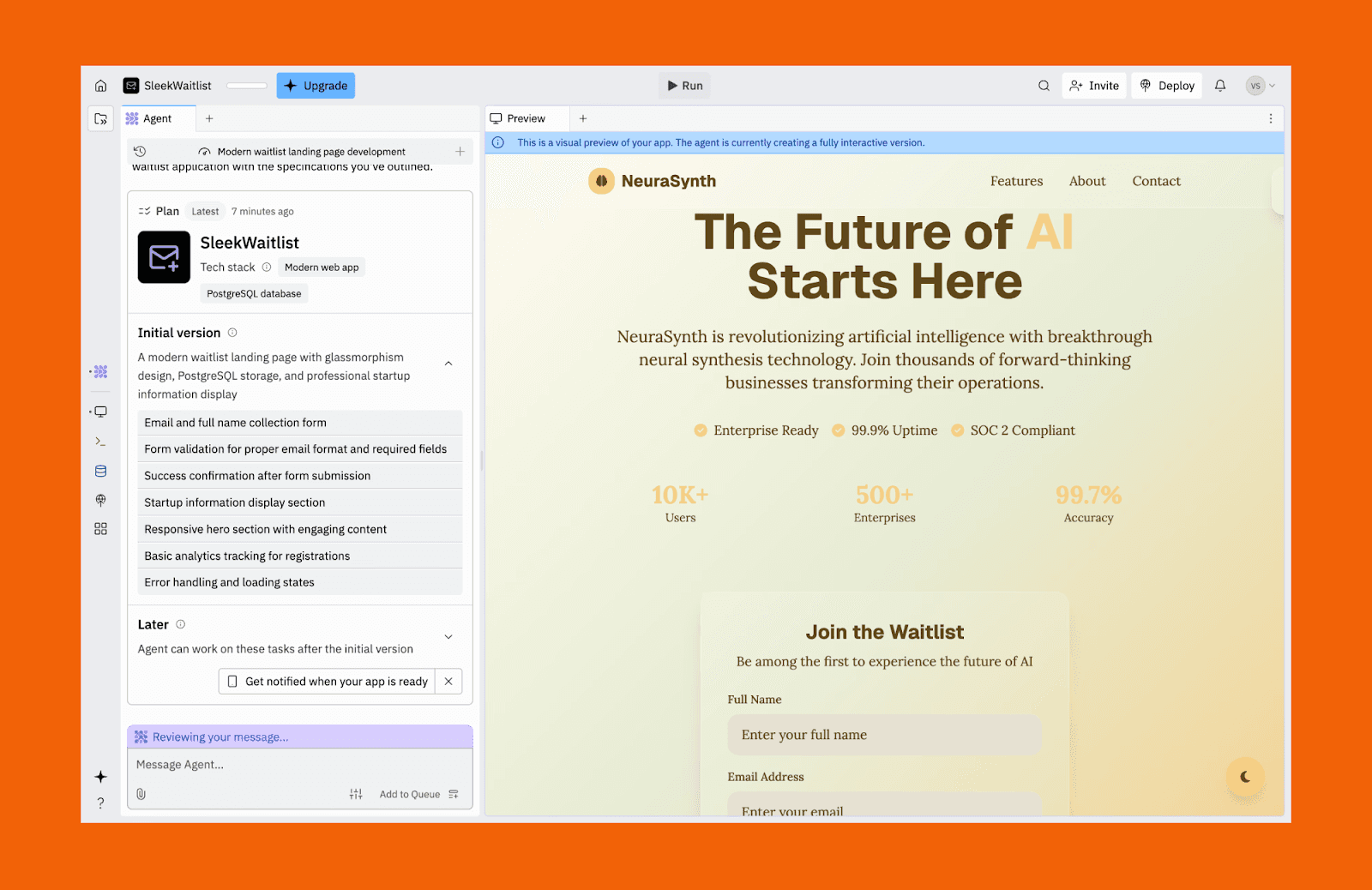
Beste Use Cases des Replit AI-App-Builders
MVPs skalieren zu produktionsreifen Apps mit echten Nutzern
Apps mit nicht-JavaScript-Stacks bauen (z. B. Python-Backends)
Teams mit Integrationen und langlaufenden KI-gestützten Workflows
Stärken von Replit
Der Replit AI Agent kann den "messy middle" der App-Entwicklung abfedern, indem er Fehler selbst korrigiert, Hintergrundtests ausführt und parallele Tasks managt.
Hauptgrenzen von Replit
Langsamer beim Bauen als leichtere Tools, und die Oberfläche kann für Einsteiger überfordernd wirken, besonders bei Integrations-Features.
Preis von Replit
Free-Tier: Tägliche kostenlose Agent-Credits, aber es kann nur 1 App veröffentlicht werden.
Bezahlter Plan: Ab $20/Monat für $20 Agent-Credits und unbegrenzte Workspaces.
v0 (Vercel): Bester AI-App-Builder für UI und Wireframes
v0 ist ein generatives KI-Tool von Vercel, das sich auf polierte, produktionsreife React-UI-Komponenten und komplette Seitenlayouts fokussiert. Es wirkt wie eine Design-to-Code-KI, indem es Prompts in sauberen Code übersetzt, der ins Next.js-Ökosystem integriert ist.
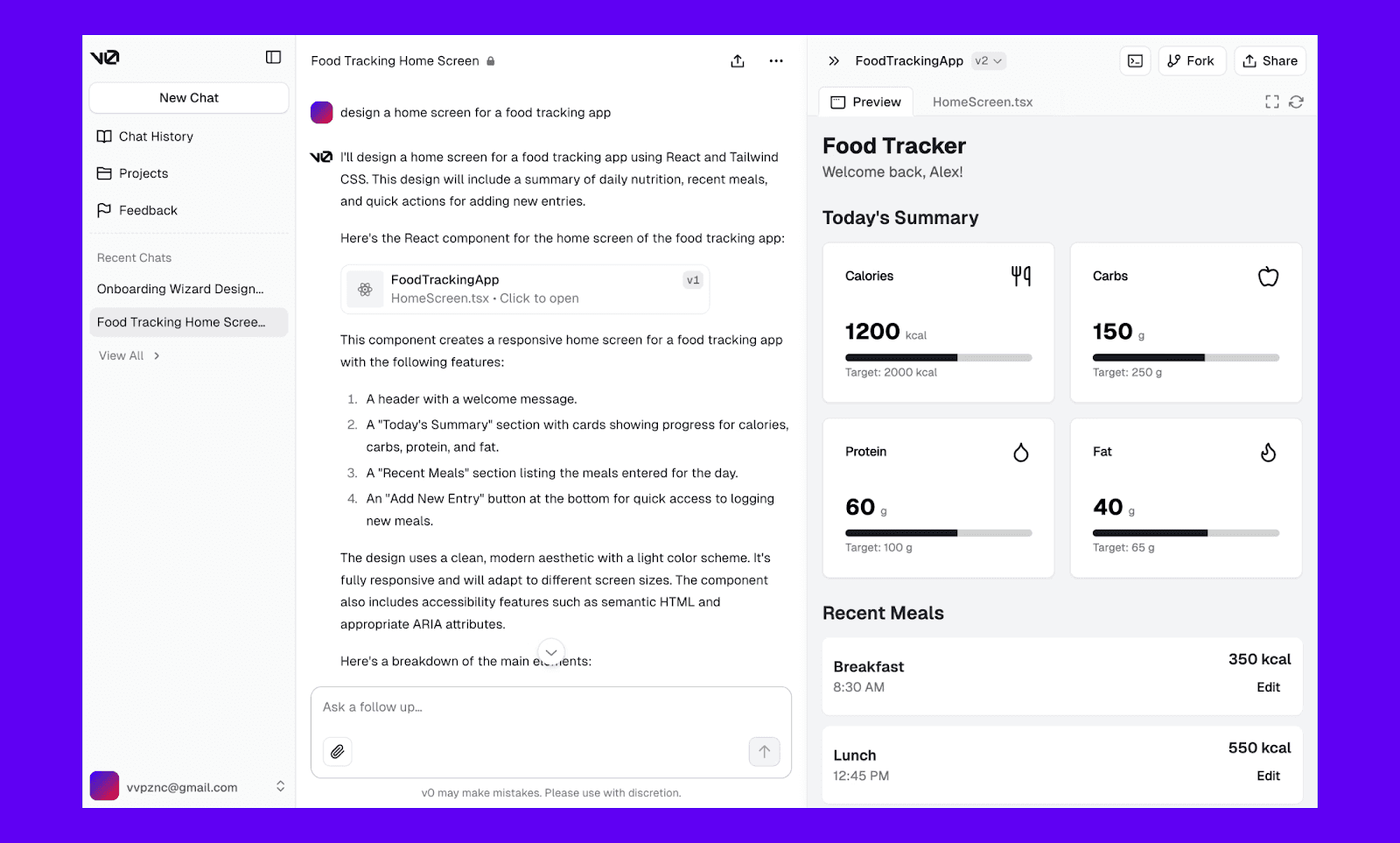
Beste Use Cases des v0 AI-App-Builders
Frontend-lastiges Prototyping mit React, Tailwind CSS und shadcn/ui
Wireframes in interaktive Prototypen verwandeln, um Ideen zu validieren
Bestehende Projekte iterieren durch Import von GitHub-Repositories
Stärken von v0
Verfügt über eine integrierte "fix-it"-Schleife für frühe Fehlererkennung, automatisierte Sicherheitsprüfungen und das Vercel AI Gateway.
Hauptgrenzen von v0
Baut keine kompletten, funktionalen Anwendungen mit Backend autonom.
Preis von v0
Free-Tier: $5 Credits pro Monat für bis zu 200 Projekte
Bezahlter Plan: Ab $30/Monat für $30 Credits und unbegrenzten Projekten.
Same.new: Bester AI-App-Builder zum Klonen bestehender Apps
Same.new (früher bekannt als Same.dev) ist ein prompt-first AI App Builder, um Webanwendungen zu bauen, zu iterieren und zu launchen. Er ist auf schnelle Entwicklung optimiert, damit du in Minuten von einem Konzept oder einer visuellen Vorlage zu einer live gehosteten URL kommst.
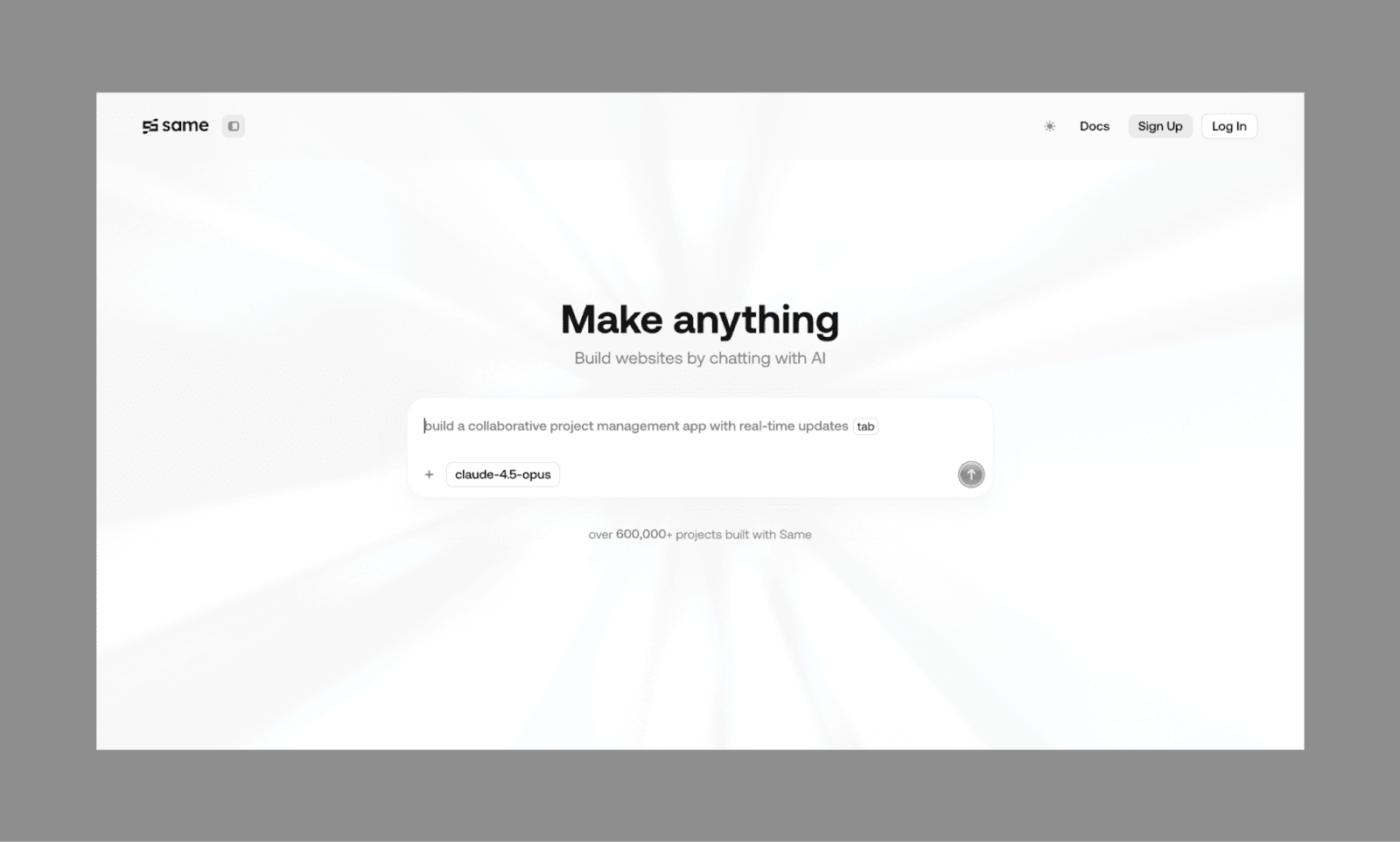
Beste Use Cases des Same AI-App-Builders
Web-Utilities in Sekunden wie Rechner, Tracker und Konverter.
Bestehende Apps klonen und UI von URL oder Screenshots bearbeiten
Preis von Same
Free-Tier: 500k Tokens pro Monat mit Community-Support.
Bezahlter Plan: Ab $10/Monat für 2M Tokens und Premium-Modelle.
Emergent AI: Bester App-Builder mit mehreren KI-Agenten
Als der indische Vibe-Coding-Tool-Hit angepriesen, wird Emergent AI von fortschrittlichen LLMs wie Claude 4.5 und GPT 5.4 angetrieben. Es nutzt eine Multi-Agent-Orchestrierung, um komplexe Softwarearchitekturen mit minimaler menschlicher Aufsicht zu bauen, zu testen und zu verfeinern.
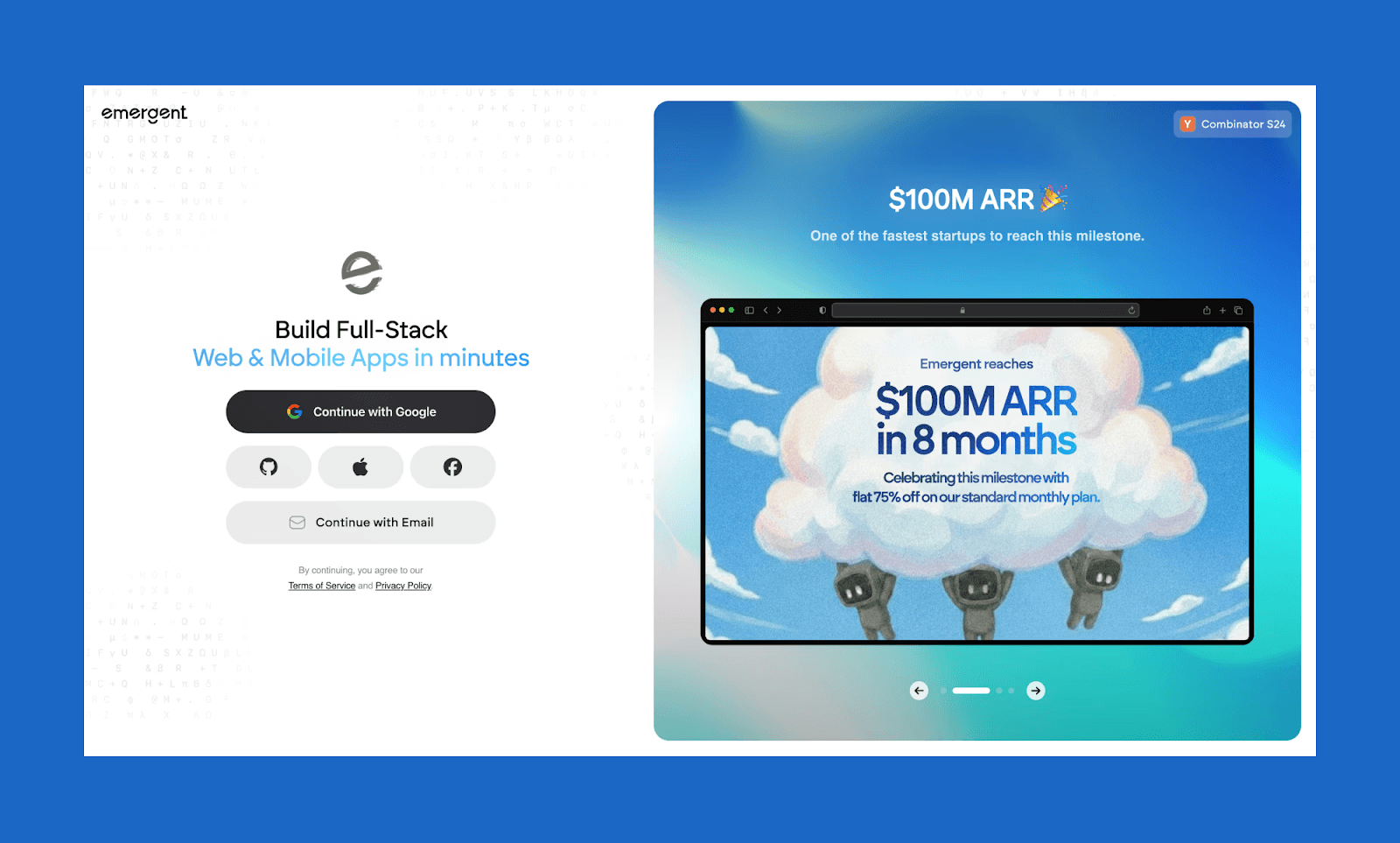
Beste Use Cases des Emergent AI App-Builders
Startup-Founder, die funktionale MVPs schnell validieren müssen
Technical PMs, die komplexe Workflows prototypen müssen
Preis von Emergent
Free-Tier: 10 kostenlose Monats-Credits und Kernfunktionen der Plattform.
Bezahlter Plan: Ab $20/Monat für 100 Credits und GitHub-Integration.
Dyad: Bester Open-Source-AI-App-Builder
Ein flexibler, lokaler und Open-Source-AI-App-Builder: Dyad ist für Nutzer gedacht, die Privatsphäre priorisieren und keinen Vendor-Lock-in wollen. Er läuft direkt auf deinem Rechner (macOS oder Windows), sodass du deine bevorzugten KI-Modelle nutzen kannst und dabei 100 % Eigentum und Kontrolle über deinen Code behältst.
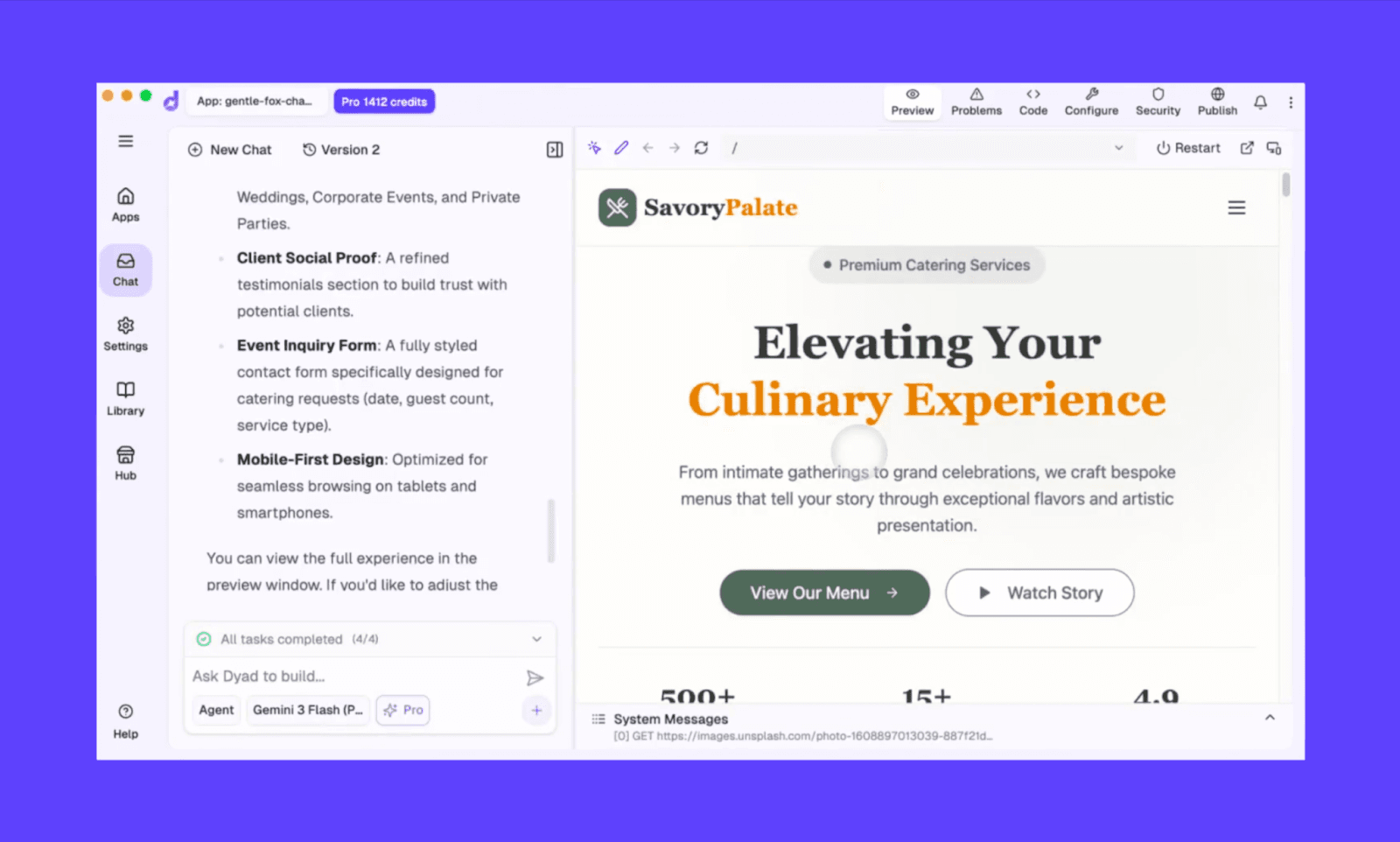
Beste Use Cases des Dyad AI-App-Builders
Privacy-first-Builder, die ihre Entwicklungsumgebung lokal ausführen müssen
Tech-Enthusiasten, die mit einer Open-Source-KI an einer Web-/Mobile-App basteln wollen
Preis von Dyad
Free-Tier: Läuft lokal, aber du bringst deinen eigenen LLM-API-Key mit.
Bezahlter Plan: Ab $20/Monat für 200 AI Credits/Monat und exklusive Pro-Modi.
Nischen-KI-Tools für App-Building
Menlo Ventures berichtet, dass in Unternehmen 76 % der KI-Use-Cases gekauft werden[2]. Aber nicht einmal die beliebtesten AI App Builder sind zwangsläufig fortgeschritten genug dafür. Das ist nur eine der vielen Nischenanforderungen für Low-Code- oder No-Code-App-Maker. Auf meiner Suche nach dem besten KI-Tool zum Bauen einer App fand ich einige versteckte Perlen, die solche Bereiche still dominieren.
AI-App-Building-Tool | Am besten für |
FlutterFlow | Bester AI-App-Builder für Android- und iOS-Apps (echte native Ausgabe mit visueller Kontrolle) |
Cursor | Am besten für Entwickler, die eine KI-gestützte IDE für schnelles Prototyping bei vollem Code-Control wollen |
Softr | Beste KI für Enterprise-Internal-Tools mit tiefer Microsoft-Ecosystem-Integration |
Microsoft Power Apps | Am besten, um Datenbanken (wie CSV und Airtable) schnell in einfache interne oder kundennahe Apps zu verwandeln |
Der richtige AI App Builder für dich
Bei so vielen Optionen für AI-App-Building-Tools wird die Wahl des richtigen schnell knifflig. Einerseits kannst du sie nicht alle testen, andererseits willst du dich nicht beim falschen festlegen. Ich habe ein Selbstbewertungs-Framework entwickelt, um den AI App Builder zu finden, der am besten zu dir passt:
Was baust du?
Schnelles MVP → Lovable oder Base44
UI-lastiger Prototyp → v0 (Vercel)
Interne Tools → Softr oder Microsoft Power Apps
Willst du Kontrolle oder Tempo?
Wie hoch ist dein technisches Komfortlevel beim Vibe-Coding?
Nicht-technisch → Base44
Entwickler → Emergent AI
Liegt dein Fokus auf Design oder Logik?
Design-first → Lovable oder Bolt
Logic-first → Replit oder Microsoft Power Apps
Eine App bauen, die heraussticht
AI App Builder beschleunigen nicht nur Produktivität, sondern auch App-Monetarisierung. Das zeigt sich im erwarteten Wachstum des globalen Mobile-App-Markts, also einer CAGR von 14,3 % von 2024 bis 2030[3]. Wenn du also eine App-Idee hast, leg los. Es war nie einfacher. Schwerer ist allerdings, sich von konkurrierenden Apps abzuheben. Denn die meisten AI App Builder erzeugen eine ähnlich aussehende UI.
Dieses Problem, eine App mit KI zu bauen, hat eine Lösung: eine App mit KI zu designen. Ich empfehle, mit Vibe-Design deiner Mobile App mit Banani zu starten. Der AI-UI-Designer ist hervorragend, um Mobile-App-Designs in einem Durchgang zu erstellen, mit schnellen chatbasierten Iterationen und einem reibungslosen Code-Export via MCP.
Ich würde mich freuen, wenn deine App durch die Decke geht!
FAQs zu AI App Builders
Muss ich wirklich nicht coden können, um eine App mit KI zu bauen?
Zum Starten nicht. Tools wie Lovable oder Base44 können aus Prompts funktionierende Apps erzeugen. Aber wenn das Produkt wächst, musst du vielleicht einen professionellen Entwickler einbinden.
Gibt es einen kostenlosen AI App Builder ohne Coden?
Ja. Die meisten AI App Builder (z. B. Vercel v0 und Bolt.new) bieten Free-Tiers. Wenn du aber einen wirklich kostenlosen AI App Builder ohne Coden willst, könnte dich das Open-Source-Tool Dyad interessieren. Allerdings musst du deinen eigenen API-Key mitbringen.
Was sind die Top AI App Builder wie Lovable?
Top-Lovable-Alternativen für AI-App-Building sind Replit, a0.dev, same.dev und mehr.
Was ist ein top-bewerteter AI App Builder für Prototypen?
Für KI zur Generierung von App-Prototypen gehören zu den Top-Optionen Figma Make, MagicPatterns, Banani und Miro AI.
Welcher AI App Builder ist am besten für Wireframes?
V0 von Vercel wäre meine erste Wahl für schnelle Wireframes. Wenn du aber dedizierte AI-Wireframe-Generatoren willst, würde ich Google Stitch und Balsamiq empfehlen.
Kann ChatGPT eine App für mich bauen?
Nicht komplett, aber es kann den App-Code generieren. Allerdings kann es wie ein richtiger AI App Builder die UI nicht designen, die App nicht hosten und nicht deployen.
Eine Möglichkeit, ChatGPT zum Bauen einer App zu nutzen, wäre, die UI in Banani zu designen, dann den Frontend-Code über dessen MCP zu importieren und darauf weiterzuentwickeln.
Welche IDE- oder No-Code-Tools passen am besten mit KI für schnelles Prototyping zusammen?
Für schnelles Prototyping (den Sprung von Design zu Code schnell zu machen) wäre meine IDE-Empfehlung Cursor oder Replit, da sie ziemlich starke KI-Coding-Assistenten sind.
Referenzen
[1] https://survey.stackoverflow.co/2025/
[2] https://menlovc.com/perspective/2025-the-state-of-generative-ai-in-the-enterprise/
[3] https://www.grandviewresearch.com/industry-analysis/mobile-application-market


