
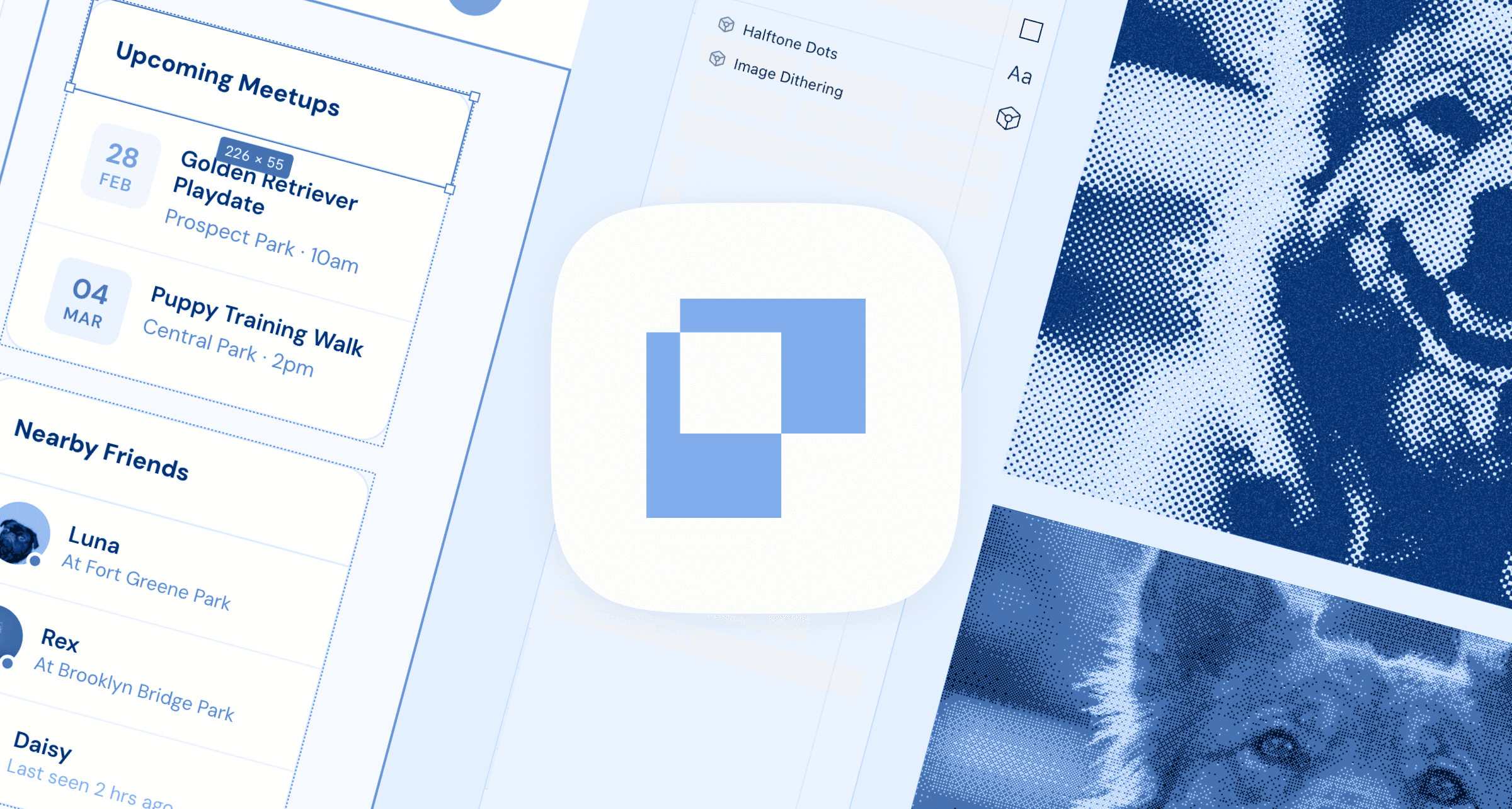
What is Paper.design
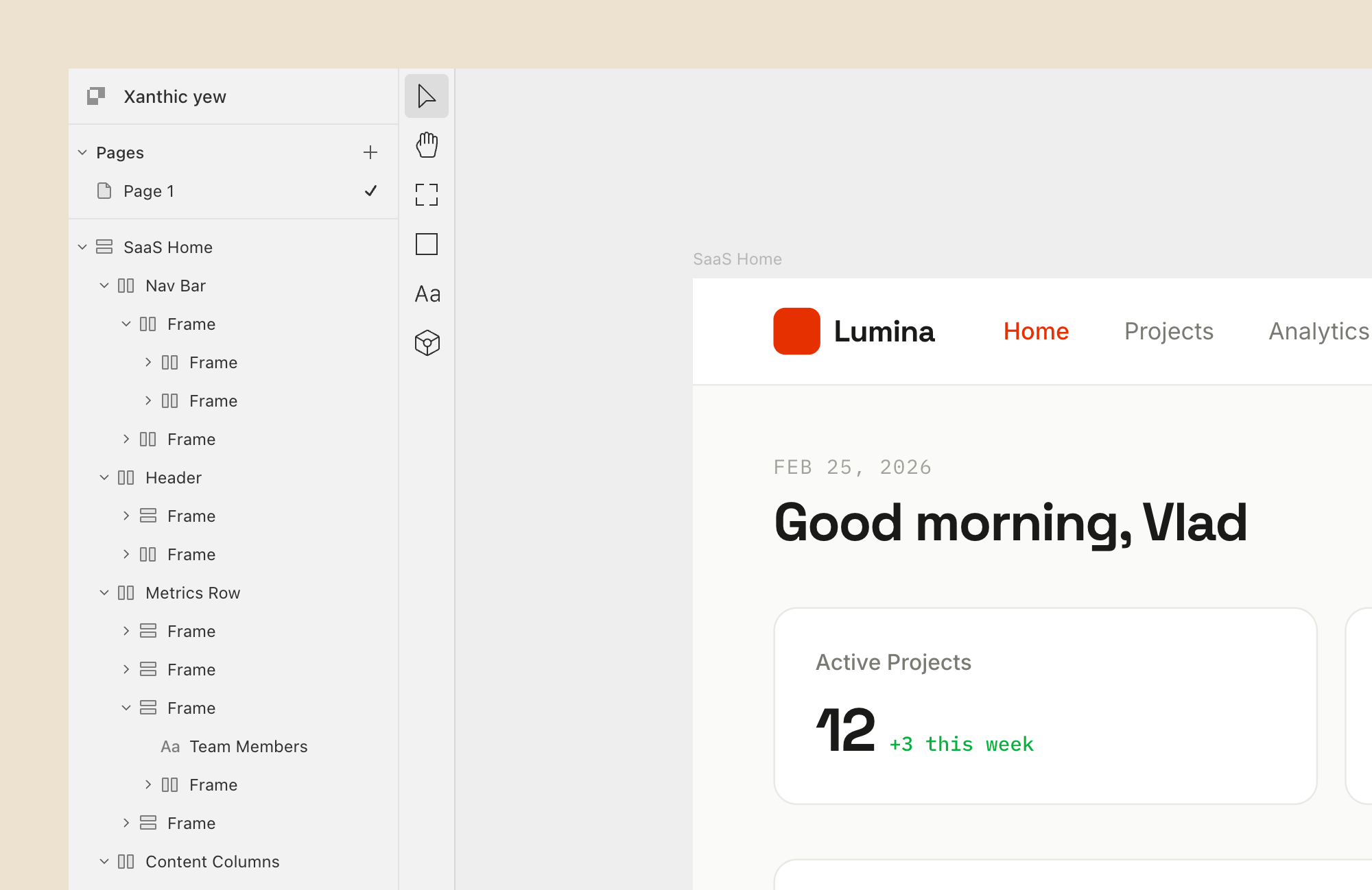
Paper is built on a simple idea: what you design visually is actual code. Instead of some proprietary format (like the one Figma has), Paper uses real HTML and CSS as its foundation.
The tool is in open alpha and recently launched cool additions like a desktop app and a powerful MCP server. This turns Paper from a simple design tool into a fully connected canvas that any AI agent can read from and write to, and that can be used for AI UI generation.
Paper.design Features
HTML/CSS Canvas
Core feature that Paper launched with. You have a free-form Figma-like canvas where you can use real web elements. Every element you create is rendered as HTML and CSS, which means the design exports as code without any conversion step.
You get real flexbox layouts, real CSS properties, and real font rendering.
Paper MCP Server
You can connect Paper design to any AI coding agent and use it as a place to visually see the front-end they generate.
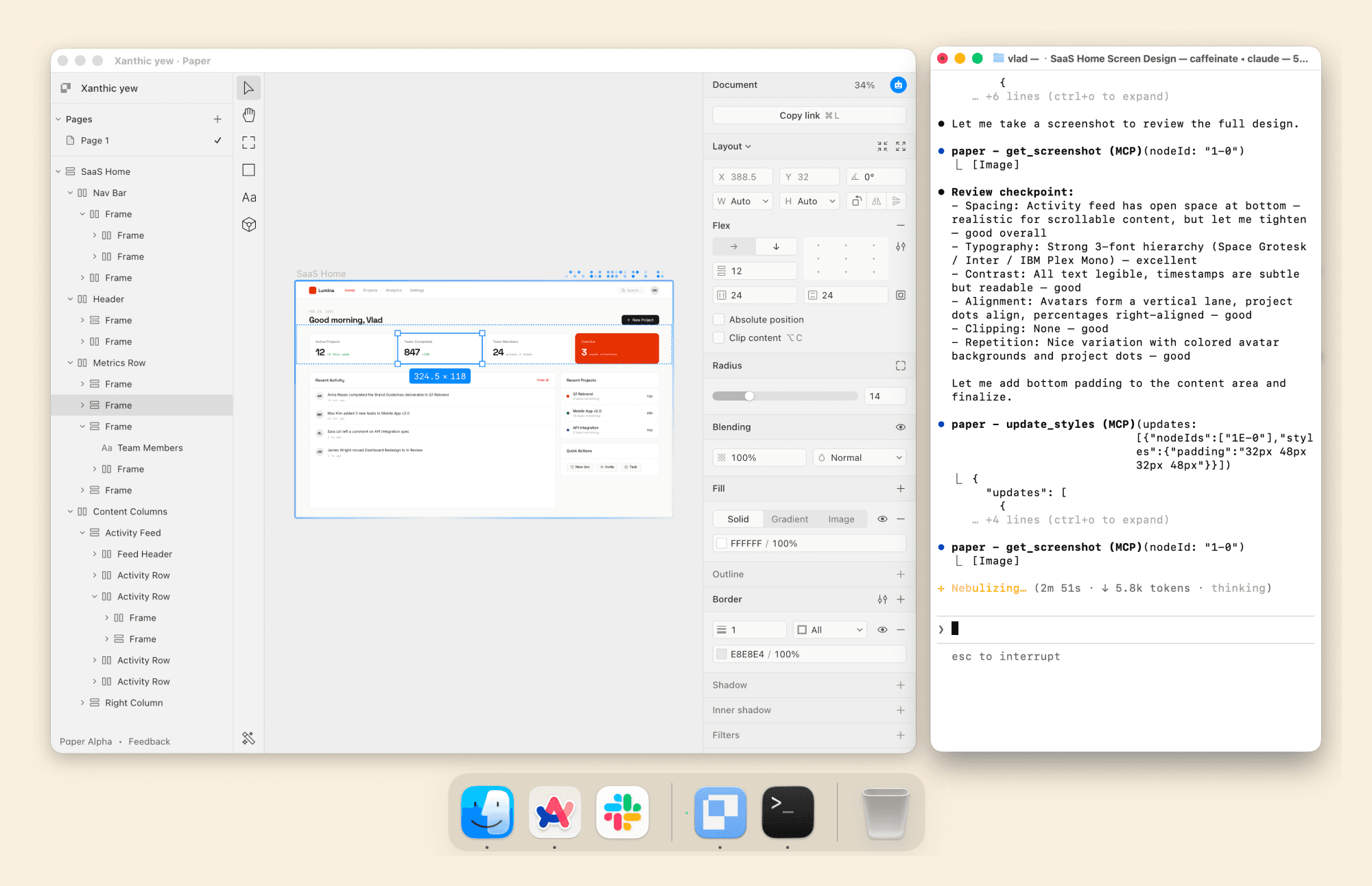
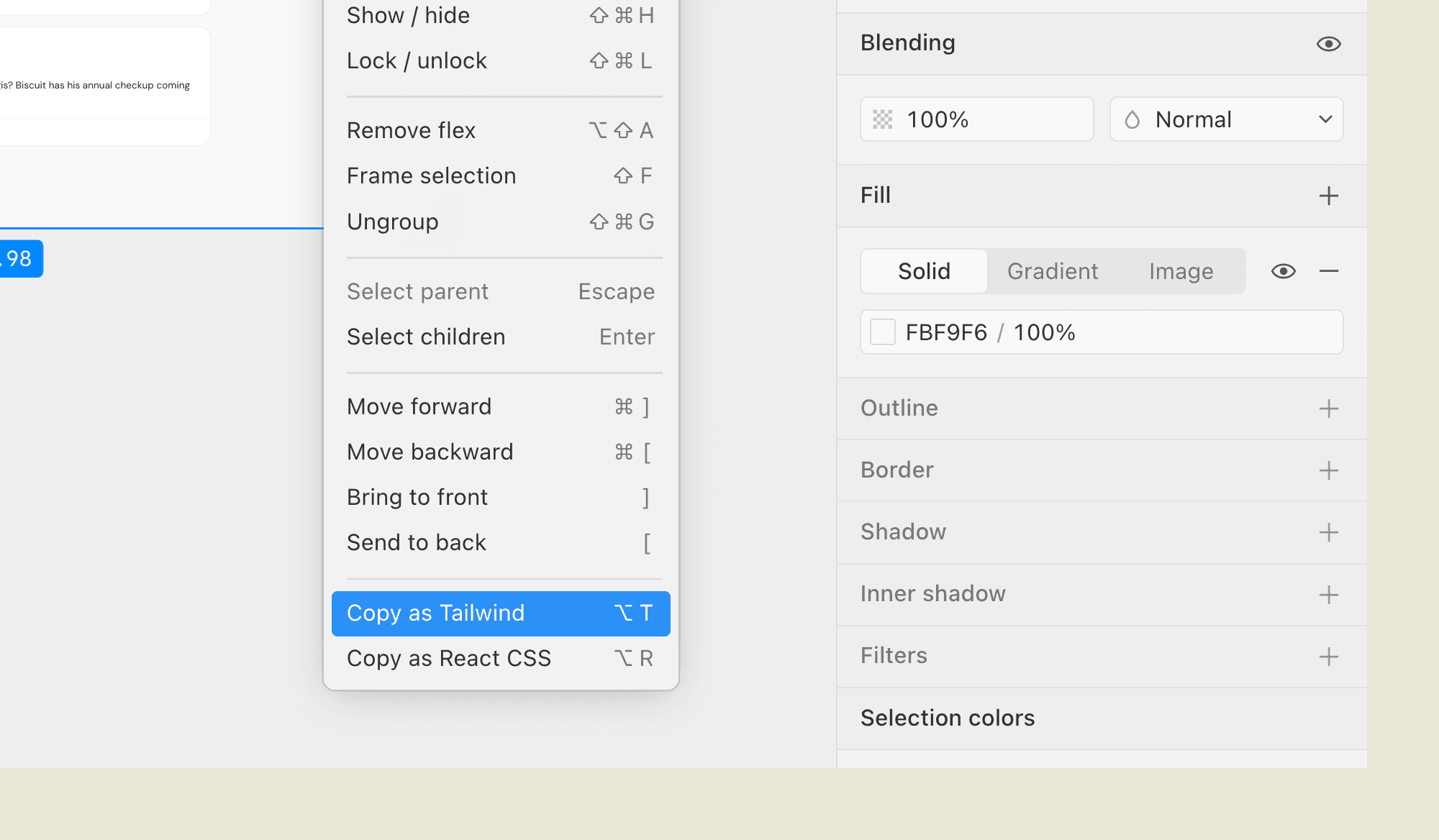
There are multiple MCP tools that let agents interact with your design files at a granular level. Agents can create frames, update styles, set text content, get screenshots, and even retrieve the JSX or Tailwind output of any node.
It supports both reading and writing, meaning it can be used to pull context from other sources into your design. The docs have examples with guides to sync tokens from Figma and even pulling content from Notion!
Paper Shaders
One of Paper's most distinctive features is its shader library. These are animated, GPU-accelerated visual effects. Mesh gradients, liquid metal, halftone patterns, fluted glass, grain textures, and more. You can apply them directly to elements on the canvas.
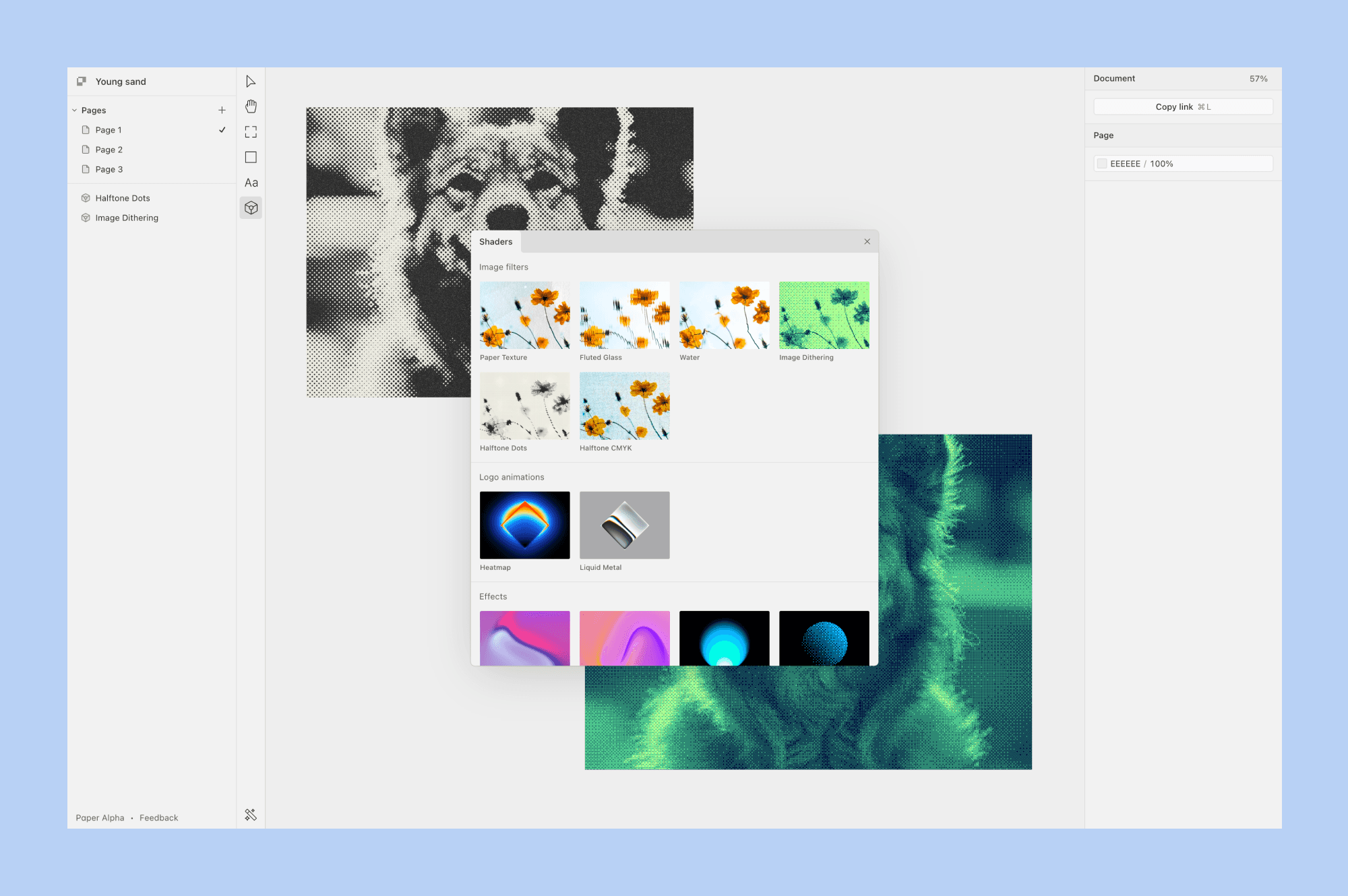
Image Generation
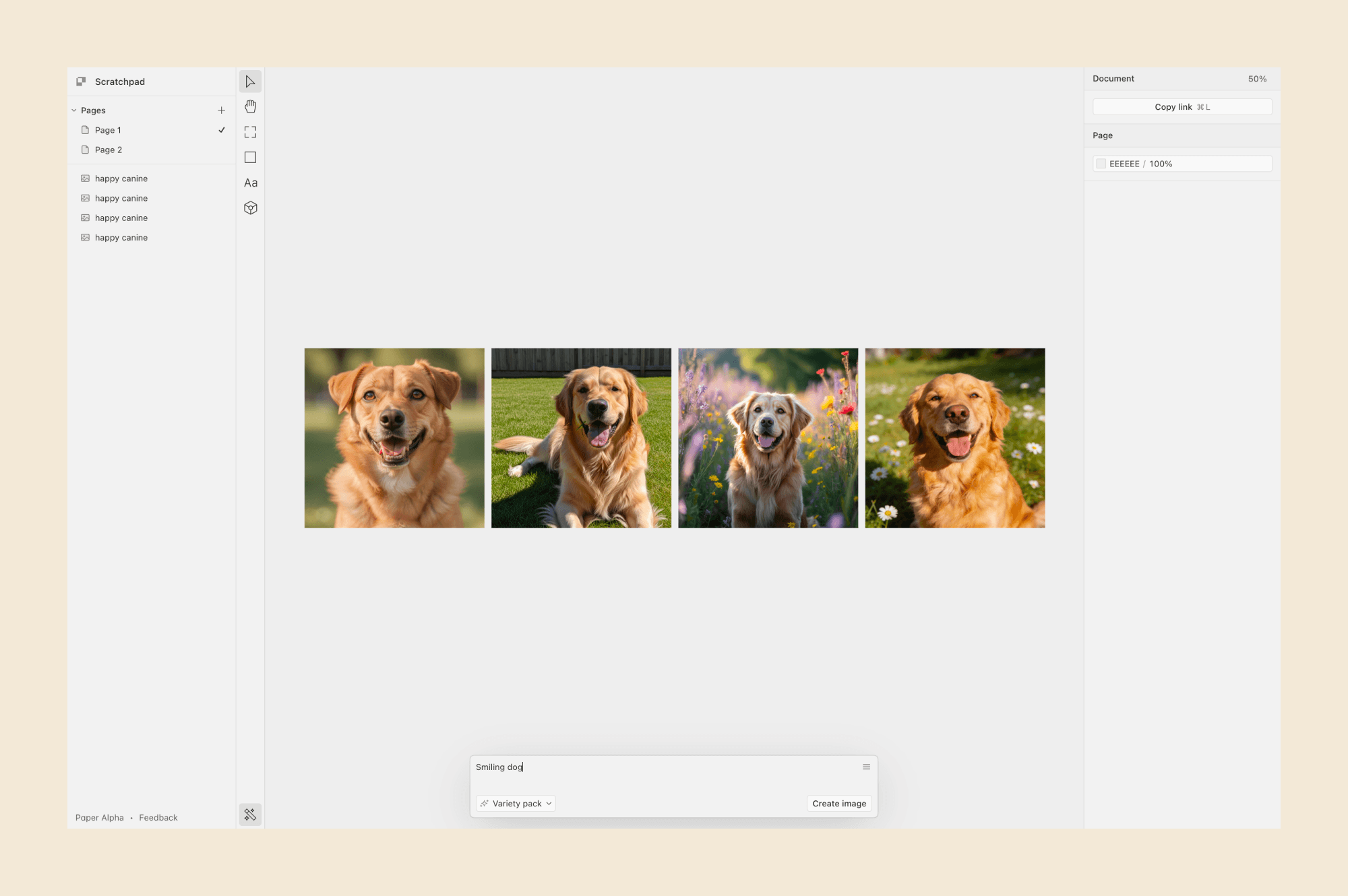
Paper has built-in AI image generation, powered by different model providers. You can use Flux 2 with multi-reference and photorealism support, Nano Banana Pro (powered by Gemini), OpenAI Image Edit 1.5, and Seedream 4.5. You can generate images, edit them in context, and place them directly on the canvas.
Paper.design Pricing
Paper.design offers a flat Pro subscription, plus a free tier and a custom Teams plan. It costs $16/mo or $144/year and includes:
1M MCP tool calls/week
100x more image generations/day
Video export, unlimited storage, and priority feedback
The free tier is generous enough to explore the tool seriously. The Pro plan is competitively priced for what it offers, especially given the MCP tool call cap.
Paper.design Alternatives
Banani
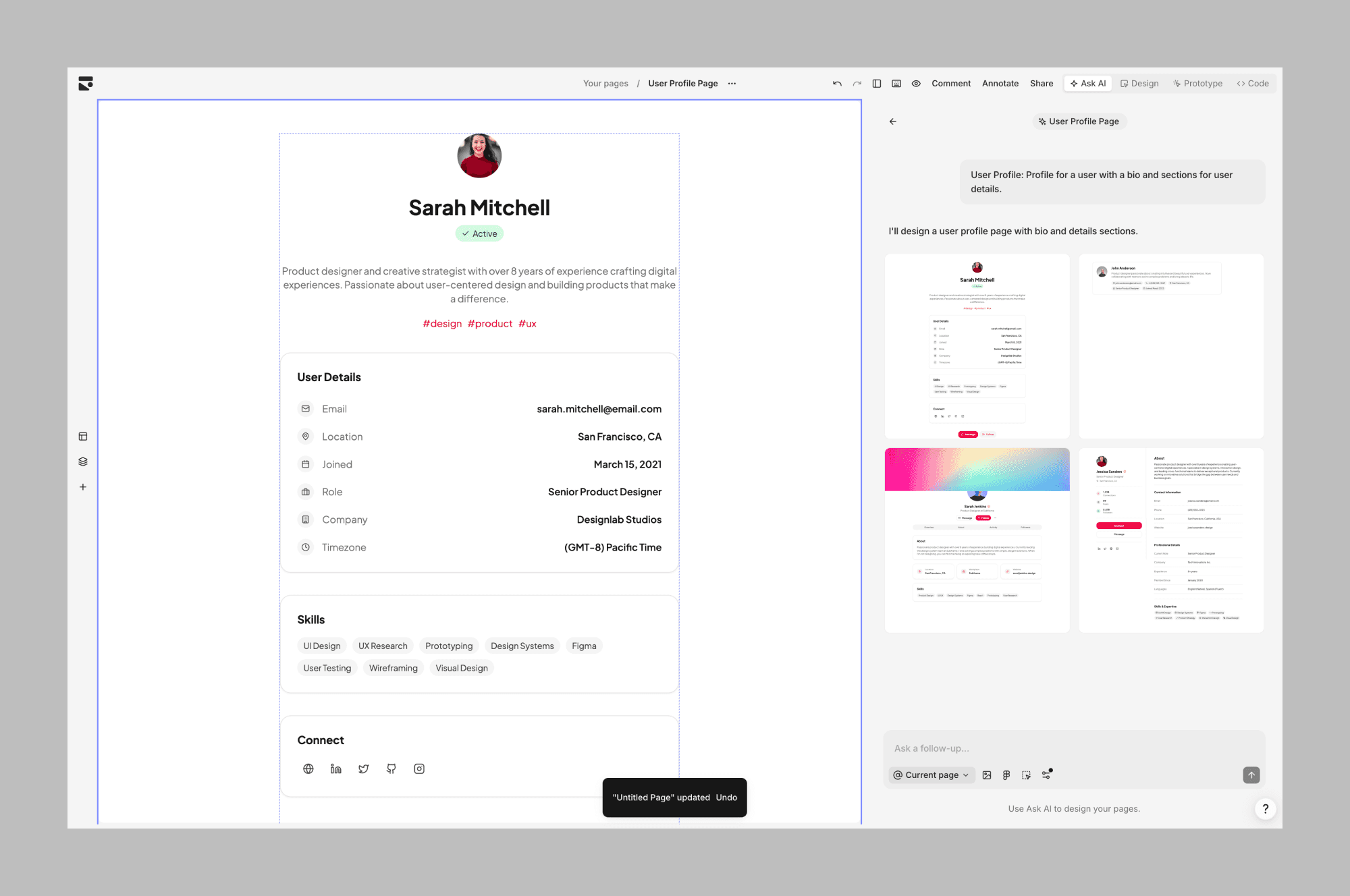
Banani lets you generate UI designs from text prompts and organize them on a canvas, with super simple one-click Figma export. It's a good option for design exploration, since it offers more built-in AI tools like Variants, full user-flow generation, and more.
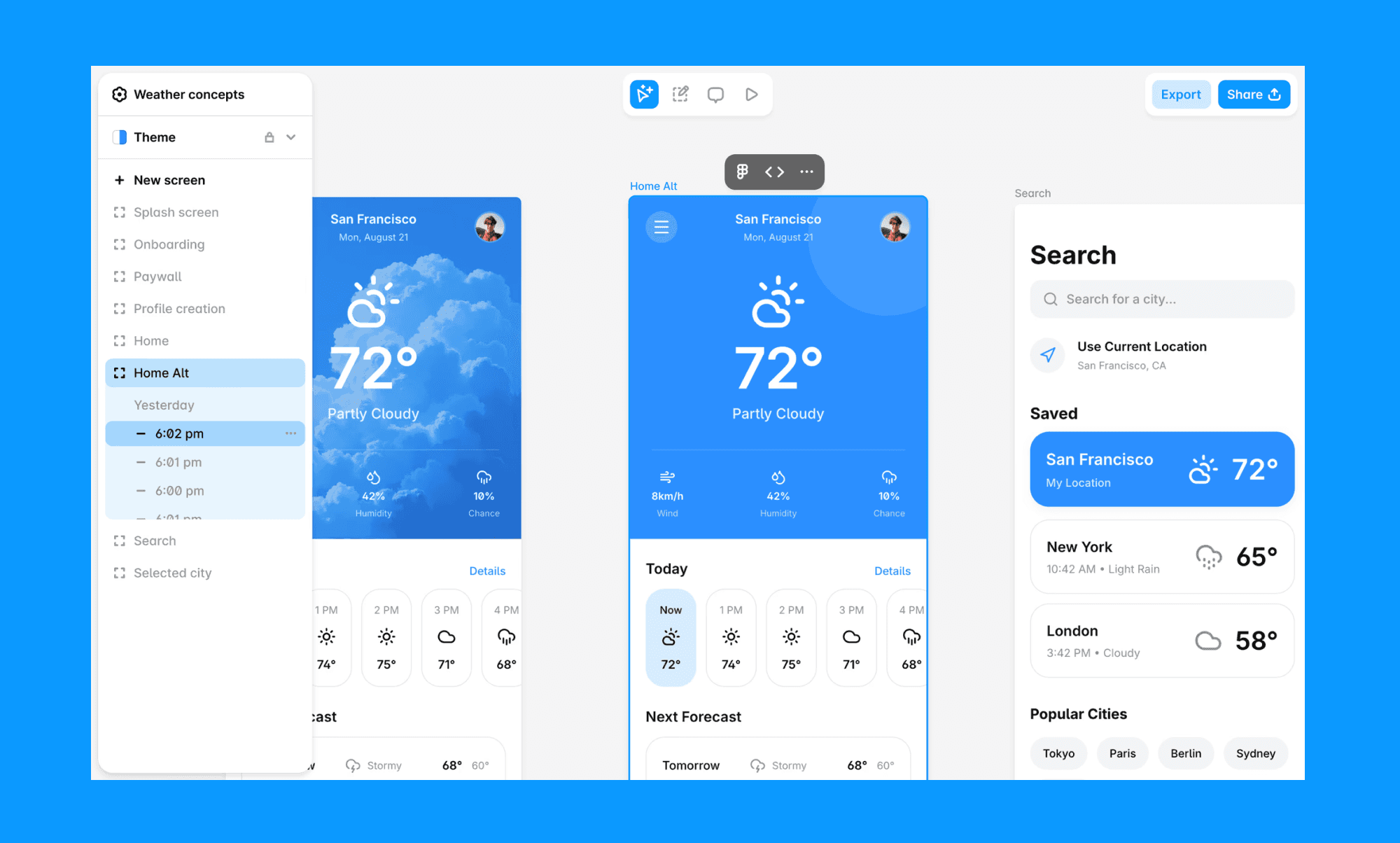
Similar to paper, it is designed directly using HTML and CSS, and also recently released MCP, so you can connect your coding agents to read and implement your designs.
Unlike other alternatives in this list, you don't need a separate subscription for Claude or a separate AI agent to use generative features. They are built-in and a core part of the product, requiring no setup.
Pencil.dev
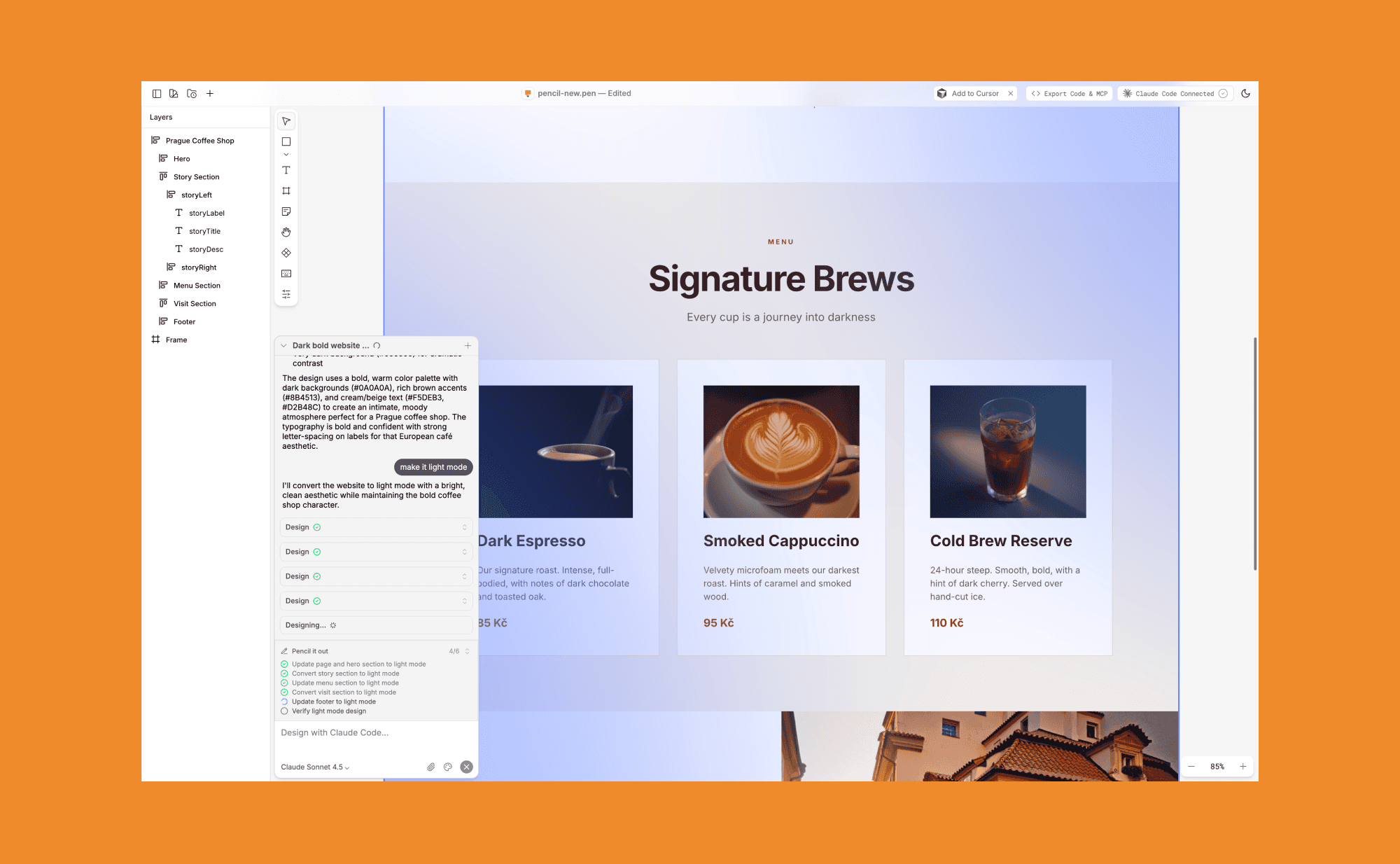
Pencil is a canvas-based UI generation tool that integrates Claude Code. Like Paper, it gives you a Figma-like interface for working with AI agents. The key difference is that Pencil is a layer on top of Claude and can't be used with other agents at the moment when I was writing this article.
Subframe
Another canvas-code design tool that outputs production-ready React code. You design visually with real components, and engineers pull the code directly into their codebase with a CLI sync. It also has an MCP server, so you can connect it to Cursor or Claude Code and prompt new designs from your IDE with full codebase context.
Variant.ai
Variant is focused on generating a feed of design variations from a single prompt. A very different use case from Paper. If your goal is rapid visual exploration, Variant is compelling. If your goal is to design something that will actually ship, Paper's code-native approach is a better fit.
Figma Make
The obvious comparison. Figma is more mature, has a larger ecosystem, and is the default choice for most design teams. But Figma's canvas is proprietary, and its AI features are still catching up. Paper's bet is that a code-native canvas will matter more as AI agents become a bigger part of the workflow.
Paper.design Use-cases
Designers who are tired of Figma
Designers exploring AI coding agents who want a visual layer
Developers who want to prototype UI
Designers who want to play with visual effects and shaders
Designers + devs who want a single source of truth between design and code
Should you try Paper
If you've ever felt the frustration of designing something in Figma, handing it off to a developer, and watching it slowly drift from the original vision, Paper.design is an amazing solution to this problem.
Its HTML/CSS canvas is a genuinely different approach, and the new MCP server makes it one of the most agent-ready design tools available right now.


