AIで画像をワイヤーフレームに変換

使い方
1
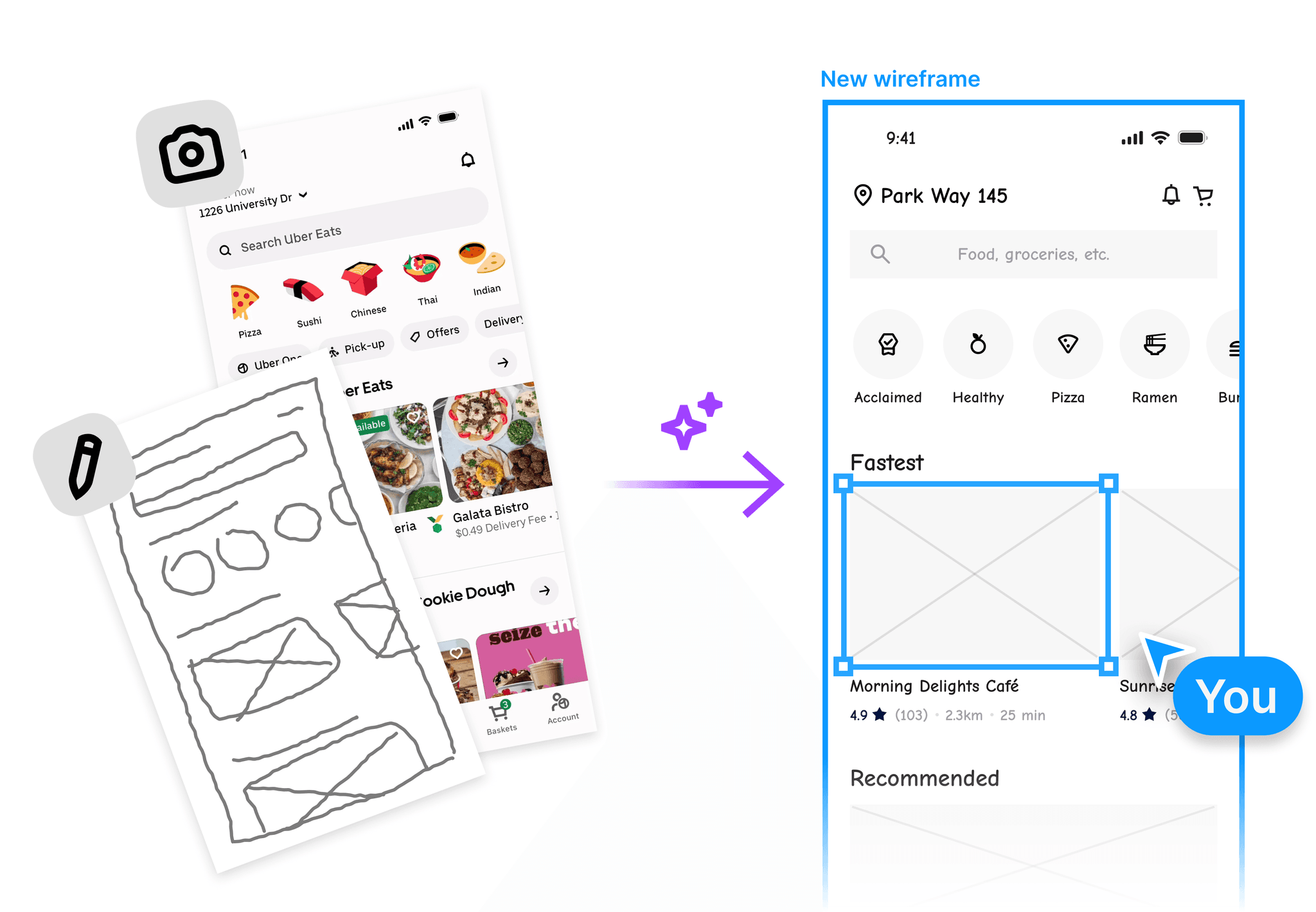
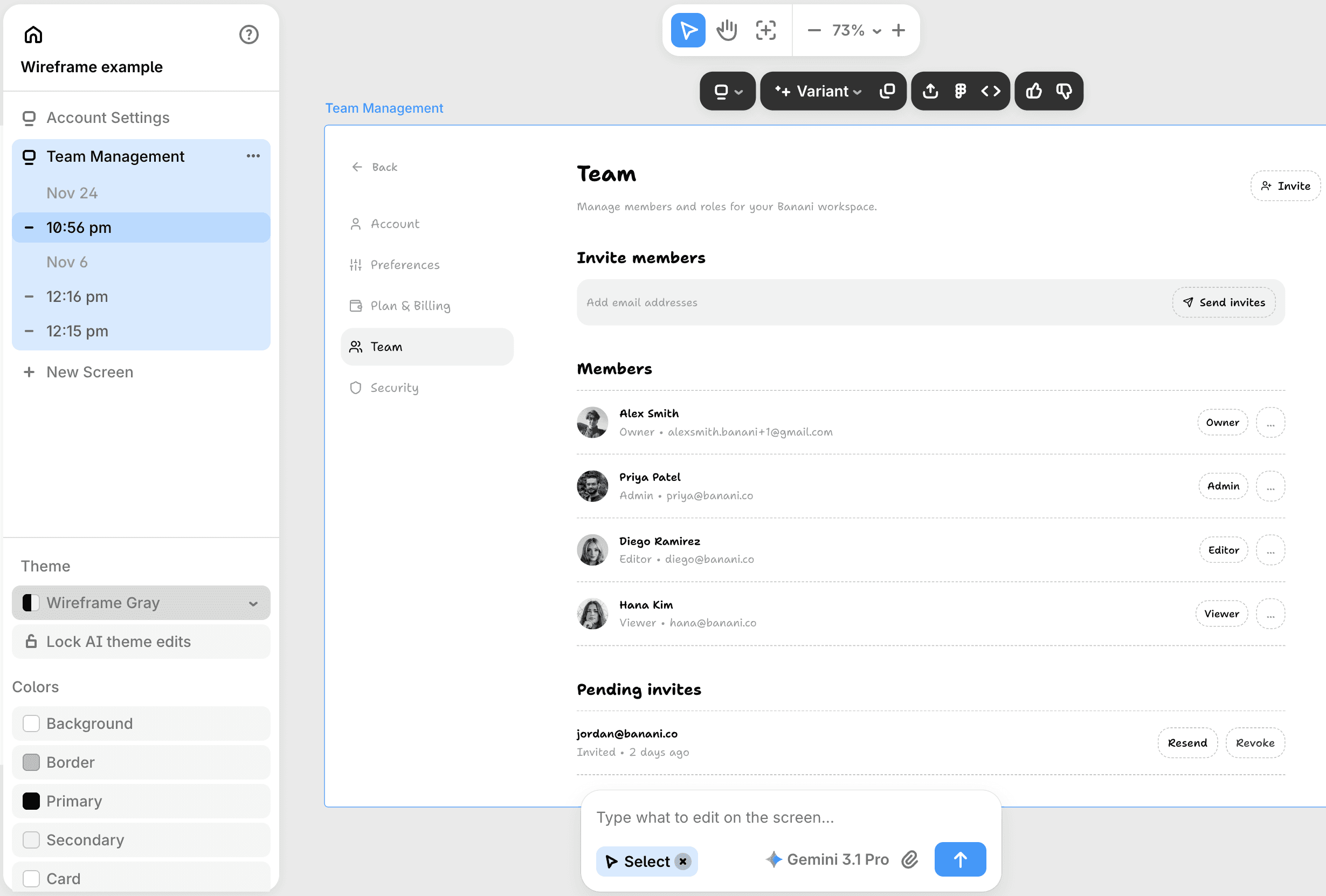
欲しい変更内容を説明するだけで、ワイヤーフレームの一部を編集できます。要素を削除したりテキストを書き直したりと、最終調整に必要な操作はすべて揃っています。
2
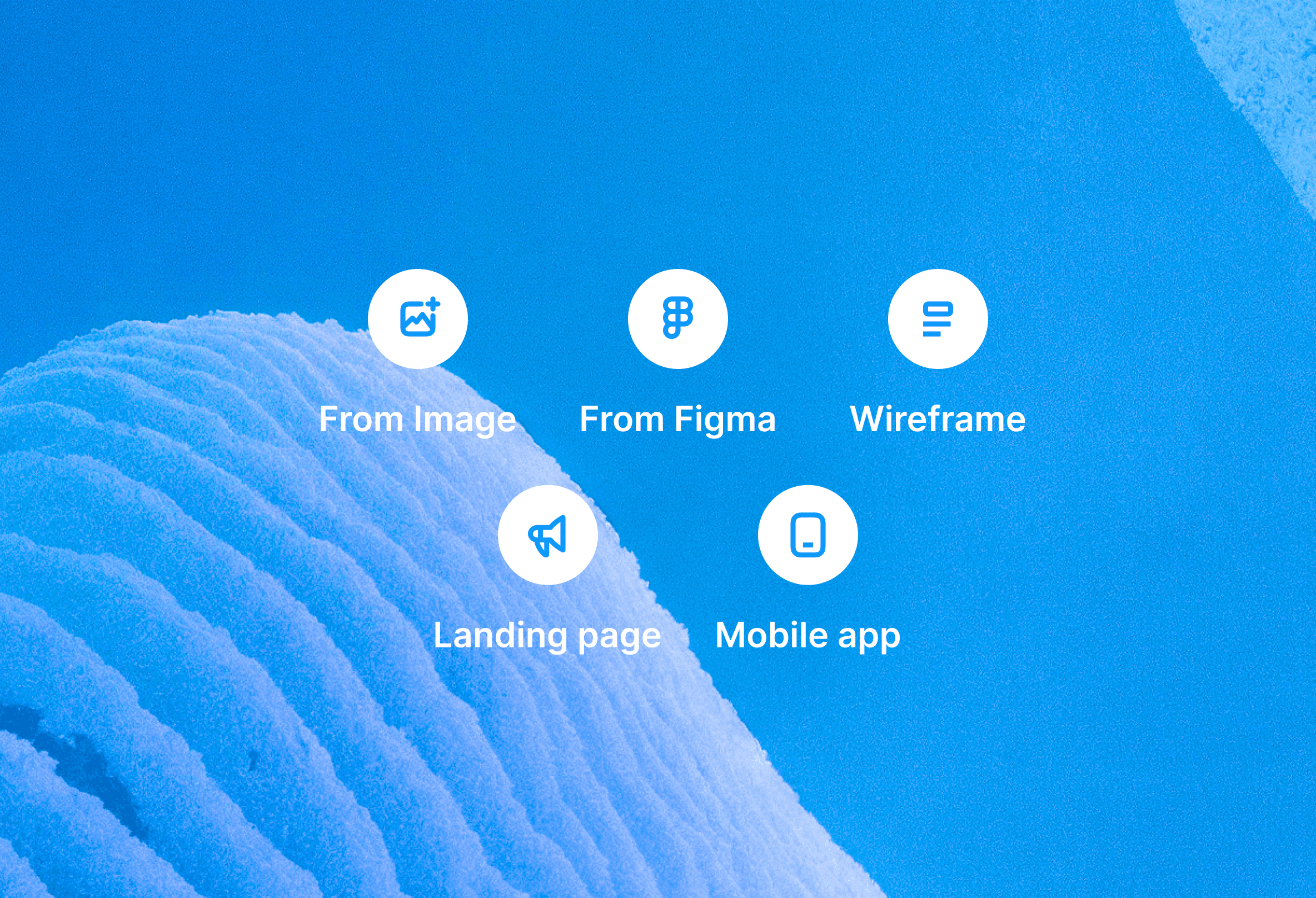
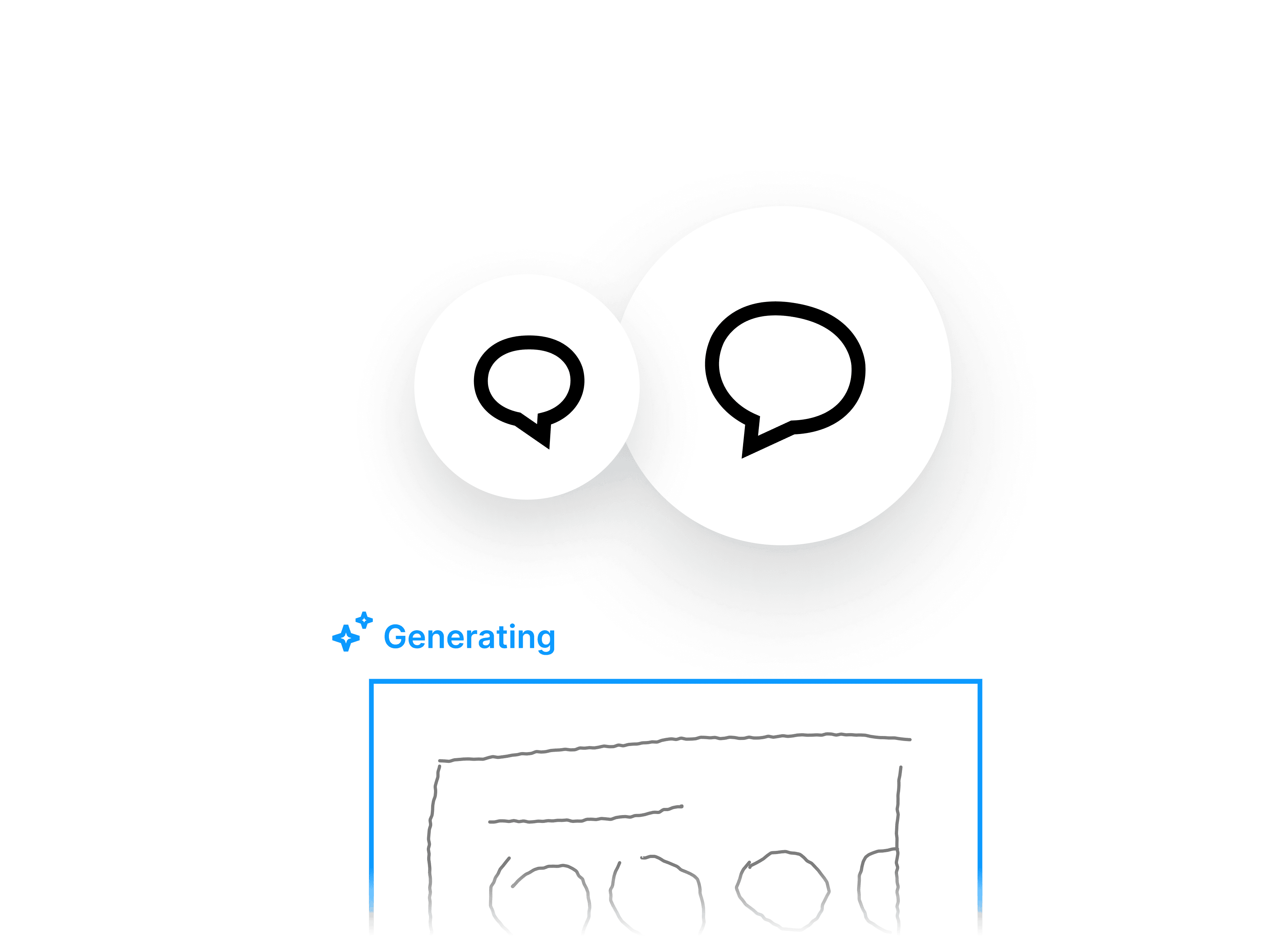
ワイヤーフレームを生成
3
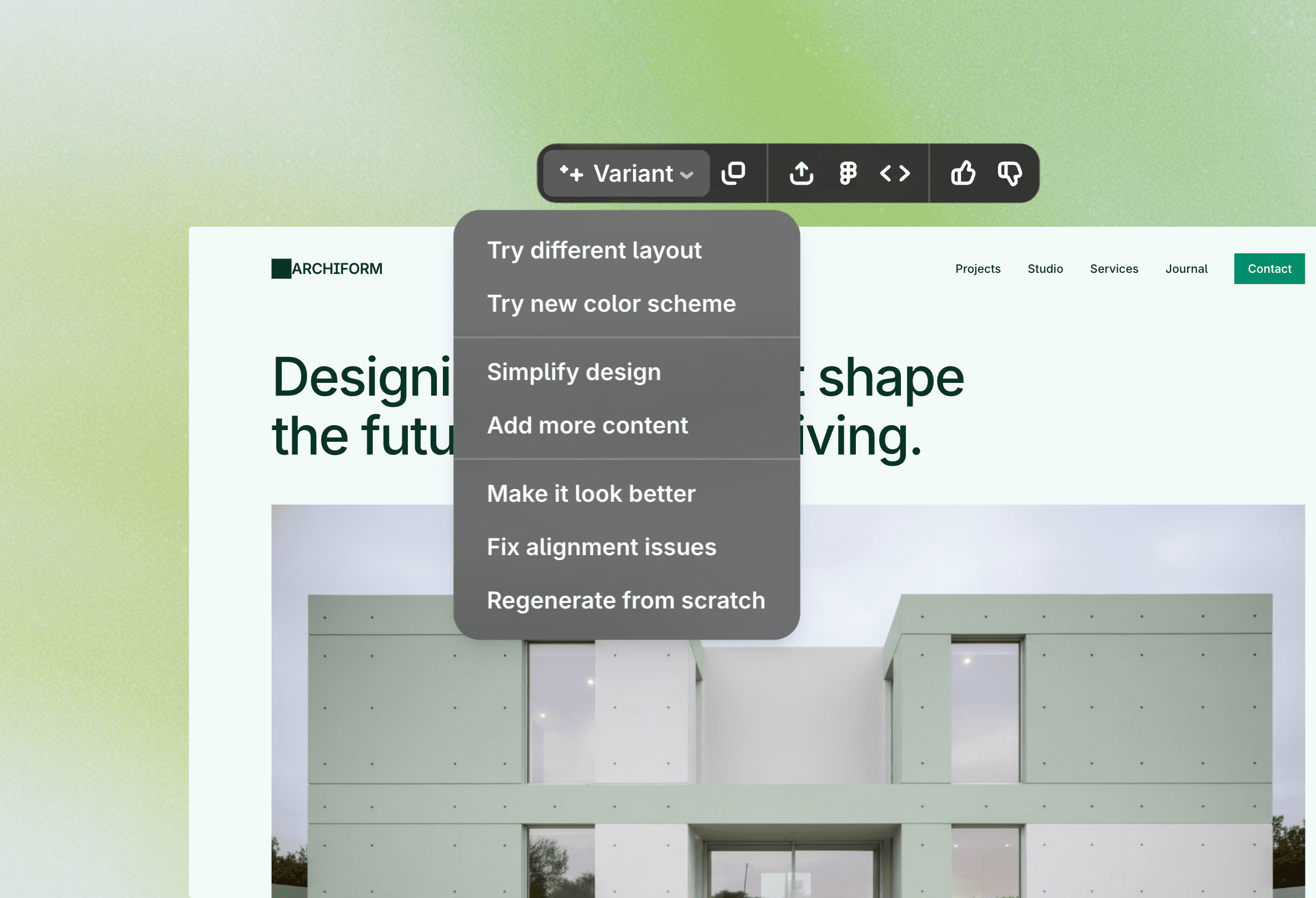
編集、共有、エクスポート
使いやすくて強力なエディター
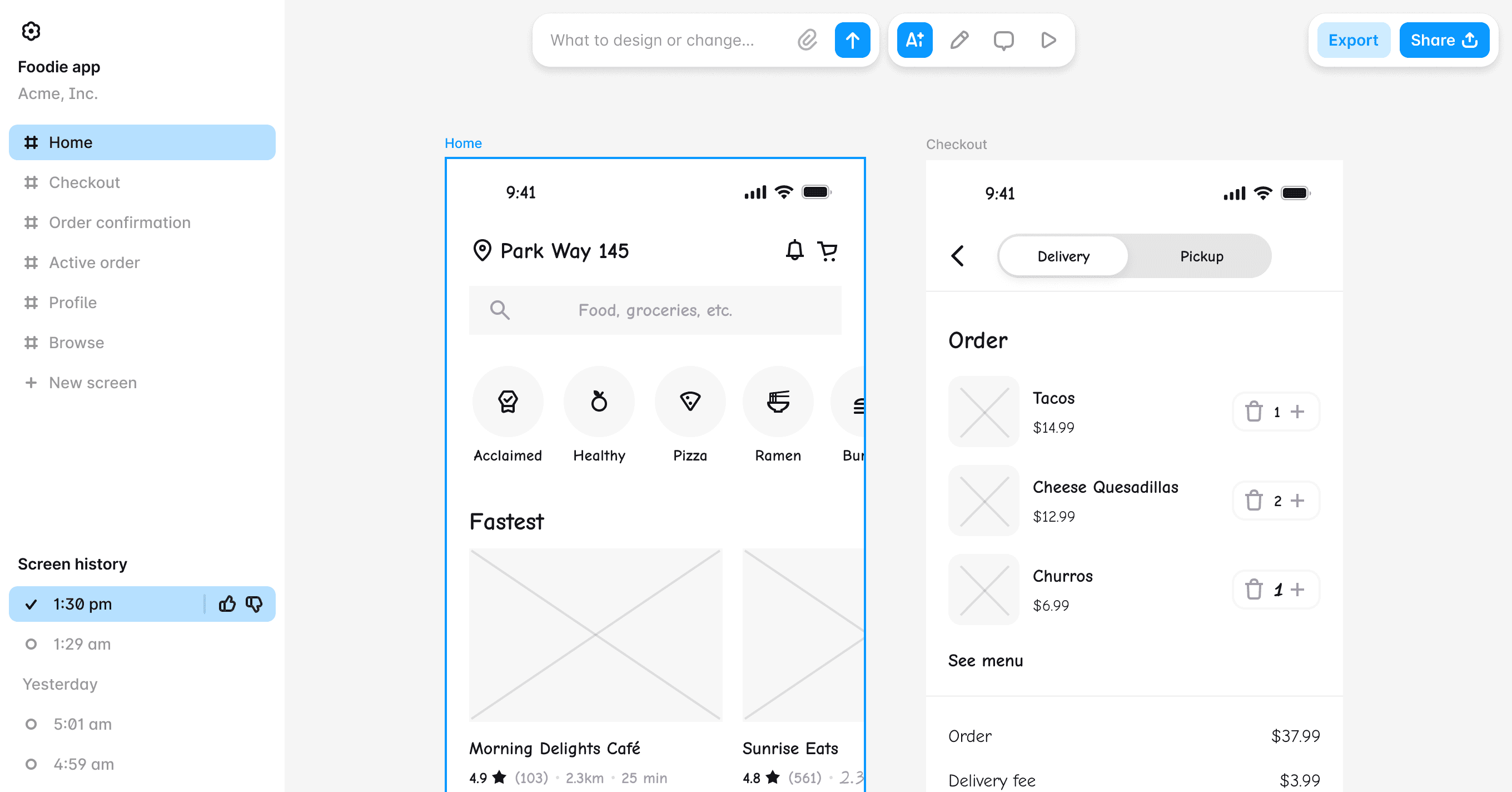
デザインスキルは不要?問題ありません。あらゆる役割向けのワイヤーフレーム作成ソフト
PM
開発者
創業者
UXデザインとは?




10万以上のユーザーや企業に利用されています
PMとして、アイデアを視覚的かつ効果的に伝えるために、素早くワイヤーフレームを作成する必要があります。多くのツールを試しましたが、Bananiは最もシンプルで、すぐに価値を実感できました。

要素をクリックすると、その後にユーザーが見る内容をツールが生成してくれるのがいいですね。とても直感的なアプローチです。

Alex
とにかく使いやすく、デザインプロセスを大幅にスピードアップしてくれます。さらに、驚くほど高い柔軟性も備えています。

Nena





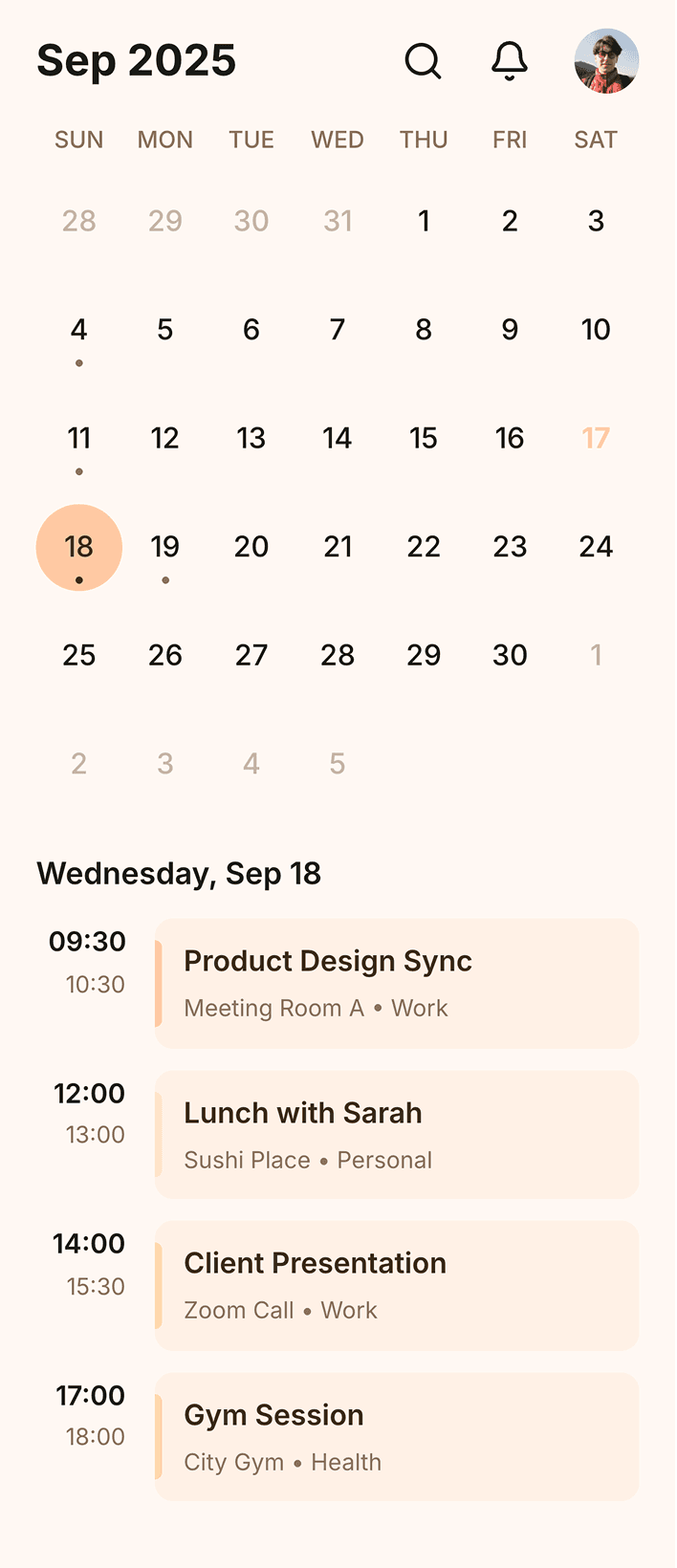
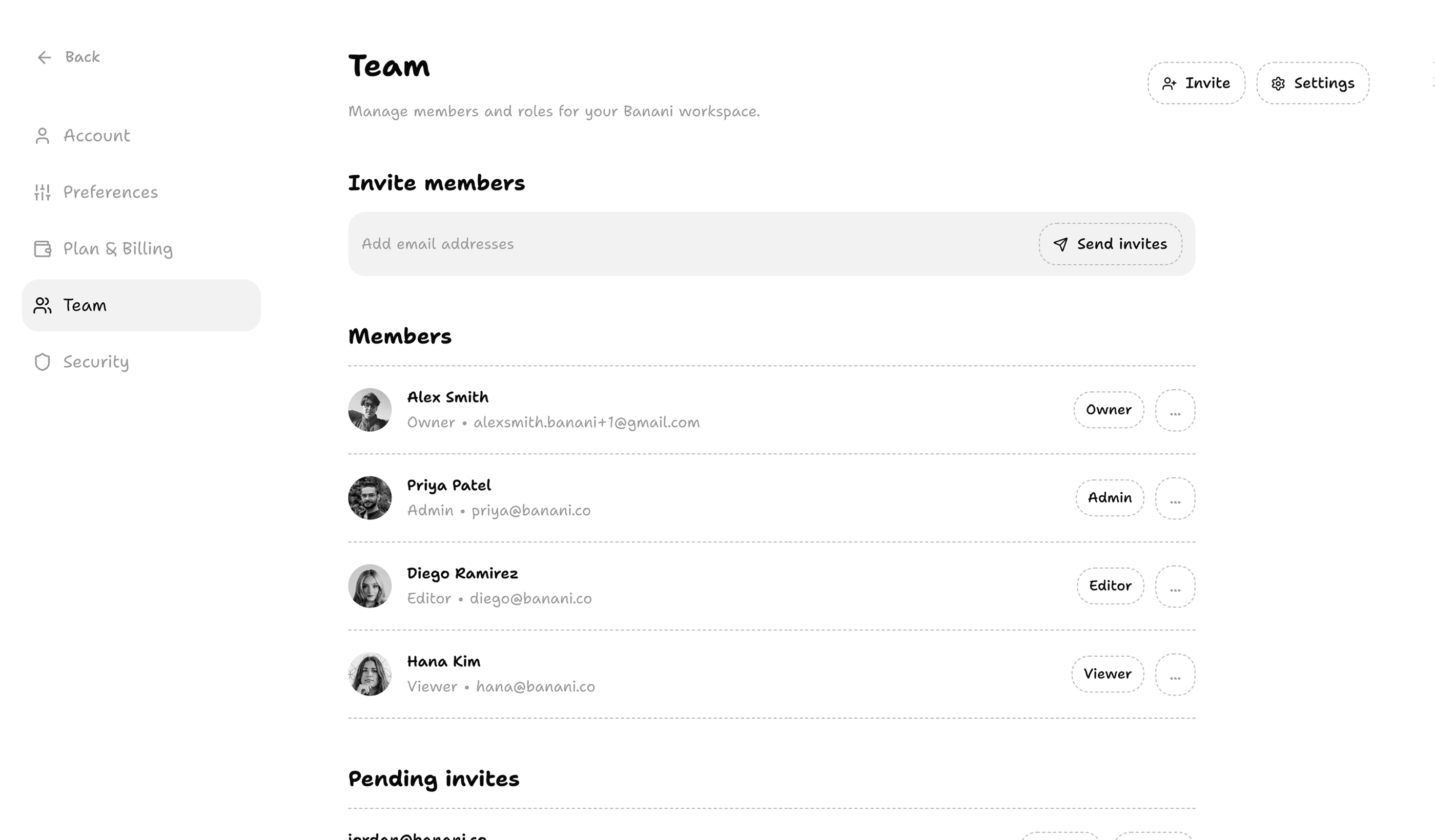
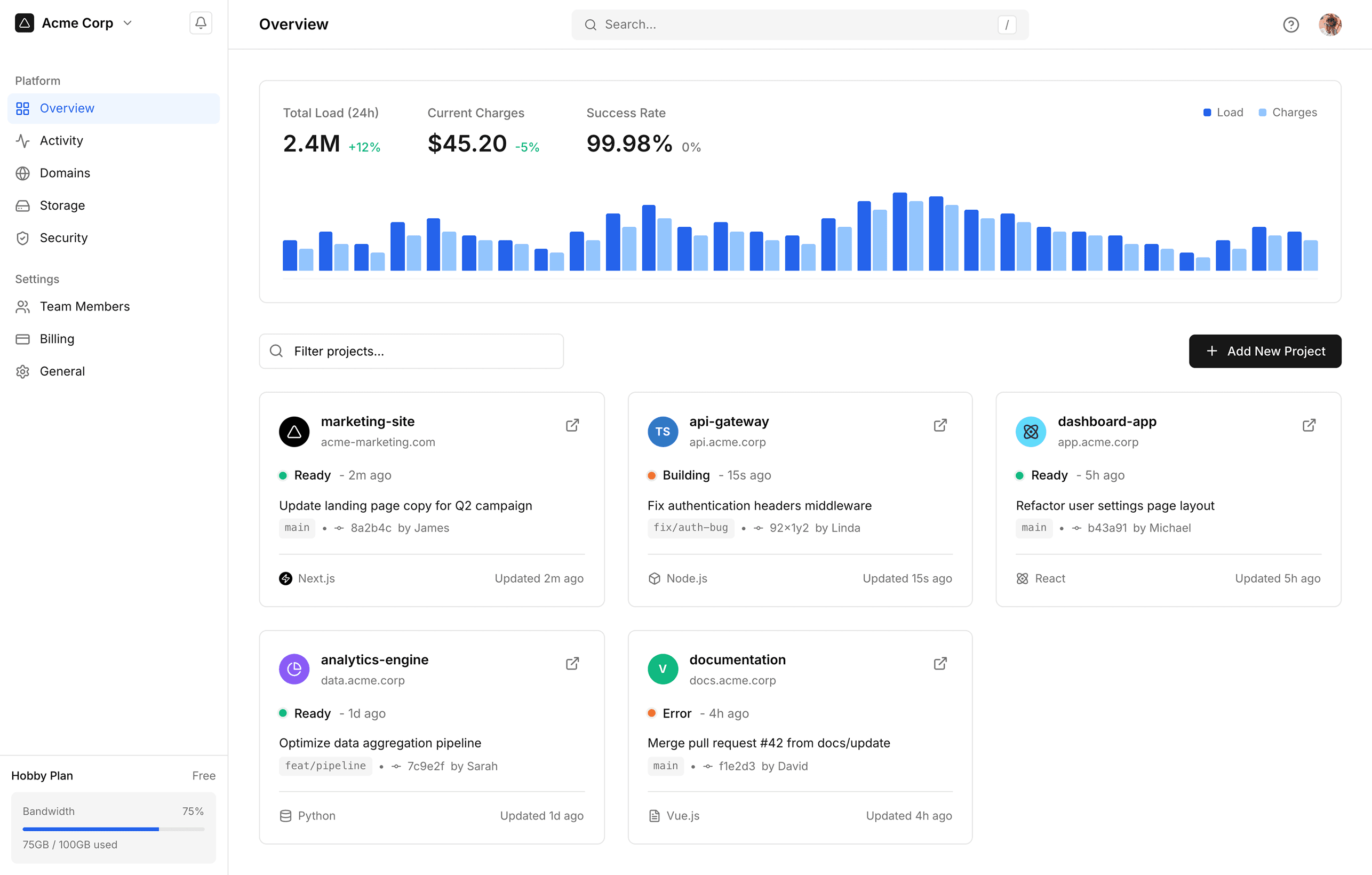
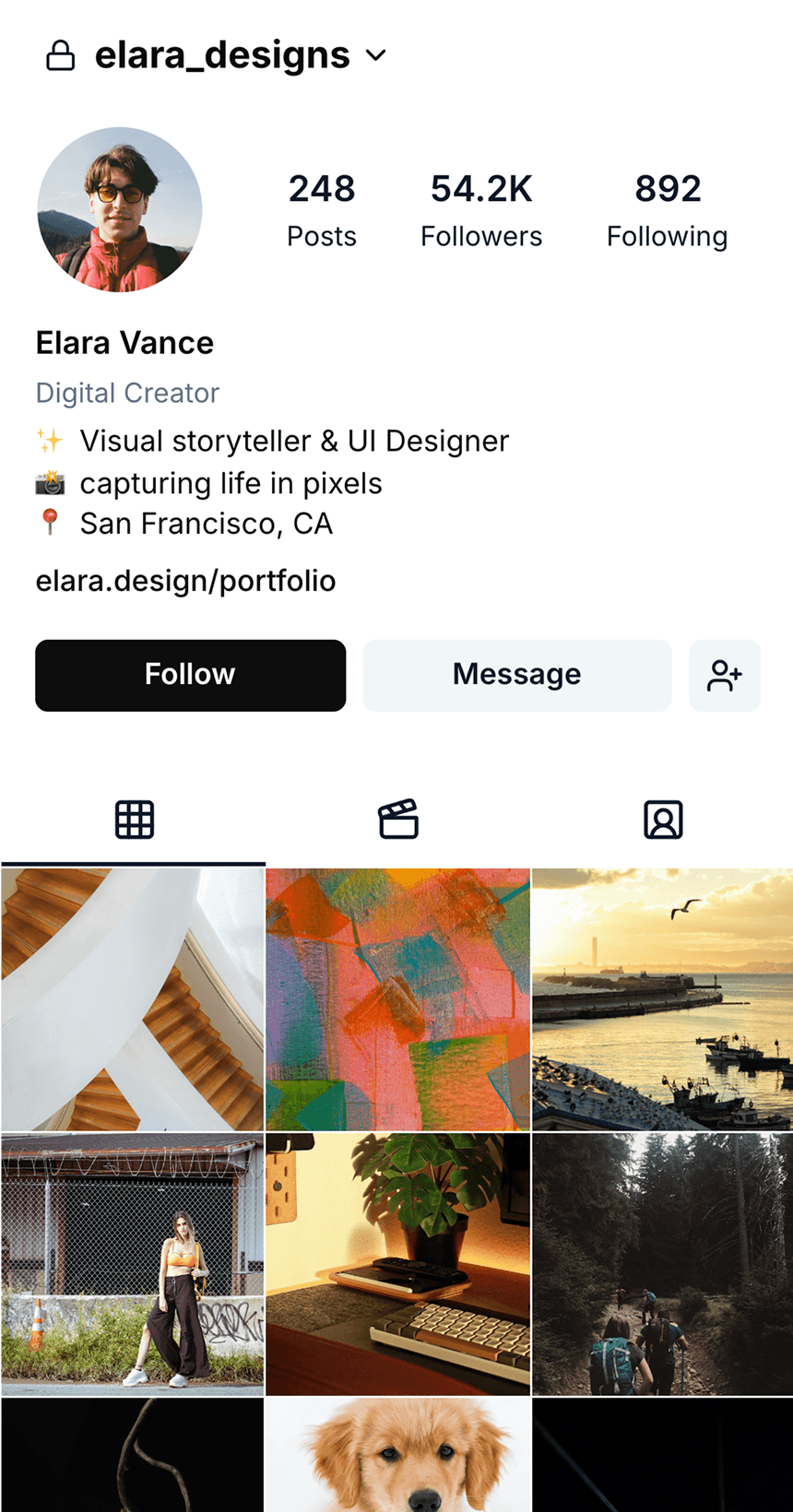
アプリデザインのアイデアがありますか? モバイルでもデスクトップでも、対応するAIがあります。

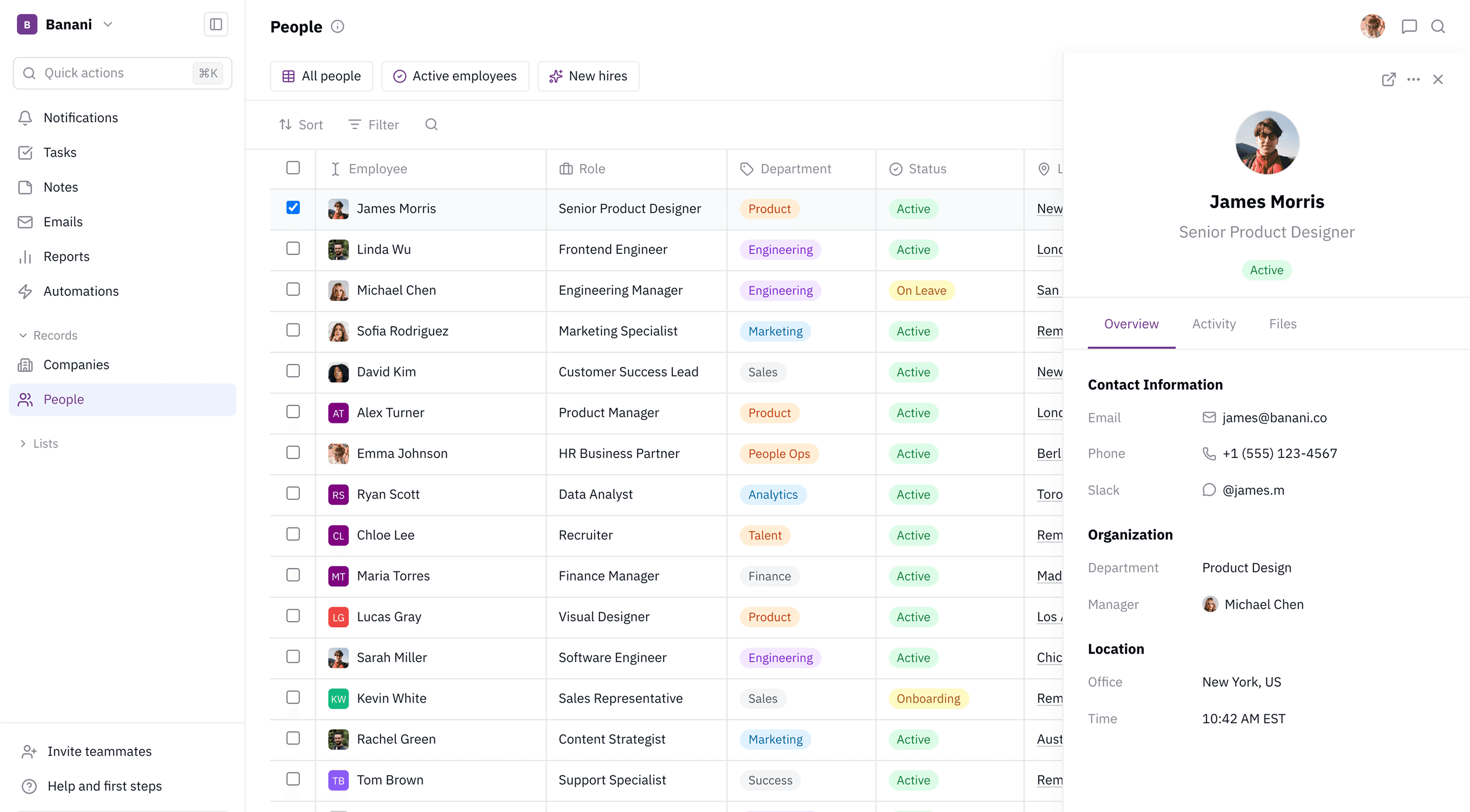
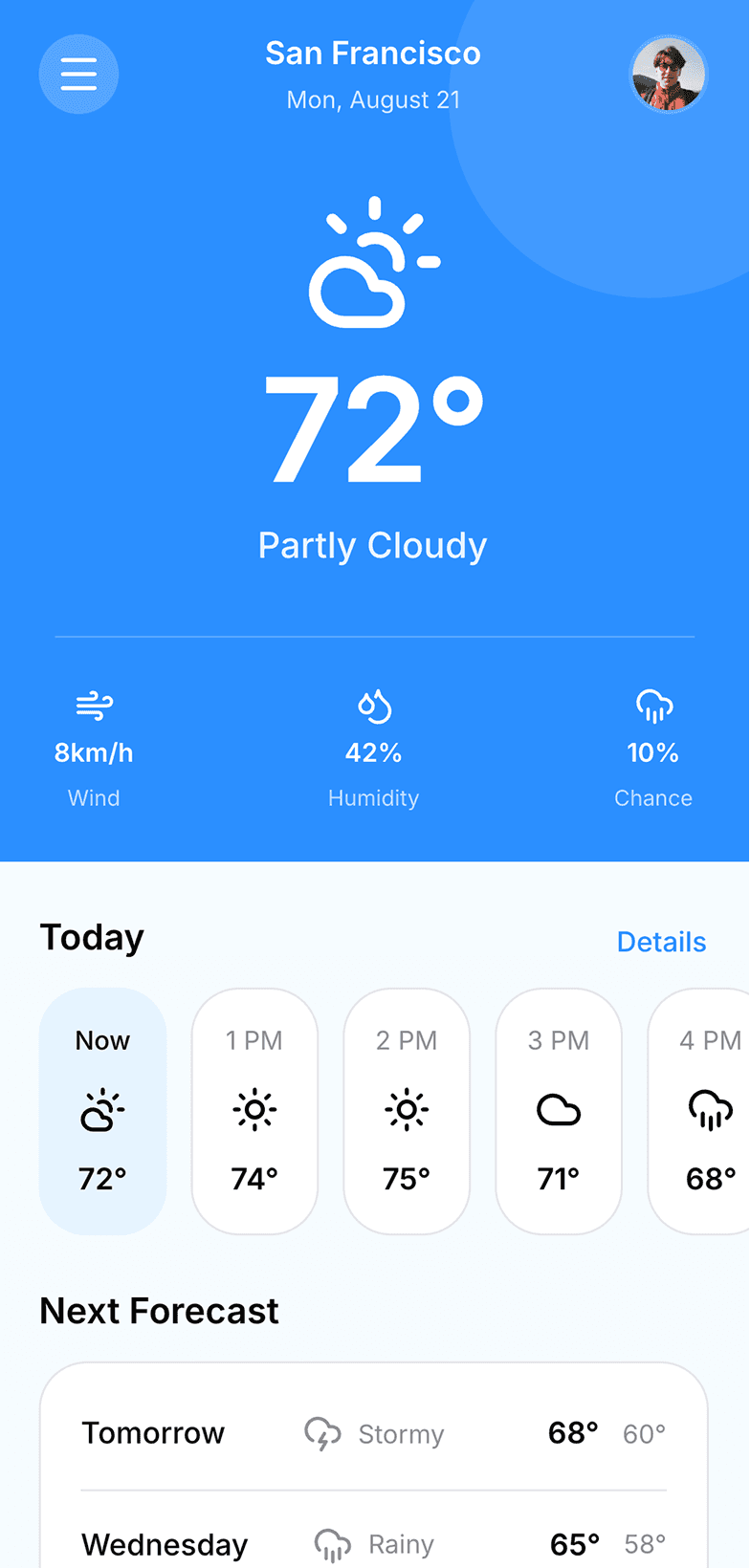
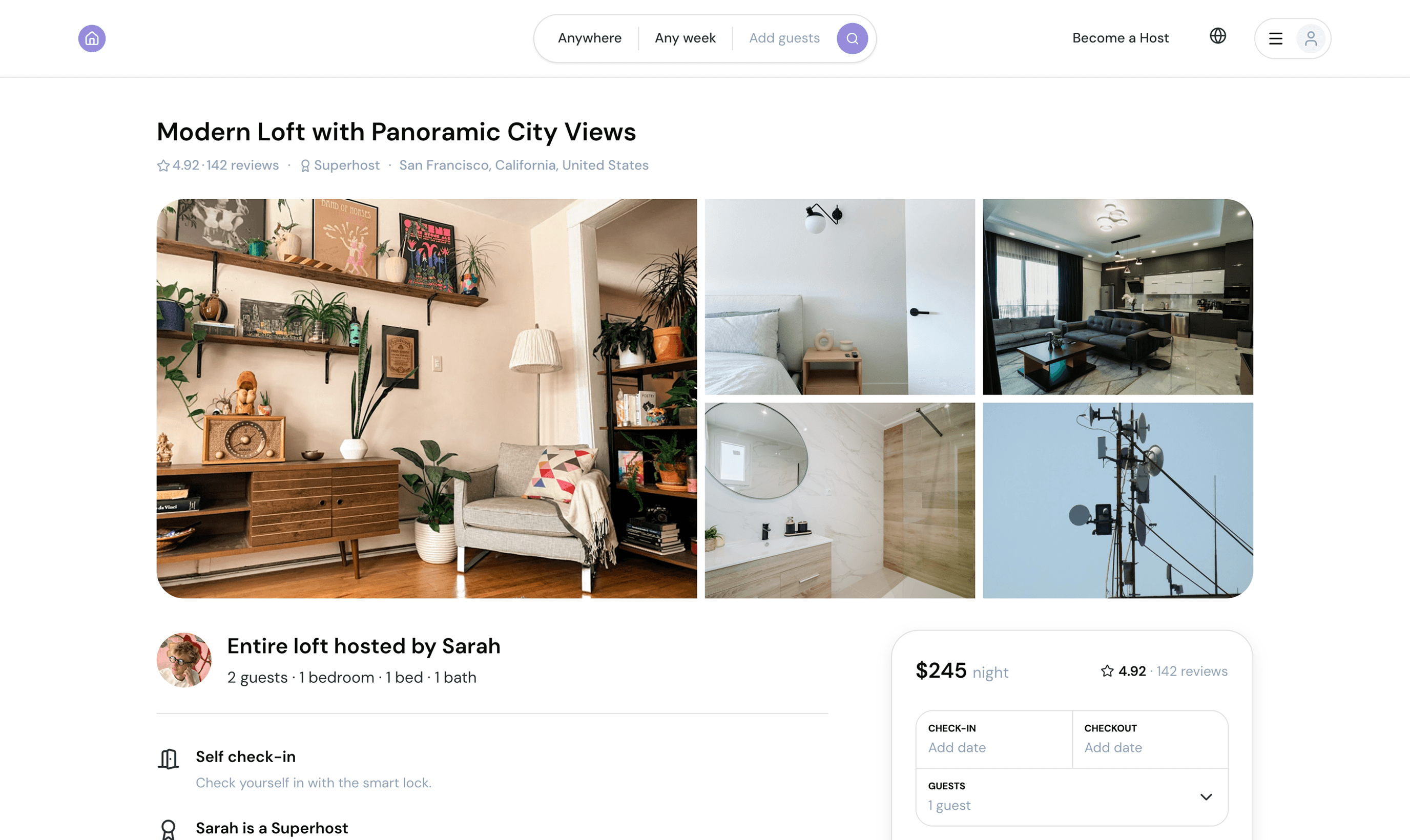

FAQ: Banani AI image to wireframe tool
画像からワイヤーフレームを生成するツールは、どのように動作しますか?
これはモバイルとデスクトップのデザインで使えますか?
どんなスクリーンショットをワイヤーフレームに変換できますか?
Figmaはワイヤーフレーム作成ツールですか?
ChatGPTでワイヤーフレームは作れますか?
AIでワイヤーフレームは作れる?
ワイヤーフレーミングはUXデザインの一部ですか、それともUIデザインの一部ですか?








デザインを学ぶ