

Chaque équipe de design a des besoins uniques et, en fonction des exigences du projet ou des contraintes budgétaires, passer à un éditeur de design alternatif peut être utile.
Penpot – Alternative Open Source
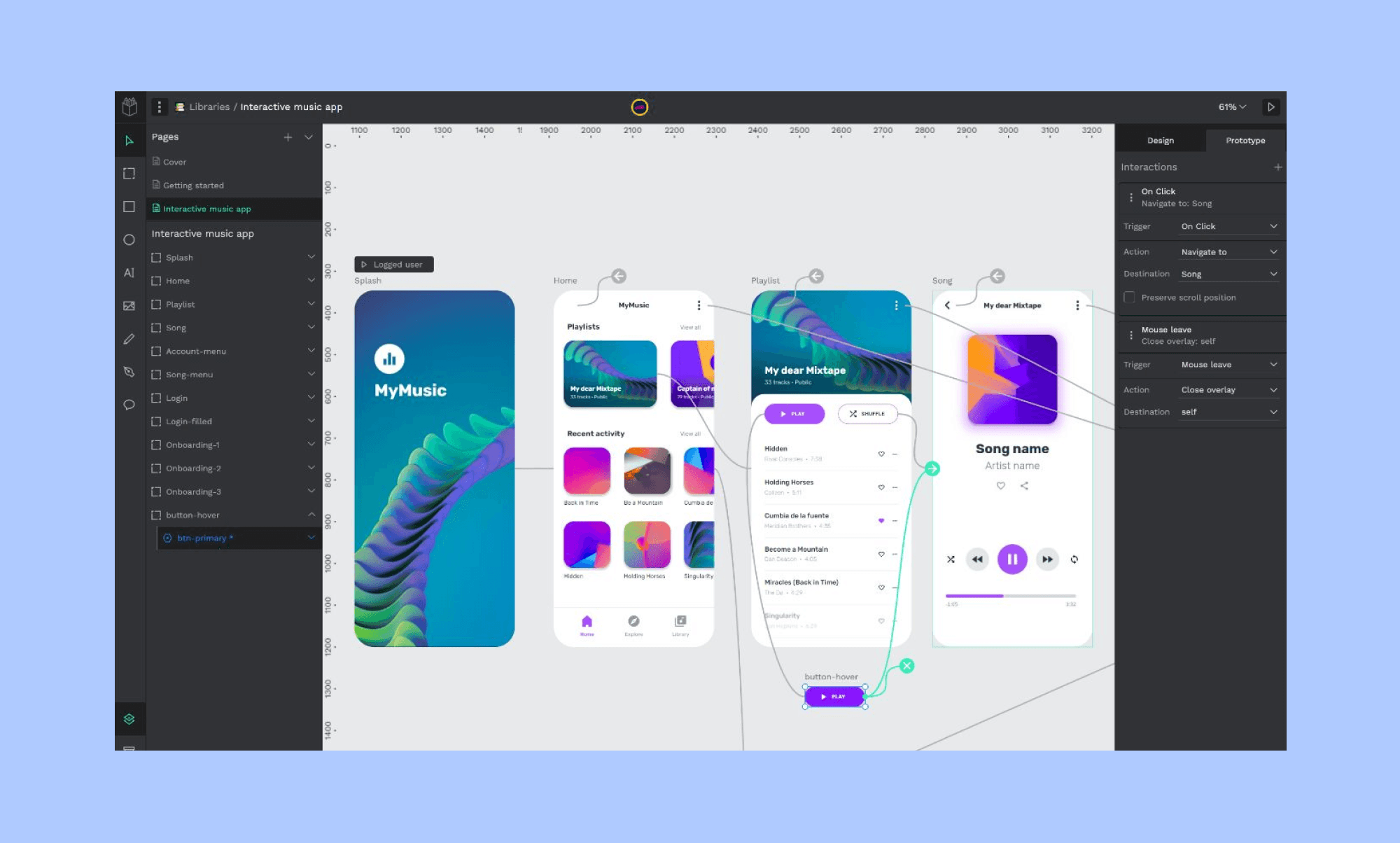
Penpot est une plateforme de design et de prototypage open source. Tout comme Figma, il met l'accent sur la collaboration et les systèmes de design. L'importance de Penpot pour la confidentialité et la sécurité permet aux équipes de travailler ensemble sans effort tout en gardant le contrôle de leurs données.
Ses capacités de système de design en font un excellent choix pour les organisations cherchant à établir et maintenir des motifs de design cohérents à travers leurs projets.
Banani – Alternative Figma AI
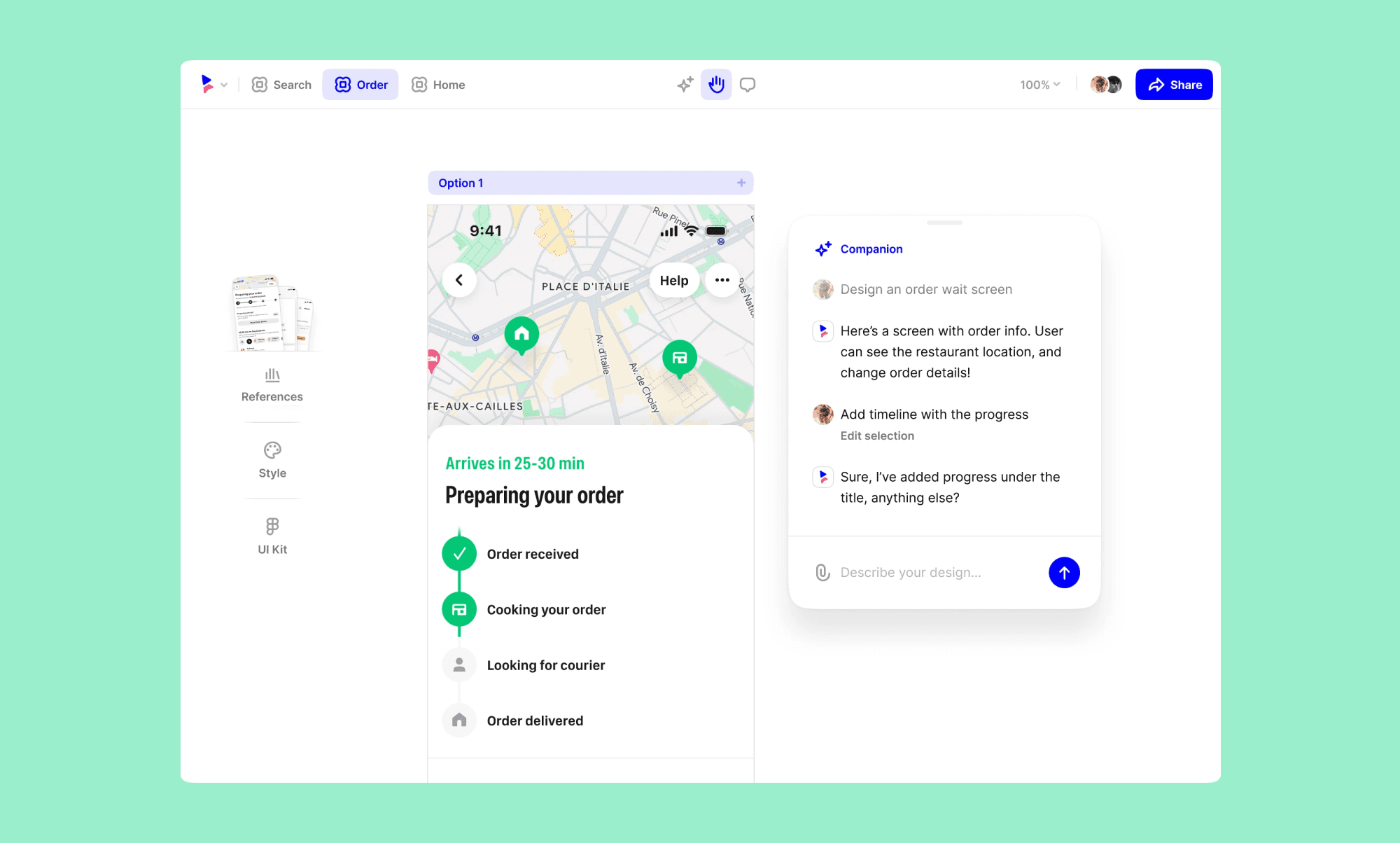
Banani est un outil de design AI basé sur le navigateur, axé sur la simplicité et la rapidité. Il simplifie le processus de design, le rendant accessible aux designers de tous niveaux.
Bien qu'il puisse manquer de certaines fonctionnalités avancées par rapport à d'autres outils, sa facilité d'utilisation et son flux de travail rapide en font une option attrayante pour les itérations de design rapides.
Sketch – Alternative Mac
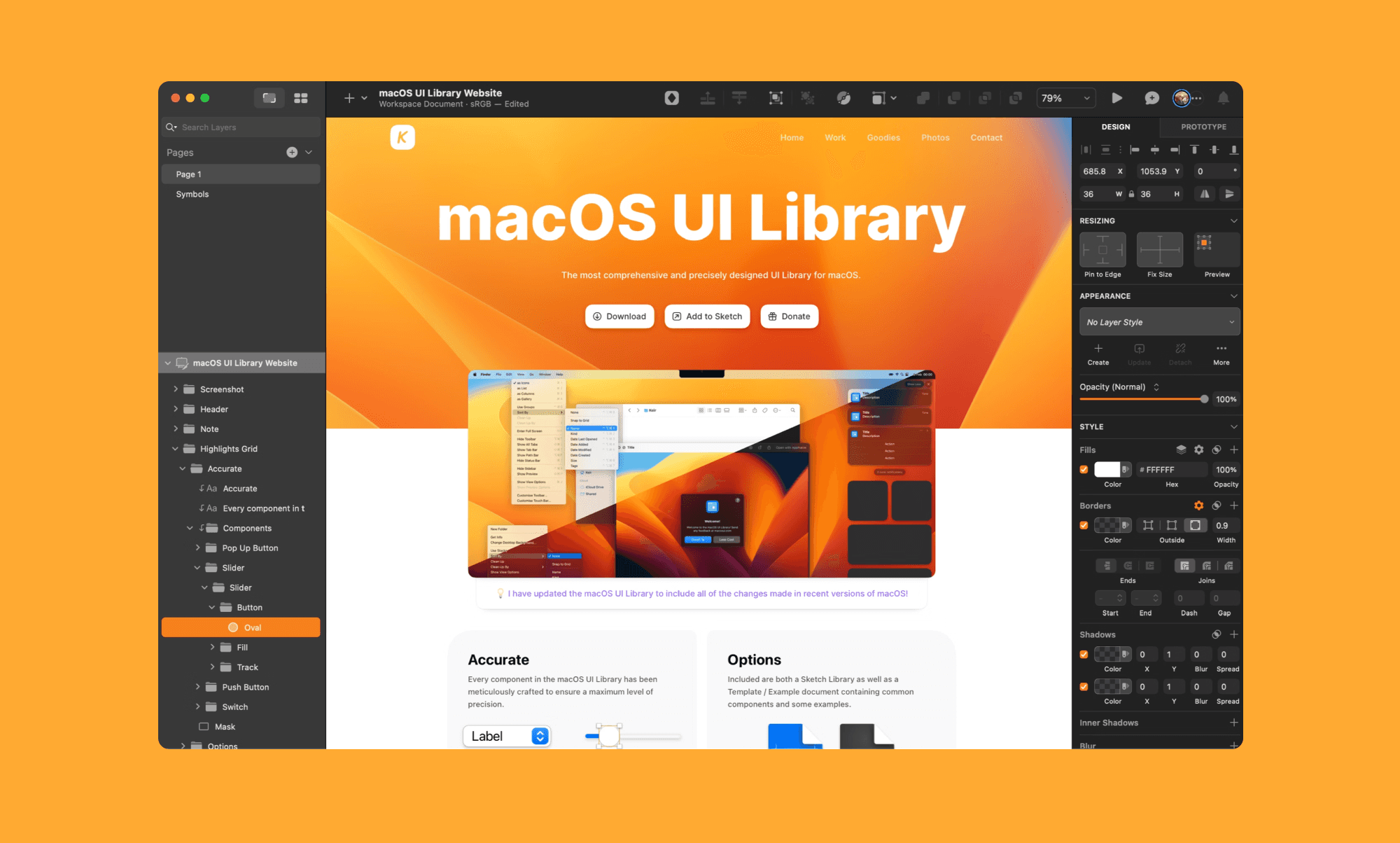
Sketch reste un éditeur OG dans le domaine du design UI/UX, apprécié pour sa simplicité et son application axée sur le mode hors ligne. Il offre des outils avancés basés sur les vecteurs vous permettant de concevoir toute interface que vous pouvez imaginer.
La collaboration en temps réel récemment ajoutée et l'application web pour le transfert et l'inspection/commentaire de design font de Sketch une option polyvalente pour les designers cherchant un remplacement robuste à Figma.
Framer – Concevoir des sites Web
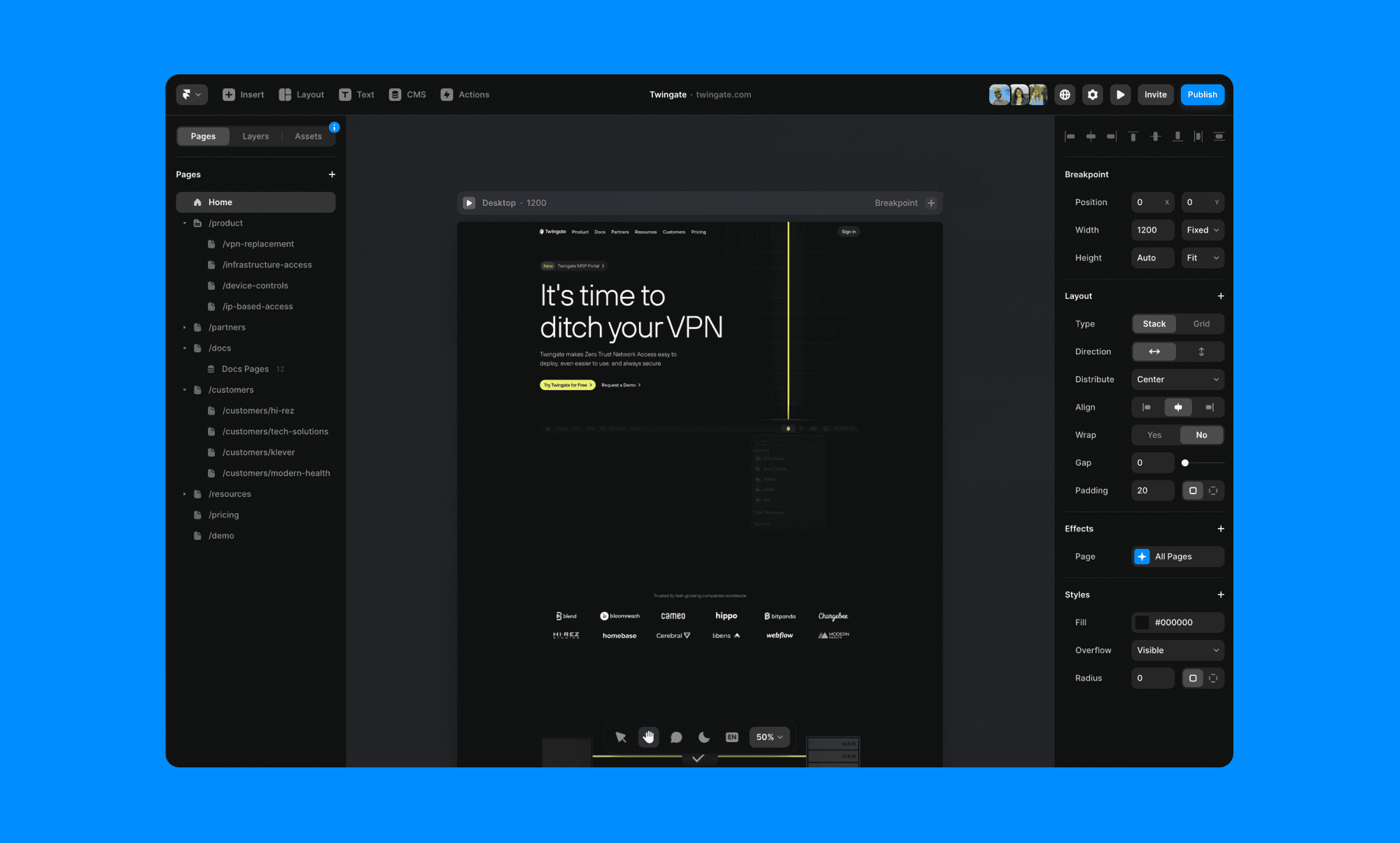
Framer se distingue par sa proposition de valeur unique qui mélange de puissants éditeurs de design et la création de sites Web au sein d'une seule plateforme.
Il vous permet de créer des designs interactifs et adaptatifs pour le web. Il dispose de nombreux modèles de qualité, et comble le fossé avec le développement en supprimant littéralement la dernière étape. Fait amusant : nous l'avons utilisé pour concevoir et construire notre site web !
UXPin – Super Prototypage
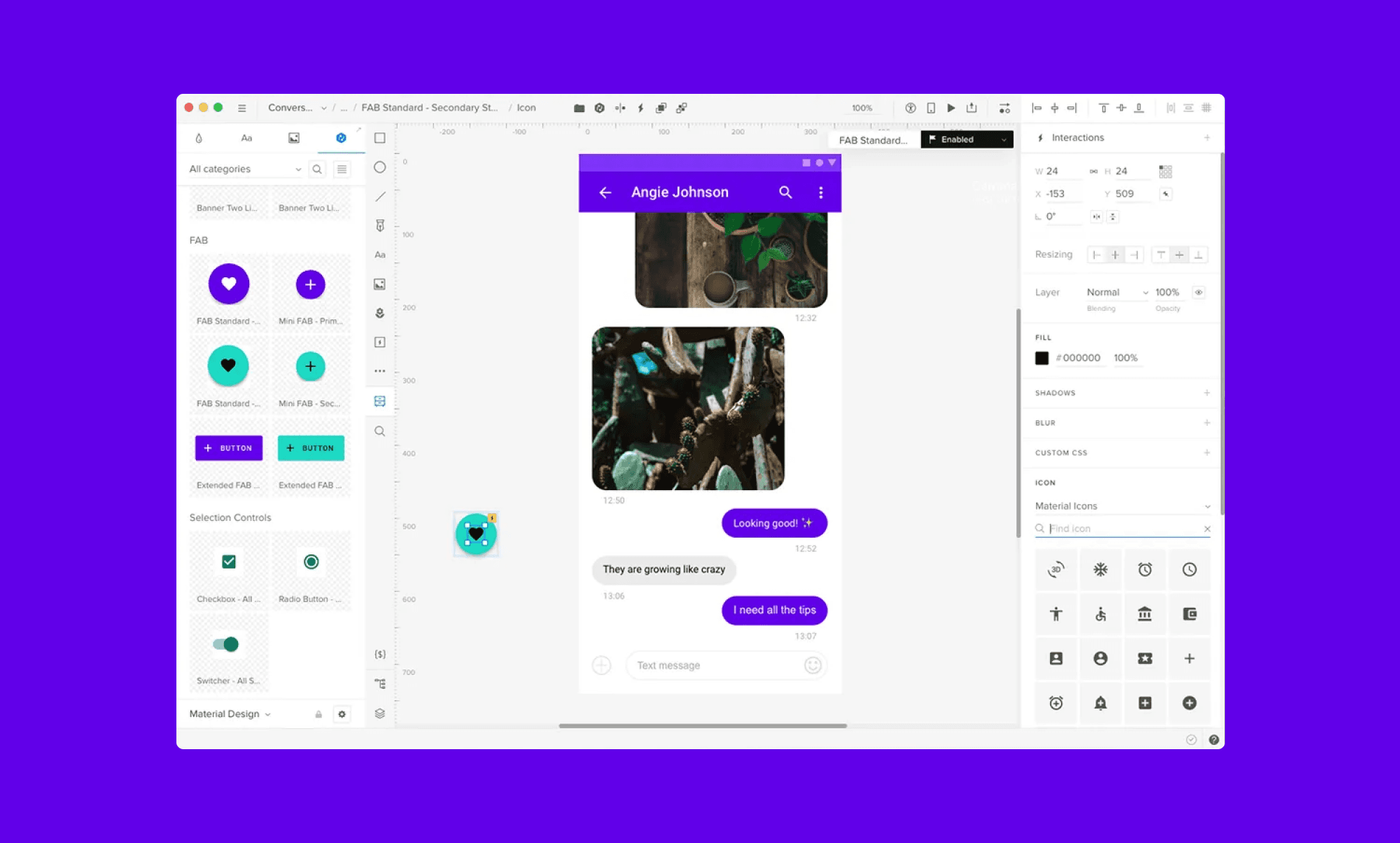
UXPin est une plateforme de design complète qui couvre tous les aspects du processus de design, de la création de wireframes au prototypage.
Avec des fonctionnalités dédiées pour les opérations de design qui aident à maintenir le système de design, UXPin est une excellente alternative à Figma si vous travaillez dans une grande entreprise et avez besoin de personnalisation adaptée aux besoins de votre organisation.
Ses capacités robustes de système de design et son intégration avec d'autres outils en font un atout précieux pour les organisations cherchant à rationaliser leurs flux de travail de design.
Miro – Alternative FigJam
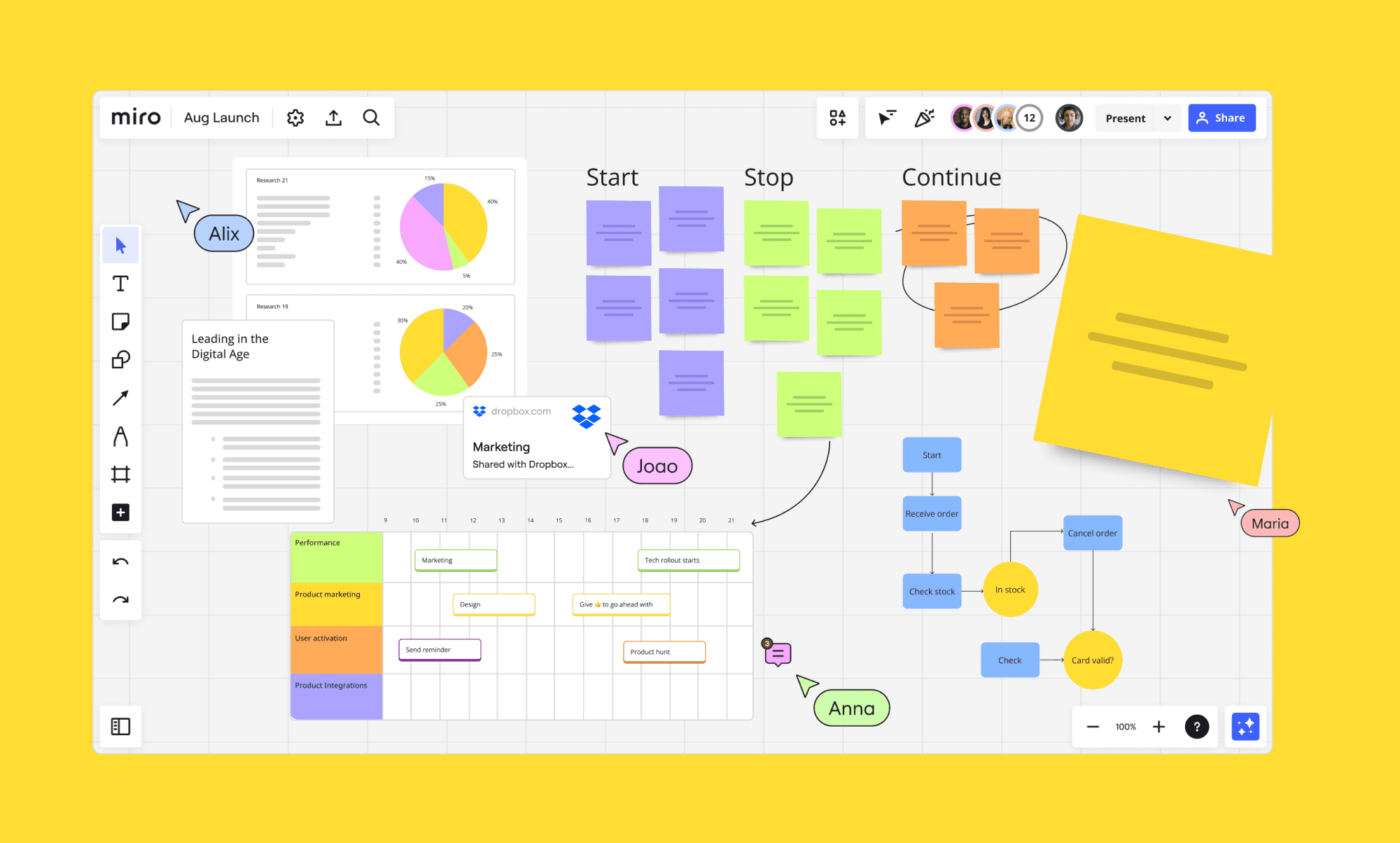
En plus de la gamme d'outils axés sur le design comme Sketch et Framer, Miro offre une plateforme unique qui mérite l'attention, notamment pour ses capacités de tableau blanc collaboratif.
Miro excelle à faciliter les sessions de réflexion, les cérémonies agiles et le mappage des histoires d'utilisateurs, qui sont essentiels aux processus complets de design UI/UX. Cela en fait une addition précieuse à toute boîte à outils de design, offrant une toile vaste pour les idées.
Balsamiq – Wireframing lo-fi
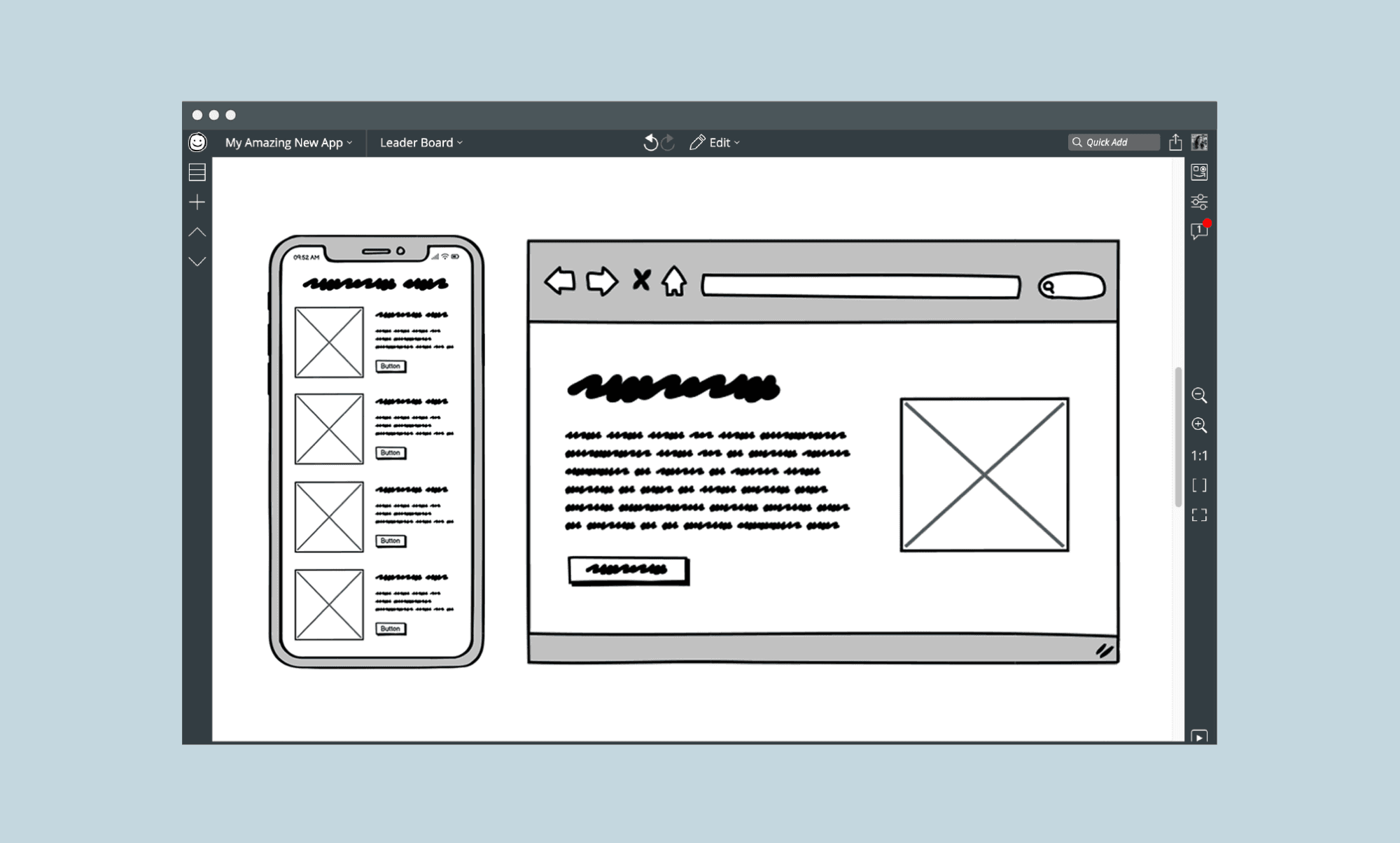
Balsamiq est une autre alternative notable pour les designers UI/UX cherchant un outil spécialisé dans le wireframing. Il imite l'expérience de l'esquisse sur un carnet, le rendant idéal pour rapidement réfléchir et itérer des concepts de design.
Conclusion
Choisir le bon outil pour le design UI/UX repose sur divers facteurs, y compris les exigences du projet, la dynamique de l'équipe et les préférences individuelles.
Bien que Figma reste un acteur majeur dans le domaine, explorer diverses alternatives telles que Sketch, Penpot, Framer, Banani et UXPin peut révéler des pépites cachées qui élèvent le flux de travail de design à de nouveaux niveaux.


