
En İyi MagicPath Alternatifleri
Kategori | En İyi Alternatifler |
En iyi genel alternatif | |
Doğrudan rakipler | |
Figma öncelikli alternatifler | |
Ekip odaklı alternatifler | |
Vibe coding AI arayüz araçları |
MagicPath AI nedir?
MagicPath AI, metin komutlarını etkileşimli ve düzenlenebilir uygulama ve web sitesi arayüzlerine dönüştüren AI-yerel bir tasarım aracıdır.
AI destekli ürün tasarımı için eksiksiz bir araç olarak konumlanan bu çözümün öne çıkanları tasarım AI ajanları, Web Capture Chrome eklentisi, React bileşenleri, Figma içe/dışa aktarma ve geliştirici devri için front-end kod üretimidir.
Neden MagicPath Alternatifi Aramalısınız?
Önce, trend AI arayüz araçlarını incelemek MagicPath fiyatını ve özelliklerini ücretsiz ya da daha güçlü benzer araçlarla kıyaslamanıza yardım eder. Bu tamamen tasarım ekonomisi. Ayrıca gelişmiş Figma senkronizasyonu, ekip işbirliği ve derin kod özelleştirmede bazı sınırlamaları var. Bu yüzden MagicPath AI alternatiflerini karşılaştırmak, tasarım sistemlerine, proje ölçeklenebilirliğine ve uzun vadeli ürün ihtiyaçlarına daha uygun aracı bulmak için kritik.
MagicPath AI Rakiplerini Karşılaştırma
AI Arayüz Aracı | Temel Özellikler | Tasarım Sadakati | Kod Sahipliği | Fiyat |
Metin/görsel/Figma'dan UI akışları, varyasyonlar, canvas, Figma dışa aktarma, HTML/CSS | Yüksek (hi-fi, akış tabanlı) | Orta (temiz dışa aktarma) | - Ücretsiz: ayda 20 üretim | |
Çok ekranlı UI, HTML/CSS (Tailwind), Figma dışa aktarma | Orta-Yüksek | Yüksek (temiz kod çıktısı) | - Ücretsiz: Sınırlı kredi (beta) | |
Ekran görüntüsünden UI, sonsuz canvas, yeniden kullanılabilir varlıklar, geri bildirim araçları | Yüksek | Yüksek (tasarımdan koda odaklı) | - Ücretsiz: ayda 5 kredi - Ücretli: $15/ay (100 kredi) | |
Metin/eskizden UI, varyasyonlar, uç durumları dikkate alan tasarım | Orta | Orta | - Ücretsiz: 45 kredi (tek seferlik) | |
Komutla UI, eklentiler, tasarım sistemi, işbirliği | Çok Yüksek | Düşük (tasarım öncelikli) | - Ücretsiz: Sınırlı kredi | |
Metin/görsel/URL'den UI, Figma'ya hazır, React/HTML dışa aktarma | Yüksek | Yüksek | - Ücretsiz: 30 kredi, tek seferlik - Ücretli: $17.5/ay (480 kredi) | |
Canvas AI, beyin fırtınasından prototipe, işbirliği | Düşük-Orta | Düşük | - Ücretsiz: Yok | |
İşbirlikli wireframe, yorumlar, izinler, devir | Orta | Düşük-Orta | - Ücretsiz: 300 AI kredi | |
Komuttan tam yığın uygulamalar, dağıtılabilir MVP'ler | Orta | Çok Yüksek | - Ücretsiz: günde 5 kredi | |
Komuttan React bileşenleri (shadcn/ui, Tailwind) | Orta-Yüksek | Çok Yüksek | - Ücretsiz: Aylık 5$ değerinde kredi | |
Komuttan tam yığın uygulamalar, frontend + backend + dağıtım | Orta | Çok Yüksek | - Ücretsiz: Günlük 300K token limiti |
*Not: Listelenen fiyatlar yıllık faturalandırmadır; çoğu araç için aylıktan daha ucuzdur
Banani: En İyi MagicPath Alternatifi
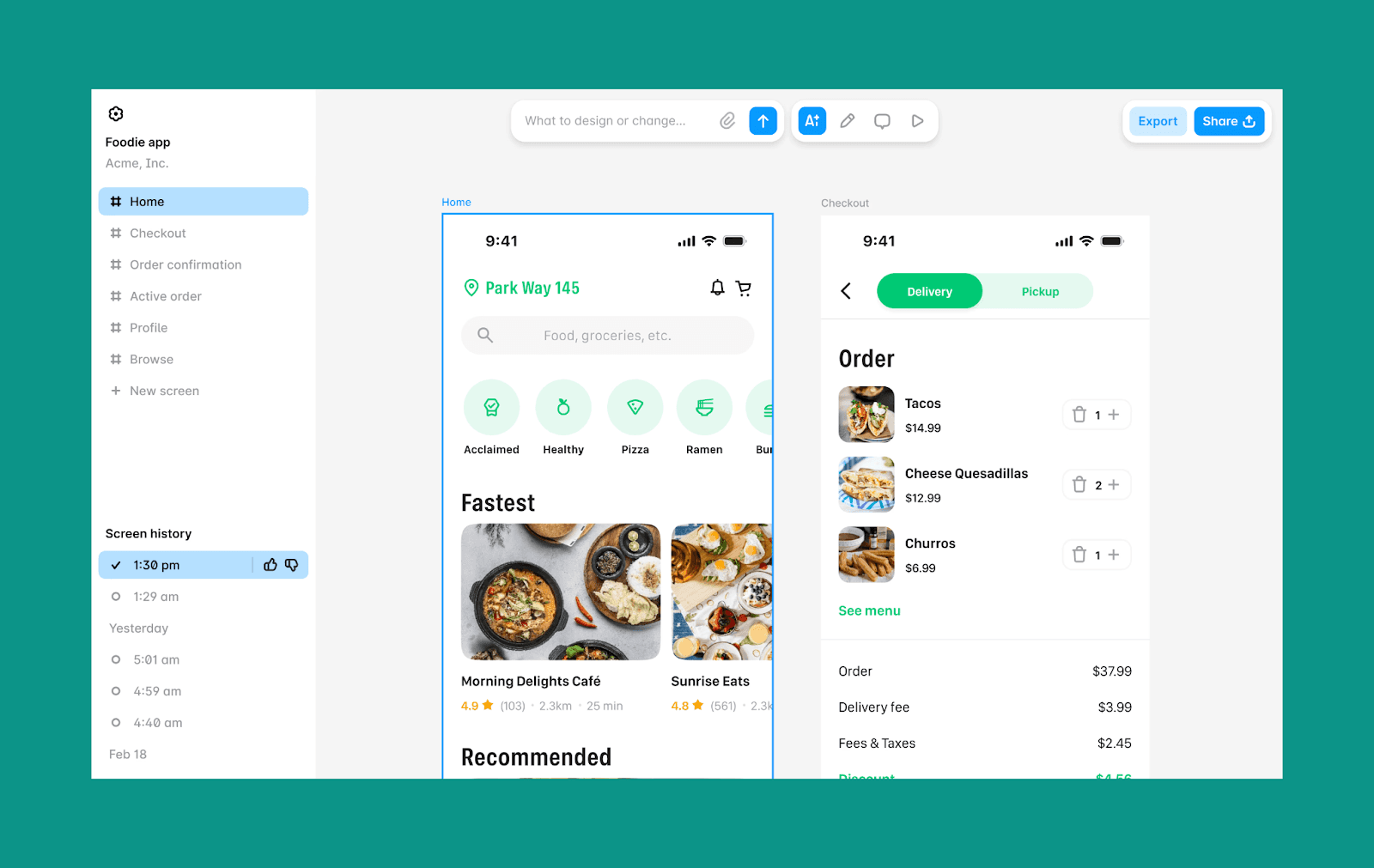
Banani AI, MagicPath AI'ye en yakın rakip olan AI arayüz tasarım aracıdır. Hızlı fikir üretimi ve iterasyon için tasarlanmıştır; odakta hi-fi UI, Figma uyumu ve temiz geliştirici devri var.
Banani'nin temel özellikleri
Metin, görsel veya Figma'yı etkileşimli UI akışlarına dönüştürün
Her fikir/komut için 5'e kadar tasarım varyasyonu
Çok ekranlı kullanıcı yolculuklarını haritalamak için yapılandırılmış canvas
Yerleşik Figma içe/dışa aktarma desteği
Temiz HTML/CSS dışa aktarma ve MCP bağlantıları
Neden MagicPath AI yerine Banani?
Önceliğiniz temiz, üretime hazır UI ise Banani daha iyi tasarım sadakati ve akış netliği sunar.
Banani fiyatlandırması
Ücretsiz plan: ayda 170 krediye kadar
Ücretli plan: 400 kredi için $12/ay ve sınırsız kredi için $30/ay
(ikisi de yıllık faturalandırmadır).
MagicPath'ın Doğrudan Rakipleri
Google Stitch vs MagicPath AI
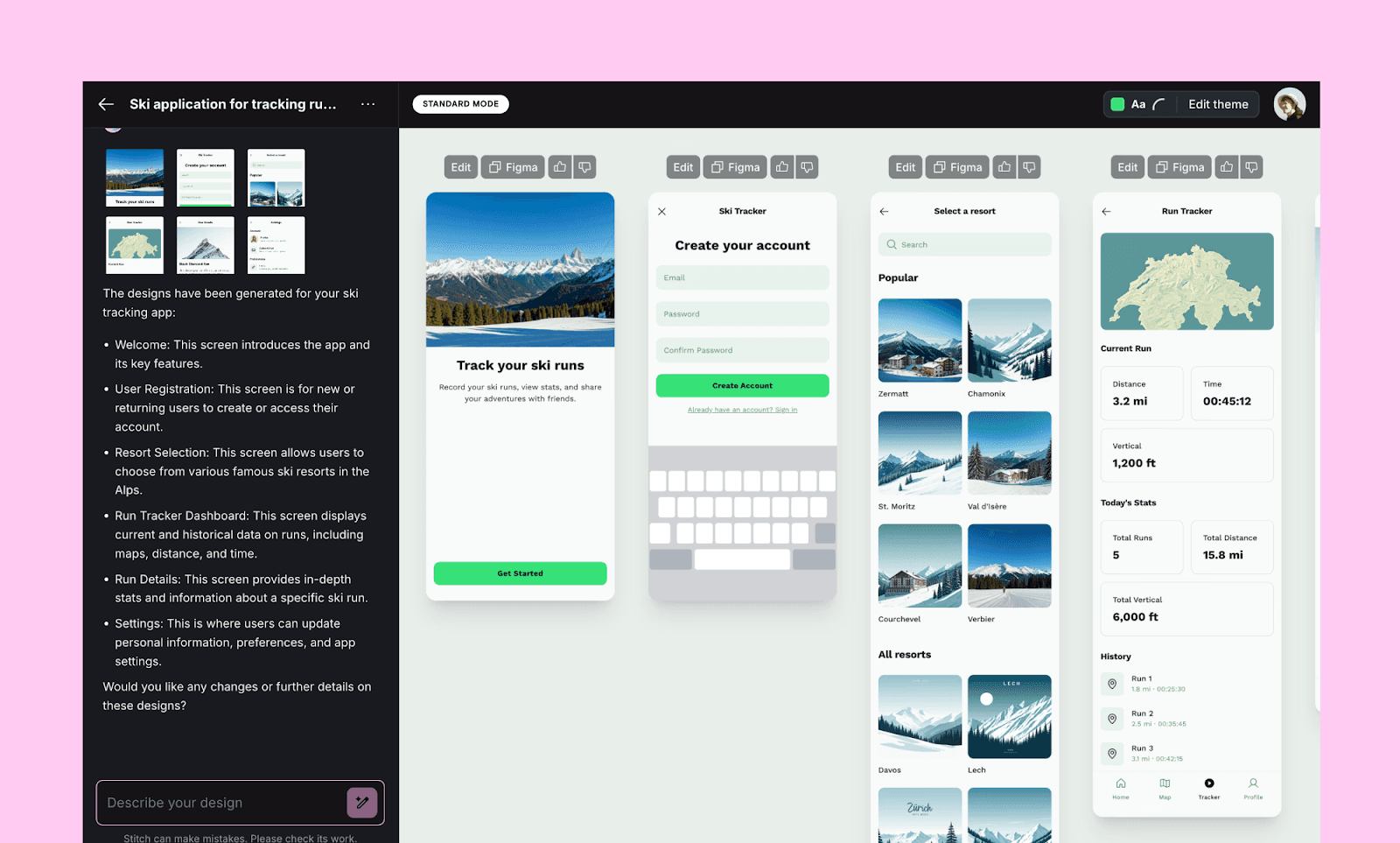
Google Stitch (eski adıyla Galileo AI), metin komutlarını veya eskizleri yapılandırılmış UI düzenlerine dönüştürür. Gemini destekli bu araç, erken aşama konseptler için uygun vibe design yaklaşımını savunur ve modern frontend iş akışlarına sıkı biçimde entegredir.
Google Stitch'in temel özellikleri
Çok ekranlı etkileşimli akışlar oluşturun
Temiz semantik HTML ve CSS üretin (Tailwind desteği dahil)
Sorunsuz Figma dışa aktarma ve MCP bağlantıları
Neden MagicPath AI yerine Google Stitch?
Tüm kullanıcı akışı için daha hızlı UI üretimi istediğinizde Stitch'i seçin.
Google Stitch fiyatlandırması
Ücretsiz plan: 2026 başı itibarıyla Stitch, sınırlı günlük krediyle tamamen ücretsizdir.
Ücretli plan: Beta sürecinde Google Stitch için ücretli plan yoktur.
UXPilot vs MagicPath AI
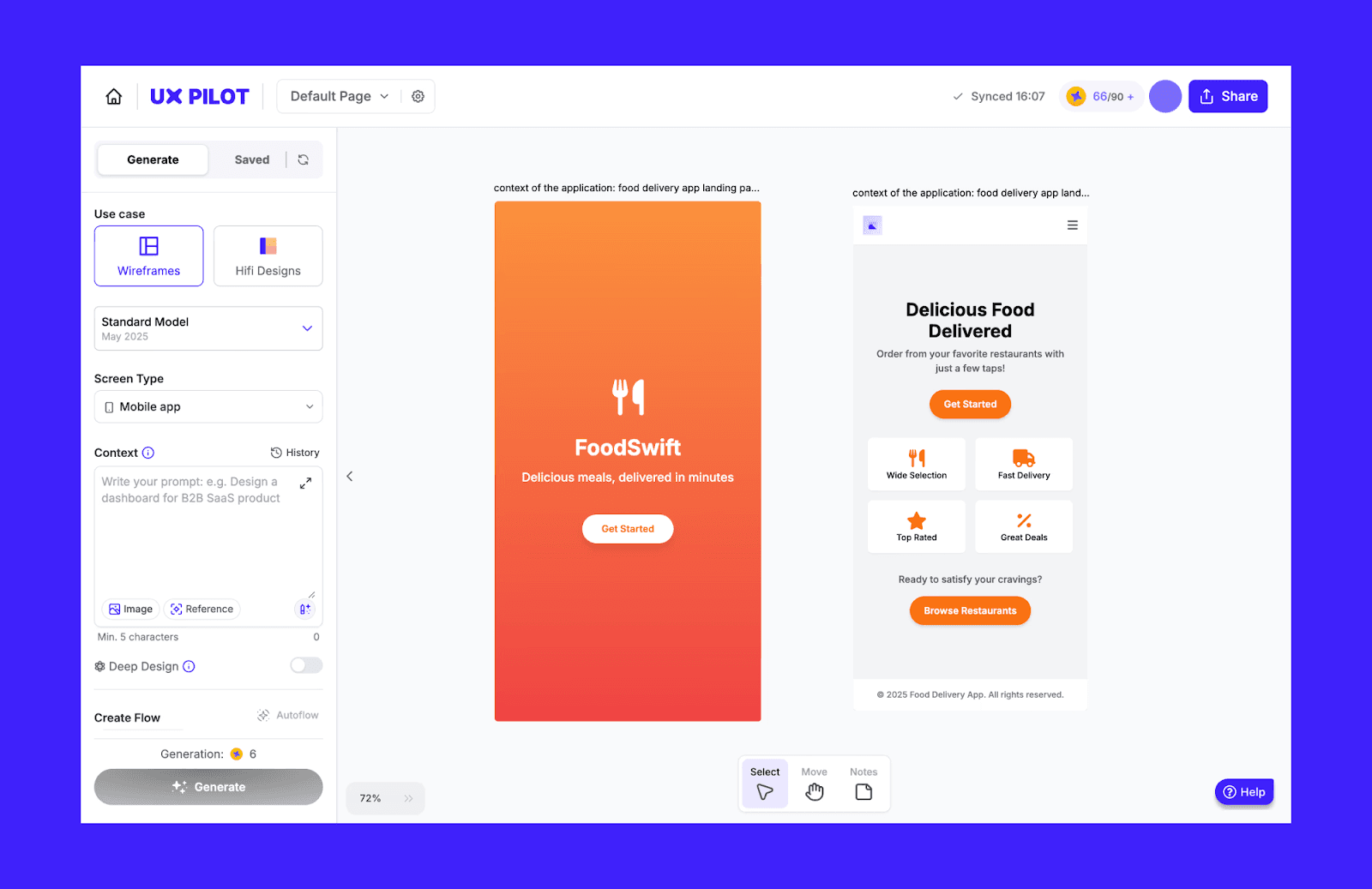
AI ürün tasarım paketi olarak konumlanan UXPilot, web uygulamalarını tek yerde fikirleştirmek, tasarlamak ve devretmek için bir yazılımdır. Metin veya elde çizilmiş eskizle başlayıp AI ile UI üretebilir, Figma'ya aktarabilir ve kodu GitHub ile eşitleyebilirsiniz.
UXPilot'un temel özellikleri
Her komut için 4'e kadar tasarım/görünüm varyasyonu
Blitz Model, hızlı sunumlar için saniyeler içinde UI oluşturur
Tasarımda derinlik, durumlar ve ürün uç durumları otomatik eklenir
Neden MagicPath AI yerine UXPilot?
Sınırsız canvas yerine UI/UX mimarisi için AI gerektiğinde UXPilot tercih edilmelidir.
UXPilot fiyatlandırması
Ücretsiz plan: Tek seferlik 45 ücretsiz kredi; 7 ekrana kadar kullanılabilir.
Ücretli plan: Standart plan yıllık faturalandırıldığında $14/aydır ve ayda 420 kredi sunar; 70 ekrana kadar kullanılabilir.
MagicPatterns vs MagicPath AI
Ürün ekipleri için geliştirilen MagicPatterns, fikirleri prototiplere dönüştürmenize ve tasarım revizyonları için kullanıcı geri bildirimi toplamanıza yardım eder. Bir ekran görüntüsünü yeniden oluşturabilir, mevcut marka yönergelerine uyan tasarımlar üretebilir ve slayt sunumları hazırlamaya da yardımcı olabilir.
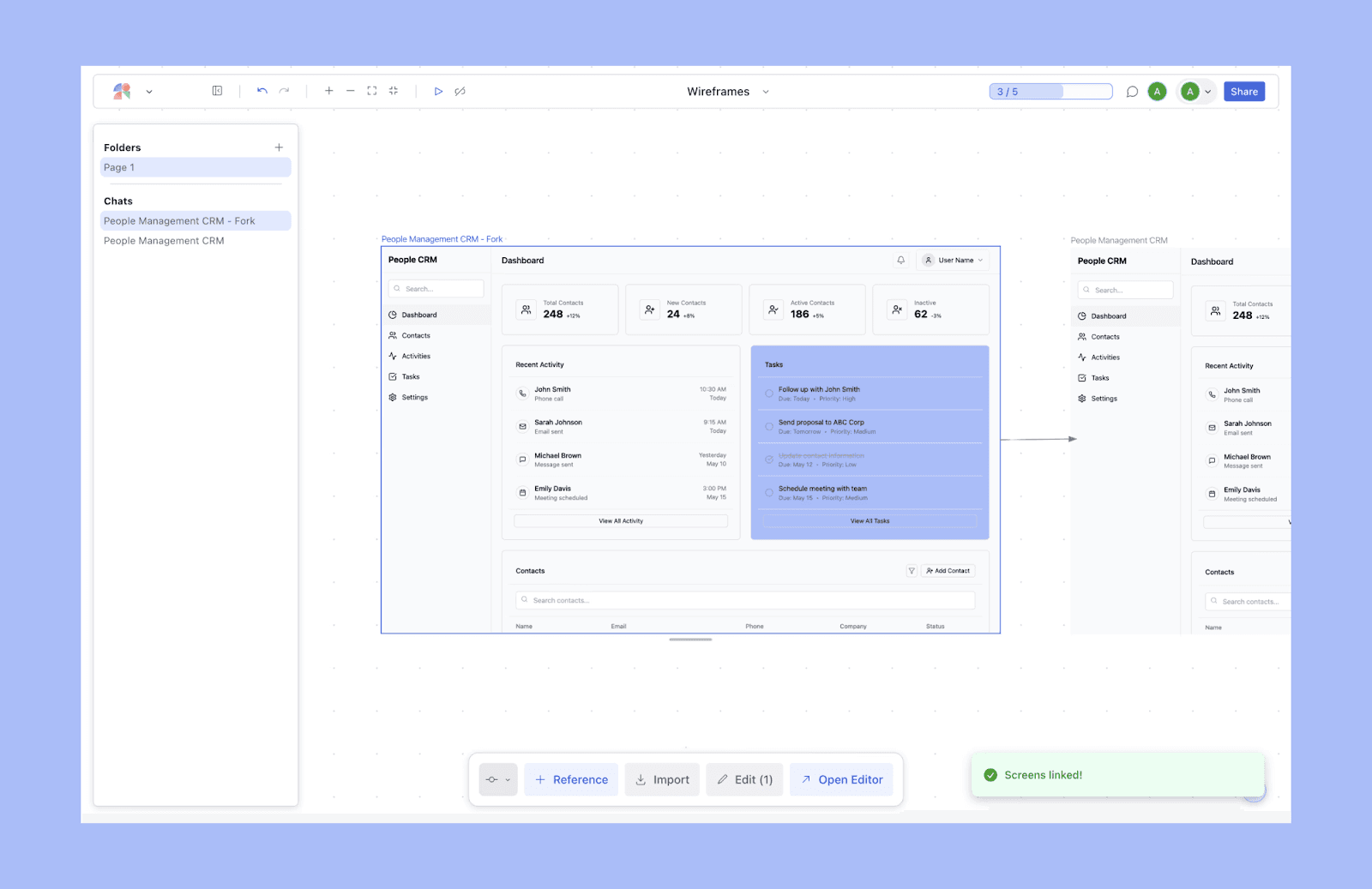
MagicPatterns'in temel özellikleri
İkili mod: tek ekranlı UI üretimi + sonsuz canvas
Kurumsal düzey tasarım için güvenli AI-yerel tasarım
Mevcut ürüne uyan UI ile hızlı prototipleme
Neden MagicPath AI yerine MagicPatterns?
MagicPatterns, yeniden kullanılabilir varlıklarla bir tasarımdan koda aracı olarak daha iyidir.
MagicPatterns fiyatlandırması
Ücretsiz plan: ayda 5 kredi ve sınırlı tasarım yetenekleri.
Ücretli plan: Başlangıç planı Hooby olarak adlandırılır; yıllık faturalandırıldığında $15/aydır ve ayda 100 kredi sunar.
Figma öncelikli alternatifler
Figma AI vs MagicPath AI
Figma AI, UI komut verme, içerik üretimi ve tasarım iş akışlarını otomatikleştirme için AI destekli özelliklerle temel Figma platformunu genişletir. Öne çıkanlar arasında text-to-design için Figma Make, no-code web yayınlama için Figma Sites ve Figma eklentileri ile neredeyse her tasarım görevini Figma tasarım sistemi içinde özelleştirmek için 10k+ araç bulunur.
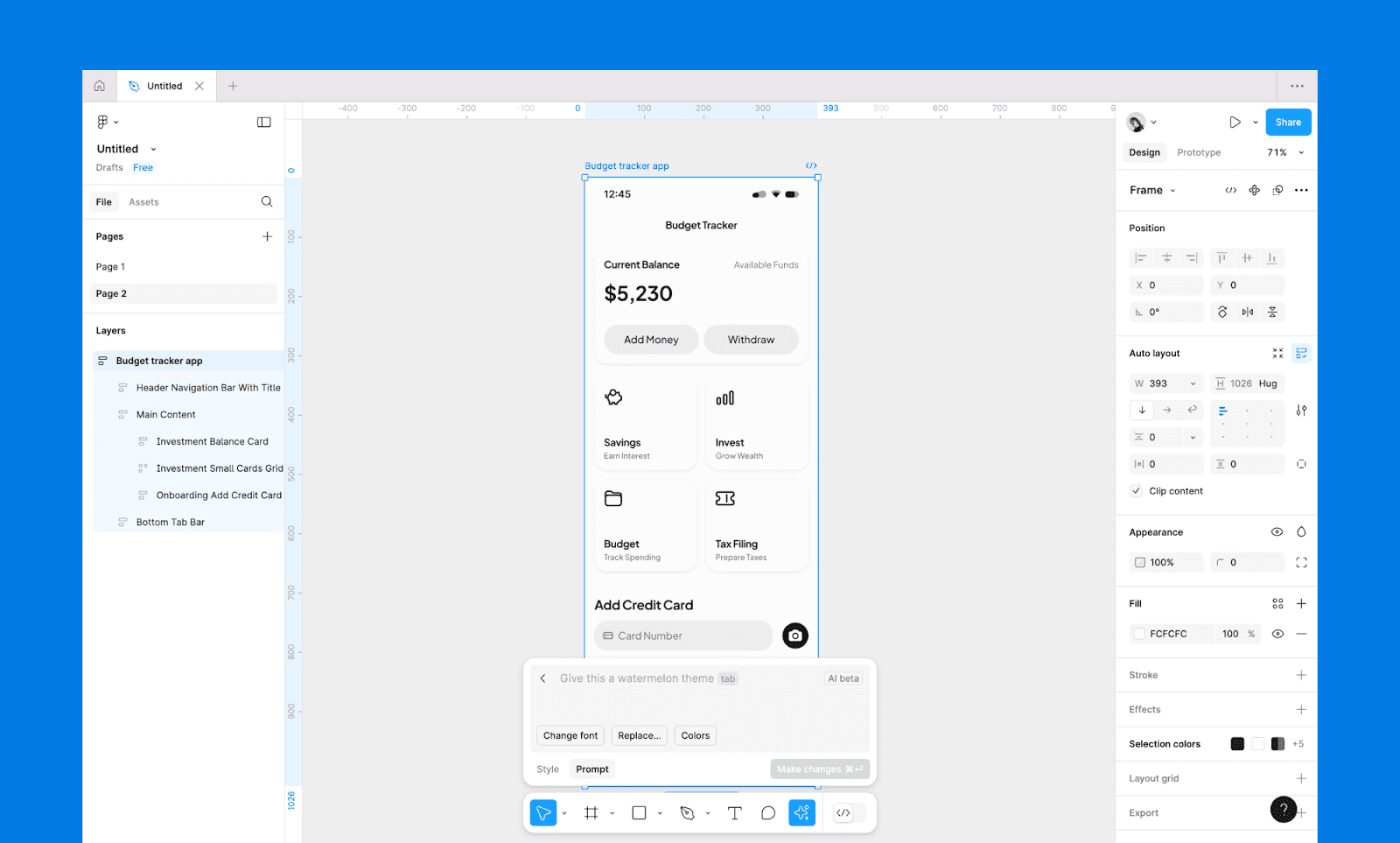
Neden MagicPath AI yerine Figma AI?
Gelişmiş özelleştirme, ekip işbirliği ve tasarım devriyle üretime hazır tasarım sistemleri için sektör standardıdır.
UXMagic vs MagicPath AI
UXMagic, Figma tasarım sistemi ile yüksek uyumlu AI ile UI tasarımı üretmede uzmandır. Metinden UI ve görselden UI'ya ek olarak bir web sitesini klonlayıp arayüzünü düzenleyebilir, geliştirici dostu HTML ve React bileşenleri dışa aktarabilirsiniz.
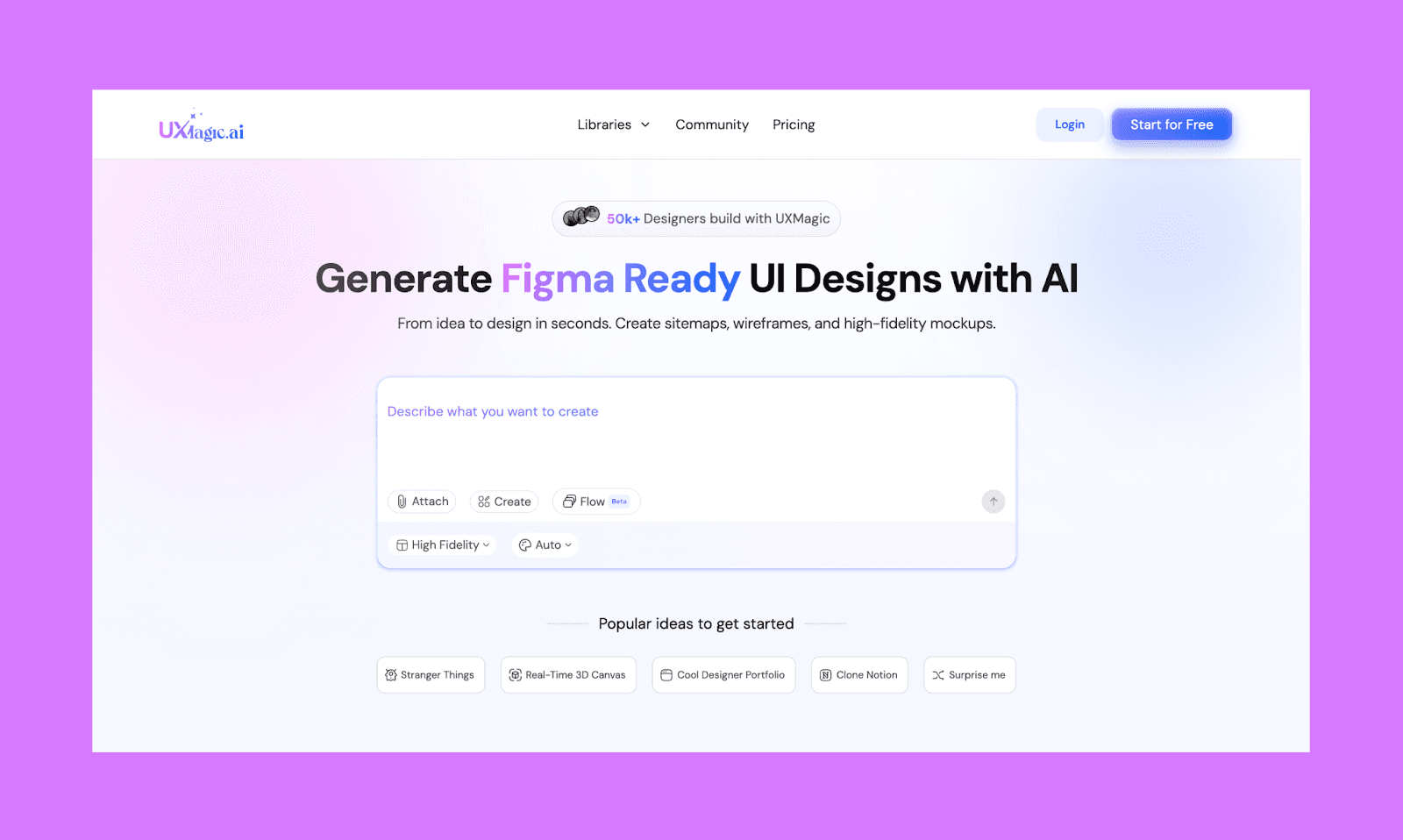
Neden MagicPath AI yerine UXMagic?
UXMagic, tasarım sistemi tutarlılığı ve Figma'ya hazır çıktılar için daha iyidir.
MagicPath gibi ekip odaklı araçlar
Miro AI vs MagicPath AI
Miro AI, Miro Classic Canvas içine yerleşik işbirlikçi bir AI katmanıdır; ekiplerin tek çalışma alanında beyin fırtınasından temel UI prototiplerine geçmesini sağlar. Notları, komutları veya ekran görüntülerini gerçek zamanlı işbirliği, yorumlar ve etkileşimli akışlarla düzenlenebilir prototiplere dönüştürebilir.
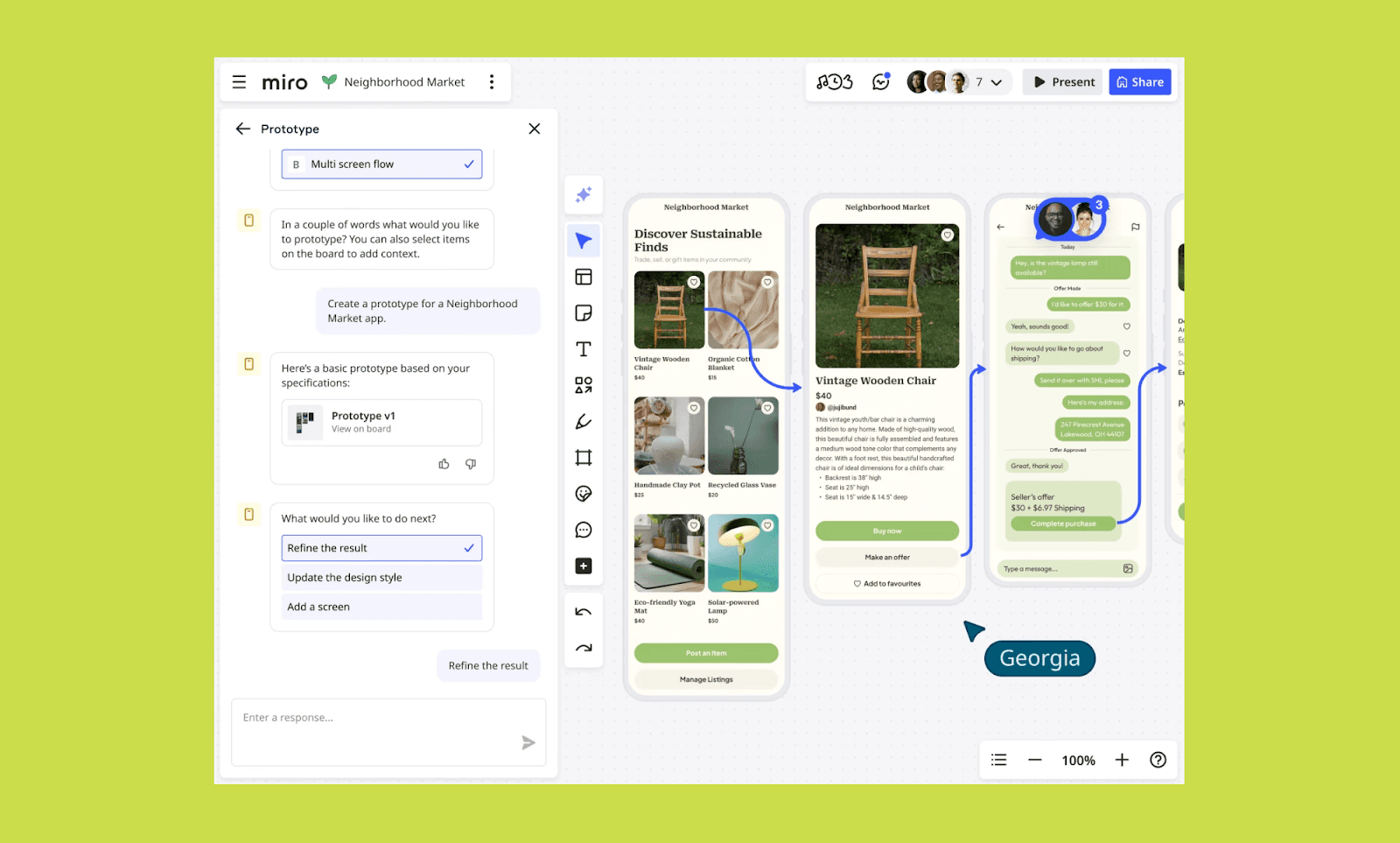
Neden MagicPath AI yerine Miro AI?
Tek tek cilalı UI tasarlamak yerine ekip odaklı beyin fırtınası ve iterasyon için.
Visily vs MagicPath AI
Visily, paylaşılan çalışma alanlarında hızlı wireframe için geliştirilmiş işbirlikçi bir AI tasarım aracıdır. Esnek izinler, yorumlar ve sorunsuz tasarımdan geliştirmeye devir sunar; bu da onu yapılandırılmış ekip iş akışları için ideal kılar.
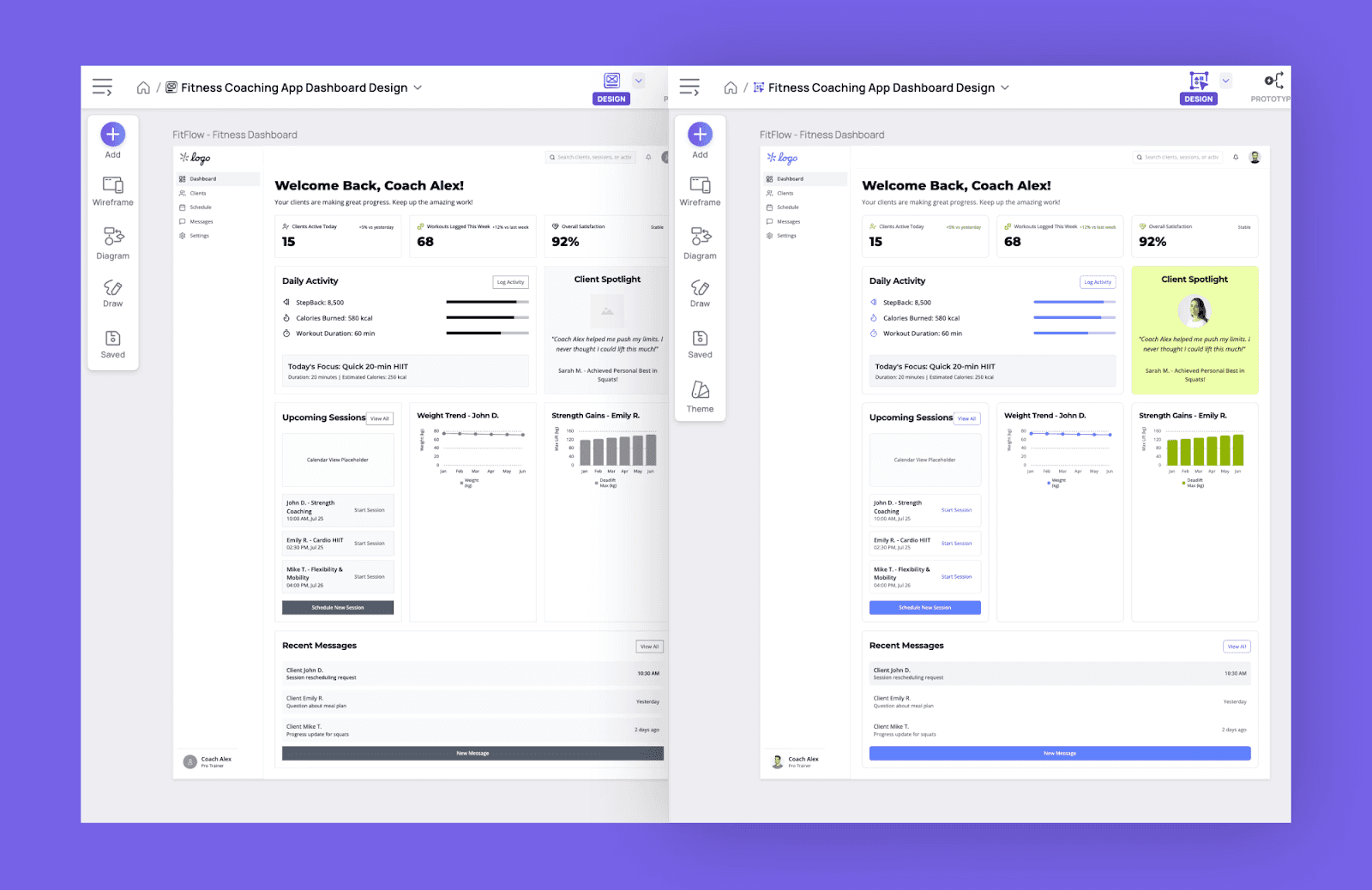
Neden MagicPath AI yerine Visily?
Ekip uyumu, AI UI üretimi kadar kritik olduğunda Visily'i seçin.
Vibe Coding AI Arayüz Araçları
Lovable vs MagicPath AI
Lovable, komutları sadece UI mockup'lara değil, tam işlevli web uygulamalarına dönüştüren popüler bir vibe-coding AI aracıdır. Başlangıçtan itibaren mantık, backend ve frontend'i birlikte çalıştıran dağıtılabilir ürünler kurmaya odaklanır.
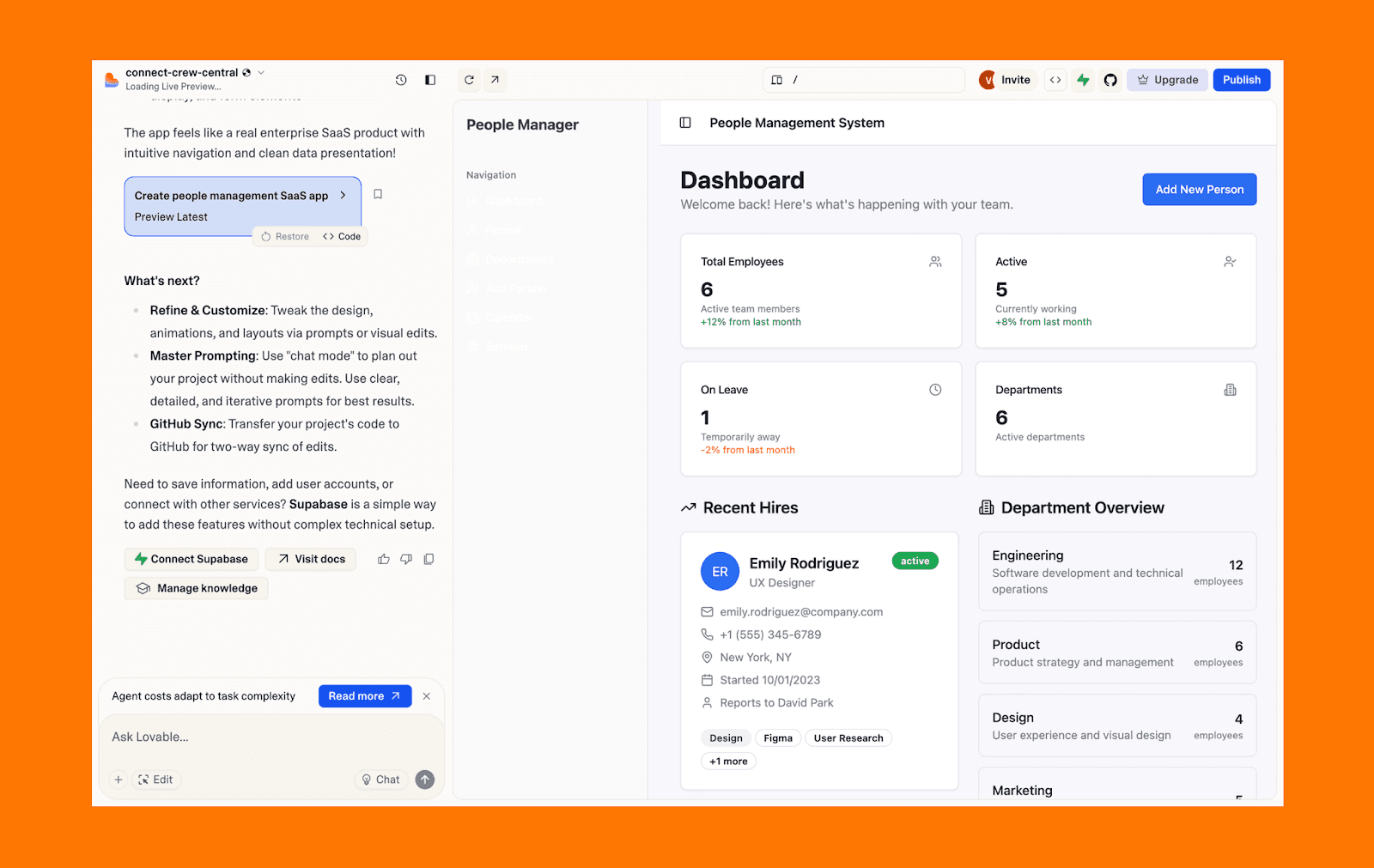
Neden MagicPath AI yerine Lovable
Temel UI prototipleri yerine paydaşları hizalayacak çalışan MVP'ler istediğinizde Lovable'ı seçin.
v0 by Vercel vs MagicPath AI
v0, Vercel'in yüksek kaliteli, kopyala-yapıştır React bileşenleri üreten özel bir generatif UI aracıdır; Tailwind CSS ve shadcn/ui ile stillendirilir. Geliştiricilerin Next.js projelerine anında entegre edilebilecek cilalı frontend öğeleri iskeletlemesine odaklanır.
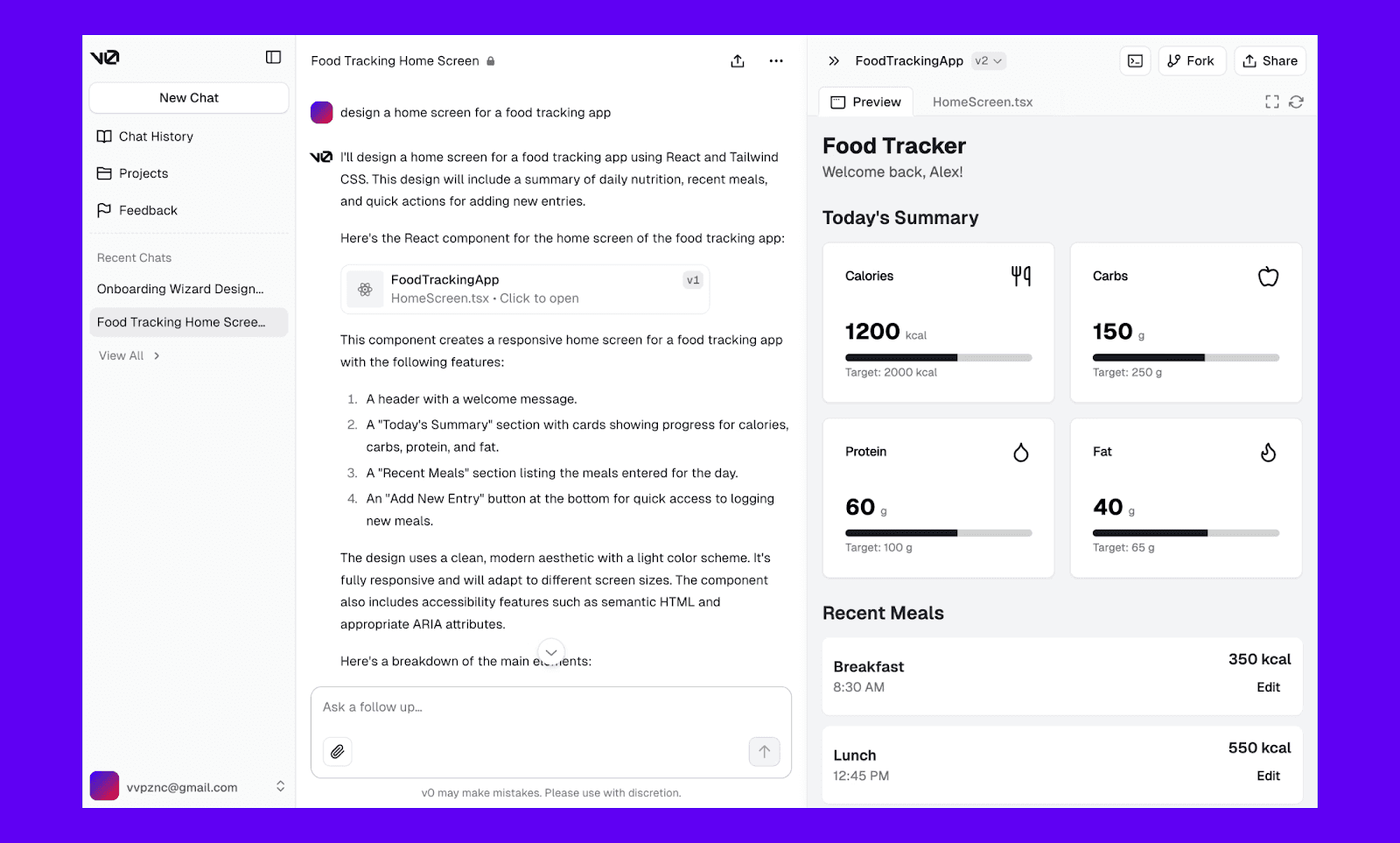
Neden MagicPath AI yerine v0
Ürün geliştirme hedefiniz tasarımdan çok kod çıktısıyla ilgiliyse Vercel'in v0 aracını kullanın.
Bolt.new vs MagicPath AI
Bolt.new, frontend, backend ve dağıtımı tek akışta birleştirerek doğrudan komutlardan tam yığın web uygulamaları oluşturan bir AI kodlama aracıdır. Araç değiştirmeden fikir → tasarım → canlı ürün sürecinde hız ve iterasyonu öne çıkarır.
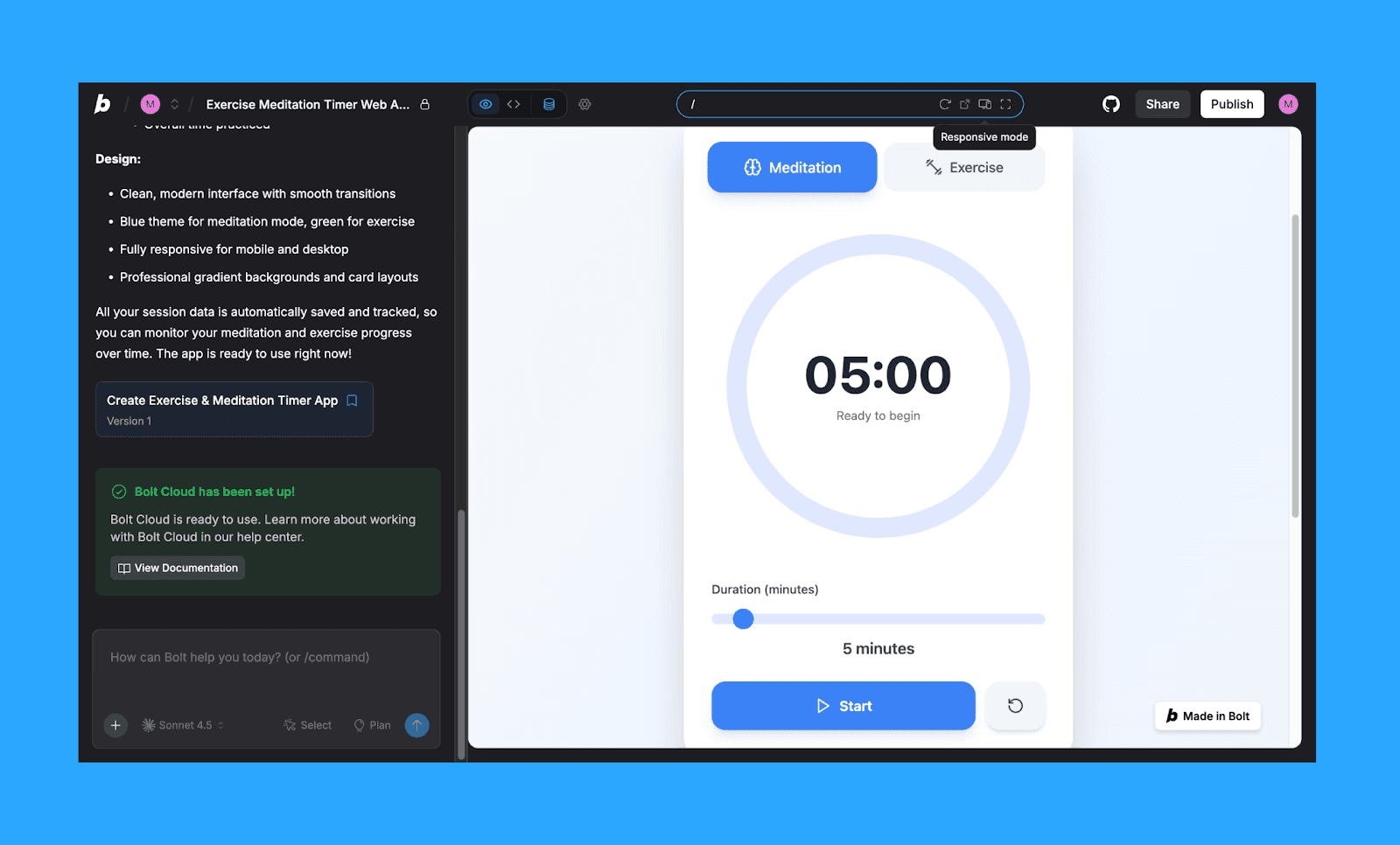
Neden MagicPath AI yerine Bolt.new
Sadece arayüz değil, tüm uygulamayı yayınlayacak kadar net bir ürün fikriniz varsa Bolt.new seçin.
MagicPath AI Gibi Bir Araç Seçmek
Tüm tasarım iş akışlarına uyan tek bir en iyi AI UI oluşturucu alternatifi MagicPath AI için yok. Daha iyi tasarım çıktıları ve daha ekonomik bir MagicPath alternatifi arıyorsanız Banani AI'yı seçin. Daha özel ihtiyaçlar için MagicPath AI'ye benzeyen AI UI araçları arasından seçim yapın.
Tasarımcı olmayanlar için hızlı fikir üretimi veya vibe designing yaparken, kullanım kolaylığı nedeniyle en iyi seçenekler Banani ve Google Stitch'tir.
Tutarlılık ve işbirliğinin önemli olduğu ciddi ürün ekipleri için MagicPatterns veya Miro AI gerekli güçlü çalışma alanını sunar.
Sadece bir UI mockup yerine çalışan ürün yayınlamayı hedefleyen frontend geliştiriciler için Vercel'in v0'u veya Lovable harika seçimlerdir.
Fiyatlandırma, kredi limitleri ve ölçeklenebilirlik gibi pratik tarafı da göz ardı etmeyin. Bu app/web tasarım AI araçlarını günlük kullanmaya başladığınızda bunlar AI özellikleri kadar önemlidir.
Sonuç: En İyi MagicPath Alternatifi
MagicPath AI için en iyi alternatifi ararken karar araç vs araçtan değil, iş akışı vs sonuçtan gelmeli. Tüm seçenekler arasında Banani AI, tasarım öncelikli yaklaşımı, yüksek sadakatli UI üretimi ve sorunsuz devriyle en iyi MagicPath alternatifi olarak öne çıkar.
MagicPath Alternatifleri Hakkında SSS
Figma AI, MagicPath AI'nin alternatifi mi?
Evet, ama kısmen. Figma AI mevcut bir tasarım sistemi ve ekip iş akışında daha iyi çalışır; MagicPath ise UI'yı sıfırdan üretmeye odaklanır. Yani Figma AI, yalnızca zaten Figma öncelikliyseniz iyi bir alternatif olabilir.
MagicPath AI'nin ücretsiz alternatifi var mı?
Evet. Google Stitch şu anda beta aşamasında ücretsizdir ve MagicPath AI gibi yüksek kaliteli AI UI üretimi sunar.
2026'da MagicPath AI'nin en iyi rakibi hangisi?
Tek bir kazanan yok. Ancak güçlü çıktılar ve kullanılabilirlikle dengeli, tasarım öncelikli bir MagicPath rakibi istiyorsanız Banani öne çıkar.


