Qwen 3.6 Plus for UI Design
4.44
/5
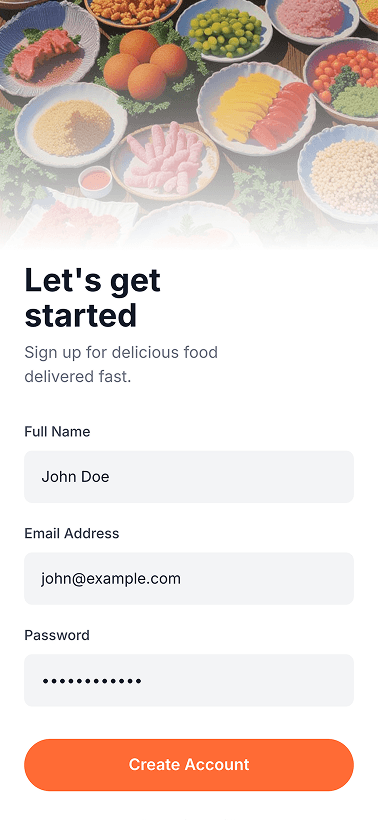
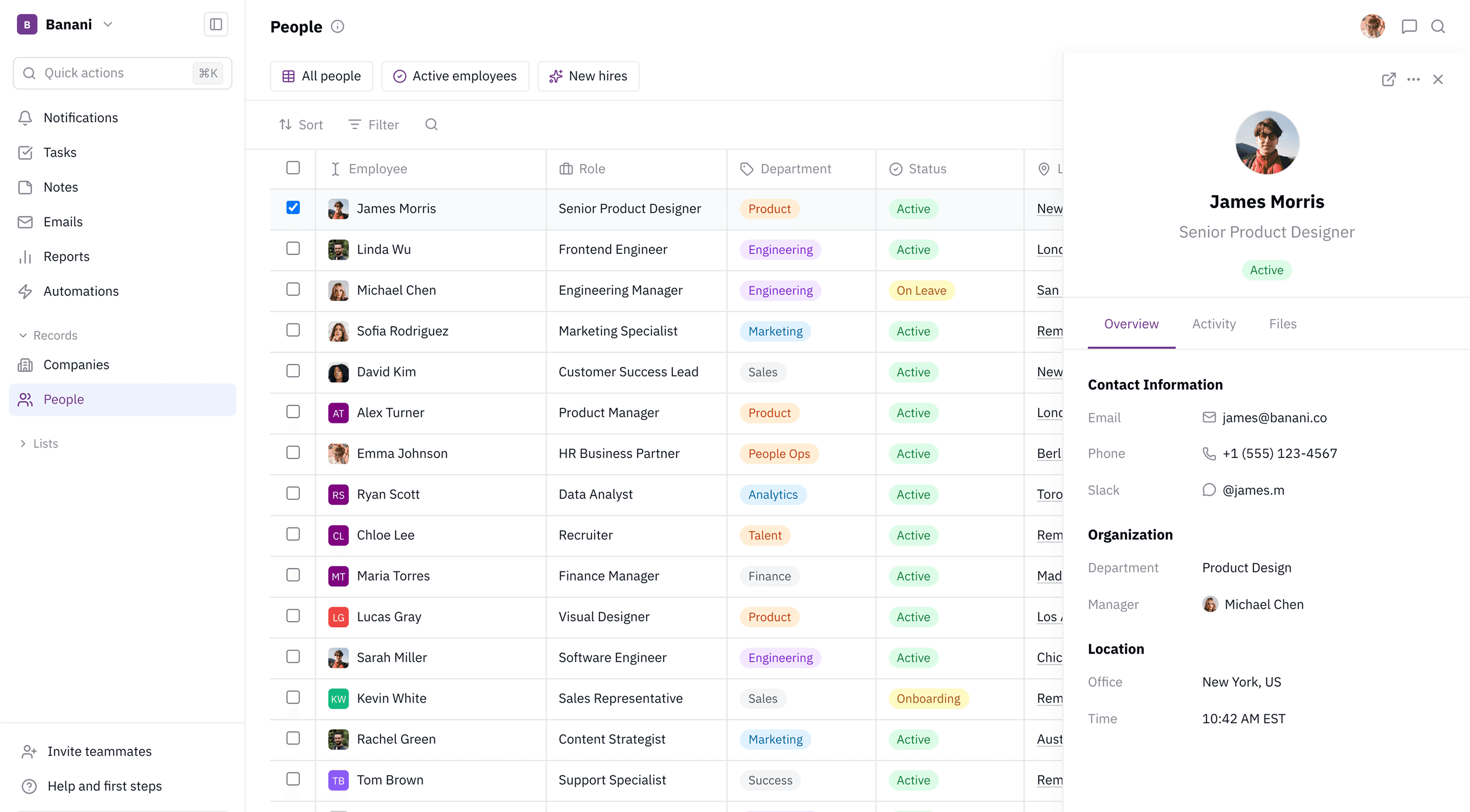
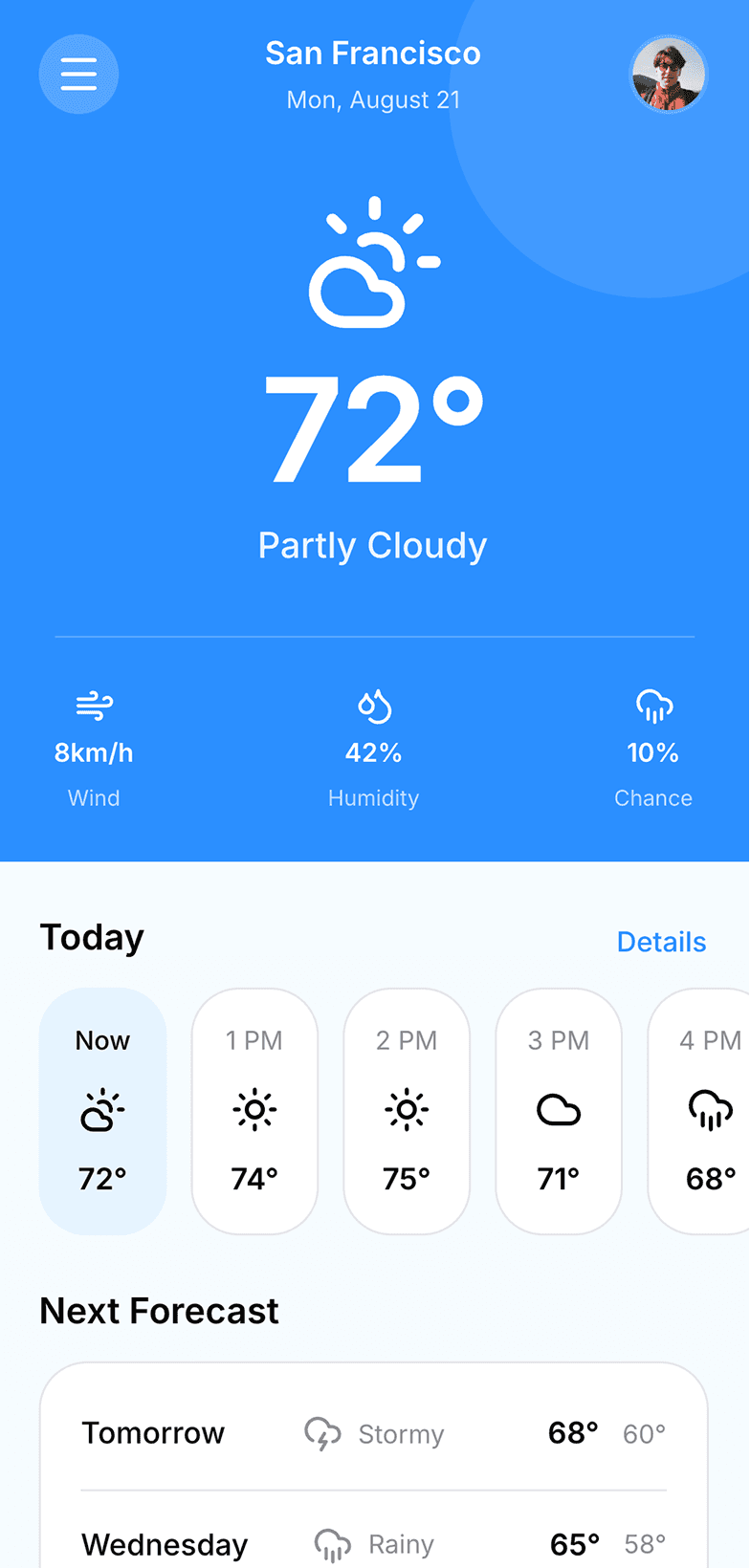
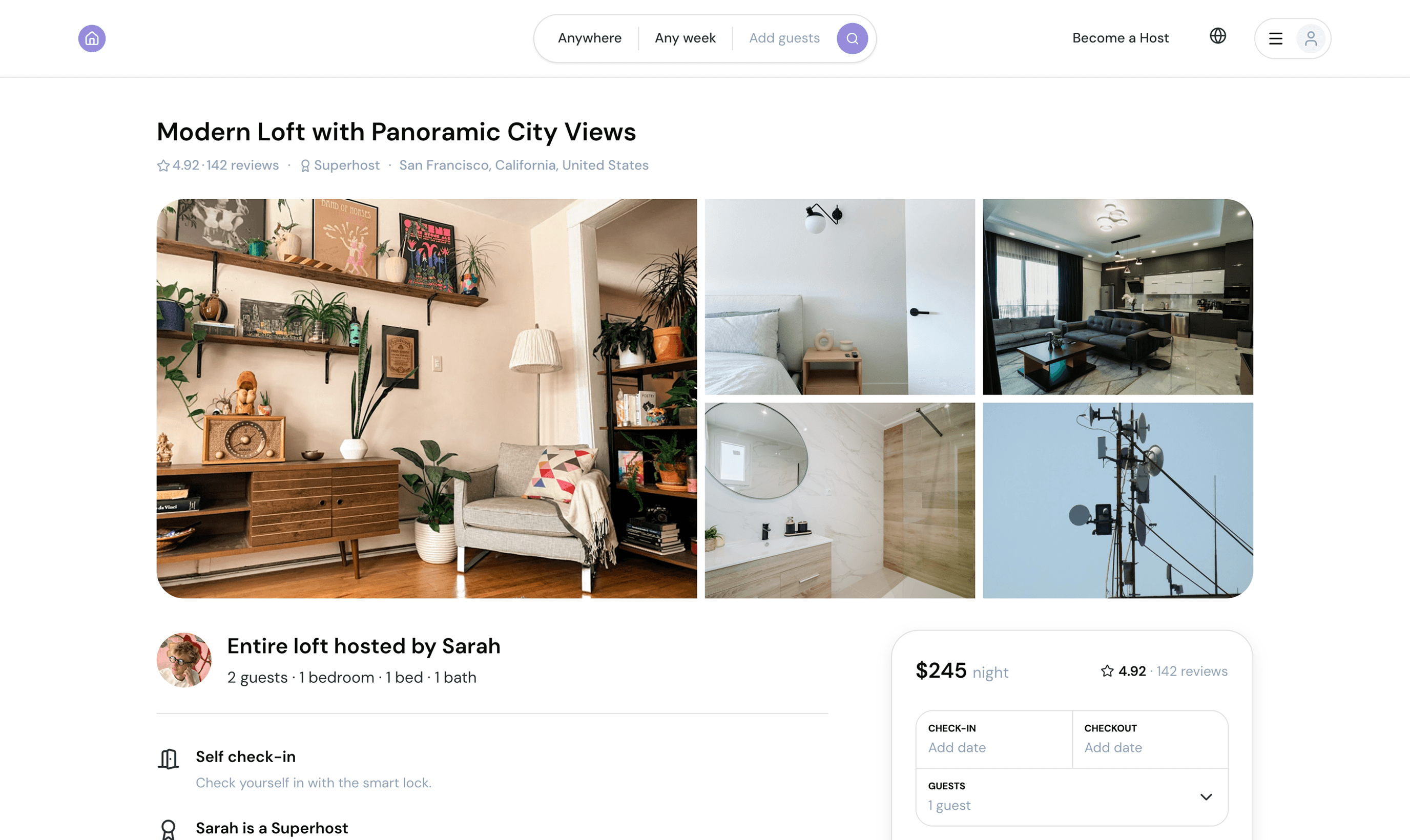
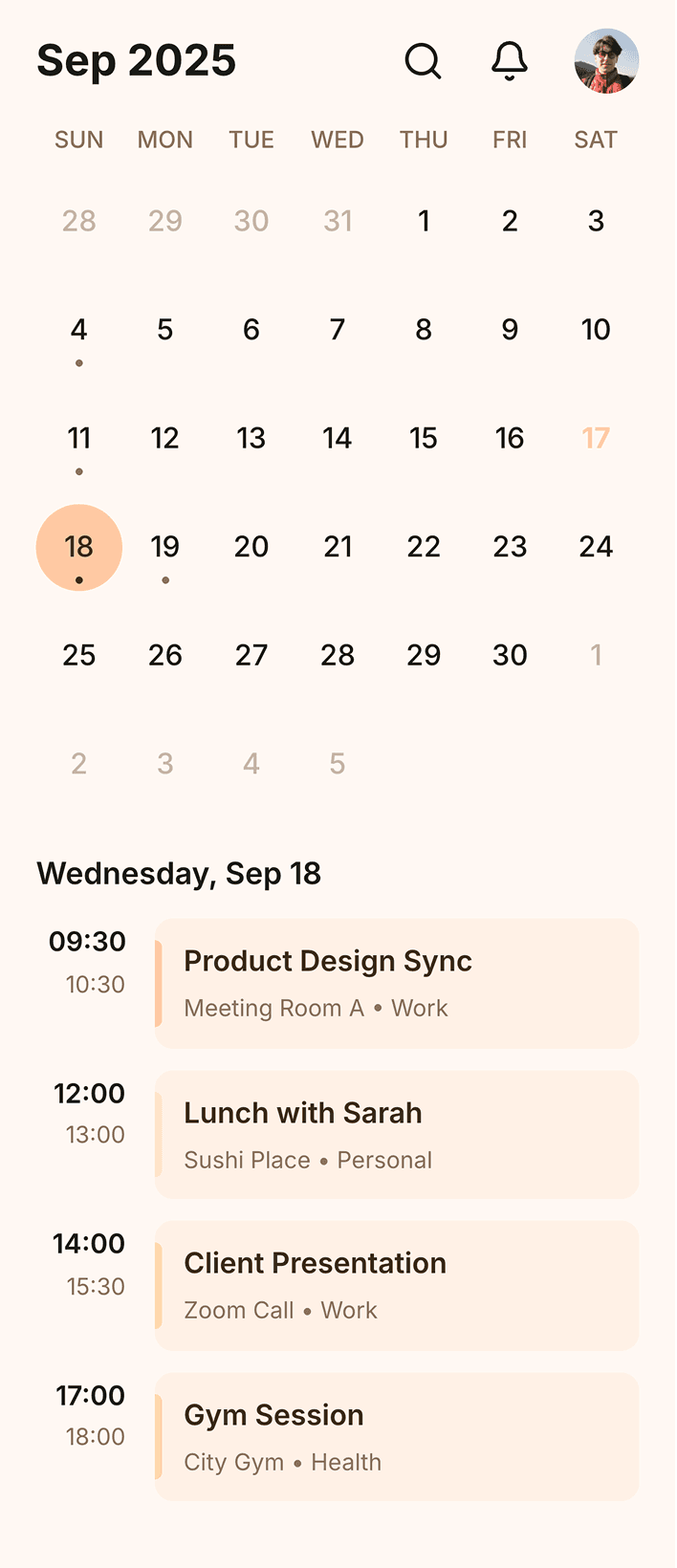
A standout performer, especially from Test 2 onward. Urgency-first layouts, strong color use, and close design-system adherence make this one of the top results.
Minimal single screen
PROMPT USED
Design a mobile app screen for a meditation app: starting a guided breathing session. - Typography: one clean sans-serif (Inter/SF Pro style). Large, light-weight headline. Small muted body text. - Colors: soft, desaturated — pale sage or cream background, one gentle accent (dusty blue or terracotta) used only for the primary action. No pure white/black, no saturated colors. - Elements: circular breathing-animation centerpiece, today's session card (name, duration, one-liner), music on-off, understated streak indicator, one pill-shaped primary button ("Begin Session"), simple 3-4 icon bottom nav. - Icons: thin-line only, consistent stroke, one color. Build as a real, working mobile screen (HTML/CSS), standard mobile viewport.

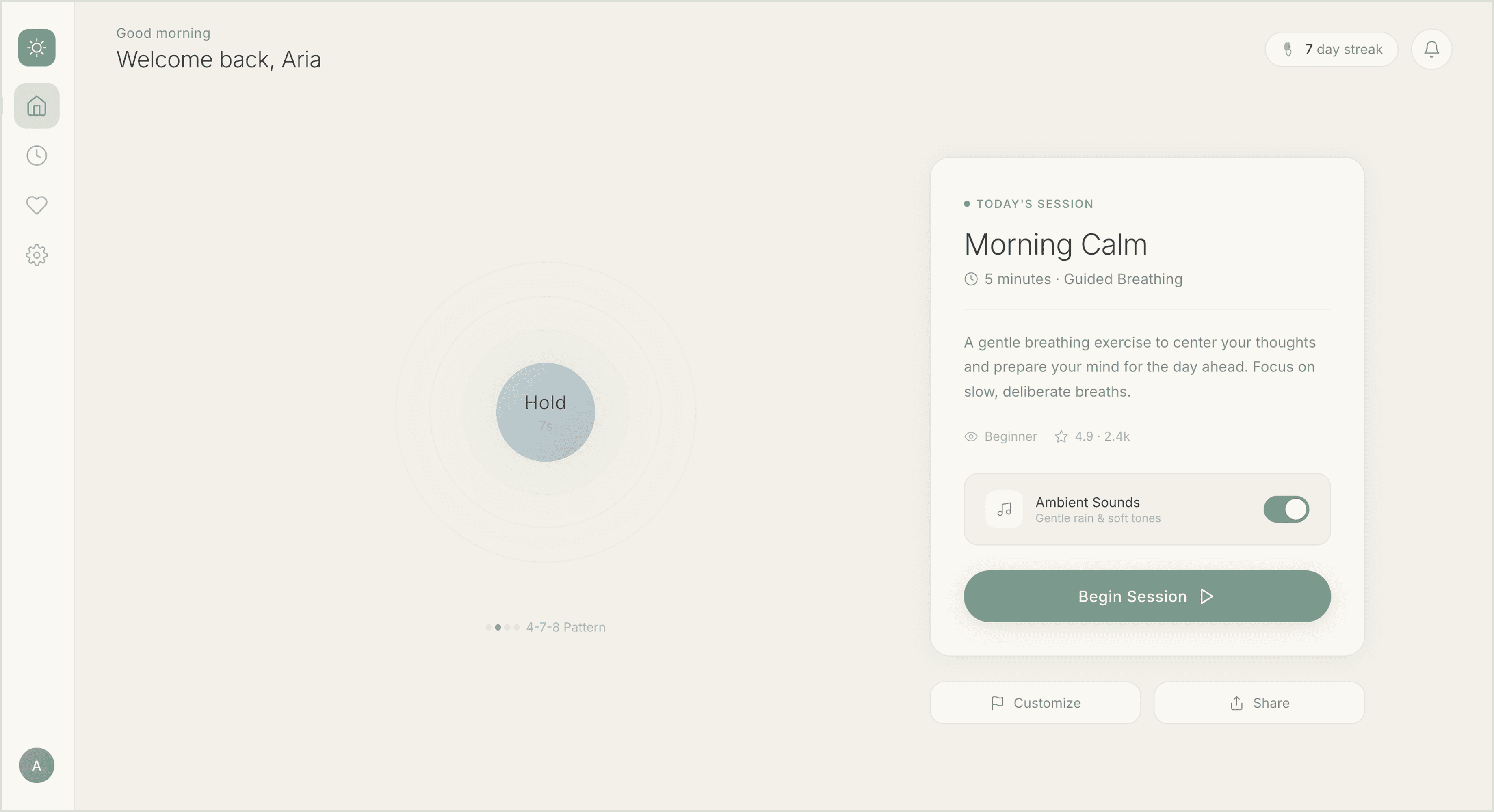
4/5
Prompt Fidelity
4/5
Visual Quality
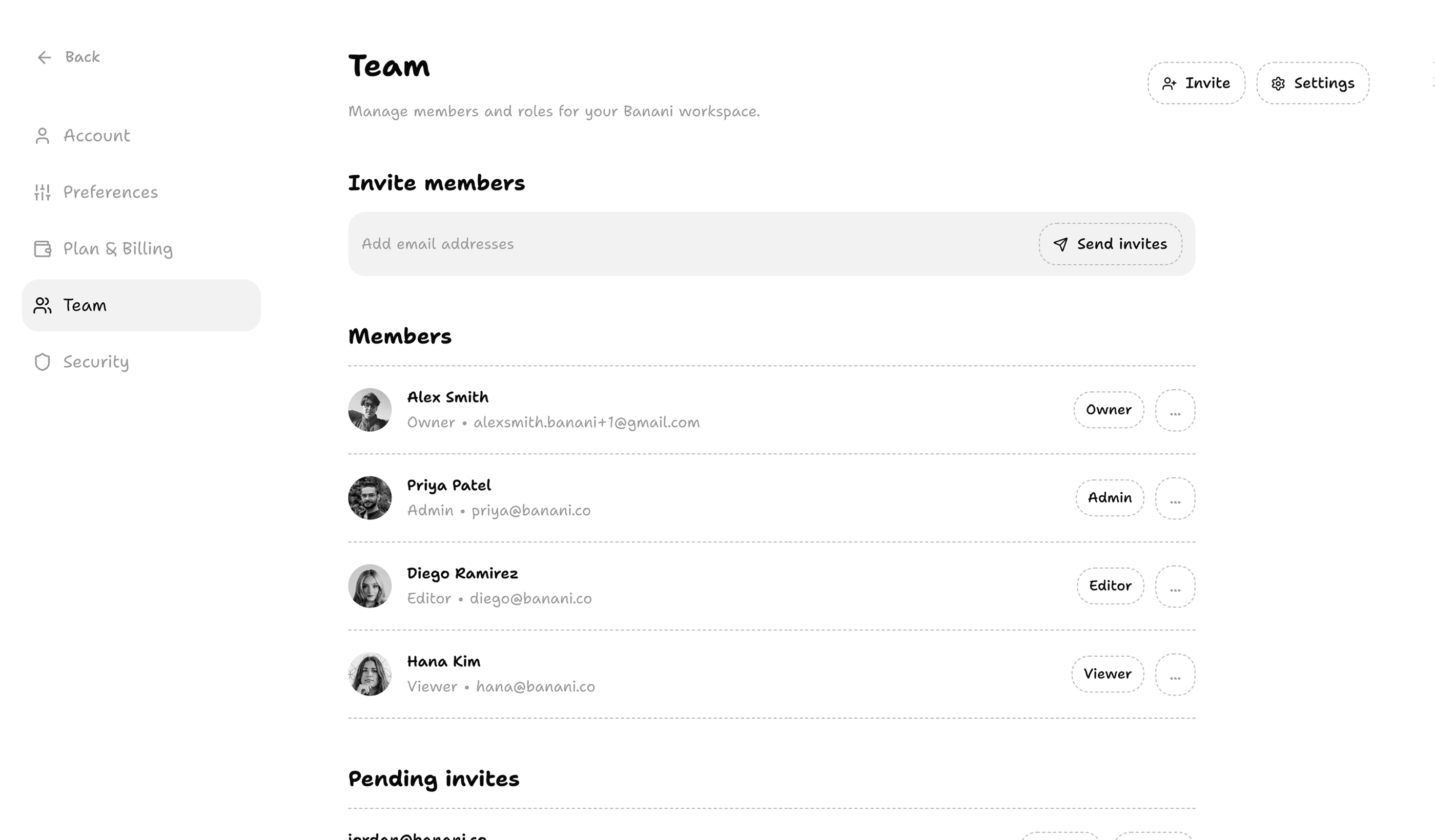
Maximal single screen
PROMPT USED
Design a dashboard screen for internal banking software — used by a relationship manager or banker to review client accounts, not a consumer-facing app. Light mode. This is the main workspace screen they see when reviewing their portfolio of clients. Make it information-dense with relevant client account cards, risk/flag indicators, transaction activity, and quick actions (e.g. schedule a call, flag for review, view full profile). This should feel comprehensive and data-rich without feeling chaotic — strong visual hierarchy is the priority, not minimalism. This is a professional tool, not a consumer app — treat it accordingly. Build this as a real, working mobile screen in HTML/CSS sized for a standard mobile viewport.


5/5
Prompt Fidelity
4,5/5
Visual Quality
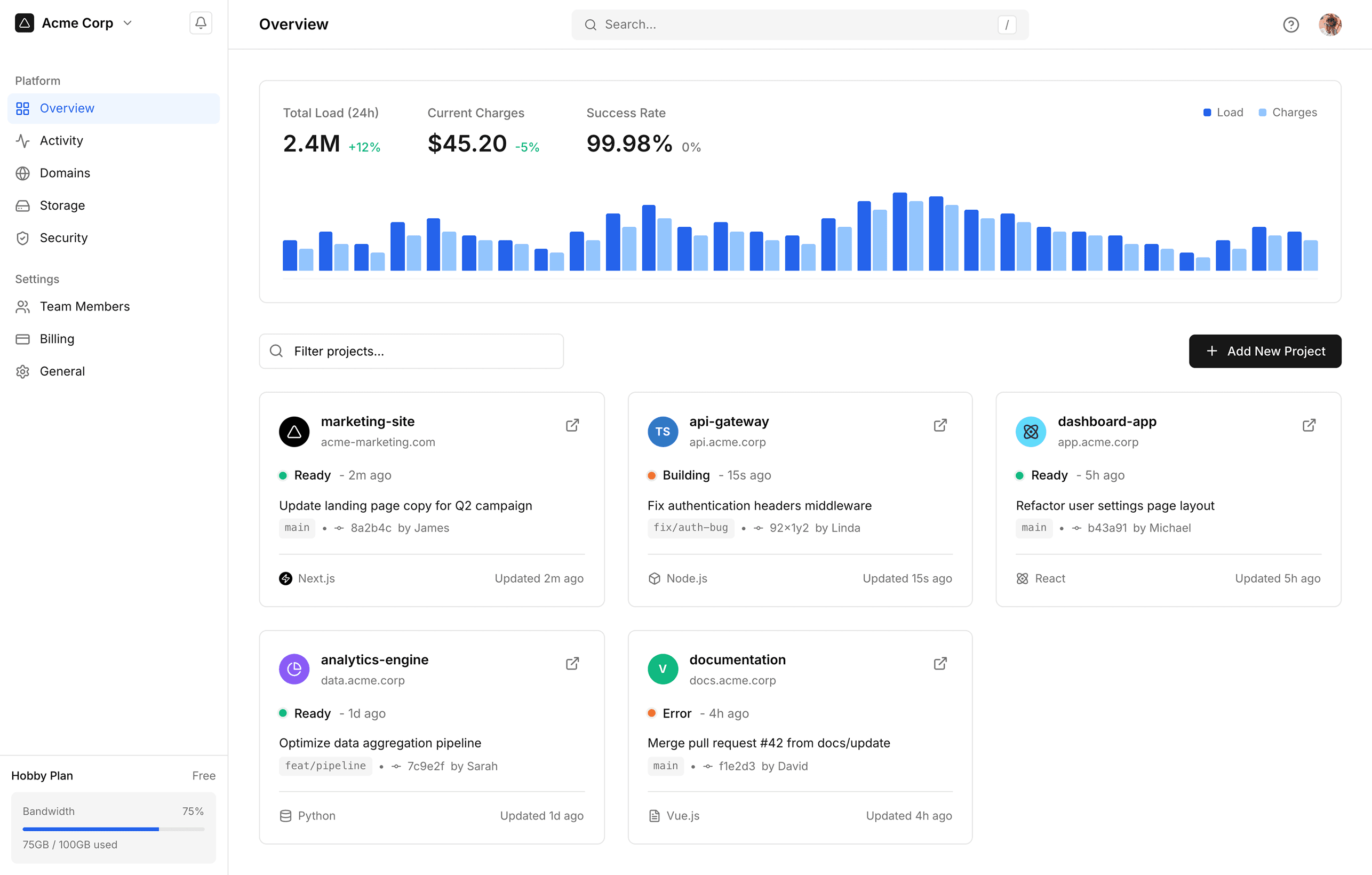
Multi-screen flow
PROMPT USED
Design 4 connected onboarding/entry screens for a community app where young adults find local meetups for retro/couch co-op gaming and group game nights. Think "gather your party" energy, nostalgic for Nintendo-era childhood friendships; NOT a dating app though. Screens: (1) welcome/value proposition, (2) profile setup (gamertag, favorite games/systems), (3) interests/preferences (game genres, playstyle, availability), (4) get started / paywall. Strictly follow the attached design system file for all typography, colors, spacing, component styling, and the Do's and Don'ts — this is a hard constraint, not inspiration. Copy should lean playful and nostalgic ("Player 2 needed," "Insert coin to continue") without becoming a joke. Build as real, working mobile screens (HTML/CSS), standard mobile viewport, each screen consistent with the others.


4/5
Prompt Fidelity
4/5
Visual Quality
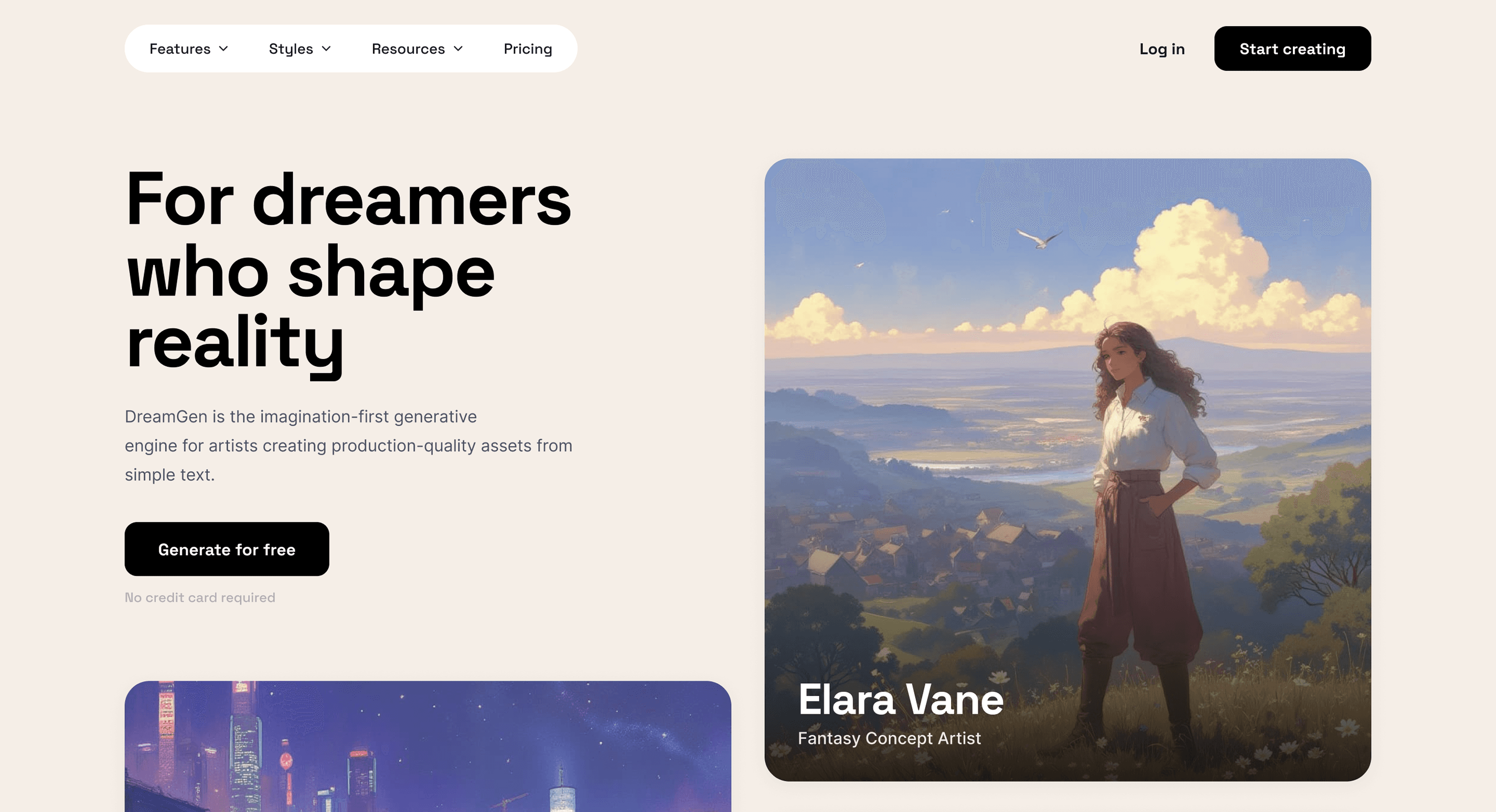
Animated screen
PROMPT USED
Design a single-page portfolio website for a senior growth marketer working across writing, social, SEO, affiliate, YouTube, and newsletters. Content-forward, editorial feel: intro/bio, a work showcase (case studies or channel highlights, not just a logo grid), a results/impact section (numbers, outcomes), a short personal letter, and a contact section. Include one deliberate animation or transition on the home/hero area (scroll-triggered reveal or smooth section transition) and an intentional cursor interaction (custom cursor state, hover-triggered movement, or magnetic effect). It all should feel sophisticated, confident; not gimmicky. Light mode, mobile view. Build as a real, working page (HTML/CSS/JS), standard mobile viewport, with all animation and cursor behavior implemented in code.

4/5
Prompt Fidelity
3/5
Visual Quality
COMPARATOR
Compare designs by up to 3 AI models
Pick any two or three models from the directory, and see their outputs rendered side by side.
Models in the directory




Show All Models
Brauchen Sie UI-Inspiration?
Durchsuche und bearbeite die UI-Screens der weltweit bestdesignten Apps – und konvertiere sie in Figma zum Bearbeiten.